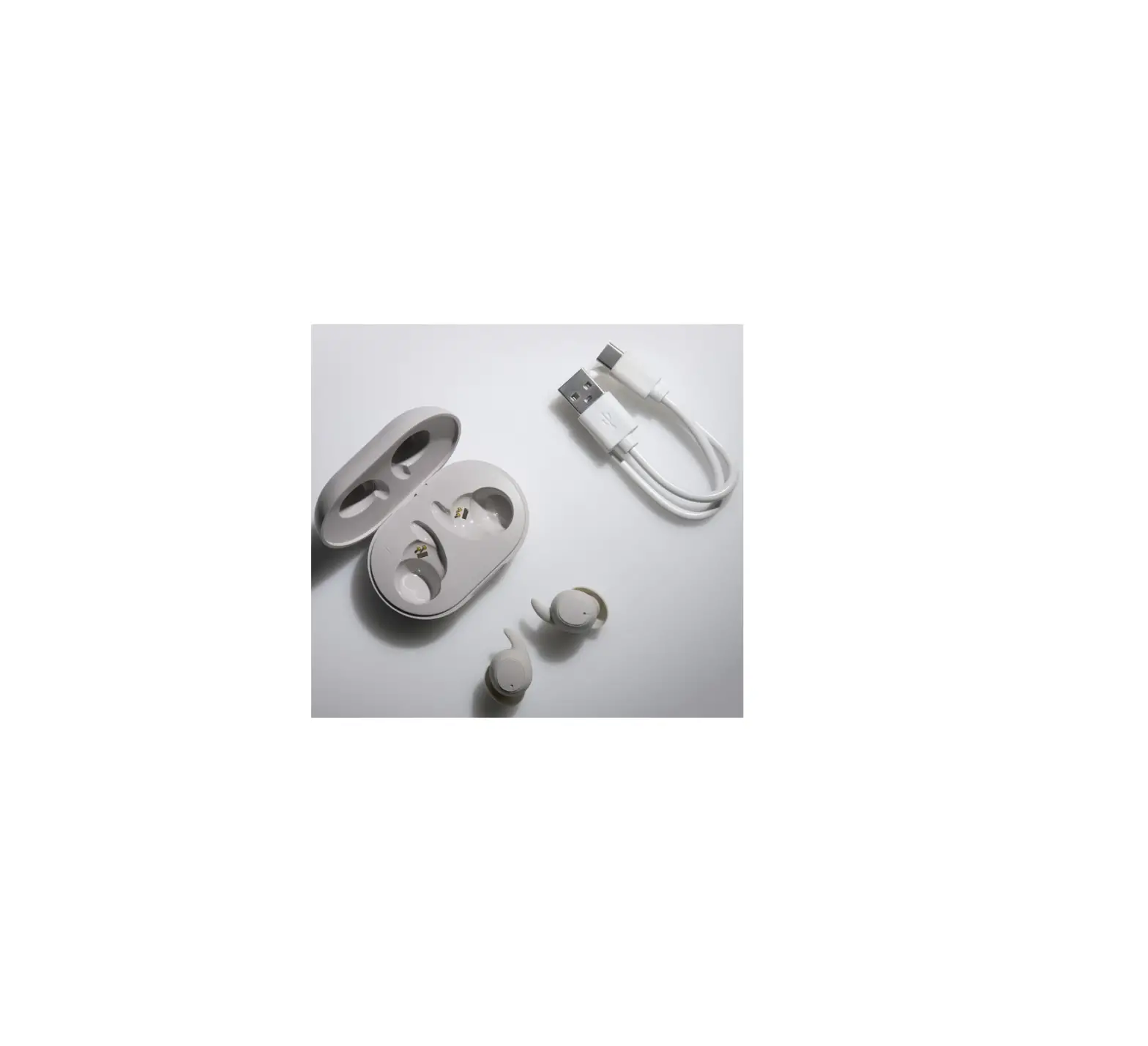
ADV Sleeper TWS True Wireless Earbuds
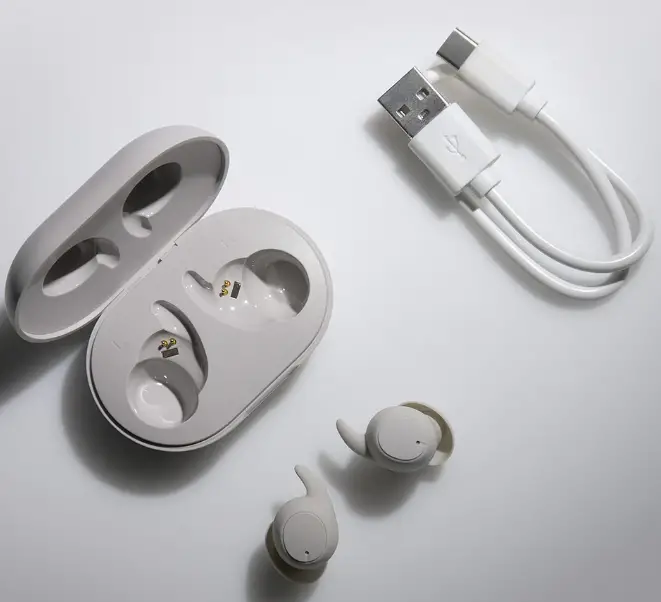
CHARGING SLEEPER TWS
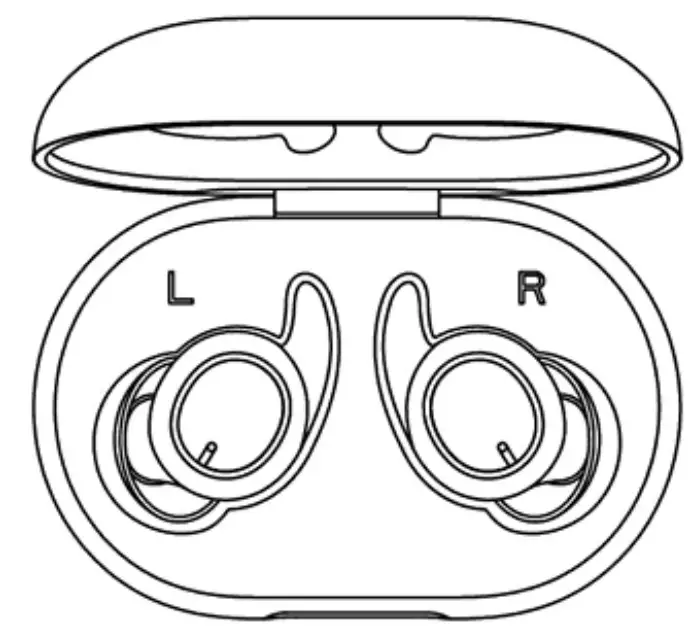
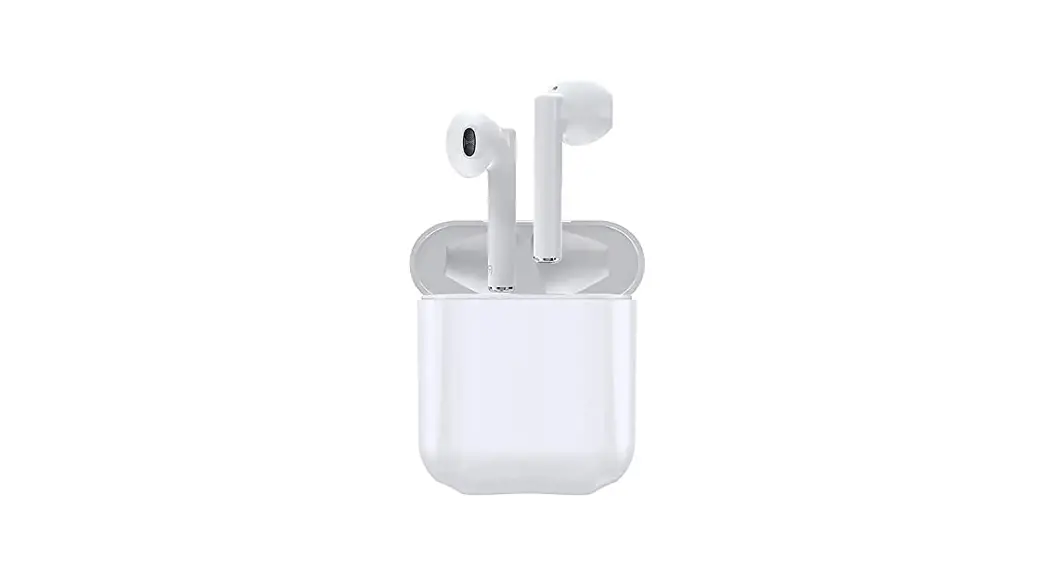
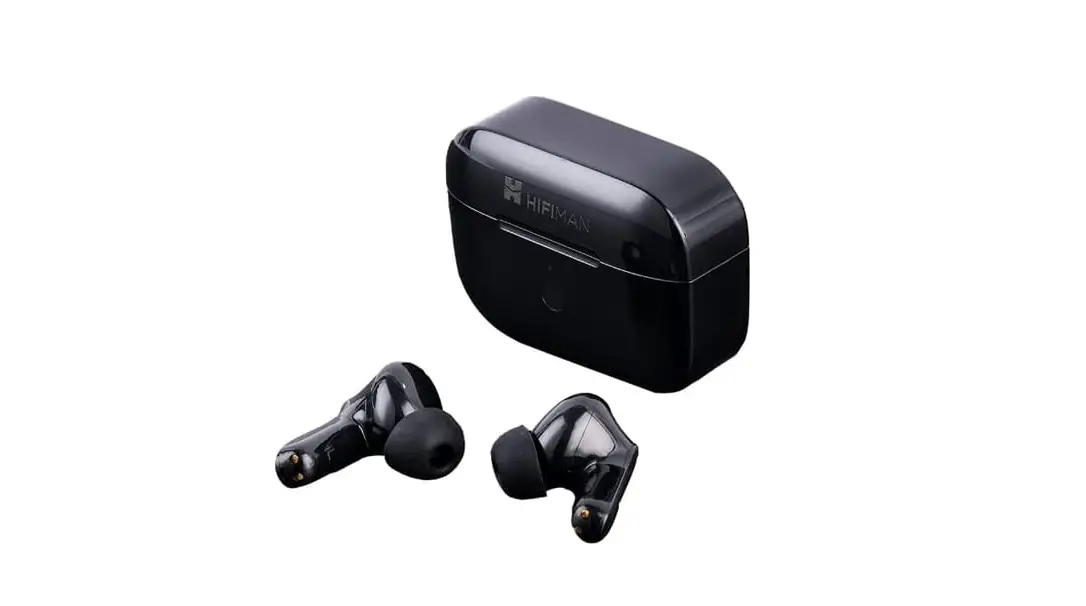
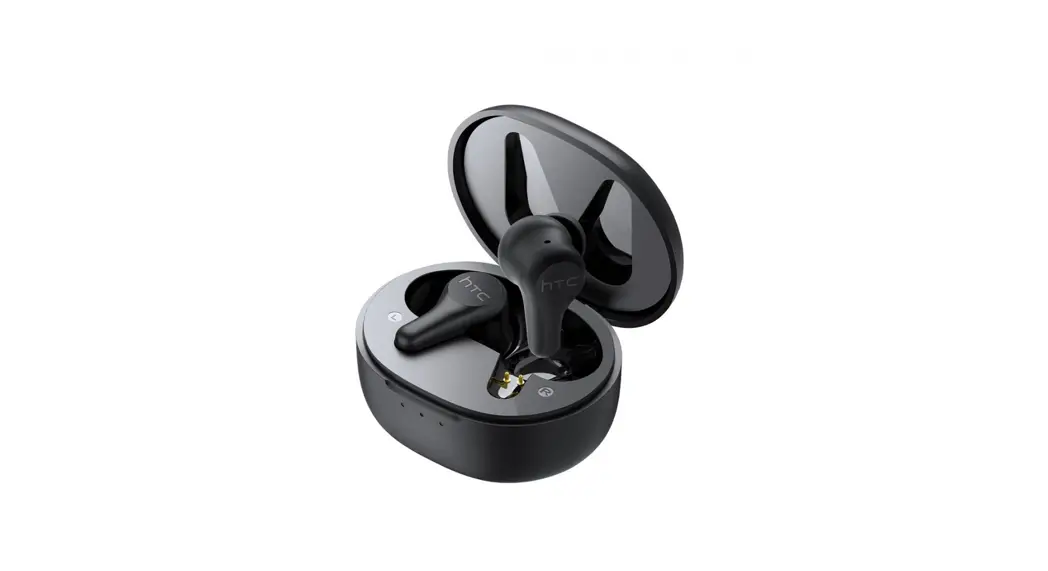
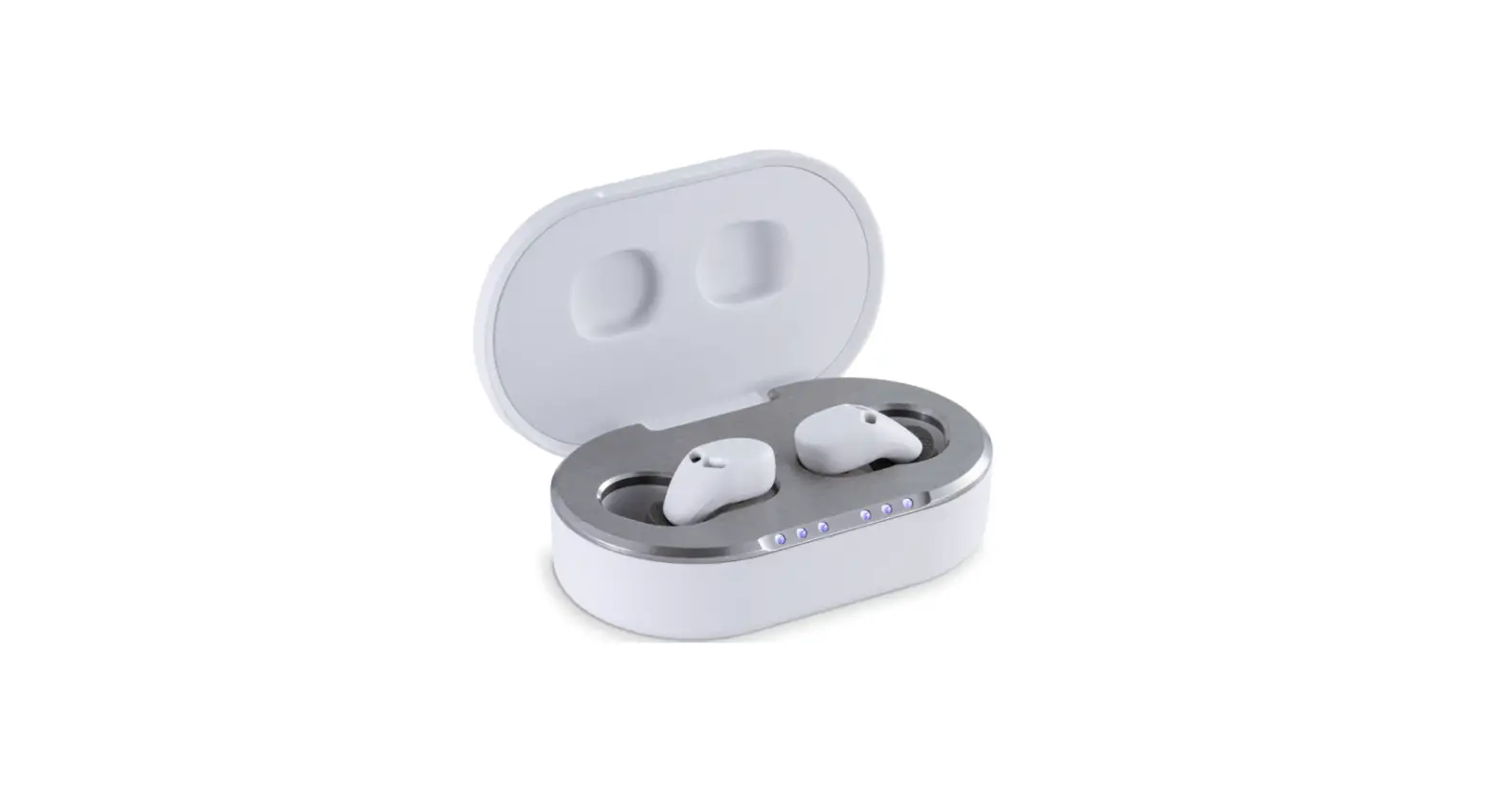
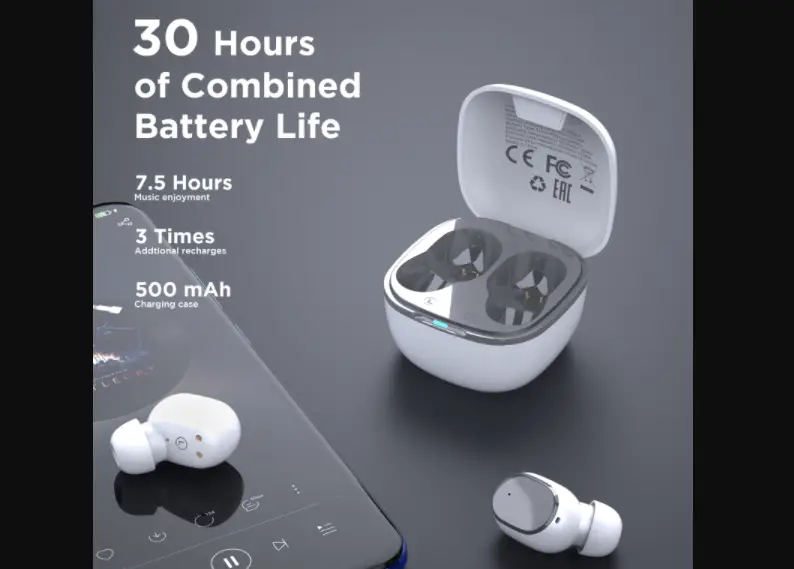
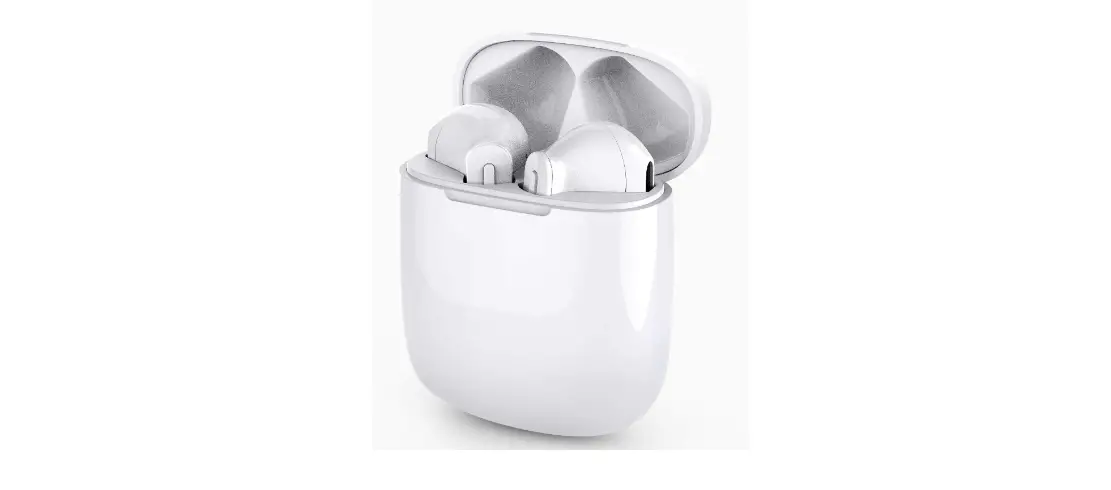
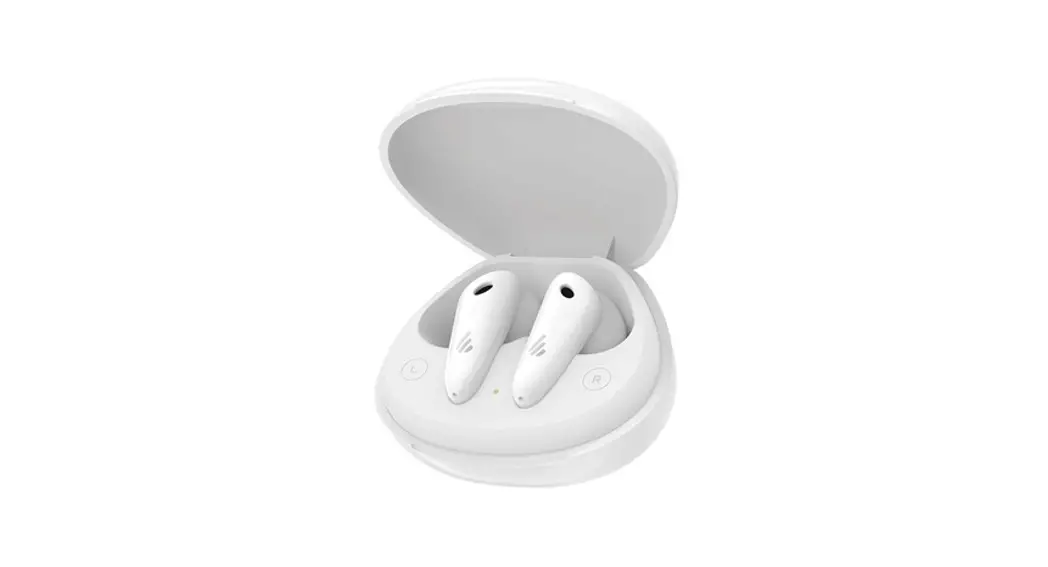
- Put the earbuds inside the charging case.
- Plug the USB-C cable to charge.
- Or use wireless charging pad. (Qi)


PAIRING SLEEPER TWS
Open the charging case.
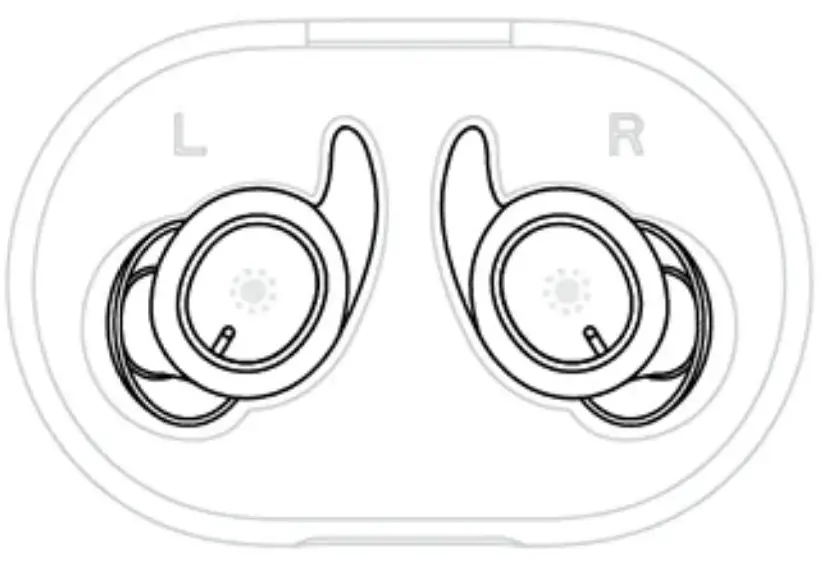
Turn on BT function on your smartphone.
Find “”ADV. SLEEPER TWS'” inside BT device settings, and pair.
If the pairing is failed, put the earbuds back in the case, close, and open again to repeat the pairing process.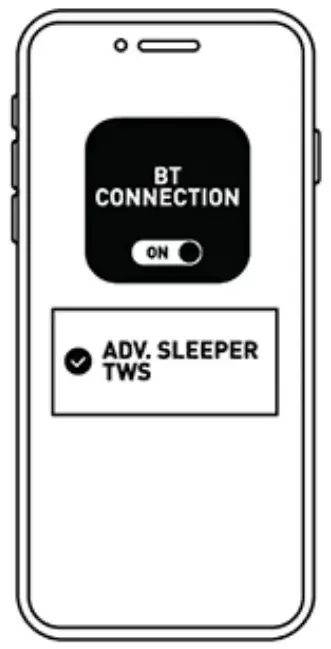
WEARING SLEEPER TWS
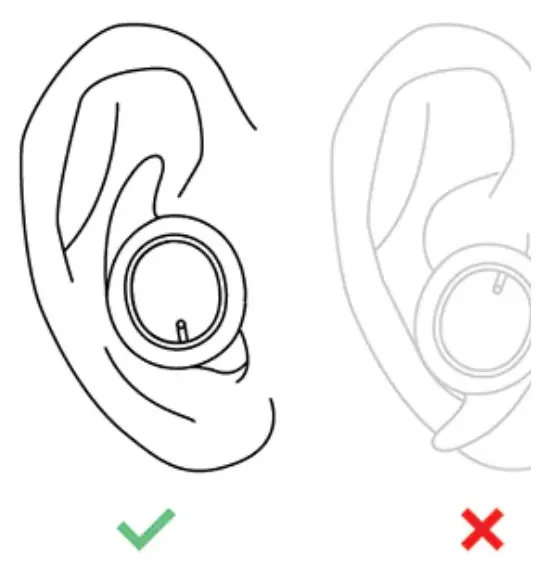
SLEEP MODE
RELAXED EQ
4 taps on the right earbud
••••
GAME MODE
DYNAMICEQ
4 taps on the right earbud
••••
LANGUAGE SWITCH
Make sure that the earbuds are turned on and are unpaired to any devices.
ENGLISH
2 taps on left or right earbud
••
JAPANESE
2 taps on left or right earbud
••
CONTROLS
Music mode:
•• Play/ pause
••• Volume –
•••• Next track
••••• ANC/ transparency
Music mode:
•• Play/ p
••• Volume
•••• Sleep
••••• ANC/ transparency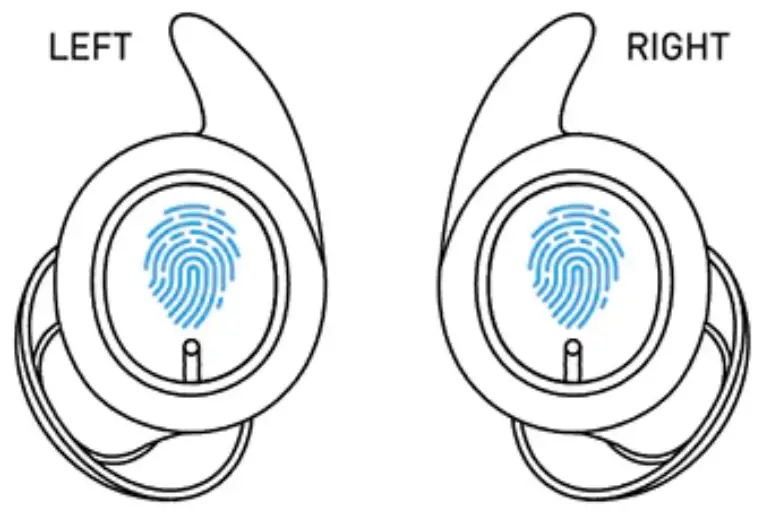
Call mode:
•• Answer/ end call Reject call
•• 2taps
••• 3taps
•••• 4taps
••••• 5taps tap & hold