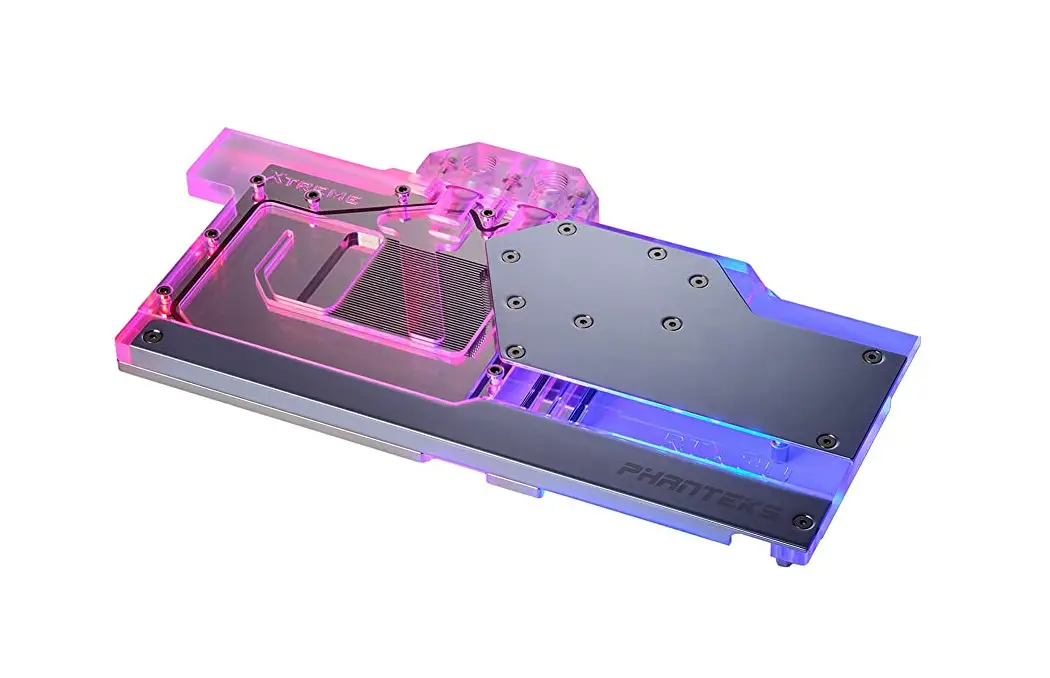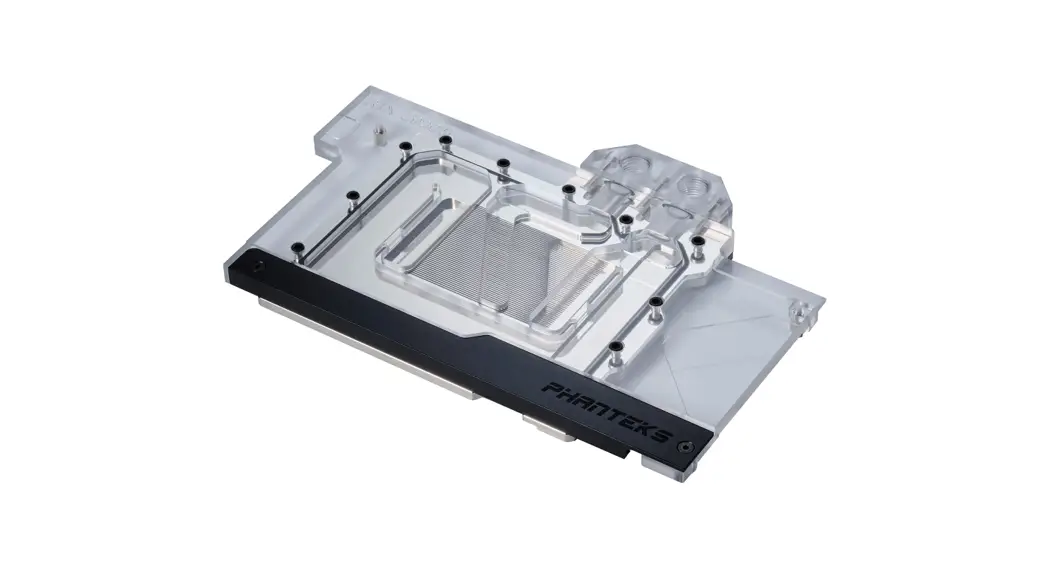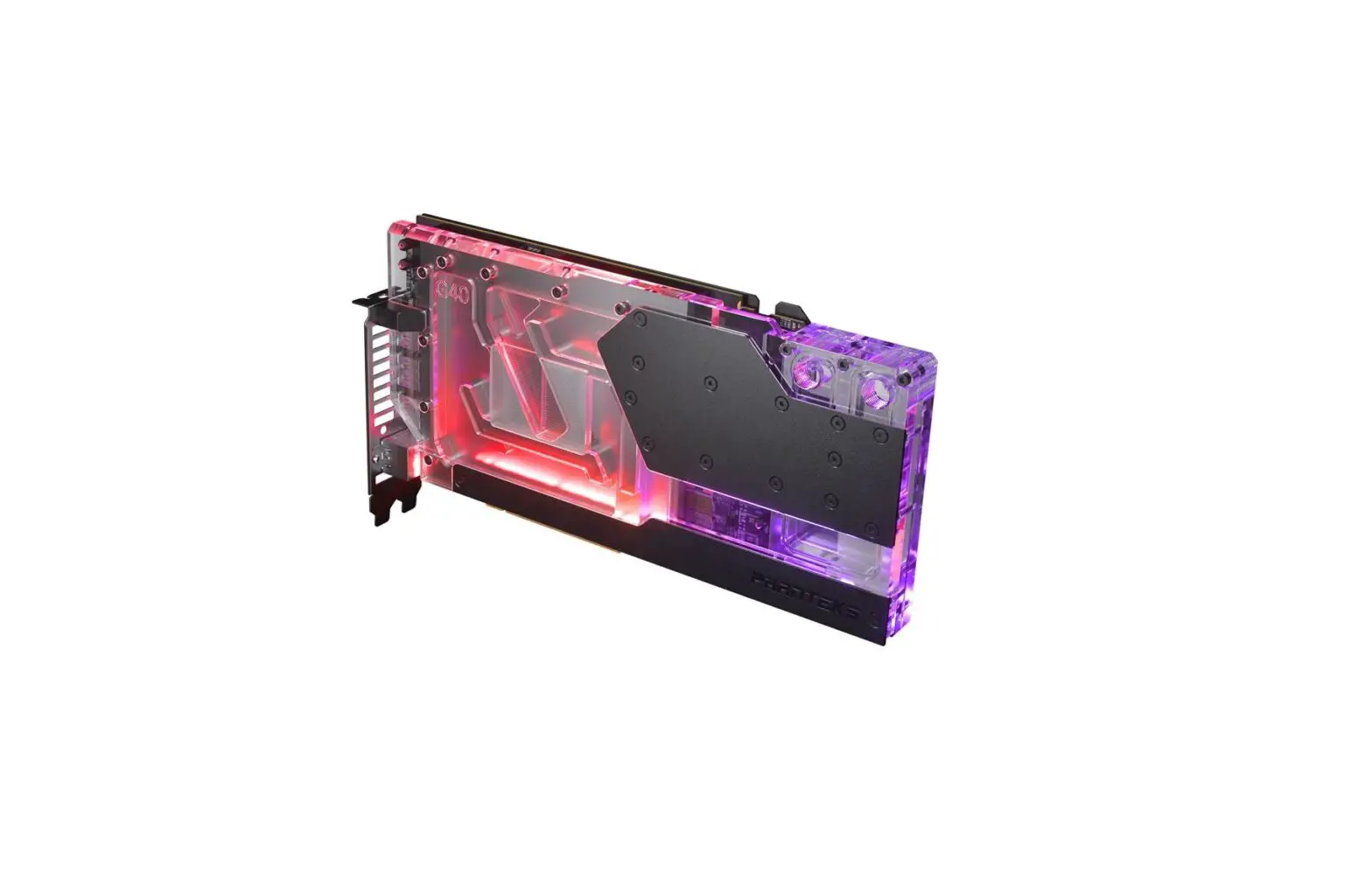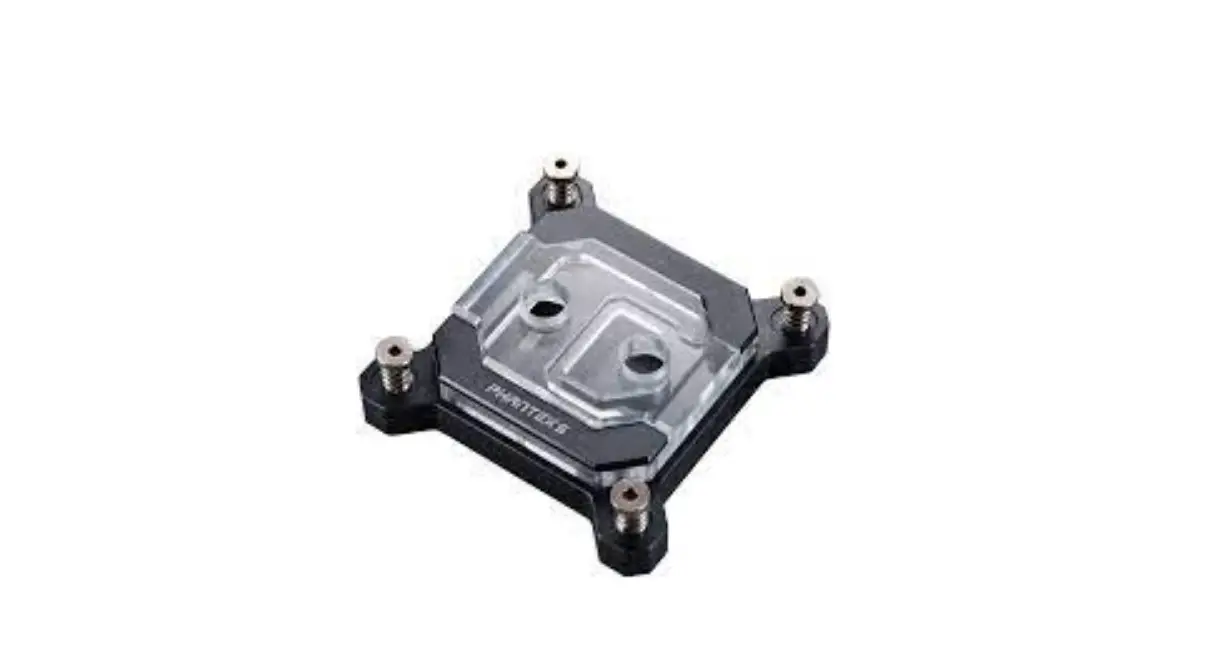
PHANTEKS C370I Glacier Installation Guide
PACKAGE CONTENTS
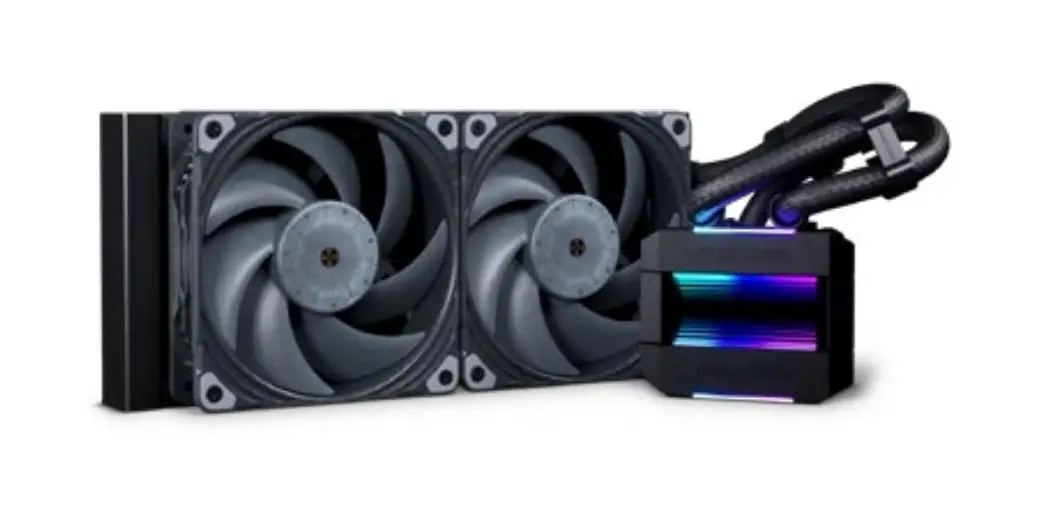
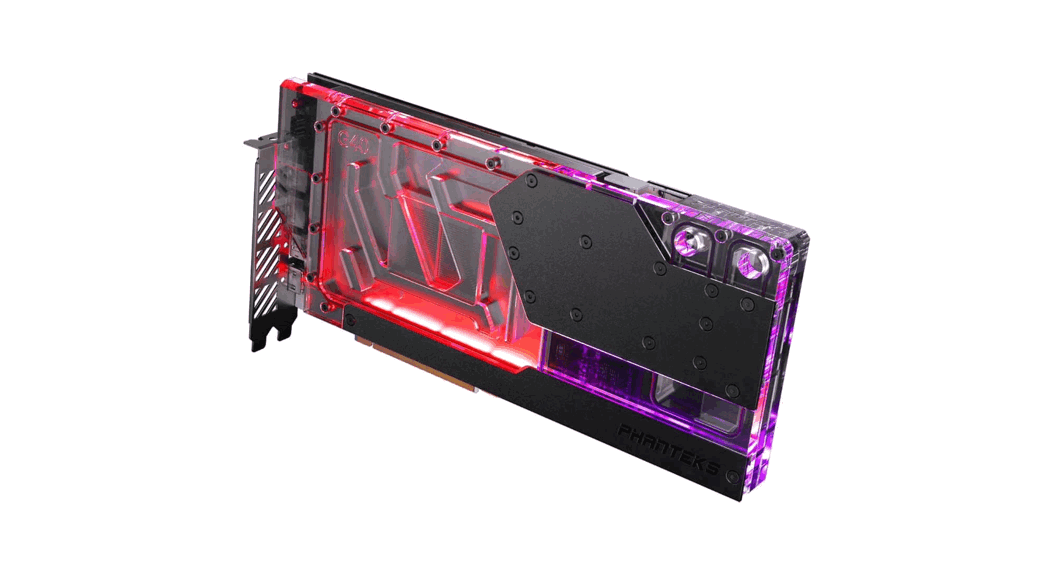
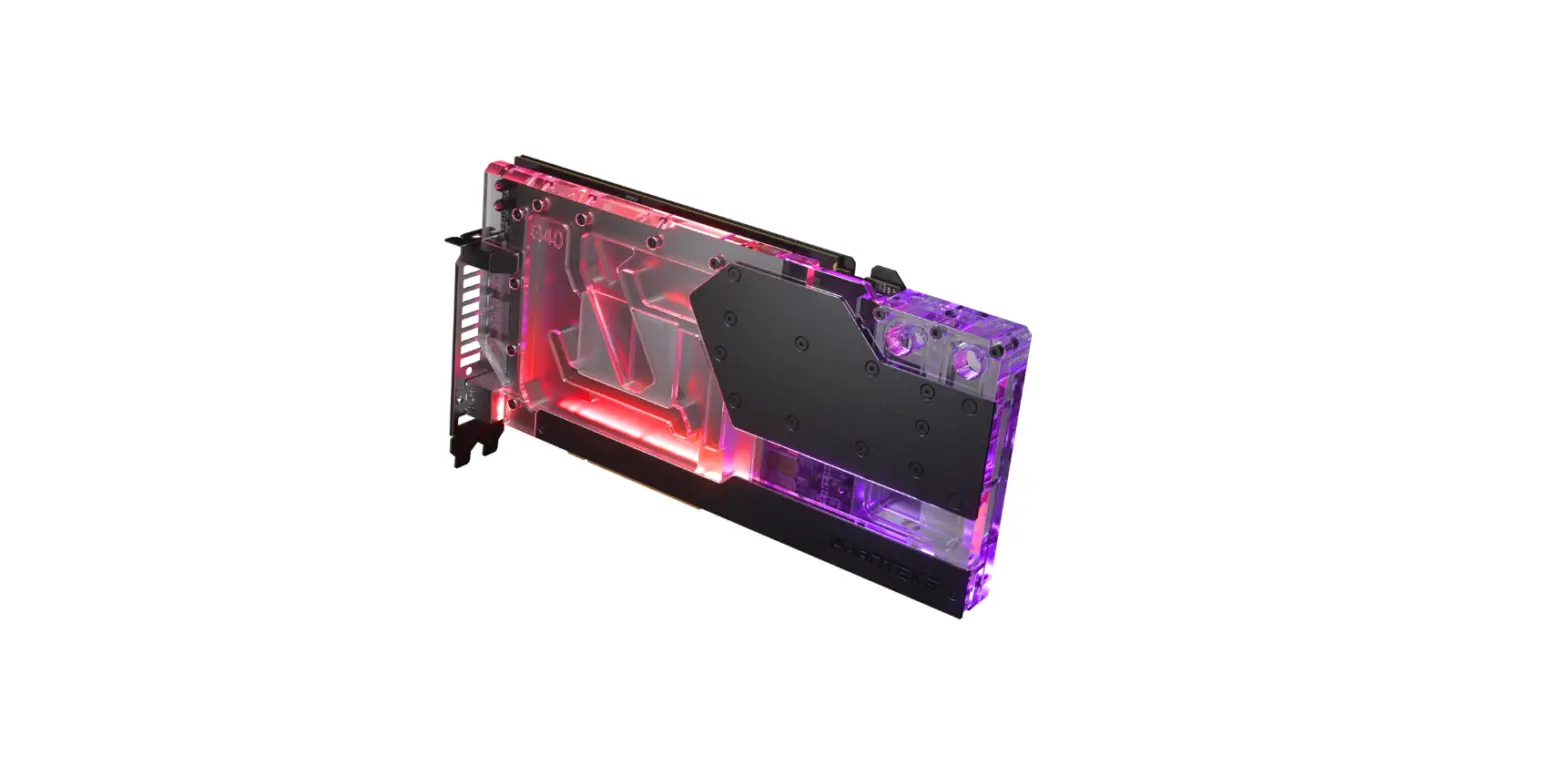
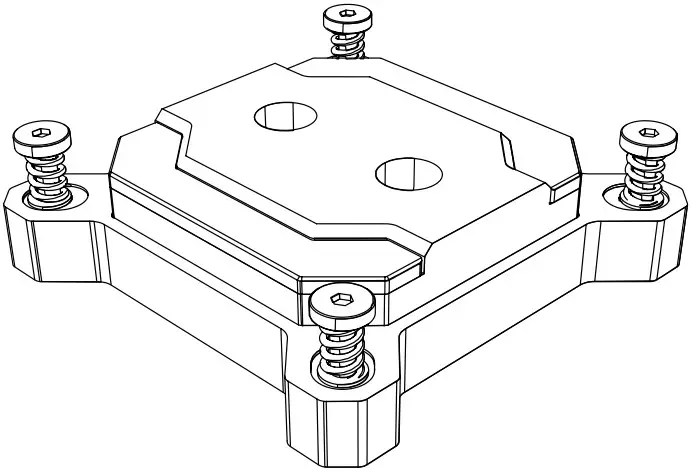
- GLACIER C370I QTY: 1
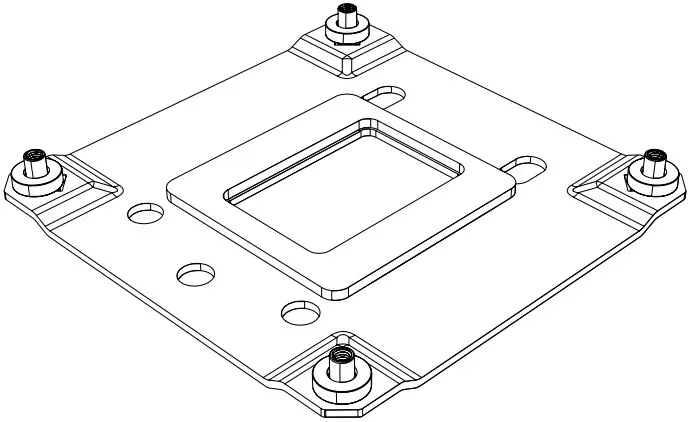
- INTEL BACKPLATE QTY: 1
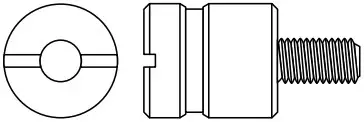
- LGA1700 STANDOFF QTY: 4
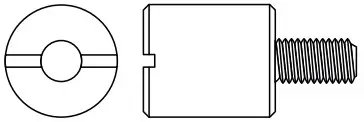
- LGA1200 STANDOFF QTY: 4
- THERMAL PASTE QTY: 1

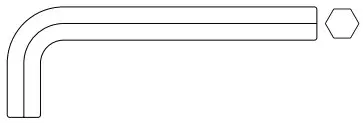
- 3mm ALLEN KEY QTY: 1
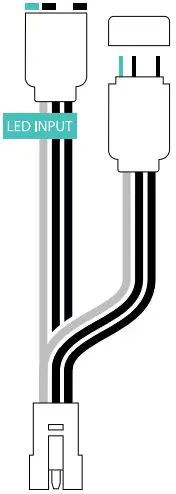
- D-RGB MOTHERBOARD ADAPTER QTY: 1
WARNING – This product is intended for advanced users. Improper installation may result in damage to your equipment. While all eorts have been made to provide the most comprehensive information possible, Phanteks assumes no liability expressed or implied for any damage(s) occurring to your components as a result of using Phanteks cooling products, either due to mistake or omission on our part in the below instructions, or due to failure or defect in the Phanteks cooling products. Do not disassemble the water block. Warranty will be voided.
FOR INSTALLATION OF LGA 1700 | 1200 SOCKETS
INSTALL BACKPLATE
Align the backplate to the rear of the motherboard CPU socket.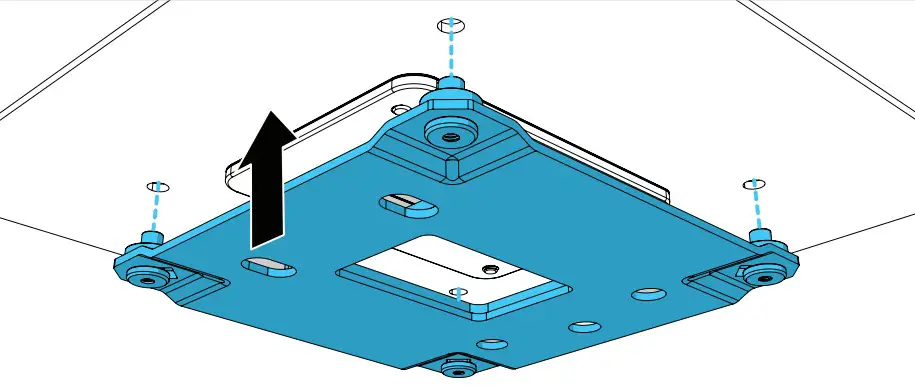
INSTALL STAND-OFFS
Secure the backplate with the 4x stand-offs.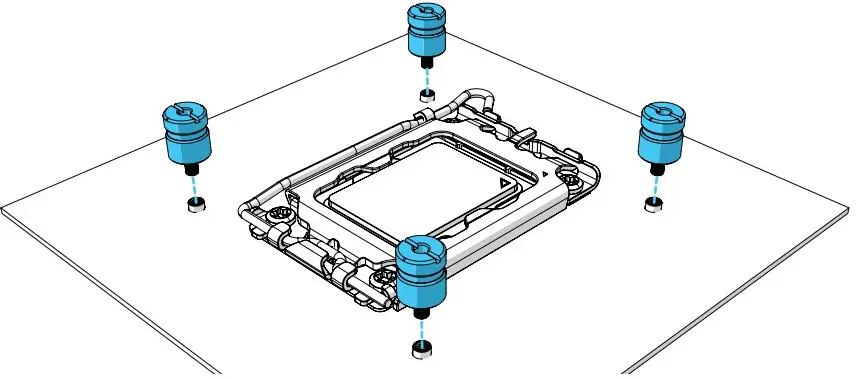
- LGA 1700 STANDOFF QTY: 4
- LGA 1200 STANDOFF QTY: 4
APPLY THERMAL PASTE
Apply the thermal paste to the center of the CPU in an X-shape.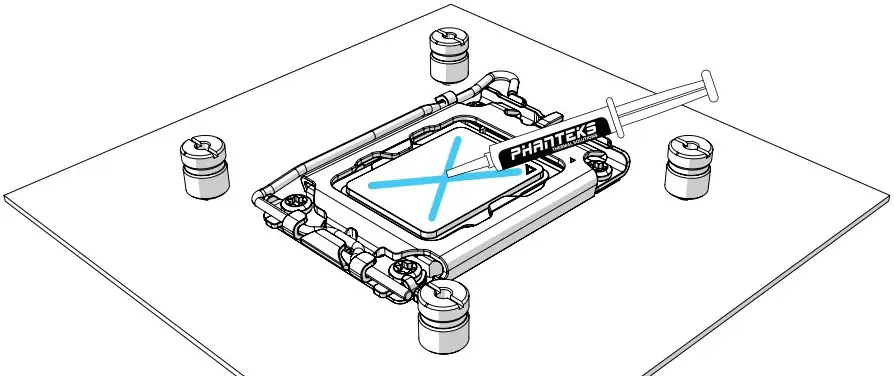
INSTALL CPU BLOCK
Remove the protective film from the copper base. Align the C370i onto the CPU, gently press it down.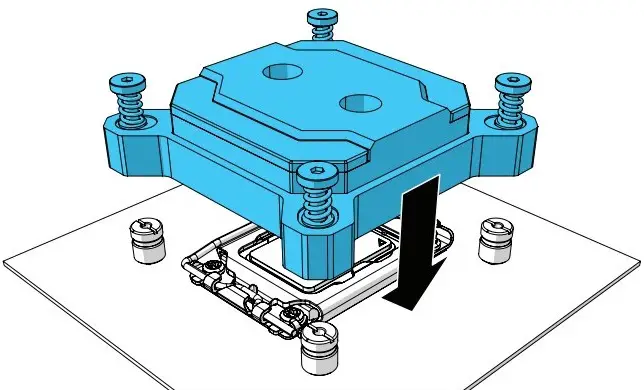
SECURE CPU BLOCK
Tighten the four screws gradually with the 3mm allenkey in a diagonal pattern. Do not overtighten the screws, max 1.5N/m.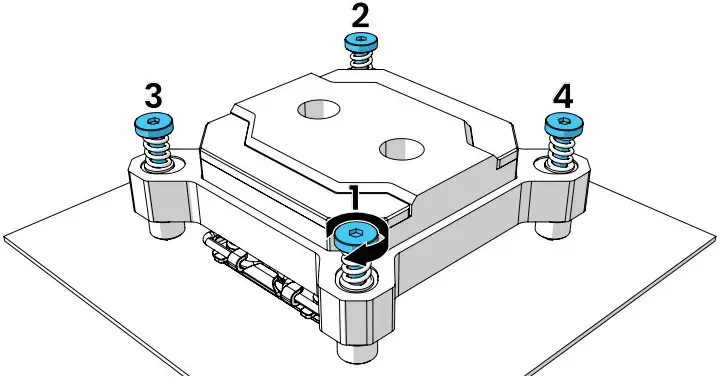
INSTALL THE WATER LOOP
For optimal performance, we recommend to use the appropriate input and output port.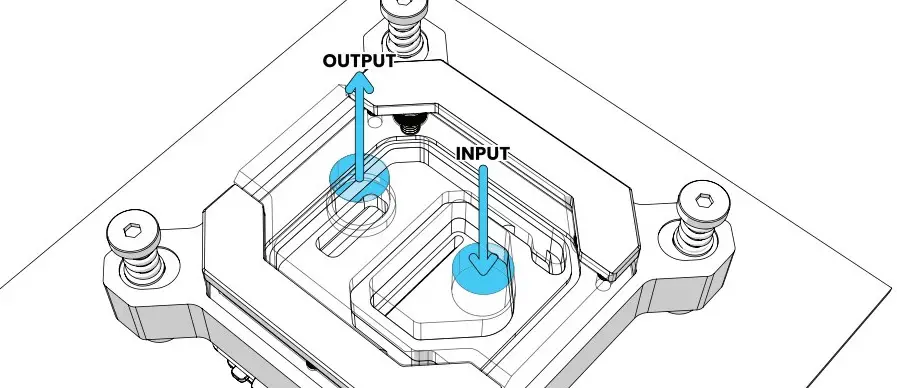
D-RGB INSTALLATION
TO PHANTEKS D-RGB CONTROLLER
Connect the D-RGB connector to a Phanteks D-RGB chassis controller and all other Phanteks D-RGB products.
TO D-RGB MOTHERBOARD
Use the 3-Pin D-RGB Motherboard Adapter to connect the D-RGB cable to a D-RGB equipped motherboard (A-RGB*)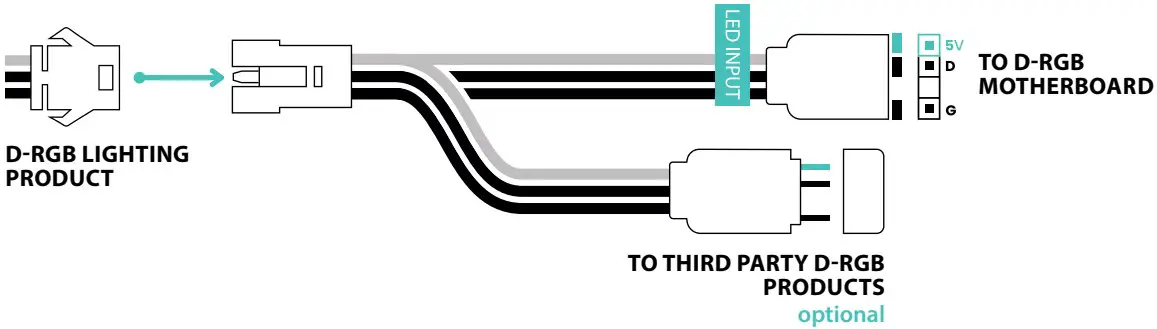
COMPATIBLE WITH
*follow motherboard manual for instruction on D-RGB control