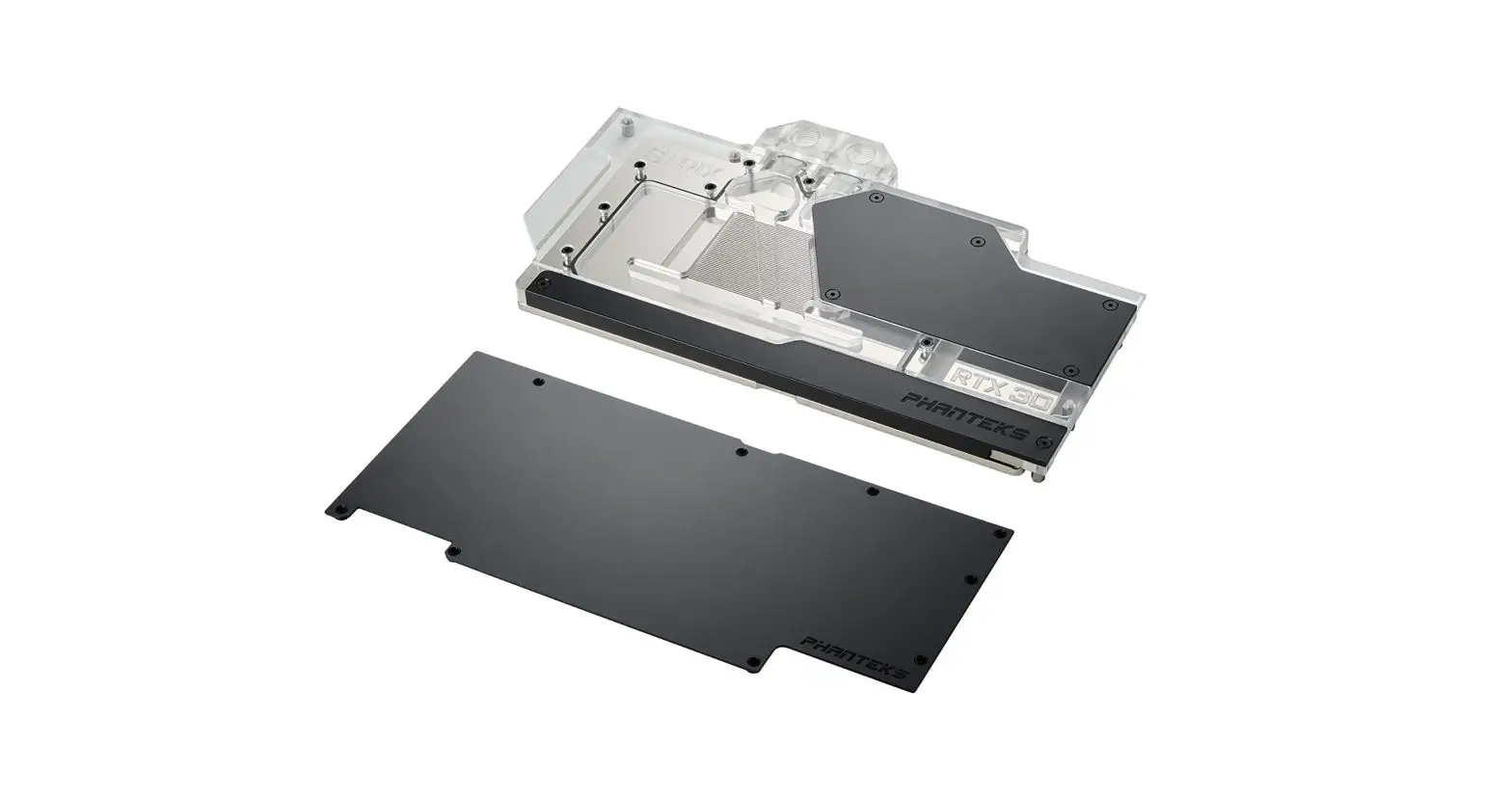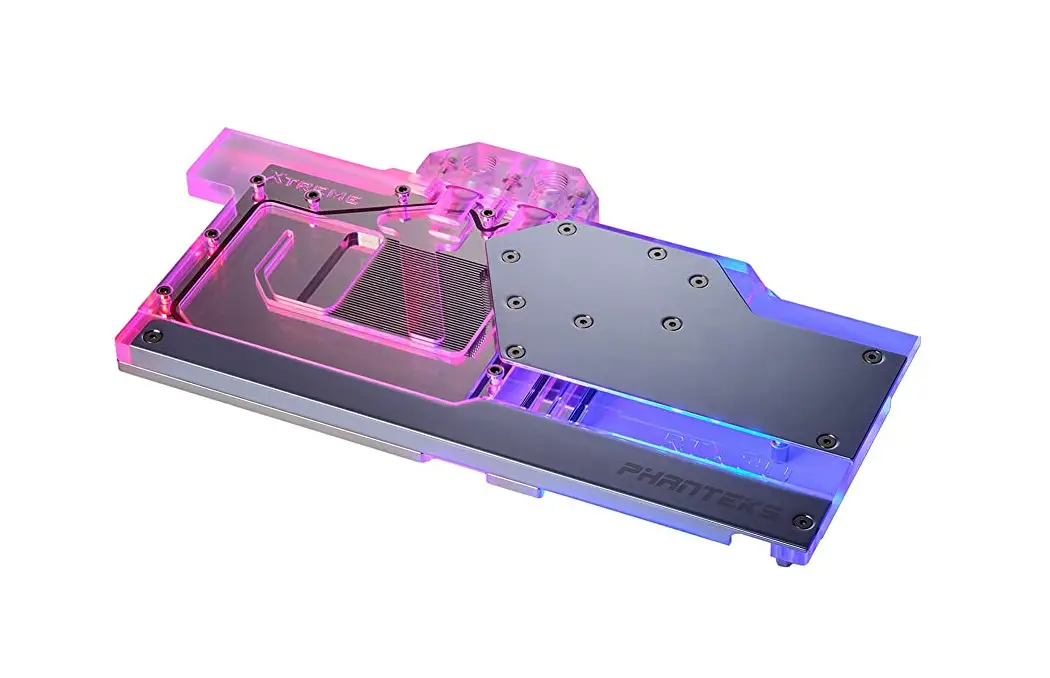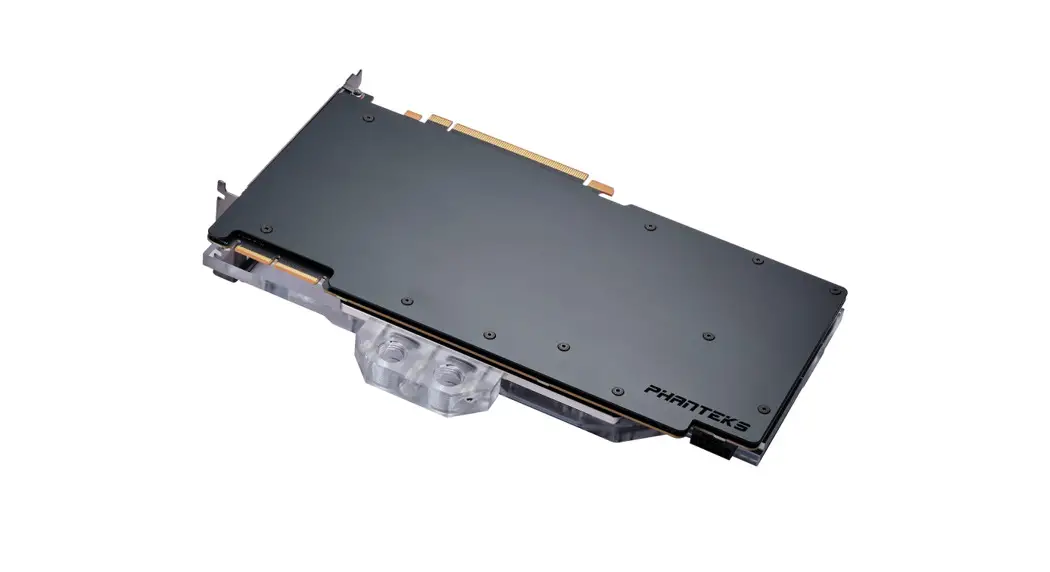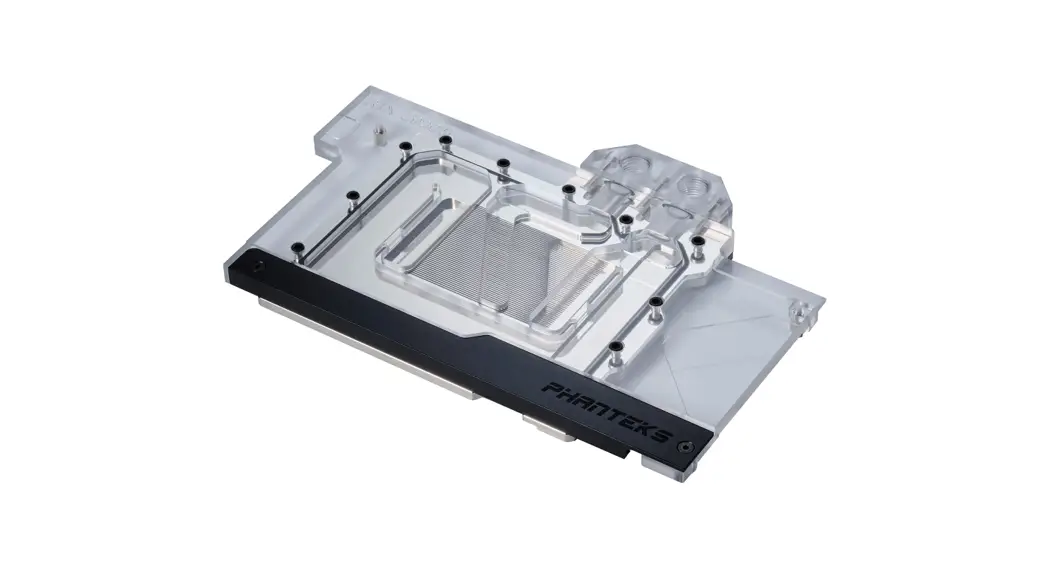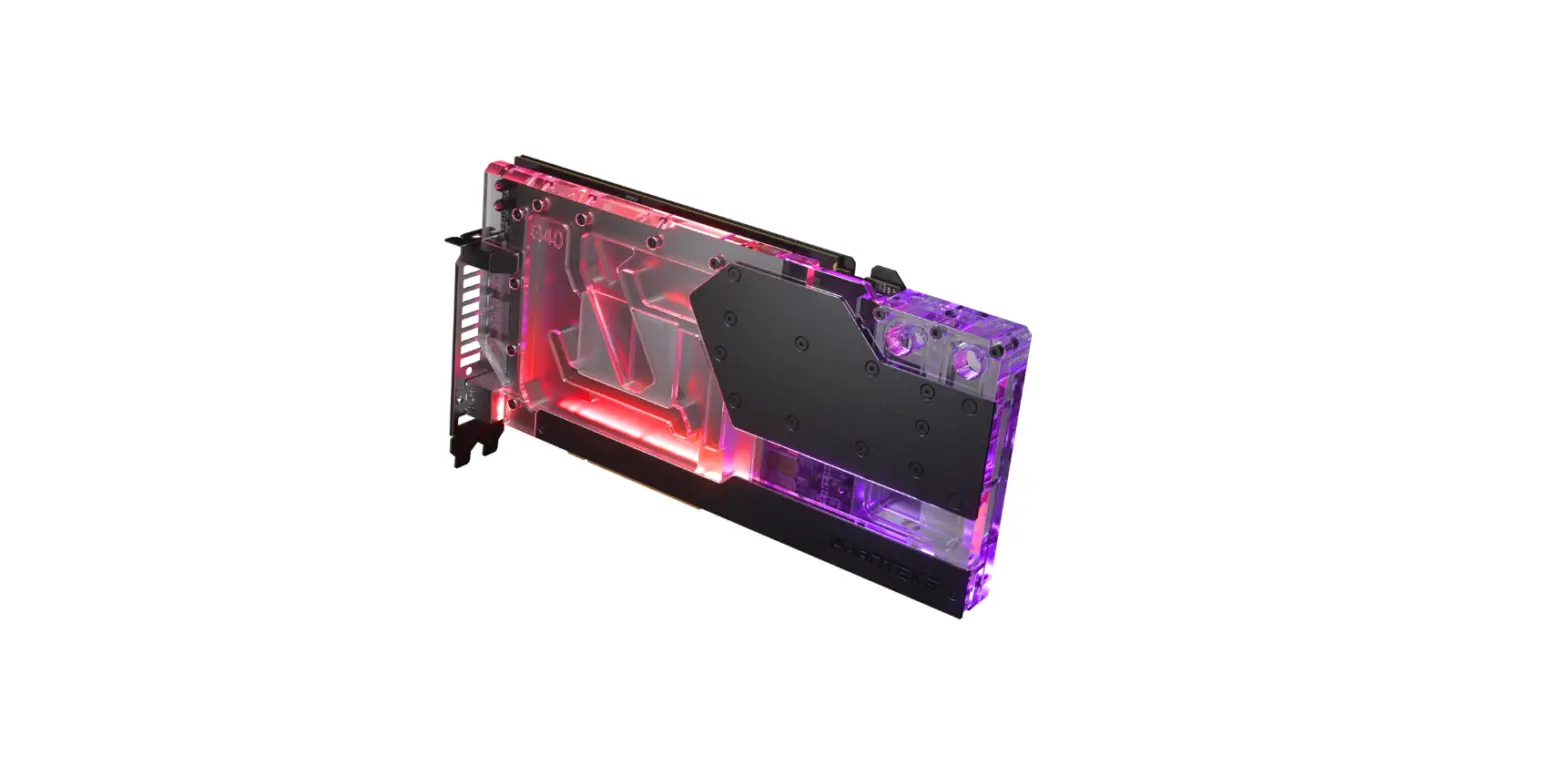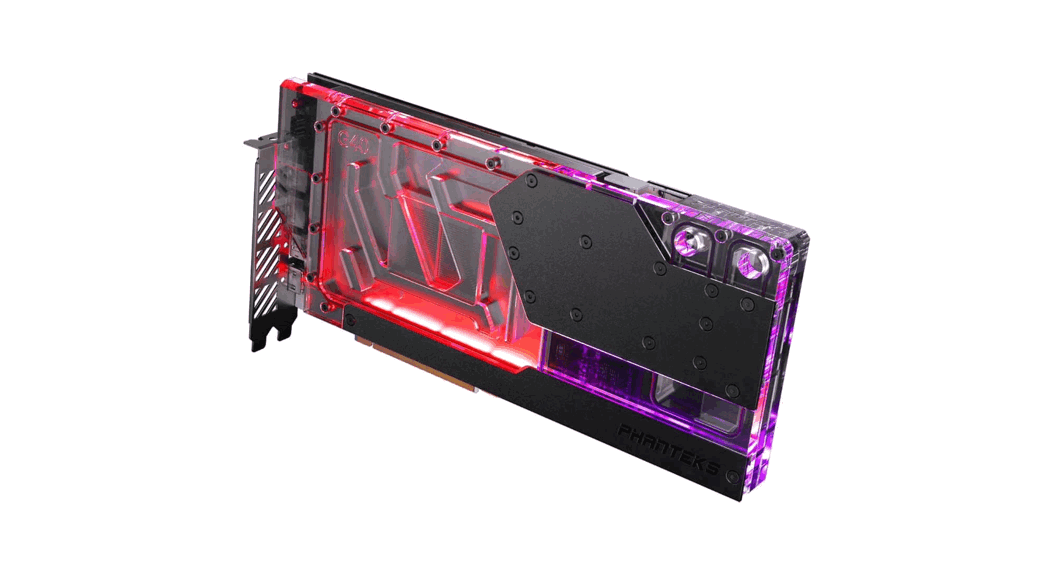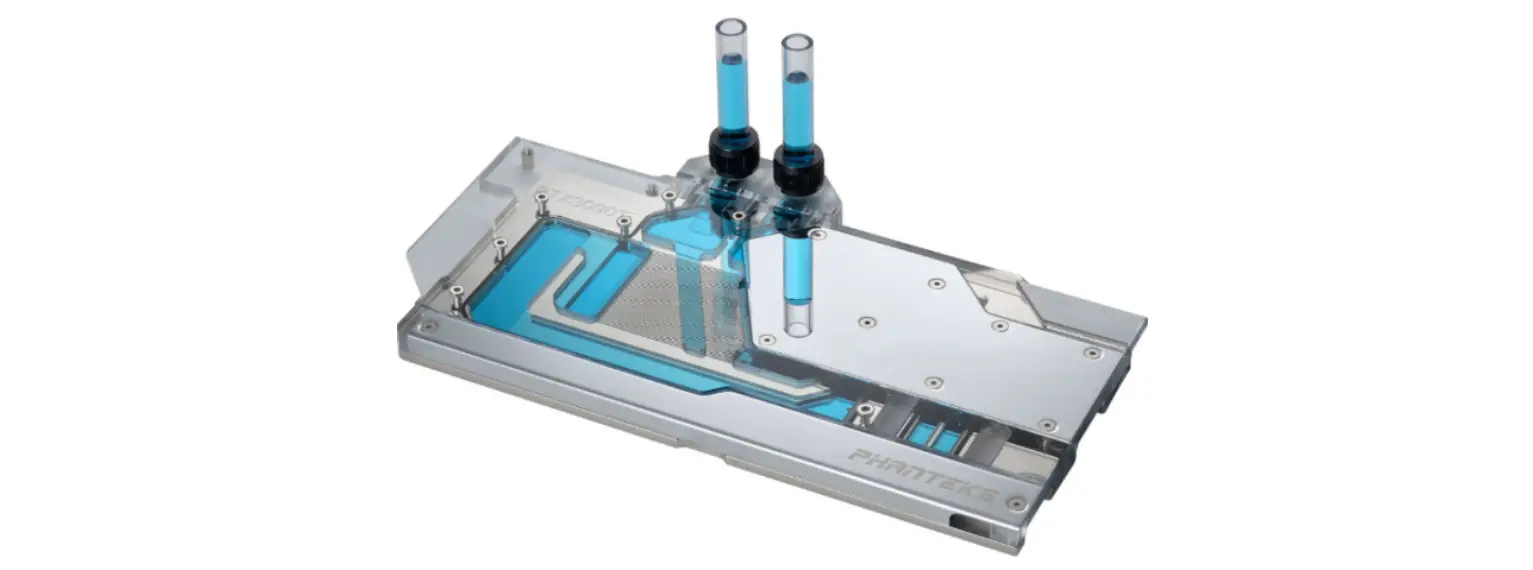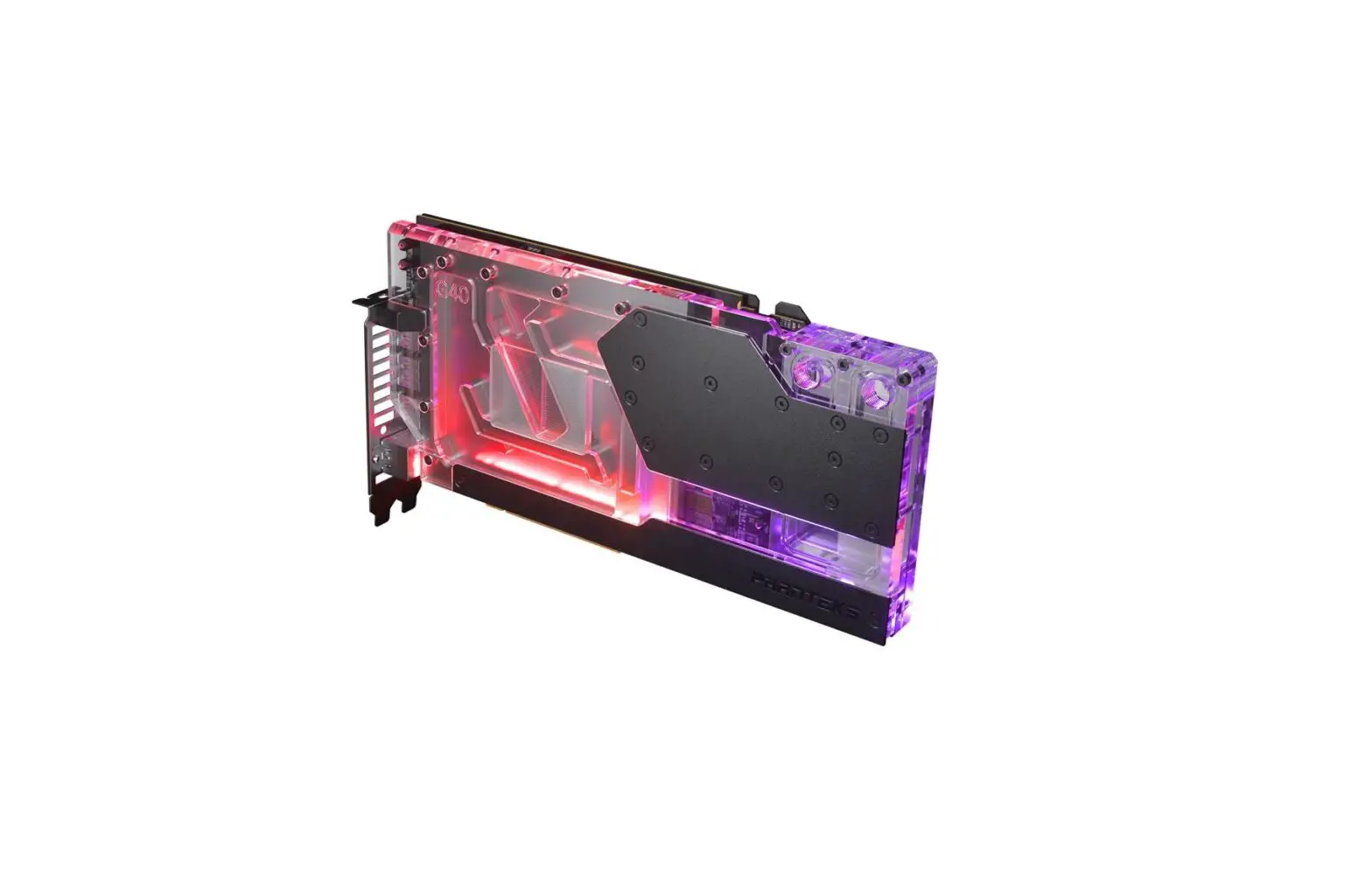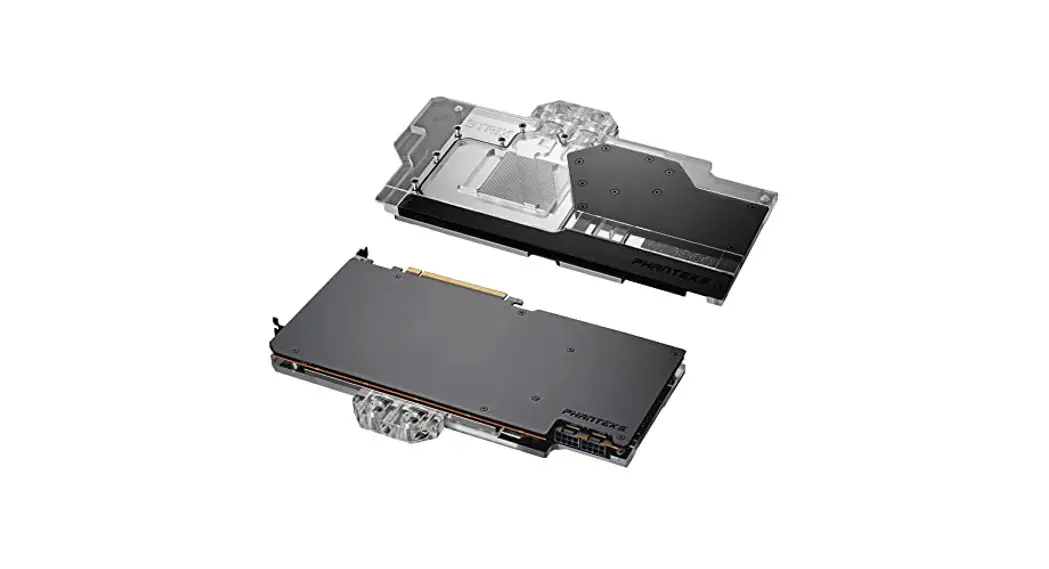
 GLACIER G6000 STRIX RX 6900/6800
PH-GB6900ASSRX_BK01/CR01
INSTALLATION GUIDE V1.0
PACKAGE CONTENTS
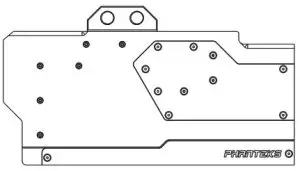 | GLACIER GB6900ASSRX QTY: 1 | 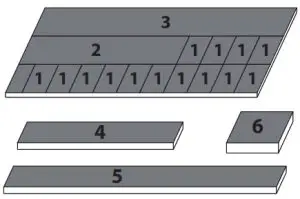 | Thermal Pads QTY: 4 |  | Thermal Compound PH-NDC-01 QTY: 1 |
 | GLACIER Stop Fitting QTY: 2 |  | M2.5×5 Screws/Washers QTY: 15/15 | 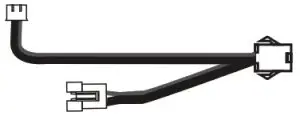 | Phanteks D-RGB Cable QTY: 1 |
 WARNING – This product is intended for advanced users. Improper installation may result in damage to your equipment. While all efforts have been made to provide the most comprehensive information possible, Phanteks assumes no liability expressed or implied for any damage(s) occurring to your components as a result of using Phanteks cooling products, either due to mistake or omission on our part in the below instructions or due to failure or defect in the Phanteks cooling products. Do not disassemble the water block. Warranty will be voided.
Turn off the power to your system and discharge your body’s static electric charge before proceeding with the installation procedure. If you do not feel comfortable with performing the installation procedure, consult a qualified computer technician.
STEP 1. REMOVING STOCK COOLER
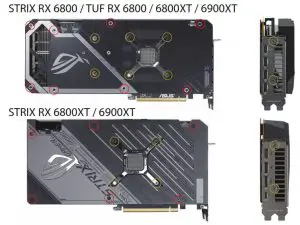
Unscrew all highlighted screws to remove the stock cooler.
 backplate screws
stock cooler screwsMake sure to unplug the LED and Fan cables when you remove the stock cooler. Take the EVA-Foam from the box to use as a base for your installation process.
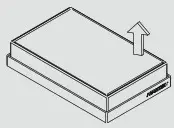
STEP 2. APPLYING THERMAL PASTE & PADS
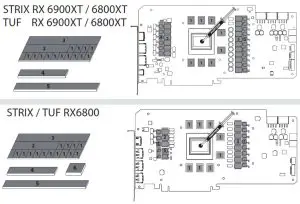
Clean of the original thermal compound. We recommend using isopropanol alcohol.
Apply a drop of the Phanteks Thermal Compound to the center of the GPU chip
Remove the protective film and place the thermal pads in the correct position on the PCB.Make sure to remove the protective film on both sides of the thermal pads.
STEP 3. MOUNT THE WATER BLOCK
Carefully position the water block onto the graphics card. Align the mounting holes on the PCB with the holes on the water block. Secure the water block with 4 M2.5x5mm screws and washers to the PCB.
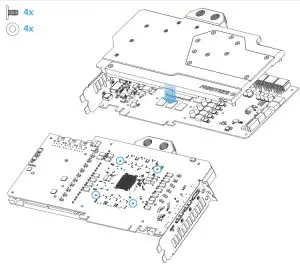
Make sure to lay the GPU with the water block fat down without resting on the PCI bracket.
STEP 4. SECURE THE WATERBLOCK
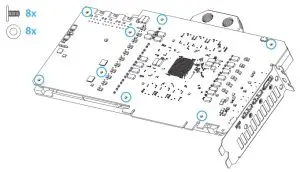
Secure the water block with an additional 8 M2.5x5mm screws and washers to the PCB.If you have the Backplate, please follow the Backplate manual for this step.
STEP 5. CONNECT D-RGB LIGHTING
Connect the D-RGB cable to the D-RGB strip in the water block.
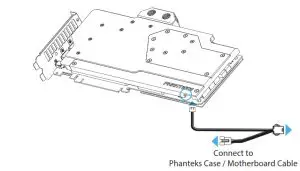 All Phanteks D-RGB products can be daisy-chained together.You can connect the D-RGB cable to a compatible motherboard with the cable that is included with the motherboard.
STEP 6. INSTALLING FITTINGS
Install G1/4 threaded male fitting and close the remaining ports with the two included Stop Fittings.
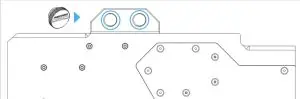 Always perform a leak test before providing power to any system components.
 Phanteks Innovative Computer Hardware Design