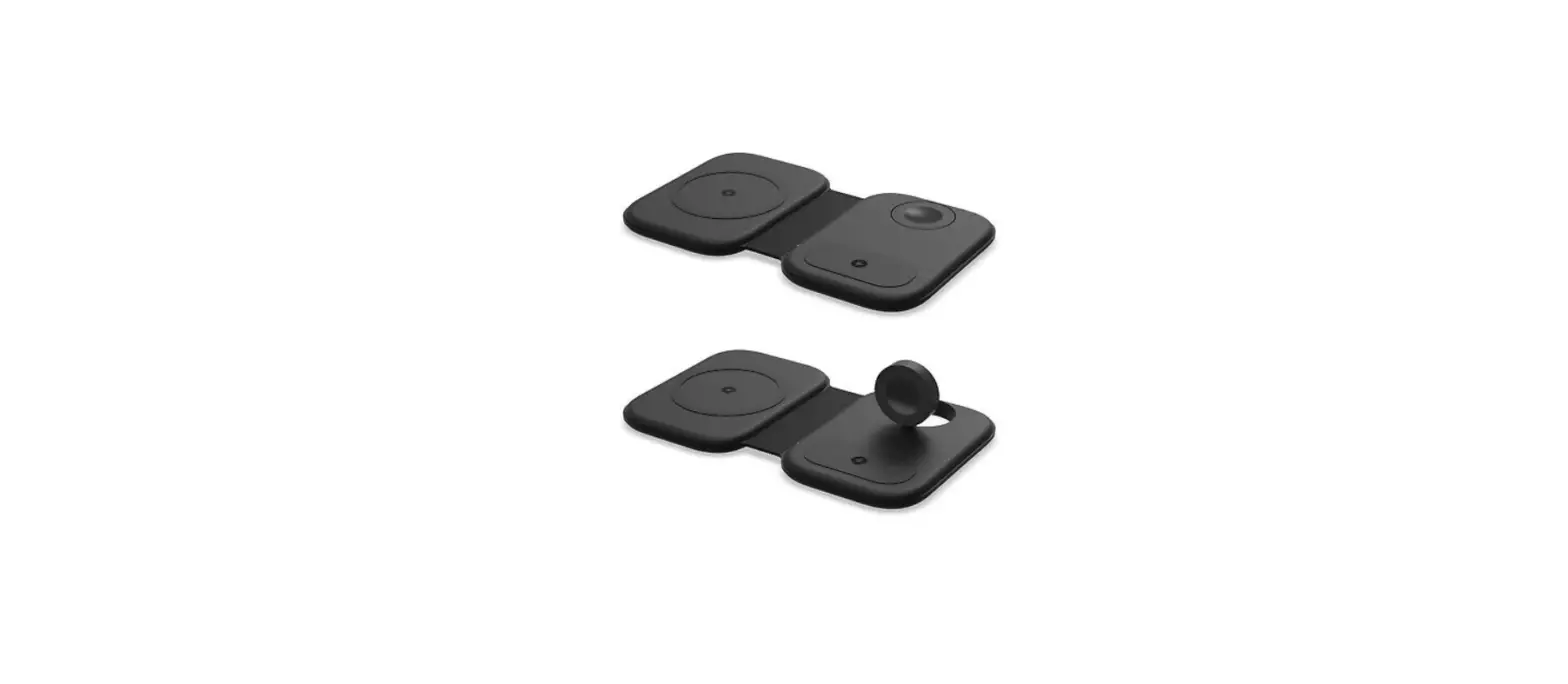
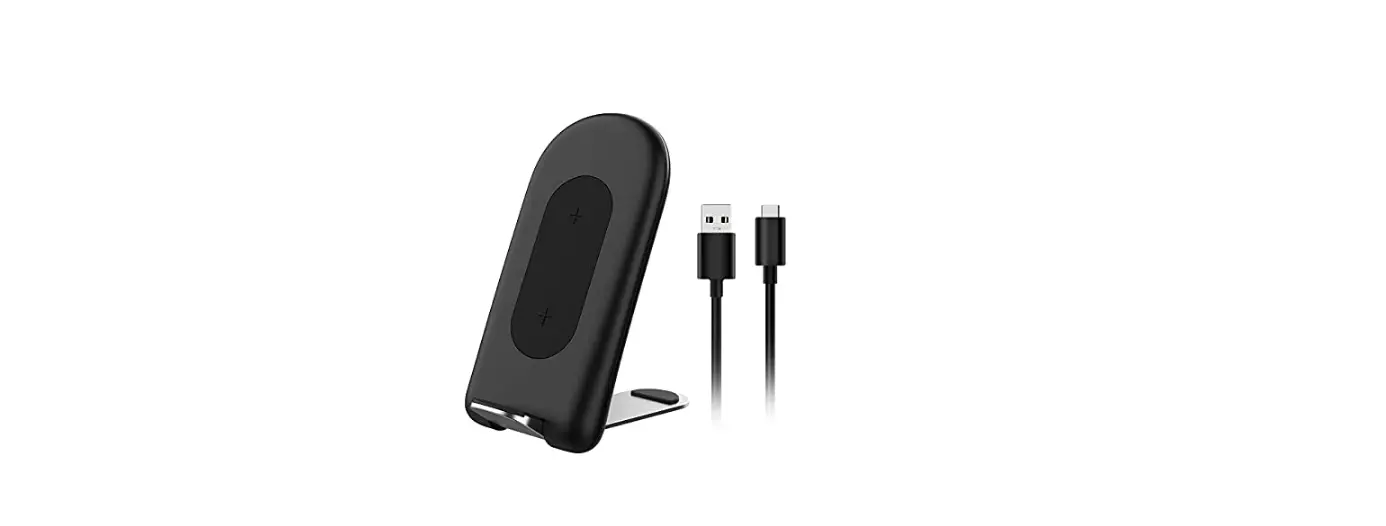
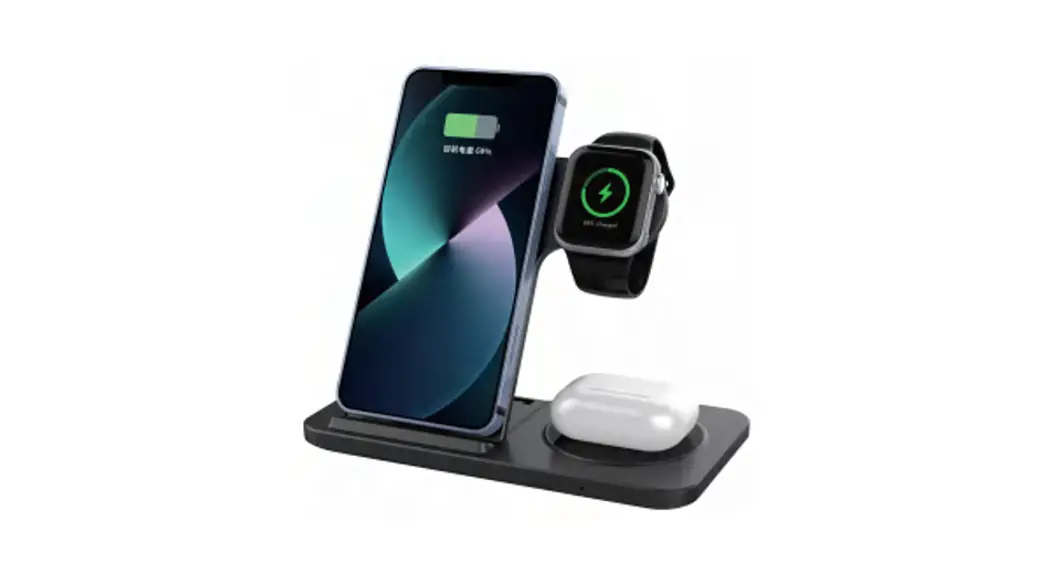
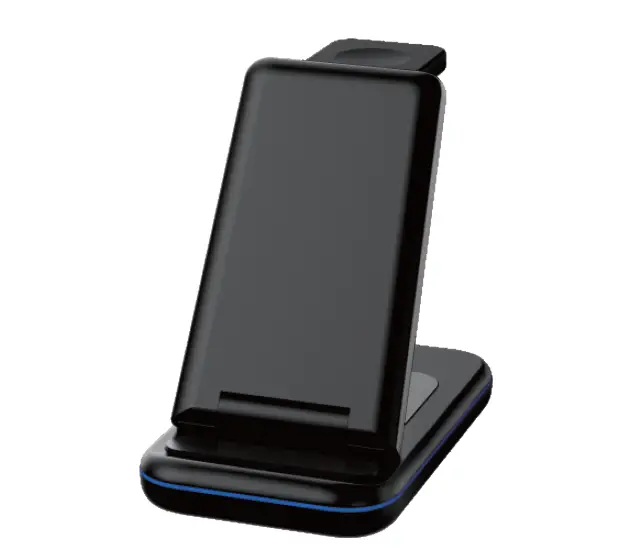
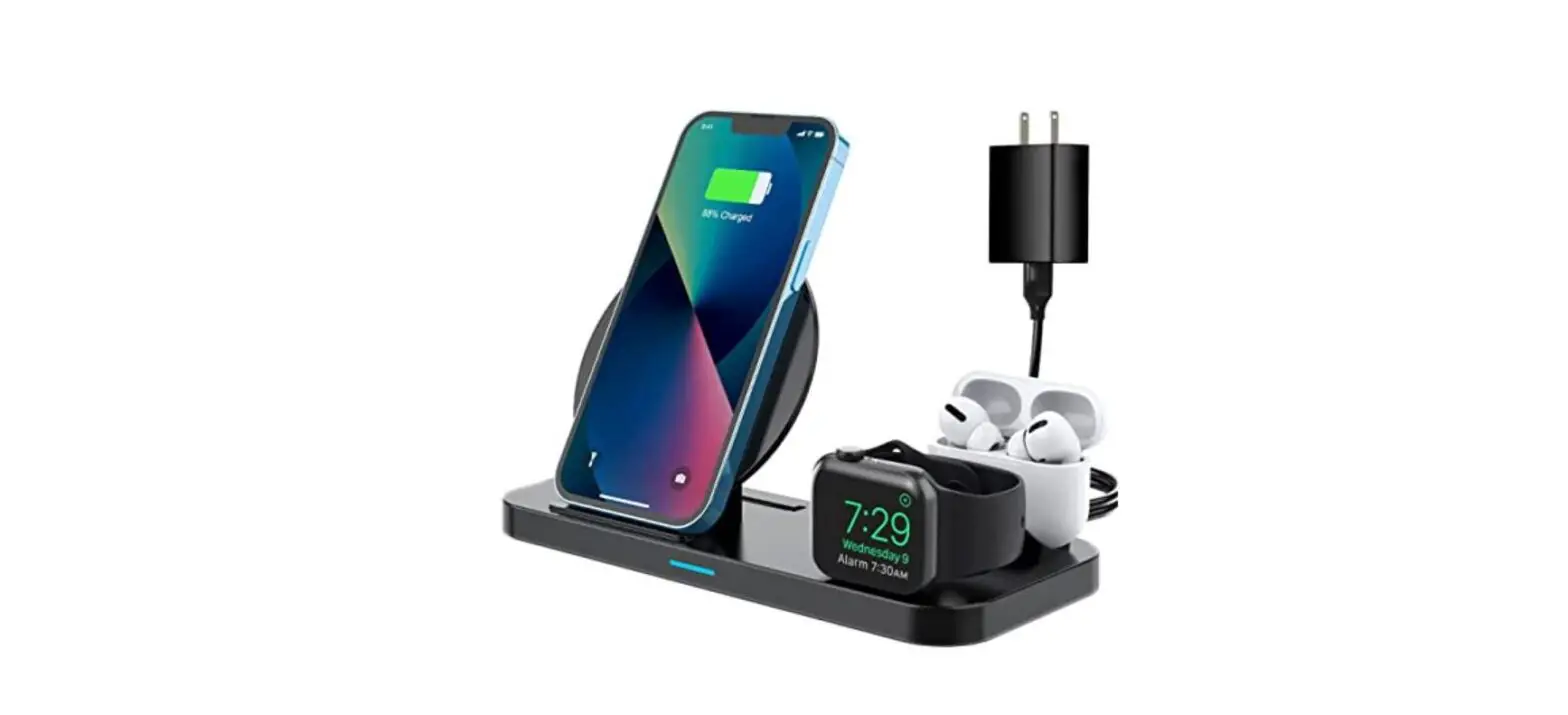
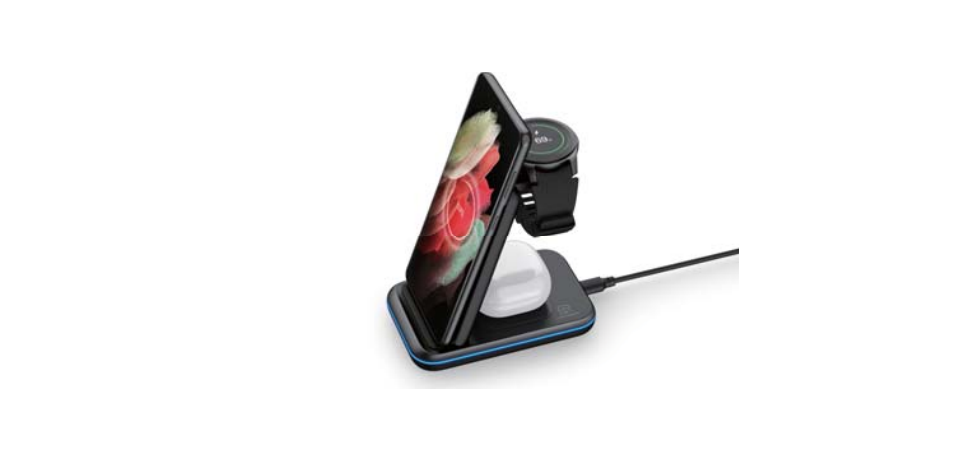
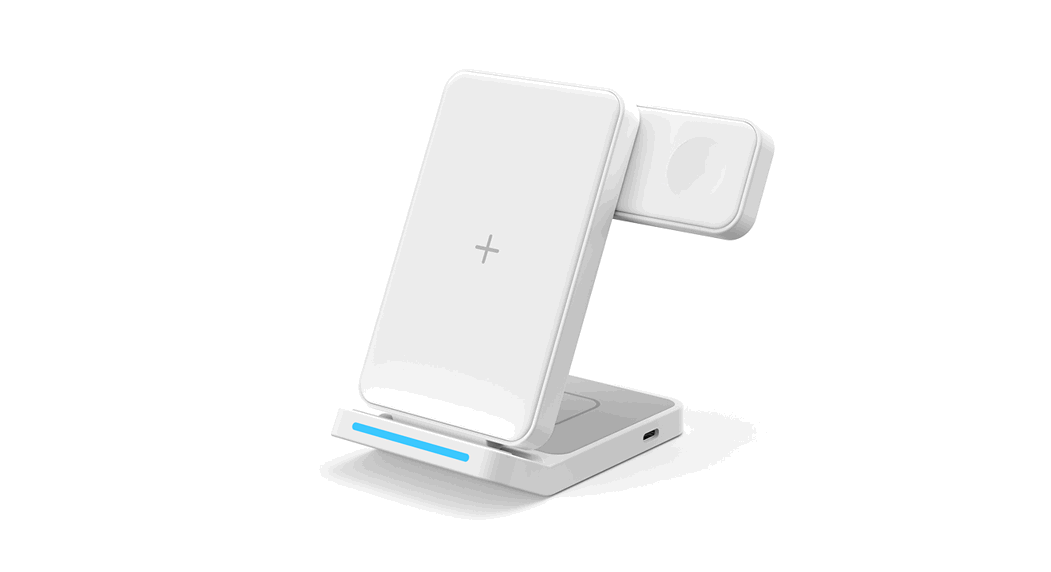
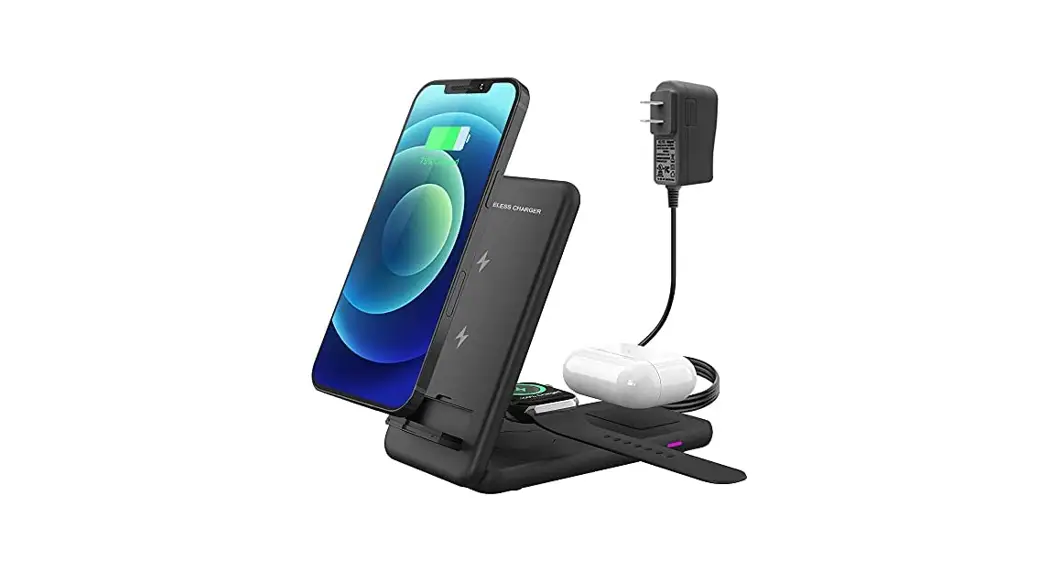
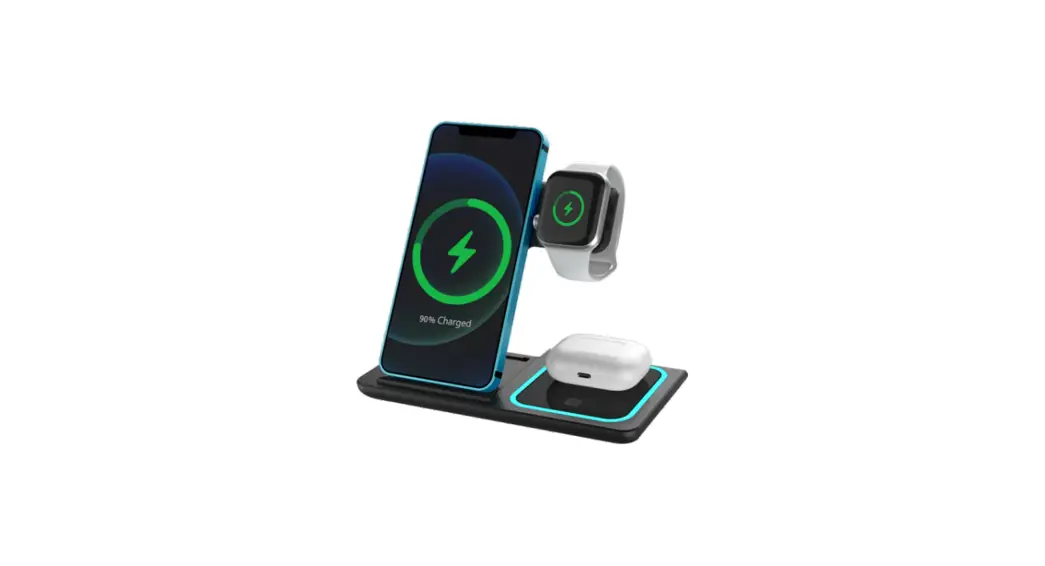
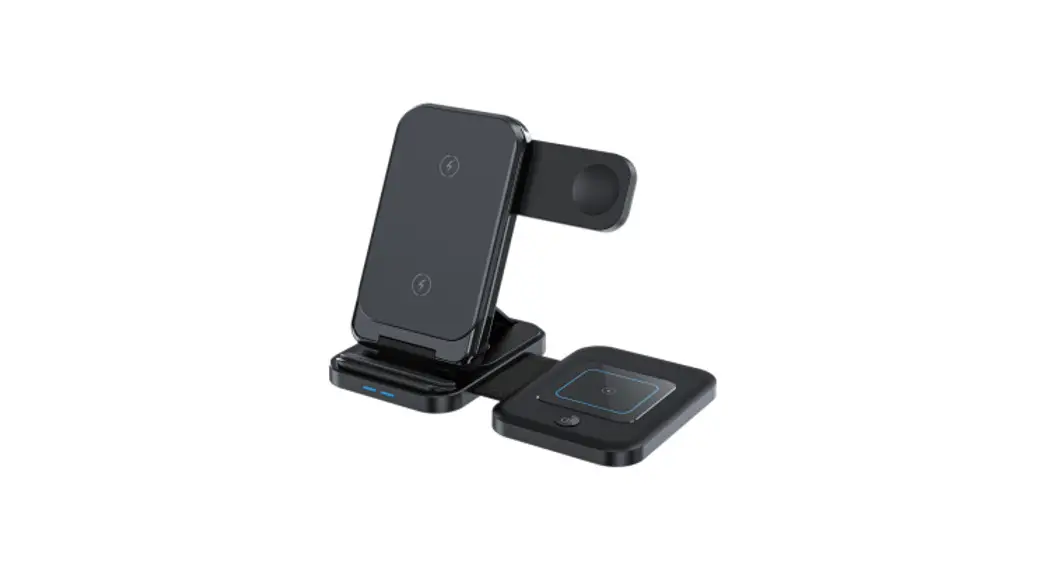
AT1871 Foldable Wireless Charger Sticker
Magnetic Sticker Installation Guide
The Magnetic Sticker is a useful accessory that allows you to
mount your phone on a magnetic surface, or use it with a magnetic
phone holder. Here is a step-by-step guide to installing the
Magnetic Sticker:
- Use the included wet wipe to clean the surface where you will
be installing the Magnetic Sticker. Make sure it is free from dust
and debris. - Clip the Magnetic Sticker onto the guide holes that are
appropriate for your phone model. There are different sets of guide
holes for different phone sizes and shapes. - Insert the Magnetic Sticker into the charging port of your
phone. Make sure it is snug and secure. - Remove the backing from the ring that is attached to the
Magnetic Sticker. The ring is what will attach to the magnetic
surface or holder. - Align the ring with the guide on the Magnetic Sticker and
attach it firmly. Make sure it is centered and level. - Your phone is now ready to be used with a magnetic surface or
holder. You can easily mount it and remove it as needed.
Remember to use caution when using a Magnetic Sticker with your
phone. Avoid placing it near credit cards, pacemakers, or other
sensitive electronic devices as it may interfere with their
function.
Magnetic Sticker Installation Guide
Use the included wet wipe to clean su ace thoroughly before installing.
1
Clip onto guide holes for your phone model.
2
Inse into charging po .
3
Remove backing from ring.
4
Align ring with guide and a ach.