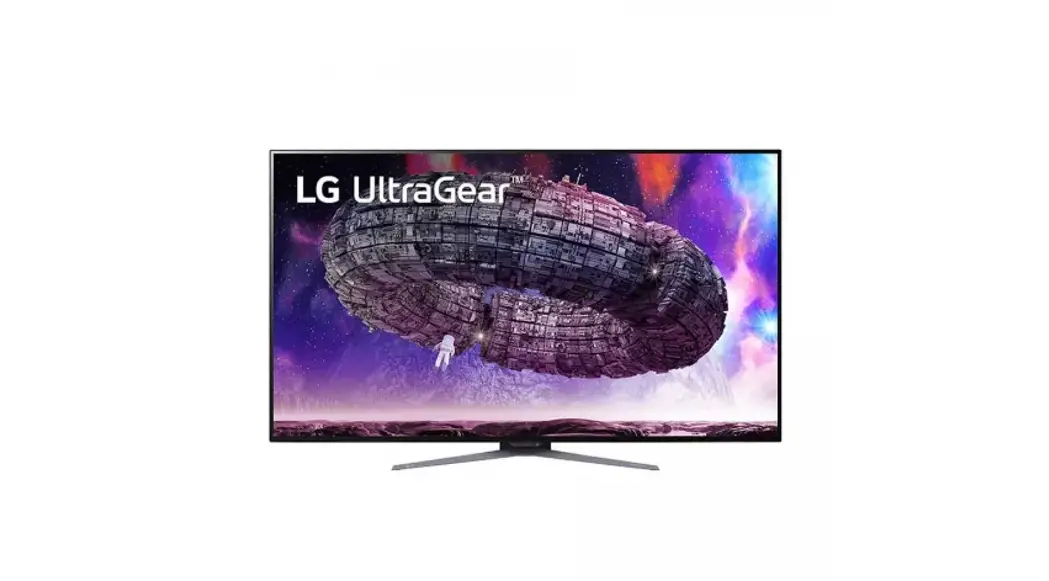
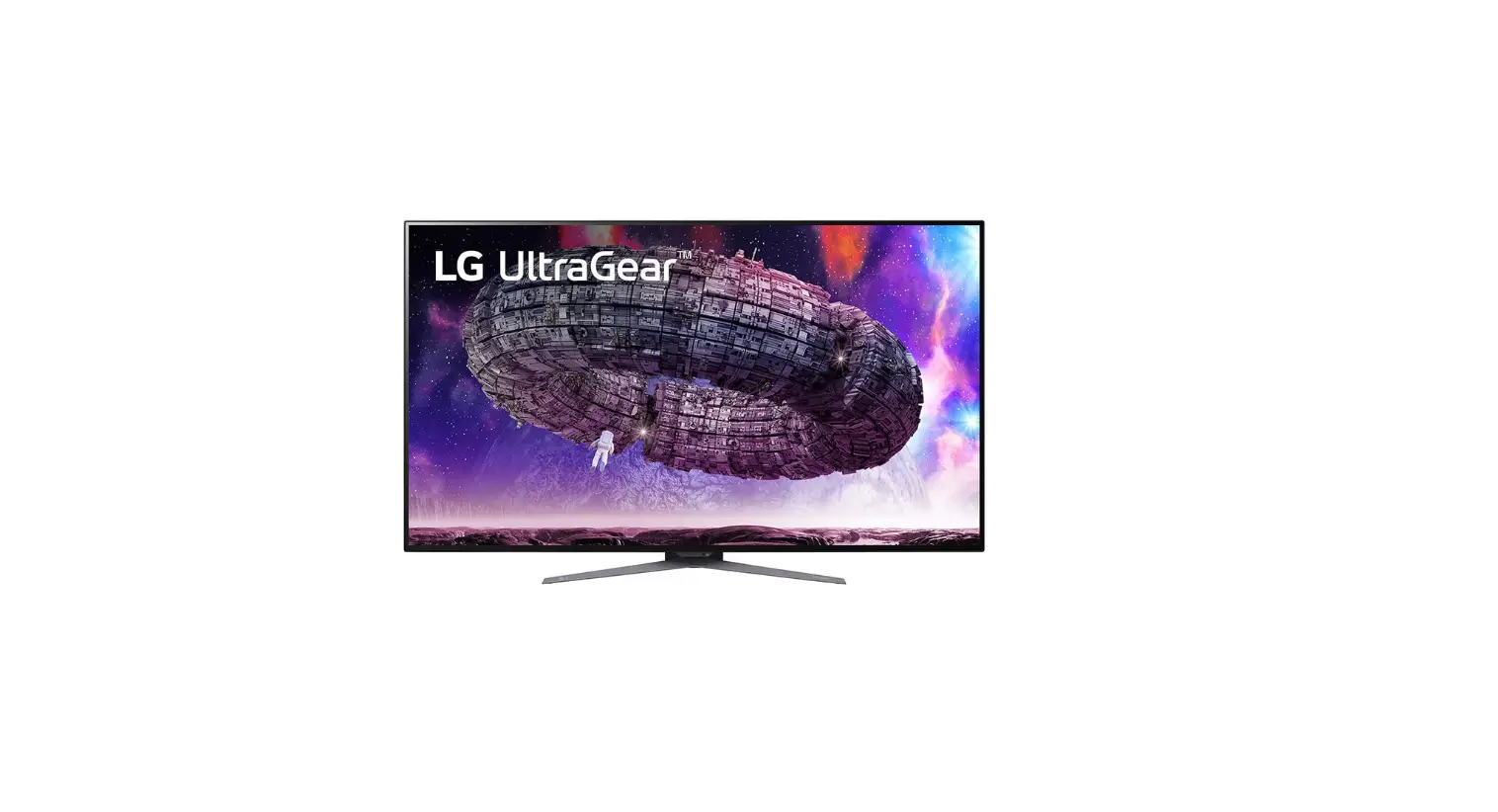
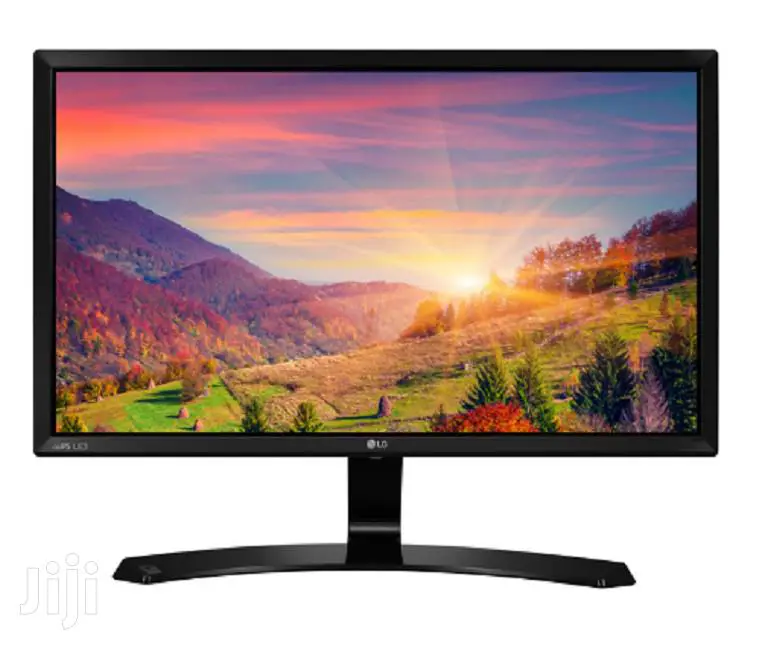
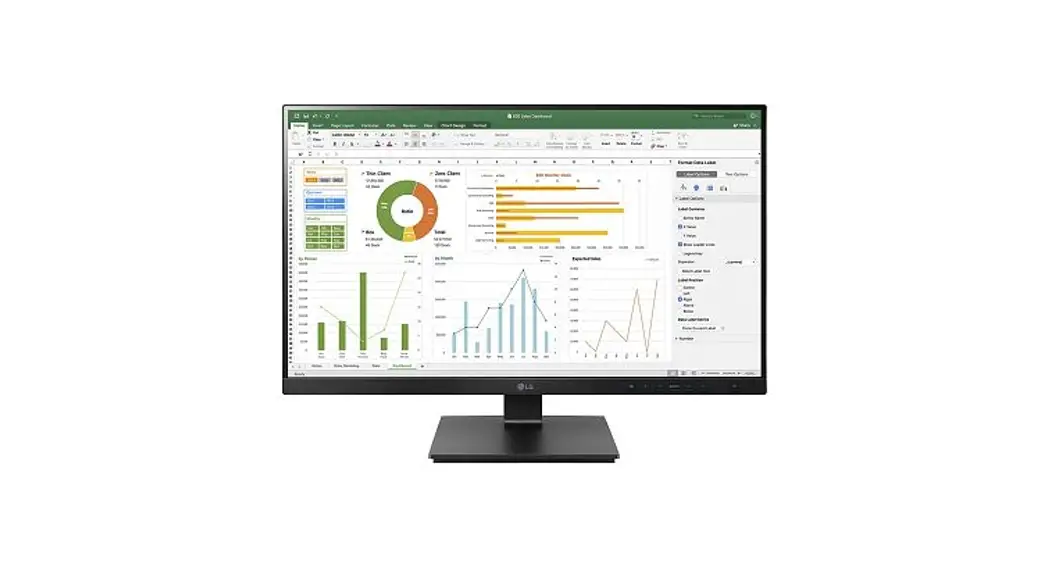
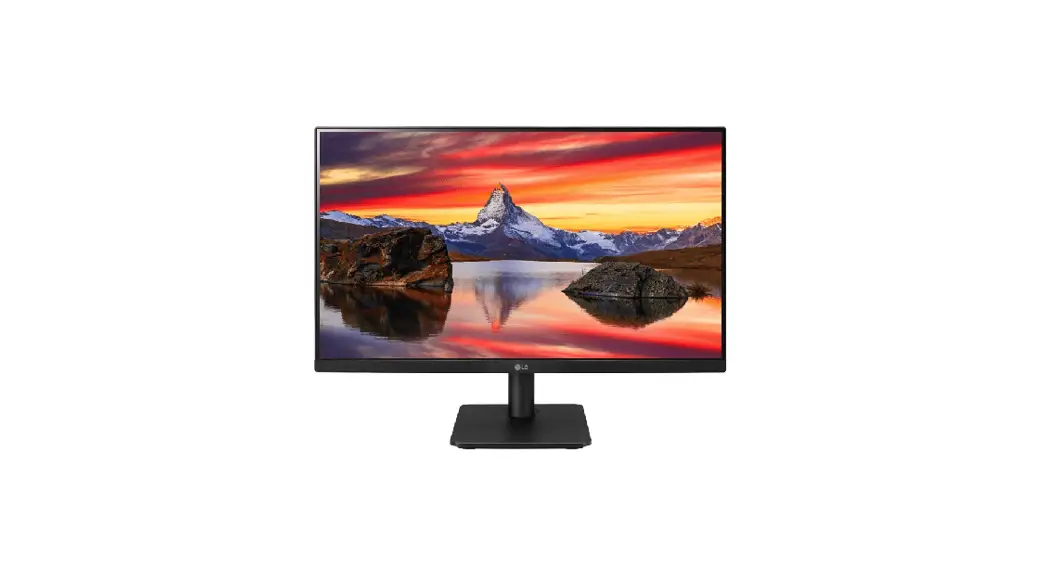
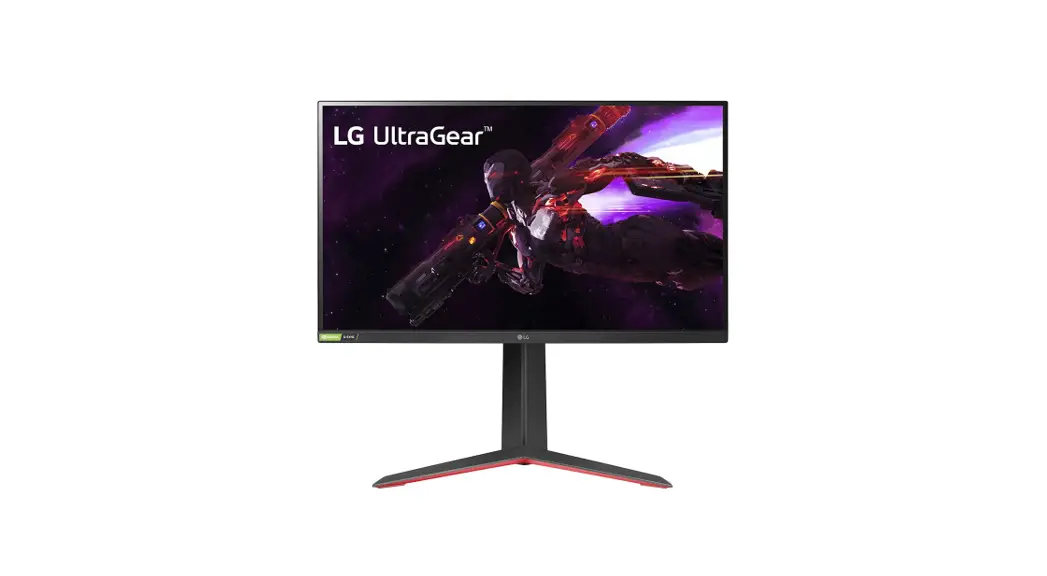
48GQ900 Ultra Gear OLED Monitor
Product Information
The product is a monitor with the model name 48GQ900. The
product contains hazardous substances like Pb and BFRs, which are
covered by exemptions under the RoHS directive. However, the
majority of these substances are present in the PCB assembly. The
product includes materials and components that require selective
treatment for disposal. The materials and components include
Printed Circuit Boards (PCB) or Printed Circuit Assemblies (PCA),
batteries, mercury-containing components, Liquid Crystal Displays
(LCD) with a surface greater than 100 square cm,
capacitors/condensers (Containing PCB/PCT), electrolytic
capacitors/condensers measuring greater than 2.5 cm in diameter or
height, external electric cables cords, gas discharge lamps,
plastics containing Brominated Flame Retardants, components and
waste containing asbestos, components, parts, and materials
containing refractory ceramic fibers, and components, parts, and
materials containing radioactive substances.
Product Usage Instructions
- To dispose of the product, follow the instructions provided in
the user manual. The product must be dismantled to remove
components and materials requiring selective treatment. - Displays must be stored in accordance with the requirements
stipulated in Appendix VIII (1) or (2) of Directive 2012/19/EU and
must be stored in a weatherproof manner. Containers with covers
must be used when storing and transporting the Displays. - To dismantle the product, the following tools are required:
Screwdriver, nipper, and plastic Hera jig. - To remove batteries from the remote control, remove the back
cover of the remote control. - To remove batteries from the PCB Assembly, remove the back
cover of the product. - To disassemble the PCBs and LCD module, remove the back cover
of the display by hand and screwdriver. Once removed, this will
expose the accessible electronic units (PCBs), which can now be
easily removed with a hand and screwdriver. The LED module
(together with their casing) is only left after all other parts
like electronic units and casing have been removed. - To remove the power cord and signal cables, unplug the power
cord from the back of the display or use cables that are provided
as de-attached from the product. - To remove capacitors greater than 25 mm, use a nipper.
Capacitors greater than 25 mm are located in the power supply
units. - Dispose of the dismantled components and materials requiring
selective treatment only in authorized handling plants.
Dismantling information
The document is intended for use by end-of-life recyclers or treatment facilities. It provides the basic instructions for the disassembly of LG products to remove components and materials requiring selective treatment.
Product Identification
Type of Product Monitor
Model name
48GQ900
Displays must be stored in accordance with the requirements stipulated in Appendix VIII (1) or (2) of Directive 2012/19/EU and must, amongst other things, be stored in a weatherproof manner. Containers with covers must be used when storing and transporting the Displays.
Contents
1. Materials and components for Selective Treatment 2. Tools Required 3. Product Disassembly Process 4. Disassembly of External enclosure
1. Materials and components for Selective Treatment
Displays may contain hazardous substances like Pb and BFRs which are covered by exemptions under the RoHS directive. However, the majority is present in the PCB assembly. In order to reduce emissions as much as possible, a complete disposal of the old appliance is required. This treatment may only be performed in authorized handling plants.
Materials and components
Notes
Printed Circuit Boards (PCB) or Printed Circuit Assemblies (PCA)
Batteries
Mercury containing components
Liquid Crystal Displays (LCD) with a surface greater than 100 square cm
Capacitors / condensers (Containing PCB / PCT) Electrolytic Capacitors / Condensers measuring greater than 2.5 cm in diameter or height
External electric cables cords
Gas Discharge Lamps Plastics containing Brominated Flame Retardants Components and waste containing asbestos Components, parts and materials containing refractory ceramic fibers Components, parts and materials containing radioactive substances
With a surface greater than 10 square cm For Remote control Internal batteries display backlights Includes background illuminated displays with gas discharge lamps
Power cord Signal cable
Quantity of items included in product
O –
O
–
O O O –
2. Tools Required
List the type that would typically be used to disassemble the product to a point where components and materials requiring selective treatment can be removed.
Tool Description
Tool information
Screw driver
Nipper
Plastic Hera Jig
3. Product Disassembly Process
1. Batteries
Batteries can easily be removed from the remote control once the back cover of the remote control has been removed.
Batteries can easily be removed from the PCB Assembly once the back cover of product has been removed. None .
3. Product Disassembly Process
2. PCBs and LCD Module
The back cover of the display can easily be removed by hand and screw driver.
Once removed this will expose the accessible electronic units (PCBs),
which can now be easily removed with hand and screw driver.
LED module(together with their casing) is only left after all other parts like electronic units and casing have been removed.
3. Product Disassembly Process
4. Power cord and signal cables
A Power cord plugged into the back of the display can easily be removed by hand or cables are provided as de-attached from the product
5. Capacitors > 25 mm
Capacitors > 25 mm are located in the power supply units and can be removed by nipper
18* 50m m
4. Disassembly of External enclosure
Stand base can be disassembly by Remove the screws(3ea)
Back Door and cable cover can be disassembly by pushing the latch in the direction of the arrow Stand body can be disassembly by Remove the screws(4ea)
Remove the screws(6ea) with a screw driver
Disassemble the back cover by hand in the direction of the arrow
4. Disassembly of External enclosure
Disassemble the back cover Re-overturn the set and disaaemble screw and disassemble the PCB and cable
LED Module