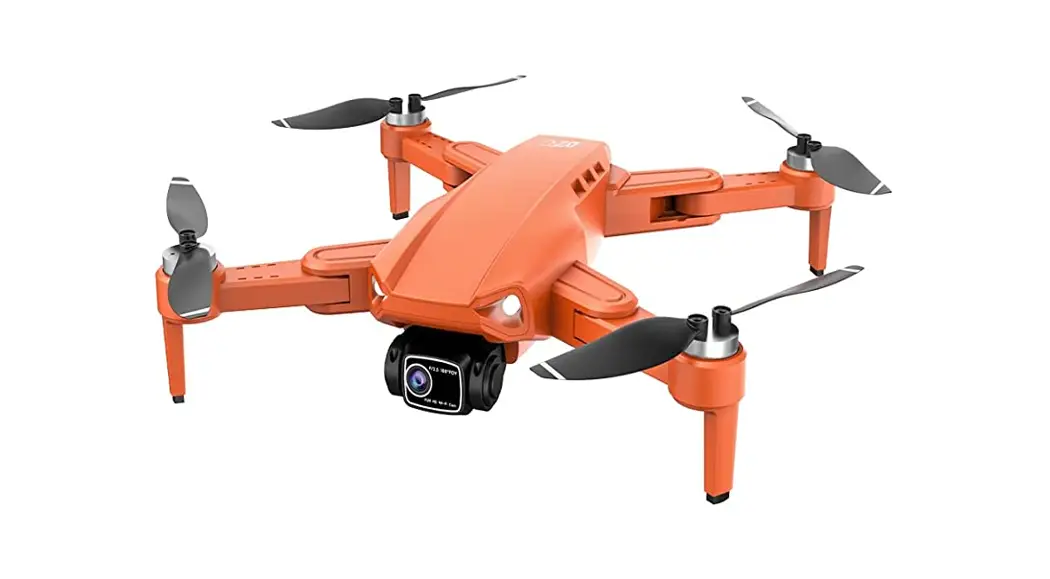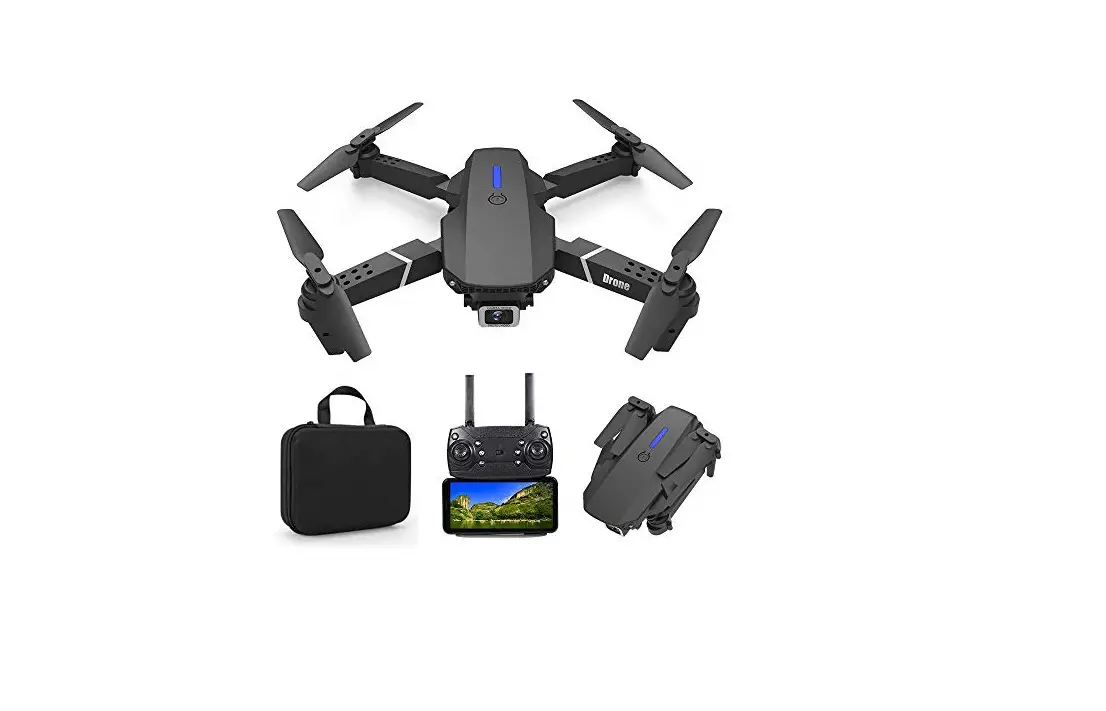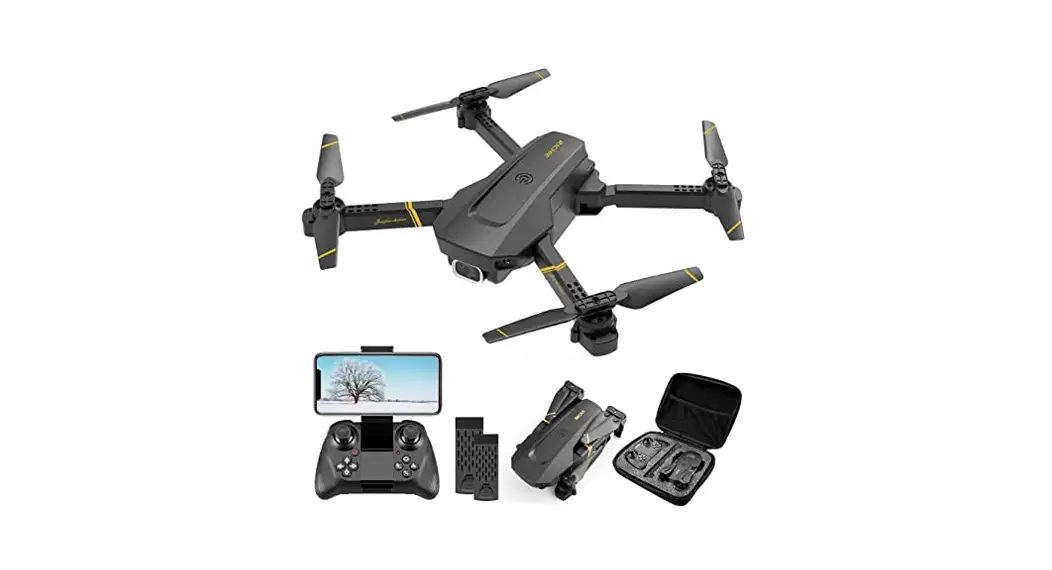
 Wowitec H4ark 2 4-Inch 2.4G Foldable Quadcopter with 4K Ultra HD WiFi Camera 817
 How to download, install and use the camera’s software
 Wowitec H4ark 2 4-Inch 2.4G Foldable Quadcopter with 4K Ultra HD WiFi Camera 817
 How to download, install and use the camera’s software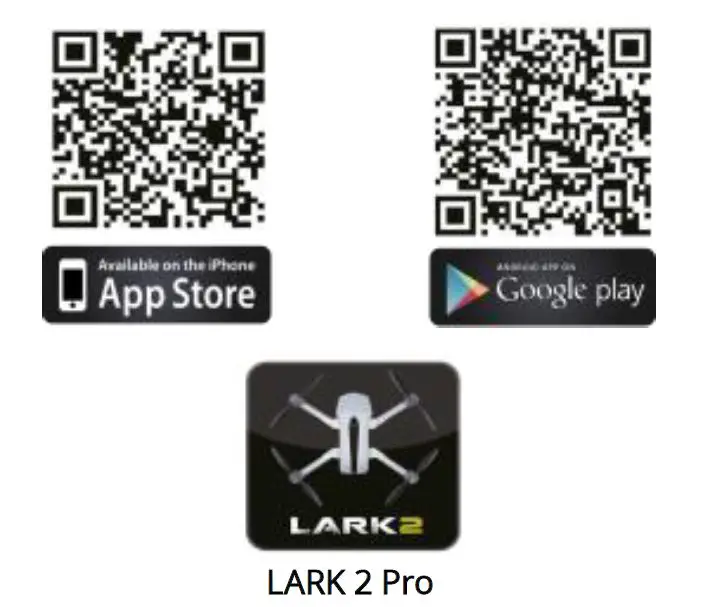
For iPhone, please scan the QR Code (Apple Software) on the packaging or below, or type LARK 2 Pro, to go to the App store to download the software; For Android mobile phone, please scan the QR Code (Android Software) on the packaging or below, or type LARK 2 Pro, to go to the Android Eloquent Market/ Google play to download the software.
Connect to the APP
- Connect your drone.
- Access the settings of your phone and activate the WiFi connection.
- Search a WiFi network from your drone and connected to it.
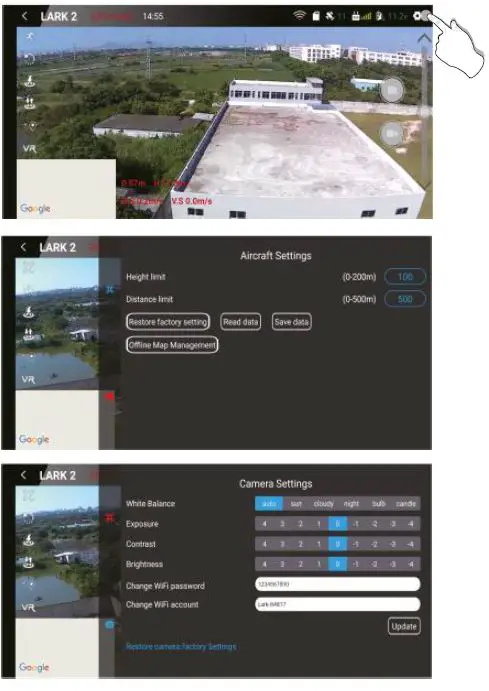
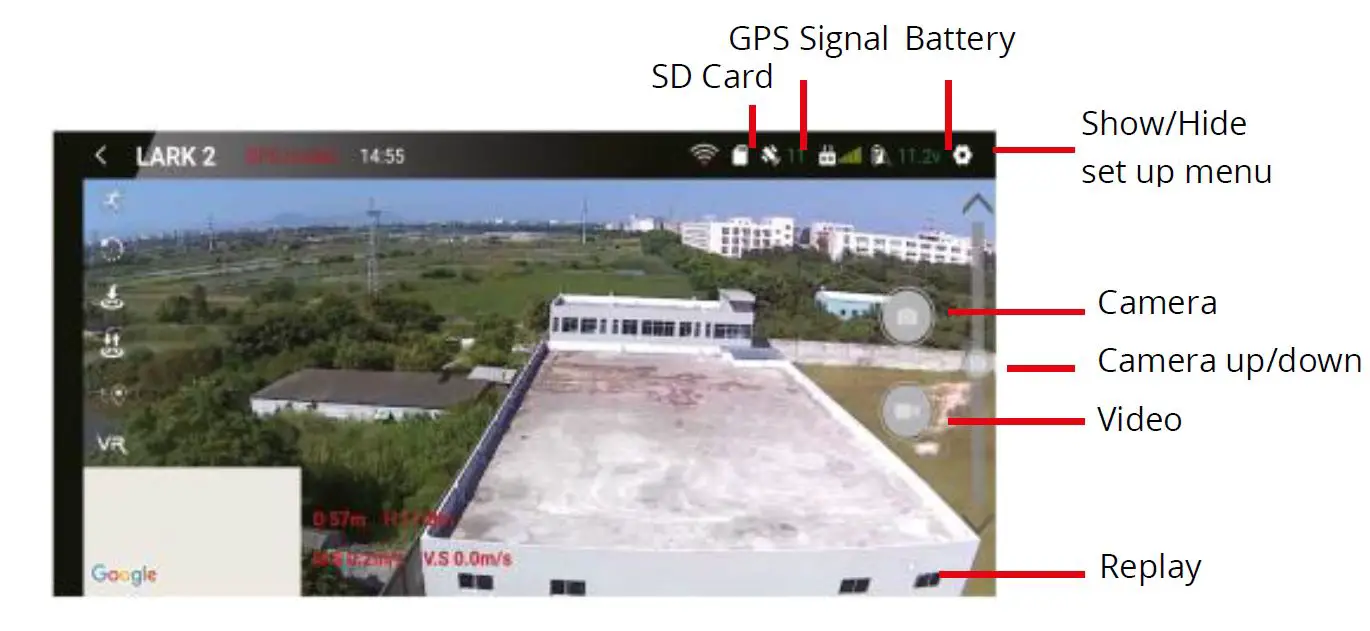
- Click the icon to access the control interface. At this point you can see the video that captures the drone in real time.
Remark: This drone (H4817) WIFI name is LARK-H4817 and its original WIFI password is 1234567890. After the first login, consumers can reset this password.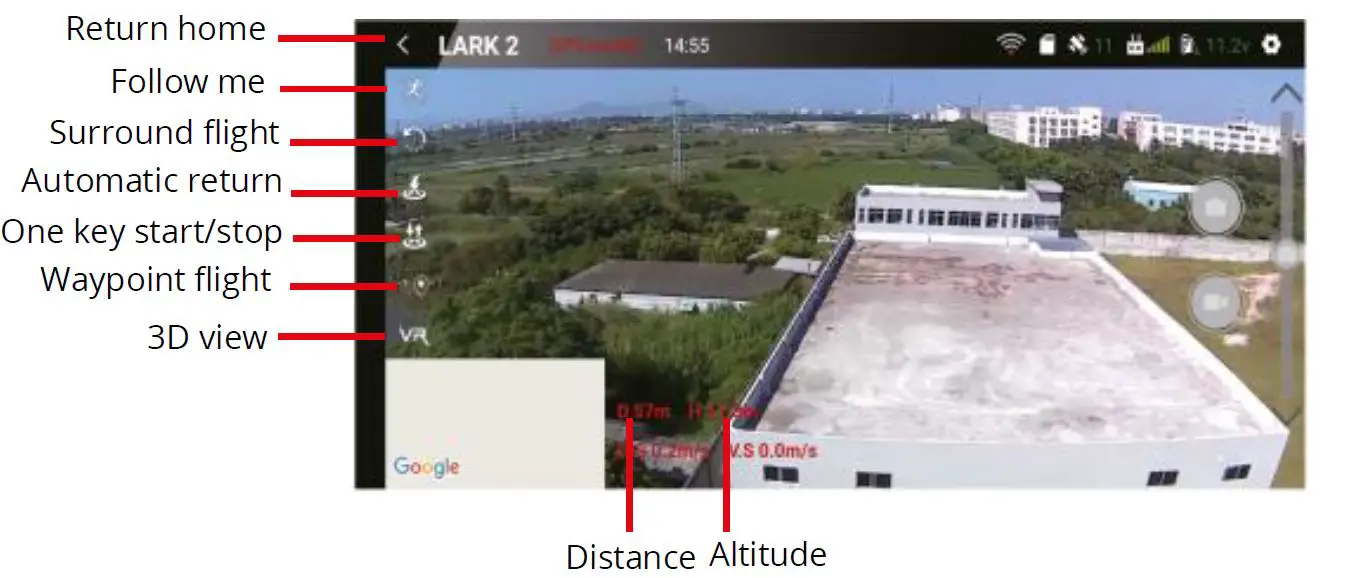
Follow Me
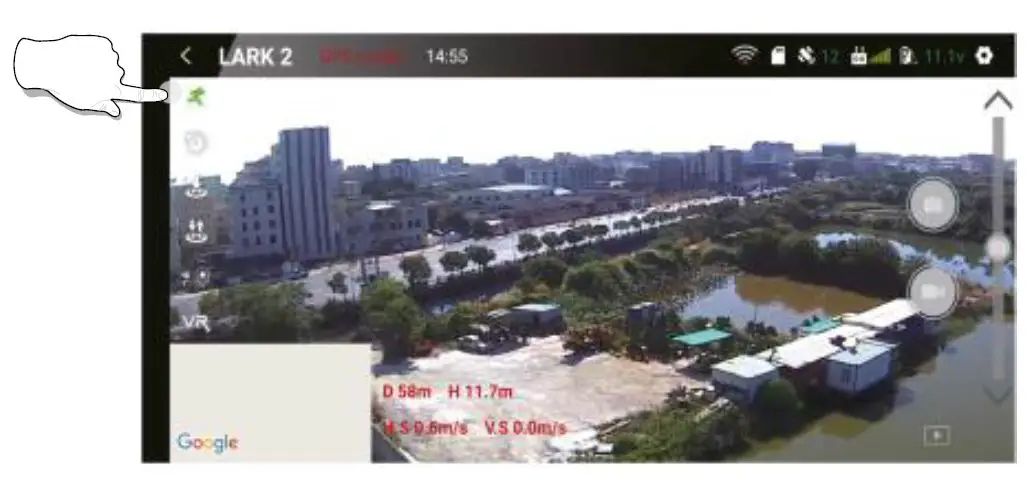
Since the drone has GPS function, when the drone is connected to the smart phone’s wifi, when the consumer clicks the follow me icon on the APP shown on the phone, the drone will automatically turn its head towards the consumer, and the drone can follow the smart phone to fly on its own.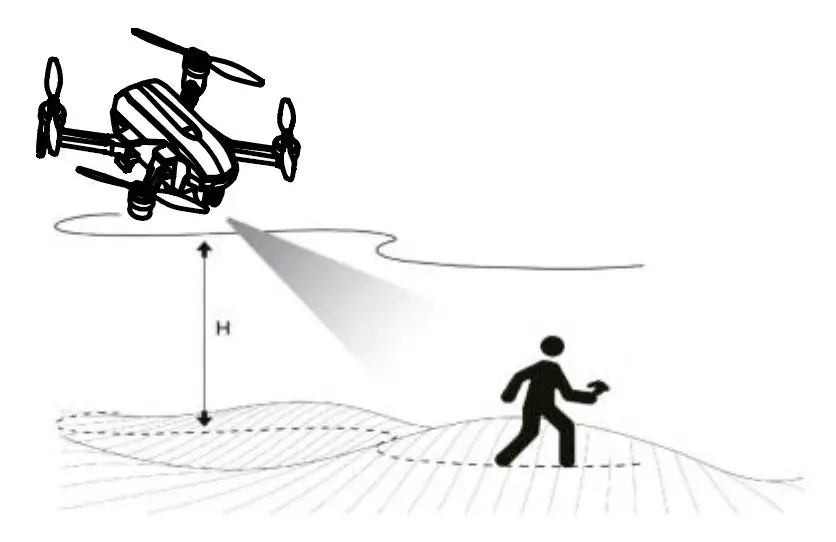
Surround flight
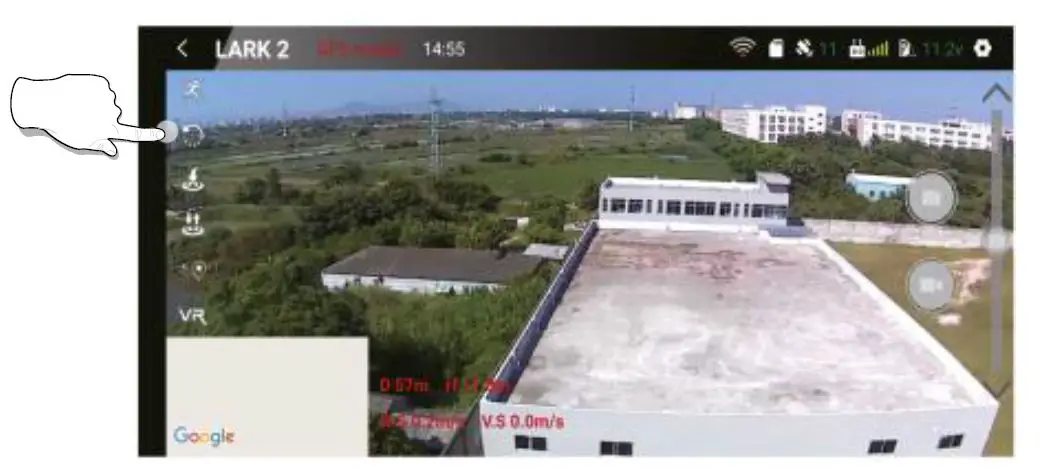
Since the drone has GPS function, when the drone is connected to the smart phone’s wifi, when the consumer clicks the surround flight icon on the APP shown on the phone, the APP will pop up a map interface, and the consumer can mark the flight on the map, the drone will enter the surround flight according to the radius of the consumer’s click.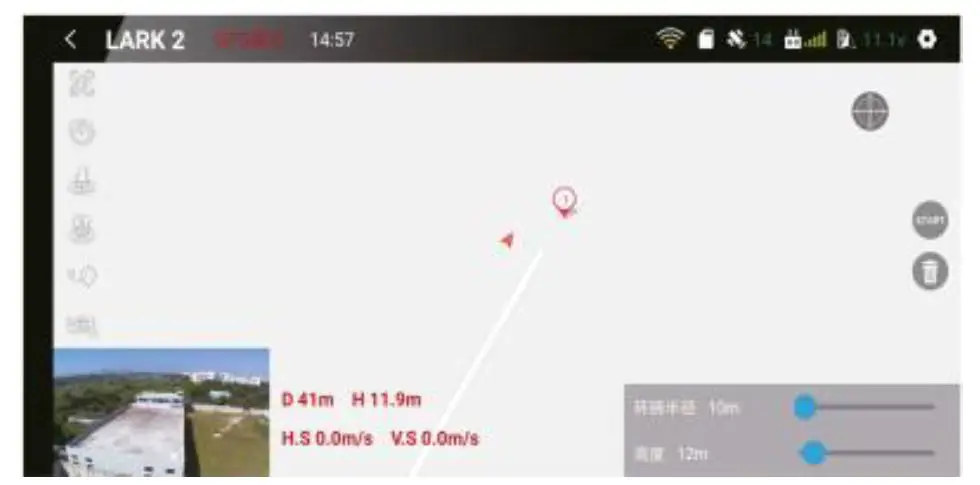 Remark
- Consumers can set the flight radius and height of the drone when operating the Surround flight function.
- Consumers can exit the Surround flight mode by pushing the direction Joystick up /down and then left to right.
Waypoint flight
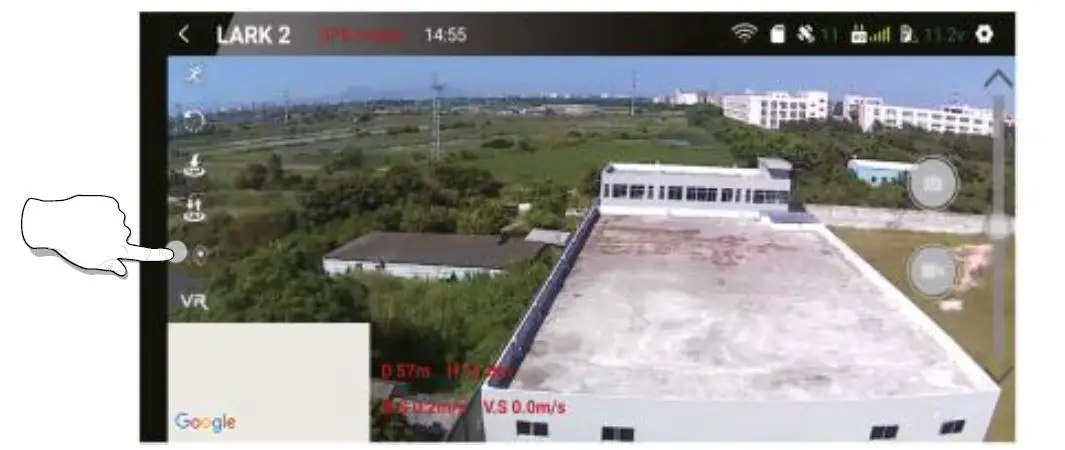
Since the drone has GPS function, when the drone is connected to the smart phone’s wifi, when the consumer clicks the waypoint flight icon on the APP shown on the phone, the APP will pop up a map interface, and consumer can mark multiple waypoints on the map, and the drone will plan and fly by itself according to the selected waypoints.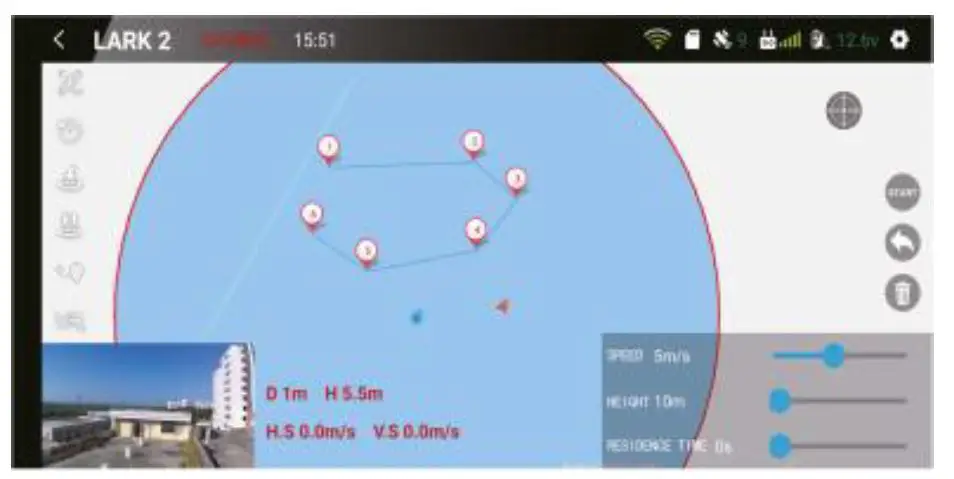 Remark
- Consumers can set the flight speed/height and residence time of the drone when operating the Waypoint flight function.
- Consumers can exit the Waypoint flight mode by pushing the direction joystick up/down and then left to right.