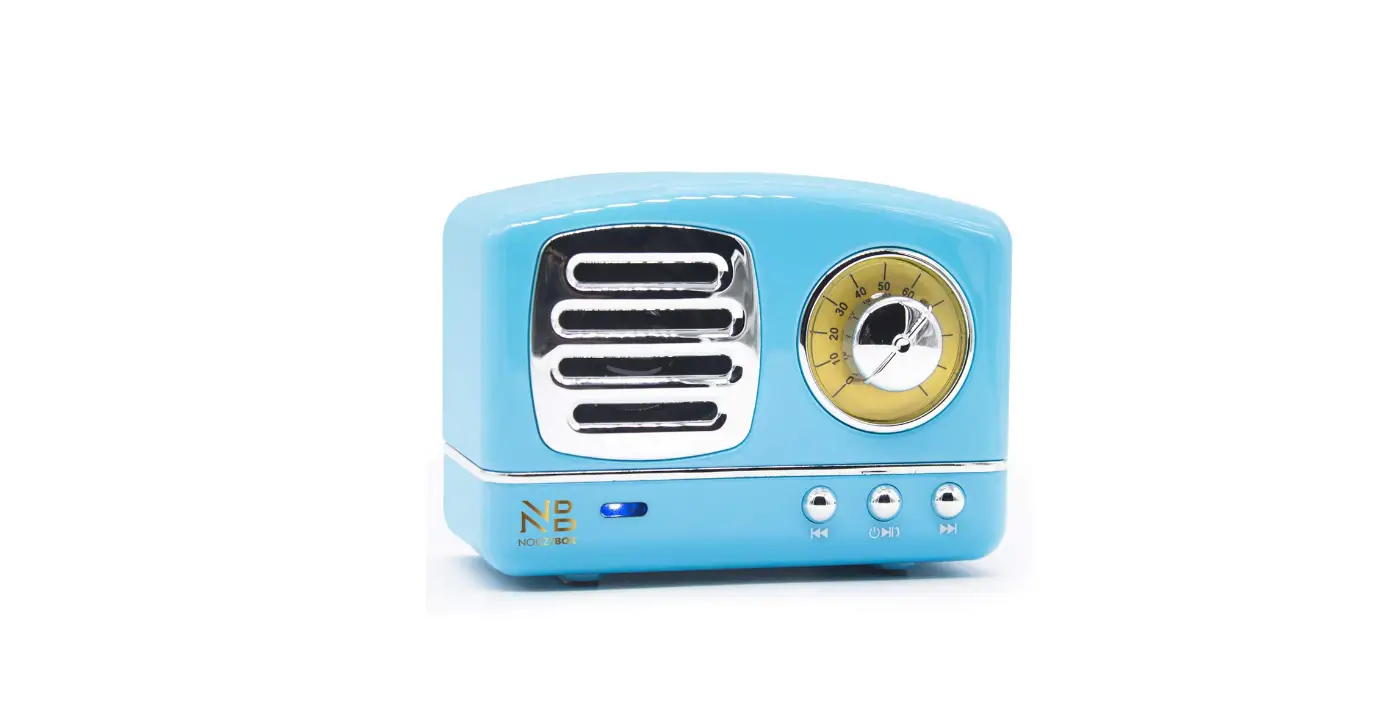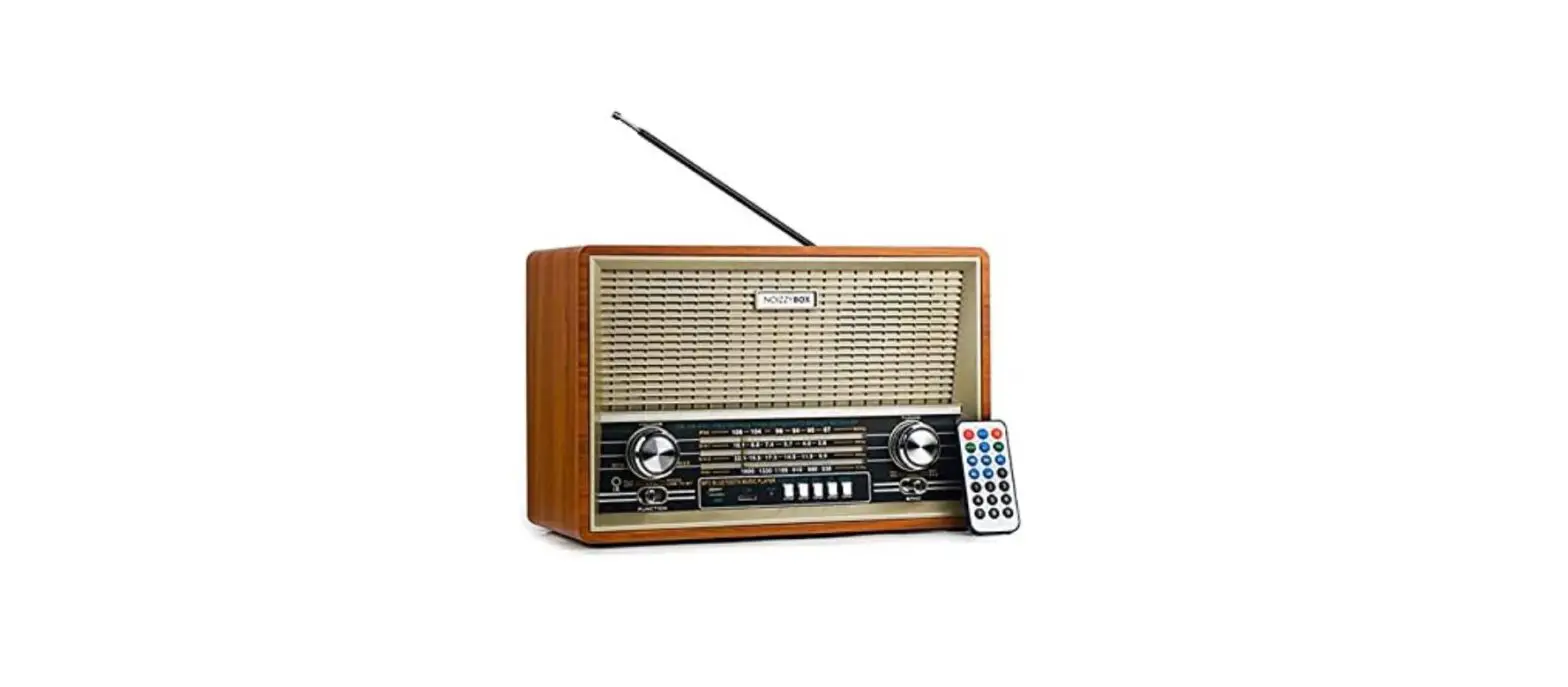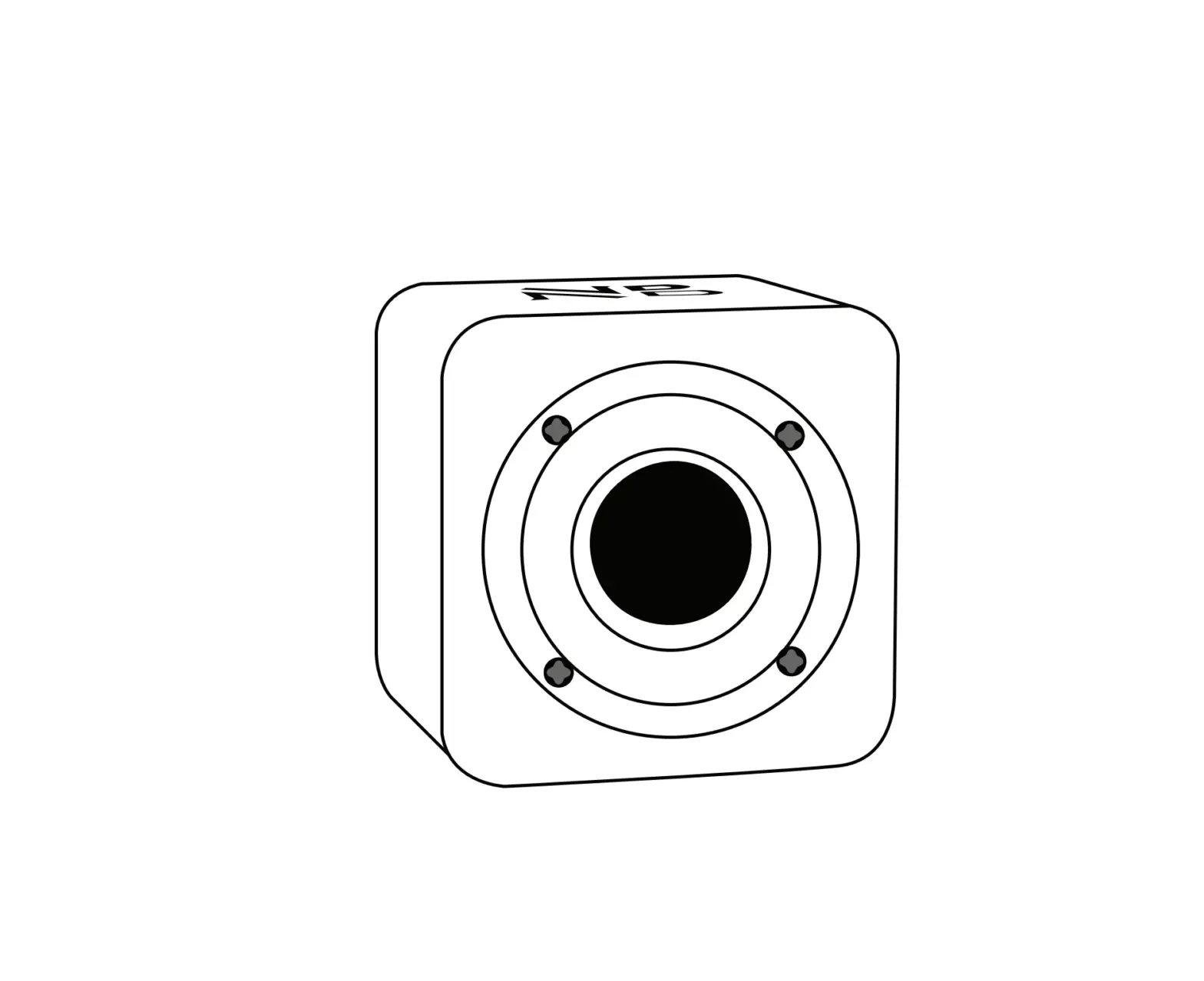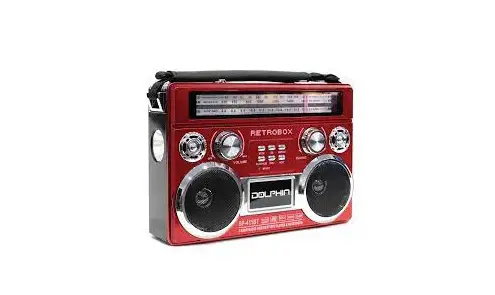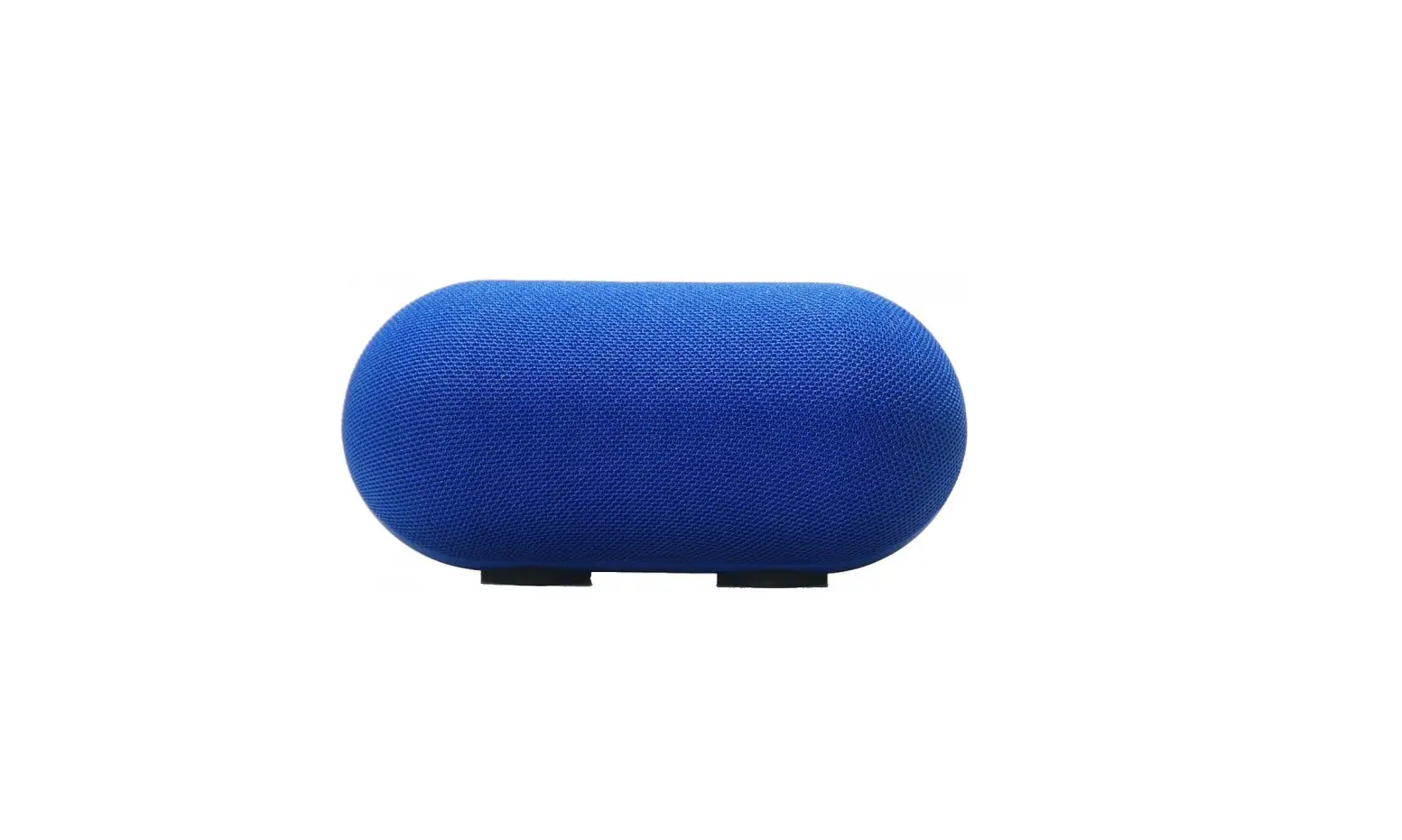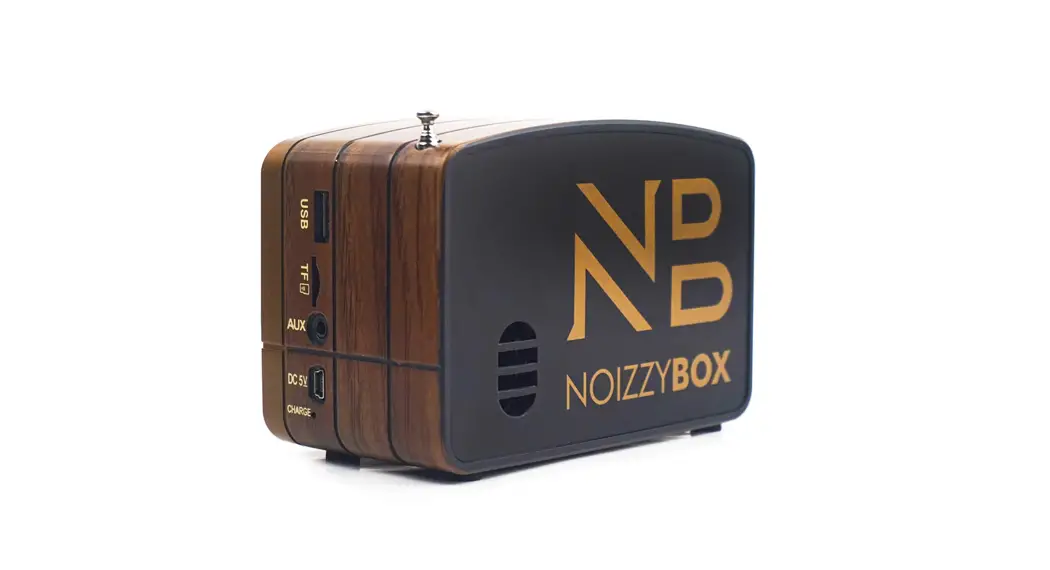
 Retro XS Vintage Classic Portable Bluetooth Speaker
Instruction Manual
FM/AM/SW 3 BAND DSP RADIO USB/TF CARD PLAYER
Operating Instructions
RADIO OPERATING
- Toulon the power switch(1) as volume control knoll (1) Adjust it to the appropriate volume.
- Push it(2), Choice the MP3. or Radio Push it (2) Chat, the band. Rotating the switch(6) to select the program which you want to receive.
- FW/AM/SW 3 bane asp radio. please push it (13) to choose many bands .or pull out the telescopic antenna to get the nest reception by changing its length and angle
- Receiving AM by using the Internal magnetic antenna, and you can get the best reception by rotating the diction of the radio.
- Plugin USB(7)/TF(8).AUTOPLAY.Support AUX(9).
- when you would not like to listen to the radio. Please turn ell the power switch(1)
READER PLAYBACK OPERATING,
- The default for Bluetooth status (Bluetooth device name NB Retro XS)
- Willie TF. U disc reader(Maaimum support 32G).
- No need to shift among U discs TIF. speaker automatically reads the first input media device. It first inputs TF. you need to take out a TIF card. then the speaker can read the Mp3 music file from U Disc.
- Press the (6)for this PLAYBACK/PAUSE. Press the button (5)for the PREV. Press the button (4 ) for the NEXT
- SuPPort USB recharge(10)
ATTENTION PLEASE
- When the radio signal and music play card please promptly to distortion of battery dry or replacement.
- Insert the power sockets for DC/5V to recharge time to recharge, machine lot 4 hours.
- Long lime no this unit, please remove battery within the storehouse, prevent dry battery leakage is damaged.
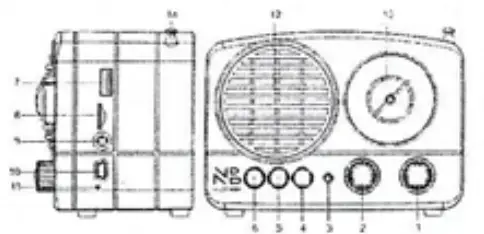
| 1. VOLUME 2. BAND SWITCH 3. POWER 4. NEXT 5. PREV 6. PLAYIPAUSEIMODE 7. USB | 8. TF JACK 9 AUX-IN JACK 10. DC 5V JACK 11. CHARGE LIGHT 12. SPEAKER 13. TUNING WINDOW AND POINTER 14 HIGH SENSITIVITY ANTENNA |
Main Parameter
FM/AM/SW 3 BAND RADIO
USB/TF CARD PLAYER
WITH BLUETOOTH FUNCTION
HIGH SENSITIVITY ANTENNA
BUILT-IN HIGH CAPACITY BATTERY
DC:5V