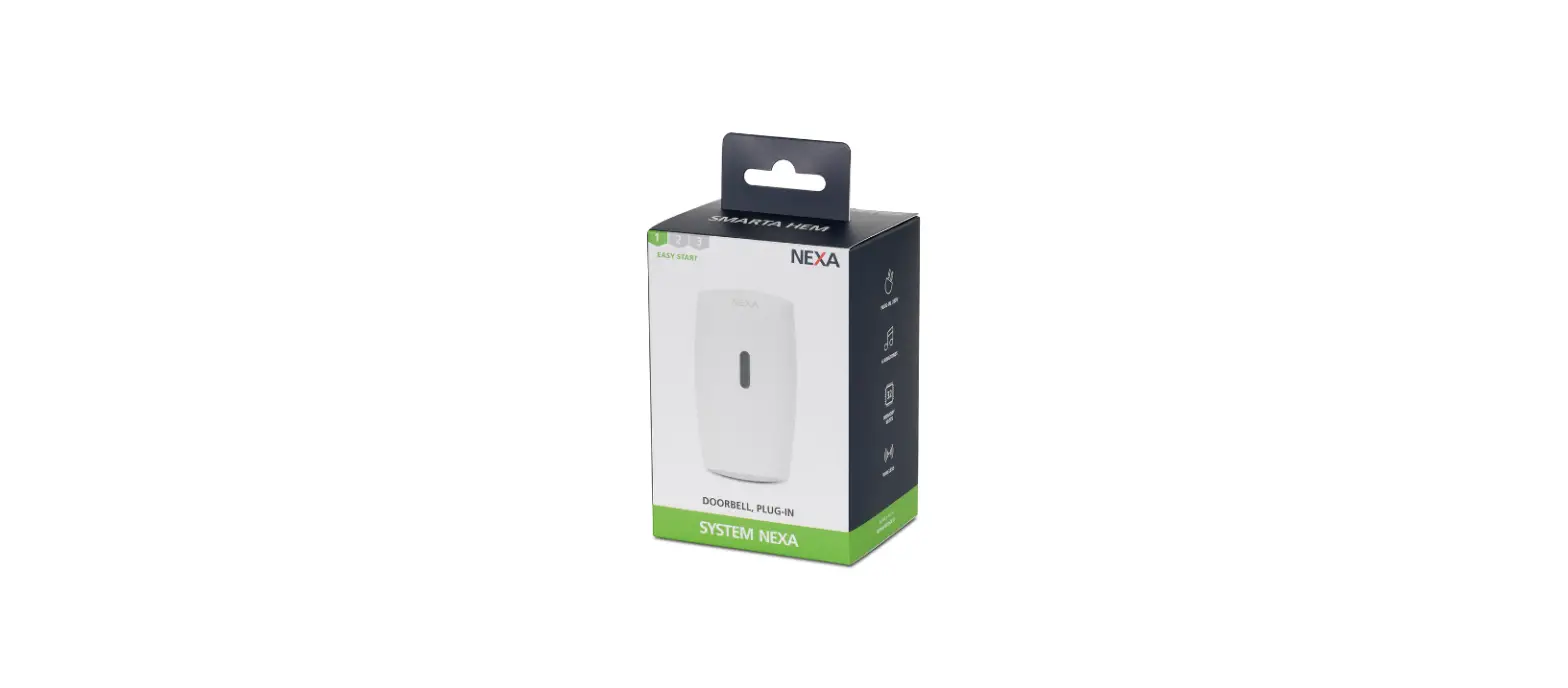

MLR-1922/SET
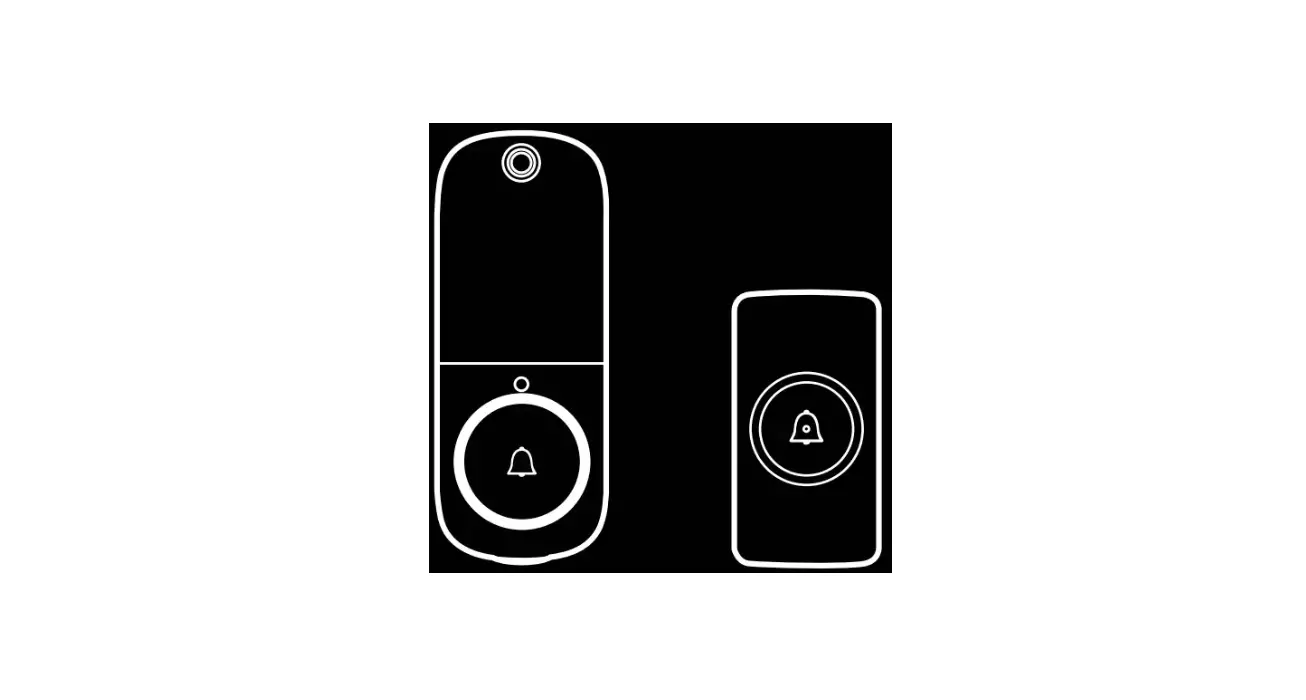
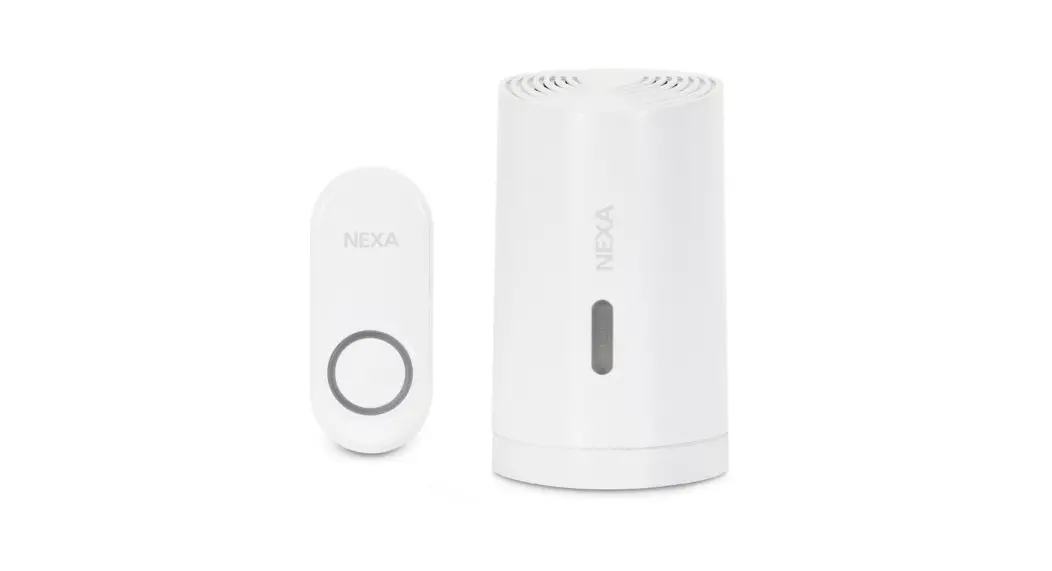
DOORBELL AND PUSH BUTTON
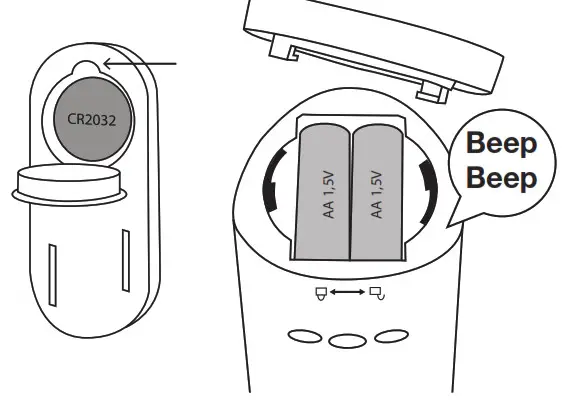
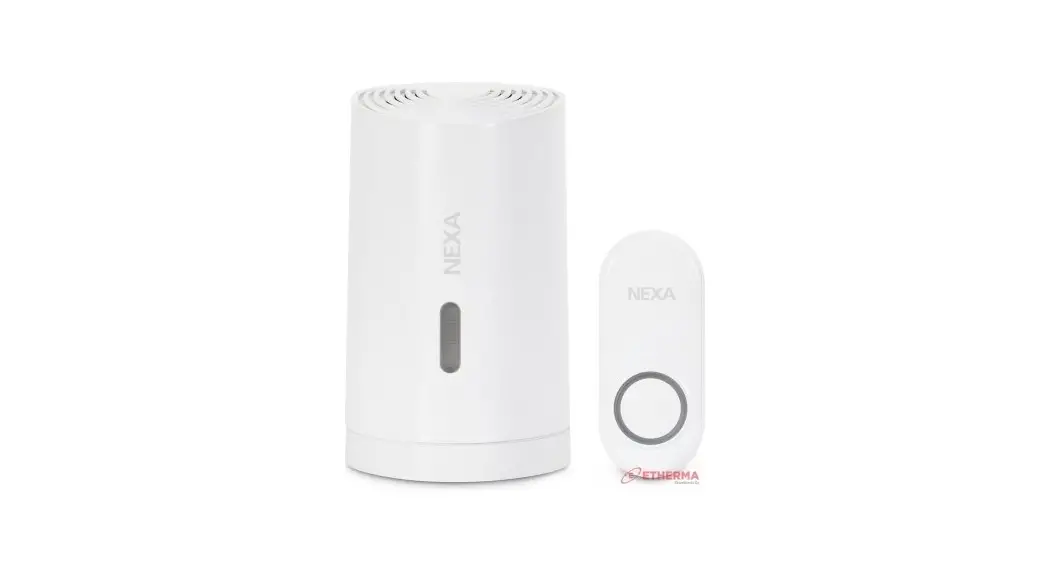
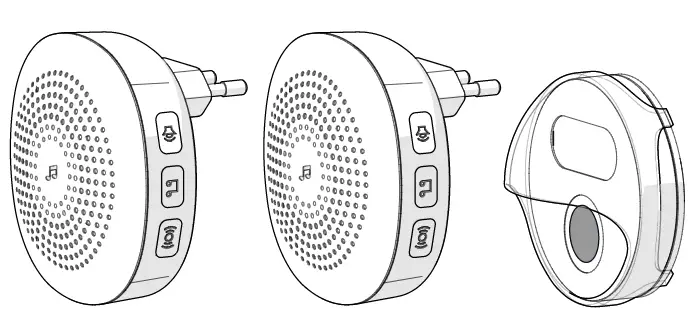
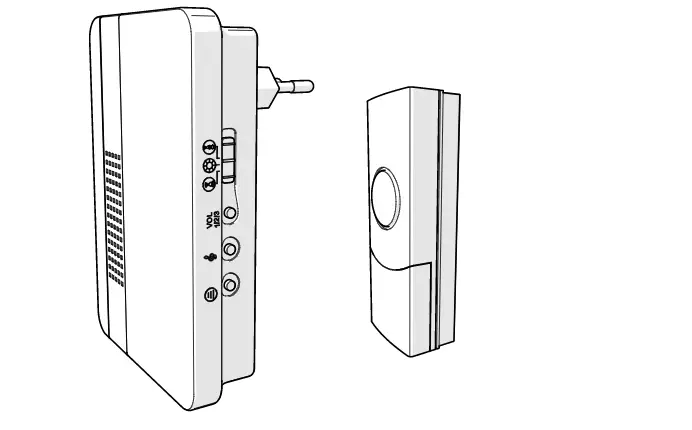
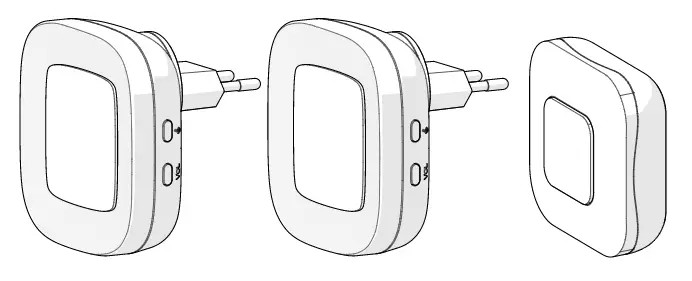
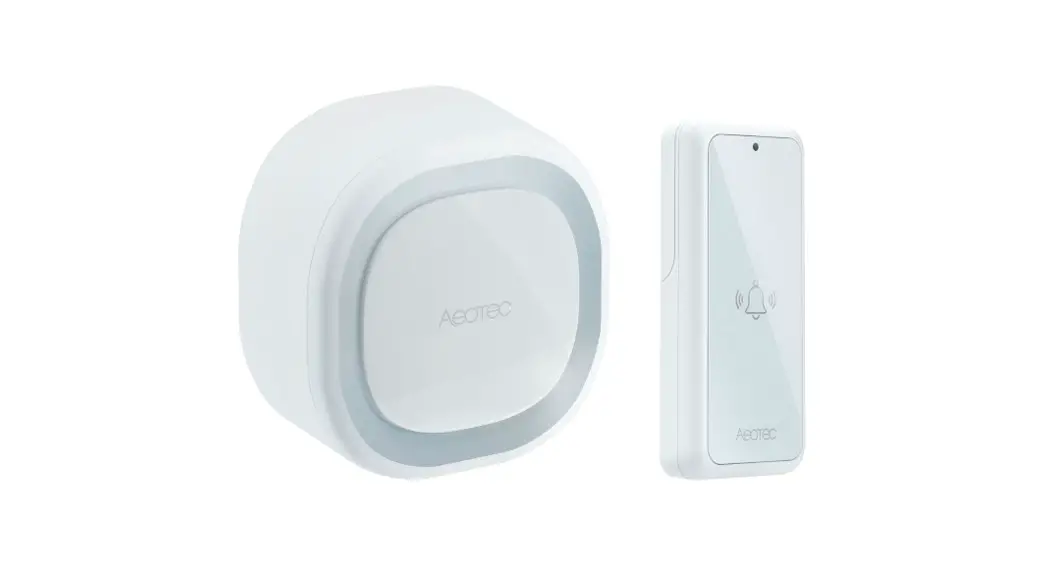
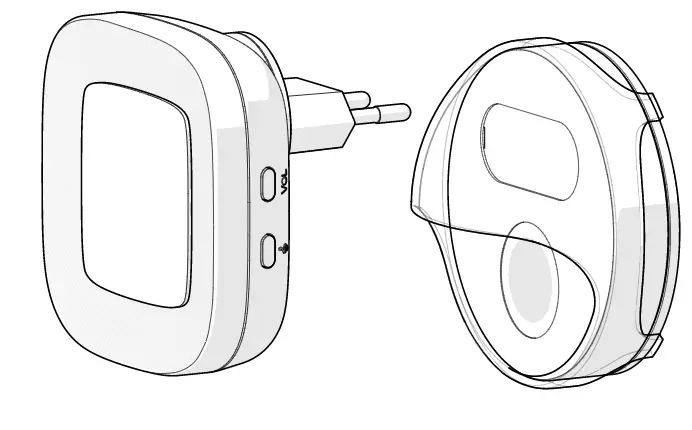
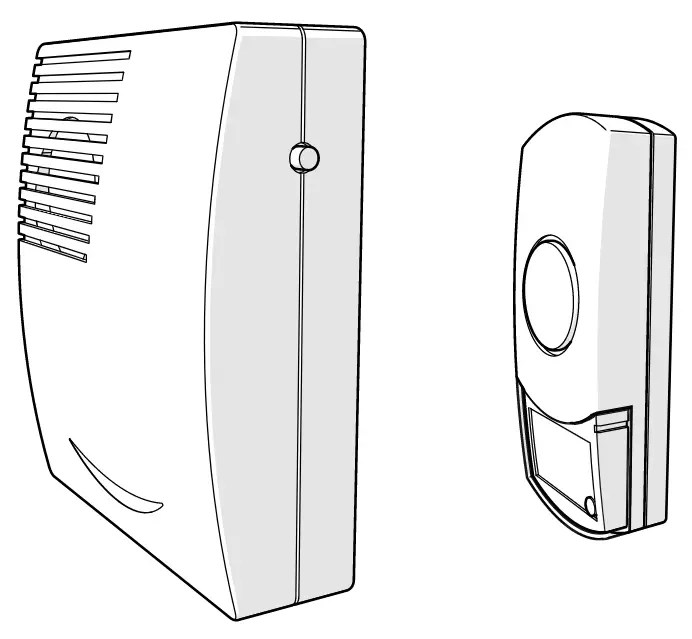
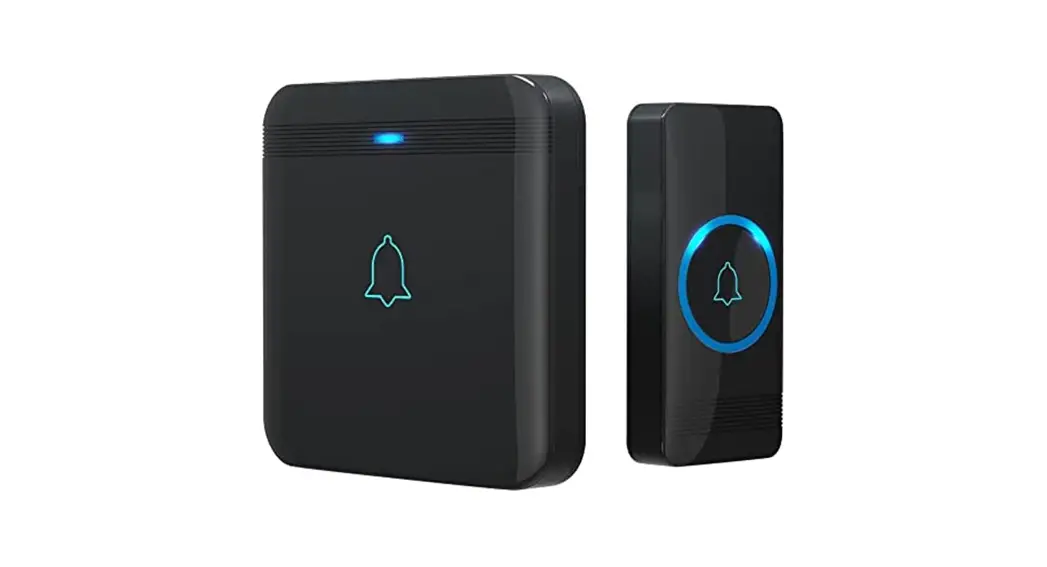
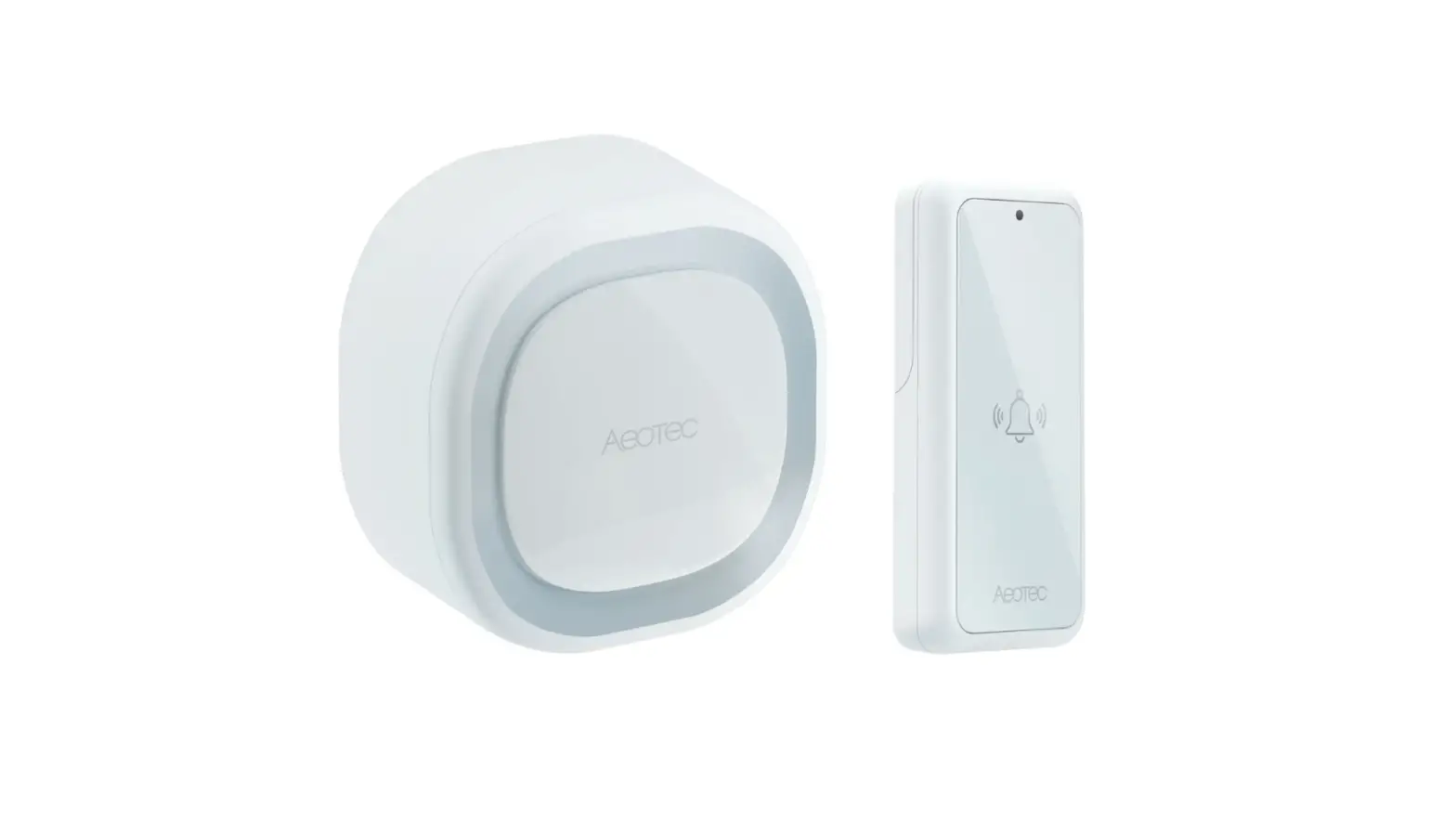
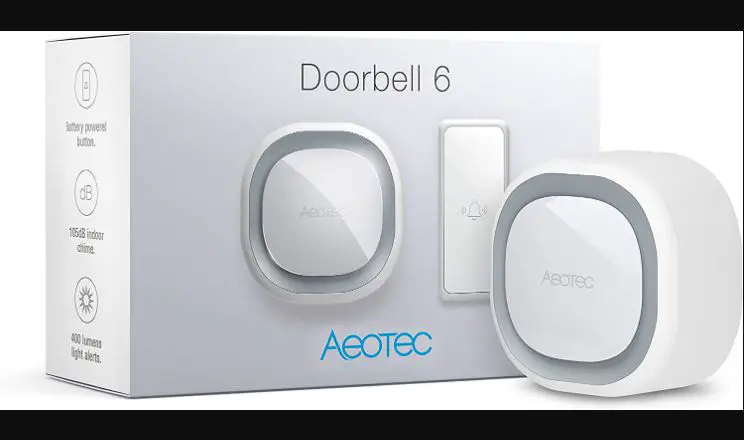
Insert batteries in the doorbell and remove the protective plastic for the battery on the ring button. The doorbell beeps two times when the batteries are inserted correctly.
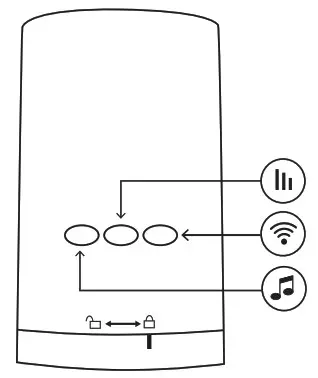 Select ring tone for the doorbell.
Select sound volume on the doorbell. 
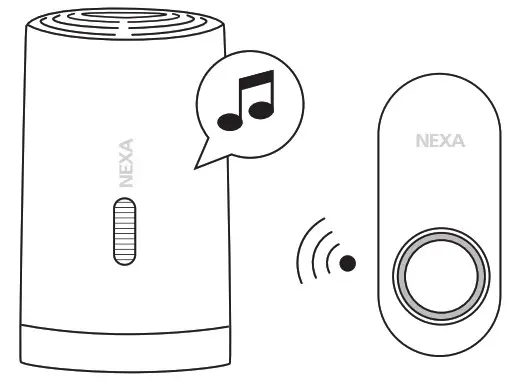 Press the programming button. Press the ring button. The doorbell will beep two times in response.
TECHNICAL DATA
DOORBELL
| Power supply | Battery, 2 x AA (not included) |
| Protocol | System Nexa |
| Range | up to 150 m |
| Volume settings | 0% | 33% | 66% | 100% |
| Memory slots | 32 |
| Operating temperature | 0-40 °C |
| IP rating | IP20, indoor use |
| Dimensions (W x H x D) | 68 x 108 x 65 mm |
PUSH BUTTON
| Battery | 1 x 3 V CR2032 |
| Operating temperature | -10 – +40 °C |
| IP rating | IP44, outdoor use |
| Dimensions (W x H x D) | 30 x 70 x 15,5 mm |
NEXA AB, DATAVÄGEN 37B, 436 32 ASKIM, SWEDEN [email protected] | www.nexa.se