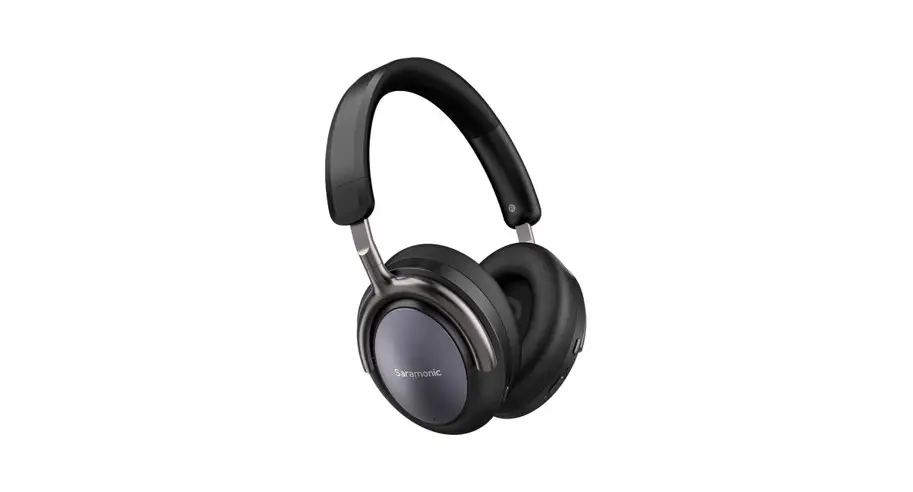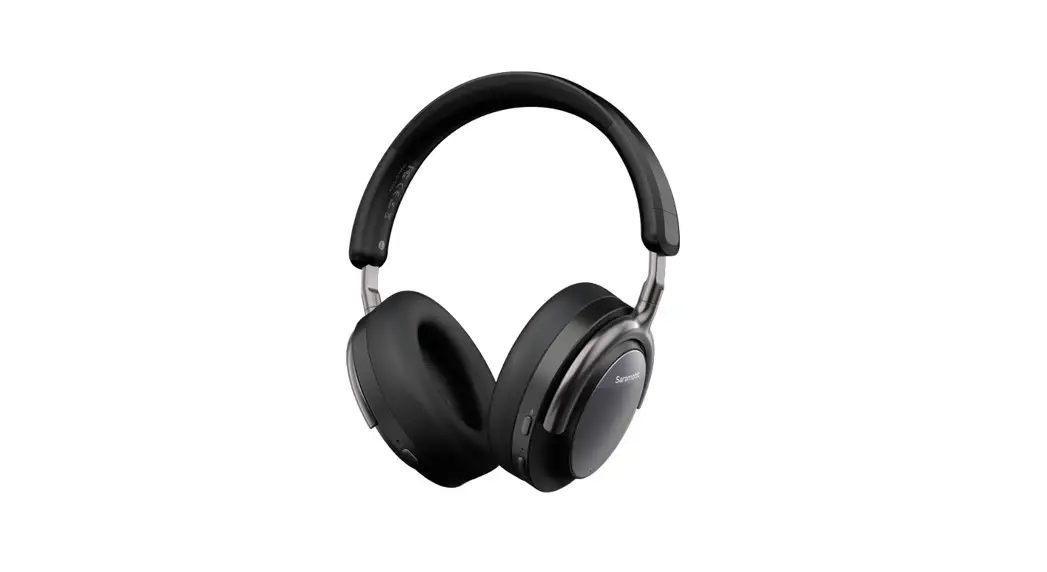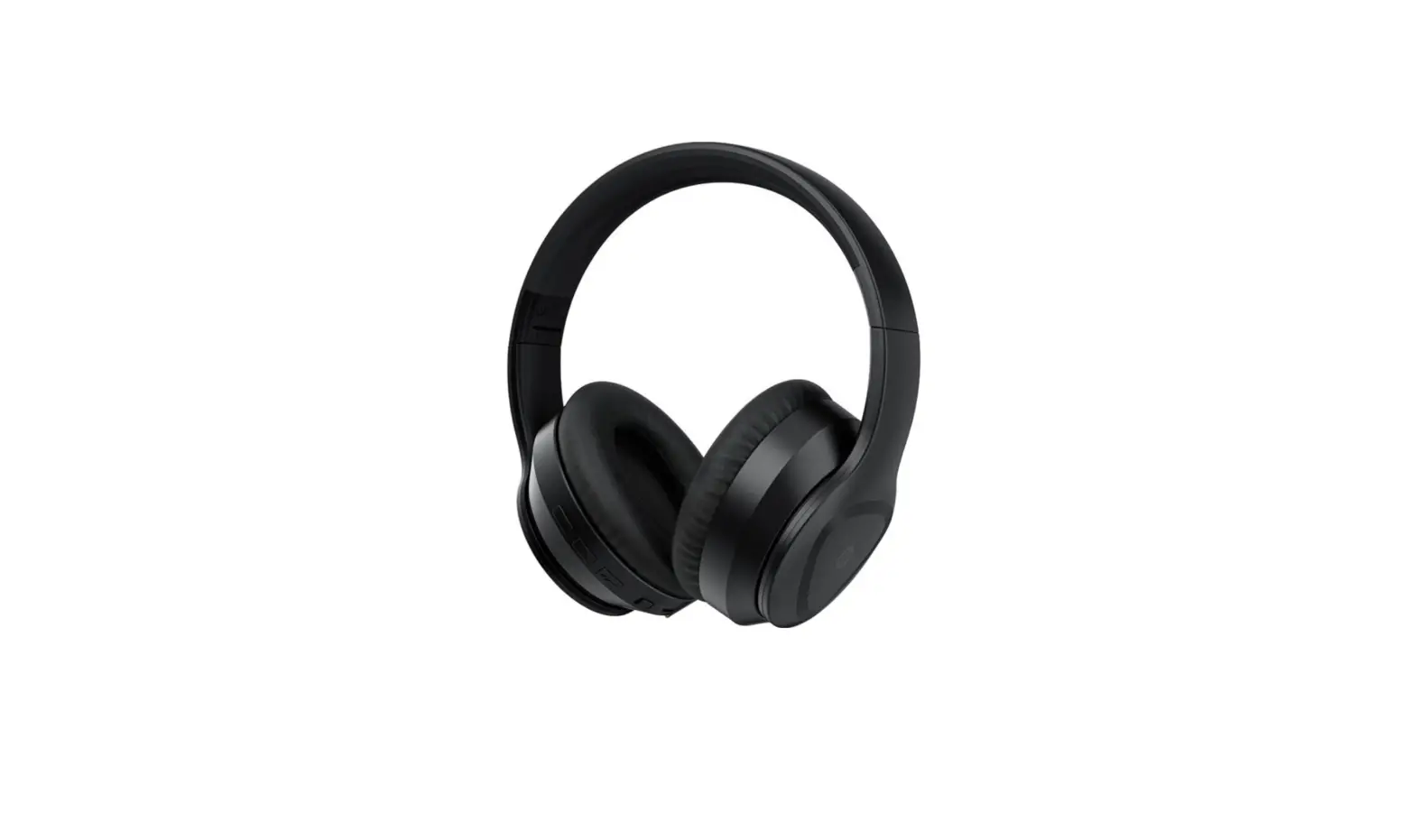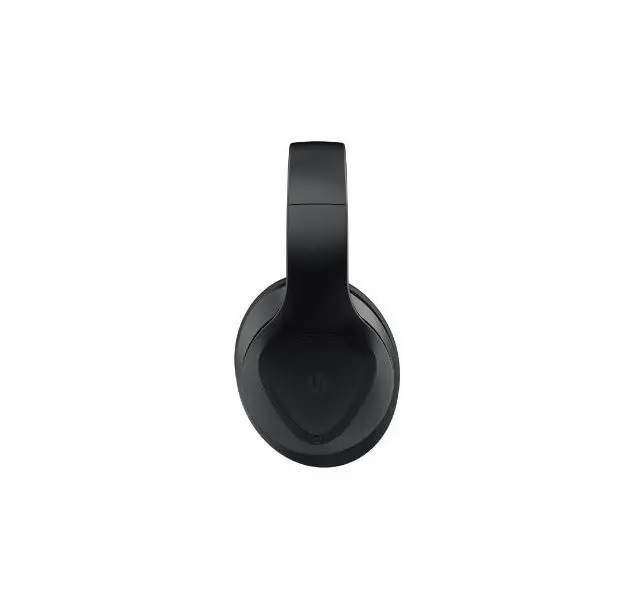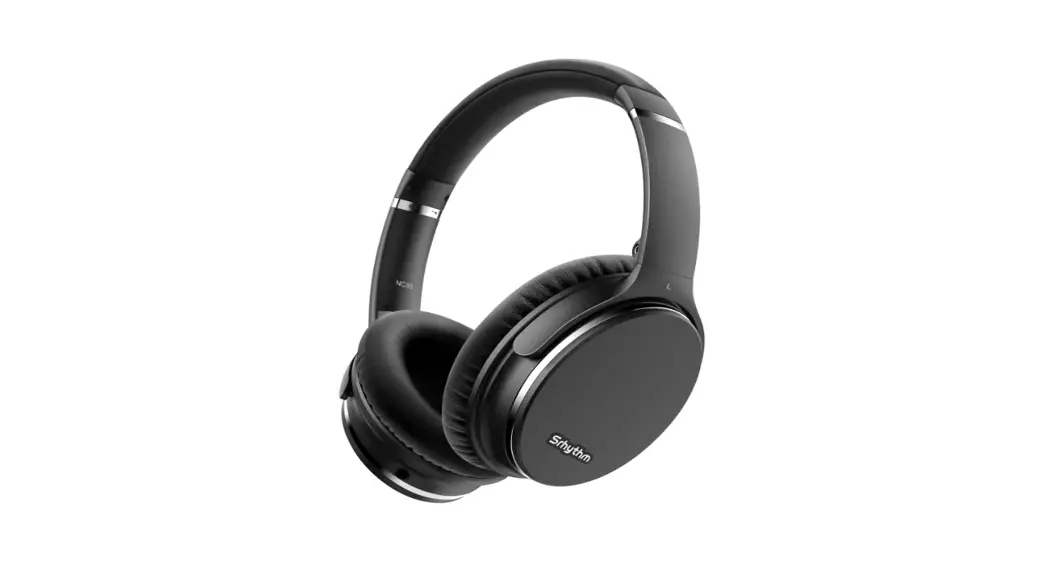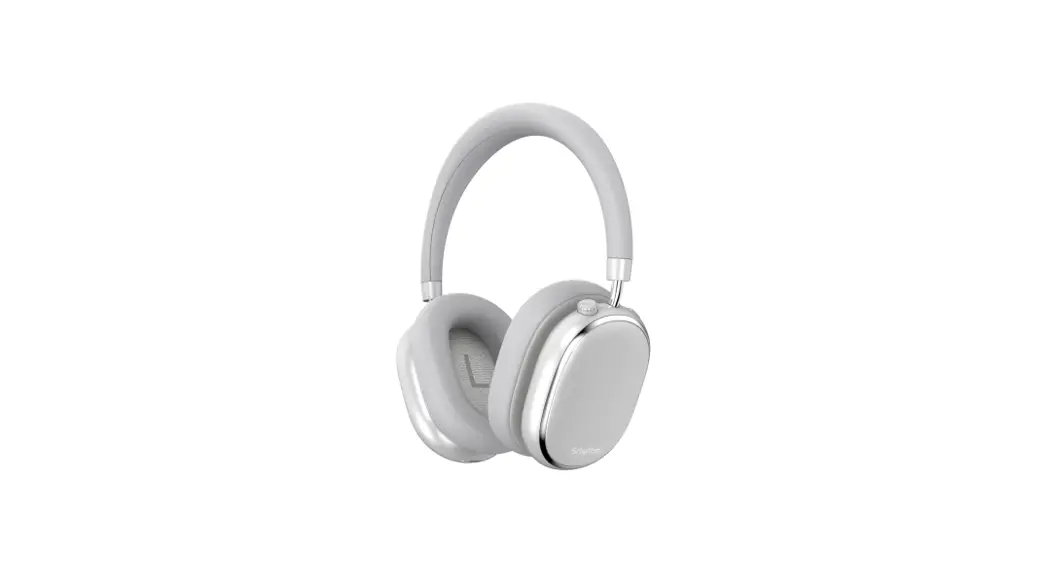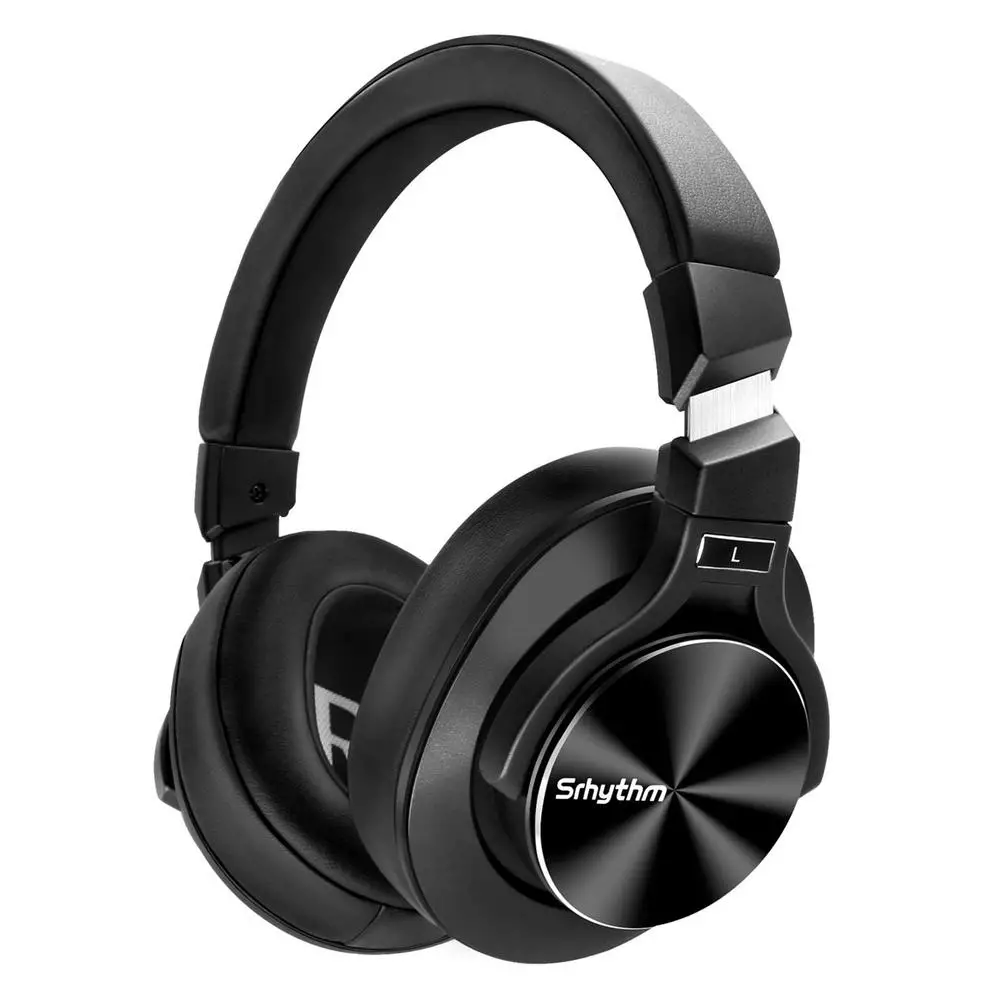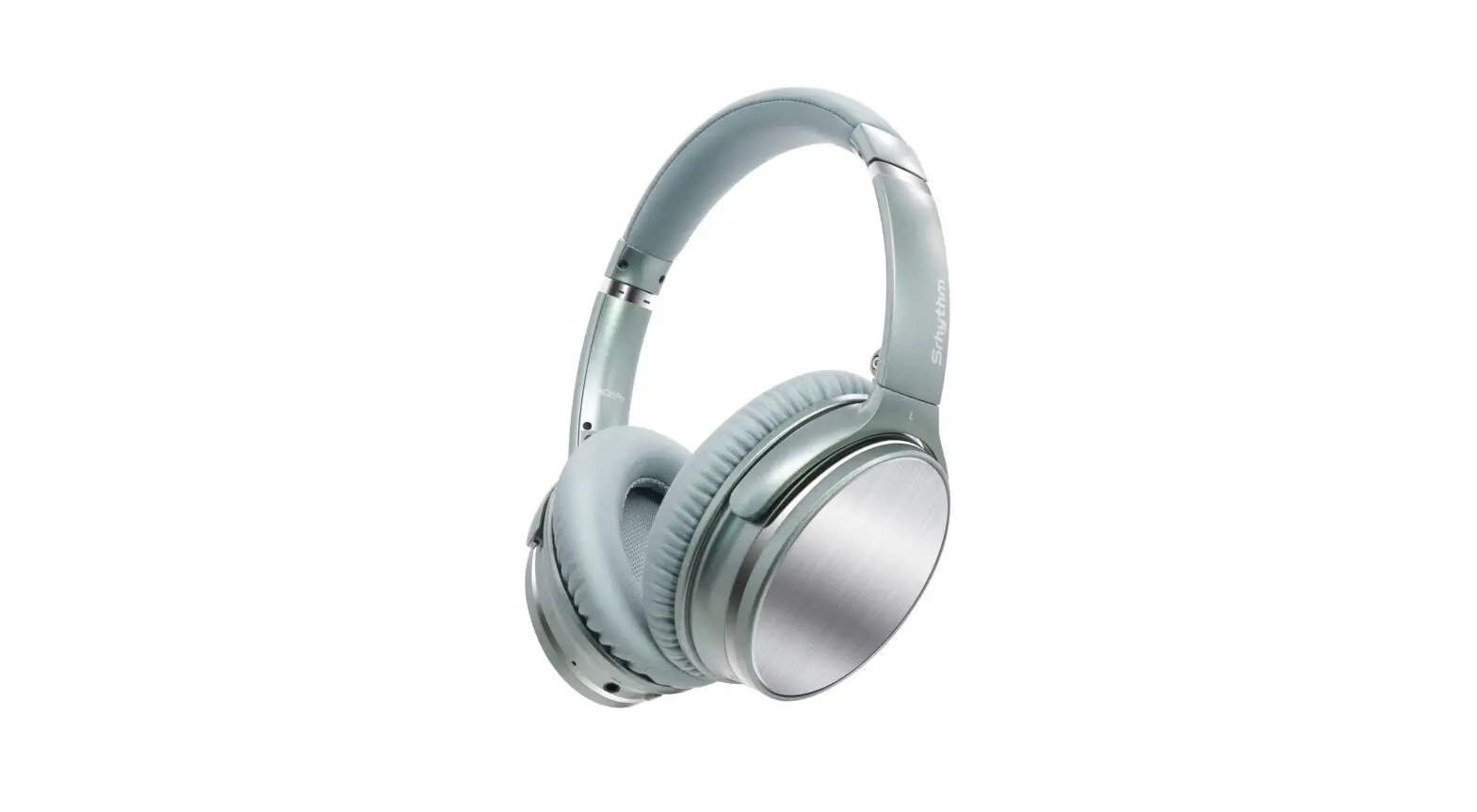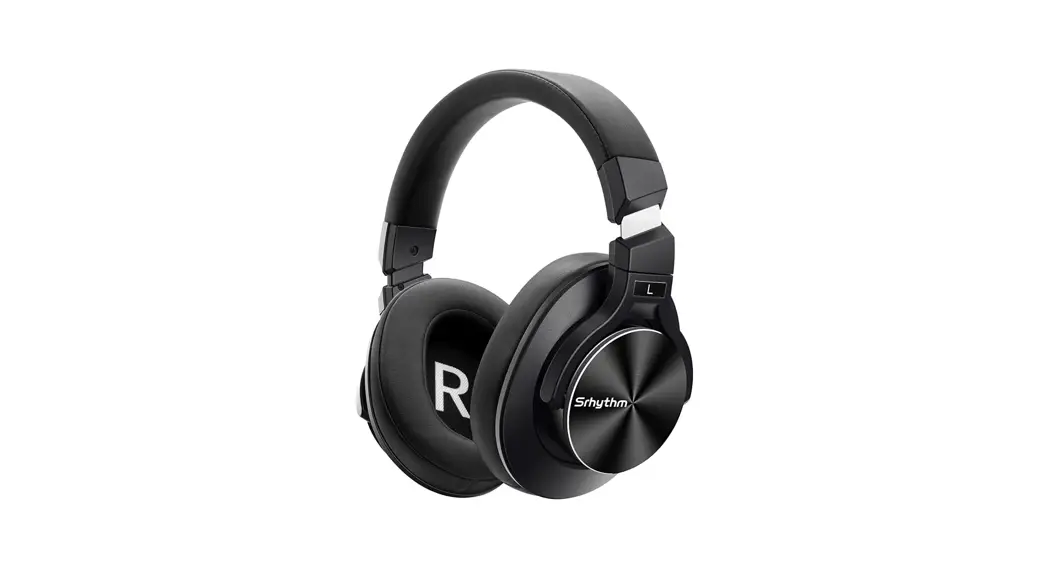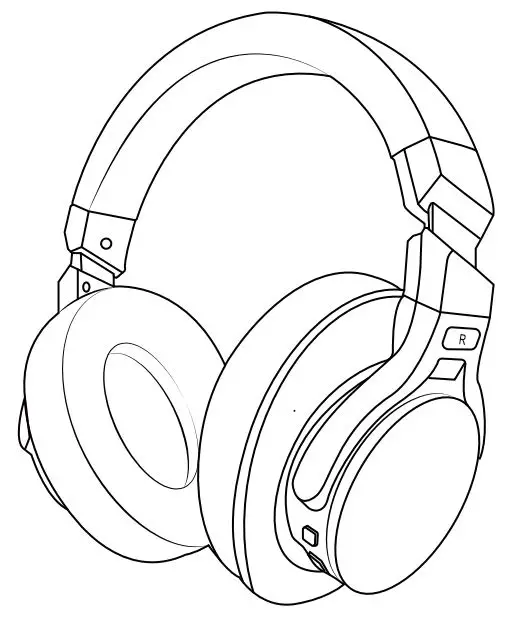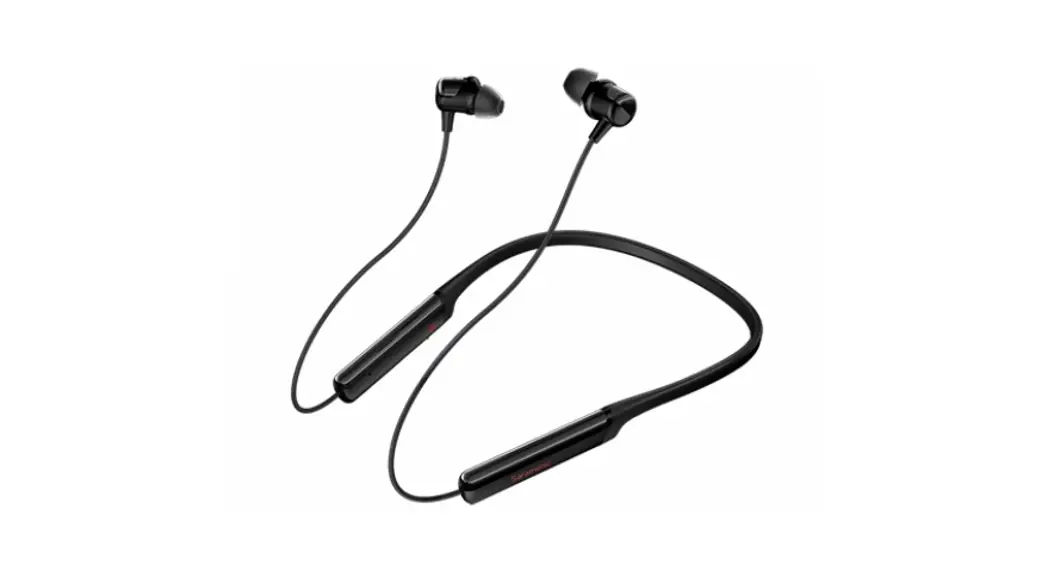

Noise Cancelling Wireless
Sport Headphones
SR-BH5
User Manual
Statement
Thank you for purchasing Saramonic!
Please read this manual carefully before using and strictly operating and storing it in accordance with the instructions. Please save the manual for your future reference. If you need further assistance than the user manual, please consult with your retailer for help or email us: [email protected]
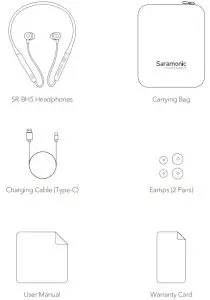
Packaging List
 Product Overview
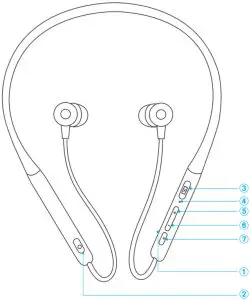
① Microphone
② Active Noise Cancellation (ANC) Switch
③ Type-C Charging Port
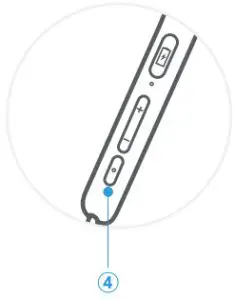
④ Indicator
⑤ Volume +/ Previous Song
⑥ Volume -/ Next Song
⑦ Multi-function button
LED Indicator Status
| Equipment Status | Indicator Light | Icon | Voice Prompts |
| Power on | Blue indicator flashing 1s |  | Power on |
| Power off | Red indicator flashing 1s and then turn off |  | Power off |
| Playing | Blue indicator flashing 1 time / 3s | | / |
| Charging | Indicator solid red | | / |
| Fully charged | Indicator solid blue | | / |
| Battery low | When connected, the red indicator flashing 1 time / 10s | | Battery low |
| Pairing | Red and blue indicators flashing alternately |  | / |
| Connected | Blue indicator flashing 1 time / 3s | | Your headset is connected |
Specifications
| Model | SR-BH5 |
| Bluetooth Version | 5.0 |
| Driver Specifications | 12mm Graphene |
| Impedance | 32Ω |
| Frequency Response | 20Hz~20kHz |
| Music Playtime | Approx 15 hrs (ANC off, BT on) Approx 9 hrs (ANC on, BT on) |
| Supported Audio Formats | APTX, APTX-HD, AAC, SBC |
| Operating Distance | 10m |
| Noise Cancellation Depth | 22dB |
| Battery Capacity | 182mAh |
| Charging Time | Approx 2 hrs |
| Dimensions | 160*130*35mm |
| Weight | 37g |
Specifications
Note: BT=bluetooth, ANC=active noise canceling
- Active Noise Cancellation (ANC) switch
Turn on the ANC mode: Flick down the ANC switch
Turn off ANC mode: Swipe up the ANC switch (red dot indicates) Note: Slide the ANC on/off switch to turn on or turn off the ANC mode.
 - Volume +/Previous Track
Volume up: Short press the Volume + button (Maximum volume will be reminded)
Previous song: Long press the Volume + button for 3s
- Volume-/Next Track
Volume down: Short press the Volume- button (Minimum volume will be reminded)
Next song: Long press the Volume- button for 3s - Multi-function button

Equipment Status
Instructions
Turn on/ off Long Press for 5s Play/ Pause Click once Voice assistant Double-click Reset the device After power off, long press for 8s Answer/ hand up Double click Reject Calls Long press for 1s Headphones / mobile phone hands-free switch Long press for 1s Tips:
Please turn off the ANC function when stop using this headphone to avoid battery consumption.
Please use high-quality playback sources to experience the best sound quality.
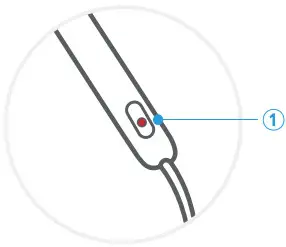 Note: Slide the ANC on/off switch to turn on or turn off the ANC mode.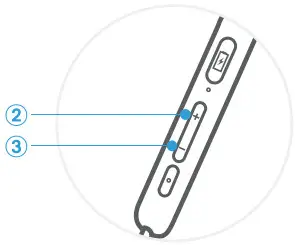
Instructions for Use
- Pairing
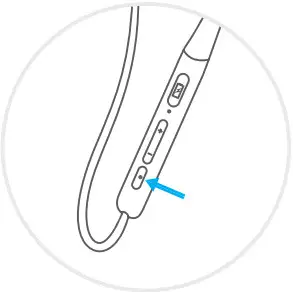
① Long press the multi-function button for 5s, the headphone will automatically start pairing;
② The red and blue lights flash alternately;
③ Select the Bluetooth name “SR-BH5” on your device;
④ Once successful, the voice prompts “Your Headset is Connected”.
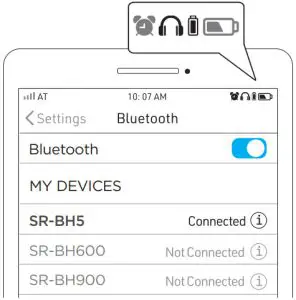
After the connection is successful, you can check the battery level on the phone. Note: The headphone will automatically turn off if there’s no connection after 5 mins.
 - Unfold and put on the headphone, adjust it into a comfortable position in the direction shown.

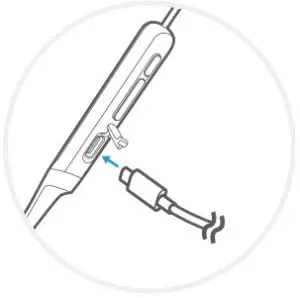
- Charging
Use the Type-C cable to charge the headphones.
Equipment Status Voice Prompts Indicator Light
Battery low Battery low When connected, the red 1 time/ 10s the indicator flashes 1 time Battery low and turn off automatically Power off Red indicators flash 1s and then turn off
 Note: The headphone will automatically turn off if there’s no connection after 5 mins.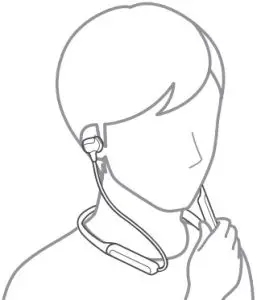
Multi-Device Connection (Wireless)
- Connect the headphone with the first device.
- Turn off Bluetooth on the first device, the headphone will enter pairing mode automatically again.
- Search the Saramonic SR-BH5 on the Bluetooth list of the second device, select it and connect the headphone.
- Go back to first device, select SR-BH5, and connect.
- Now the headphone is connecting with two devices simultaneously.
After-sales and Supports
Warranty Service:
 2 years Quality Warranty 2 years Quality Warranty |  Lifetime Technical Service Support Lifetime Technical Service Support |
According to the relevant laws and regulations of consumer electronic products and the actual situation of the industry, the following after-sales service regulations are
formulated to provide consumers with satisfactory after-sales services:
- Warranty certificate mainly includes a warranty card and sales certificate.
- After-sales service scope:
• During the warranty period of the product, the company will be responsible for providing free maintenance for any failure caused by the quality problem of the product itself under normal use without disassembly and repair;
• For products beyond the warranty period, the warranty certificate shall be issued and the maintenance fee shall be paid. If any spare parts are needed for the repair cost for the spare parts would be born by the purchaser; please avoid repair and replace when the product is not tested by Saramonic after-sales department;
• Once the warranty certificate is altered, the warranty will become invalid immediately;
• The warranty certificate of the product shall be properly kept by the consumer and shall not be supplemented if lost. - Warranty Period:
• Within two years after purchasing this product, there are quality problems in normal use (non-human damage) without disassembly and repair;
• Consumers who have quality problems in normal use (non-human damage) within 7 days from the date of purchase, without repair, can enjoy the replacement service; 1-year warranty (including all accessories) from the date of issuing the sales certificate; - Regulations on invalidation of the warranty during the warranty period:
4.1 In the following cases, the warranty is invalid, but the maintenance service is provided, the labor fee and parts fee are charged:
(1) any damage to accessories caused by improper use, maintenance, and storage of consumers;
(2) damage caused by force majeure, such as natural disasters.
4.2 In the following cases, the company will refuse to provide maintenance services or provide charged maintenance services:
(1) fail to provide holograms on product packaging box;
(2) the contents of the holograms are altered or illegible;
(3) It is unable to provide the product warranty card or the content recorded in the warranty card is inconsistent with the product, or the content is altered or illegible;
(4) headphones that have been removed by any unauthorized person of Shenzhen Jiayz Photo Industrial., Ltd. (such as changing wires, removing voice coils, etc.);
(5) there is no sales voucher or the content of the sales voucher is inconsistent with the product. - We will not provide warranty service in the following cases after our inquiry: if we find that your repair products are not our products, we will refuse to provide warranty service or double the maintenance fee. Please attach the warranty certificate when you send the headphones to our company for repair. If you don’t have any certificate, our company will handle it as parallel imports.
Safety Instructions
Please read the following precautions carefully before using them.
- Please do not put the headphones close to flammable materials to avoid fire accidents when charging.
- Please keep the plastic bag away from babies and children to avoid suffocation.
- Please keep the headphones and all accessories away from children and pets, to avoid swallowing as it may cause asphyxia and other dangers.
- Please do not use headphones in situations that need concentration, such as driving, cycling and etc. Please abide by the local laws and regulations for using headphones when driving.
- Please avoid using indicator light of the device near children or animals’ eyes.
- Please do not use the headphones too long at high volume as it may damage your hearing, it is recommended to use an appropriate volume when listening to calls and music.
- Please do not rinse or immerse the headphones in water to avoid damage.
- Please do not disassemble the headphones and accessories by yourself to avoid damage and invalidation of the warranty.
- Please do not subject the headphones to a strong shock or vibration to avoid damage.
- Please do not use chemical solvents or detergents to clean the headset.
- If this headset will not be used for a long time, it should be powered off after being fully charged. Please unplug the charging cable after charging and use the charger provided by the official manufacturer or for charging.
Q&A
Q: The headphone cannot connect to the device?
A: Please make sure your headphone is in pairing mode. Delete the pairing record on the Bluetooth device and reconnect the headphone.
Q: The headphone cannot be turned on?
A: Please check if the headphone has power.
Q: Can the battery in the headphone be replaced?
A: No. This headphone uses a built-in non-removable lithium-polymer battery that cannot be replaced.
Q: Can I use headphones while driving?
A: For your safety, we strongly recommend that do not use the headphone while driving to avoid danger.
Q: Why the headphone is disconnected within 10 meters?
A: As the Bluetooth, the signal connection may interfere when it encounters WiFi routers, 4G signals, high-power electrical appliances, and other devices, etc. You can change the environment or try again.
Q: Why is there no sound on the computer or mobile phone?
A: Please check whether the output channel of the computer supports A2DP. Also, check the volume setting on the headphone and computer/phone.
Q: Why can’t I control the volume of the tracks playing on my phone?
A: As the headphone may not be fully compatible with some apps, due to the different configurations of various APP.
 http://weixin.qq.com/r/ikk1LQXEelgFrUFO9xyY
Scan the QR code and follow us!
Shenzhen Jiayz Photo Industrial., Ltd
A16 Building, Intelligent Terminal Industrial Park of Silicon Valley
Power, Guanlan, Longhua District, Shenzhen, China
 400-613-1096
 www.saramonic.com
 [email protected]
 Saramonic-Premium Microphones, Headphones and other Pro Audio Accessories