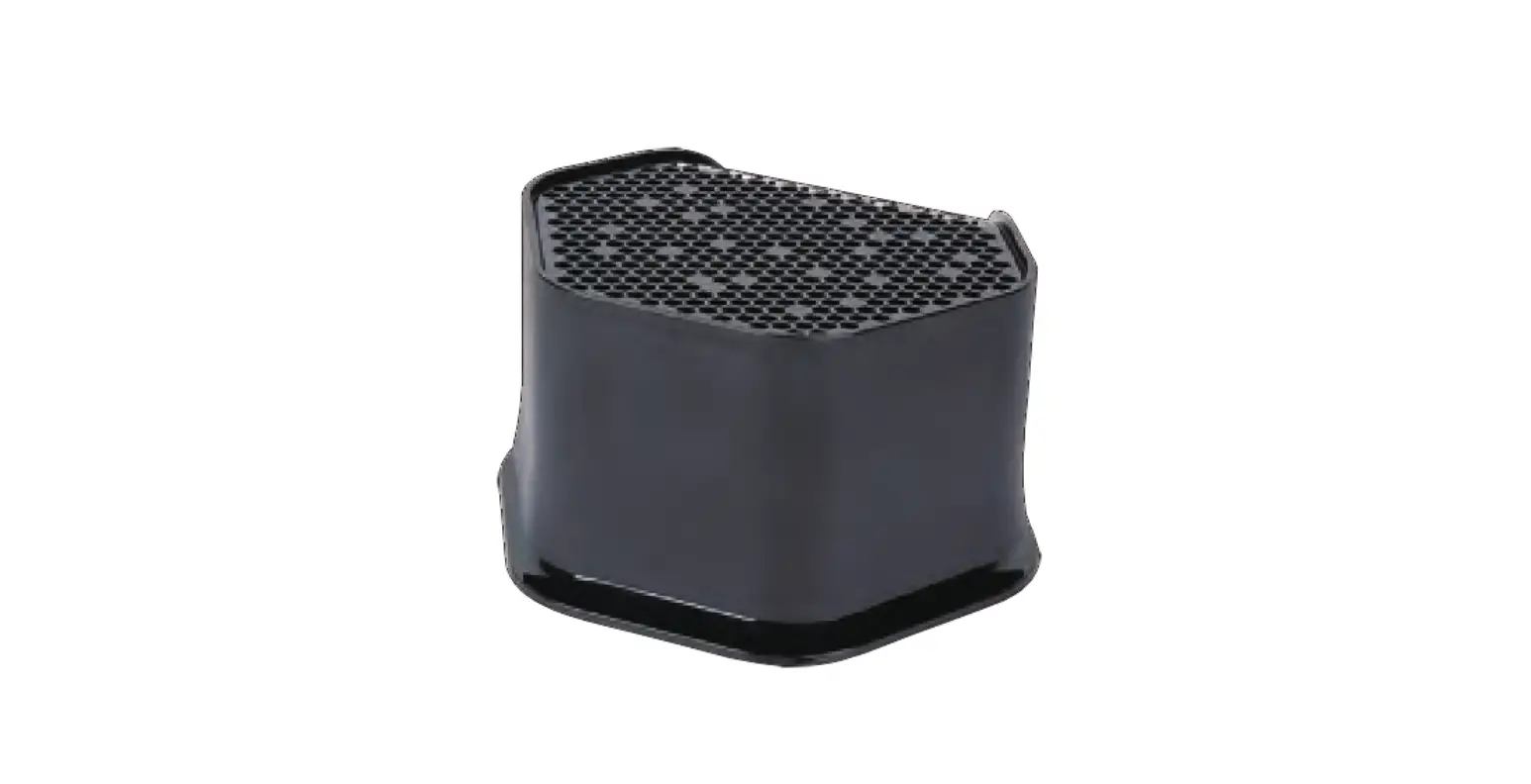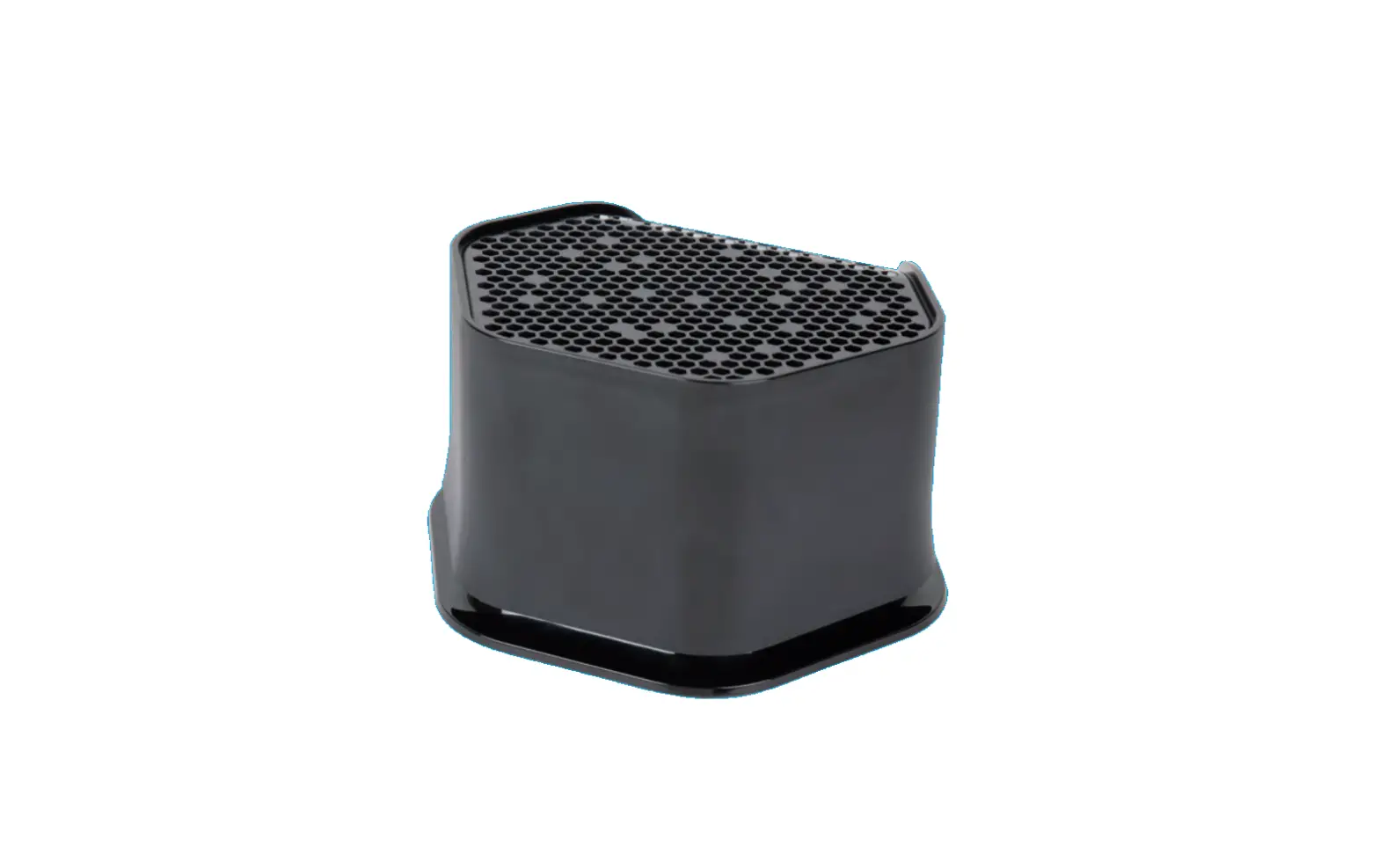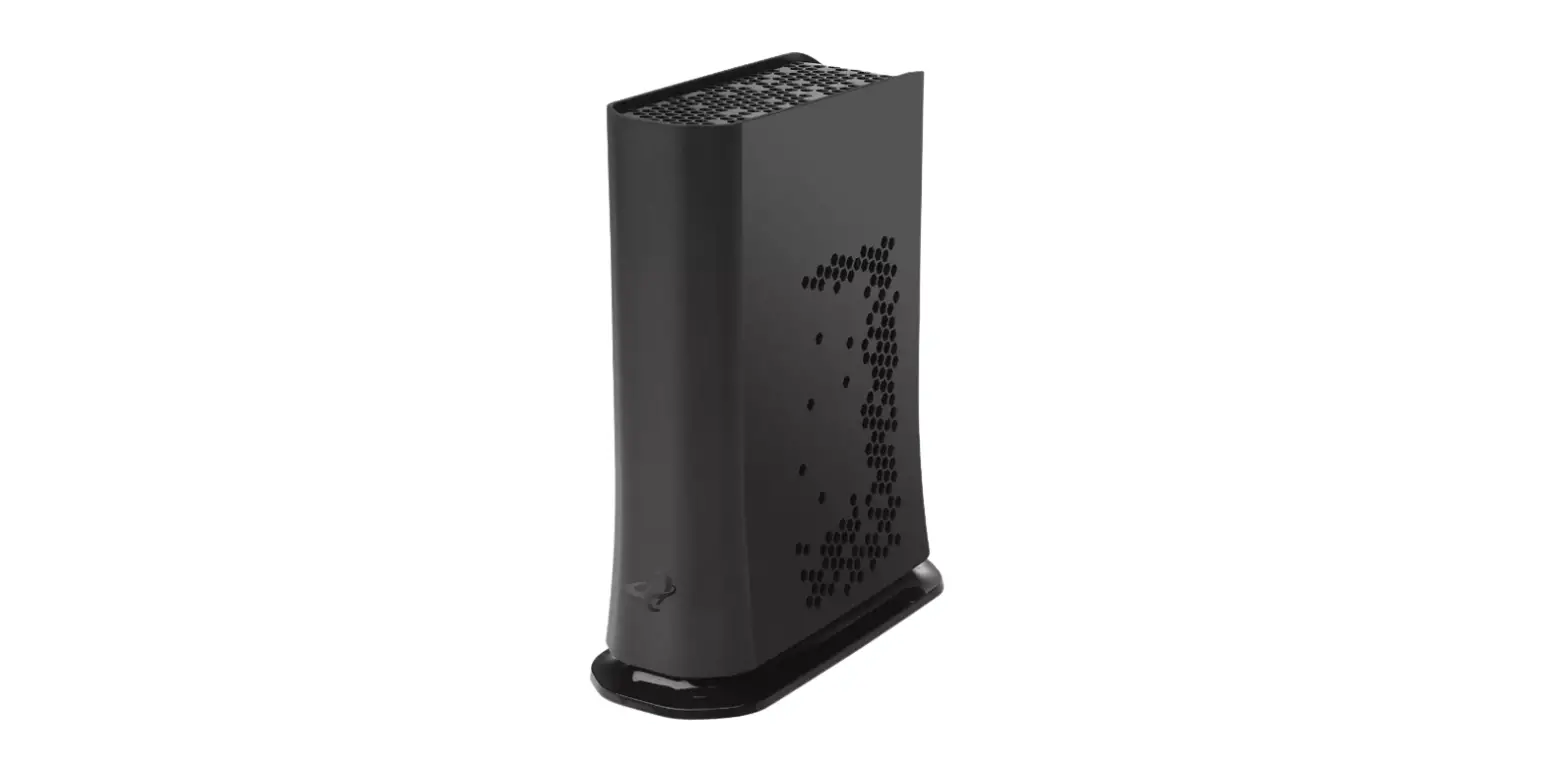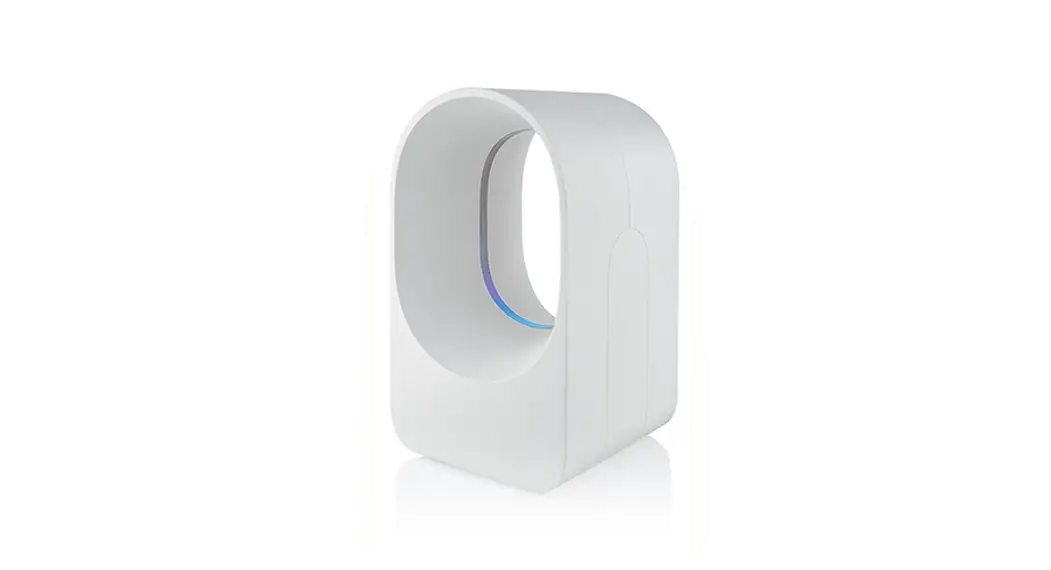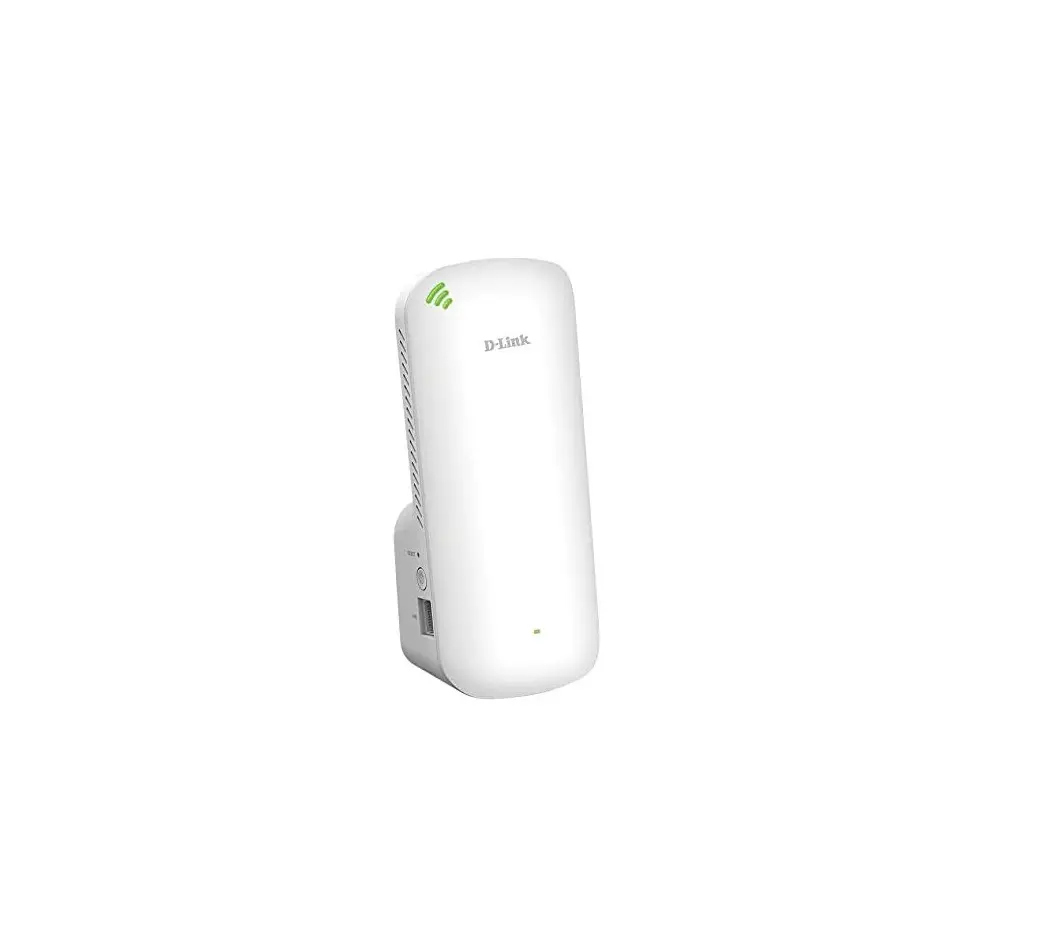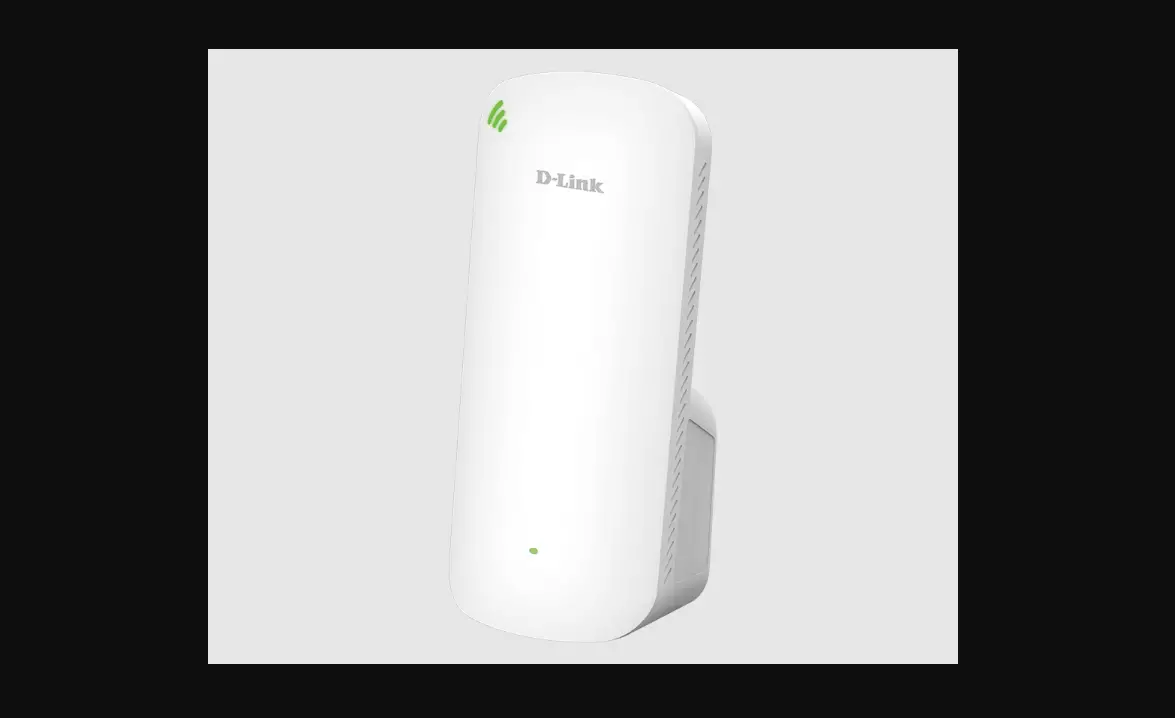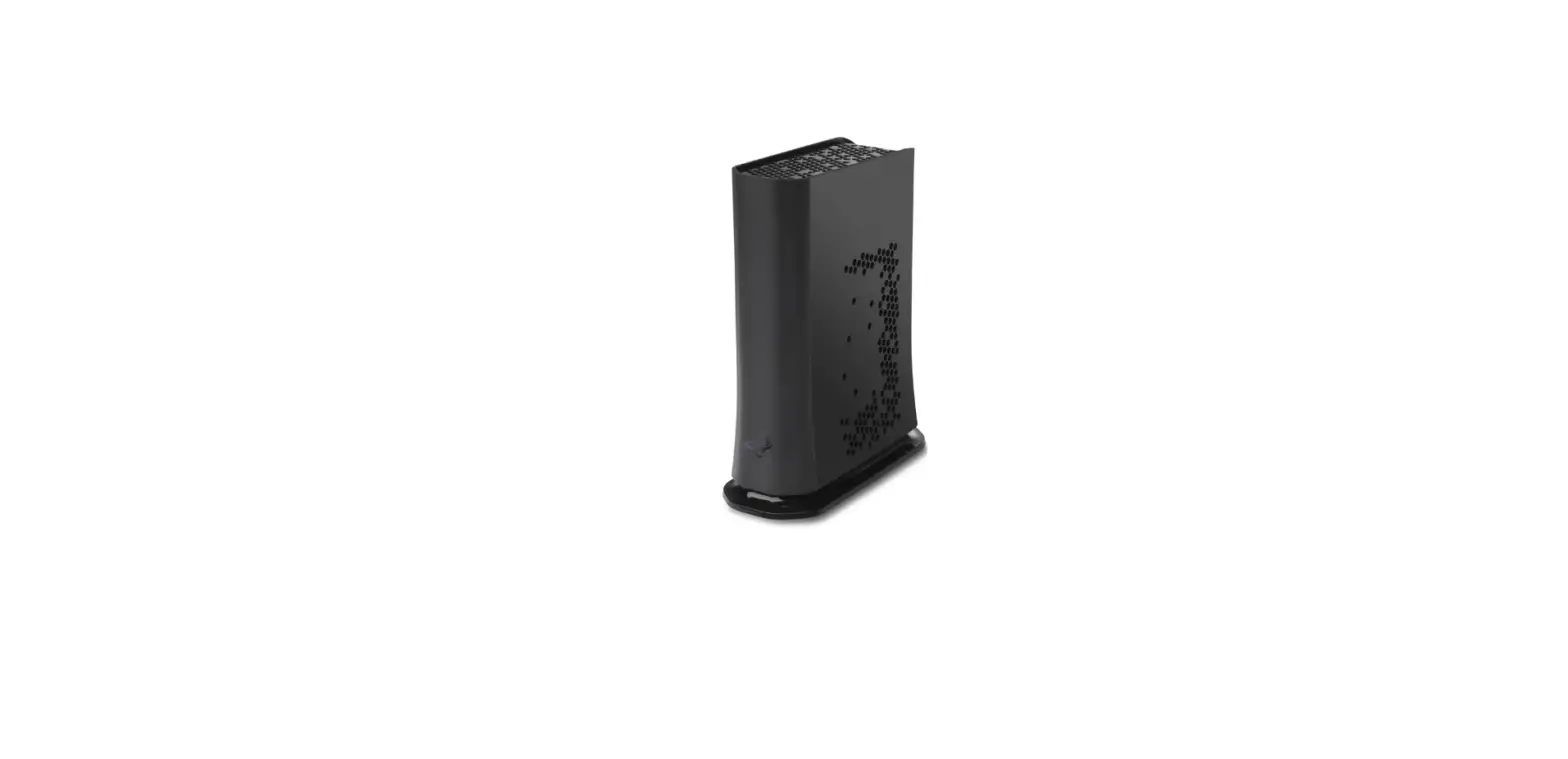

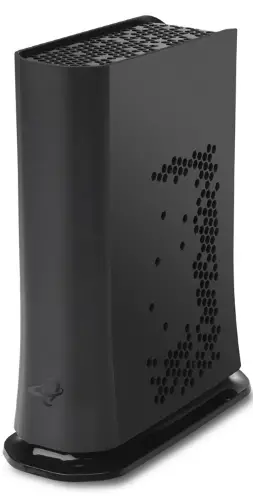
hitron ARIA3411 Tri-Band Mesh Wi-Fi 6 Extender
Download the MyHitron+ app for ARIA3411 setup+

- Scan the QR Code to go to the MyHitron+ app store page
- Complete the installation
- Open and sign into the app
OPTION 1
Set up the ARIA3411 as a Mesh Wi-Fi Network connected to your modem.
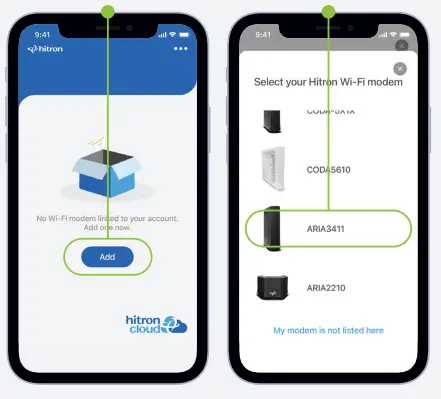
- Tap Add
- Select ARIA3411
- Follow the in-app instructions
Don’t want to use the MyHitron+ app?
For other installation options, please visit: us.hitrontech.com/ARIA3411
OPTION 2
Set up ARIA3411 to extend the coverage of your Hitron Wi-Fi modem/router
First time using the MyHitron+ app?
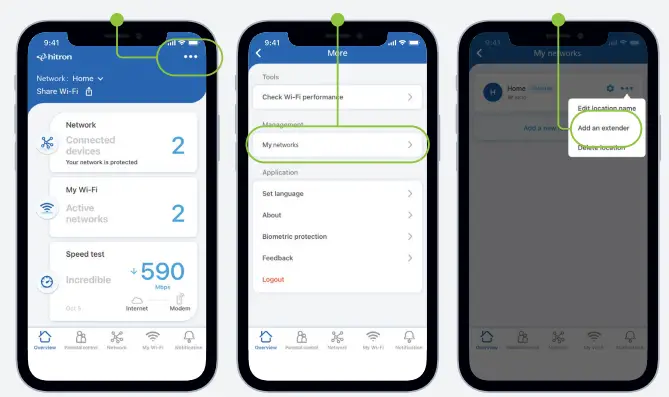
Follow the in-app instructions to add your existing Hitron Wi-Fi modem/router to your account before proceeding. Once the Hitron Wi-Fi modem/router is added, please add the ARIA3411 using these steps:
- Tap more (•••) in the upper right-hand corner
- Click My networks
- Tap Add an Extender