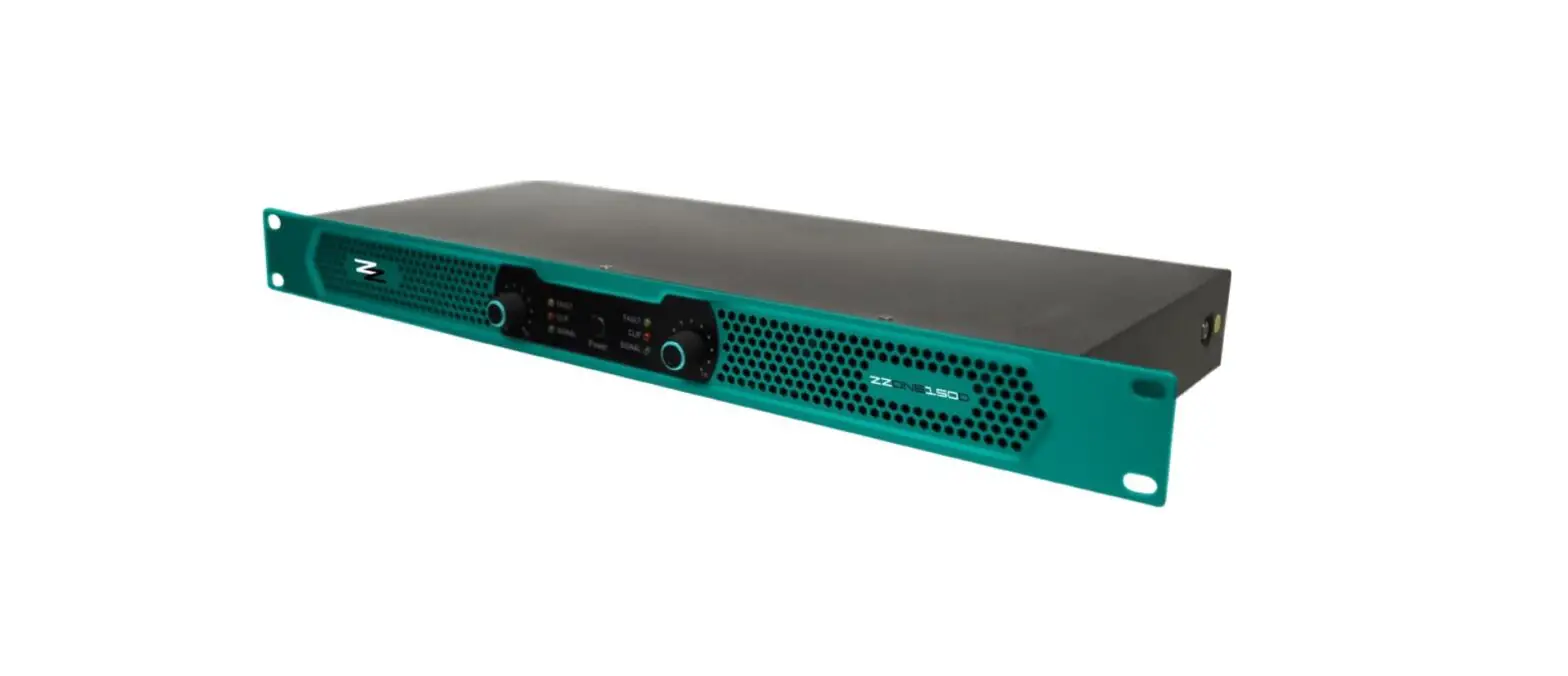
ZZiPP ZZONE150D Stereo Amplifier User Manual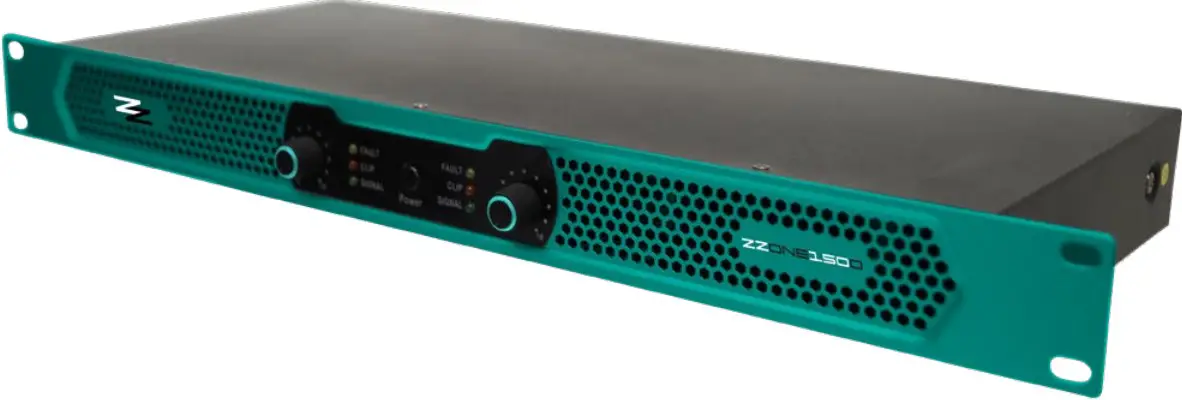
SAFETY INSTRUCTIONS
To reduce the risk of fire and electric shock, do not expose the appliance to moisture and direct contact with liquids.
 This symbol, wherever used,alerts you to the presence of un-isulated and dangerous voltages within the product enclosure. These are voltages that maybe sufficient to constitute the risk of electric shock.
 This symbol, wherever used, alerts you to important operating and maintenance instructions. Please read.
WARNING Describes precautions that should be observed to prevent the possibility of death or injury to the user.
CAUTION Describes precautions that should be observed to prevent damage to the product.
Power Supply Ensure that the mains source voltage (AC outlet) matches the voltage rating of the product. Failure to do so could result in damage to the product and possibly the user. Unplug the product before electrical storms occur and when unused for long periods of time to reduce the risk of electric shock or fire.
External Connection Always use proper ready-made insulated mains cabling (power cord). Failure to do so could result in shock or fire. If in doubt, seek advice from a registered electrician.
Do not Remove Any Cover Within the product are areas where high voltages may
bepresent. To reduce the risk of electric shock do not remove any covers unless the AC mains power cord is removed.
Covers should be removed by qualified service personnel only. No user serviciable parts inside.
Fuse To prevent fire an damage to the product, use only the recommended fuse type as indicated in this manual. Do not short-circuit the fuse holder. Before replacing fuse, make sure that the product is OFF and disconnected from the AC outlet.
Protective Ground Before turning the product ON, make sure that it is connected to Ground. This is to prevent the risk of electric shock. Never cut internal or external Ground wires. Likewise, never remove Ground wiring from the Protective Ground Terminal.
Operating Conditions Always install in accordance with the manufacturer´s instructions. To avoid the risk of electrtic shock and damage, do not subject the product to any liquid/ rain or moisture. Do not use this product when in close proximity to water. Do not install this product near any direct heat source. Do not block areas of ventilation.
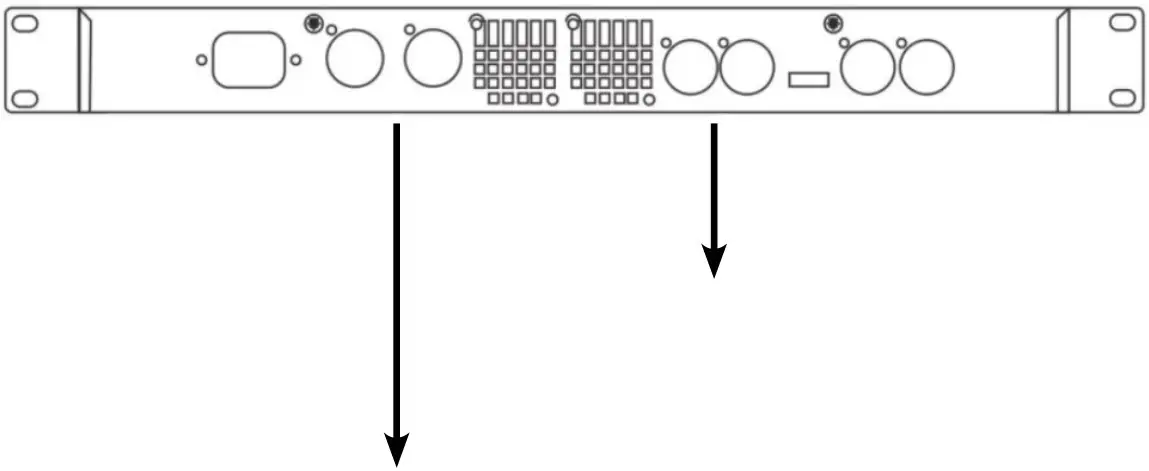
FRONT PANEL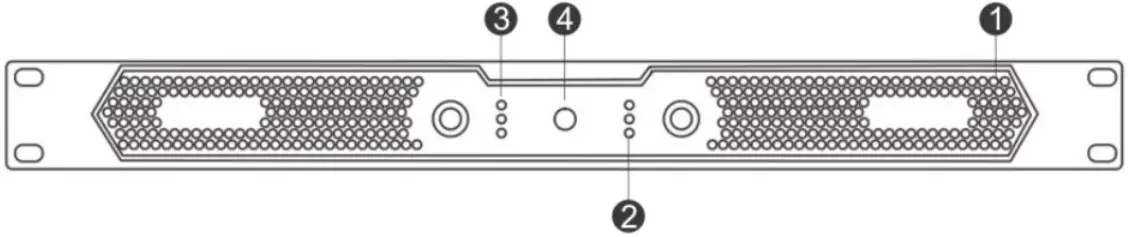
- Cooling Vent
- Channel 1 indicating lights
- Channel 2 indicating lights
- Power Switch

- Power interface
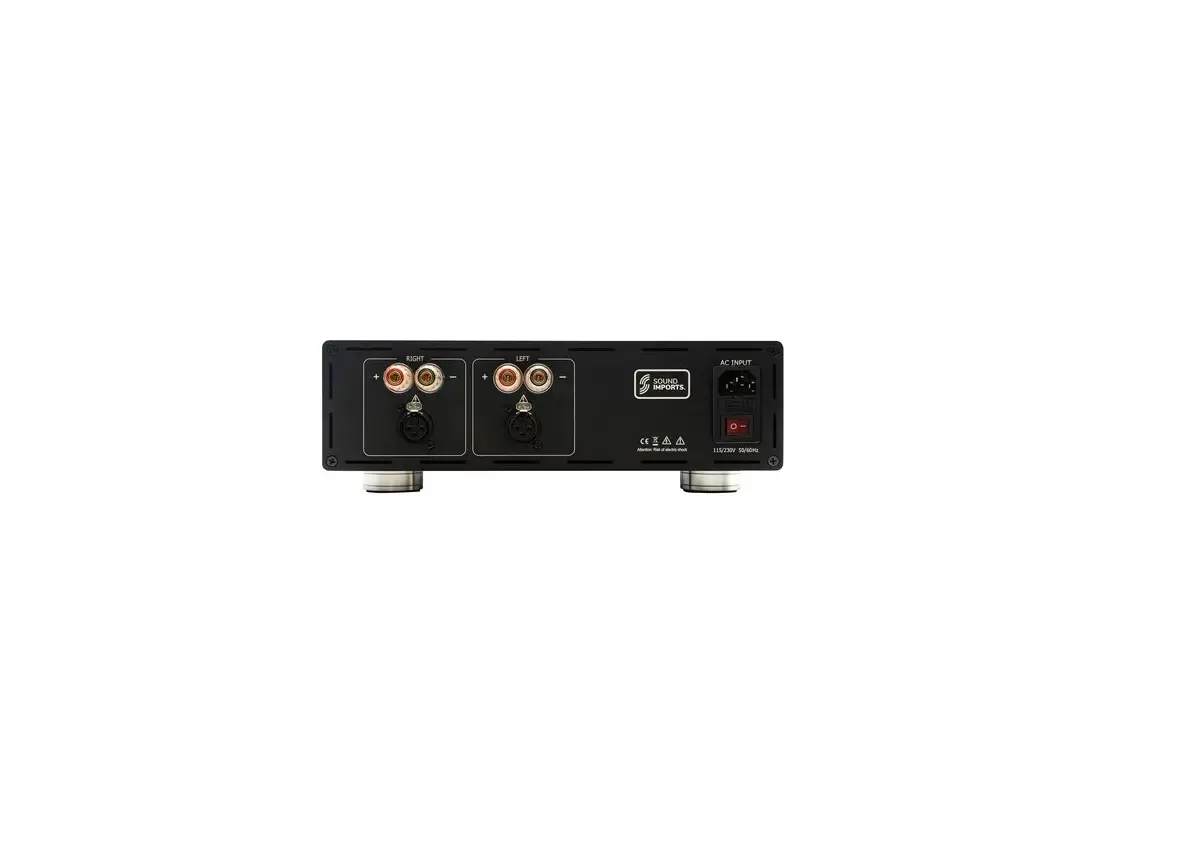
- Channel 2 output
- Channel 1 output
- Cooling Fans
- Cooling Fans
- Channel 2 input
- Channel 1 input
- Mode switch
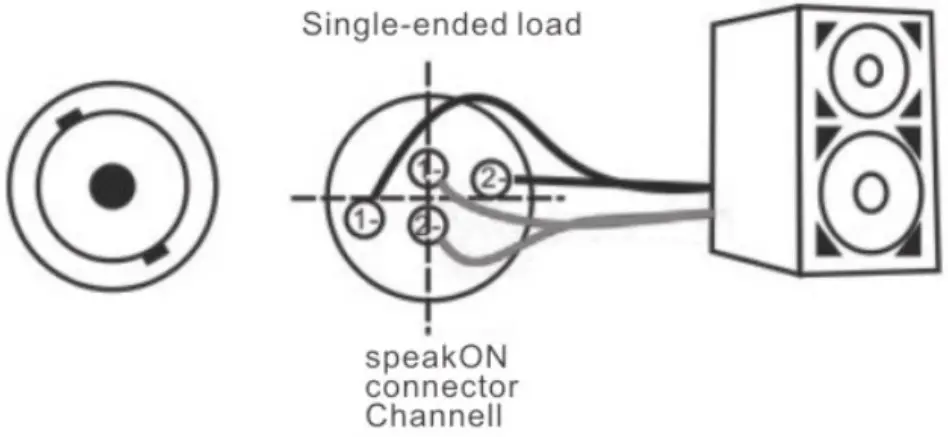
CONNECTION
XLR-M PINOUT
- GND
- HOT
- COLD

TECHNICAL FEATURES
| ZZONE150D | ZZONE250D | |
| POWER | 2 x 150W @ 8Ω | 2 x 250W @ 8Ω |
| DISTORTION | <0.005% | |
| S/N RATIO | 112dB | |
| FREQUENCY RESPONSE | 20Hz – 20KHz +/-0.25dB | |
| DAMPING FACTOR | >1000 | |
| SWITCH RATE | 50V-us | |
| INPUT IMPEDANCE | 30KΩ (balanced) | |
| INPUT SENSITIVITY | 0.775V | |
| DC RESIDUAL | <5mV | |
| WORKING VOLTAGE | 90V – 264V, 50Hz | |
| POWER FACTOR | >0.95 @ >500W | |
| MAXIMUM OUTPUT VOLTAGE/CURRENT | 100V peak, 50A peak | |

imported and distributed by:
ZZIPP Group S.p.A.
Via Caldevigo 23/d, 35042 Este (PD)
0429 617 888
[email protected]
zzippgroup.com