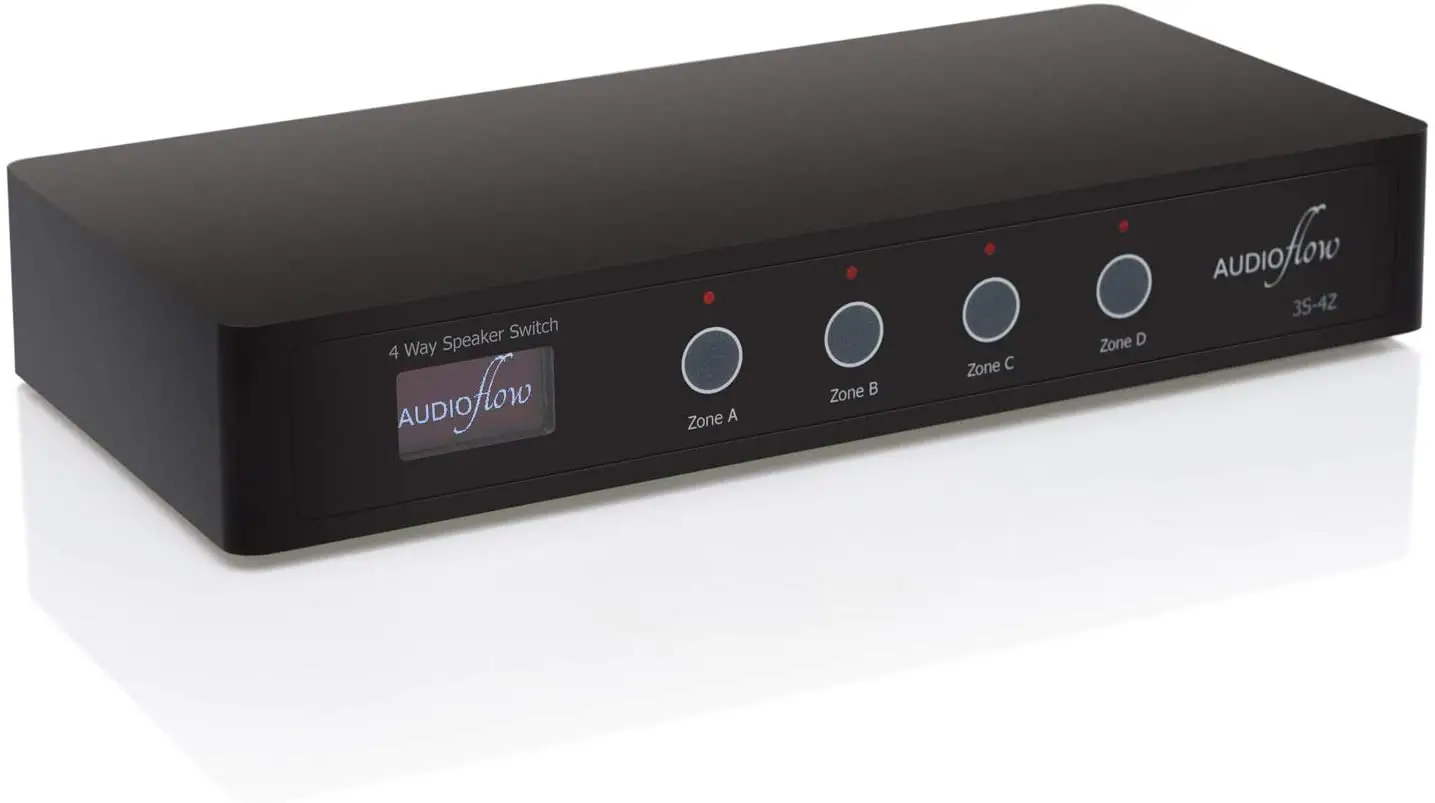
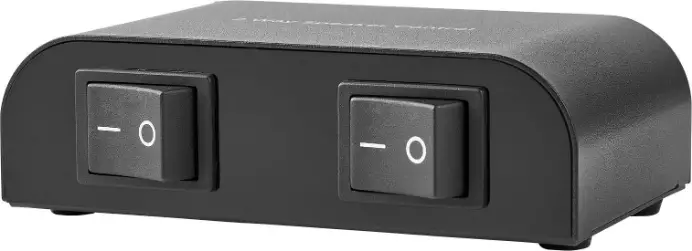
3S-4Z Smart Speaker Switch with App Control
Smart Speaker Switch with App Control
Audioflow is a smart speaker switch that allows
you to control different speakers in separate zones using an app.
It is designed to make it easier to expand installations, control
system integration, and provide cost-efficient solutions for AV
installations that are budget-limited.
Use Cases
Audioflow is ideal for open plan living spaces or situations
where you want to play the same music in different areas, such as
bedrooms, dressing rooms, and en-suites. It can turn speakers on
and off in different areas using one amp and an Audioflow
switch.
Sub-Zones
If you have a large installation, Audioflow can be used to
create sub-zones. For example, if you have speakers in an
extension, you can add an Audioflow switch and install speakers in
the garden too.
Specifying Audioflow
When specifying Audioflow, it is important to understand speaker
impedance. The lower the speaker impedance, the more power your
amplifier can supply. However, if the speaker impedance is too low,
your amplifier may cut-out or overheat. Always pay attention to the
minimum impedance your amplifier is rated for to avoid this.
3S-2Z 2 Way Switch
The two-way switch is in series, so you can use any speakers. If
Zone A is 6 and Zone B is 8, having both on at the same time would
be 14 to your amp.
3S-3Z 3 Way Switch / 3S-4Z 4 Way Switch
Both the three-way and four-way switches have series/parallel
internal wiring to keep the speaker impedance in check. Use 8
speakers and an amplifier that works down to 4. For example, if you
are using a 3S-4Z 4 Way Switch and 8 speakers on each Zone A, B, C,
and D, the following would be presented to your amp:
- for A, B, C, D, ABCD
- for AB, CD
- for AC, AD, BC, BD
- for ACD, BCD, ABC, ABD
Wiring Example A
Below is an example of an Audioflow 3S-4Z 4-Way switch connected
to the following:
| Zone | Room | Speakers |
|---|---|---|
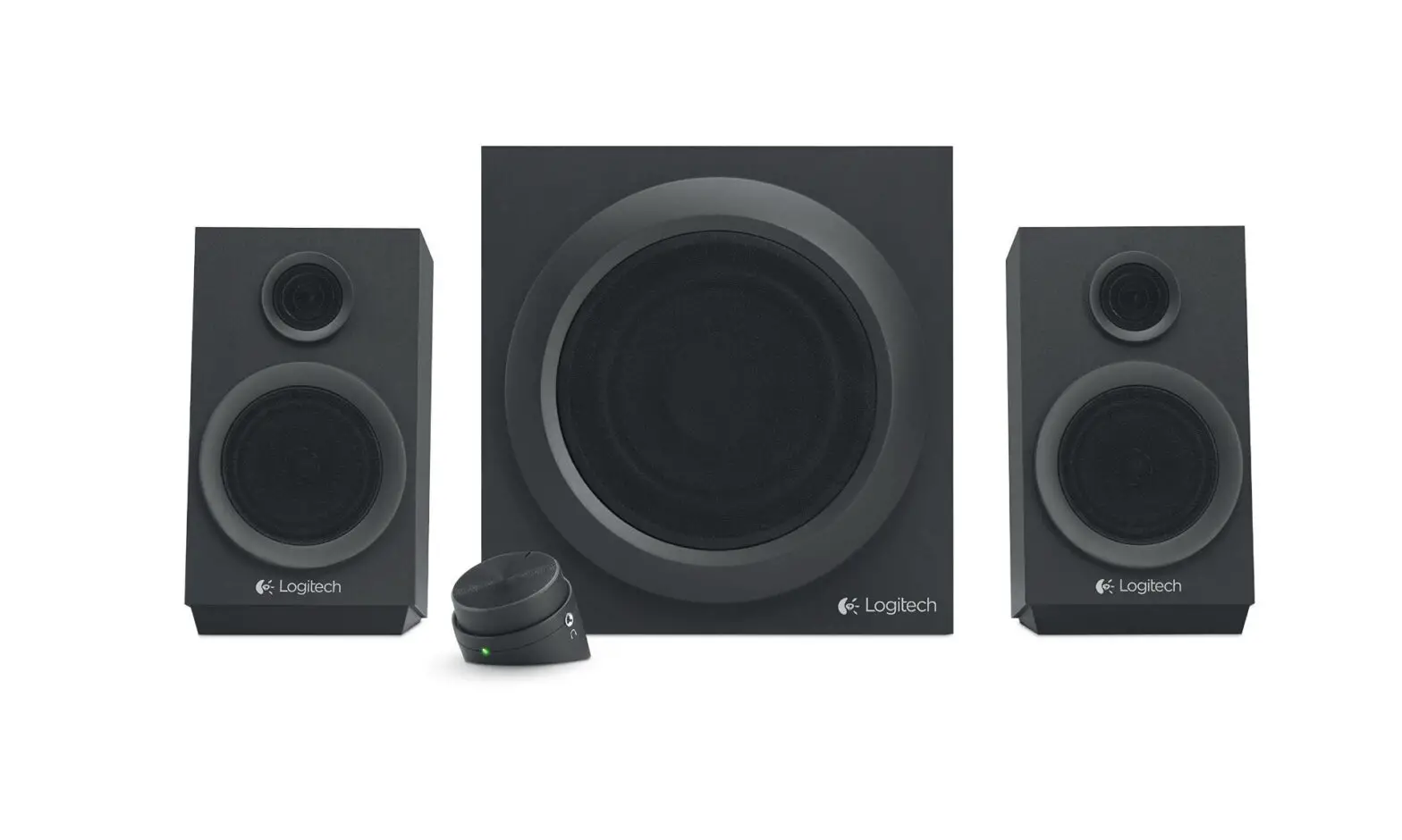
| A | Lounge | Two Bookshelf Speakers |
| B | Kitchen | Two Ceiling Speakers |
| C | Snug | One Single Stereo Ceiling Speaker |
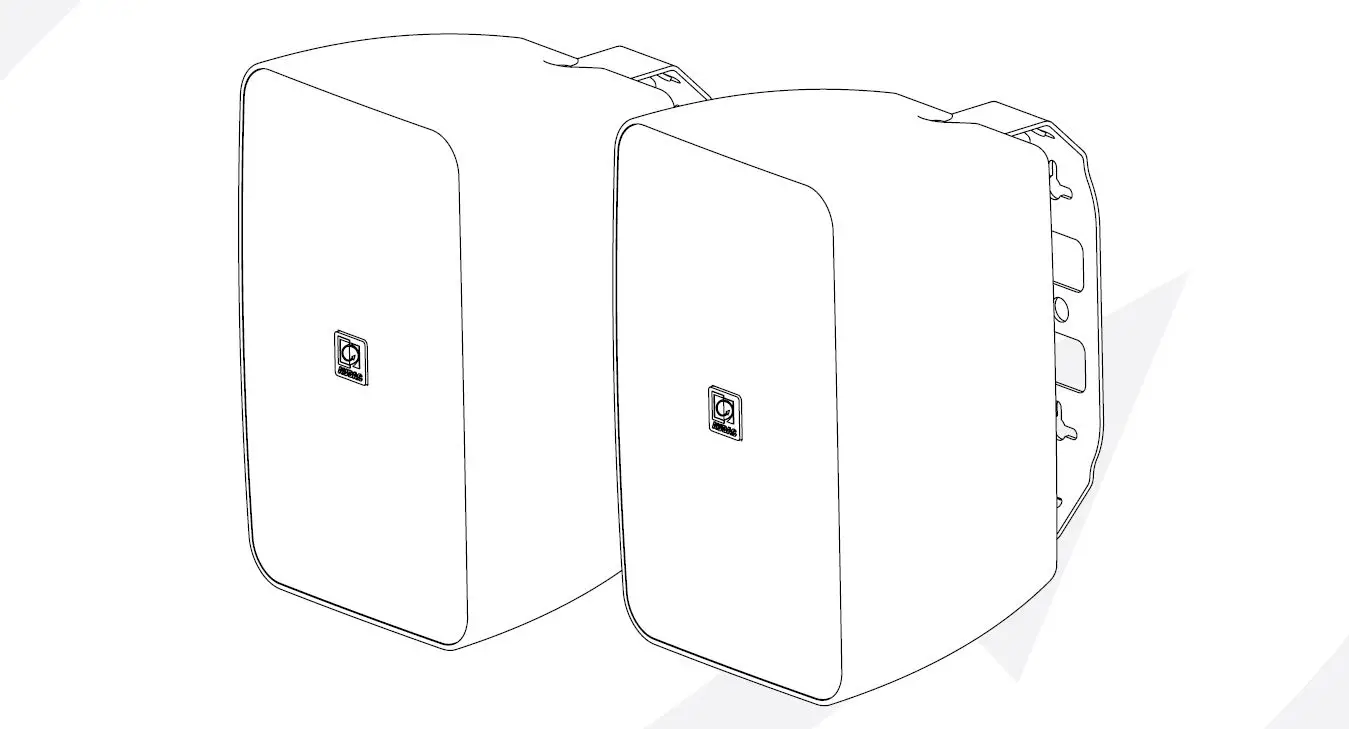
| D | Garden | Two Wall Mounted Outdoor Speakers |
Apps and Integrations
Audioflow has apps available for Apple iOS and Android. It also
has built-in native support for Amazon Alexa. Control system
drivers are available for Control4 and ELAN. It is possible to
integrate with the Rithum Switch and Home Assistant. You can read
more about these on our website: https:/ow.audio/support
Getting More Help
If you need help with Audioflow, visit the help section of our
website, open a support ticket via email at [email protected], or
call/WhatsApp us on +44 (0)20 3588 5588.
Smart Speaker Switch with App Control
Web: h ps://flow.audio/ · Phone: +44 (0)20 3588 5588 · Email: [email protected]
WHAT IS AUDIOFLOW?
Audio ow is a speaker switch which allows you to connect multiple pairs of speakers to your stereo ampli er and turn each pair on and o individually. It comes in 2, 3 & 4-way versions. WHY IS IT DIFFERENT? Manually operated mechanical speaker switches were popular when Hi-Fi Systems were a tactile experience with record players, CD players and radio tuners. Now that music is typically streamed from the Internet, mechanical speaker switches rarely get used as pressing buttons on a physical switch is inconvenient however, Audio ow changes this. Audio ow is the only speaker switch which connects to your Wi-Fi Network and allows you to operate the switch remotely via the iOS / Android App, Amazon Alexa and Control Systems. Where manually operated switches are a generally poor user experience, Audio ow is much more convenient as you can operate the switch with the same device you are using to play and control music.
2
USE CASES
SUB-ZONES
There are some situations such as bedroom / dressing / en-suite and open plan living spaces which are not separate zones as you would typically play the same music throughout. It is logical that they are operated via one amp and an Audio ow switch to turn speakers on and o in di erent areas.
ADD MORE AUDIO TO PROJECTS
Audio ow makes it easier to expand installations. For example, if speakers are speci ed in an extension it is a low additional cost to add an Audio ow switch and install speakers in the garden too. Bedroom systems can easily be extended into bathrooms as well.
CONTROL SYSTEM INTEGRATION
An open plan Kitchen / Lounge in Control4 would have two audio endpoints, and this would force you to create two rooms in the system which the client would then have to manage by grouping. The advantage of using Audio ow in this situation is that you can simply create one room in Control4 and have buttons on a keypad or in the navigator to turn speakers on and o which is much easier for the client to use. You can even program to turn speakers on and o via PIR sensors when you have a control system.
COST EFFICIENT
AV Installations are often considered a luxury. With Audio ow you can put projects together at a lower total cost and o er high value solutions when AV installations are budget limited. Audio ow can also be used as a reasonable stop-gap to be replaced with ampli ers to be installed in the future.
3
SPECIFYING AUDIOFLOW
SPEAKER IMPEDANCE
It is important to understand some basics of speaker impedance when specifying Audio ow.
Impedance is measured in Ohms () and varies as music is being played if a speaker has 6 impedance this means that at some frequencies it would dip down to a 6 level.
The lower the speaker impedance is, the more power your ampli er is able to supply. However, if the speaker impedance is too low your ampli er may cut-out (protection), overheat or be damaged. You should always pay attention to the minimum impedance your ampli er is rated for to avoid this.
Note: Connecting two speakers in parallel halves the impedance eg: 8 + 8 = 4 (the volume from each of the speakers would be the same, but the amp is working harder)
Note: Connecting two speakers in series you add the impedances together eg: 8 + 8 = 16 (the amp is working the same, but the volume from each of the speakers would be lower)
3S-2Z 2 WAY SWITCH The two-way switch is in series so you can pretty much use any speakers. If Zone A is 6 and Zone B is 8, having both on at the same time would be 14 to your amp.
3S-3Z 3 WAY SWITCH / 3S-4Z 4 WAY SWITCH
Both the three-way and four-way switches have series / parallel internal wiring to keep the speaker impedance in check, but this means that you should follow this rule:
Use 8 speakers and an ampli er that works down to 4
For example, if you are using a 3S-4Z 4 Way Switch and 8 speakers on each Zone A, B, C and D the following would be presented to your amp:
· 8
for A, B, C, D, ABCD
· 16
for AB, CD
· 4
for AC, AD, BC, BD
· 5.33
for ACD, BCD, ABC, ABD
4
NOTES
· Most good quality ampli ers can handle loads down to 4 including Sonos Amp, Bluesound Powernode, Yamaha WXA50 etc. Be wary of some cheap AV Receivers with a Zone 2 function, these can sometimes be minimum 6. If you can’t nd impedance details on the spec sheet, it’ll be printed on the back of the ampli er itself.
· You can use multiple Audio ow switches on the same Wi-Fi Network. For example; if you set up a 3-Way and a 4-Way, the app will show you seven buttons.
· Some speaker brands can have confusing ratings which state both Nominal 8 and Minimum 4.5 for example. In this case, you should observe the minimum rating.
· You should always have only two speakers or a single-stereo speaker per Audio ow Zone.
· It is possible to disable a zone so you can turn a 4 Way Switch into a 3 Way (or a 3 Way into a 2 Way) if you want to save a connection for speakers which may be installed in the future.
· When three zones are active together there may be one at a di erent volume level. This will depend on which combination you have selected, the sensitivity of your speakers and the size of your room.
· Audio ow does not include a volume control, you will need to control volume via your source ampli er and this will a ect all of the active zones at the same time.
5
WIRING EXAMPLE A
Below is an example of an Audio ow 3S-4Z 4-Way switch connected to the following:
Zone A
Lounge
Two Bookshelf Speakers
Zone B
Kitchen
Two Ceiling Speakers
Zone C
Snug
One Single Stereo Ceiling Speaker
Zone D
Garden
Two Wall Mounted Outdoor Speakers
6
APPS AND INTEGRATIONS
There are apps available for Apple iOS and Android, and there is built-in native support for Amazon Alexa. Control system drivers are available for Control4 and ELAN and it is also possible to integrate with the Rithum Switch and Home Assistant. You can read more about the detail of all of these, where to get them and how they work on our website: https:/ ow.audio/support
GETTING MORE HELP
We are here to help you with any aspect of Audio ow. Visit the help section of our website, open a support ticket via email at support@ ow.audio, or call / WhatsApp us on +44 (0)20 3588 5588.
WIRING EXAMPLE B
Right is an example of an Audio ow 3S-3Z 3-Way Switch connected to the following speakers in an open plan area:
Zone A Zone B Zone C
Kitchen Two 8 Ceiling Speakers Dining Two 8 Ceiling Speakers Patio Two 8 Outdoor Speakers
WIRING EXAMPLE C Left is an example of an Audio ow 3S-2Z 2-Way Switch connected to the following speakers in a Master Bedroom:
Zone A Bedroom Two Ceiling Speakers Zone B Ensuite Single-Stereo Ceiling Speaker
7
Audio owTM is a Registered Trademark of E cient Technology Ltd https://e cient.technology/ · hello@e cient.technology · +44 (0)20 3588 5588