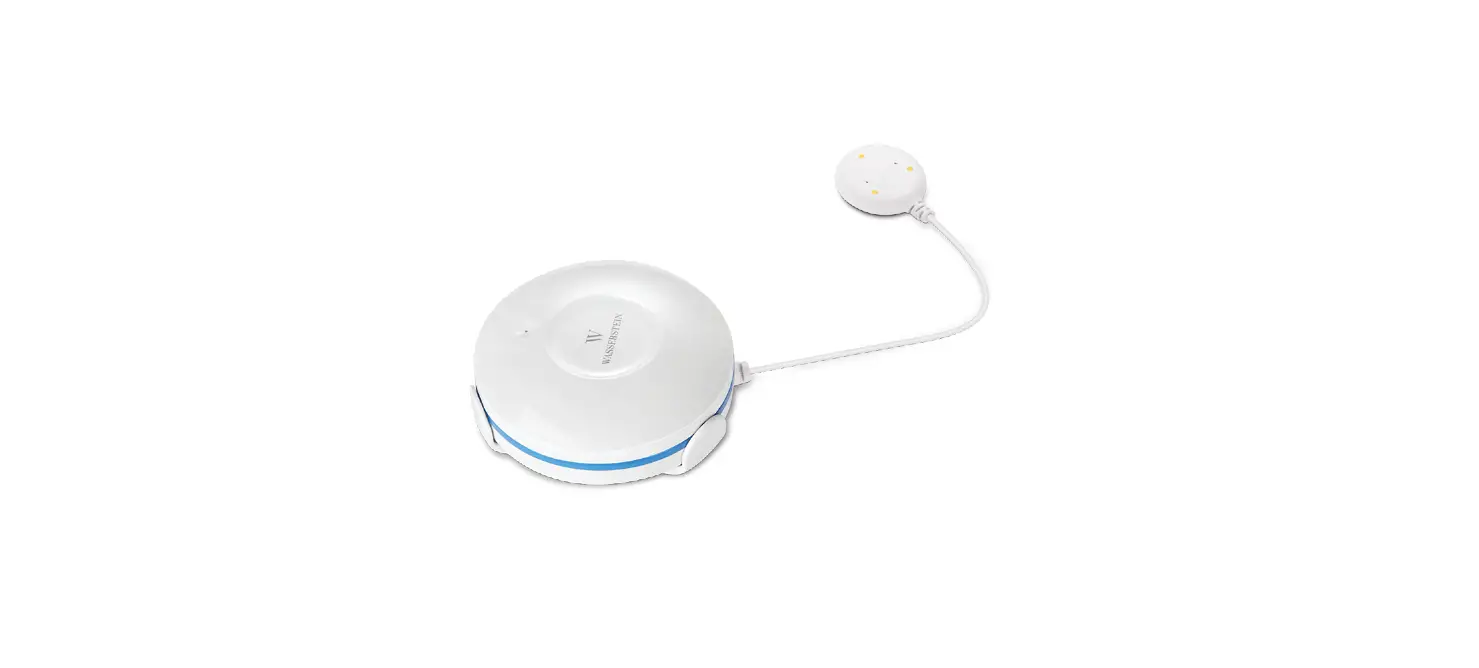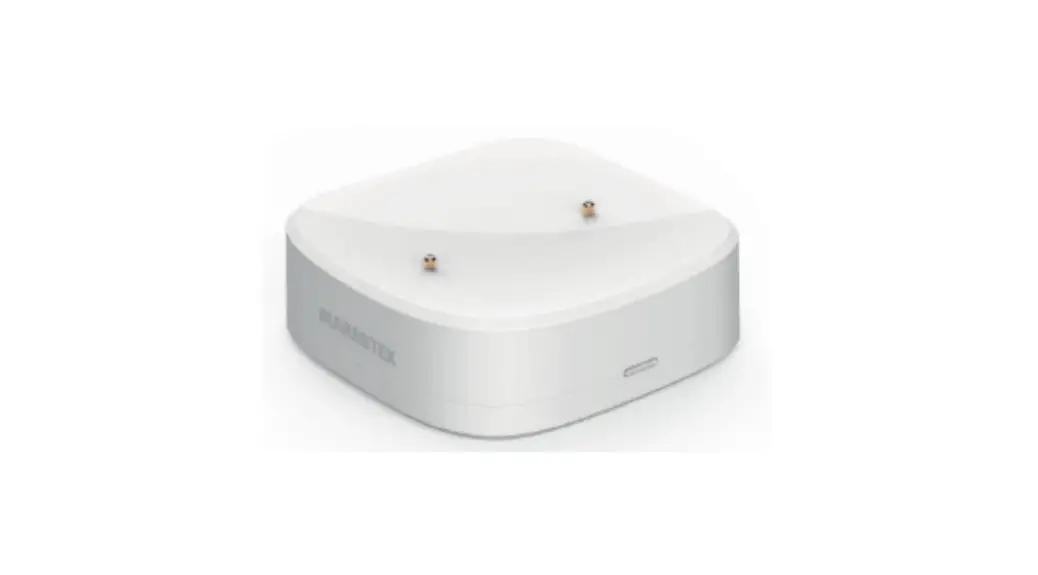
 Sense MA Zigbee Water Leak Detector
User Guide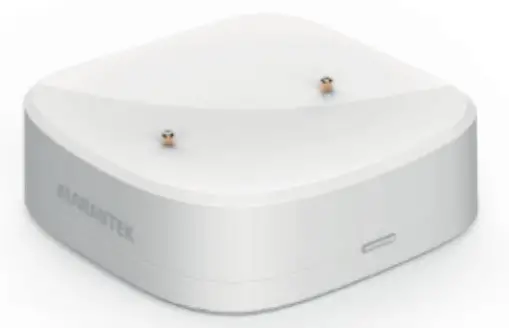
Package content
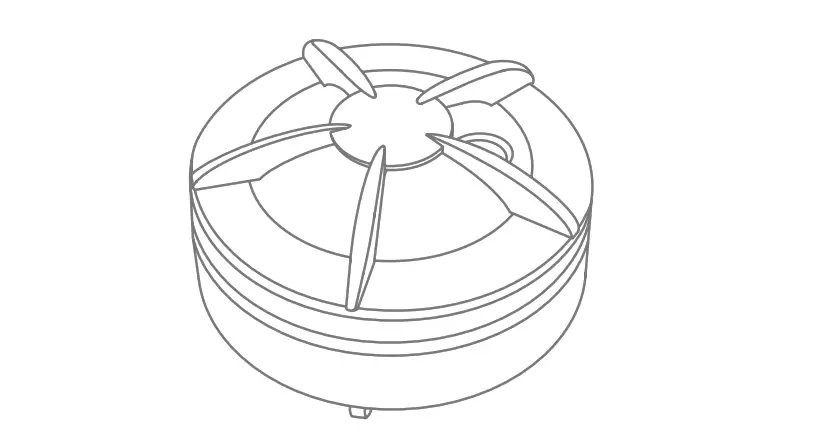
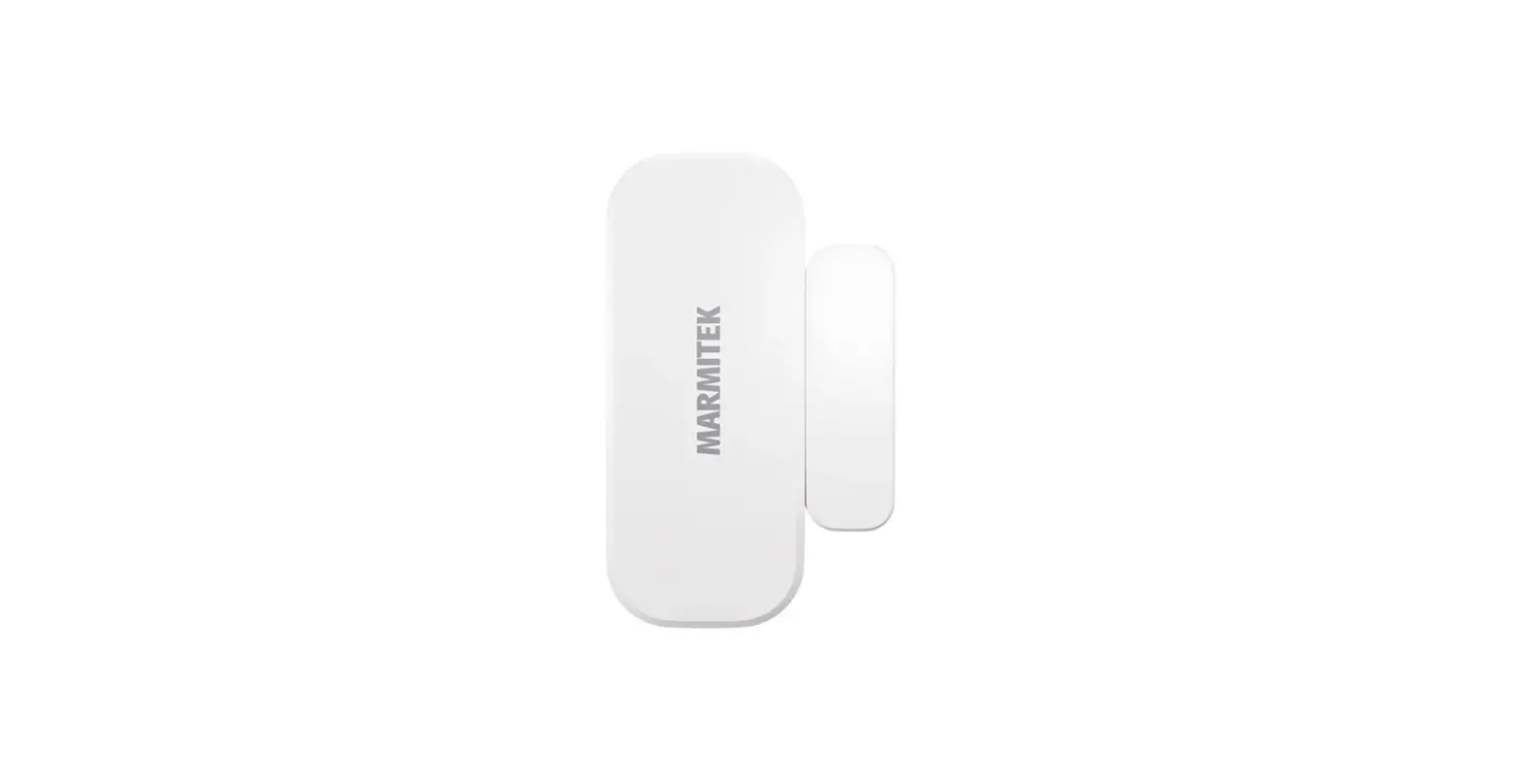
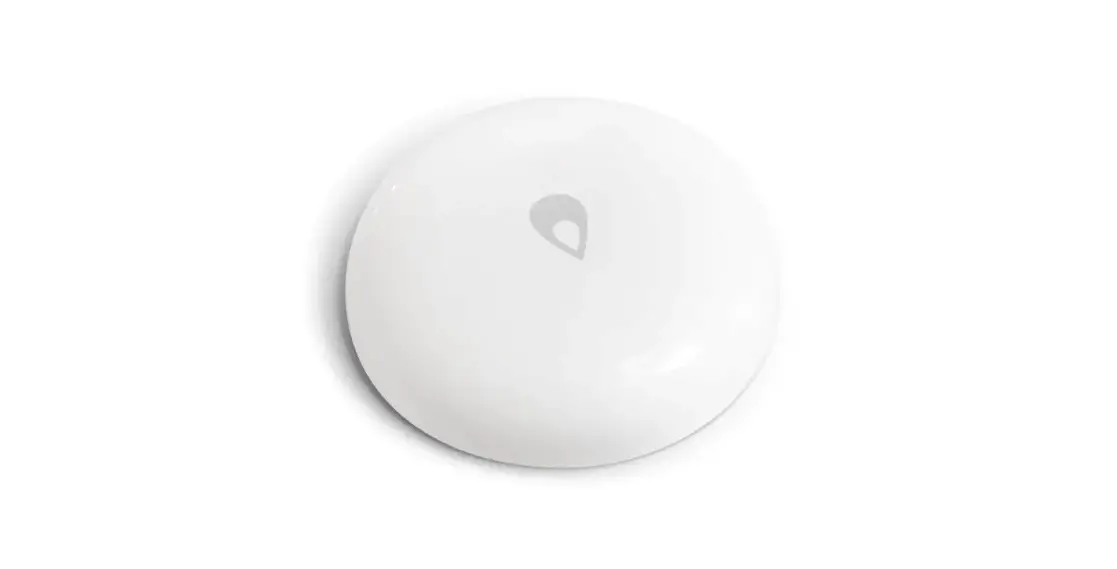
water leak detector
CR2032 battery
3M adhesive tape
quick guide
This product requires a Zigbee gateway (sold separately).
Marmitek Smart me app
 http://www.marmitek.com/media/qr/Smart_me_ug_store_aa_01.html
Multi language user guide
 http://www.marmitek.com/media/qr/ple_ug_ma_aa_01.html
Safety Instructions
Please read these instructions thoroughly before you use the device and keep them for future reference.
Only for indoor use.
- Do not expose the product to extremely high or low temperatures, strong light sources or direct sunlight.
- This product is not a toy. Keep out of reach of children.
- Dispose of batteries as chemical waste. Remove the batteries when you are not using the system for a longer period of time. Check the polarity (+/-) of the batteries when inserting them in the product. Wrong positioning can cause an explosion.
- Repairs or service should only be performed by qualified personnel.
Requirements
This product requires a Smart me Zigbee Gateway (sold separately) that is connected to the Internet.
Installation of the Smart me app
Download and install the Marmitek Smart me app from the Apple app store or the Google Play store.
Launch the Smart me app after installation is completed.
Follow the instructions and register for a new account.
Installation of the Sense MA
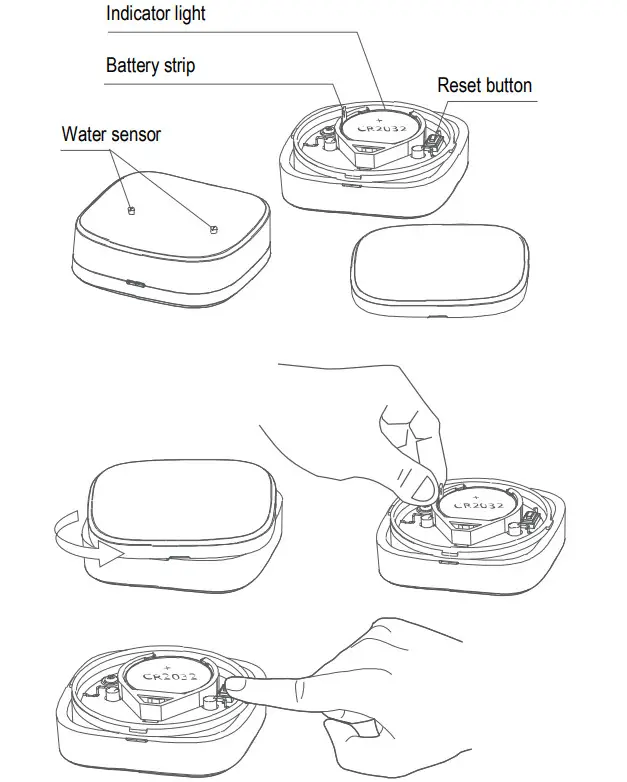
- Open the housing of the Sense MA by unscrewing the top and pull the plastic battery strip to activate the battery.
- The indicator light should start flashing quickly. If the indicator light does not flash, press the reset button for 5 seconds until it starts flashing.
- Launch the Smart me app from your smart phone or tablet.
- Select the Smart me Zigbee Gateway.
- Click on the + (at the bottom of the screen) to add a new product, confirm that the indicator light is flashing quickly and follow the instructions.
- Press Help button during installation for more information or when installation fails.
Notes for using the product
- After the installation is completed you can configure the Sense MA by using the app.
- Check our website www.marmitek.com for more details and how to use the Smart me products.
Technical specifications
| Type | Water leakage & flooding |
| Detection water level | 0.5mm |
| IP code | IP66 (water resistant) |
| Battery life | 3 years |
| Wireless technology | Zigbee 3.0 |
| Operating range | up to 30 meters |
| Power | Battery CR2032 |
| Standby current | < 5μA |
| Dimensions (h x w x d) | 46 x 46 x 14 mm |
Declaration of Conformity Hereby, Marmitek BV, declares that the Sense MA is in compliance with the essential requirements of the 2014/53/EU Directives.
Full Declaration of Conformity is available at www.marmitek.com/en/declarations-of-conformity/
More detailed user guide and instructions are available on our website at www.marmitek.com
 20752/20210623 | Push LE™
all rights reserved © MARMITEK
stay connected
marmitek.com
 Marmitek | Smart home and wireless HDMI & audio | since 1997
 Marmitek | Smart home and wireless HDMI & audio | since 1997