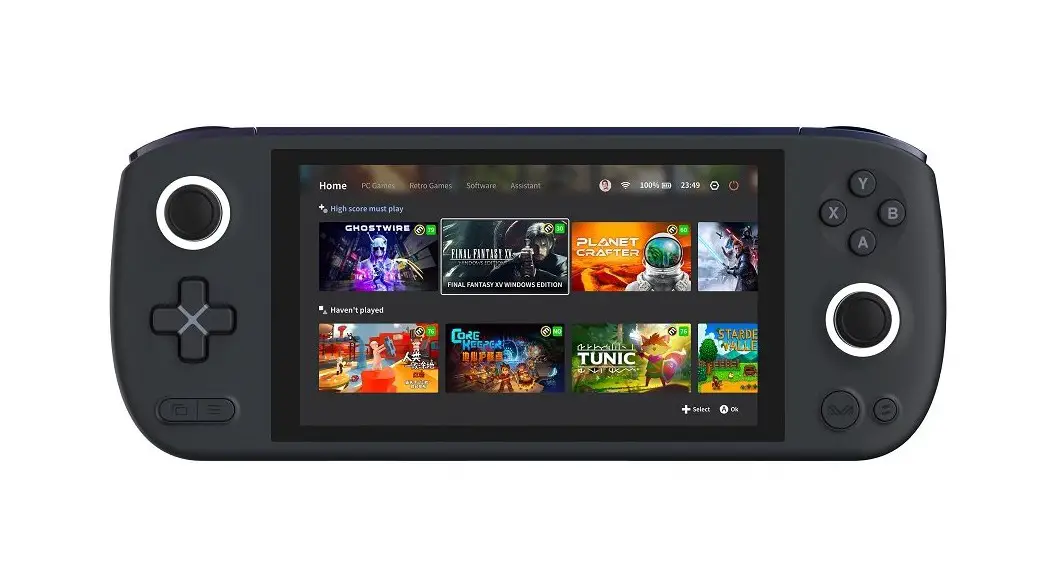
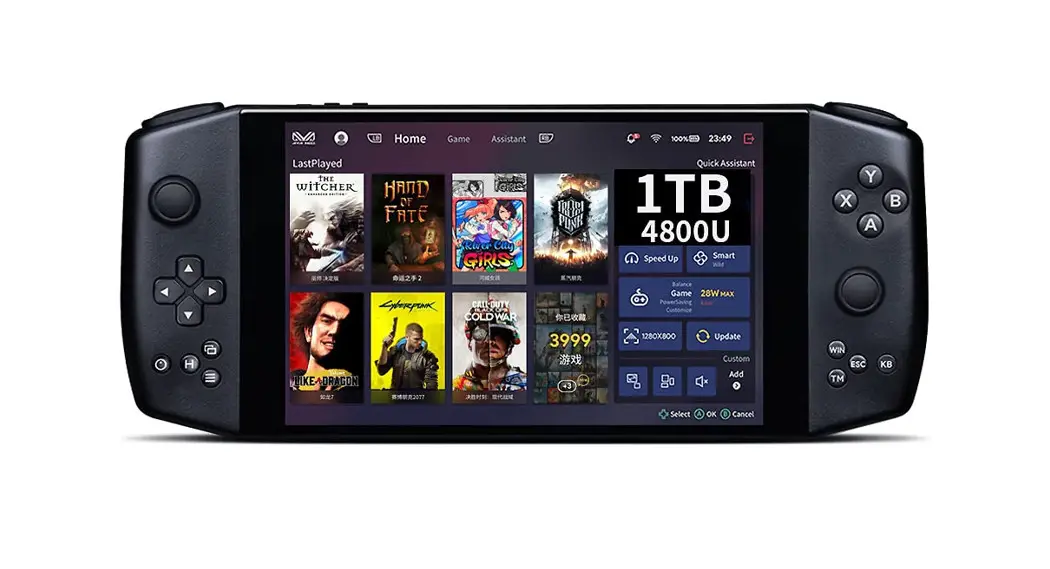
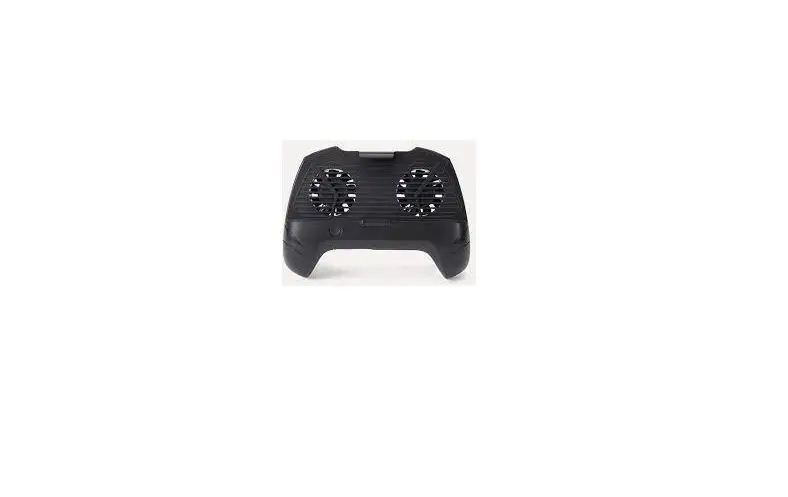
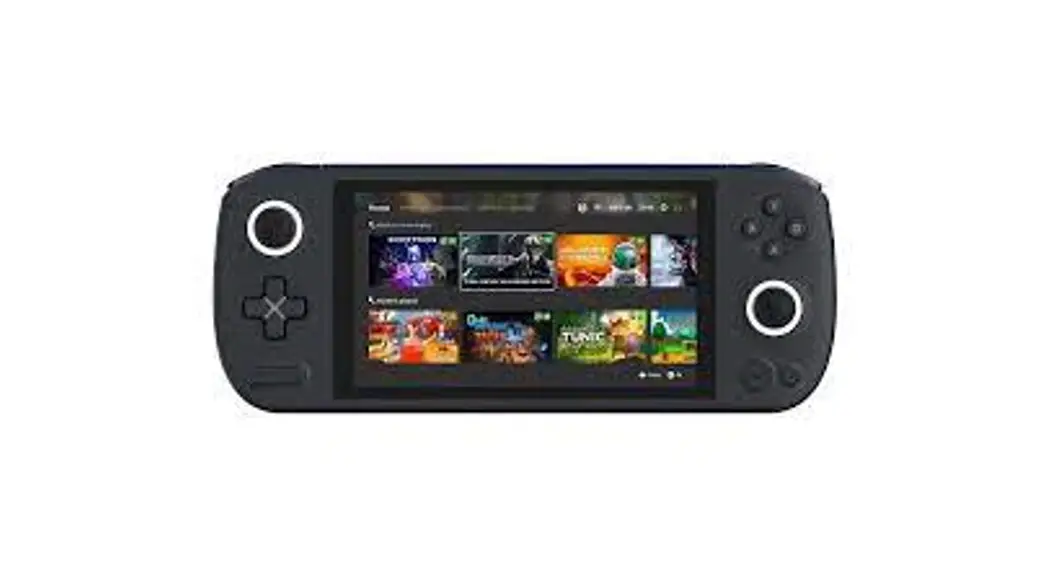
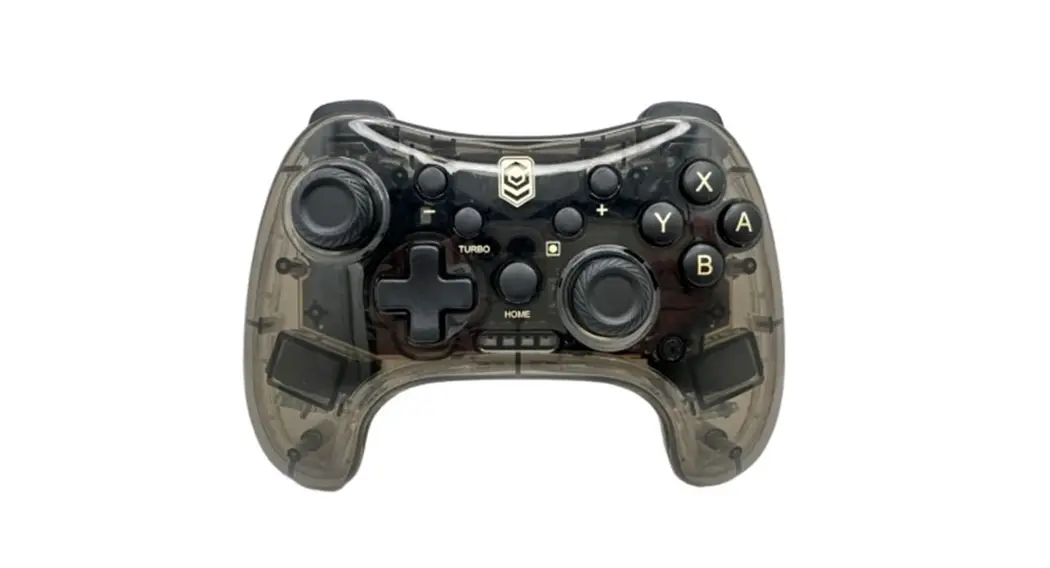
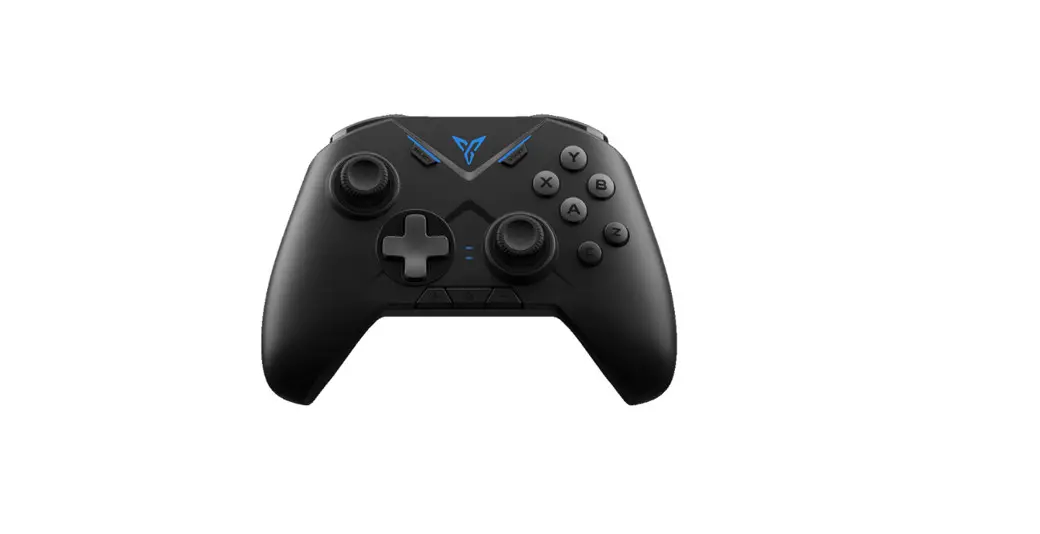
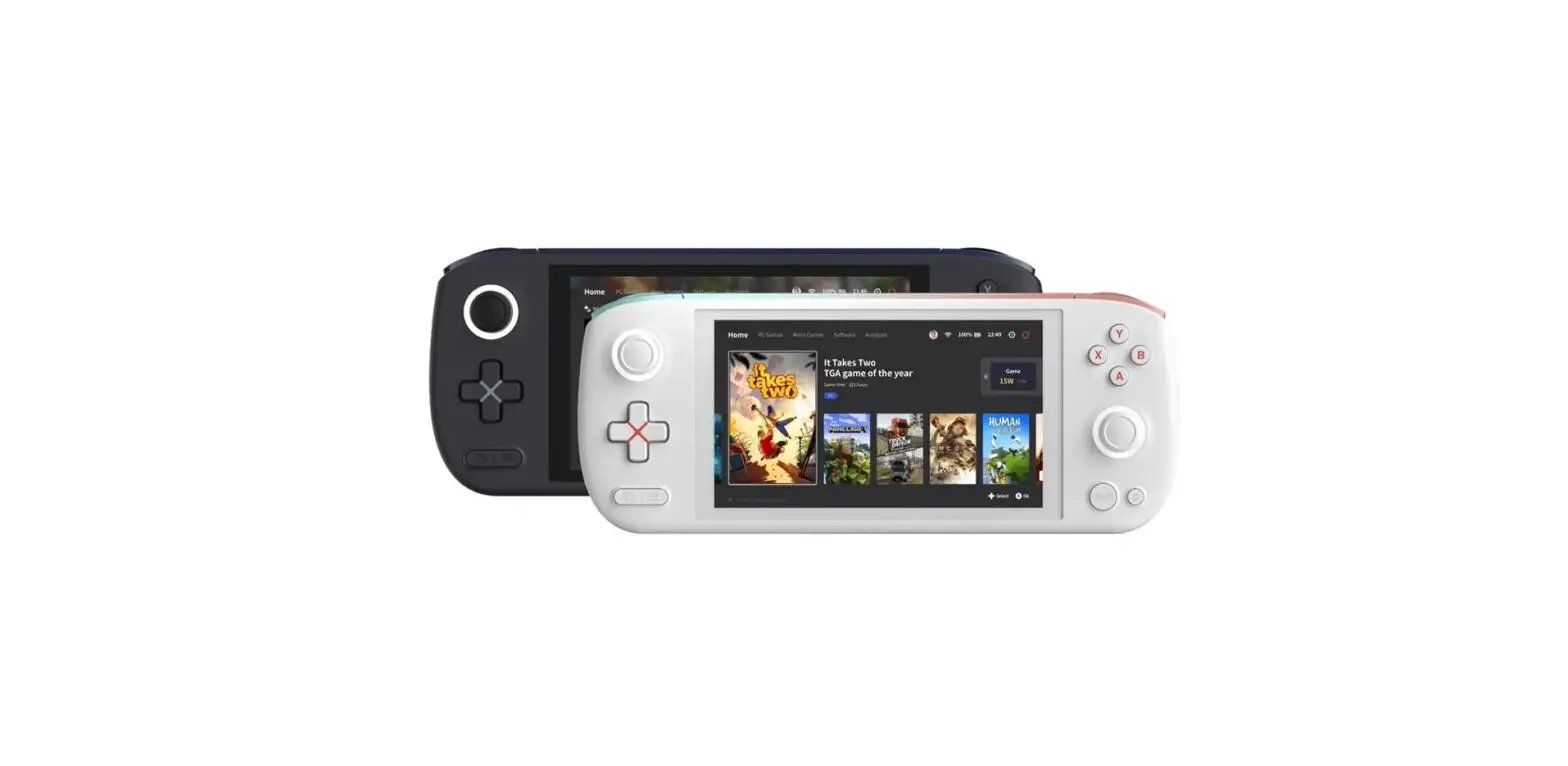
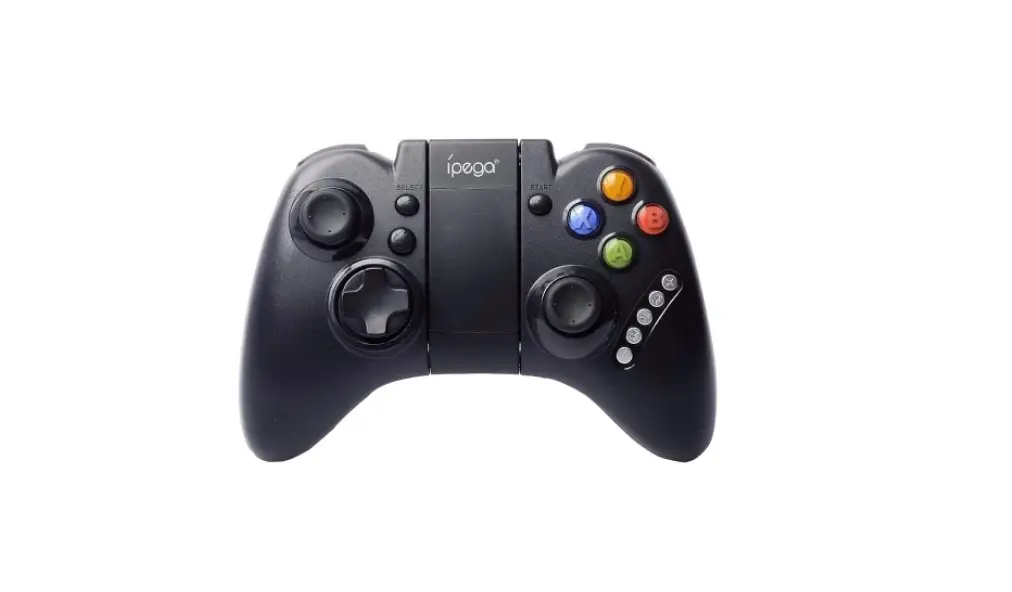
AIR Plus Gaming Handheld Controller
Product Information:
The AYANEO is a device that features a power button, a joystick
with ambient light, and a fingerprint sensor. It complies with part
15 of the FCC Rules and meets the FCC radiation exposure
limits.
Product Usage Instructions:
To power on the AYANEO:
- In the power-off state, press and hold the power button for 2
seconds. - The joystick ambient light will turn on white with high
brightness. - The ambient light will return to normal brightness after
entering the system interface.
To power off the AYANEO:
- In the power-on state, click the screen Window.
- Select Power.
- Select Shut Down.
To reboot the AYANEO:
- In the power-on state, press and hold the power button for
about 8 seconds.
Note: This operation is not recommended for normal usage
scenarios as it may pose a risk of data corruption.
FCC Compliance Information:
Any changes or modifications not expressly approved by the party
responsible for compliance could void the user’s authority to
operate the equipment. To ensure compliance with FCC Rules, please
take note of the following:
- Reorient or relocate the receiving antenna.
- Increase the separation between the equipment and
receiver. - Connect the equipment into an outlet on a circuit different
from that to which the receiver is connected. - Consult the dealer or an experienced radio/TV technician for
help.
FCC Radiation Exposure Statement: The AYANEO has been tested for
Specific Absorption Rate (SAR) in the body worn mode and complies
with FCC radiation exposure limits set forth for an uncontrolled
environment.
Power On / Power Off / Reboot / Fingerprint
In the power-off state, press and hold the power button
for 2 seconds to turn on the AYANEO. The joystick ambient light turns on white
with high brightness, and the ambient light returns to normal brightness after entering the system interface.
In the power-on state, click the screen Window
> Power > Shut Down to turn off AYANEO
.
In the power-on state, press and hold the power button
for about 8 seconds to forcibly close AYANEO.
(Note: This operation is not recommended for normal usage scenarios as it may pose a risk of data corruption)
Any Changes or m odificat ions not expressly approved by t he part y responsible for com pliance could void t he user’s aut horit y t o operat e t he equipm ent . This device com plies wit h part 15 of t he FCC Rules. Operat ion is subject t o t he following t wo condit ions: (1) This device m ay not cause harm ful int erference, and (2) t his device m ust accept any int erference received, including int erference t hat m ay cause undesired operat ion.
N ot e: This equipm ent has been t est ed and found t o com ply wit h t he lim it s for a Class B digit al device, pursuant t o part 15 of t he FCC Rules. These lim it s are designed t o provide reasonable prot ect ion against harm ful int erference in a resident ial inst allat ion. This equipm ent generat es, uses and can radiat e radio frequency energy and, if not inst alled and used in accordance wit h t he inst ruct ions, m ay cause harm ful int erference t o radio com m unicat ions. However, t here is no guarant ee t hat int erference will not occur in a part icular inst allat ion. If t his equipm ent does cause harm ful int erference t o radio or t elevision recept ion, which can be det erm ined by t urning t he equipm ent off and on, t he user is encouraged t o t ry t o correct t he int erference by one or m ore of t he following m easures:
–Reorient or relocat e t he receiving ant enna.
–Increase t he separat ion bet ween t he equipm ent and receiver.
–Connect t he equipm ent int o an out let on a circuit different from t hat t o which t he receiver is connect ed.
–Consult t he dealer or an experienced radio/ TV t echnician for help.
FCC Radiation Exposure Statement : This equipment complies with FCC radiation exposure limits set forth for an uncontrolled environment. The SAR was tested for the device in thebody worn mode. And it can meet the SAR limit of FCC.