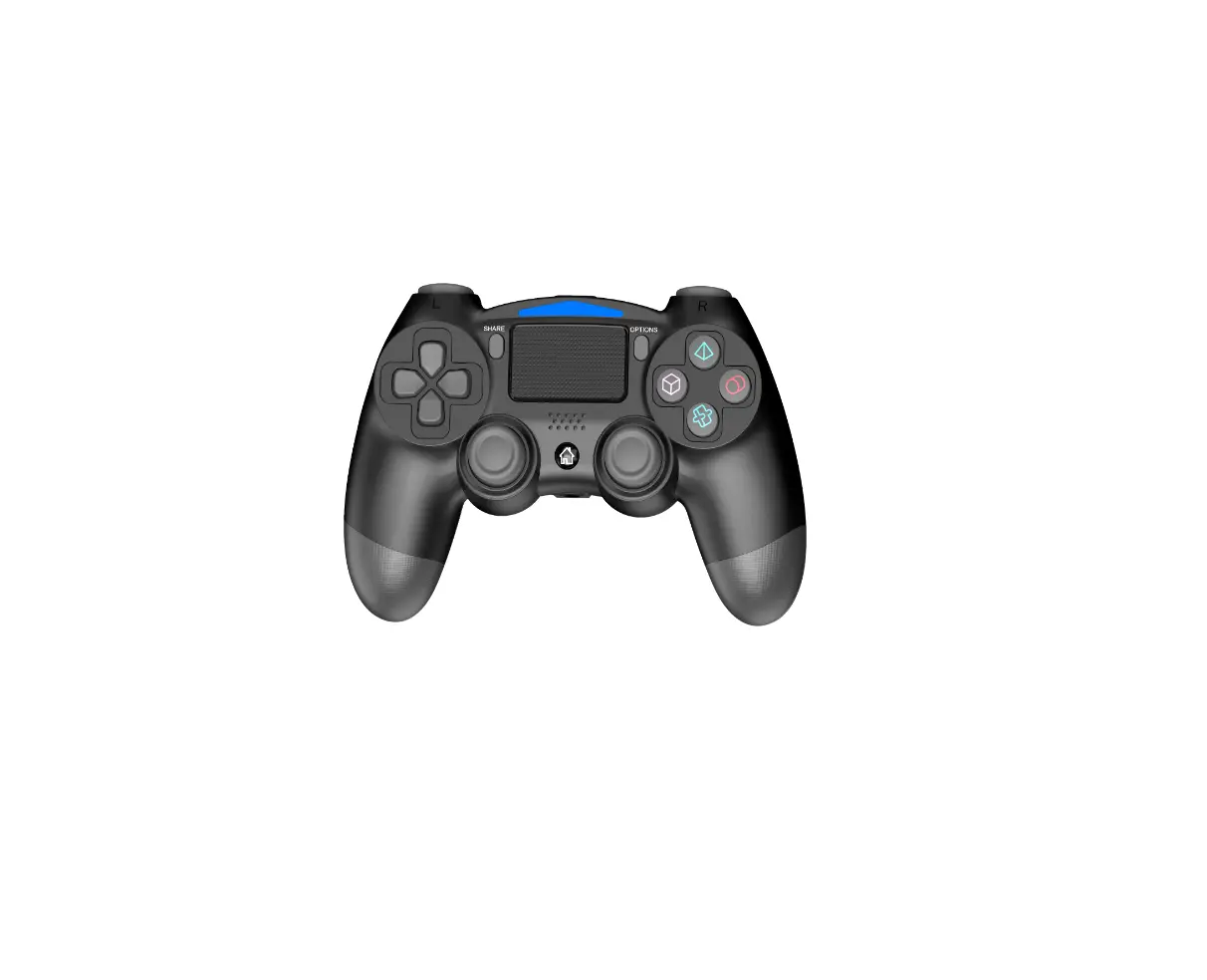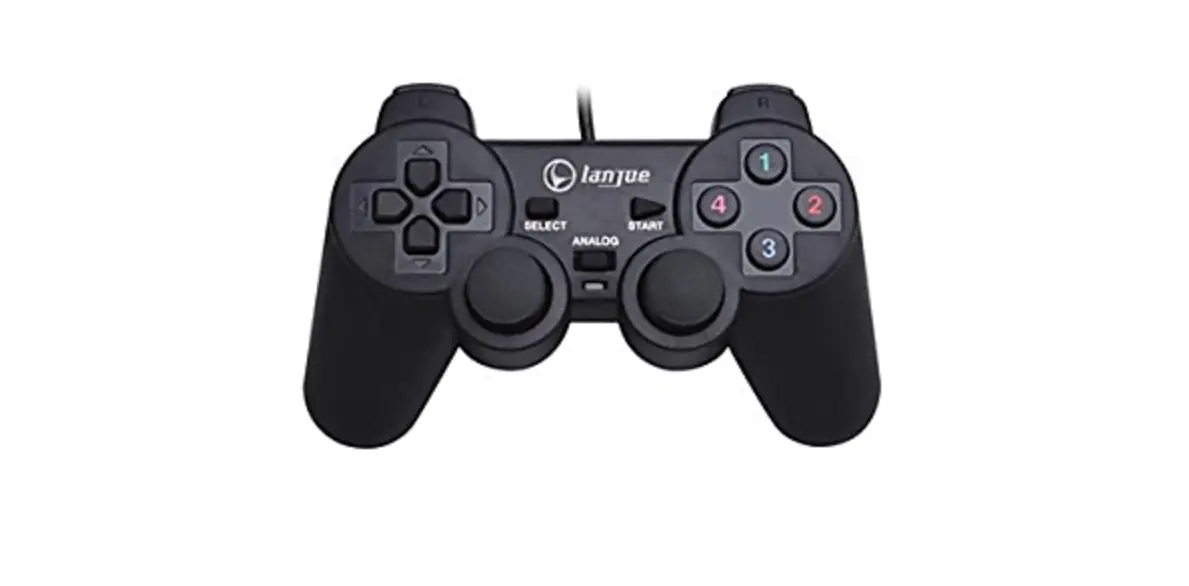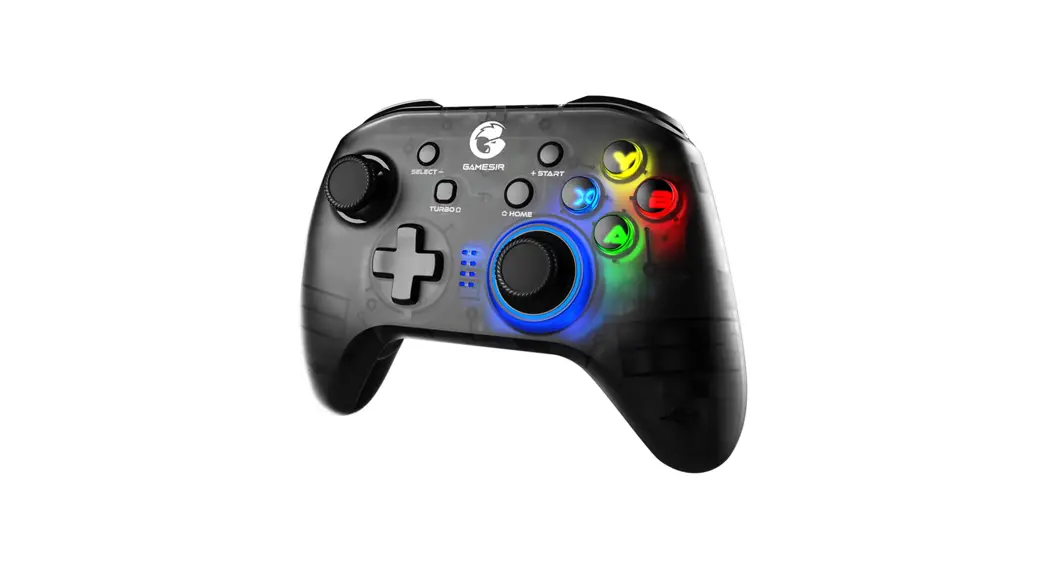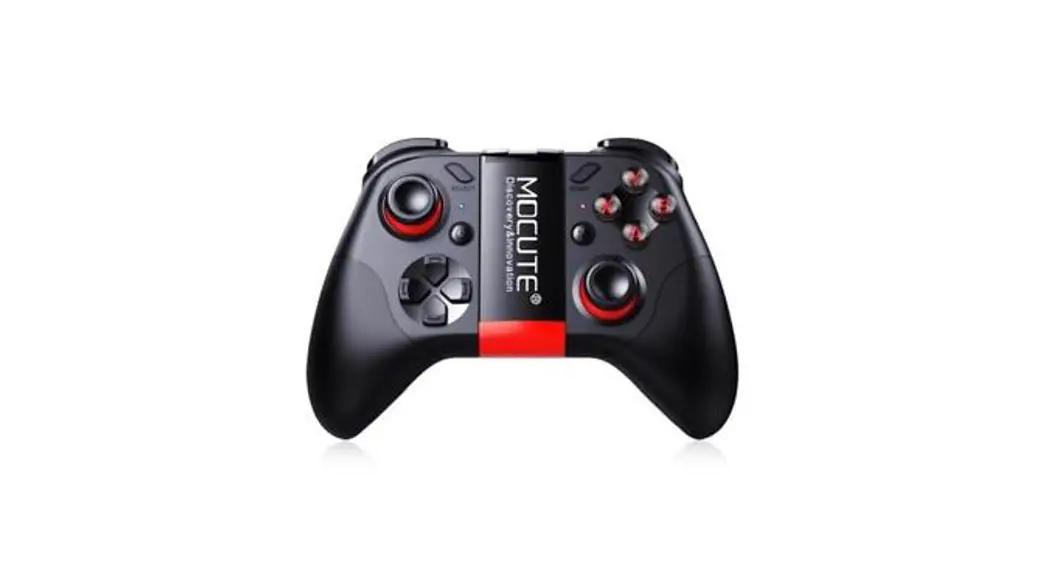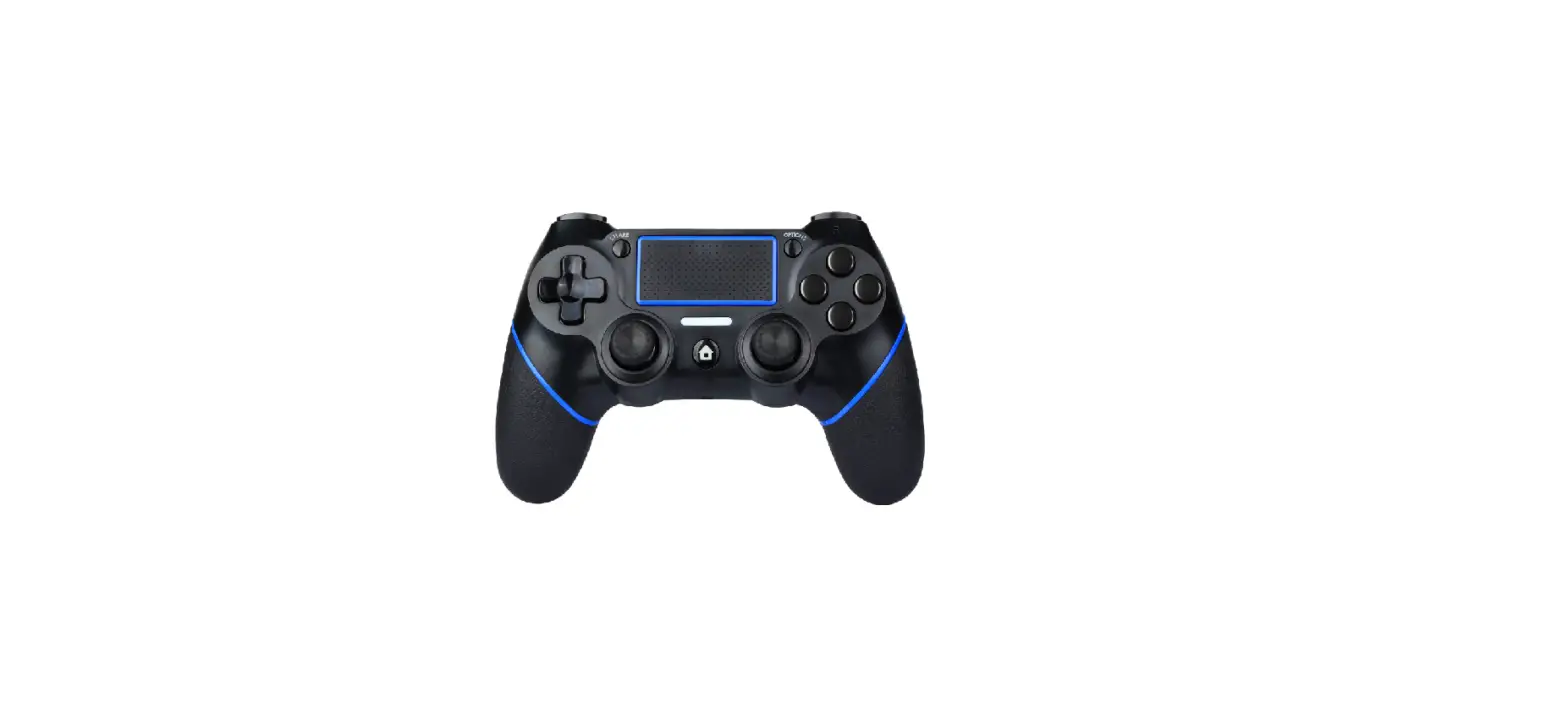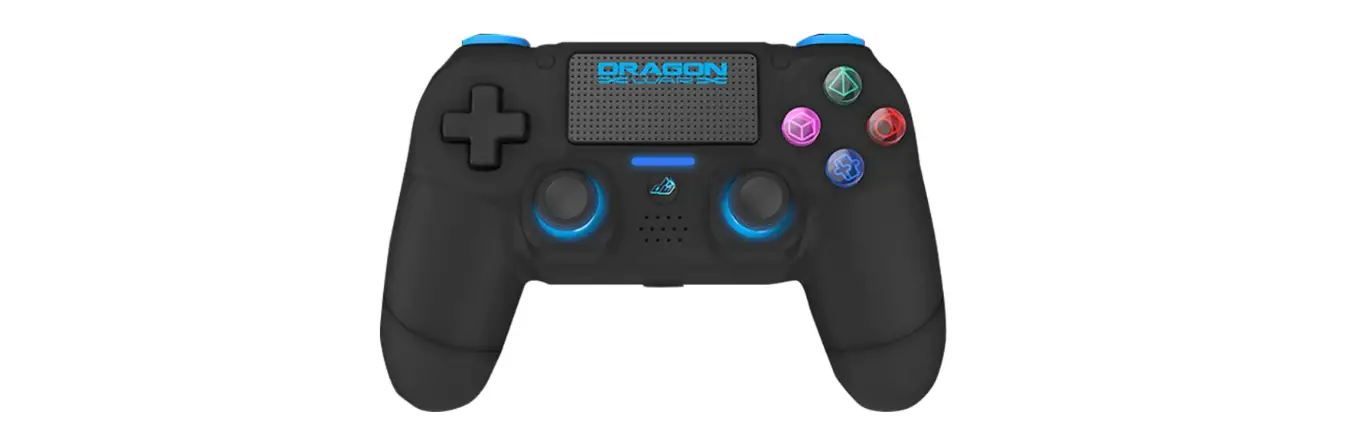

Dragonwar G-PS4-002-BK Wireless Pc Game Controller
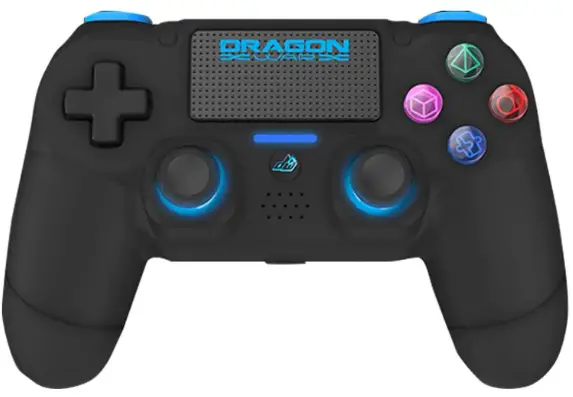
Firmware Update
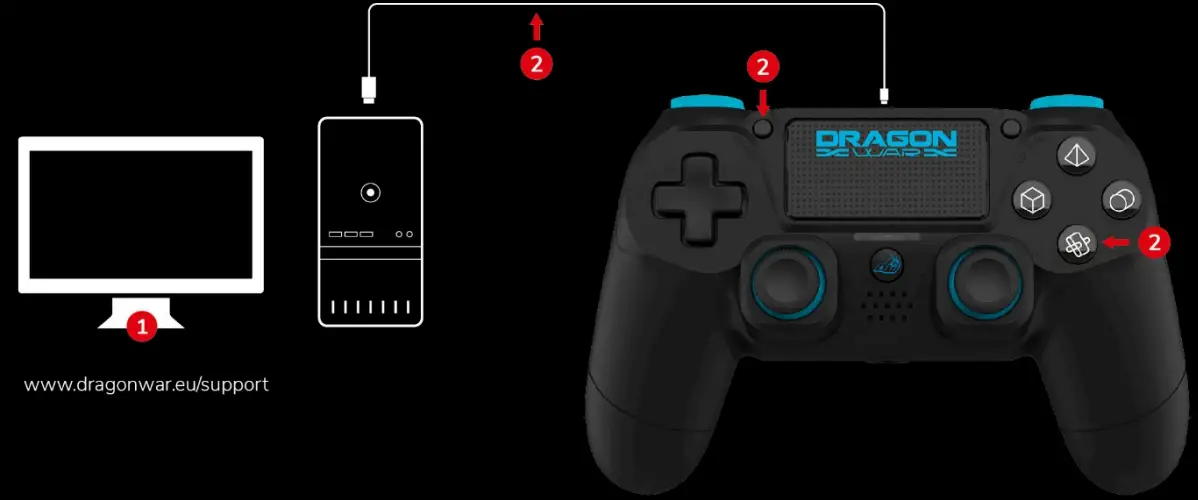
- Open the firmware update file on your PC.
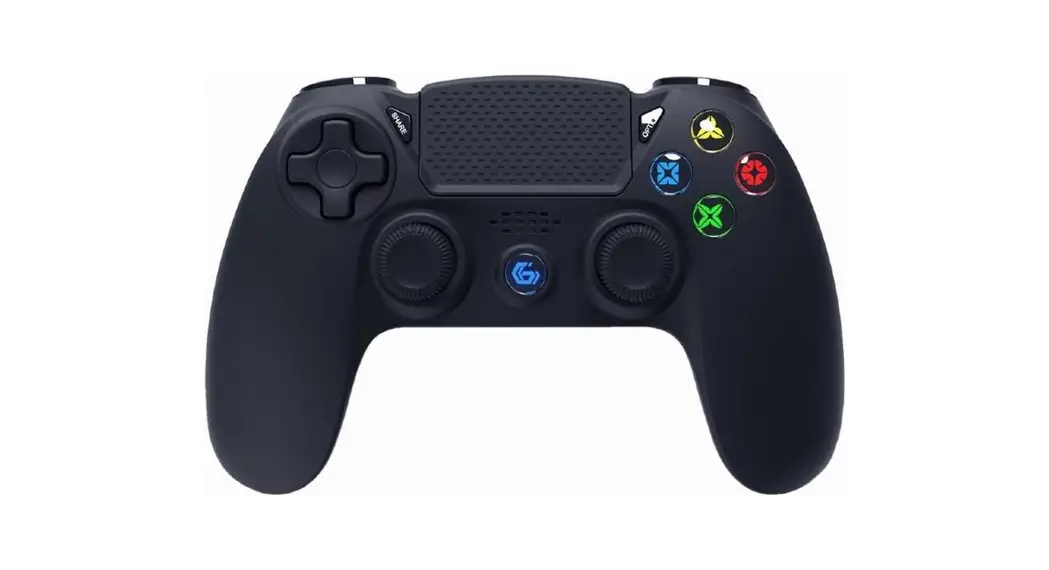
- Press and hold ‘Share’ + “Cross’ buttons, and connect the controller with the PC via the cable provided.
Important – Do not release the buttons while plugging in the cable. - Once connected, the LED bar lights up on the controller and firmware up window shows device ‘ONLINE, then release the buttons, click ‘DOWNLOAD’ on PC.
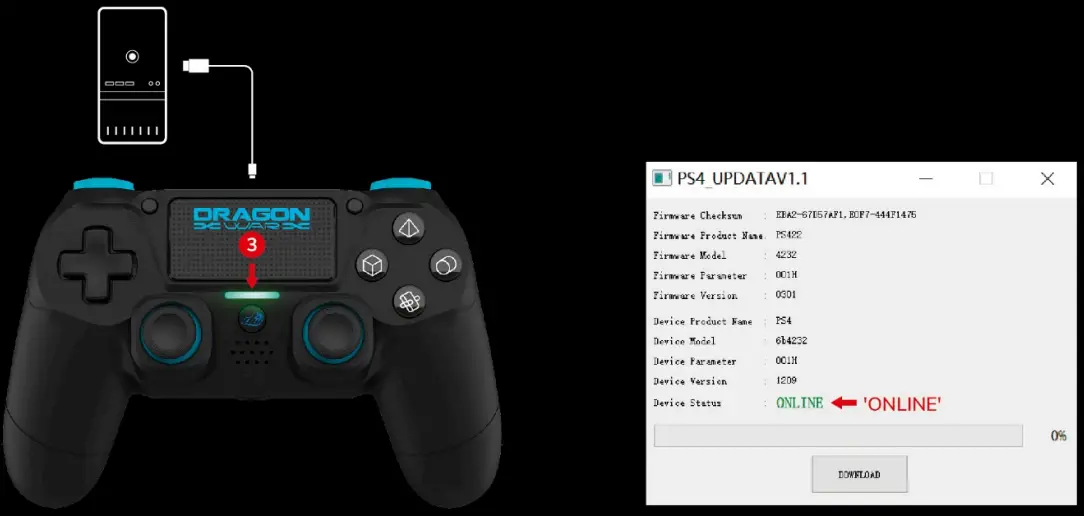
- Click ‘Download’ on screen
Note – while updating. please do not disconnect your contreller.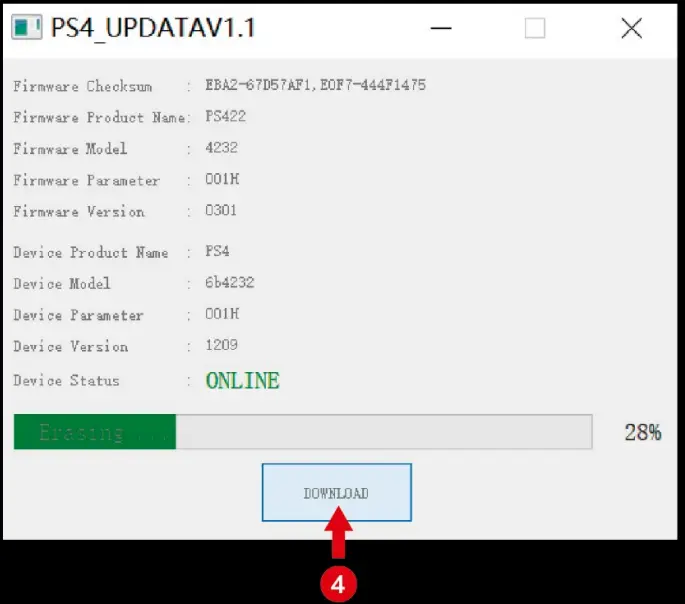
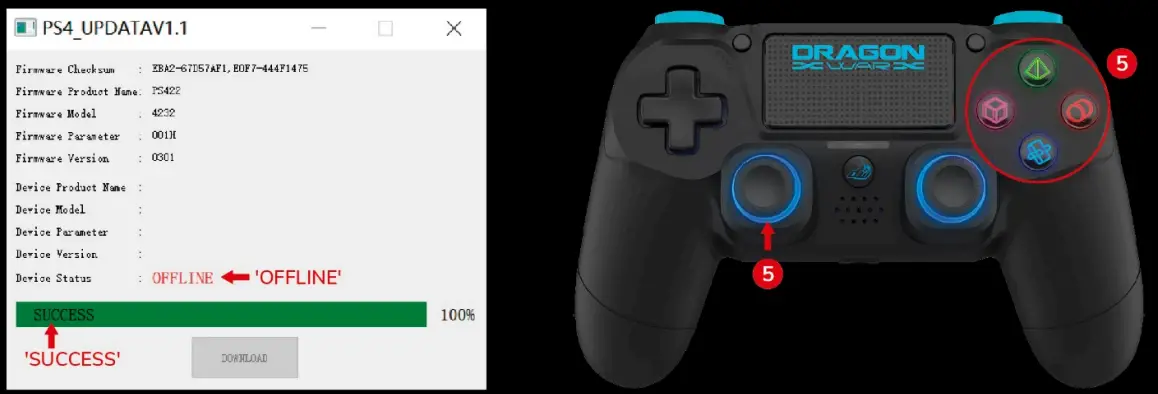
- Once updated successfully. you will see ‘SUCCESS on the window, device OFFLINE”.
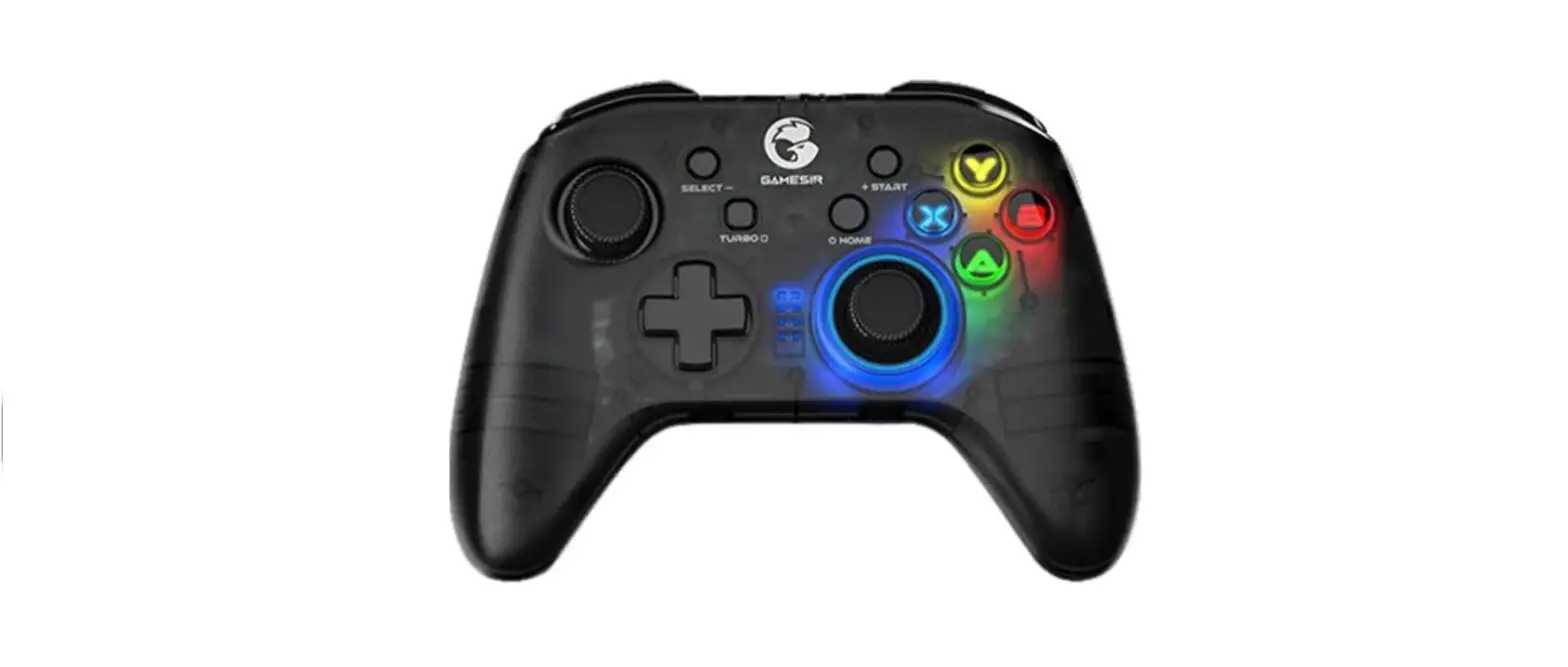
Note Once updated, the LEDs light up under the buttons on the right and joy-sticks.