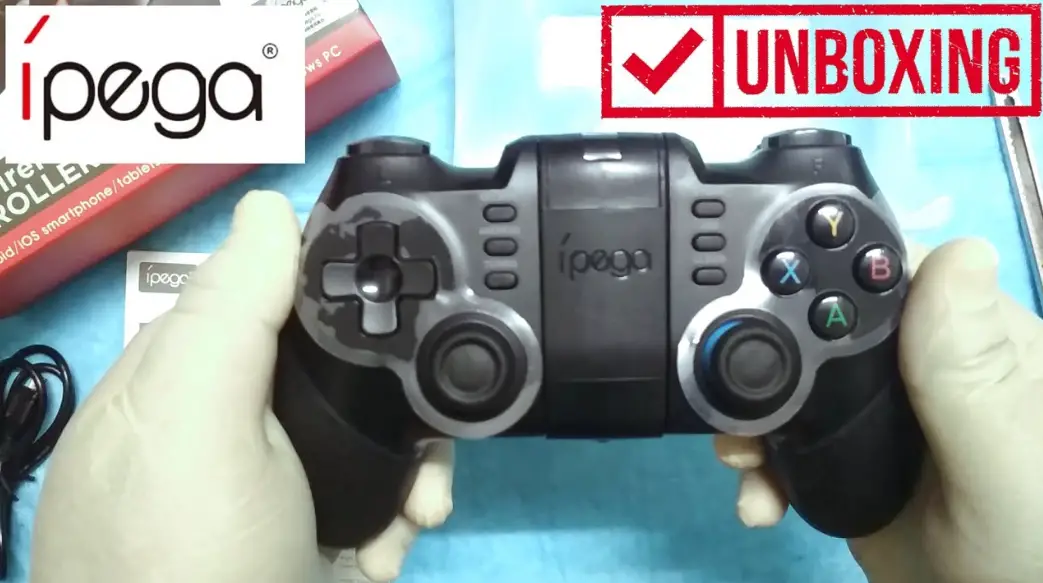
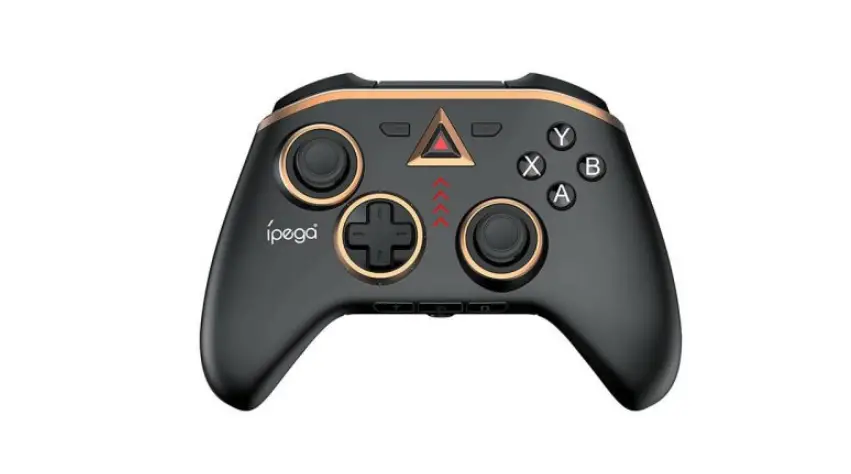
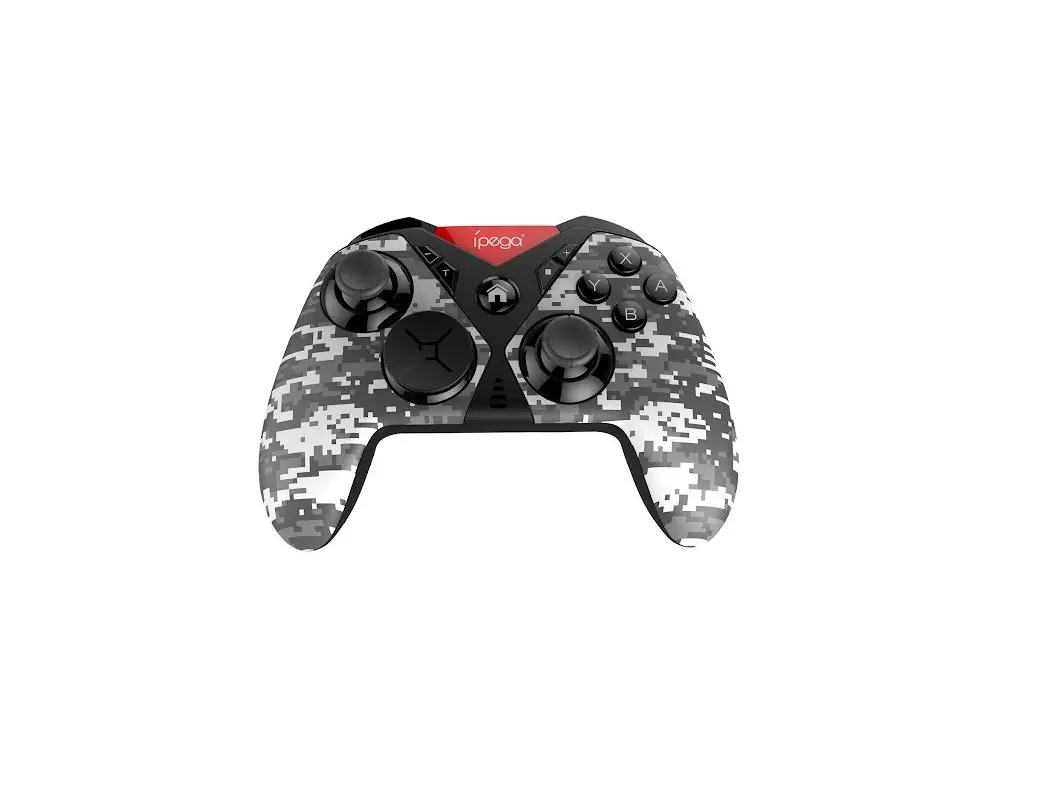
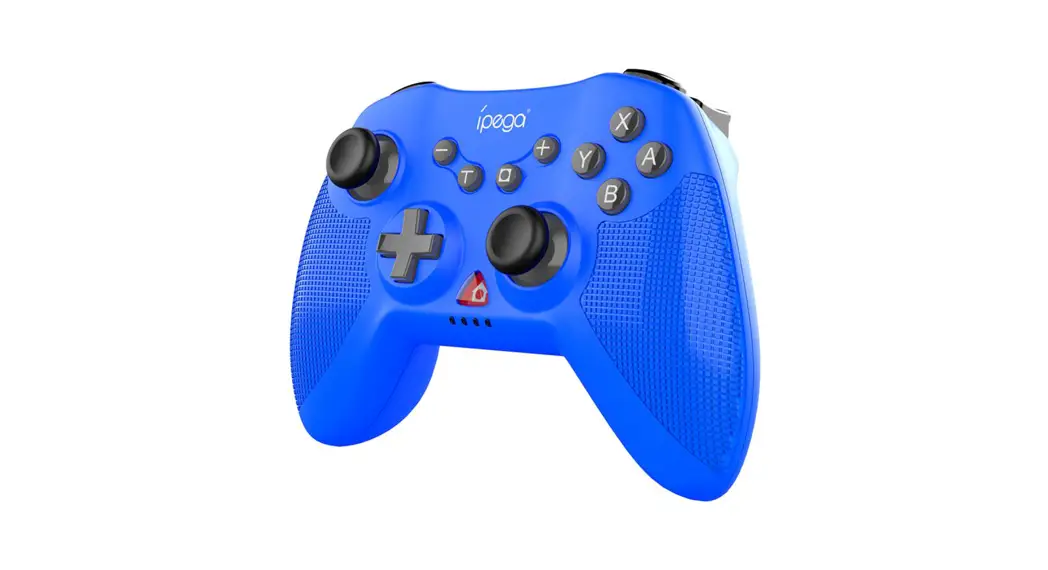
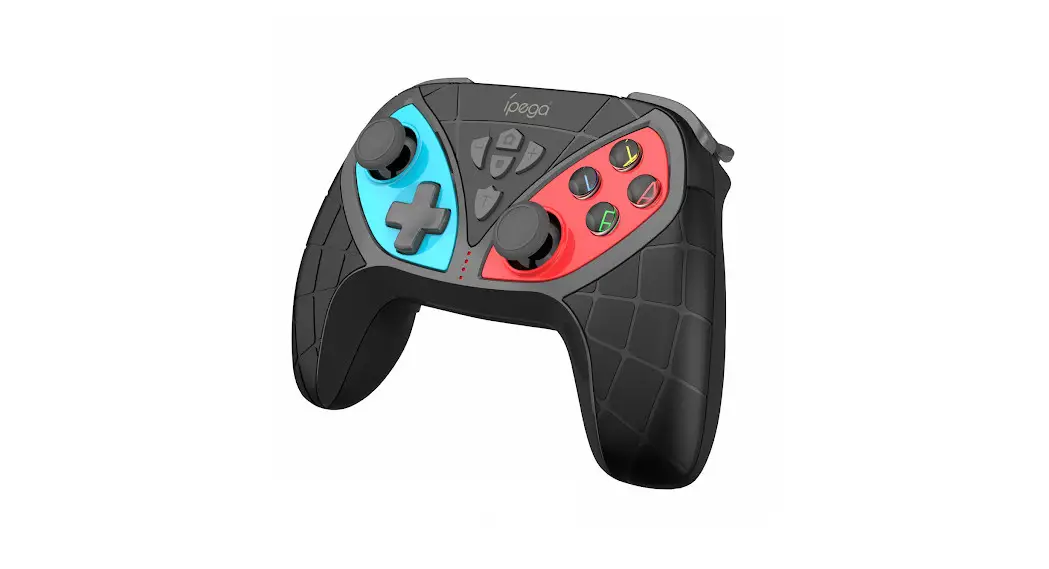
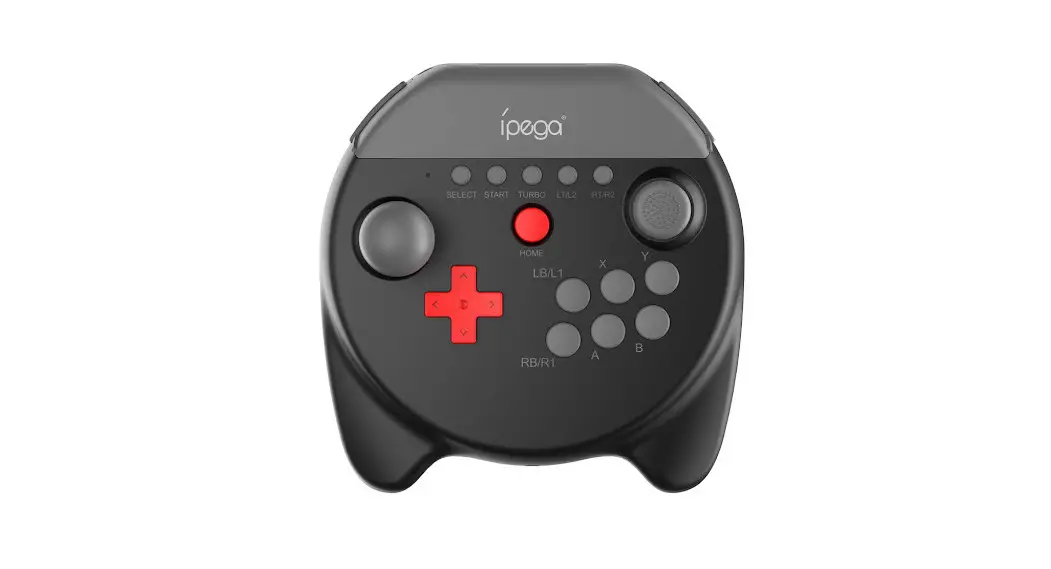
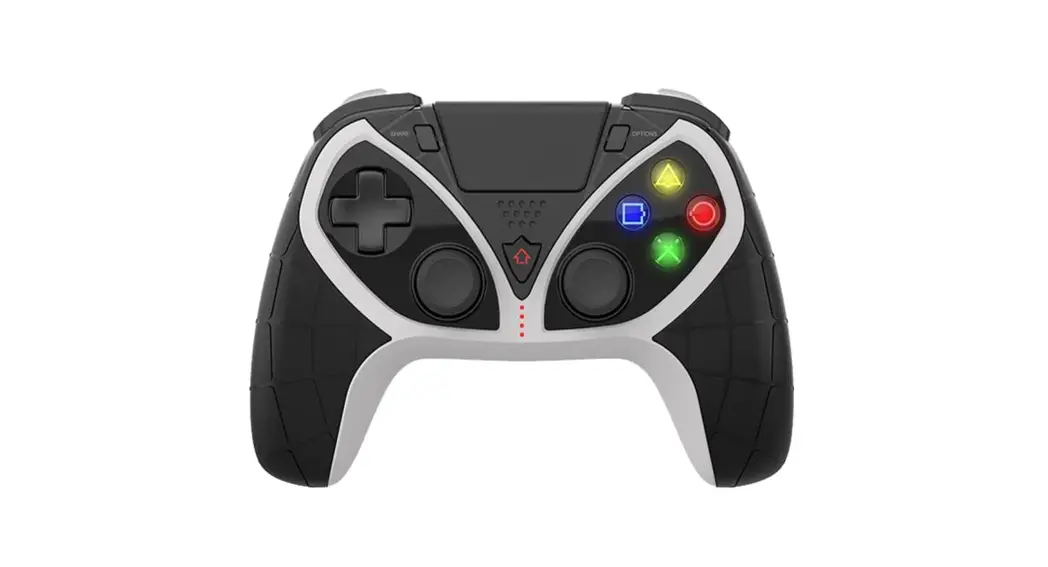
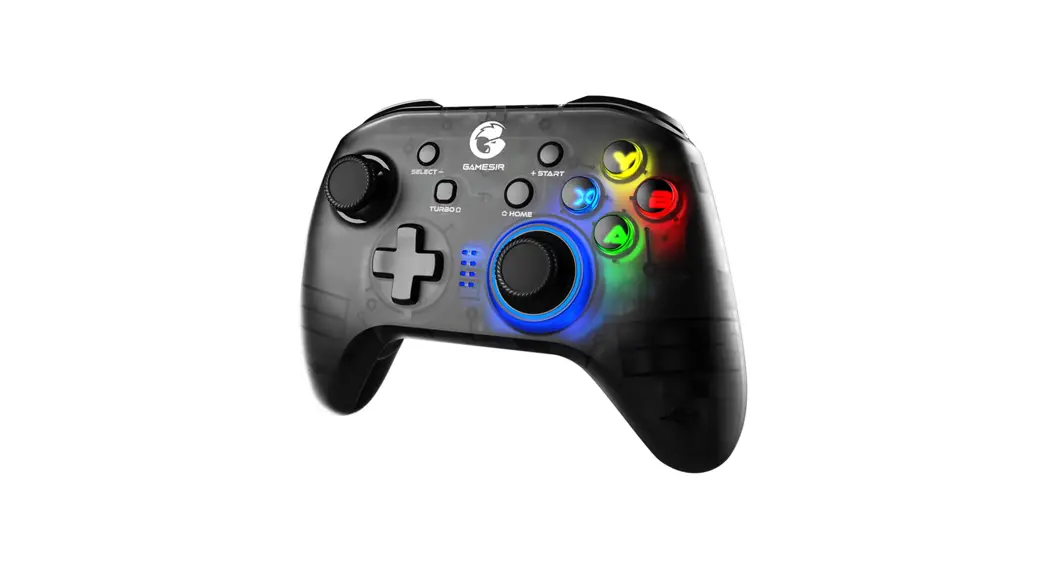
PG-SW097 N-S Wireless Gaming Controller
Product Information
The PG-SW097 is a wireless gamepad designed for use with mobile
phones, PCs, smart TVs, TV boxes, and PS3 consoles. It has a
Bluetooth 3.0 wireless connection with a transmission distance of
up to 10m and a battery capacity of 400mAh/3.7V. It also has a
wired connection option via USB cable. The gamepad has a TURBO
programming key, LB/LT and RB/RT buttons, a D-pad, A/B/X/Y buttons,
and right and left 3D and downward L3/R3 buttons. It also has a
screen capture key and a HOME button.
Product Usage Instructions
Compatibility
Some mobile phones on the MediaTek platform may not support this
device due to the mobile phone system. iPega company has no
responsibility for games that cannot be played or connected with
the gamepad due to official game platform software upgrades or
source code changes and other non-resist factors.
Android Device Connection
To connect the gamepad to an Android device in Android standard
HID mode:
- Turn off the gamepad.
- Long press X+HOME button for 2 seconds to turn on the gamepad.
LED2& LED3 will flash quickly. - Search and select BT name PG-SW097 on your Android device to
connect. LED2&LED3 will be always on after connect
successfully. - The controller enters Android mode. Short press HOME button to
reconnect. LED2&LED3 will flash slowly, and they will be always
on after connect successfully.
Wake Up Function
To wake up the N-S console from sleep state:
- Short press HOME on the controller.
- The controller and the N-S console will automatically
reconnect. - Press the A button to operate.
Wired Connection
To connect the gamepad to a PC, smart TV, TV box, or PS3
console:
- Connect the gamepad to the device with a USB cable.
- The corresponding LEDs will flash after connect
successful. - The gamepad enters X-INPUT mode by default.
Programming Function
To program a key:
- Press and hold the TURBO key and the key you want to program at
the same time. - The LED corresponding to the key will flash quickly.
- Release the buttons after programming.
To clear programmed function:
- Press and hold the programming buttons which need to be cleared
and the START button at the same time. The LED will flash
quickly. - Press the programming key again to confirm and exit
automatically. The mode indicator will return to the display state
before setting. The programmed key function is cleared.
TURBO&AUTO Function
To set TURBO function:
- Press and hold the action key.
- Press TURBO button at the same time to turn on Turbo
function.
To switch to AUTO function:
- Press and hold the action key and TURBO key again.
To turn off TURBO and AUTO function:
- Press and hold the action key and TURBO key third time.
The previous TURBO&AUTO function will be cleared
automatically after the product is disconnected.
Vibration Intensity Adjustment Function
The gamepad has no six-axis function in wired connection mode
but has a vibration function. The vibration intensity can be
adjusted as desired.
N·S
N·S Wireless Controller
Application Introduction:
User Manual(PG-SW097)
1.Product is compatible with N·S/Android/PC(Win7 or above). 2.Product function buttons correspond to N·S-pro function, support TURBO and AUTO function. 3.Product support Vibration andsix-axis function so that players can get better game experience. 4.This gamepad supports the “HOME” button to wake up the N-S console.
* Due to the mobile phone system, some mobile phones may not support this device (for example, mobile phones on the MediaTek platform cannot support it).
* Due to the official game platform software upgrades or source code changes and other not resist factors caused some of the game cannot be played or connected with our Gamepad,iPega company has no responsibility.iPega reserve the right of final interpretation for this.
Instruction for key function:
LB/LT Left 3D& Downward L3
D-pad
TURBO Programming key
HOME
RB/RT
+ A/B/X/Y Button
Right 3D& downward R3
Screen capture key
Mode indicator
Product Parameters:
1. Wireless connection: BT 3.0 2. Transmission distance: 10m 3. Working current: 35mA 4. Charging voltage: DC 5V
5. Charging current: 350mA 6. Charging time: 3H 7. Battery capacity: 400mAh/3.7V
N·S console wireless connection:
Turn on the Switch console, click the following selectionon the main interface:ControllerChange Grip/Order,press”B”+”HOME”on the controller for 2 seconds to enter the pairing mode,the LED1LED4 flashes quickly in a circle, when one or more LEDs are always on(Automatic console allocation), the gamepad paired with the console successfully,then you can press “A” button to operate. Short press Home button to re-connnect,LED1-LED4 flash slowly in a circle,the corresponding indicators LED will be always on after re-connect successfully.
Pic 2
Pic 1
Android device connection (Android standard HID mode):
When the gamepad is tum off, long press”X”+”HOME”button for 2 seconds to turn it on,LED2& LED3 flash quickly,search and select BT name”PG-SW097″on your Android device to connect, LED2&LED3 will be always on after connect successfully.And the controller enters Android mode. Short press “HOME”button to reconnect,then LED2&LED3 flash slowly,the LED2&LED3 will be always on after connect successfully.
Pic 1 BT
Pic 2 Pic 3
PG-SW097
N·S console wired connection:
Turn on the N-S console, click the following selection on the main interface:System Settings Controllers and SensorsTurn on Pro Controller Wired Communication. Insert the N-S console into the N-S dock,connect the N-S dock with the controller with the data cable,the LED indicator on the controller flashes in a circle, After 3 second spress the “A” button to connect to the N·S console, the corresponding LED indicator light will flash slowly.
Wake Up Function:
When the N-S console is in the sleep state,you can short press “HOME”on the controller to wake up the N-S console. The controller and the N-S console will automatically reconnect, then press the A button to operate.
Wired connection of PC/Smart TV/TV box/P3 console:
Connect the gamepad to PC/smart TV/TV box/P3 console with USB cable, the corresponding LEDs will flash after connect successful.Enter X-INPUT mode by default.Note: In wired connection mode, there is vibration function, but no six-axis function.
Programming function:
1. There is a programming key at the bottom of the controller. 2. The programming key can map a single action key or program multiple keys. (such as A/B/X/Y/ LB/LT/RB/RT/L3/R3/Up/Down/Left/Right) can be programmed. 3. Program key correspondence allows up to 12 key combinations to be set. 4. The programming key has no TURBO function. 5. The programming key has memory function, no matter the gamepad sleep, turn off,restart, the gamepad will remember the last working state. Programming method: 6. Press and hold the programming button which need to be programmingand the START button at the same time,release the buttons after LED indicators flash quickly to enter programming mode. 7. Press one or more regular function keys to be copied (such as pressing one of “A/B/X/Y/LB/LT/ RB/RT/L3/R3/Up/Down/Left/Right” Or multiple keys into a combination), then press the corresponding programming key again to confirm and exit automatically, the programming setting is completed, and the mode indicator light returns to the display state before the setting.
8. After the programming is successful, the programming key has the same function with a single or multiple keys.
Clear programmed function: 9. Press and hold the programming buttons which need to be cleared and the START button at the same time,the LED flash quickly, then release the buttons. 10. Press the programming key again to confirm and exit automatically, and the mode indicator will return to the display state before setting. The programmed key function is cleared.
TURBO&AUTO function
1. TURBO can be set with LB, LT, RB, RT, A, B, X, Ykeys. 2. Press and hold the action key, press”TURBO” button at the same time to turn on Turbo function. 3. Press and hold the action key + “TURBO” key again to switch to AUTO function. Press and hold the action key +”TURBO” key third time to turn off TURBO and AUTO function. The previous TURBO&AUTO function will be cleared automatically after the product is disconnected.
Vibration intensity adjustment function:
In the “Settings” option of the N·S console, you can choose to turn on or off the vibration function; In the controller connection state, in the “Search controller” interface of N·S console, press and hold the LB, LT, RB, RT buttons for 3 seconds to adjust the motor vibration intensity. The third gear is adjustable: 30%(weak)—70%(medium)—100%(strong), the default is 100%(strong).
Operational usage mode
Pairing mode (Press and hold for 2 seconds)
Mode indicator
Notes
N·S mode
N·S Wireless Mode N·S Wired Mode
B + HOME
In-line USB data cable
The console automatically assigned, and the LED light always on
Android device Android wireless mode
X + HOME LED2LED3
Pairing mode
Mode indicator Notes
Wired mode
P3 and Android device wired mode PC wired mode
In-line USB data cable
The console automatically assigned, and the LED light always on
PC 360 mode: LED3
Gamepad charge/sleep/wake up function
Charging port
1. When the gamepad is turn off (press the HOME button to turn on/off), the LED light will flash slowly, close when fully charged. When charging in wireless and wired connection, it will flash slowly 1S/time. 2. Sleep/wake up function: The gamepad will go into sleep state if not used within 5 minutes. When need to use it again, you need to press the HOME button to wake up and connect back. 3. When the battery power is low, the indicator light flash 1S/2 times quickly.
Notes
1. Please do not store this product in a humid or high temperature place. 2. Do not knock, beat, stick, pierce, or try to disassemble the product, in order to avoid
unnecessary damage to the product. 3. The product has a built-in battery, please do not throw it away with garbage. 4. Do not charge the controller near fire or other heat sources. 5. Non-professionals should not disassemble this product, otherwise it will not be covered by
the after-sale warranty.
Accessories list
Wireless Controller x1
User manual x1
Type-C USB cable x1
(PGSW097)
1.NSAndroidPC (Win7) 2.NS-proTURBOAUTO 3.6 4.HOME
MediaTek
LB/LT 3D 3
TURBO
HOME
RB/RT
+
A/B/X/Y
3D R3
1BT3.0 210 335 mA 4DC5V
5350A 63H 7400Ah/3.7V
NS
NS/ B+HOME2 LED1-LED4 1 A HOMELED1-LED4
2 1
NS
NSPro NSNSNS LED3ANS LED
HOME A
AndroidAndroidHID)
X+HOME2LED2LED3 AndroidPG-SW097 LED2LED3Android HOMELED2LED3LED2 LED3
Pic 1
BT
Pic 2 Pic 3
PG-SW097
PC/TV/TV/P3
USBPC/TV/TV/P3 X-INPUT 6
11 2 (A/B/X/Y/LB/LT/RB/RT/L3/R3//// 3.12 4TURBO 5 6.STARTLED 71A/B/X/Y/LB/LT/RB/RT/L3/R3//// 1)
8 9.STARTLED 10.
TURBOAUTO
1.LBLTRBRTA,B,X,Y 2.TURBO1 3.TURBO2 TURBO TURBOAUTO
NSNS LBLTRBRT43 330%()—70%()—100%()100%()
(2)
NS
NS
NS
B + HOME
USB
LED
android android
X + HOME LED2LED3
P3android
PC
USB
LED
PC 360LED3
//
1(HOME) LED 1S/ 2/5 HOME () 31S/2
USB
1. 2. 3. 4. 5.
×1
×1
Type-CUSB×1