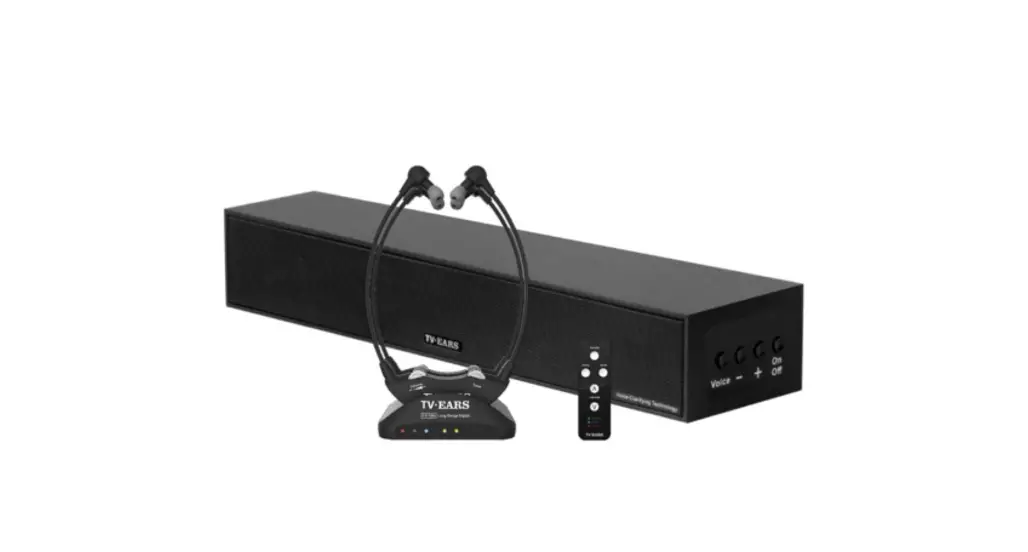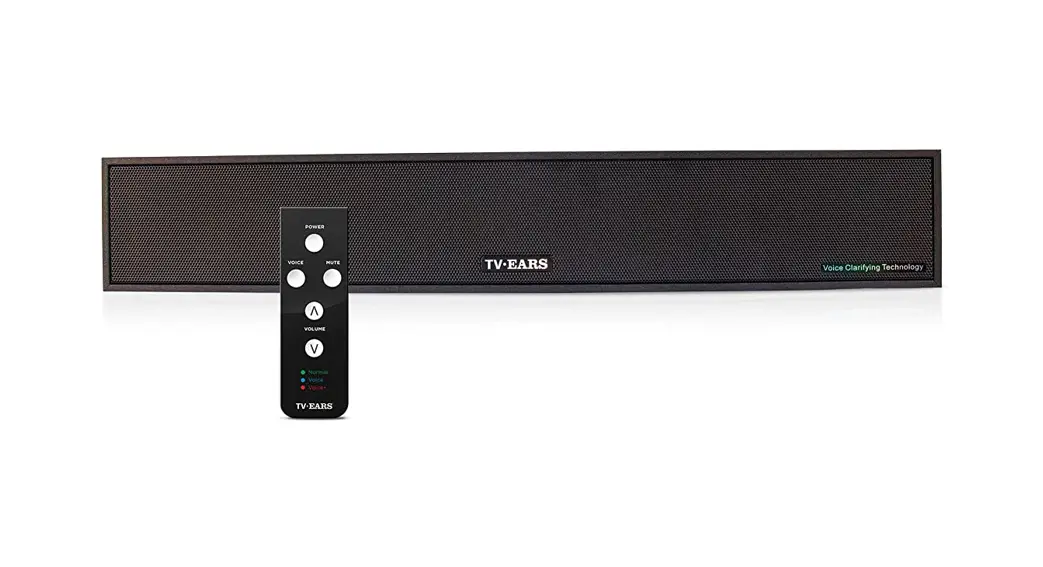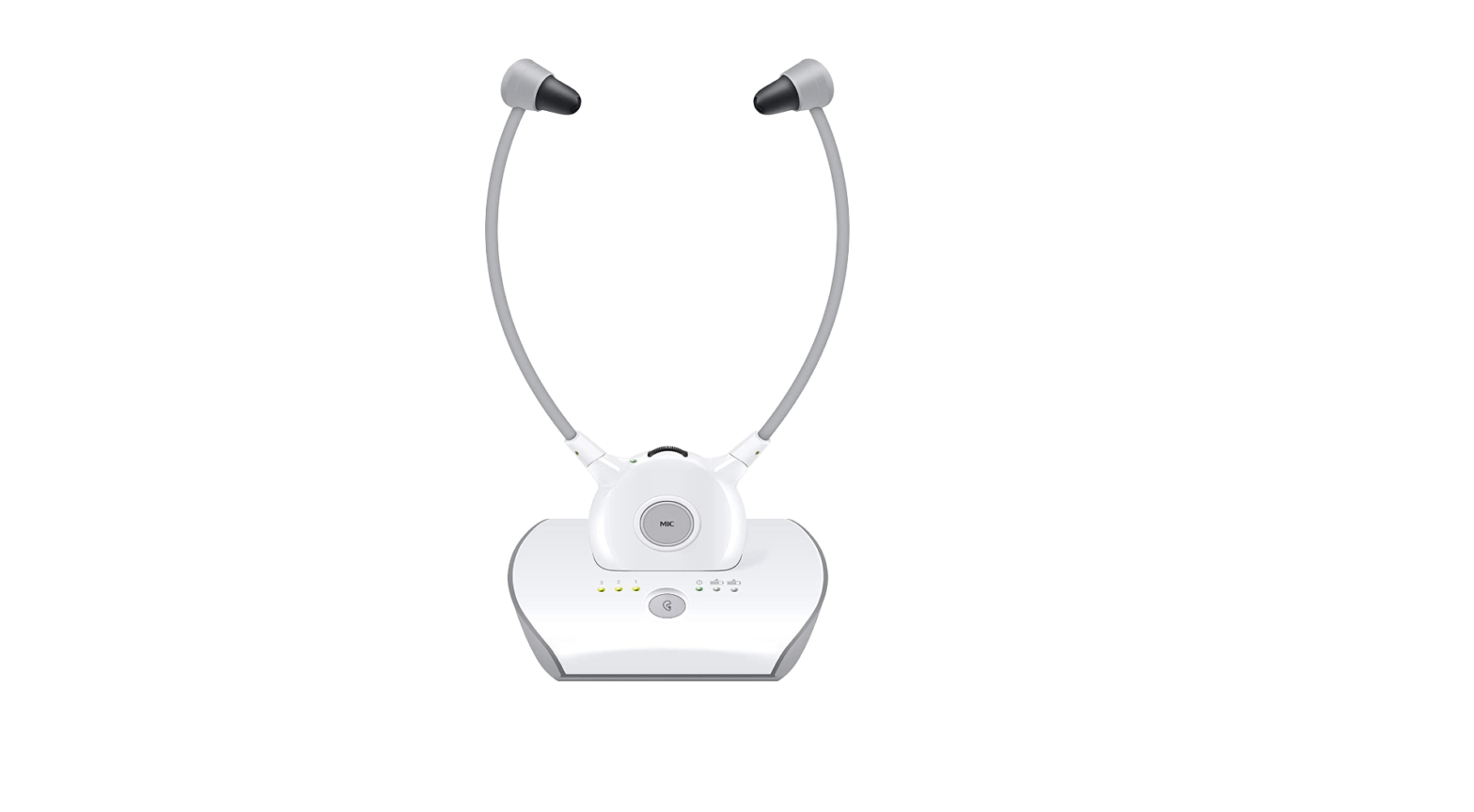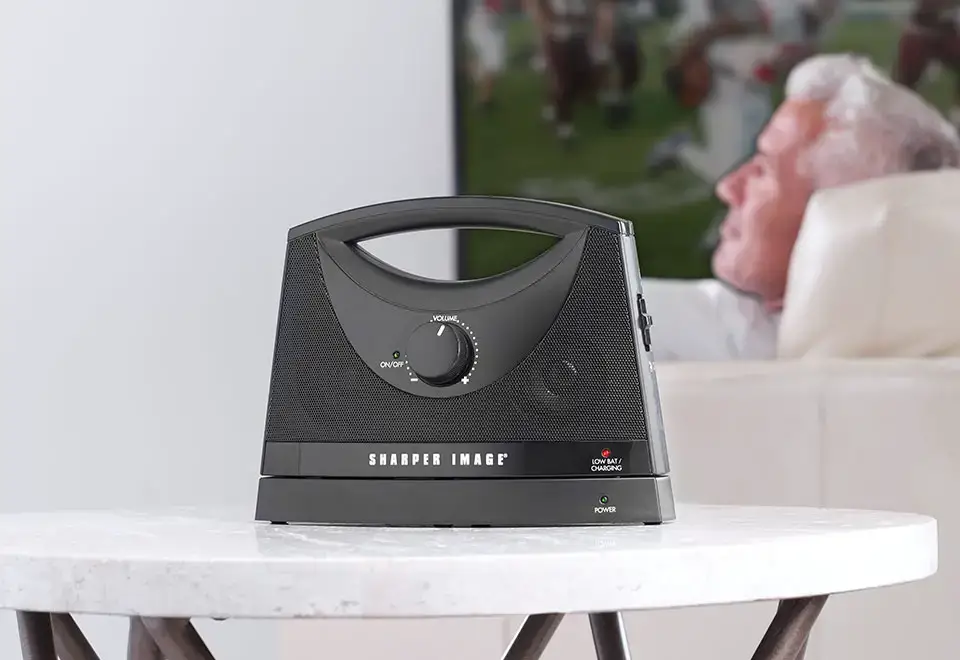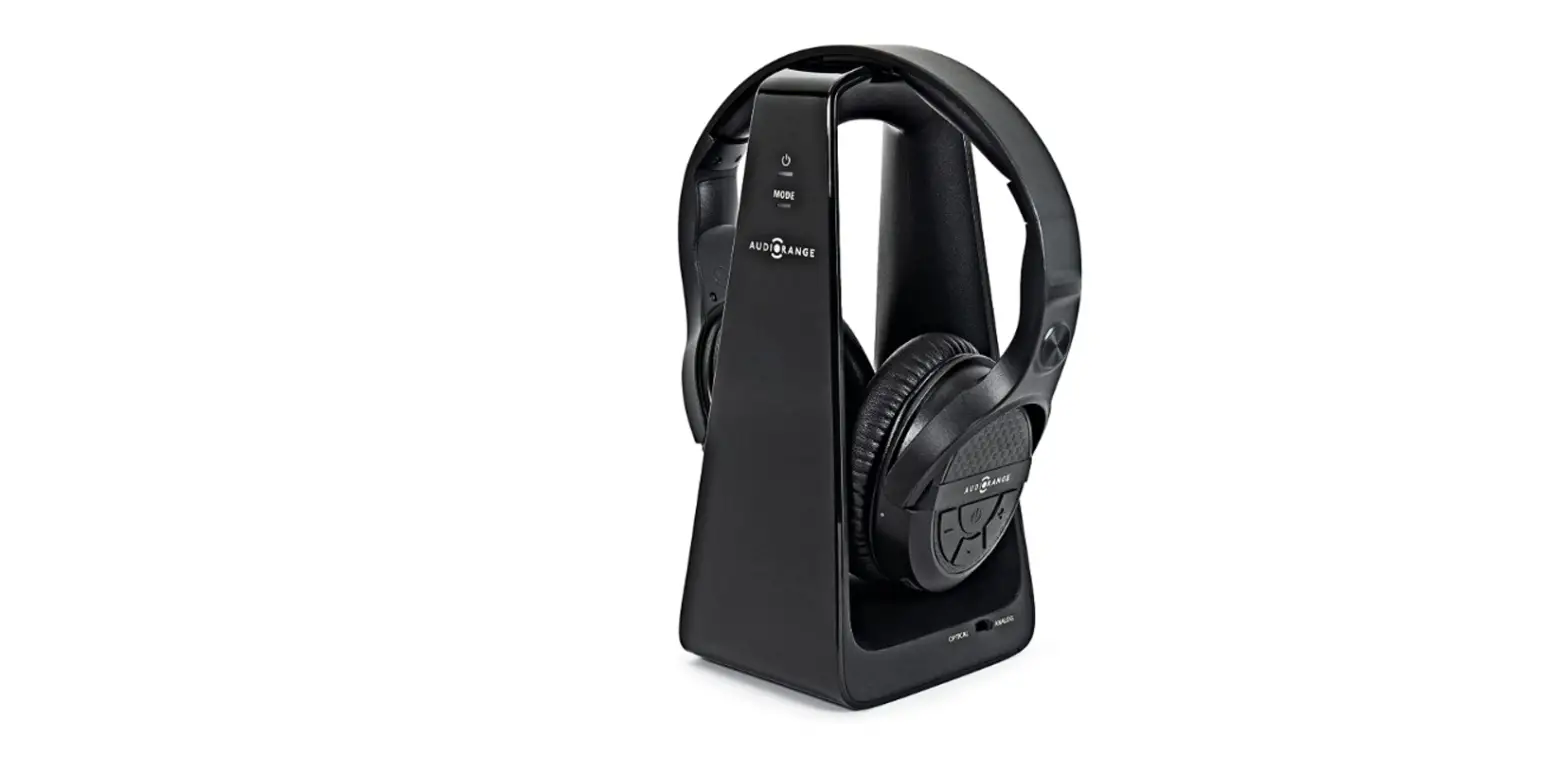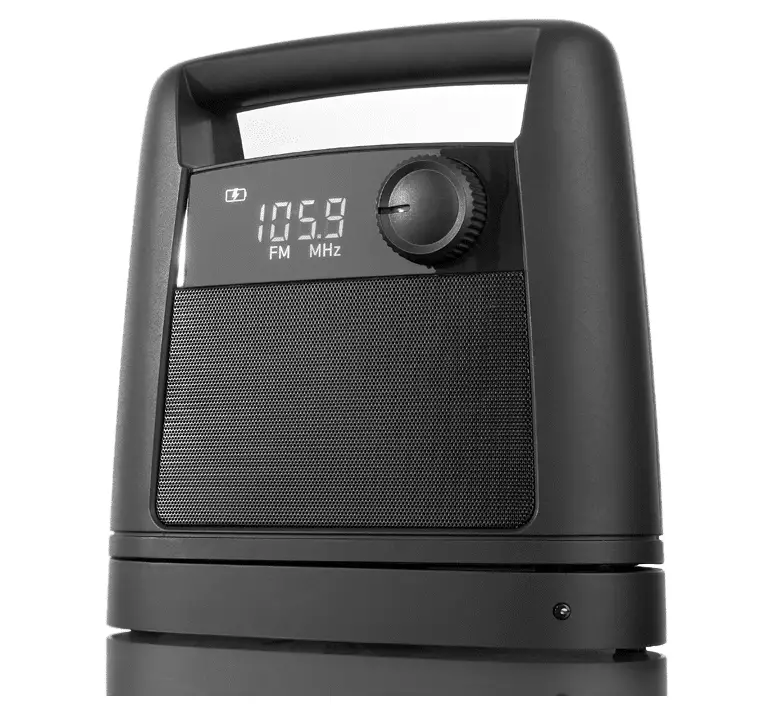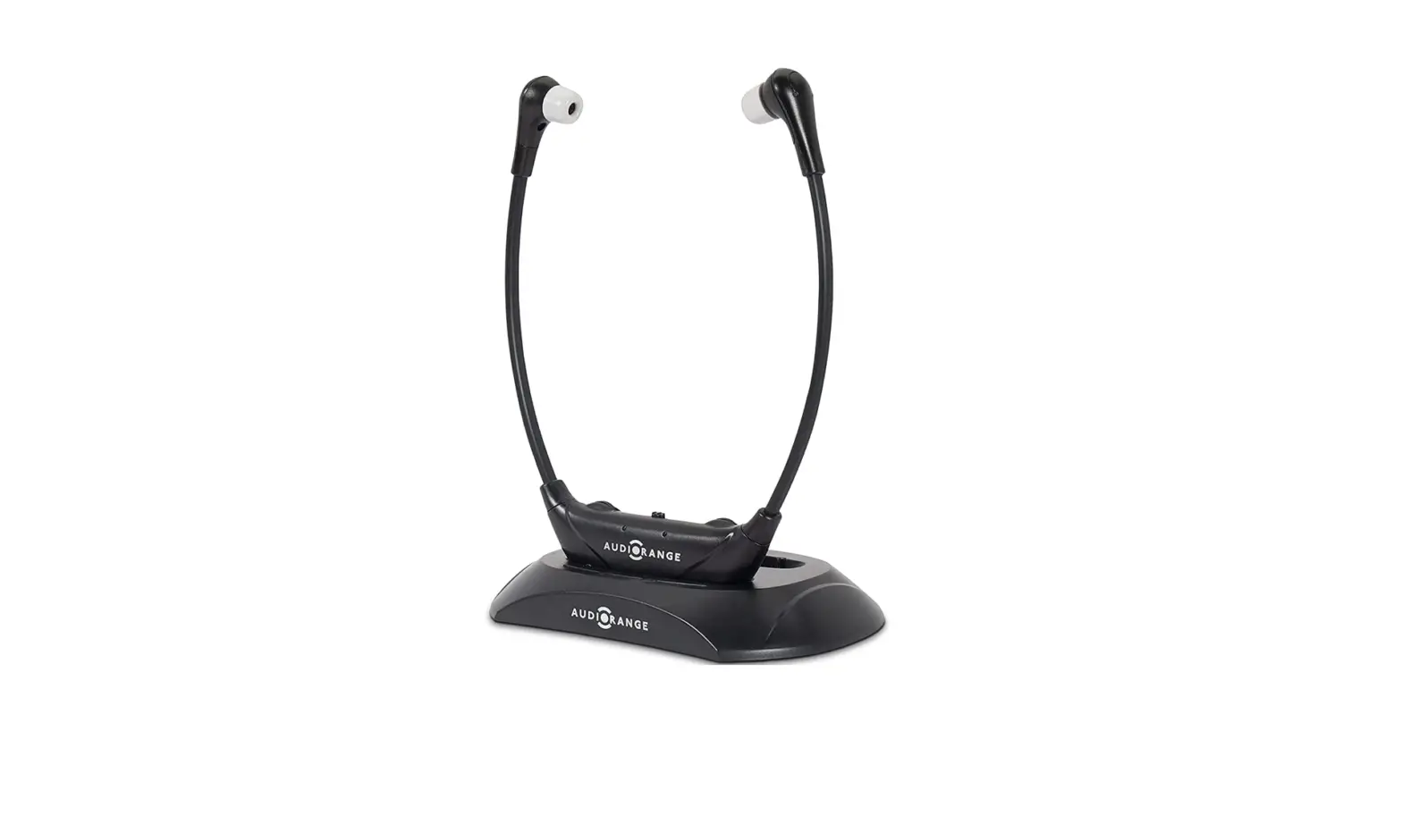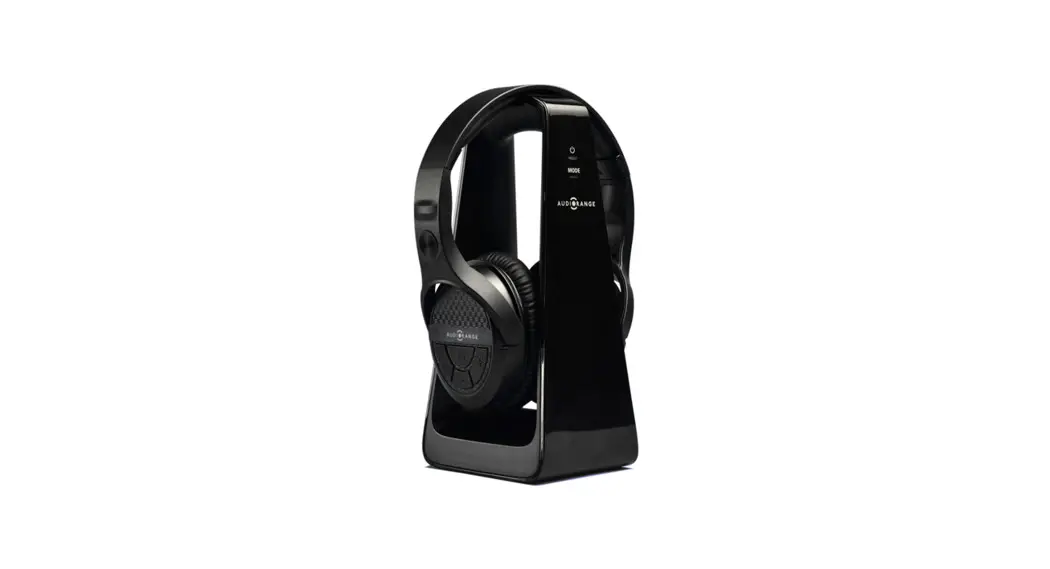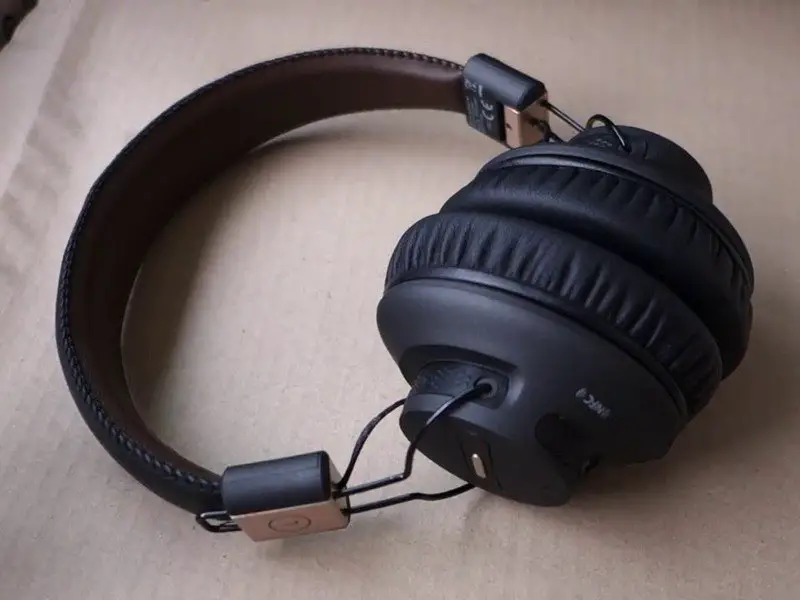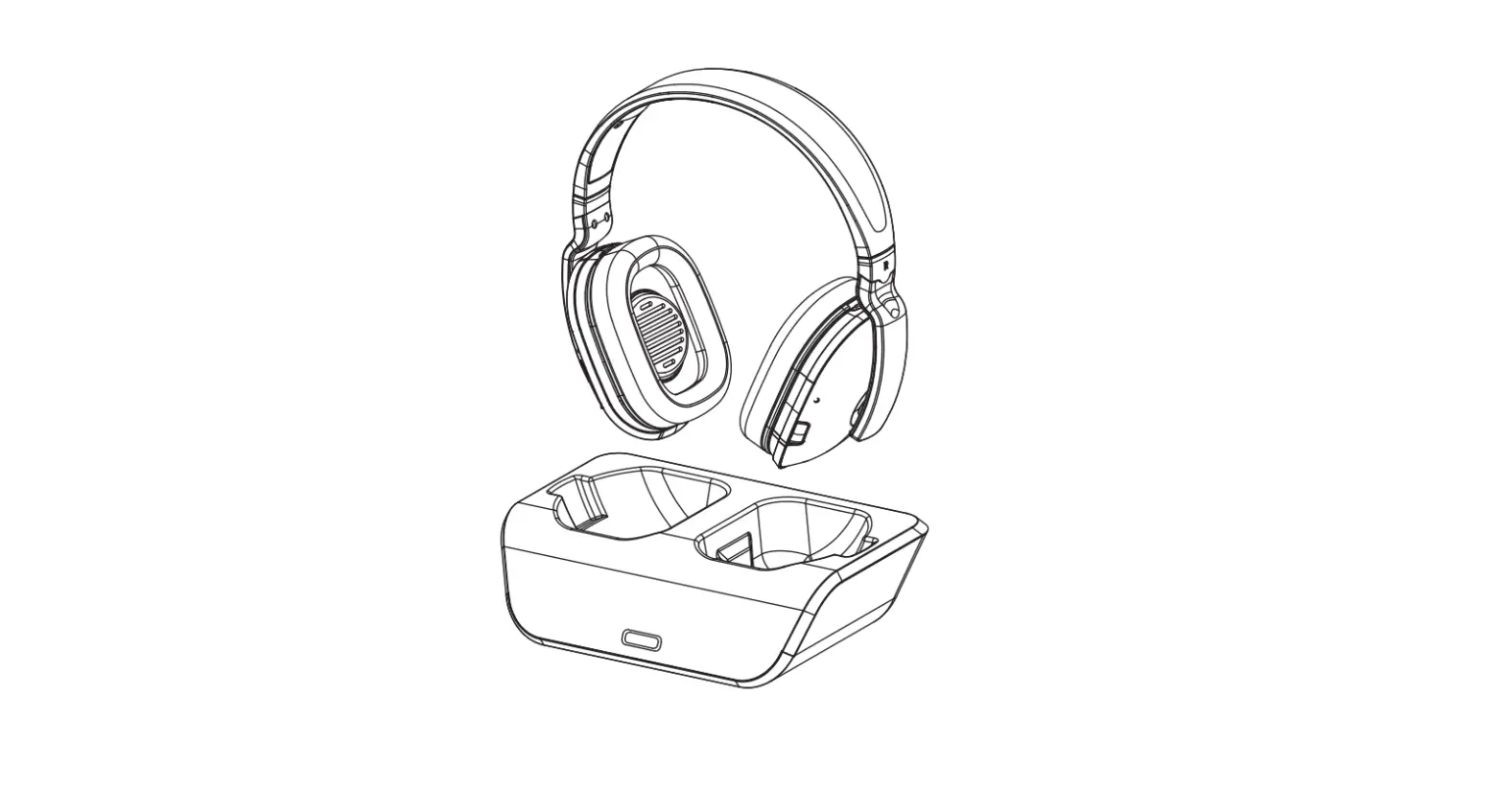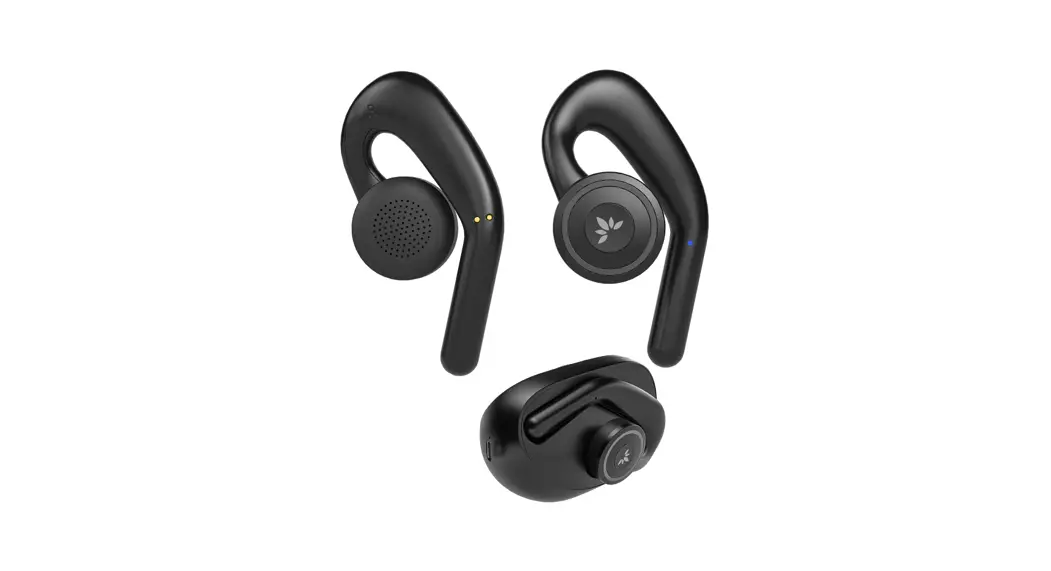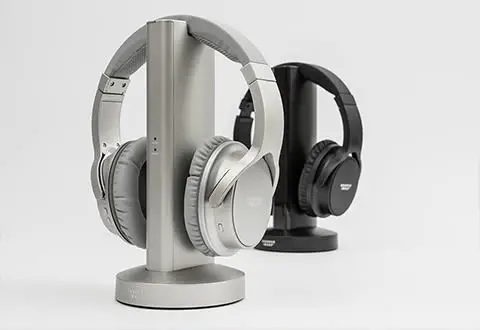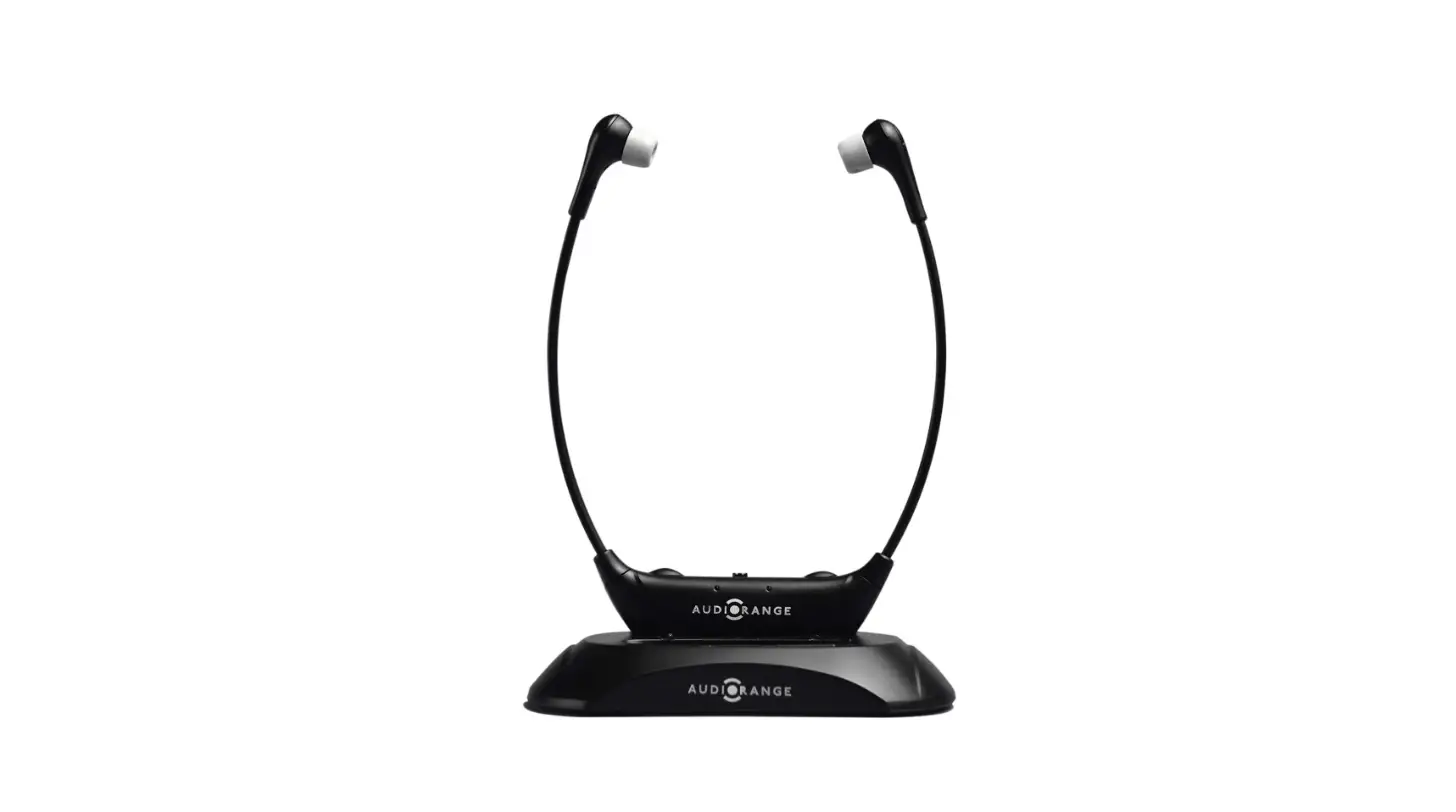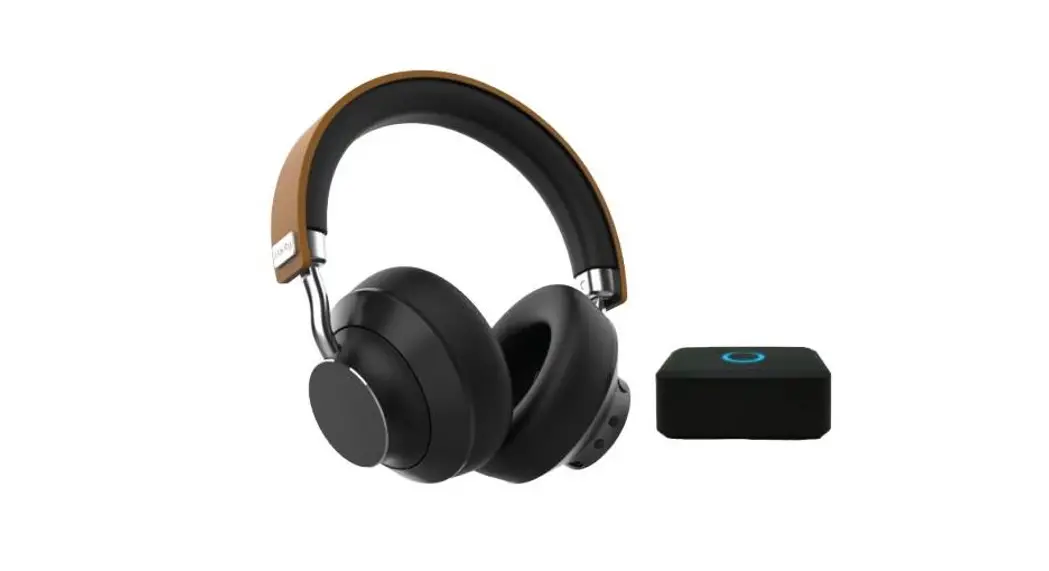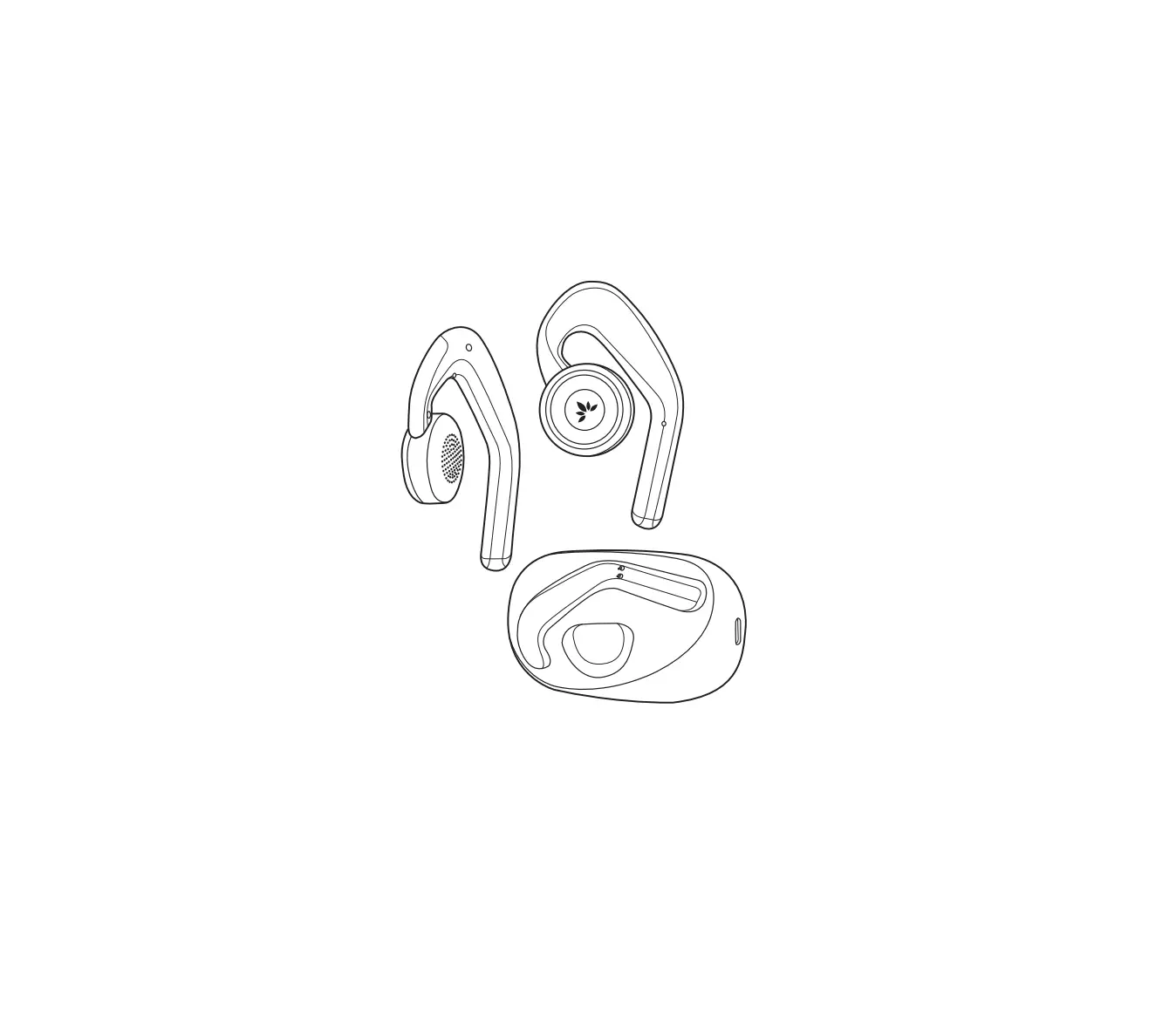

TV Ears Dr Recommended Wireless Voice Clarifying TV Speaker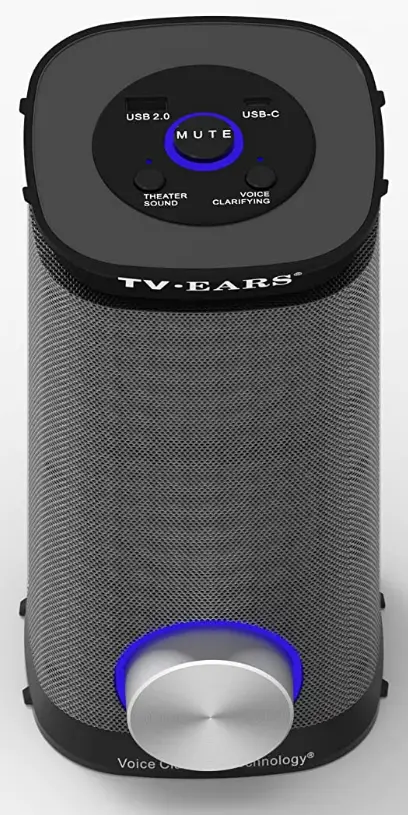
- DIMENSIONS:85 x 8.19 x 6.22 inches
- WEIGHT:64 pounds
- BRAND: TV · EARS
- SPEAKER TYPE: Soundbar
- CONNECTIVITY TECHNOLOGY: RCA, Bluetooth, Wi-Fi, USB, Optical, Coaxial
Millions of people with hearing loss have benefited from doctor-recommended TV Ears television listening systems with Voice Clarifying Technology in understanding television dialogue without disturbing others. You’ll be able to resume enjoying your preferred television shows, movies, and streaming material with the help of our proprietary electronic transmitters and headsets, headphones, soundbars, and speaker systems. Every TV Ears device has our patented Voice Clarifying Technology built in, which cancels out background sounds that are distracting and gradually enhances difficult-to-hear television conversation so that words, voices, and even accents are clear and intelligible.
Connecting the TV Speaker to the Mini TV Transmitter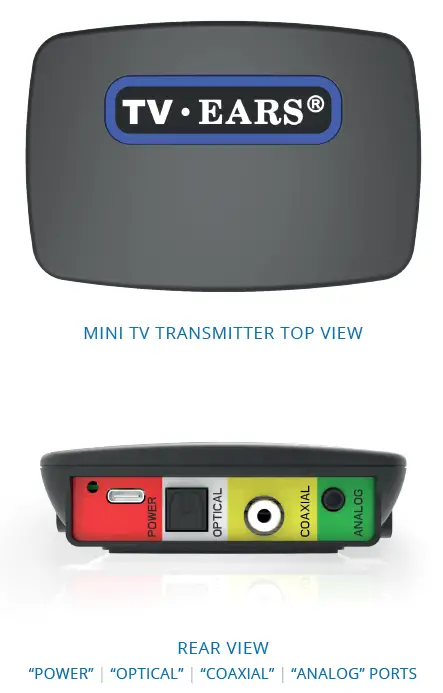
The TV transmitter is set up with Near Field Technology which will allow it to work seamlessly as soon as both the Transmitter and Speaker are turned on and there’s an Audio connection between the transmitter and the TV. Plug in the power cord to the transmitter and make sure it is close to the TV as it needs to be connected to the TV. Once the transmitter is on, the Blue LED Ring around the TV Ears Logo will illuminate. Then connect the mini TV Transmitter with either an Optical cord (included) or an Analog cord (included) depending on the setup and TV being connected. In rare cases, a coaxial connection is the only available connection, that cord needs to be purchased separately for the transmitter and TV connection to be established. To connect the mini TV Transmitter and the speaker, now connect the Speaker at your desired location up to 100 FT from the transmitter. Once the Speaker is also turned on, it should connect automatically to the Transmitter and you will be able to enjoy the TV on your new Voice Clarifying Speaker ™ with its Voice Enhancement Technology™.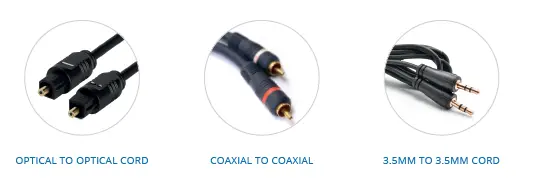
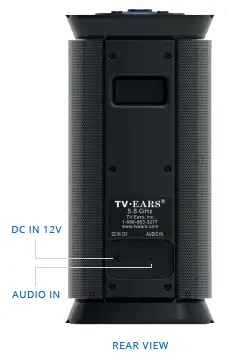
Note: Since the mini TV Transmitter distributes the signal via wireless UHF broadcast, it is best to only use one transmitter per room to avoid interference. TV Ears Voice Clarifying TV Speaker™ Instructions
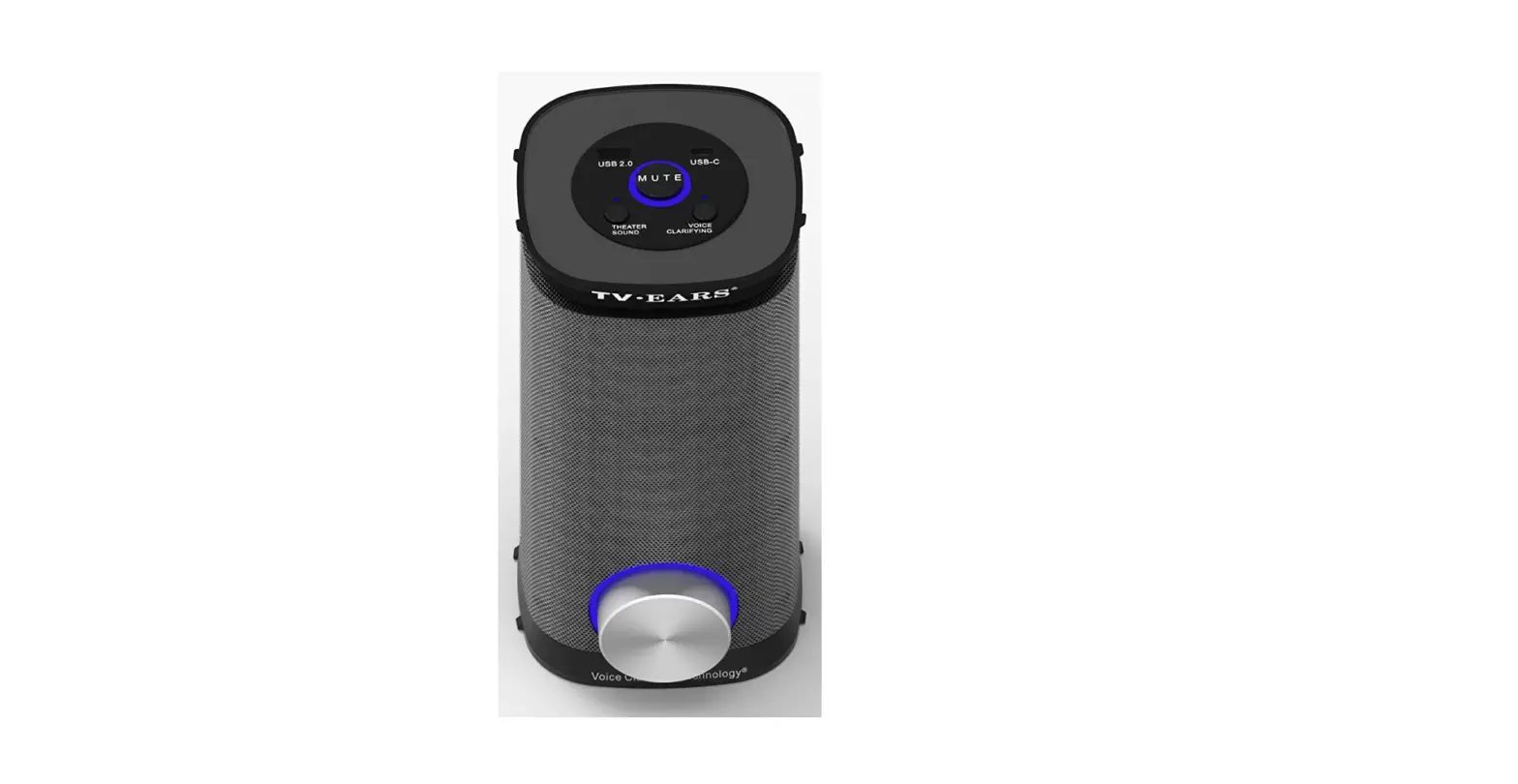
DC In 12V Charging Port:
Plug in the included power cord to power on the Speaker. The speaker also contains a rechargeable battery, and will be charged when the power cord is connected to the speaker.
3.5mm Audio In Connection: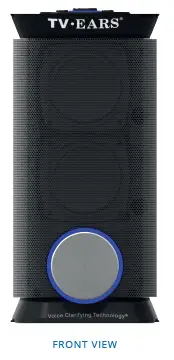
For direct audio connection to a device such as an IPad or an IPhone, plug in the included 3.5mm cord directly to both the TV Speaker and the audio device being used. *When the power is low, it will be shut down automatically.
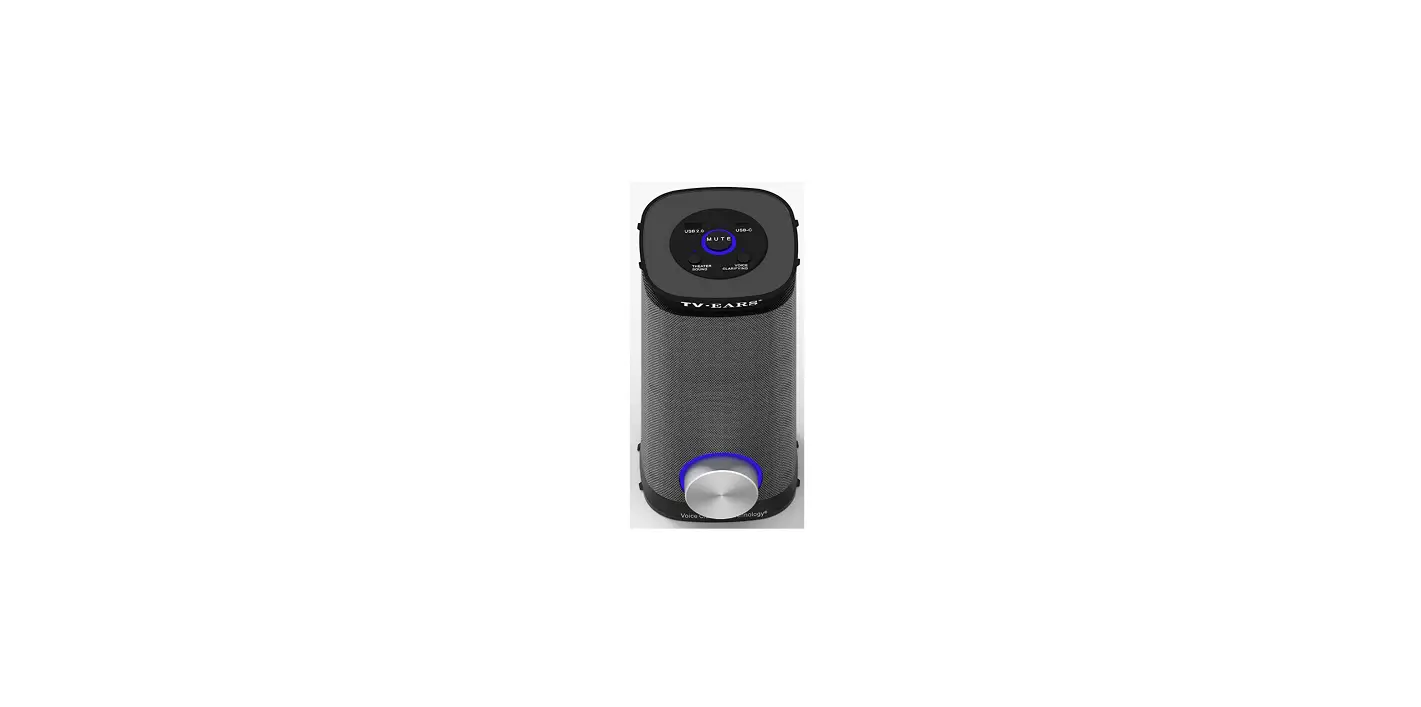
Volume Dial Control
Turning the Speaker On/OFF
- Turn the dial clockwise to turn the speaker ON. When the speaker is turned ON, the blue LED ring around the volume dial will be illuminated. To turn it off, please turn the dial counterclockwise all the way and the blue LED light turns off.
Volume Control
- Turn the dial clockwise to increase the volume
- Turn the dial counterclockwise to decrease the volume.
TV Ears Voice Clarifying TV Speaker™ Additional Controls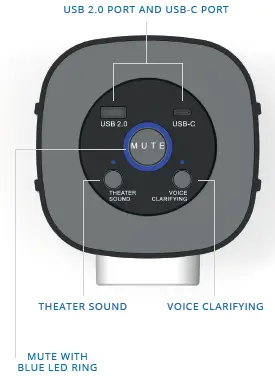
USB. 2.0 Port and USB-C Port: Those two plugs are used to allow charging of other portable devices such as phones or tablets. You will need to use your own cords to charge your devices.
Mute Button:
To mute the speaker momentarily, press the mute button once. When the blue LED ring is illuminated, that means your speaker is currently muted. Press the mute button again to unmute the speaker.
Theater Sound Button:
To activate your speaker’s theater sound mode for a better movie experience, press the Theater Sound Button once, you will see the LED light illuminate above the button. To turn the mode off, press the button again.
Voice Clarifying Button:
To activate your speaker’s voice clarifying mode for better dialog recognition, press the Voice Clarifying Button once, you will see the LED light illuminate above the button. To turn the mode off, press the button again.
FREQUENTLY ASKED QUESTIONS
Do TV Ears work on any TV?
Any television set is compatible with TV Ears, according to the manufacturer. They work with audio systems, normal TVs, cable TV, satellite TV, VCRs, and DVD players. Keep in mind that TV Ears need a battery that can be recharged and has a life of up to 4-6 hours.
Do TV Ears work with digital TV?
The television’s digital is two times as strong as the original and is compatible with both analogue and digital TVs, so it will compete with any TV you may purchase in the future.
How long should TV Ears last?
They last about 1 to 2 years.
Will TV Ears work with Netflix?
The only way you can set up your TV Ears is to first make sure it is hooked into the television and not a cable or satellite box.
Can you listen to TV with wireless earbuds?
If your TV has Bluetooth built-in, attaching wireless headphones just requires a small amount of on-screen setup.
Do TV Ears require Bluetooth?
There is no need for Wi-Fi, Bluetooth connectivity, or a phone app in order for our 2.4 GHz long range wireless technology to function right out of the box. Turn it on by just plugging it in. It will function each time.
How do I get my TV to play wireless headphones?
You should find a Bluetooth connection option in the accessories section of your TV’s settings menu if you look for it. Search for the device while making sure your headphones are accessible and prepared to connect. Connect to them as soon as you see them appear in the Bluetooth results on your TV.
What headphones can be used for TV?
Simply connect your wired headphones to the 3.5mm headphone socket on your TV. You can utilize your headphones if your TV has RCA stereo outputs instead of a 3.5mm port by purchasing an RCA-to-3.5mm adaptor.
Do TV Ears work on all TVs?
Any television set is compatible with TV Ears, according to the manufacturer. They work with audio systems, normal TVs, cable TV, satellite TV, VCRs, and DVD players.
Do TV Ears work with a sound bar?
The power to the Sound Bar must stay on (may be muted) in order for the TV Ears to function when an extra TV Ears system is connected directly to it.