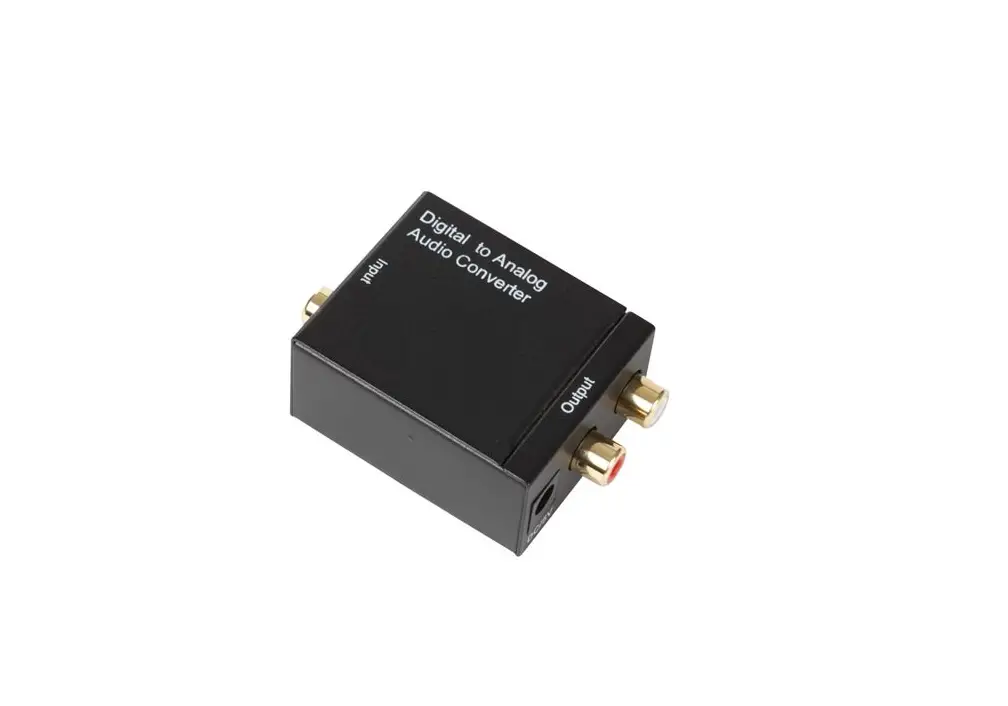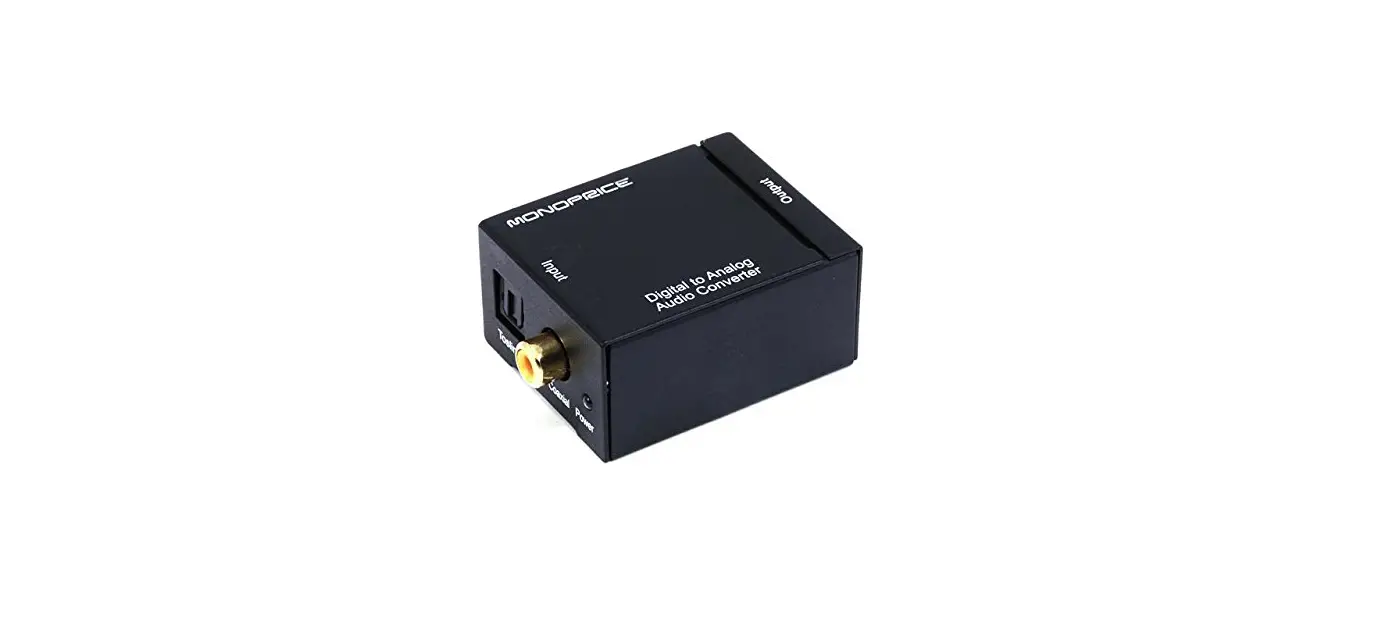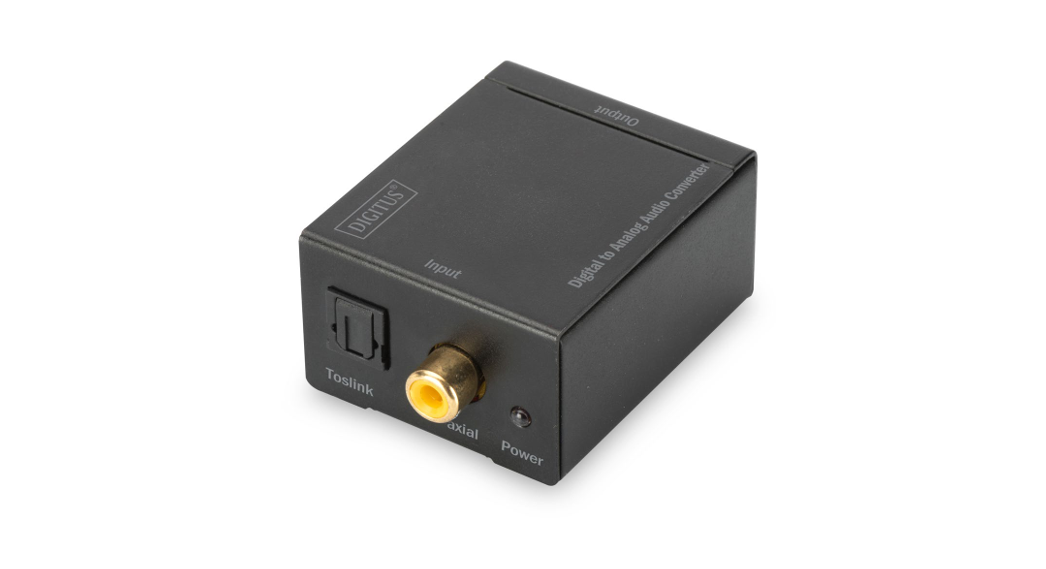
 MyCableMart ZT-T-609PRO Digital to Analog +3.5mm Stereo Audio Converter
 MyCableMart ZT-T-609PRO Digital to Analog +3.5mm Stereo Audio Converter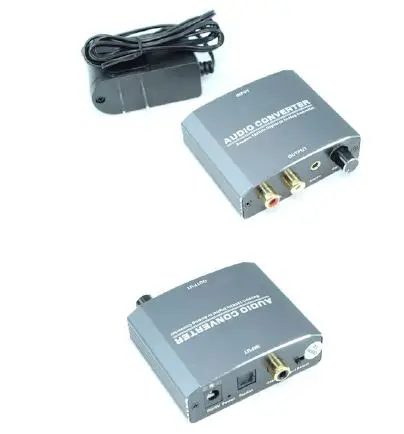
AUDIO CONVERTER
User Manual
Digital to Analog +3.5mm Stereo Audio Converter
Thank you for purchasing our product. To ensure safety and many years’ trouble-free operation of the product, please read the manual carefully before using this product.
INTRODUCTION
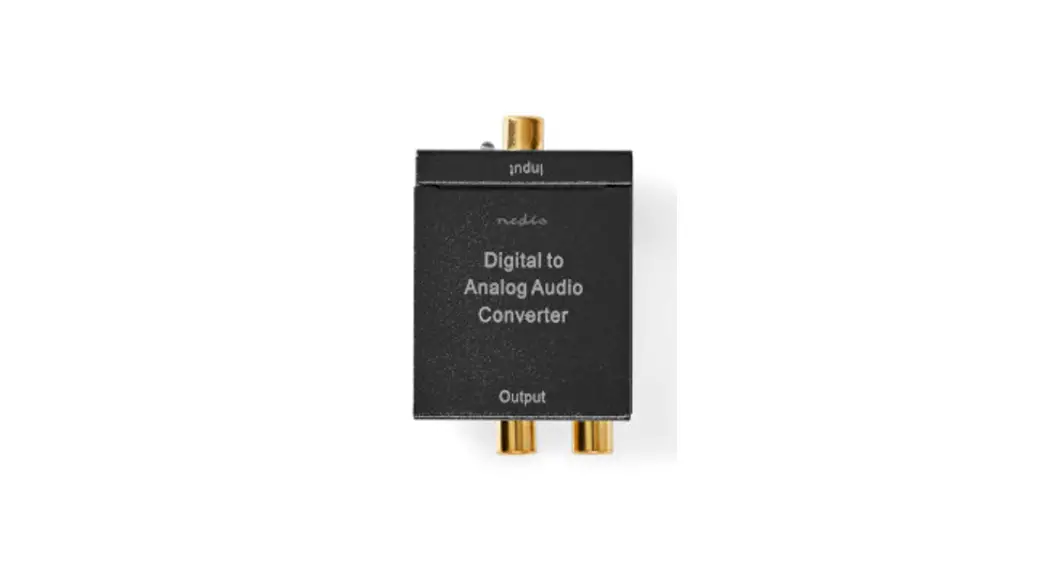
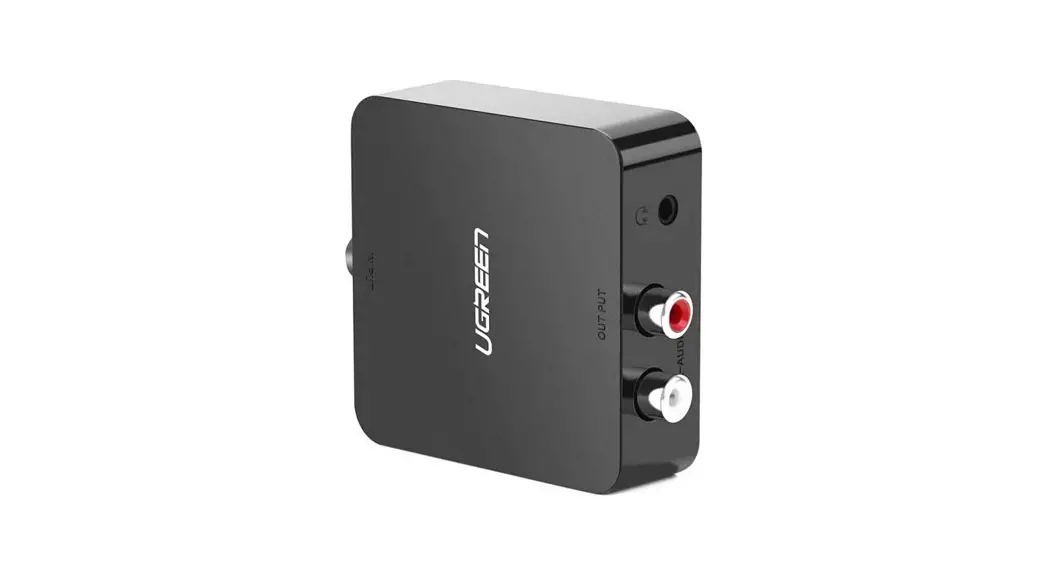
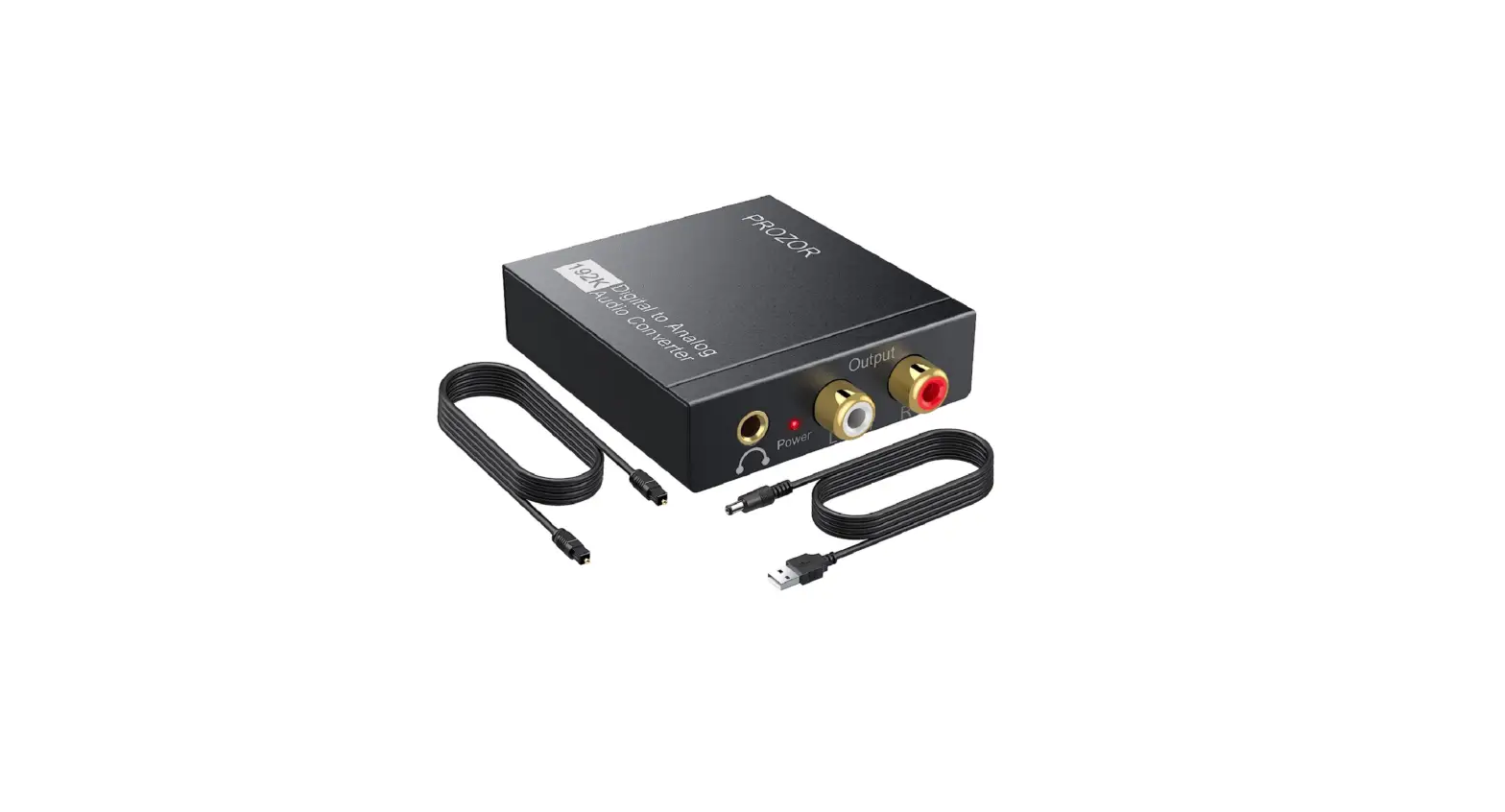
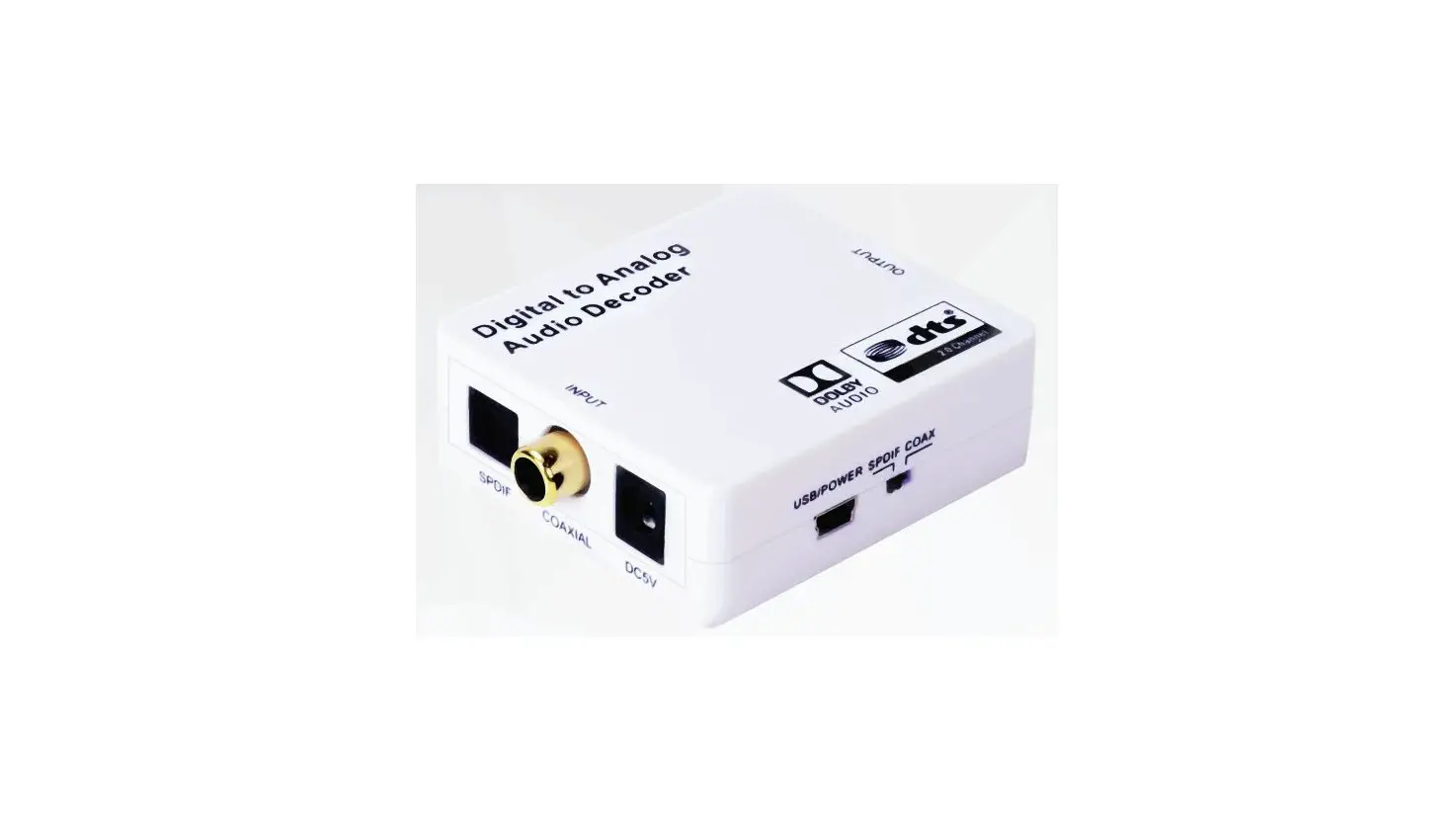
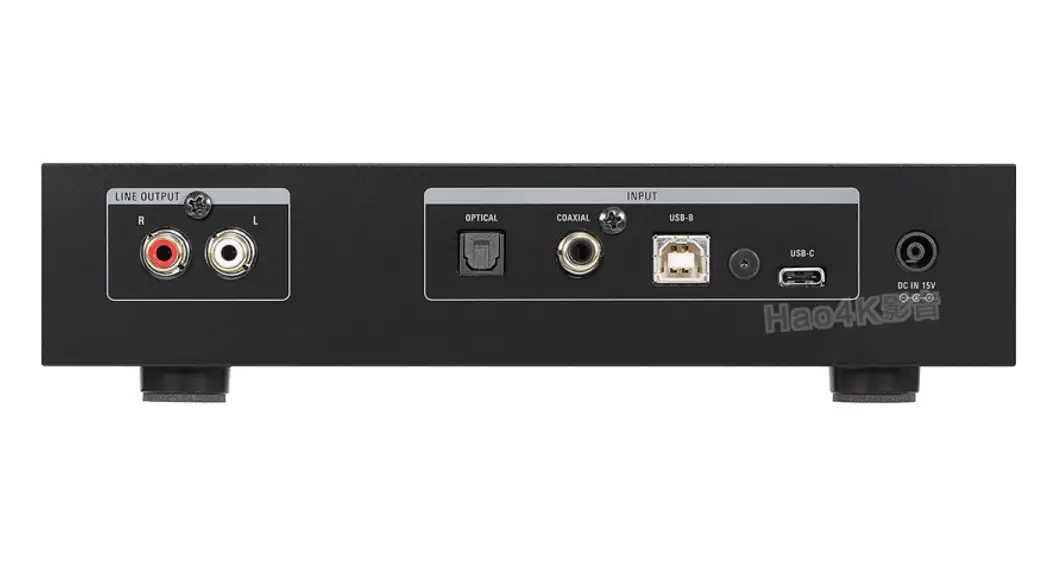
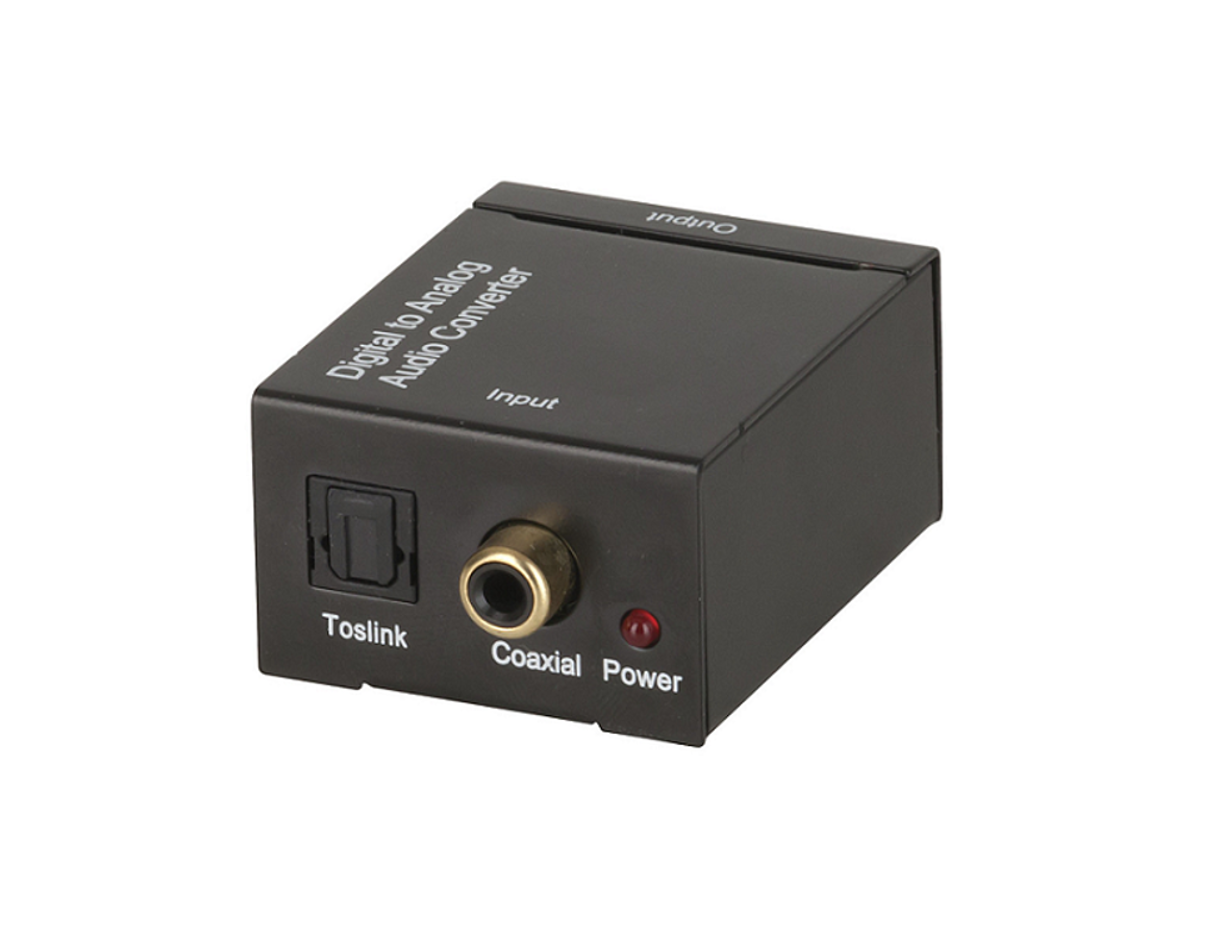
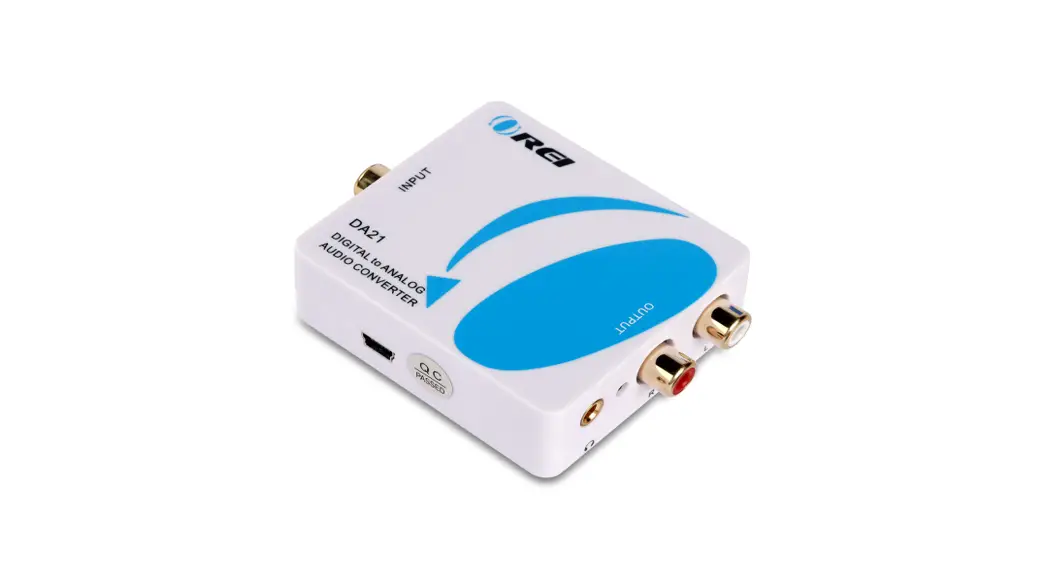
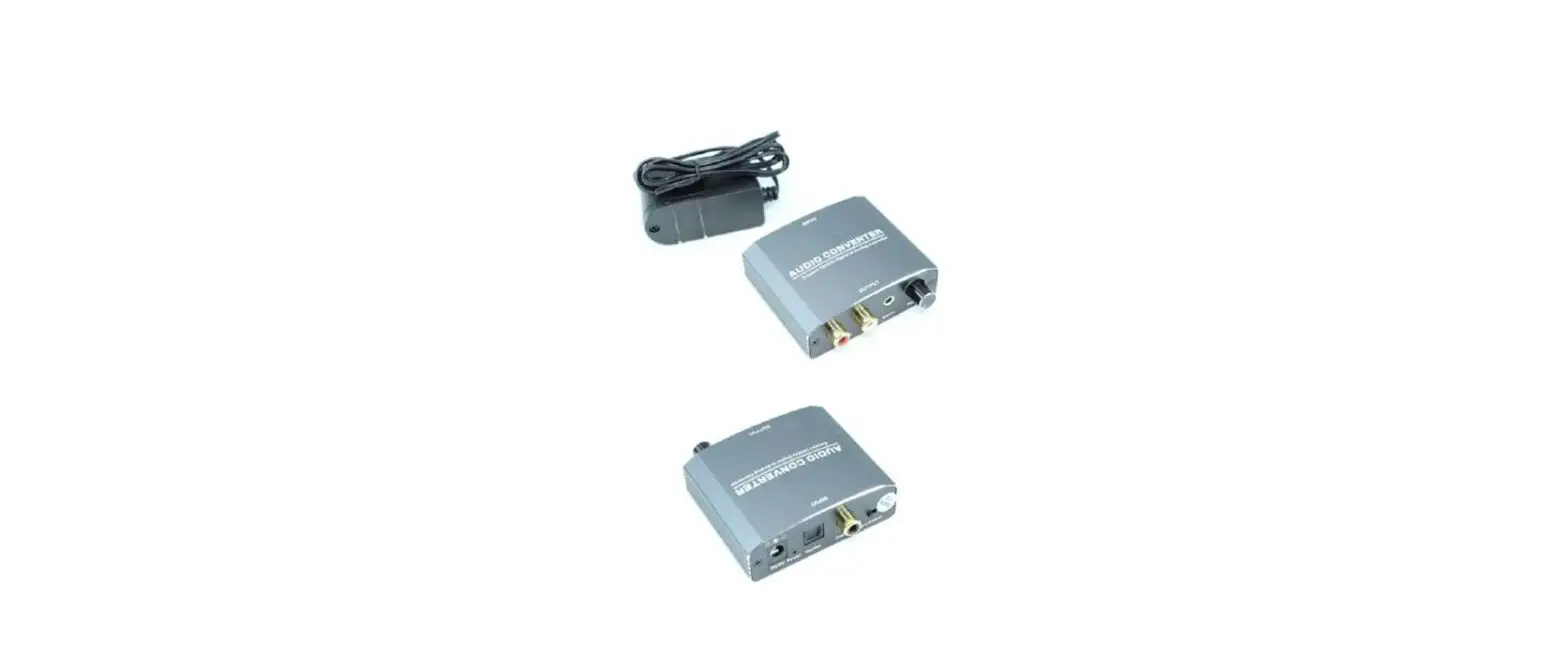
This Digital to Analog Audio Converter is designed for either home or professional audio switching. It converts Coaxial or Toslink digital audio signals to analog L/R audio and available for connection to an external device such as an amplifier via standard RCA-style jacks and 3.5mm stereo jack,This Converter is small in size and quite easy to install.
FEATURES
This Converter has many features that enable it to perform in a superior manner. Among those features you will find:
- Converts Coaxial or Toslink digital audio signals to analog audio.
- Supports sampling rate at 32, 44.1, 48 and 192KHz.
- 24-bit SPDIF incoming bit stream on left and right channels.
- Support Input select.
- Support volume amplification and adjustment.
- Provides electromagnetic-noise-free transmission.
- Easy to install and simple to operate.
SPECIFICATIONS
| Signal Inputs/Output | |
| Input Audio | Coaxial or Toslink digital audio |
| Output Audio | R/L +3.5mm audio |
| Connector | |
| Input audio connector | Toslink、1XRCA(Coaxial) |
| Output audio connector | 2XRCA(R/L)3.5mm stereo jack |
| Sampling rate | 32,44.1, 48,96 and 192KHz |
| Mechanical | |
| Size(LxWxH) | 73×60.5×22.5mm |
| Weight (Net) | 90g |
| Warranty | |
| Limited Warranty | 1 Year Parts and Labor |
| Environmental | |
| Operating Temperature | 0 ℃ to +70℃ |
| Operating Humidity | 10% to 85% RH (no condensation) |
| Storage Temperature | -10℃ to +80℃ |
| Storage Humidity | 5% to 90% RH (no condensation) |
| Power Requirement | |
| External Power Supply | DC 5V 1A |
| Power Consumption | 0.5 watts (max) |
| Regulatory Approvals | |
| Converter Unit | FCC,CE,UL |
| Power Supply | UL,CE,FCC |
| Accessories Adapter | |
| AC Power Adapter | US standard, UK standard and so on |
| User Manual | English Version |
Note: Specifications are subject to change without notice.
PANEL DESCRIPTIONS

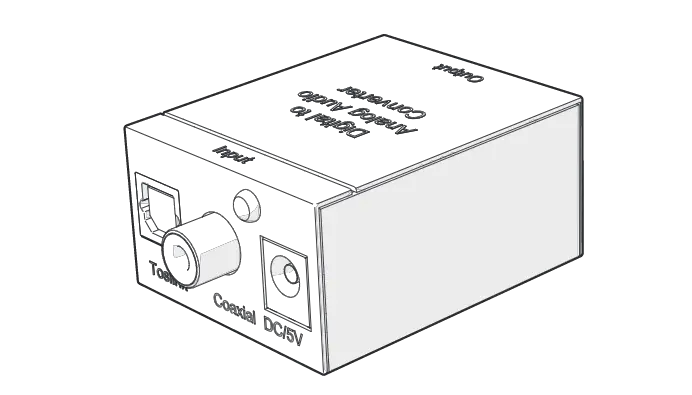
Please study the panel drawings below and become familiar with the signal input(s), output(s) and power requirements.
- DC/5V
5V Power Input port - LED
Power Status Indicator - Toslink
Toslink Digital Audio Input port - Coaxial
Coaxial Digital Audio Input port Input - Select
Input Select button - R/L
R/L Audio Output port - Stereo
Earphone Audio Output port - ON/OFF
Power switch and Volume adjustment
CONNECTION AND OPERATION
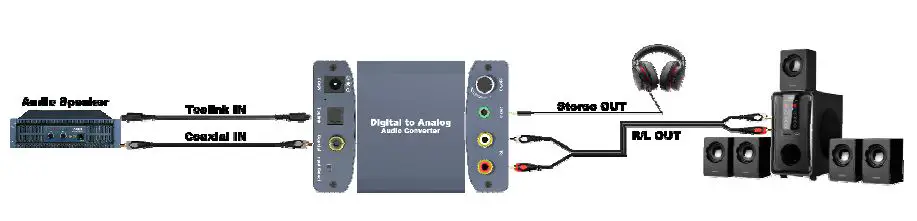
Before installation, please make sure all devices you wish to connect have been turned off.
- Connect the audio source device to the Converter using appropriate Toslink or Coaxial cables.
- Connect the A/V Receivers or Amplifiers to the Converter using appropriate R/L cable.
- The earphone is connected to the converter 3.5mm audio interface.
- Insert the DC side of 5v power supply into the converter and then connect the AC side of the power supply into the wall outlet.
Note: When connected to the Toslink and Coaxial cables at the same time, the product will give priority to Toslink input. Attention: Insert / Extract cable gently.
INSTALLATION AND PRECAUTIONS
To avoid electric shock , product damage and to protect your safety , please notice the following:
- Please slowly plug or unplug signal cables and do not often plug , unplug , or shake them.
- The equipment should not be placed under the sun , rain and damp or unventilated environment.
- Liquid items should not be placed on the equipment.
- Do not install the equipment near heat sources such as fire , power , or other amplifiers that produce heat.
- Do not insert the metal or other objects to the equipment in addition to connecting cables to ports.
- Do not demolish the equipment by yourself ; it should be maintained by professional maintenance staff.