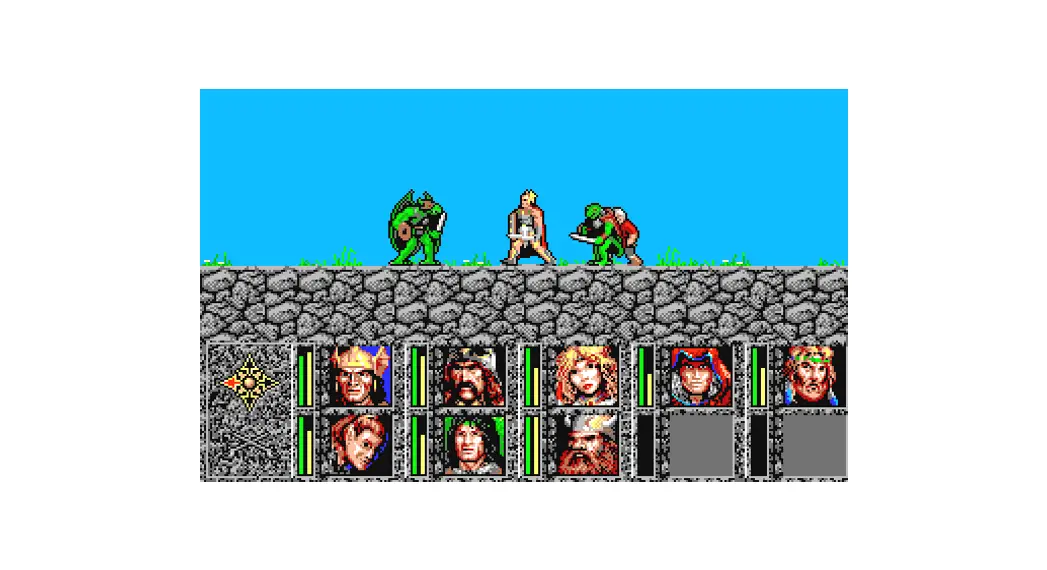

STEAM Burnit Quest Game

Follow these 4 easy steps to get your game up and running in no time
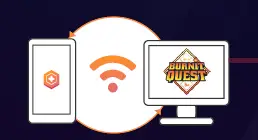
- Install and run the FitController app in your smartphone device. It can be found at the Google Play Store & Apple App Store.

- Click and run the BurnitQuest.exe file.

- Certify that your phone and computer are connected to the same WiFi network. (Also remember to check the public and private network access on the prompt window)

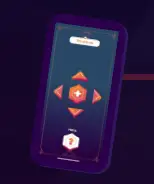
- Use the arrows and “+” button to navigate menus. To move your characters just follow the tutorials and move your body accordingly.



- Have fun burning those pesky calories

- EXTRA The game also has a multiplayer mode, all you need to do is install FitController to another phone and have both running the app at the same time
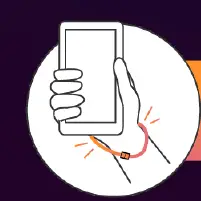
- We highly encourage you to use wrist straps with your phone during play


If you have any issues reach out to us in our subReddit & Discord Channel.