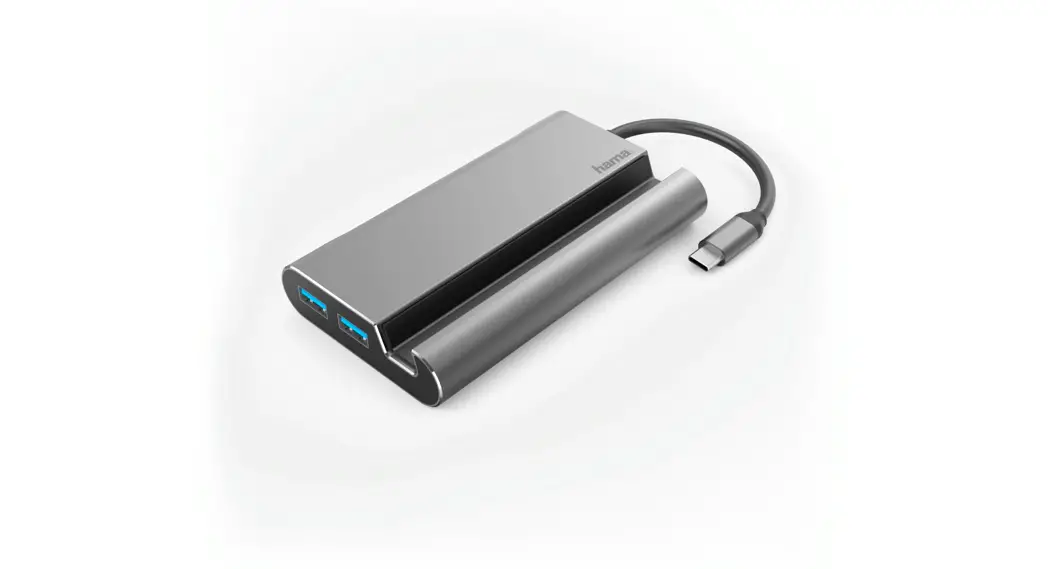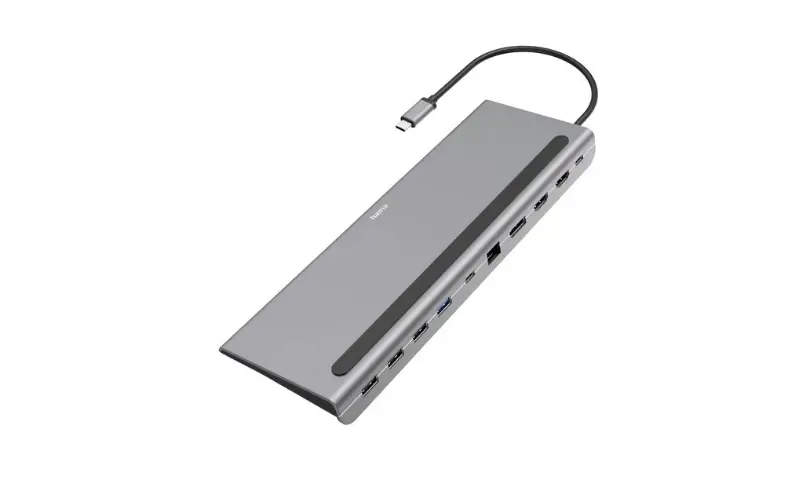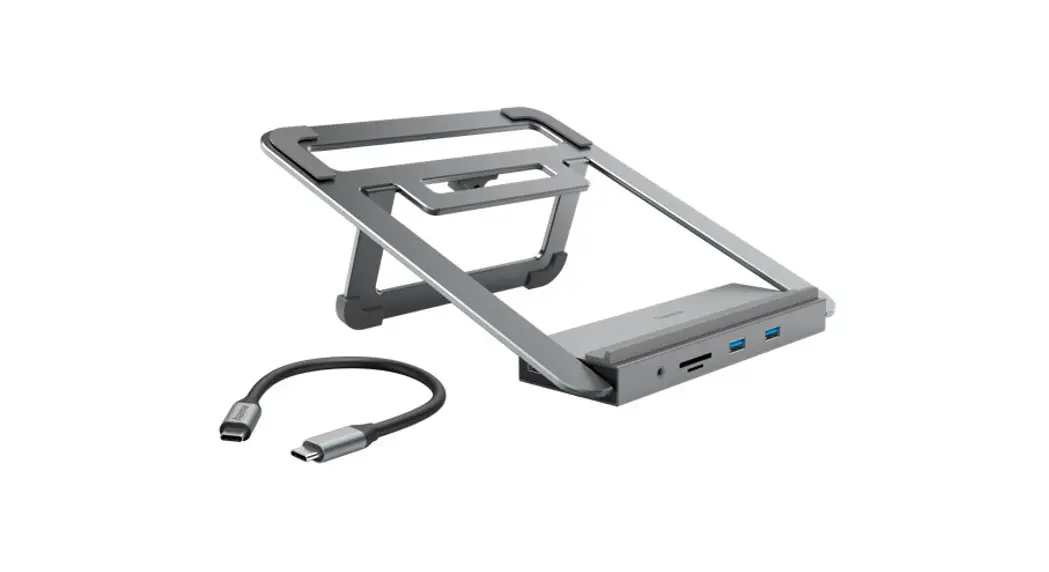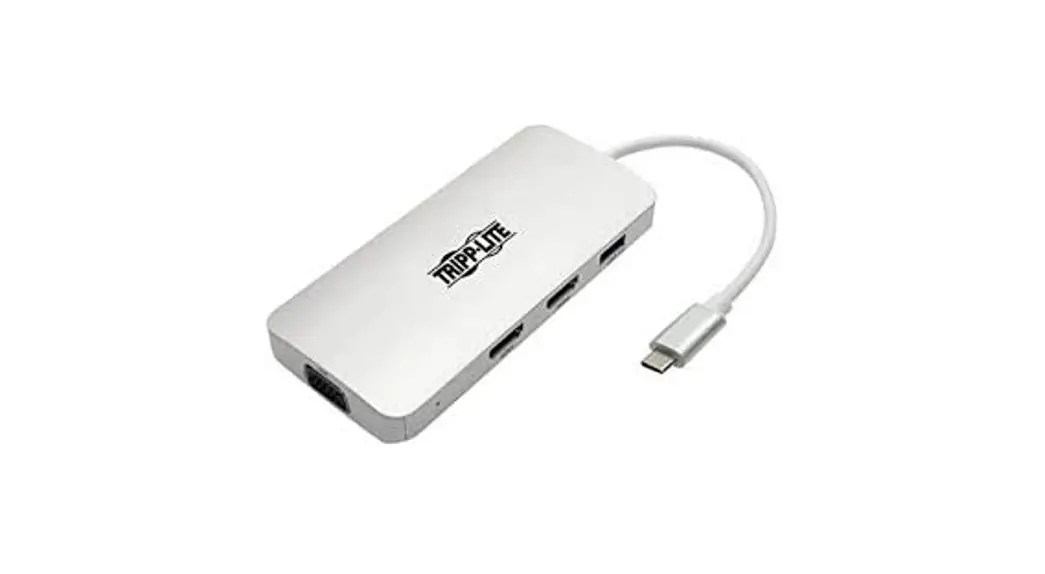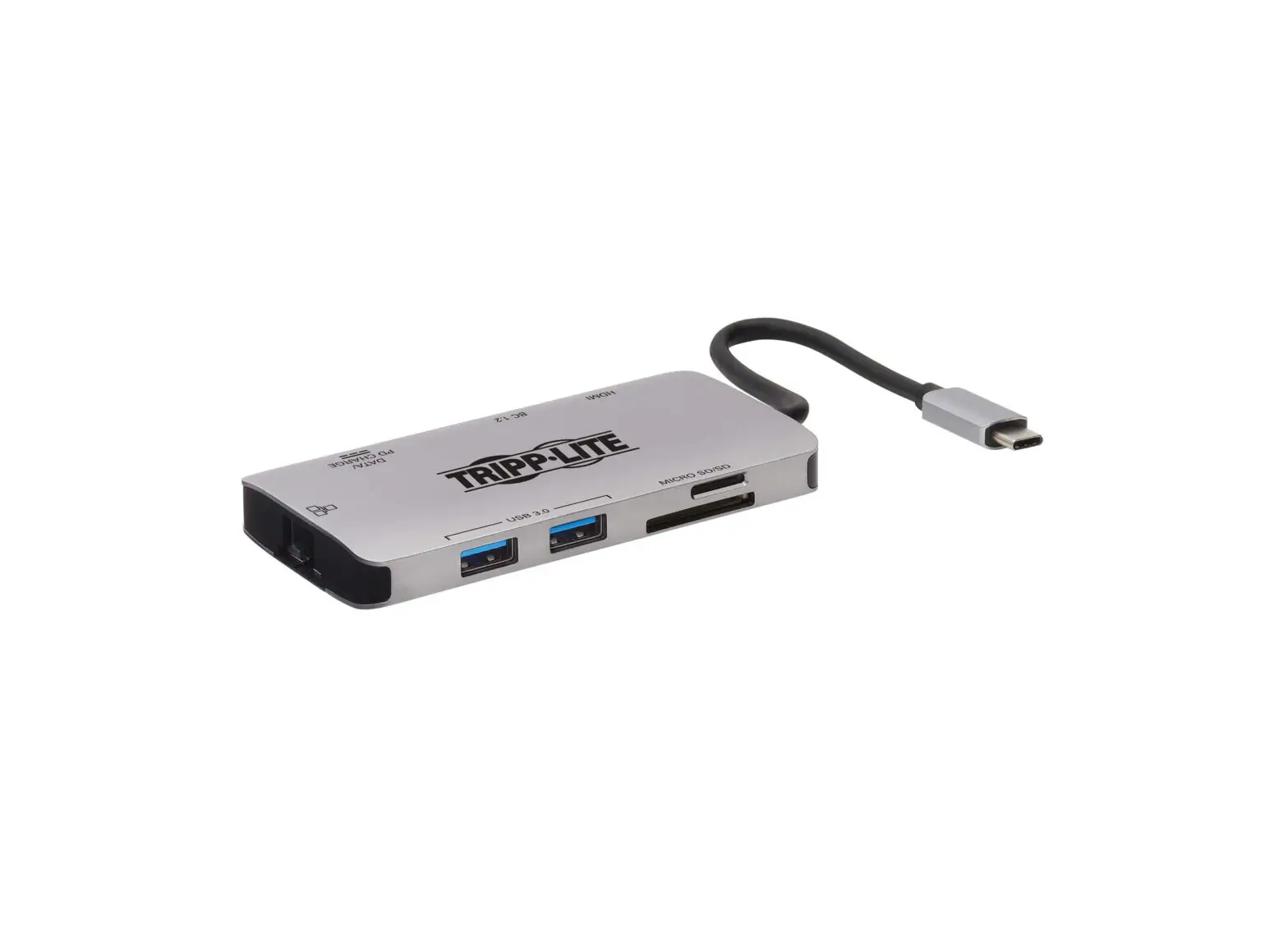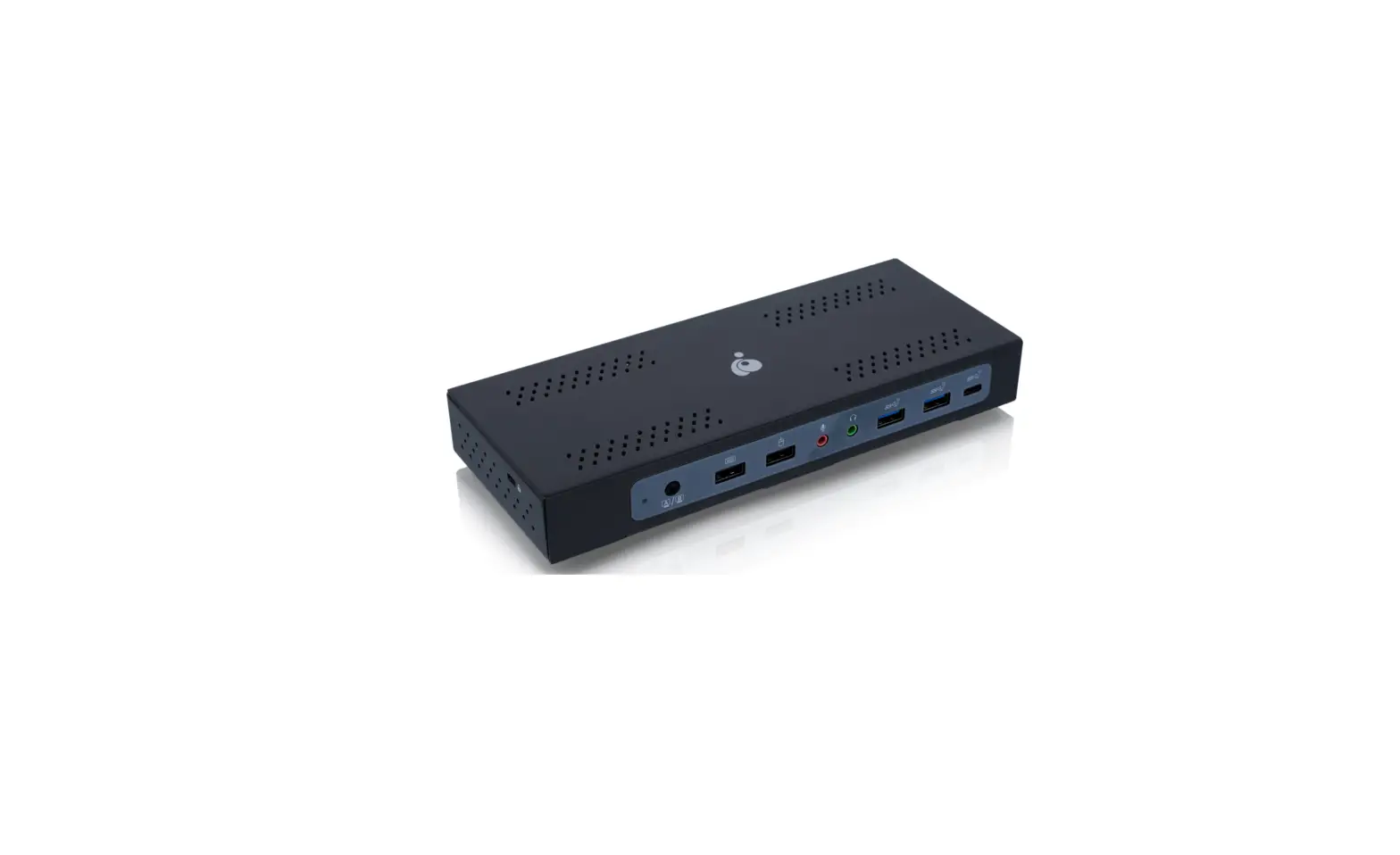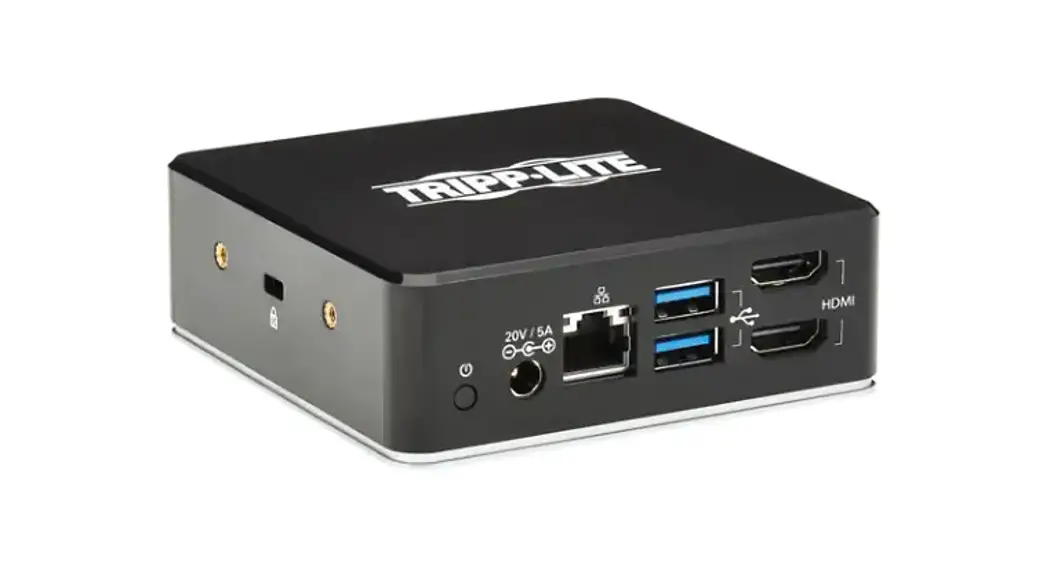

Targus DOCK116GLZ USB-C Universal Dual HD Docking Station

Product Information
- Product Name: DOCK116GLZ
- SRP: $229.99
- Colour: Black, Grey
- Device Compatibility: Universal
- Warranty: 3 Year Limited Warranty
- EAN Code: 5051794040326
- Product Dimensions (LxWxH) cm: 0.20 x 10.5 x 10.5
- Packaged Dimensions (LxWxH) cm: 20.00 x 14.50 x 5.00
- Inner Carton Dimensions (LxWxH) cm: N/A x N/A x N/A
- Master Carton Dimensions (LxWxH) cm: 53.00 x 22.50 x 33.50
- Country of Origin: TW
- HTS: 8471800000
Prices, products, and specifications subject to change at any time.
Product Usage Instructions
The DOCK116GLZ supports dual HDMI monitors and can create a picture-perfect dual display set-up on both PC and Mac. With two HDMI ports available, you can enjoy dual HD (2048 x 1152) displays via HDMI or opt for a single 2K (2560 x 1140) connection.
To use the DOCK116GLZ:
- Connect the dock to your computer using the USB cable provided.
- Connect your HDMI monitors to the dock using the HDMI ports.
- Power on your monitors and computer.
- Your dual display set-up should be ready to use.
For more information or support, please visit www.targus.com.
USB-C® Universal Dual HD Compact Docking Station with 80W PD Pass-Thru
- Truly universal compatibility with DisplayLink® technology
- Supports single 2K (2560 x 1440 @50Hz) or dual HD (2048 x 1152 @60Hz) video via HDMI 1.4b
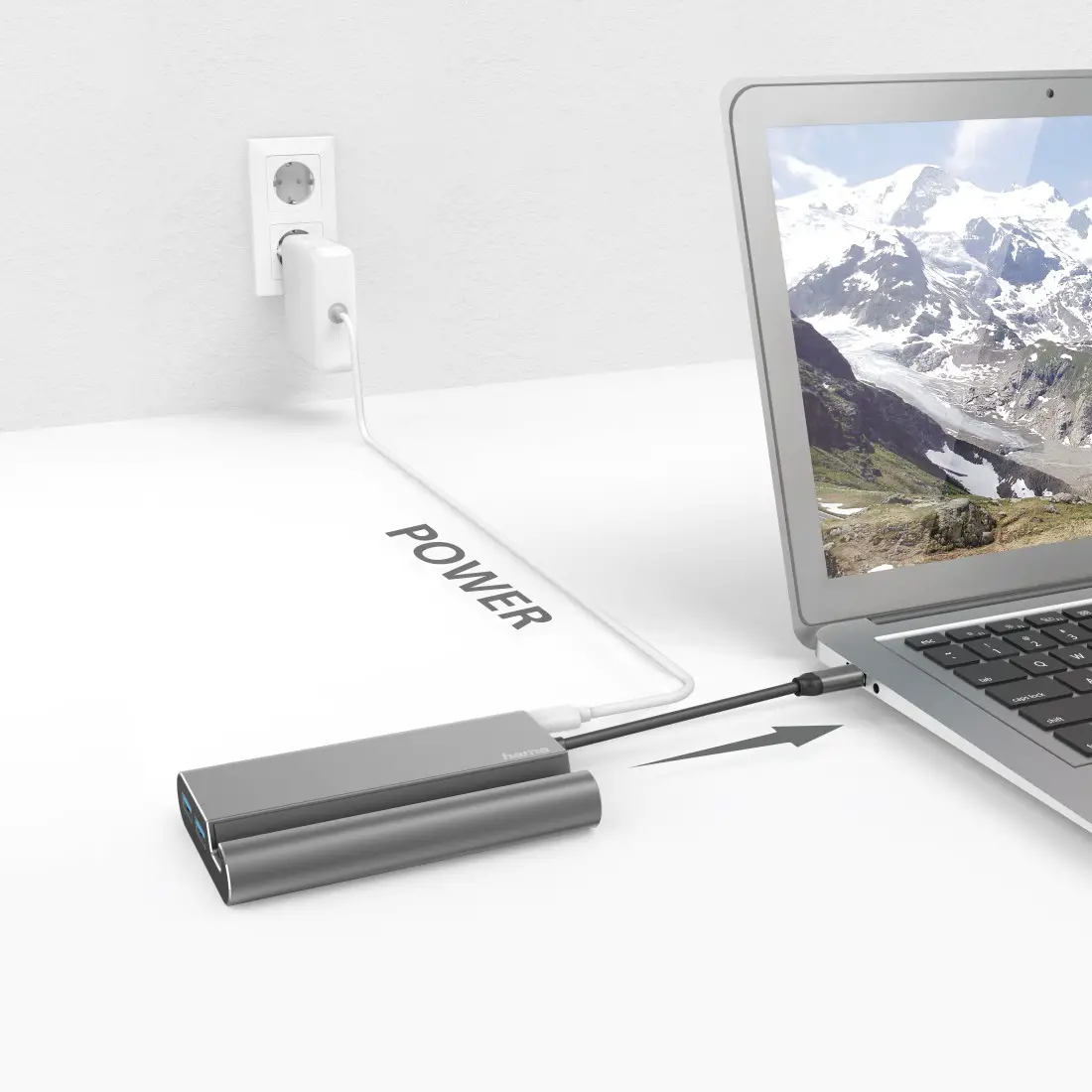
- 1x USB-C® (power in only) port supports PD Pass-Thru with Fast Role Swap* up to 80W**
- 2x USB-A 3.2 Gen 2 ports (10 Gbps)
- 1x USB-C® 3.2 Gen 2 port (10 Gbps)
- 1x RJ45 Gigabit Ethernet port
- 30 cm USB-C® 3.2 Gen 2 (10 Gbps) tethered stow-away host connector with USB-A legacy host adapter included
- Compact size: 10.5 cm x 10.5 cm x 2.8 cm (WxLxH)
- Integrated lock slot accommodates standard security locks (Targus ASP 9 series and PA410 series cable locks) to safeguard equipment
- Windows®, macOS®, Chrome OS™, Android®, Ubuntu™
- Industry-leading 3-year warranty
| SRP | 229.99 € | |||||||||
| Colour | Black, Grey | |||||||||
| Device Compatibility | Universal | |||||||||
| Warranty | 3 Year Limited Warranty | |||||||||
| EAN Code | 5051794040326 | |||||||||
| Product Dim. (L x W x H) cm | 0.20 | x | 10.5 | x | 10.5 | : | 2.80 | kg. | ||
| Packaged Dim. (L x W x H) cm | 20.00 | x | 14.50 | x | 5.00 | : | 0.30 | kg. : | Qty | 1 |
| Inner Carton Dim. (L x W x H) cm | N/A | x | N/A | x | N/A | : | N/A | kg. : | Qty | N/A |
| Master Carton Dim. (L x W x H) cm | 53.00 | x | 22.50 | x | 33.50 | : | 6.65 | kg. : | Qty | 20 |
| Country of Origin | TW | |||||||||
| HTS | 8471800000 | |||||||||
Innovative Design
A compact, lightweight design makes this dock ideal for travel and easily fits into the pocket of your backpack. Its tethered stow-away cable management keeps messy wires at bay. For ultimate flexibility, it’s host bus-powered or you can connect a USB-C® power adapter to the dock (power adapter not included) to pass-thru and power the host. Perfect for those laptops with only a single USB-C port.
Truly Universal Compatibility
Unlike proprietary docking solutions that lock users into a specific platform, brand, or even model of laptop, this utilizes DisplayLink® technology for maximum compatibility. That compatibility eliminates the need to replace it at every laptop refresh, which translates to lower cost of ownership for higher productivity over a longer time. The DOCK116GLZ is compatible with both Windows® and macOS®, plus other operating systems.
Supports Dual HDMI Monitors
Create a picture-perfect dual display set-up on both PC and Mac. With two HDMI ports available, you can enjoy dual HD (2048 x 1152) displays via HDMI or opt for a single 2K (2560 x 1140) connection.
Connect Your Favorite Accessories
With 2x USB-A ports (10 Gbps) and 1x USB-C® port (10 Gbps), it’s simple to add the latest keyboard, external drives, and other peripherals to customise your travel workspace experience.
Enterprise Software Suite
A Targus Exclusive
Enhance security and improve user experience with the Targus Enterprise Software Suite for DOCK116.
- Wi-Fi Auto Switch: Auto enables/disables Wi-Fi functionality when the dock’s Ethernet connection is active, reducing unnecessary network traffic and enabling faster connection speeds
- MAC Address Cloning: Auto replaces the MAC address of the connected Targus Ethernet network adapter with any (Wired Ethernet, Wireless Ethernet, Bluetooth®) MAC address of the local host, supporting device-based authentication methods
- Ghost Device Removal: Purges older, latent Targus docking station devices from the local registry preventing registry bloat
- Targus A/V Configuration Utility: Restores audio configuration, icon, and first-level application window’s positions to external monitors when reconnecting to a previously used Targus docking station
Prices, products, and specifications subject to change at any time.
© 2022 Targus EMEA. All rights reserved. Trademarks and registered trademarks are the property of their respective owners.
 Targus | Backpacks, Docking Stations & Computer Accessories