xtorm work Webcam
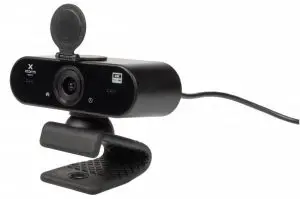
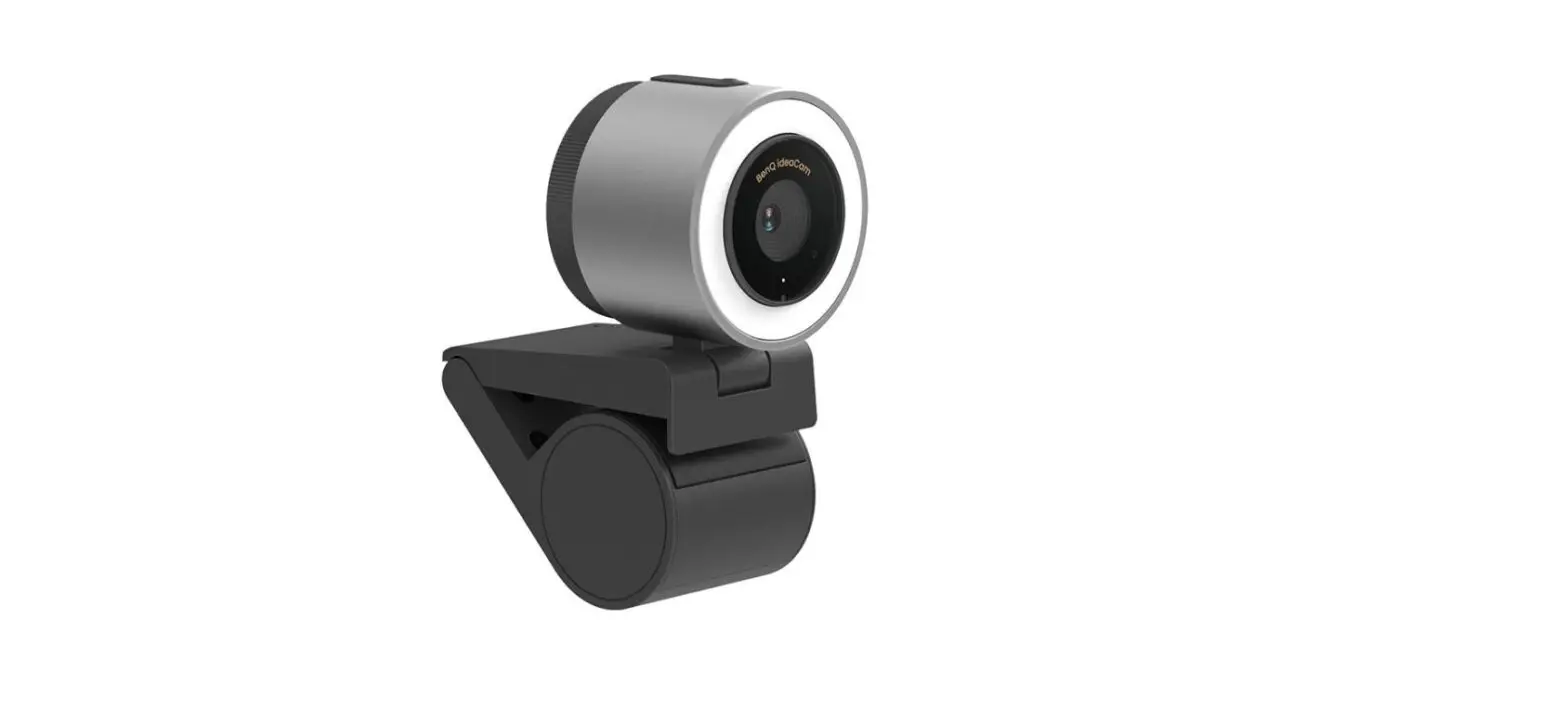
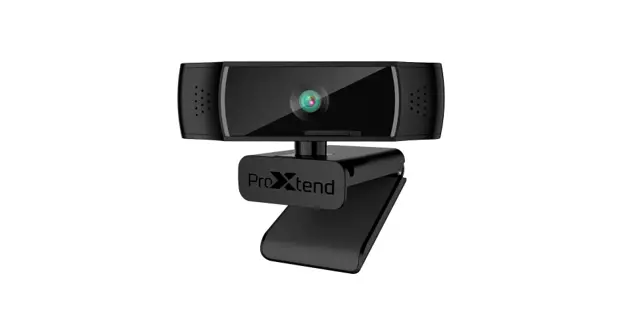
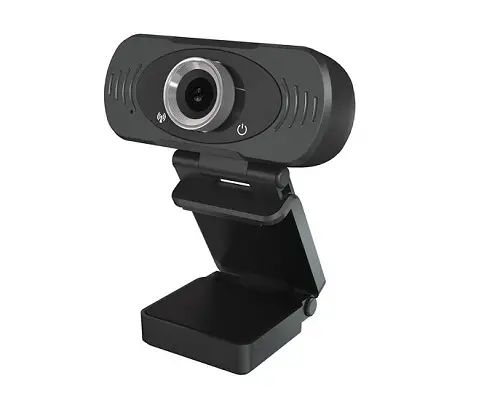
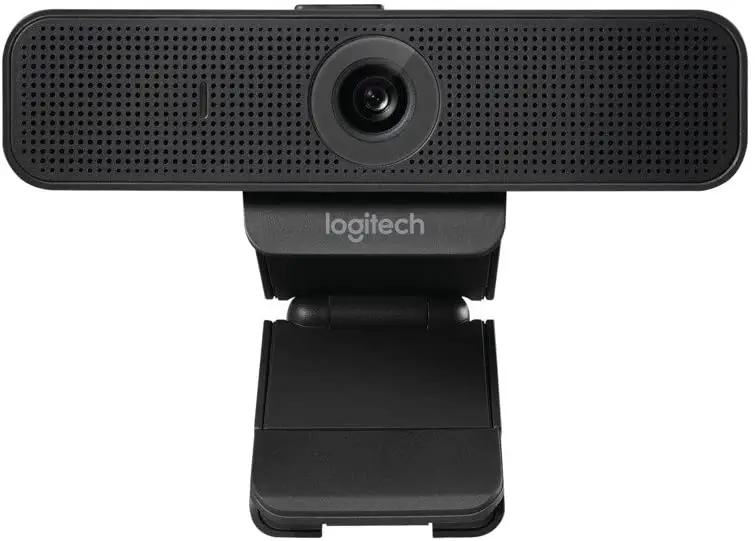
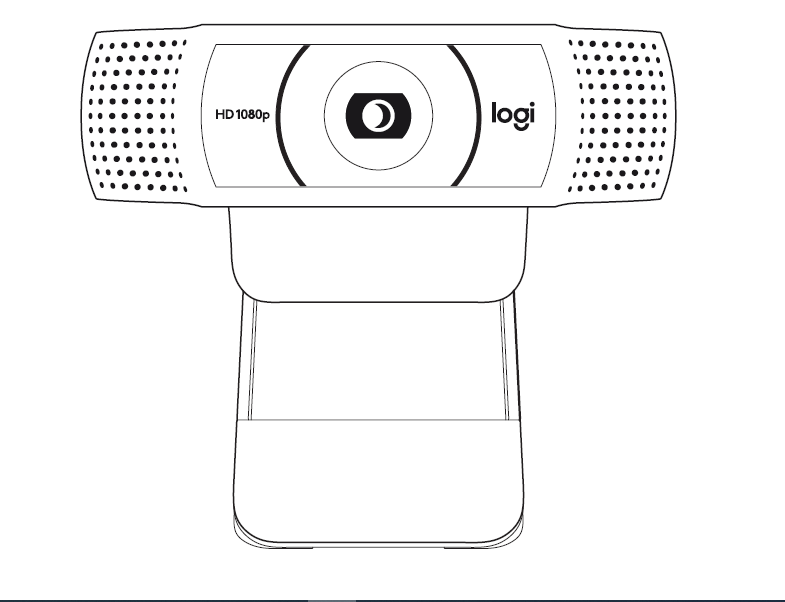
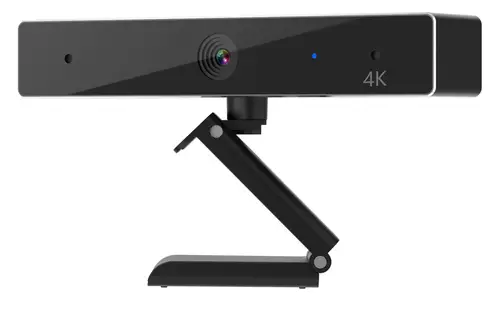
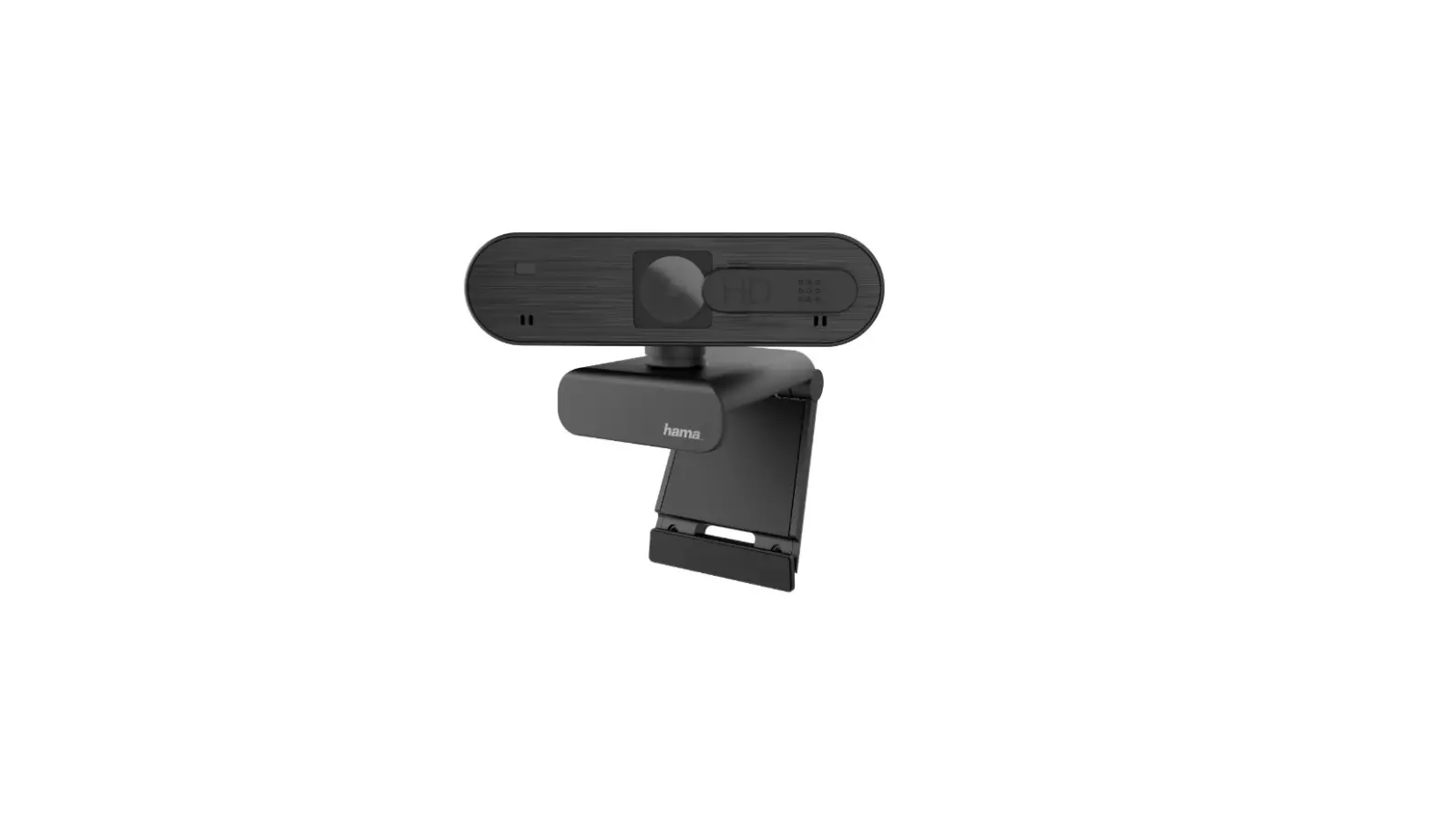
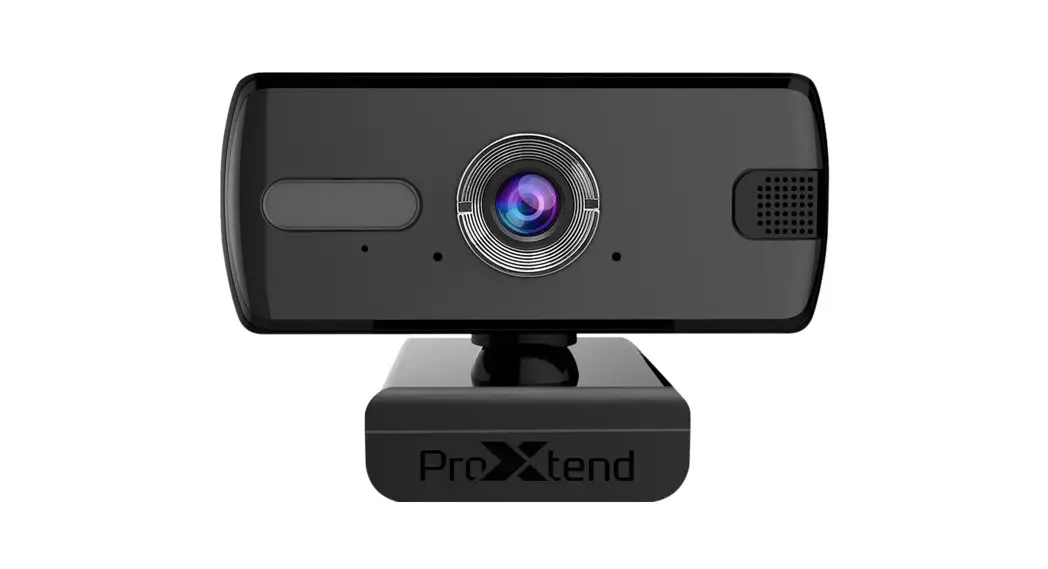
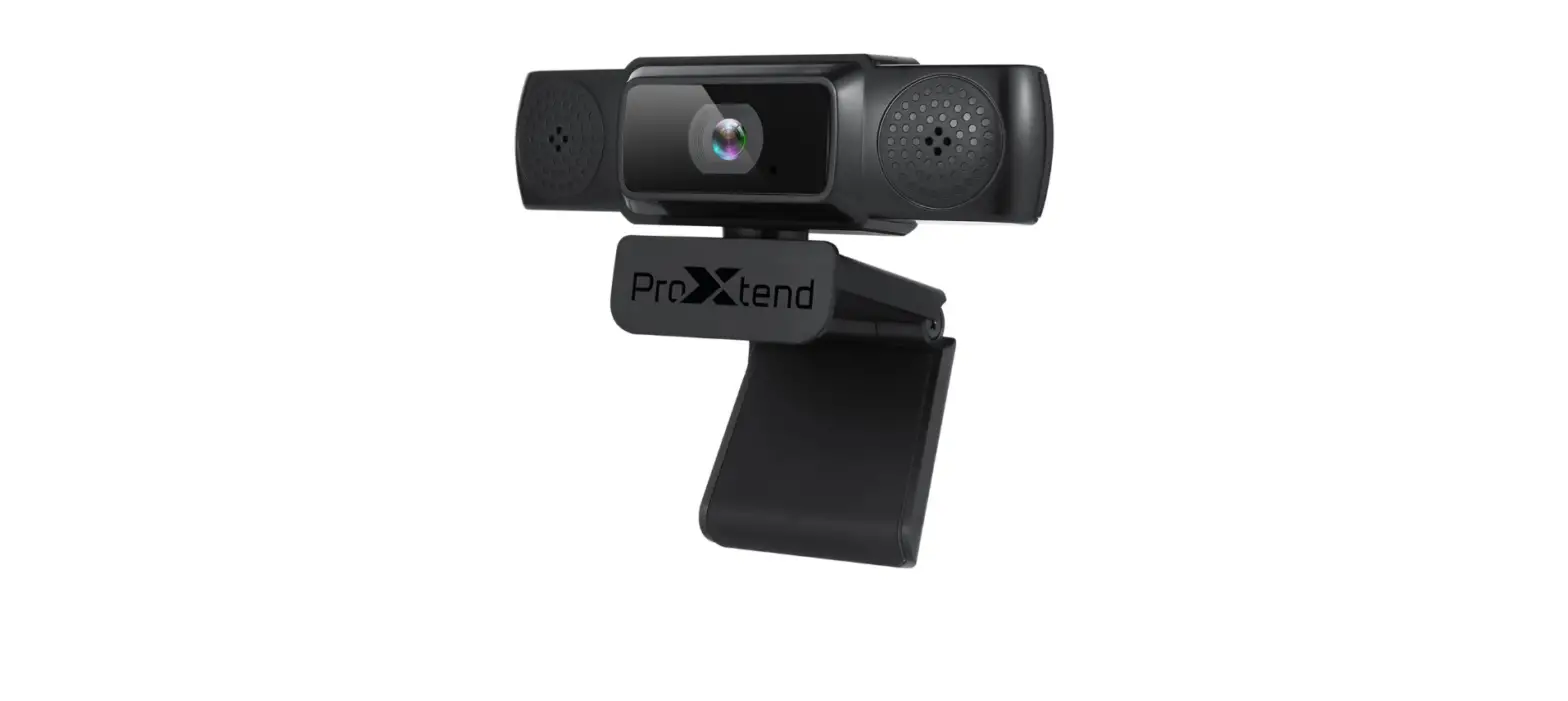
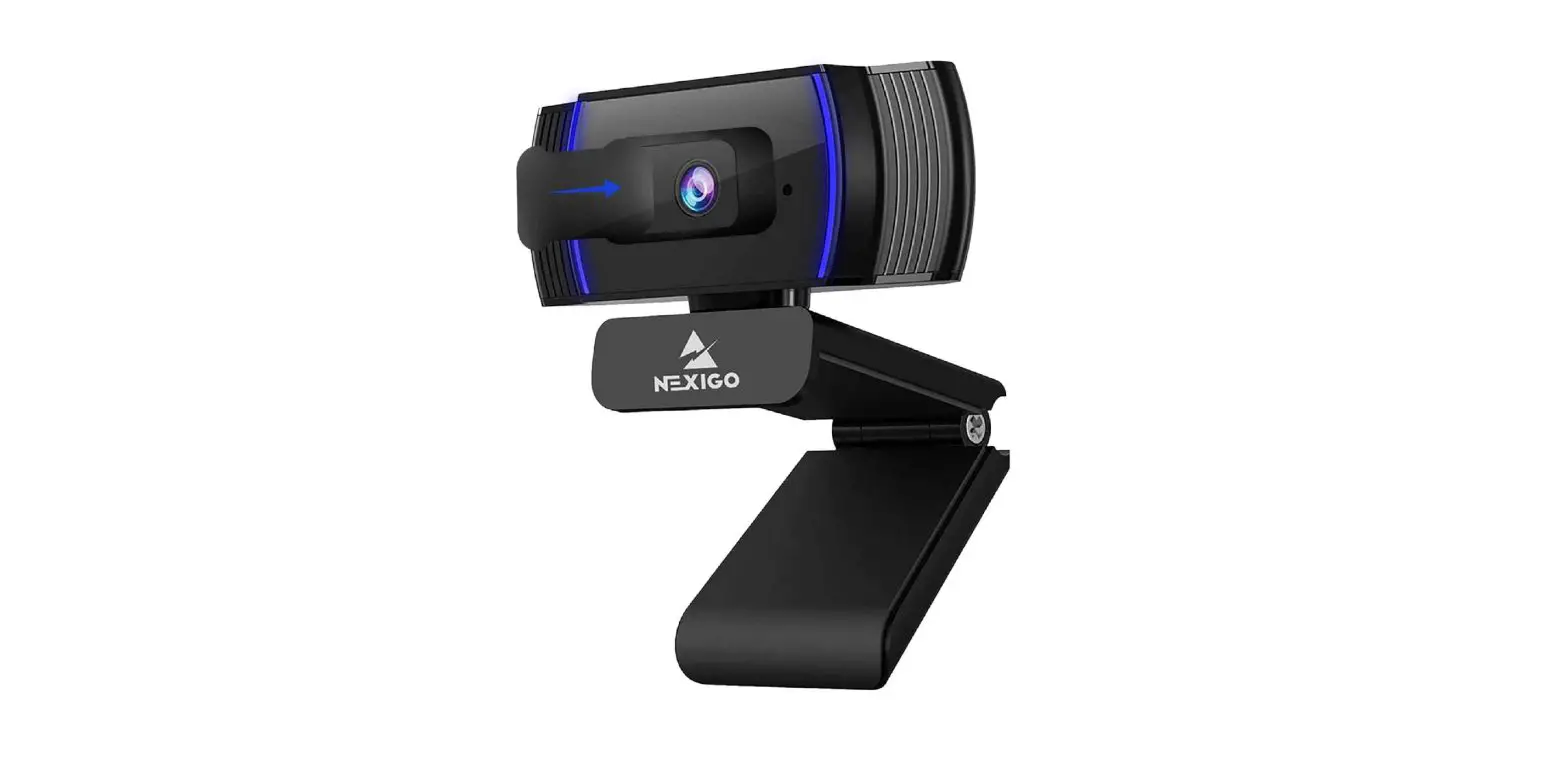
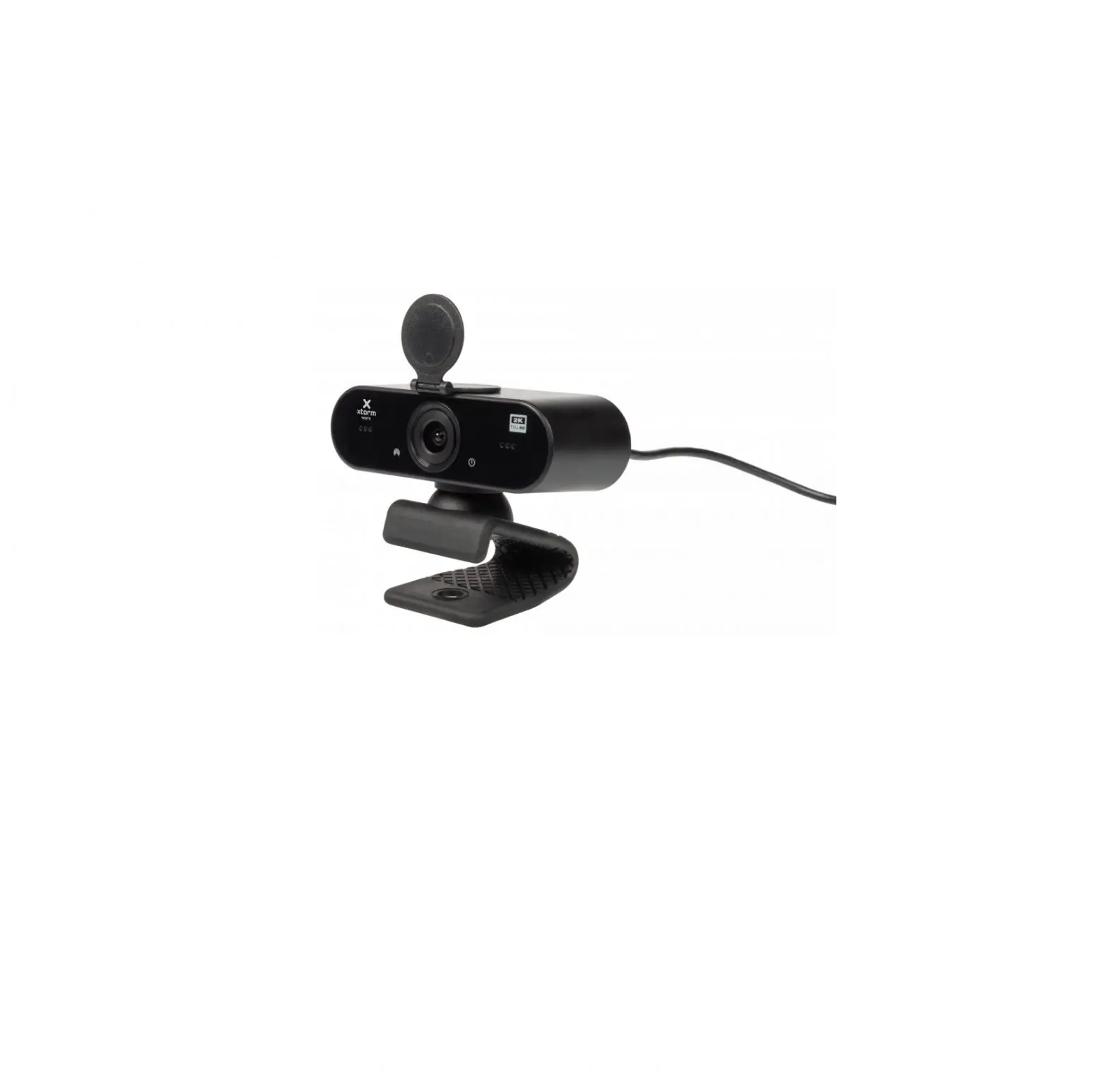
CAMERA OVRVIEW
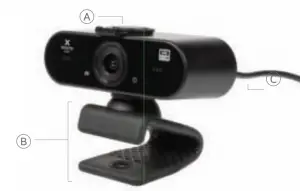
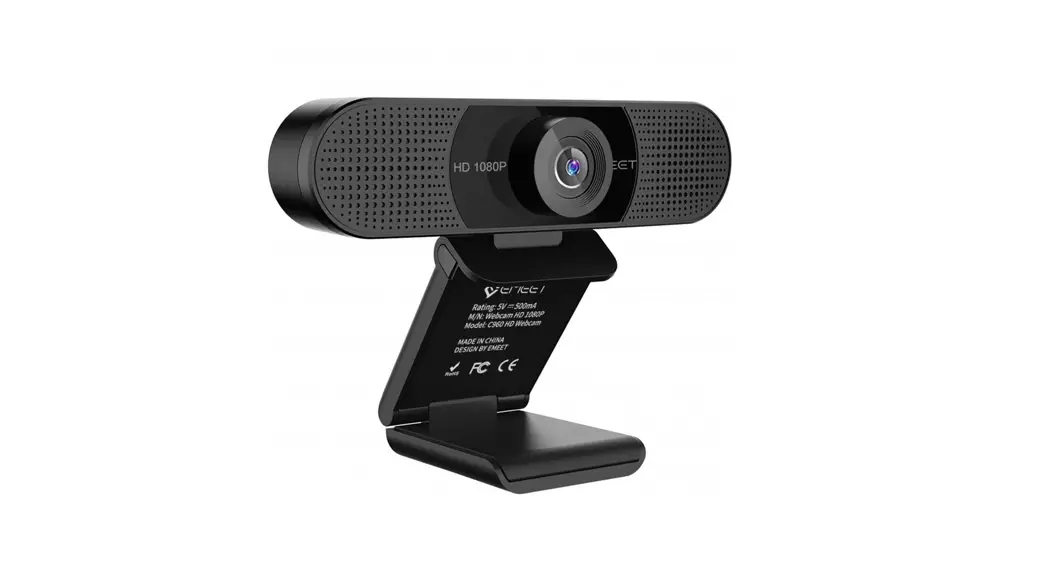
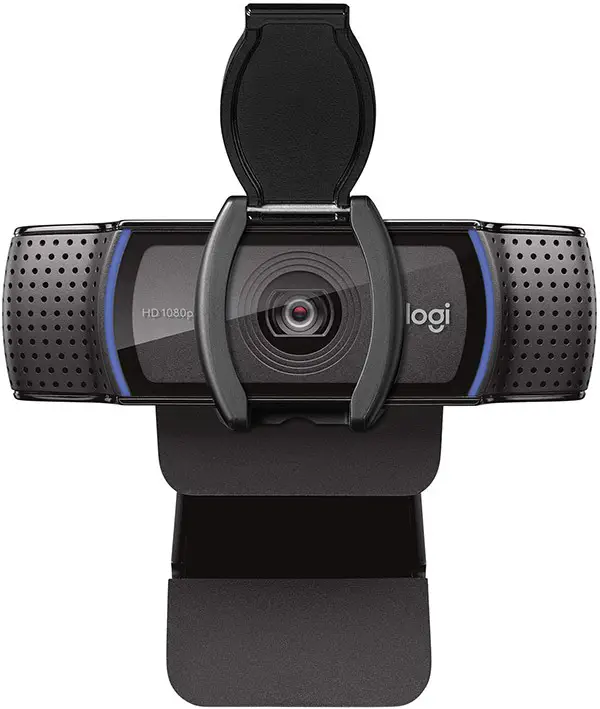
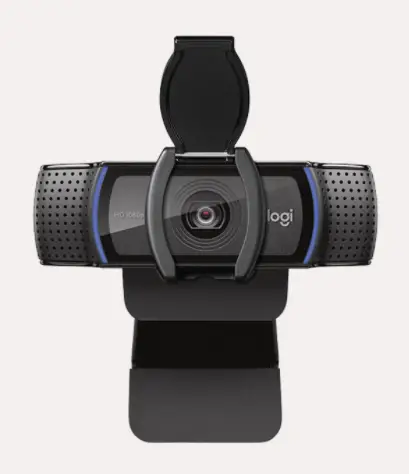
 Privacy lens cover
 Rubberized Clamp
 USB-C (USB-A adapter for use with laptops without USB-C ports)
SPECIFCATIONS
 QHD 2560x1440p
 Wide Angle
 78x23x34mm, cable length: 135cm
 150g
150g USB-C connecting cable for MacBook, USB-C connecting cable for Windows
Compatible Windows/ macOS
Extra features
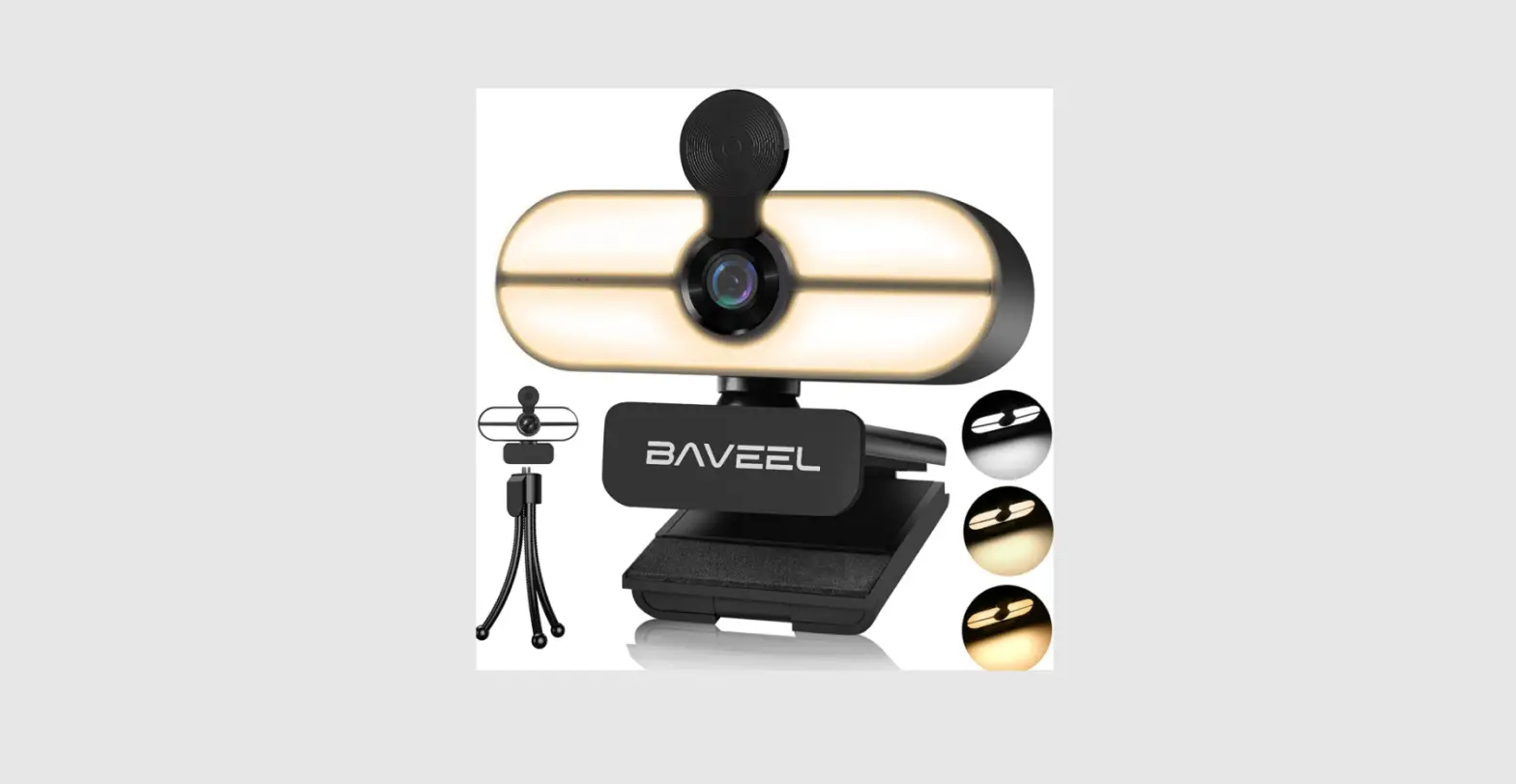
- Aluminium Tripod
- USB-A adapter (for use with laptops without USB-C ports)
- Built-in Microphone
- Auto Exposure, White Balance, Saturation & Contrast
CONNECTING THE WEBCAM O YOUR LAPTOP
The webcam is plug & play , simply plug the USB-C cable into your lap op. Use the included USB-A adapter if your lap op does not have a USB-C port.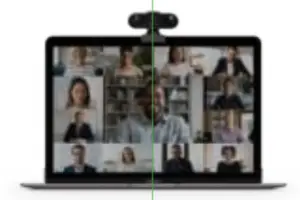
USING THE TRIPOD
To use the tripod, screw your webcam onto it. The tripod legs extend, so you can find the perfect position.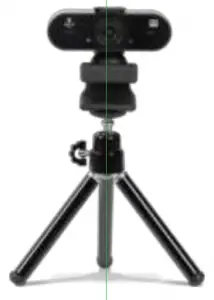
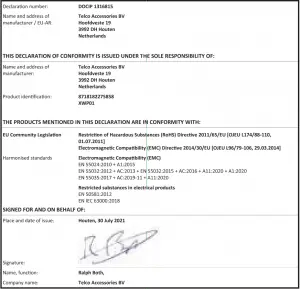
EU DECLARATION OF CONFORMITY
(In accordance with N IS0/IEC 17050-1)
Hoofdveste19 399 2DH Houten
The Netherlands T: + 31 (0)306354800 F: + 31 (0) 306354801
www.xtorm.eu