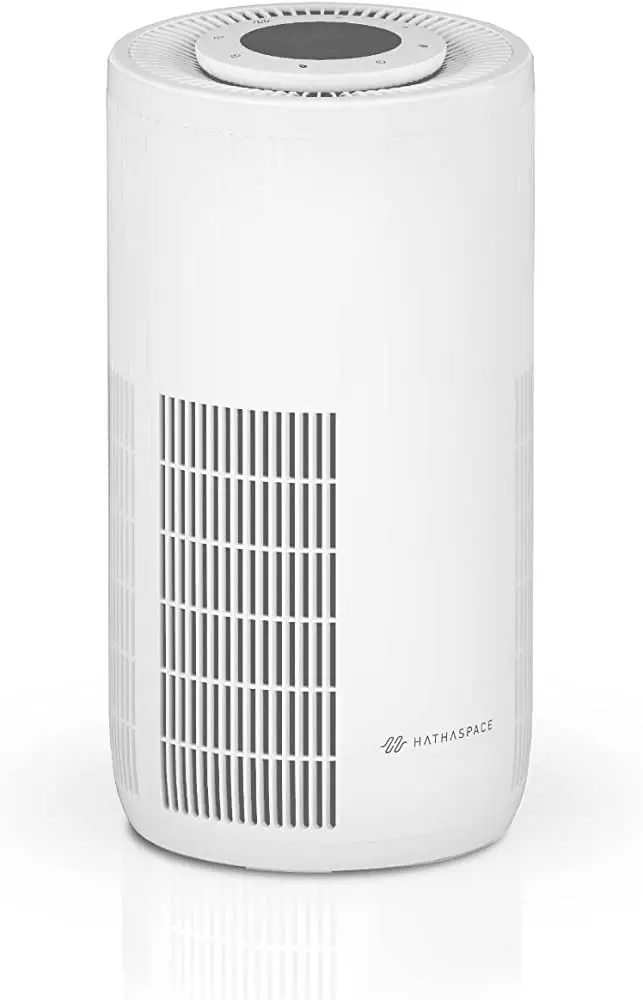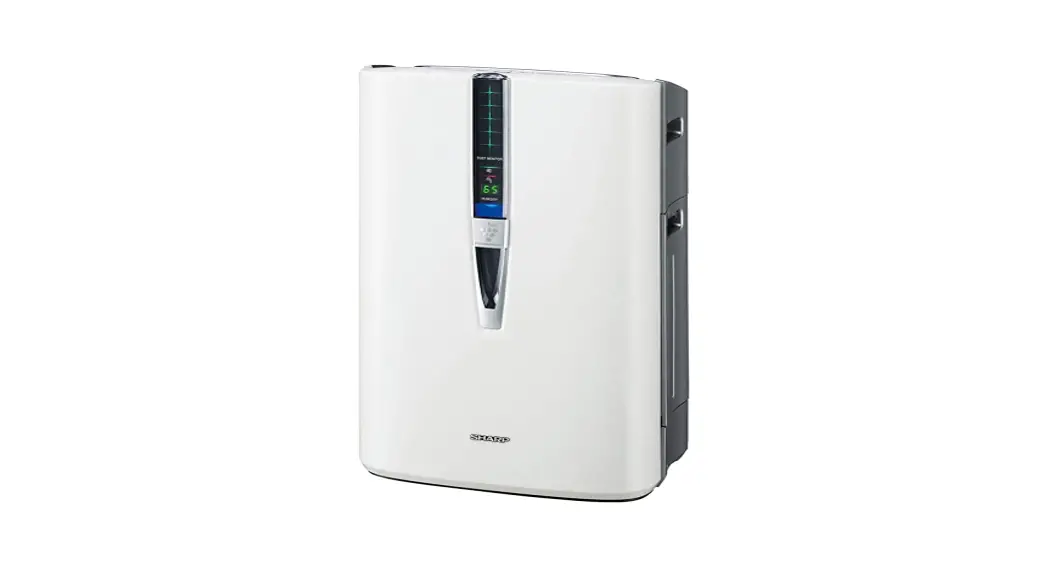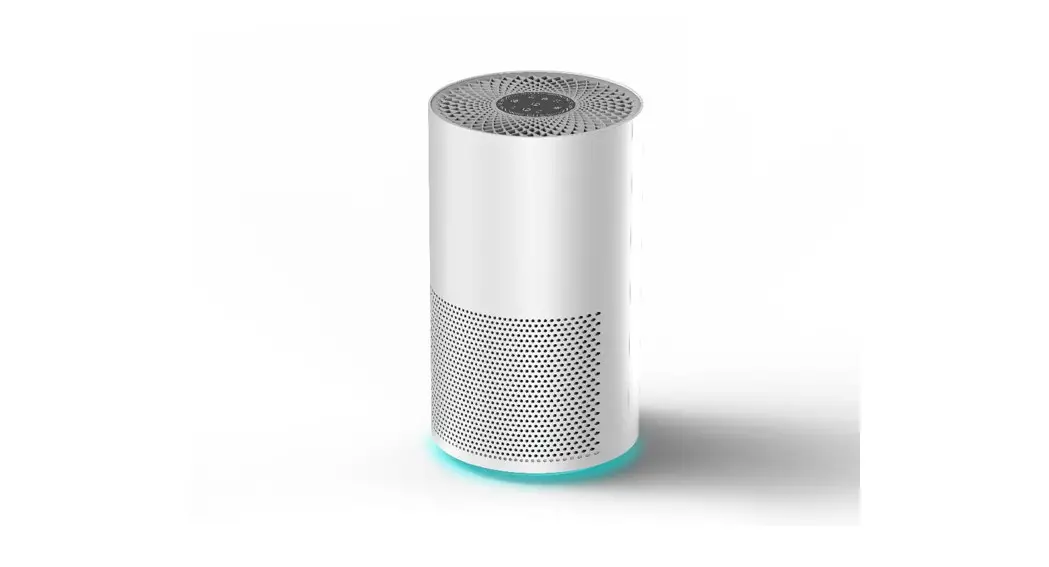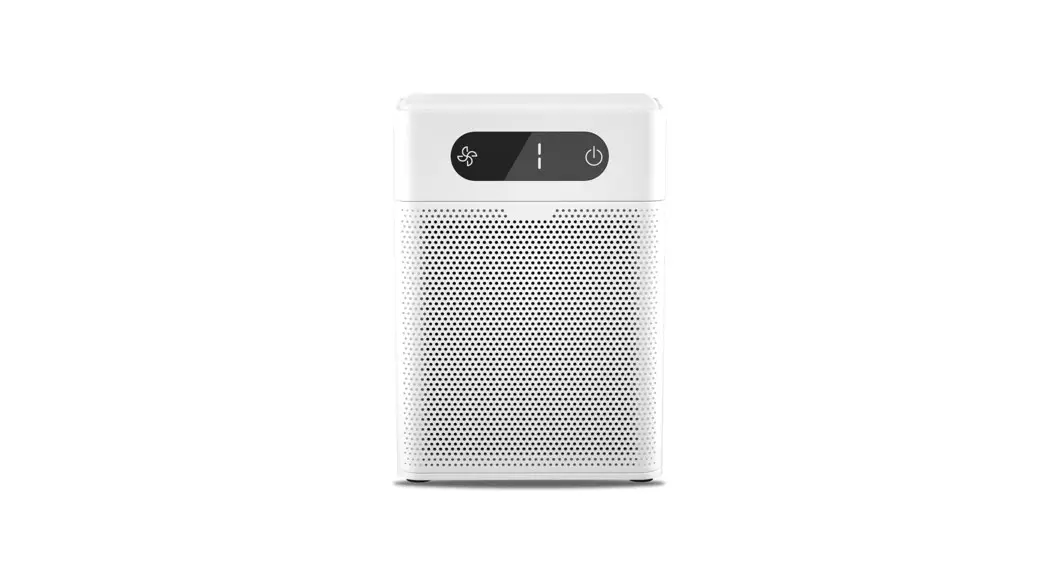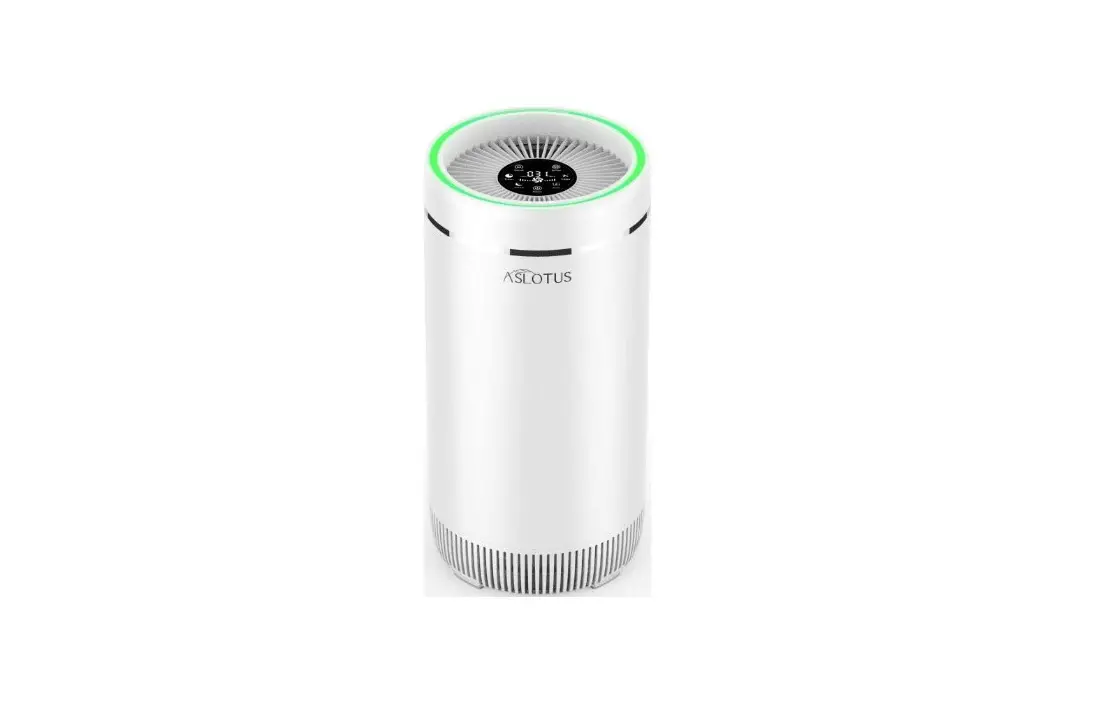
ASLOTUS KJ320 Air Purifier for Home Large Room User Manual
Thank you for purchasing our products. Please read the instruction manual carefully before using this product.
Product Name and Specifications
Model | KJ320 |
AC Voltage | AC 100V-240V |
Working Voltage | DC24V 1.5A |
Rated Power | 30W |
CADR | 320m³/h |
Noise | 58dB |
Suggestion Area | 22m²~38m² |
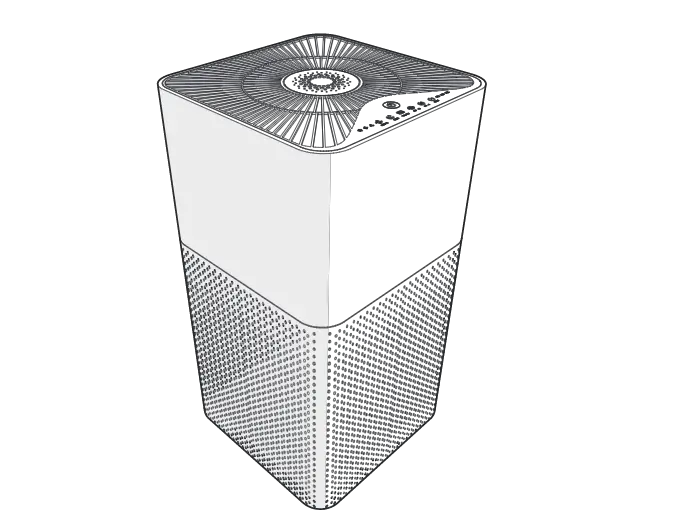
Dimensions | Φ260*529mm |
N.W. | 4.2kg |
Important Satety Tips
- Please read this instruction manual carefully before use and keep it for future reference.
- When we use electrical appliances, we should have the most basic safety knowledge to avoid fire, electric shock and other injuries. Therefore, please follow the instructions below.
 | Electrical appliances should be safe,Avoid the risk of fire, electric shock and injury. | | This air purifier must be used upright. |
| Do not place the adapter under the carpet or near a heat source. | | Do not let items fall into the machine from the air outlet, as this will damage the air purifier. |
| When the replacement filter indicator lights up, replace the consumables to ensure the cleanliness of the air purifier. | | Do not sit, stand or place items on top of the air purifier. |
 | Do not use the adapter or product when it is damaged. | | Do not use an air purifier in the presence of flammable gases or vapors. |
| Do not use the machine without the filter installed. | | Do not use outdoors or when the doors and windows are open. |
 | Do not use the air cleaner in places that are exposed to moisture or water splash,such as bathroom, kitchen,beside the sink or basement that is serious damp. |
| If the power cord is damaged,it must be replaced or repaired by the manufacturer or its authorized service network and maintenance personnel in order to avoid danger. |
Preparation before use
- Remove the air purifier from the box and place it on a flat floor. The body is surrounded by walls or other furniture at least 50 cm to facilitate air circulation.
- Note: Before using the machine, be sure to remove all packaging materials (especially those on the filter net) to avoid blocking the air inlet.
Move
1. When moving, be sure to stop the host and pull out the power plug.
2. Hold the clamp on the side of the main engine to avoid excessive vibration or falling.
Install
- Do not start the host in case of danger.
- The distance between the center of the main machine and the wall and other occlusions should be more than 50cm.
Power Supply Precautions
- Do not over pinch, bend or twist the power cord of the power adapter, or the core may be exposed or broken.
- Do not pull the power cord of the power adapter when disconnect the power cord.
- Do not use improper ac socket.
- Do not use the supplied power adapter on any other device.
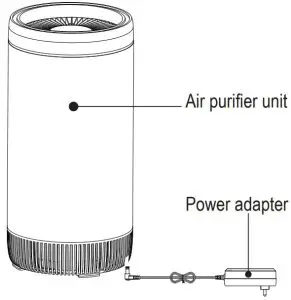
AC power cord
- Use the power adapter and socket as indicated below to avoid fire,shock or damage.
- Please use only the supplied power adapter and do not use any other brand of power adapter.
- Disconnect the adapter’s power cord from the ac socket before performing maintenance or moving the air purifier.
Operating Instructions
 ATTENTION
- This product is not recommended for users with physical, sensory, mental abilities, experience or lack of knowledge.Use (including children), except under the supervision or direction of the person responsible for its safety.
- Children should be supervised to ensure that children do not play with electrical appliances.
- If the product needs to be shut down during use, please press the “Power” button on the control screen to shut down normally and then pull out the Power. Abnormal Power failure may cause product failure.
Plug-in operation
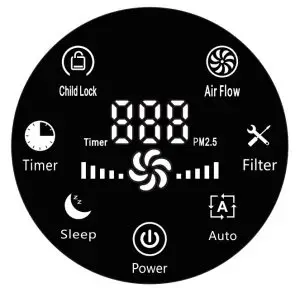
Make sure the machine is level on a level surface so that the bottom microswitch is pressurized. When the power is plugged in, the air purifier will sound “B”, all the indicators will light off after 0.5 seconds, and the air purifier will enter the standby state.
Power on/off
Press (  ), the air purifier will sound “B”, the machine will run in automatic gear, the wind speed will be adjusted according to the air quality; press ( ) again, the machine will stop running and return to the standby state.
Air quality display
After power-on, the LED air quality indicator will change according to the PM2.5 value (green light / blue light / red light difference). The PM2.5 value is displayed on the screen.
Wind speed
Press (  ), the machine enters the timing setting, and displays 1H, 2H, 3H 12H to set the machine off time.At 12H, press ( ) again to cancel the timing.If the child lock function is started in the regular state, the machine can be started only after it is unlocked after being closed.
Timing setting
Press (  ), the machine enters the timing setting, and displays 1H, 2H, 3H 12H to set the machine off time.At 12H, press ( ) again to cancel the timing.If the child lock function is started in the regular state, the machine can be started only after it is unlocked after being closed.
Child lock
Press and hold for 3 seconds (  ) to turn the child lock function on or off. When the child lock function is activated, touching other buttons is invalid.
Filter reset
When the machine runs for a certain period of time, the Filter will flash in red. At this time, you should replace it with a new filter. Press and hold for 3 seconds (  ) to clear the accumulated time and the Filter stops flashing.
Special reminder: if the filter is replaced before the indicator light of the filter is on, the filter timer will not be reset, and continue to calculate the life of the last filter. As a result, the filter replacement light may soon be bright red.
Sleep Mode
Press (  ), the machine goes to sleep, except the light is on, the other lights are off. In this mode, the wind speed runs in the first gear. When the sleep button is touched again, it returns to the last running state. In the sleep state, other buttons are invalid.
Automatic Mode
When the machine is running in automatic mode, the machine will adjust the wind speed, the color of the LED light according to the air quality.
A. Green: Good air quality, 0≤PM2.5≤70.
B. Blue: The air quality is normal, 70<PM2.5≤150.
C. Red: The air quality is poor, 150<PM2.5≤500.
When 0 ≤ PM2.5 ≤ 50, the fan motor operates in one gear.
When 50 < PM2.5 ≤ 100, the fan motor operates in the second gear.
When 100 < PM2.5 ≤ 150, the fan motor operates in third gear.
When 150 < PM2.5 ≤ 200, the fan motor operates in the fourth gear.
When 200 < PM2.5 ≤ 500, the fan motor operates in five gears.
Filter Reset Guideline
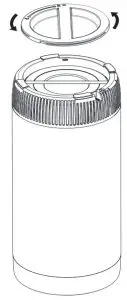
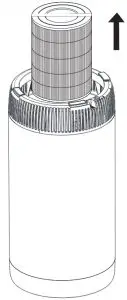
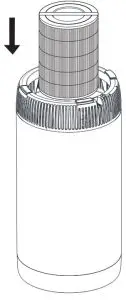
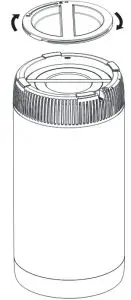
- Disconnect the power and turn the machine upside down.

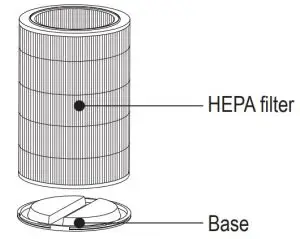
- Rotate the bottom cover counter clockwise, loosen the bottom cover and remove it.

- Take out the filter.
- After removing the new filter from the bag,loaded inside the machine.

- Install the bottom cover and lock it clockwise.Turn the machine around.

- Turn the machine around.

Common Trouble Shooting
Confirmation matters before fault declaration.
Confirm the following matters before the product is entrusted to the customer service center for repair due to exception.
| Status | Confirmation matter | Measure |
| The product cannot be started | Does the power plug fall off? | Re-operate after inserting the power plug. |
| Is the machine not flat, causing the bottom micro switch not closed? | Re-operate after confirming the machine flat. | |
| The product has no air flow out | Are all packages of the filters removed? | Ensure that all packages have been removed. |
| Is there anything blocking the air outlet above the purifier? | If any object blocks the air outlet, move the object out of the air outlet. | |
| “Filter” light flashing red | Press the reset button() for more than 3s to reset after filter replacement. | |
| Excessive product sound | Are all packages of the filters removed? | Ensure that all packages have been removed. |
| The air quality indication is always red. | Is there unfound dust or peculiar smell inducing substance indoors? | Move the machine to a clean room, if the red light is still always on, the sensor line may be abnormal. Please contact the customer service center. |
| The air quality indicator light is always red/blue/green, but the air volume is still unchanged. | Is it in auto mode status? | Set to auto mode.The air volume will not be changed automatically in manual wind speed mode. |