
 Main Function:
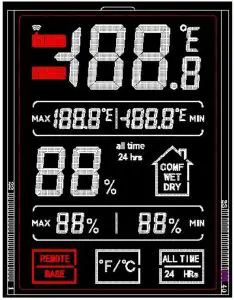 Main Function:
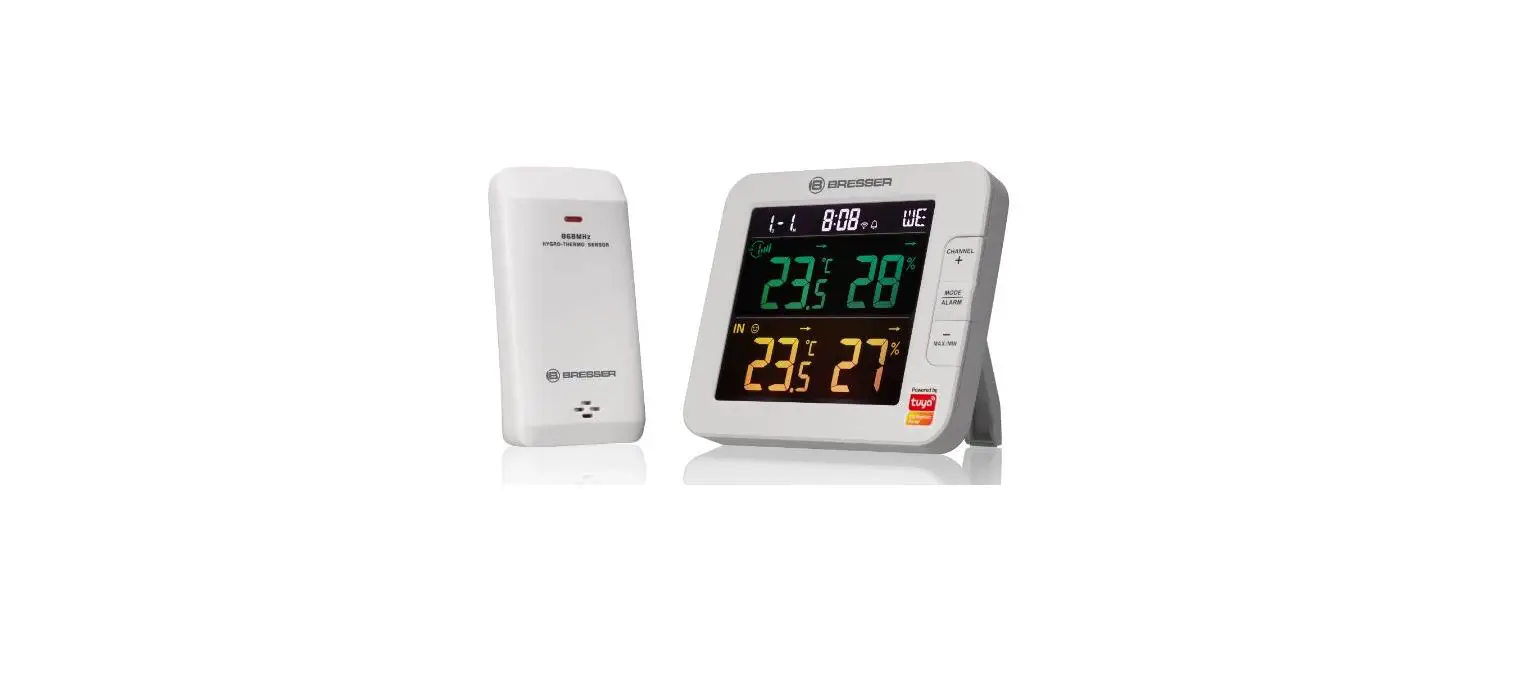
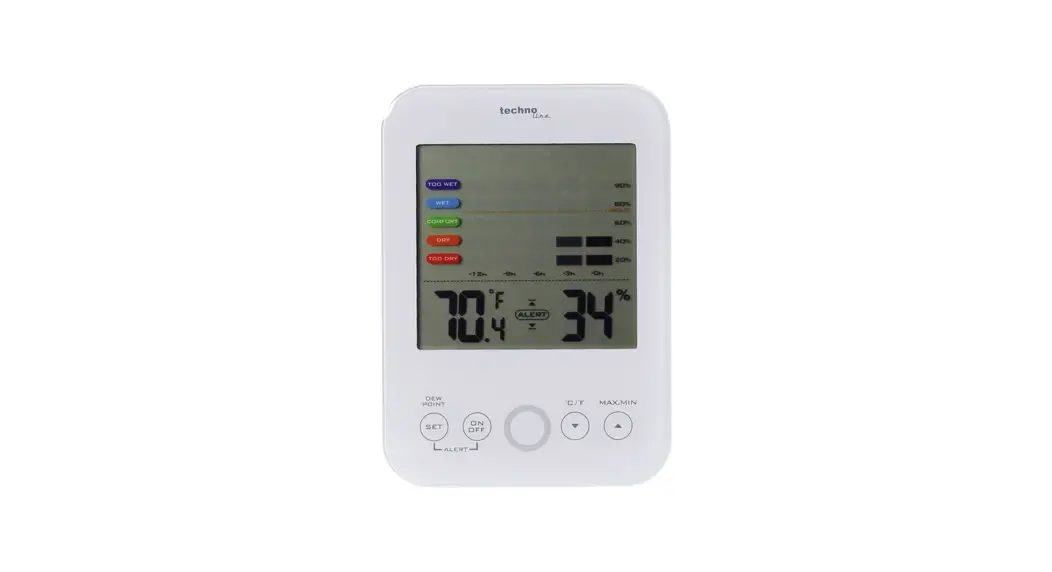
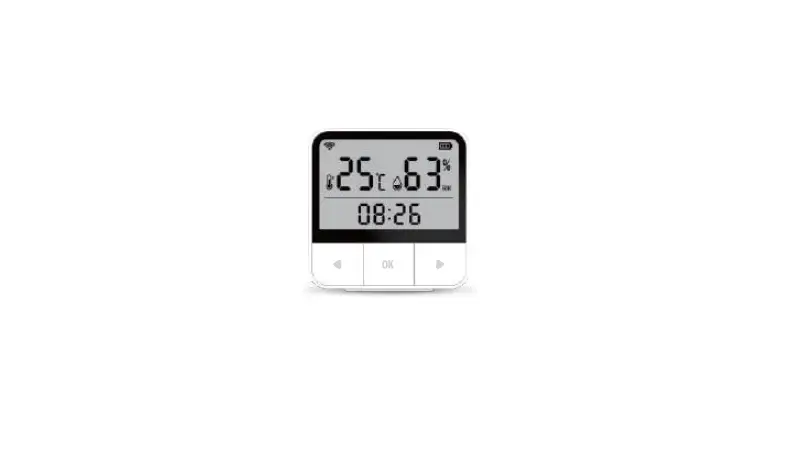
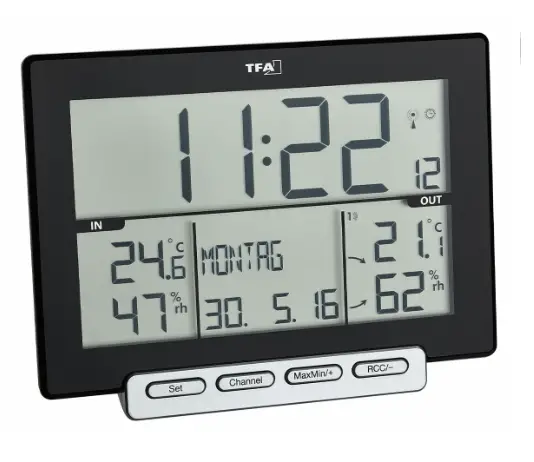
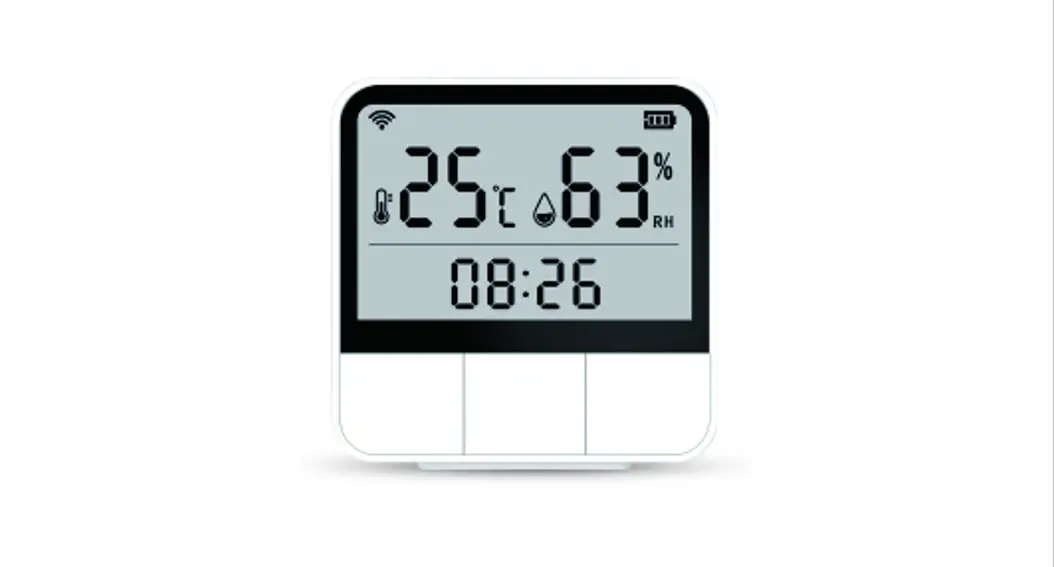
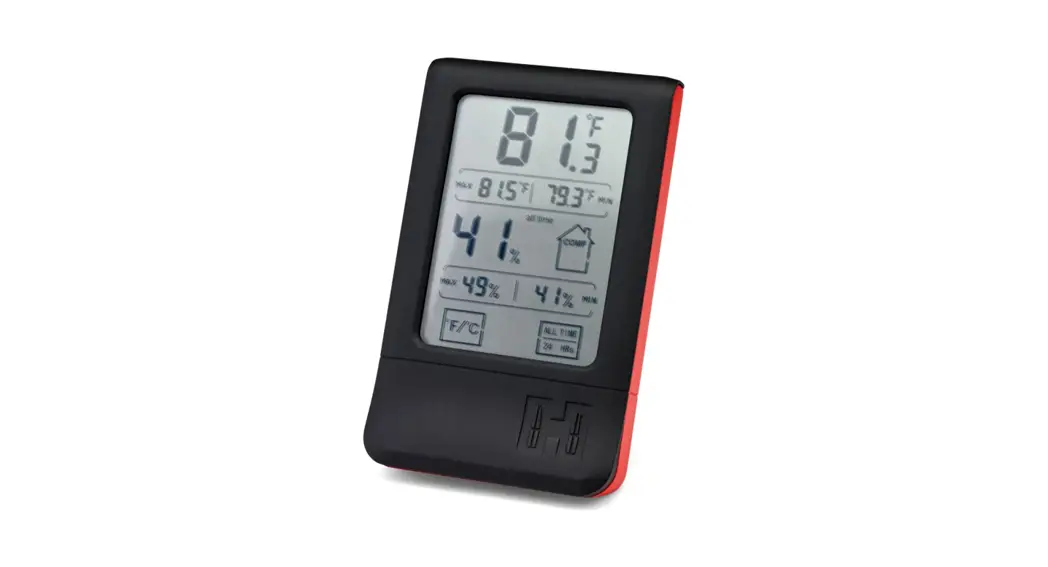
- Three levels of environmental comfort display
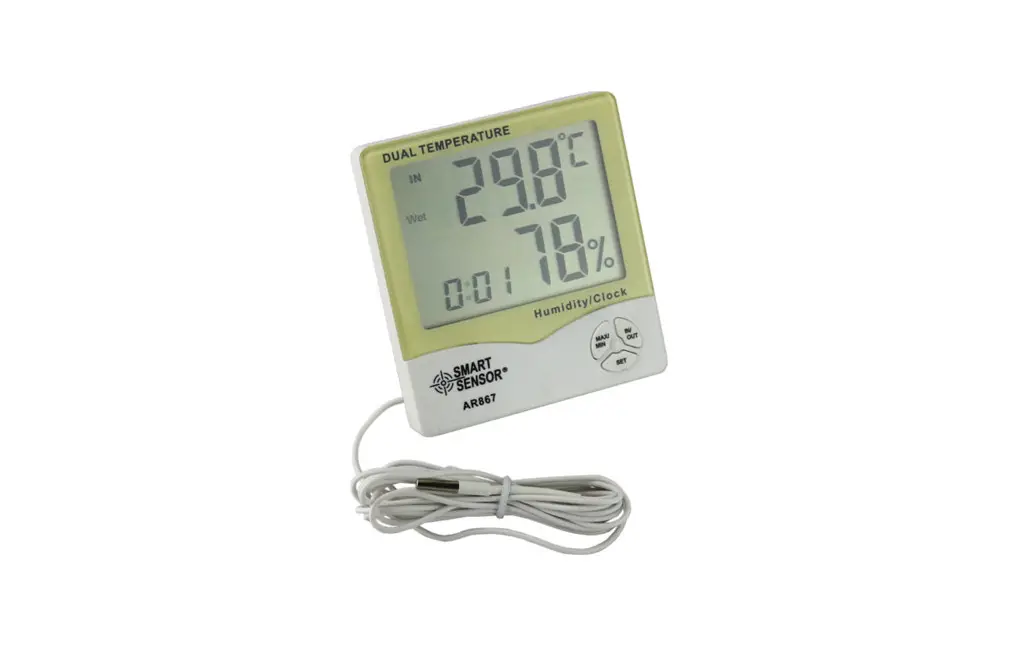
- Interior Temperature, sensing range: -10℃ — 70℃
- Interior Humidity, sensing range: 10% — 99%
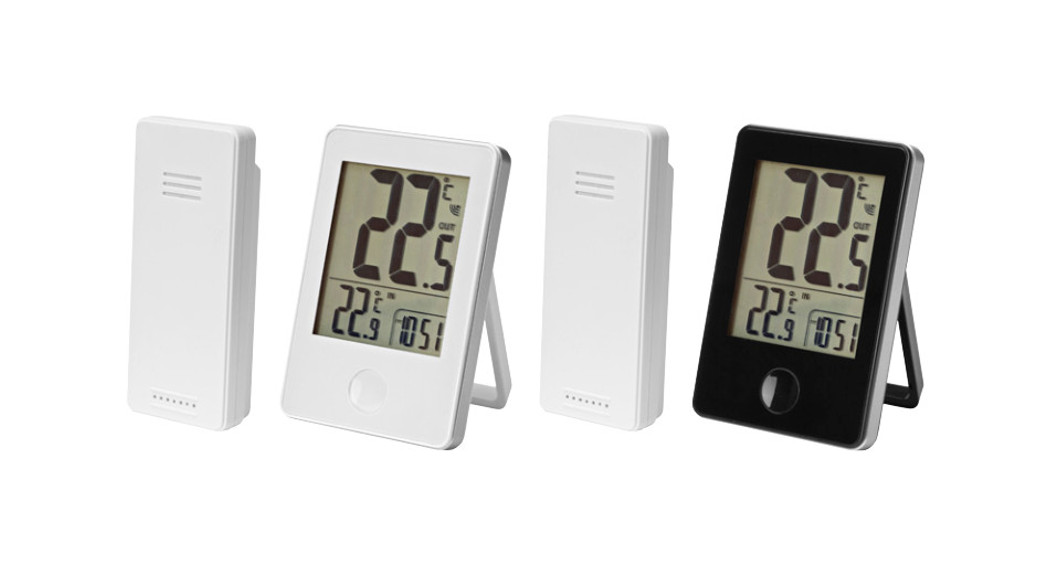
- External Temperature, sensing range: -10℃ — 70℃
- External Humidity, sensing range: 10% — 99%
Key Operation Instruction:
Function Operation | C/F | ALL TIMES/24HR | REMOTE/BASE | |
| Standard Mode | Quick press | Switch the Temperature display unit | Switching maximum and minimum data memory time | Switch indoor/outdoor display data |
| Press and Hold | Non-effect | Erase the memory data | Enable the normal receive mode for 3 minutes | |
Indoor comfort function:
Make pattern changes according to the corresponding humidity data
Any humidity less than 30%, is DRY
Any humidity higher than 60%, is WET
Any humidity higher than 30% and less than 60%, is COMF
Easy operation Guide:
Step 1: Installing the AAA battery for the wireless hygrometer and remote sensor to get them power red.
Step2: The base and remote will automatically attempt to pair within 3 minutes.
Step 3: If the two devices failed to match the signal, then press and hold the ‘REMOTE/BASE’ butt on to Manually re-connection.
Step 4: When successfully connected, You might notice the Wireless signal in the upper left corner of the screen and it blinks twice every 50 seconds.
FCC Warning Statement
Changes or modifications not expressly approved by the party responsible for compliance could void the user’s authority to operate the equipment. This equipment has been tested and found to comply with the limits for a Class B digital device, pursuant to Part 15 of the FCC Rules. These limits are designed to provide reasonable protection against harmful interference in a residential installation. This equipment generates uses and can radiate radio frequency energy and, if not installed and used in accordance with the instructions, may cause harmful interference to radio communications. However, there is no guarantee that interference will not occur in a particular installation. If this equipment does cause harmful interference to radio or television reception, which can be determined by turning the equipment off and on, the user is encouraged to try to correct the interference by one or more of the following measures:
‐‐ Reorient or relocate the receiving antenna.
‐‐ Increase the separation between the equipment and receiver.
‐‐ Connect the equipment into an outlet on a circuit different from that to which the receiver is connected.
‐‐ Consult the dealer or an experienced radio/TV technician for help.