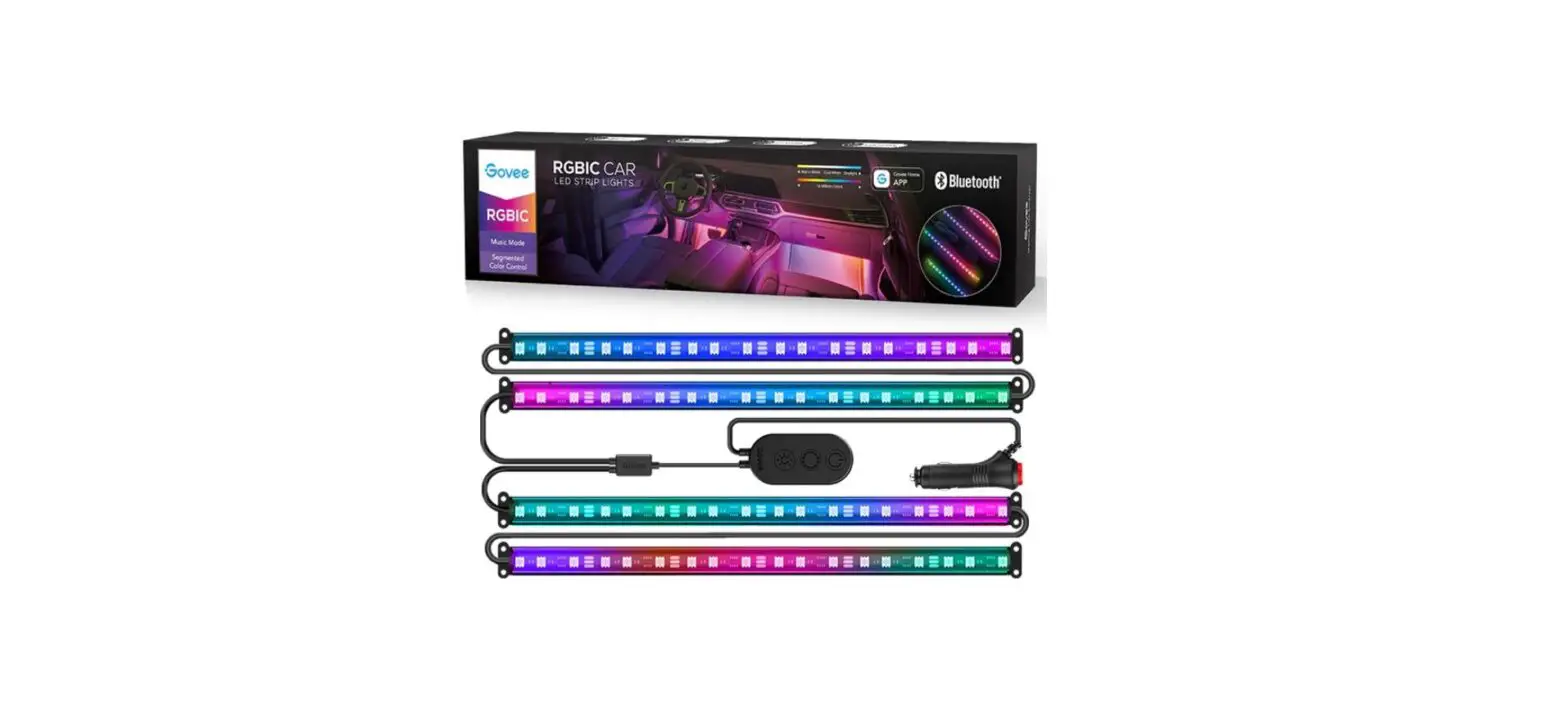
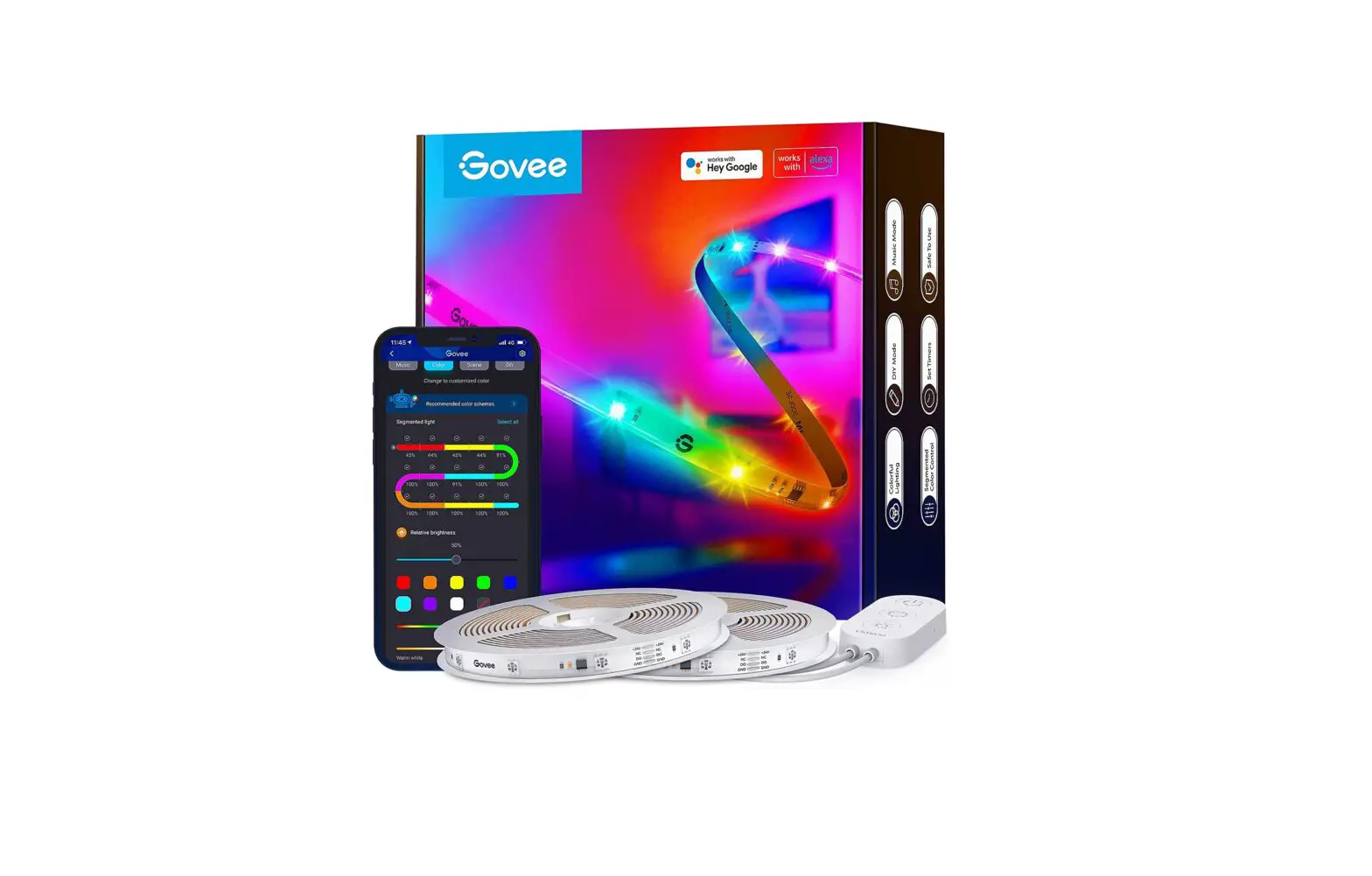
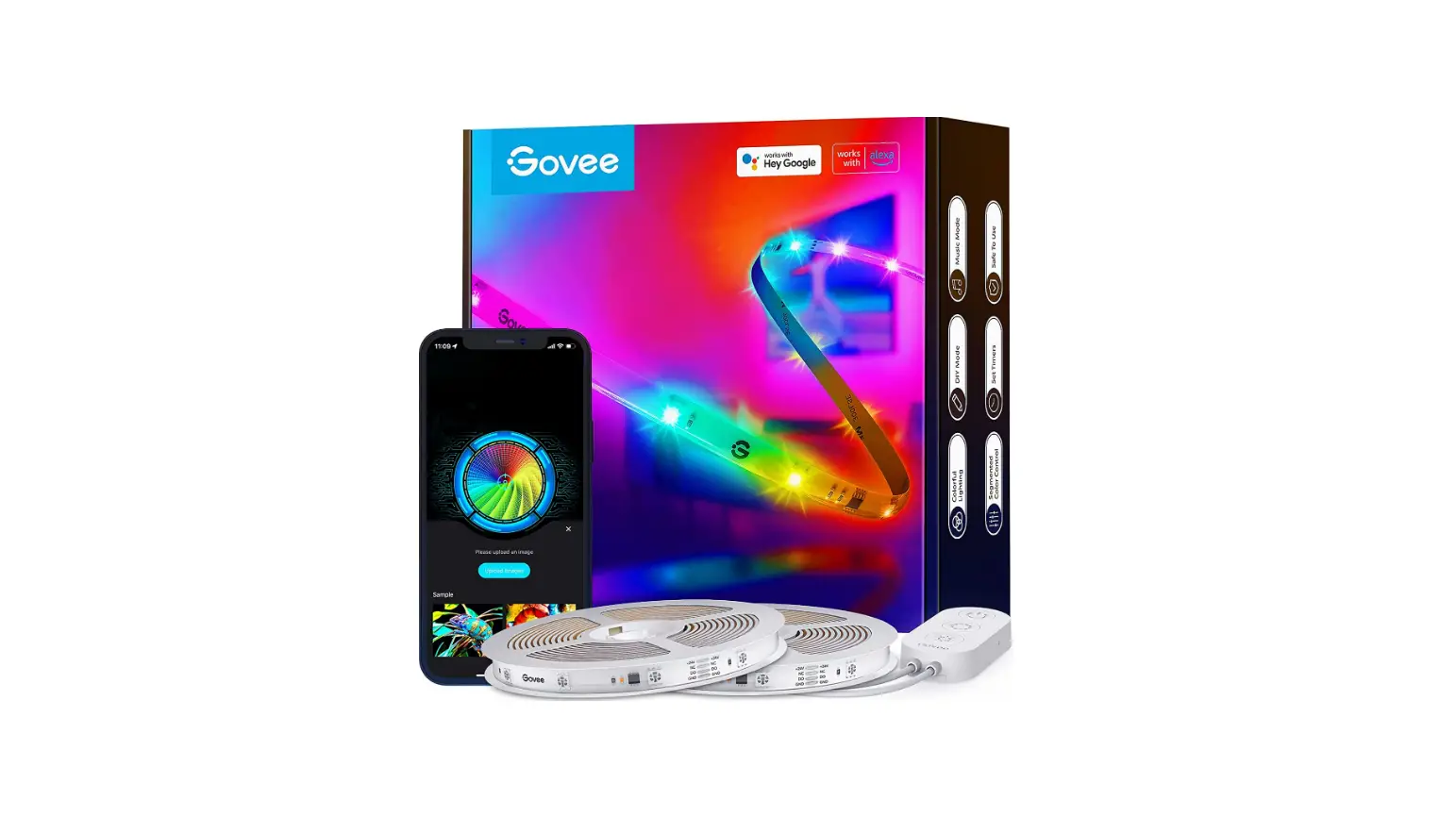
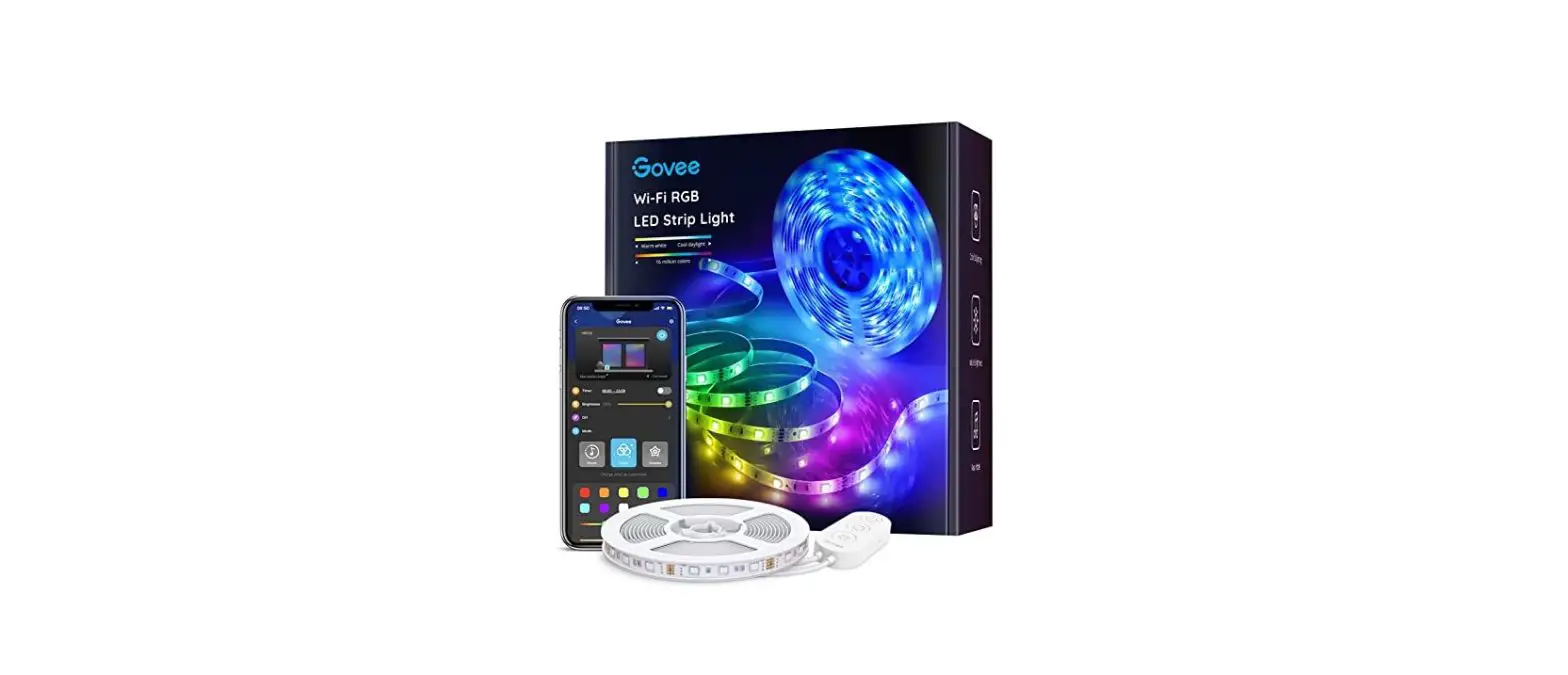
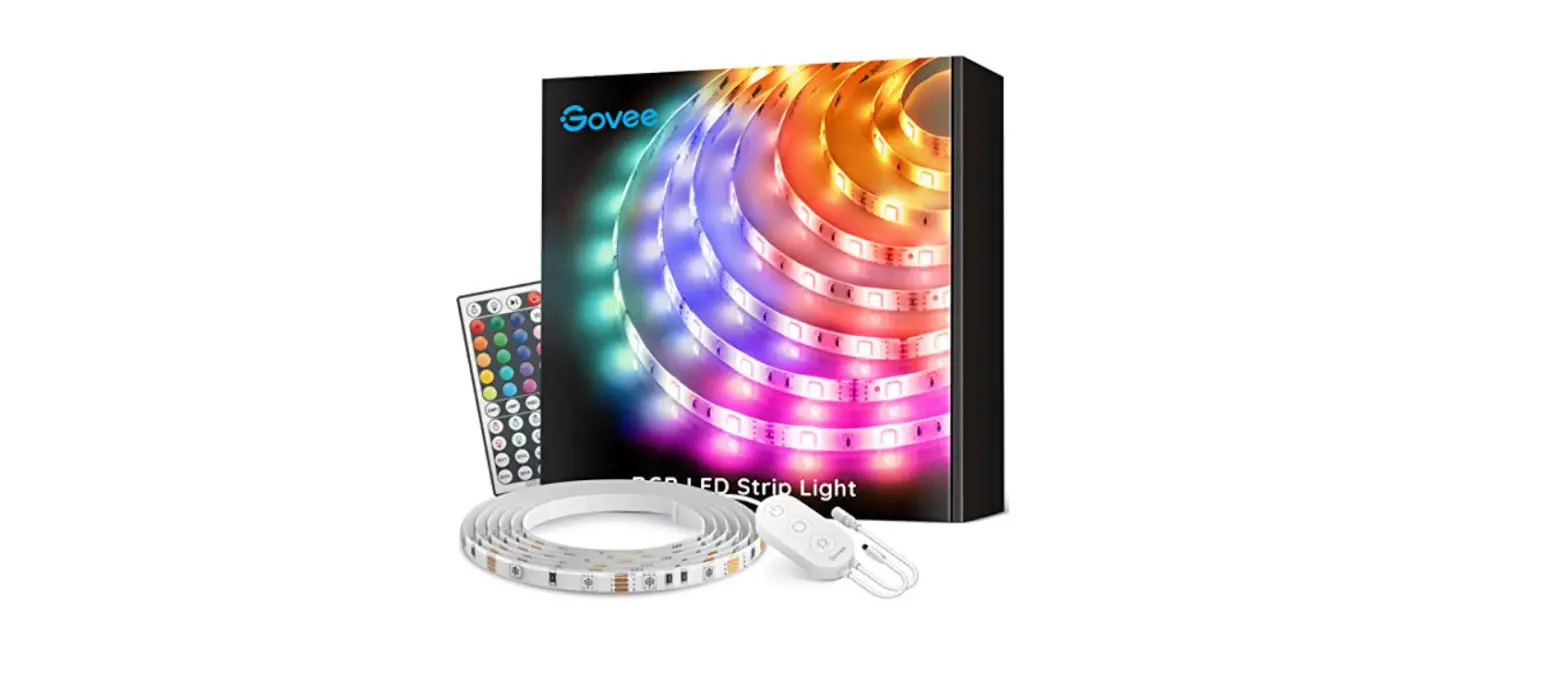
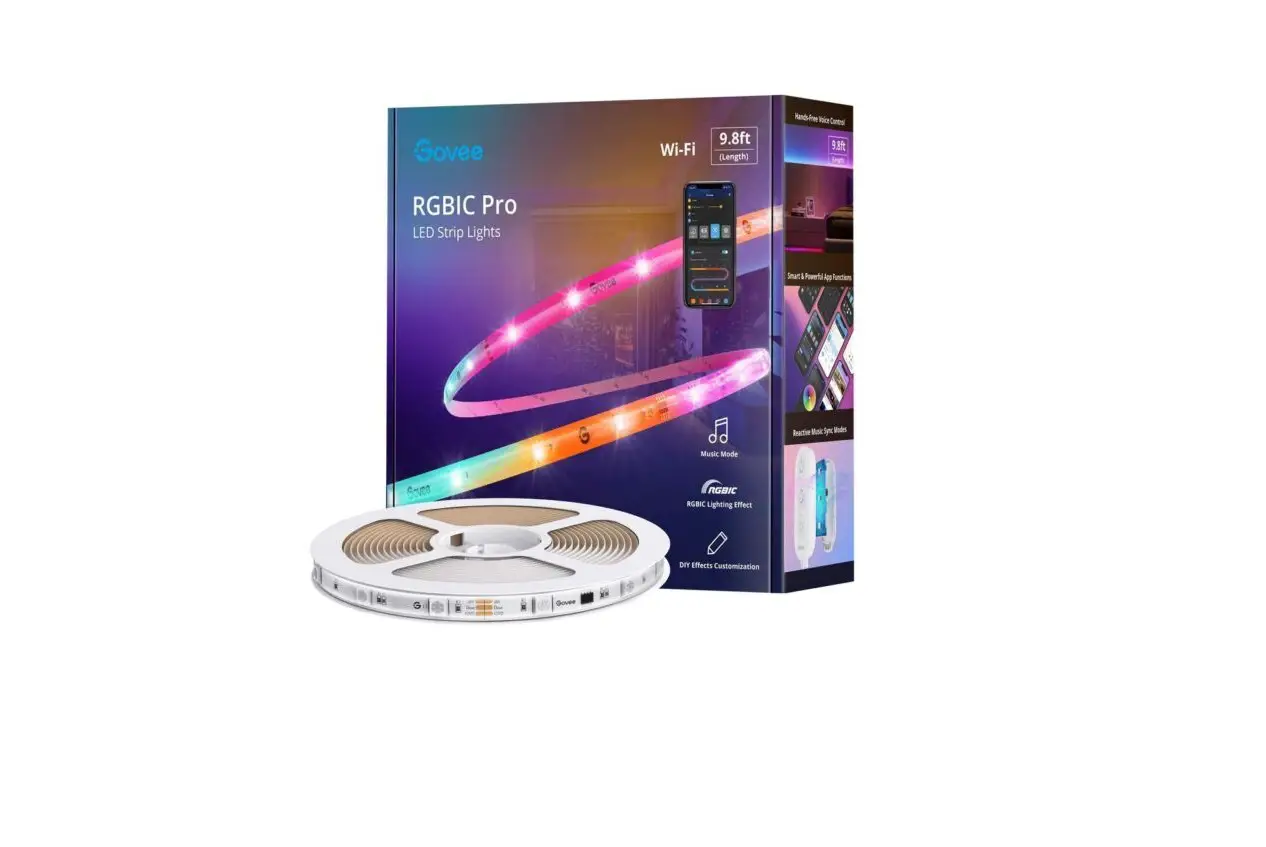
Govee H61150A1 Car Lights, RGB Car LED Lights
 Govee H61150A1 Car Lights, RGB Car LED Lights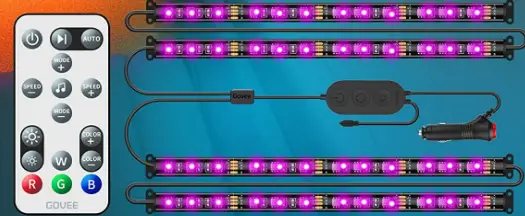
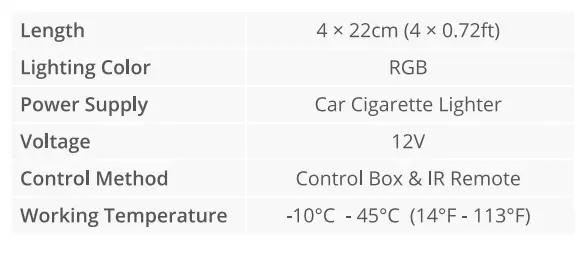
Specifications
Installing Your Strip Lights
- Preparation Before Installing
Unpack the box and check all items listed in the packing list.
Power on the strip lights and check whether they light up. - Installing Steps
Wipe the installing surface to make sure it’s clean and smooth.
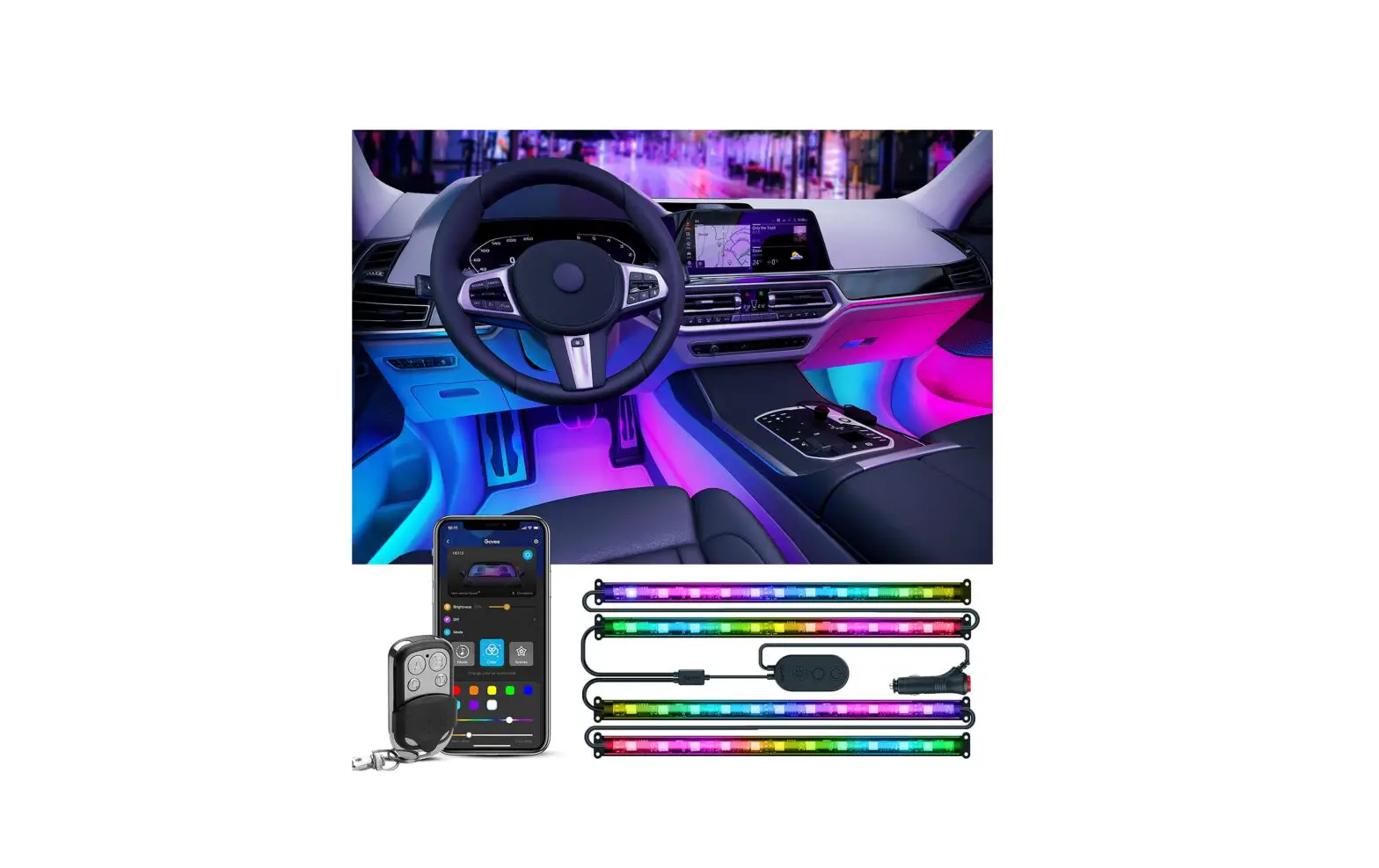
Install the cigarette lighter and control box in the central console.
Peel off the protective film and stick the strip lights as indicated in the picture.
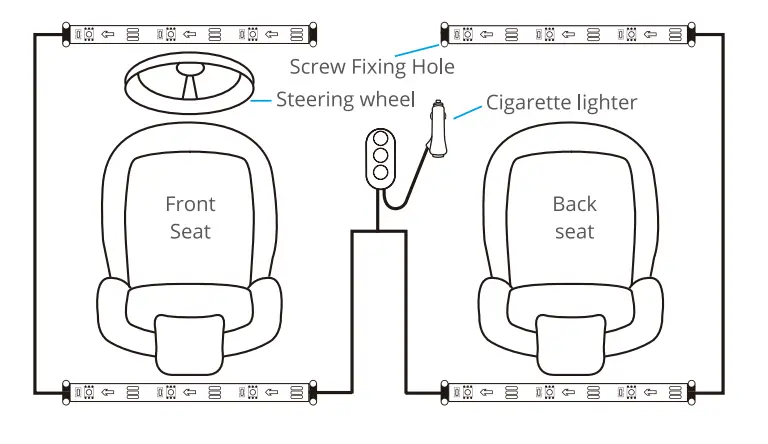
- Firmly press the strip from end to end and reinforce ends of the strip with zip ties and screws.
- Insert the cigarette lighter into the socket and press the button on it. The button will light on, indicating the strip light is powered on.
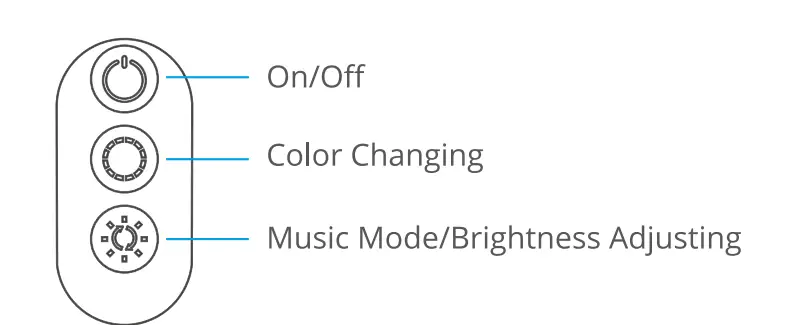
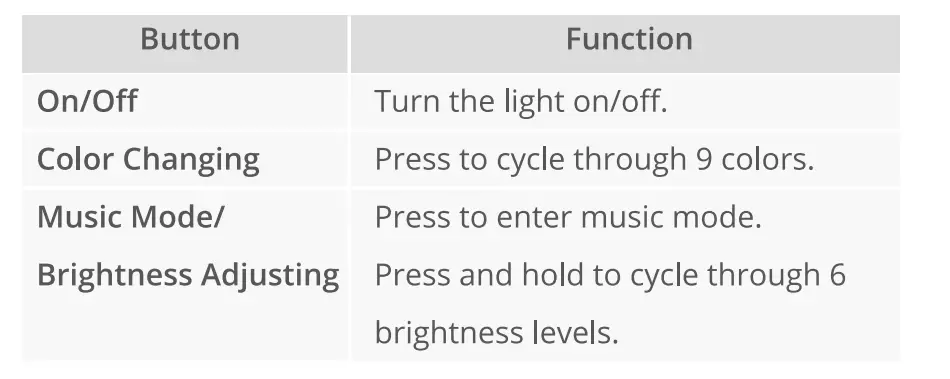
Controlling with the Control Box
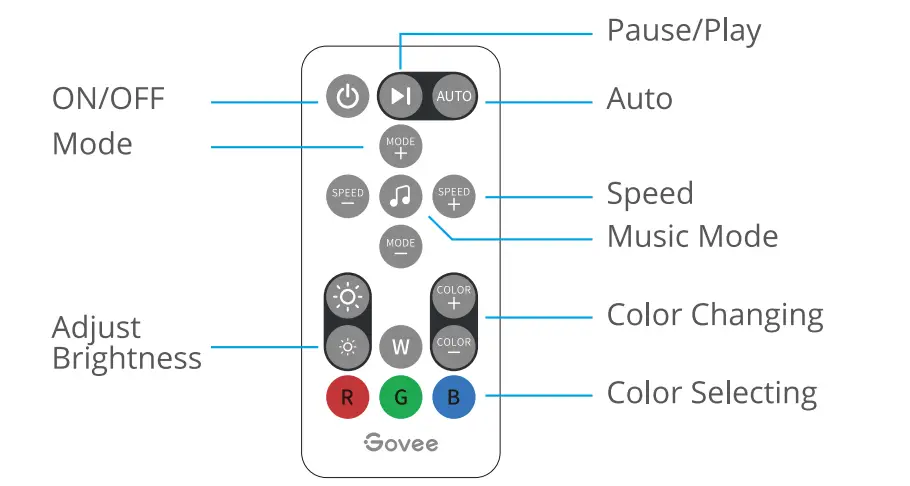
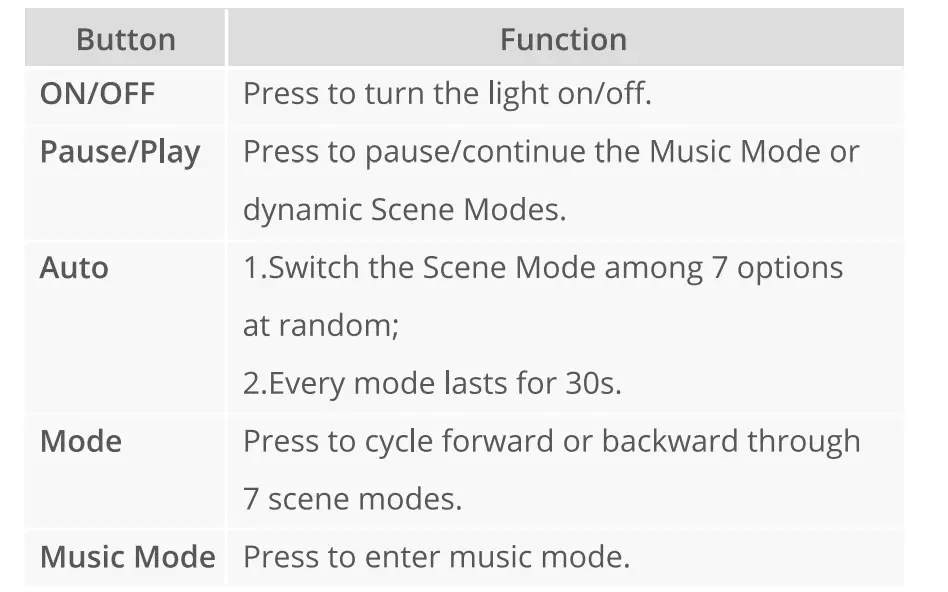
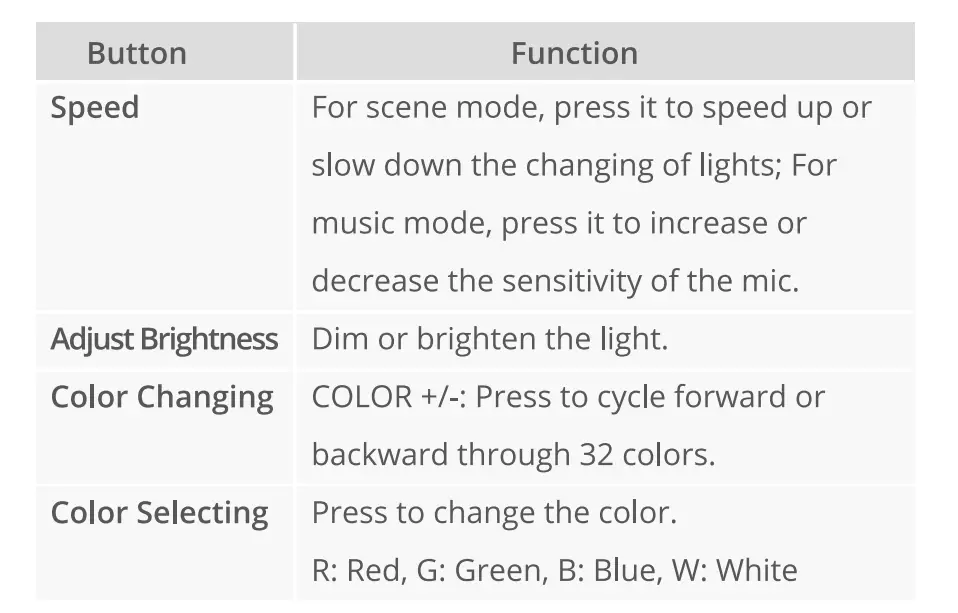
Controlling with the Remote Control
Customer Service
- Warranty: 12-Month Limited Warranty
- Support: Lifetime Technical Support
- Email: [email protected]
- Official Website: www.govee.com
@Govee @Govee @Govee @Goveeofficial
Frequently Aksed Questions
Please refer to the instruction guide.
Please refer to the instruction guide.
Please refer to the instruction guide.
Please refer to the instruction guide.
Please refer to the instruction guide.
Try using the black remote on the cord linked to the lights if the remote doesn’t have the ability to make one colour flash at a time.
Our 32-color strip lights can be changed to a single colour mode, and they will remember the last location.
sufficient length. Perfect. superior to Advance or Autozone. You get 4 strips from them. Advance and Autozone only provide two
Yes. The automobile battery, not the engine, should be used to power the lights. So be sure to turn them off when you leave your car to prevent battery depletion.
Yes, you can hardwire them or use the included DC adapter.