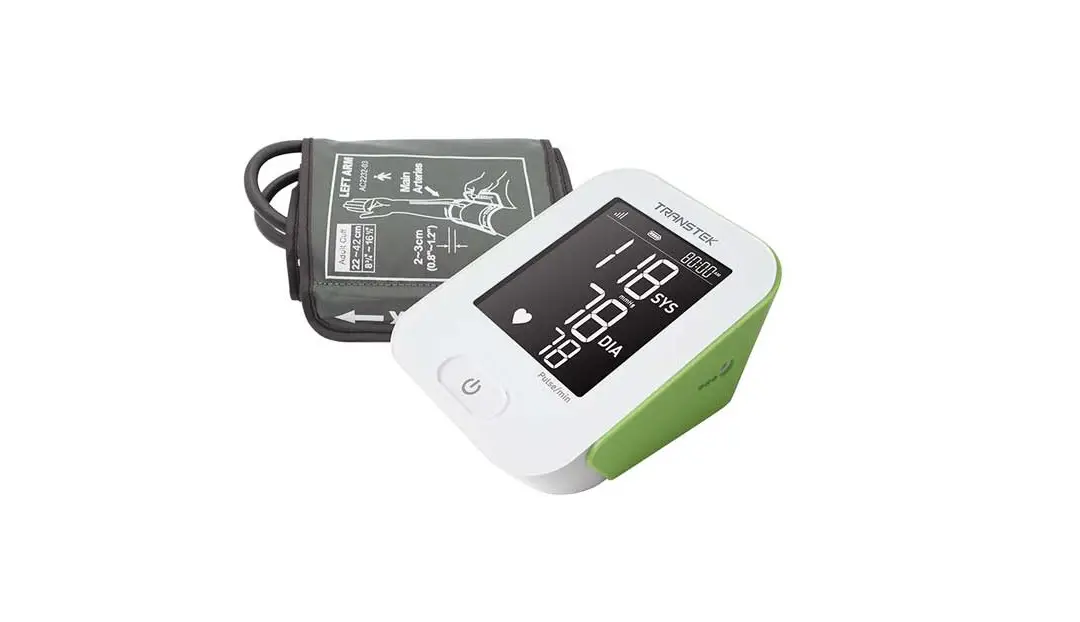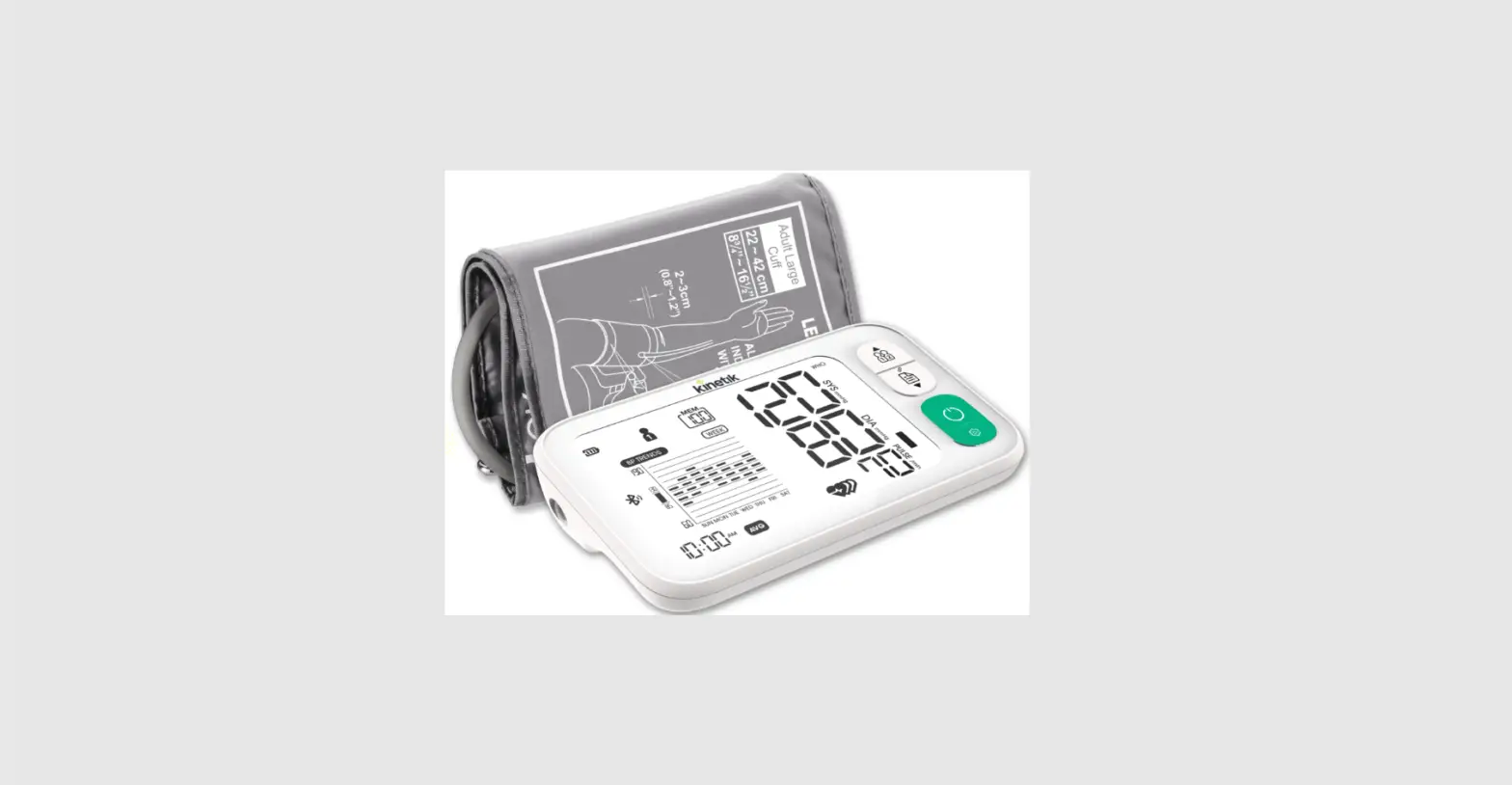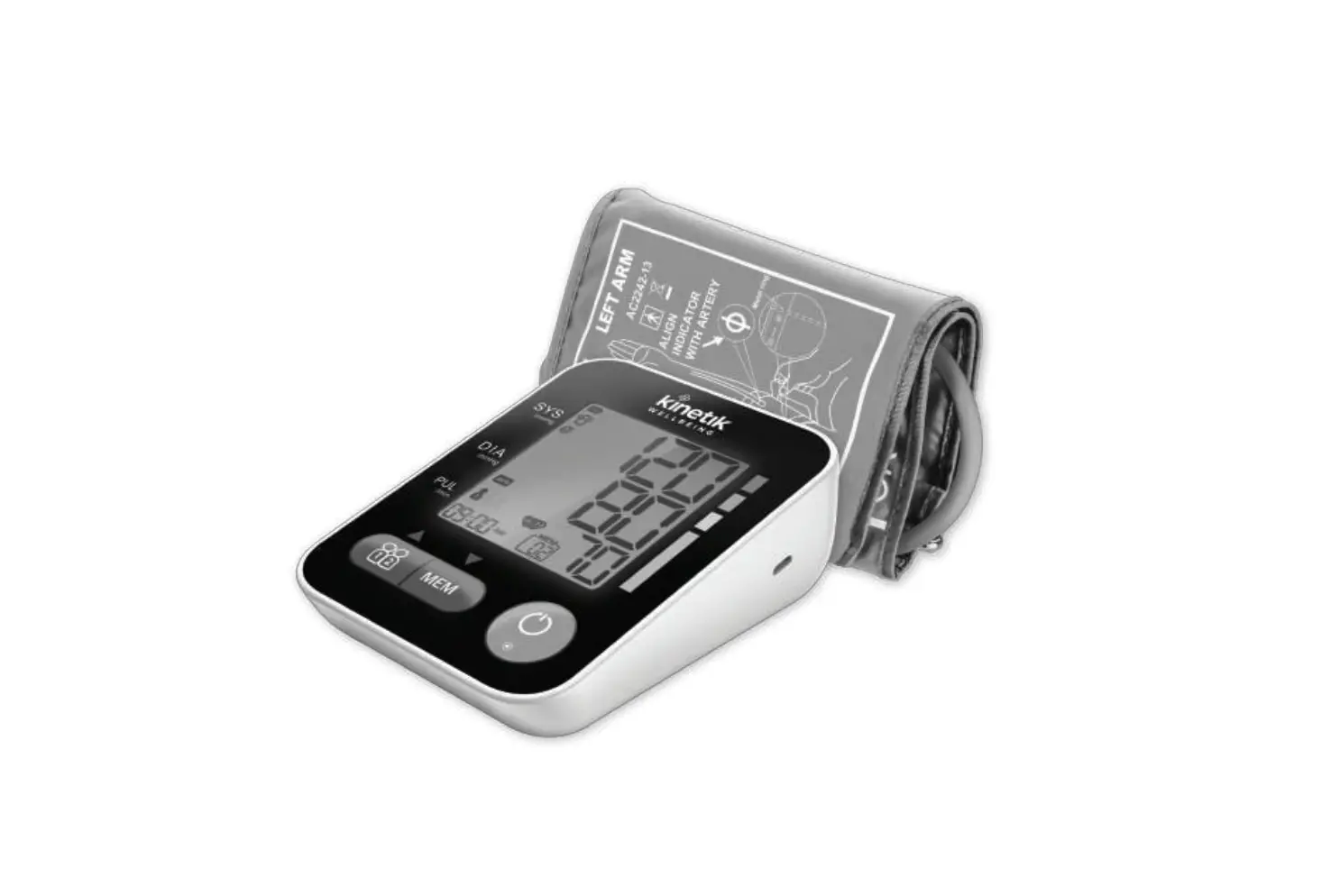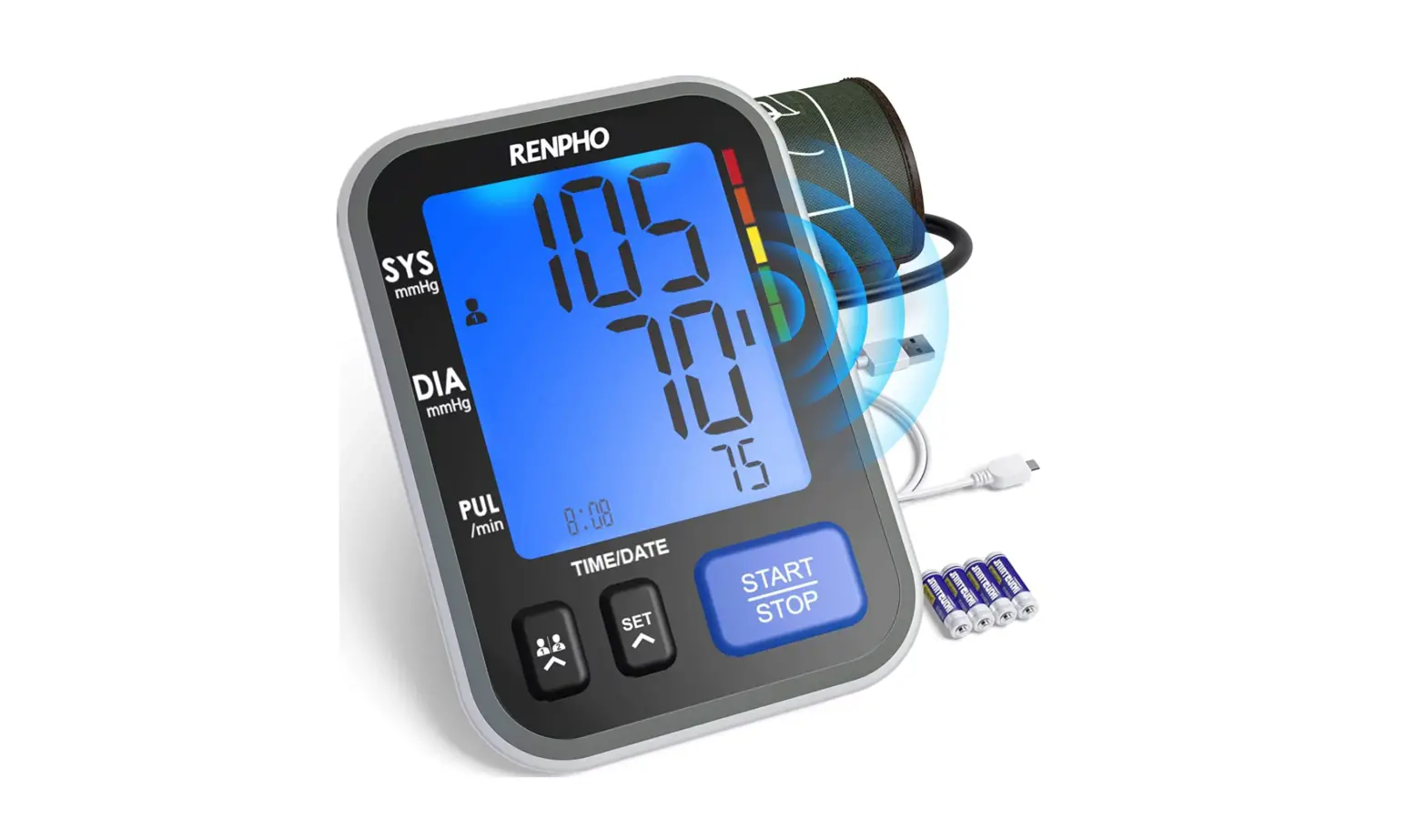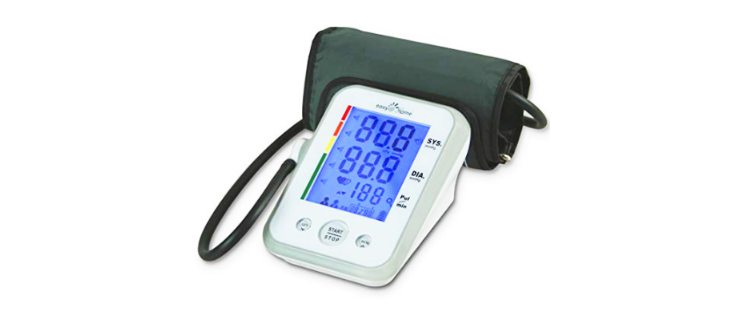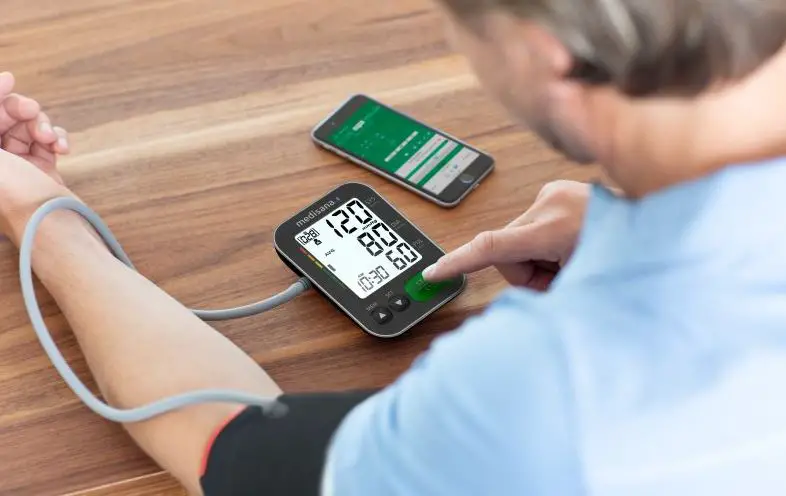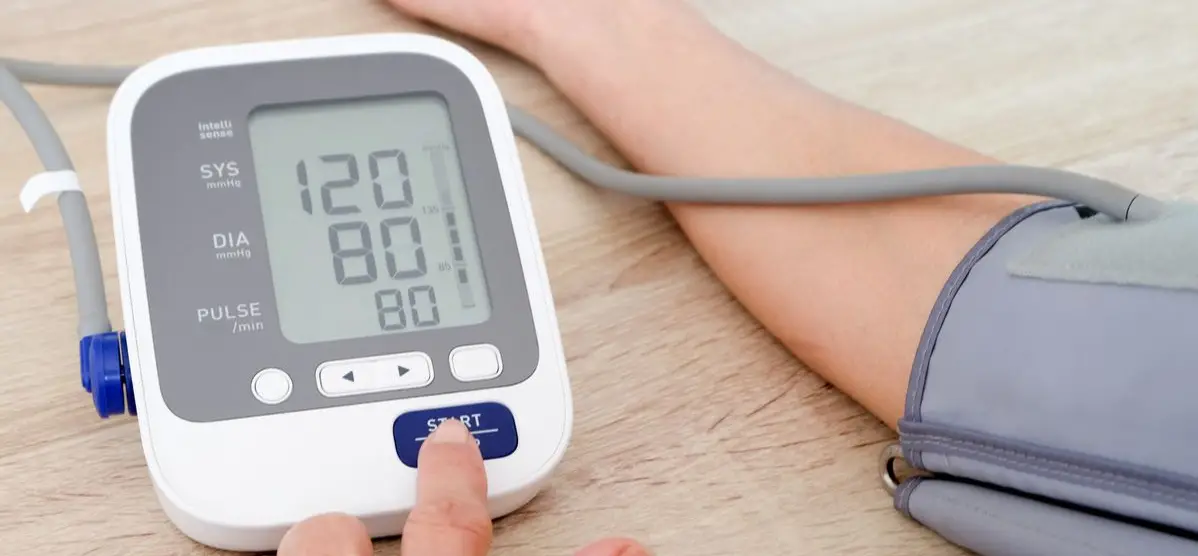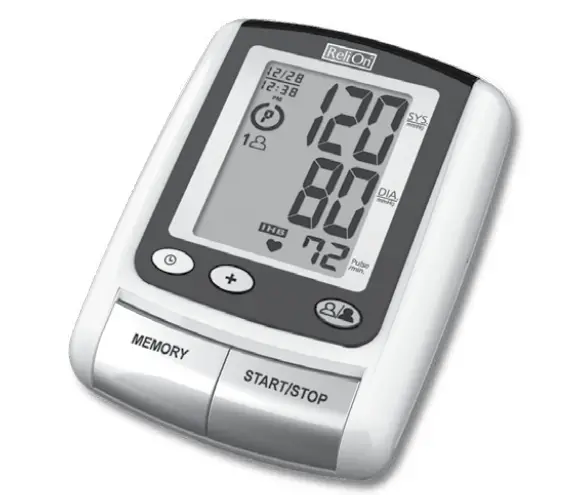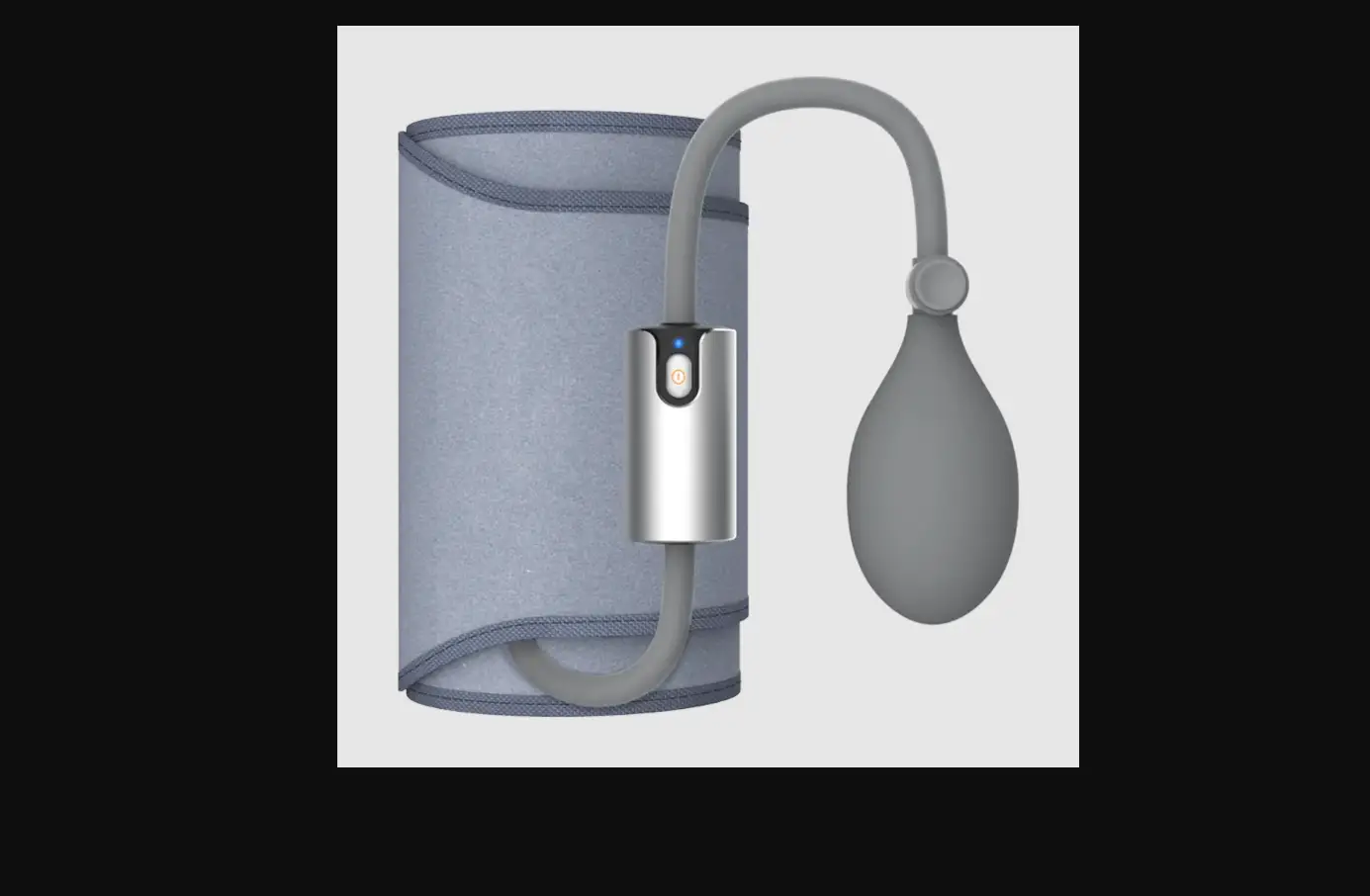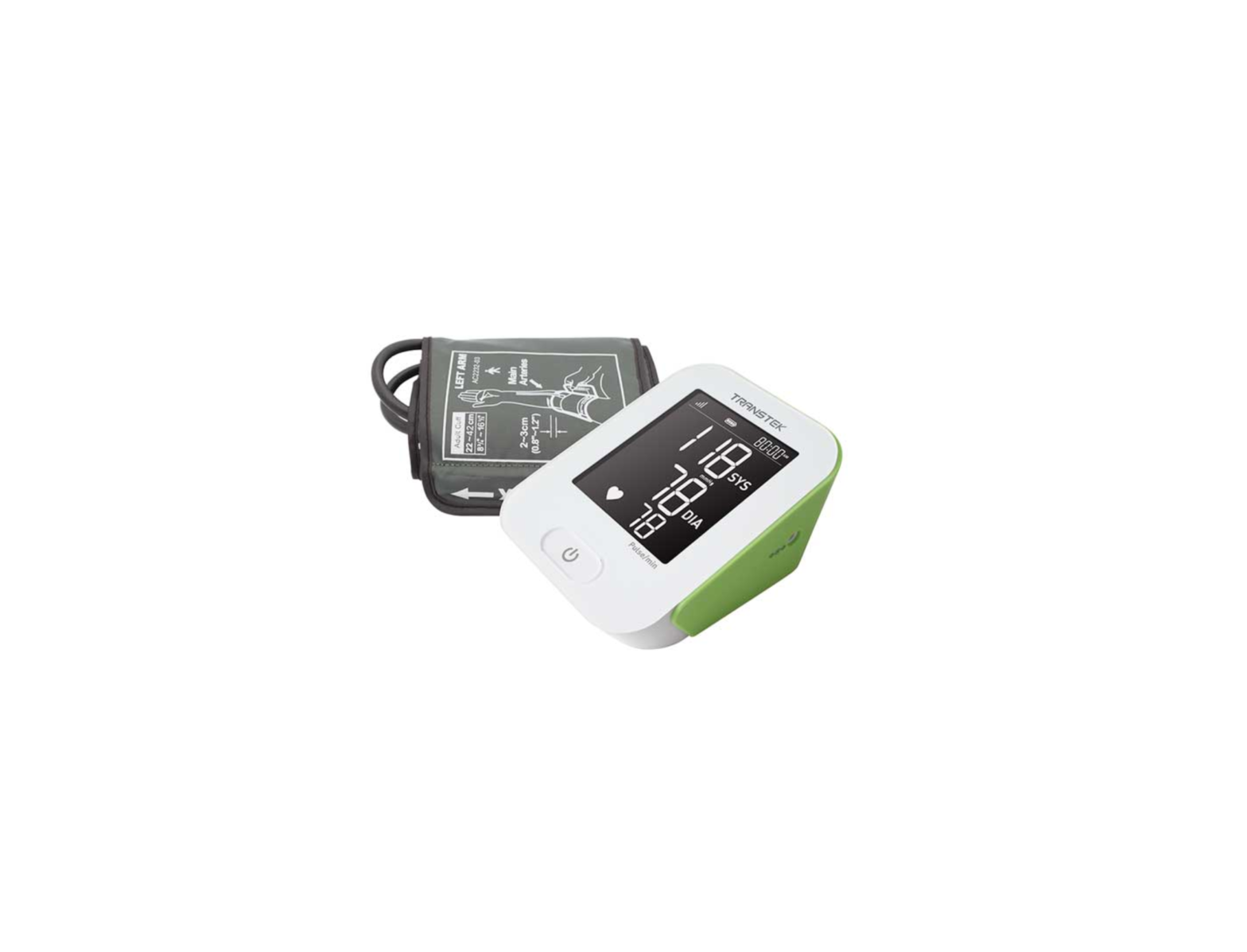
TRANSTEK LS802-GP Blood Pressure Monitor
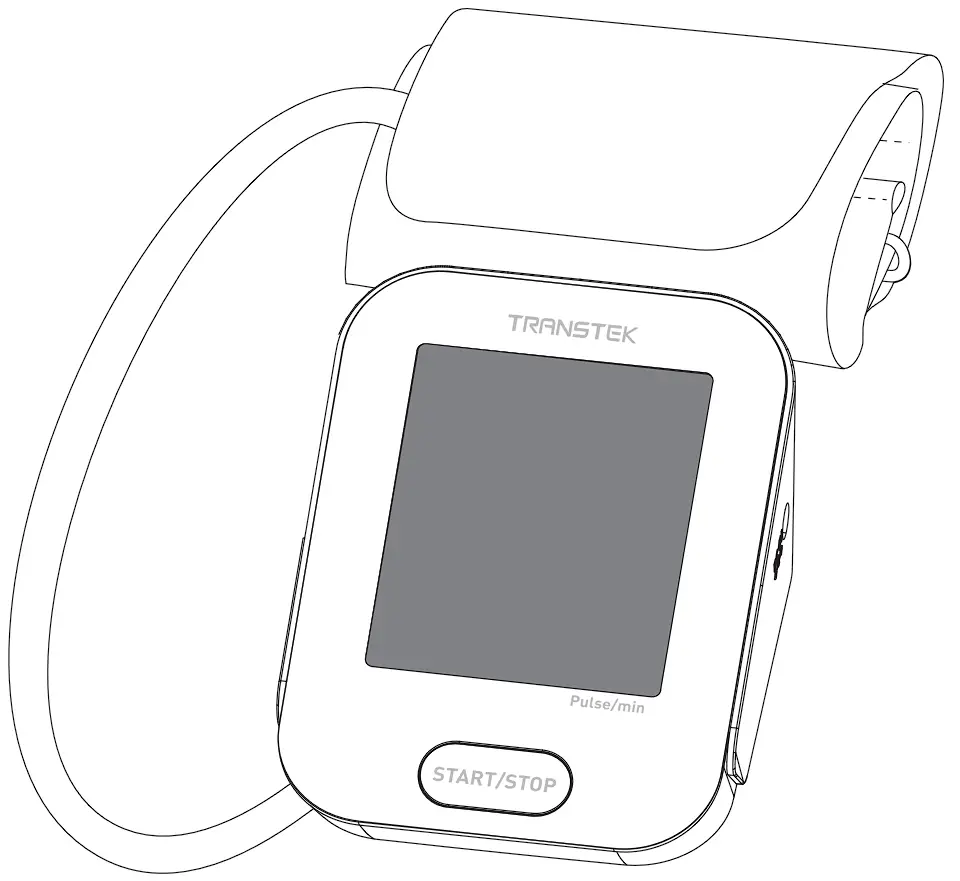
Please read the user manual carefully and thoroughtly so as to ensure the safe usage of this product, keep the manual well for further reference in case you have problems.
INTRODUCTION
General Description
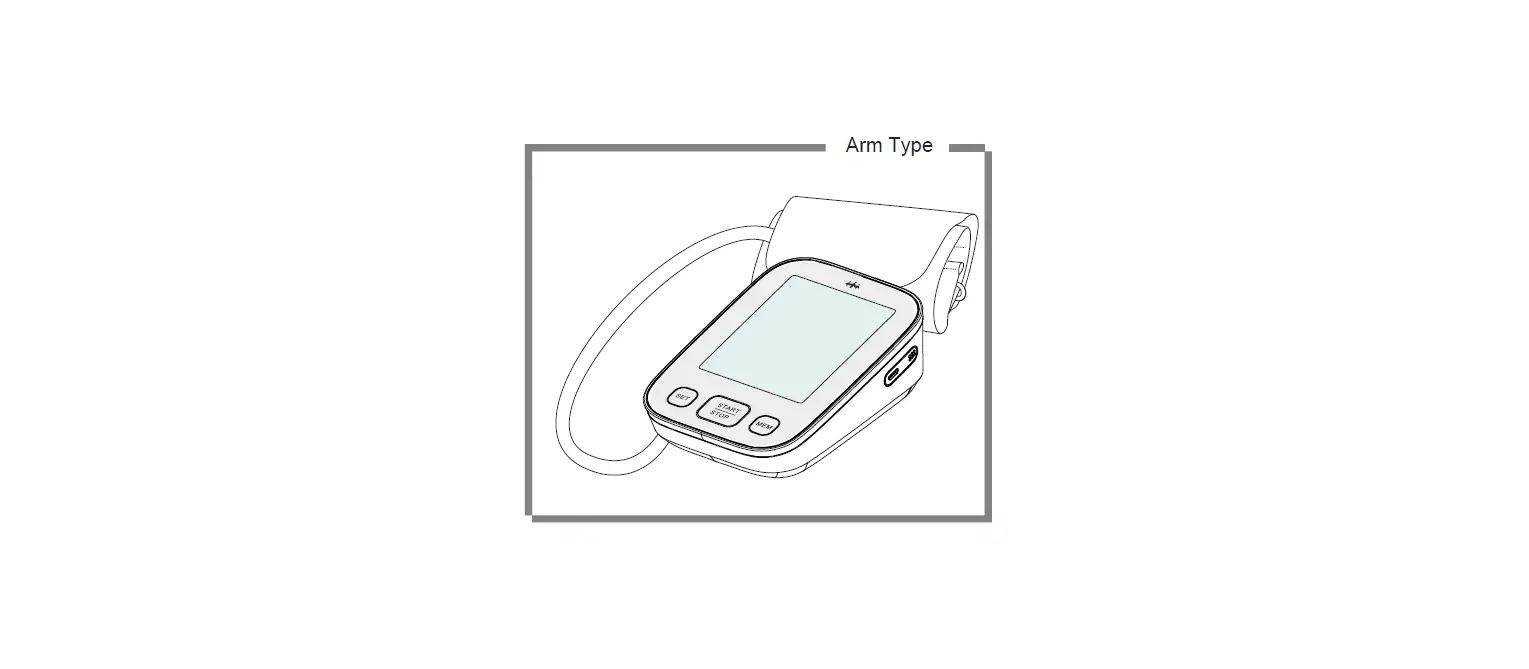
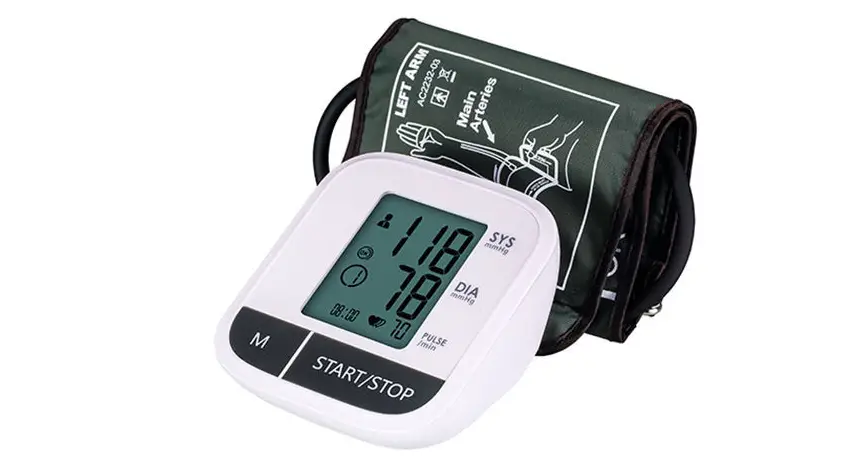
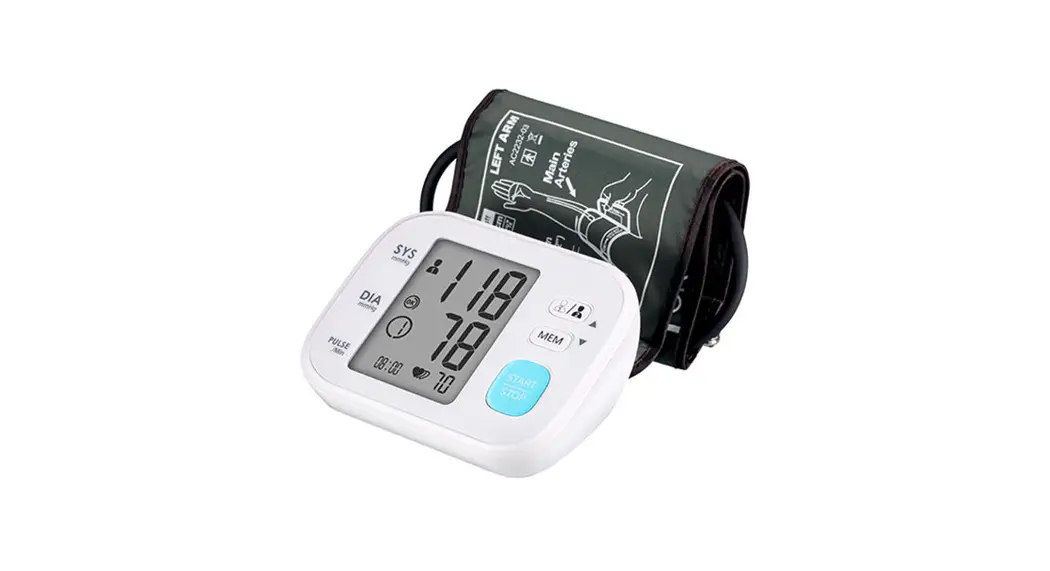
Thank you for selecting this arm type blood pressure monitor (LS802-GP). The monitor features blood pressure measurement, pulse rate measurement and the result storage. The design provides you with two years of reliable service.
FEATURES:
- 78 mm × 92 mm Digital LCD display
- Systolic, Diastolic Blood Pressure & Pulse Display
- Date / Time Indication
- Irregular Heartbeat detection
- Up-to-date measuring-during-inflation technology
- E-MTC wireless communication
Indications for Use
This Pro Cellular Blood Pressure Monitor LS802-GP is a digital monitor intended for use in measuring blood pressure and heartbeat rate with arm circumference ranging from 22 cm to 32 cm, 22 cm to 42 cm, 22 cm to 45 cm. The device can be used to detect irregular heartbeat. It is intended for adult, home use.
Contraindications
- The device is not suitable for use on the women who are or may be pregnant.
- The device is not suitable for use on patients with implanted,electrical devices, such as cardiac pacemakers, defibrillators.
Measurement Principle
This product uses the Oscillometric Measuring method to detect blood pressure. Before every measurement, the unit establishes a “zero pressure” equivalent to the atmospheric pressure. Then it starts inflating the arm cuff, meanwhile, the unit detects pressure oscillations generated by beat-to-beat pulsatile, which is used to determine the systolic and diastolic pressure, and also pulse rate.
Safety Information
The symbols below might be in the user manual, labeling or other component. They are the requirement of standard and using.
 | Refer to instruction manual/booklet To signify that the instruction manual/booklet must be read. |  | Type BF applied part |
 | Direct Current |  | Serial Number |
 | Date and Country of manufacture |  | Manufacturer |
 | Recyclable |  | Temperature limit |
 | Atmospheric pressure limitation |  | Humidity limitation |
 | For indoor use only |  | Symbol for “Class II Equipment” |
 | MR Unsafe To identify an item which poses unacceptable risks to the patient, medical staff or other persons within the MR environment. | ||
 | Caution Indicates that caution is necessary when operating the device or control close to where the symbol is placed, or that the current situation needs operator awareness or operator action in order to avoid undesirable consequences. | ||
 | The symbol indicates that the product should not be discarded as unsorted waste but must be sent to separate collection facilities for recovery and recycling. | ||
| CAUTION * This device is intended for indoor, home use. |
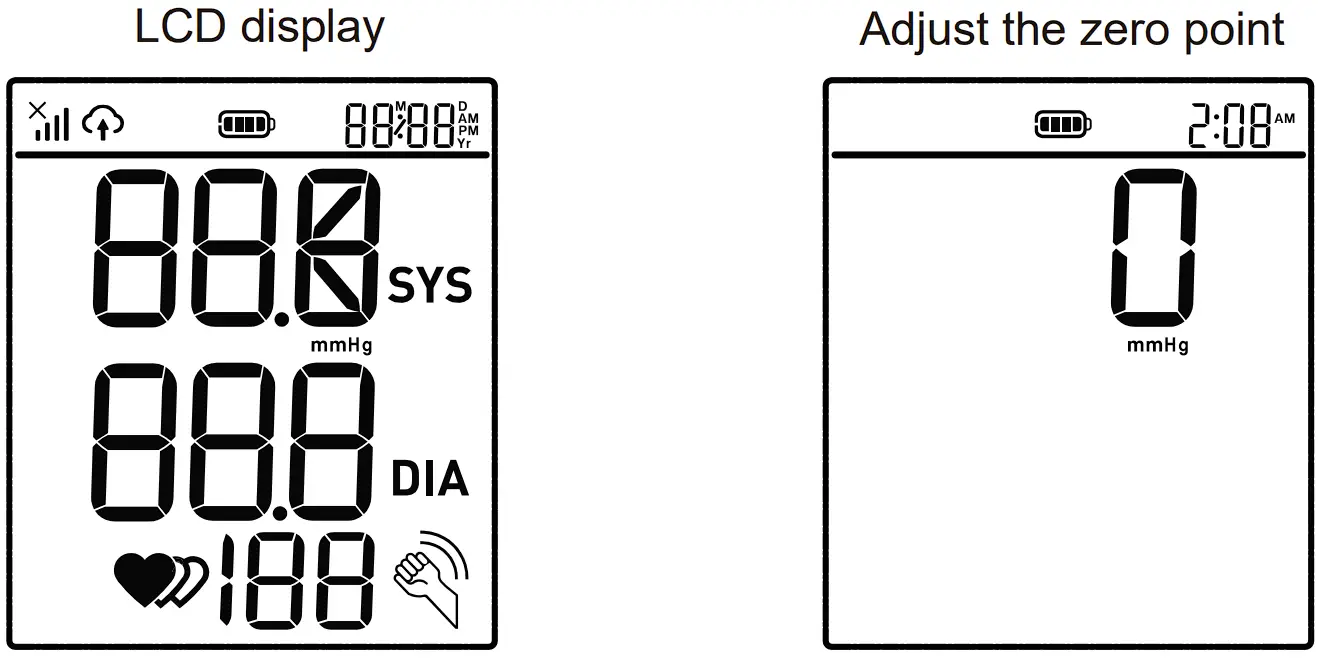
Display and Symbols
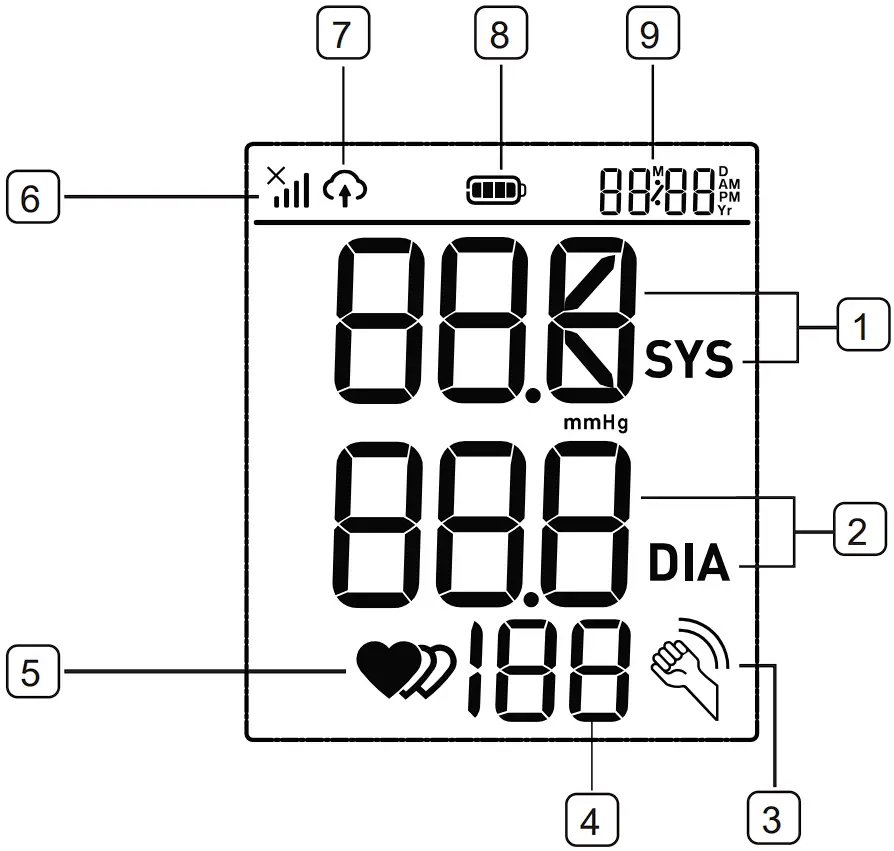
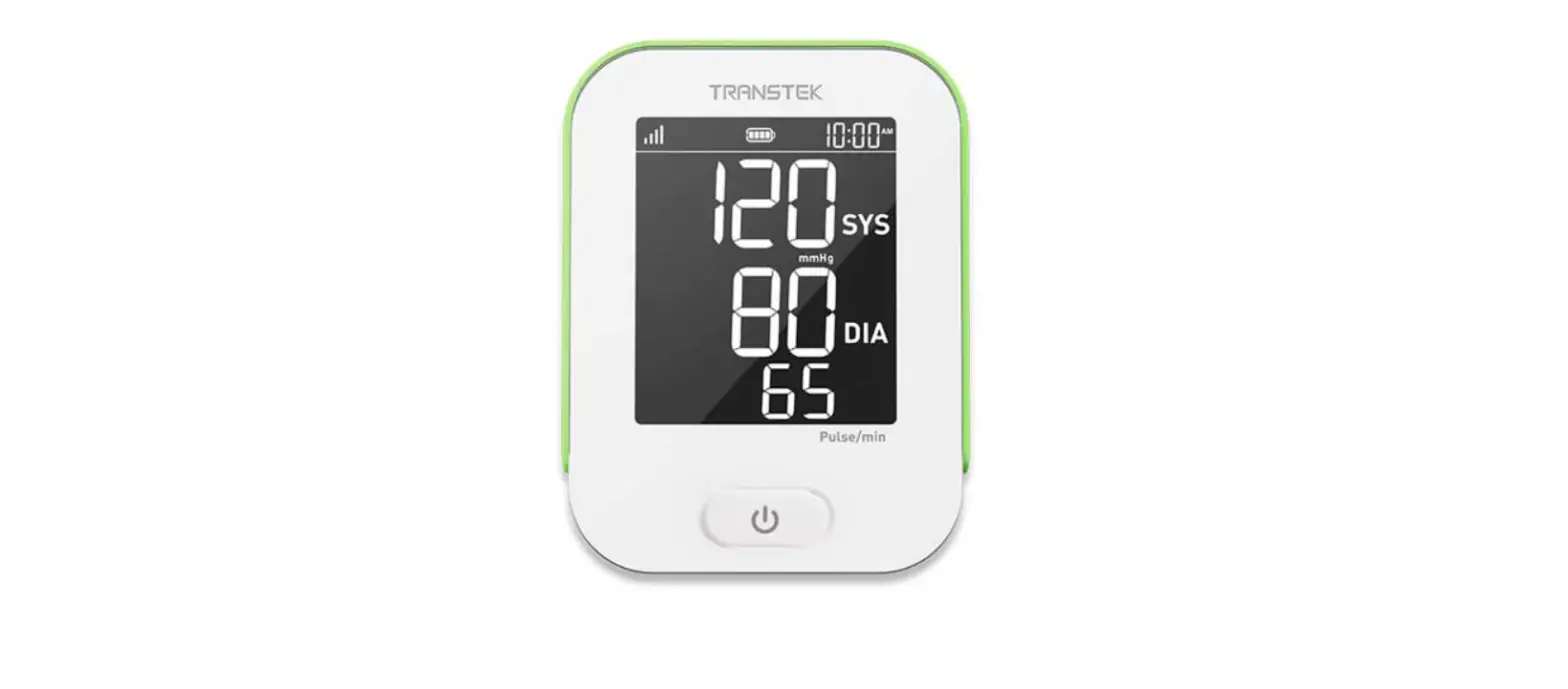
 Systolic blood pressure reading
 Diastolic blood pressure reading
 Excessive body motion detector symbol
 Pulse display
 Heartbeat symbol / Irregular heartbeat
 Signal indication
 Data transmission indication
 Battery symbol / Low battery symbol
 Date / Time display
| SYMBOL | EXPLANATION | |
| Systolic blood pressure reading | |
| Diastolic blood pressure reading | |
|  | Excessive body motion detector symbol Appears when talking, moving, or shaking of the arm with the cuff on is detected during a measurement. NOTE: The measured blood pressure reading may not be accurate when this symbol is displayed with the reading. |
| Pulse display | |
|  | Heartbeat symbol Flashes when decteted during the measurement. |
 | Irregular heartbeat symbol Appears when decteted during a measurement. Refer to page 17 for more information. | |
|  | Signal indication Indicates the signal situation in the communication process. |
|  | Data transmission indication Appears on the LCD display and flash when the measurement data is being sent. If the data transmission is a success, oK is shown. |
|  | Battery symbol / Low battery symbol Indicate the battery is low when both symbols  appear on the LCD display. appear on the LCD display. |
| Date / Time display | |
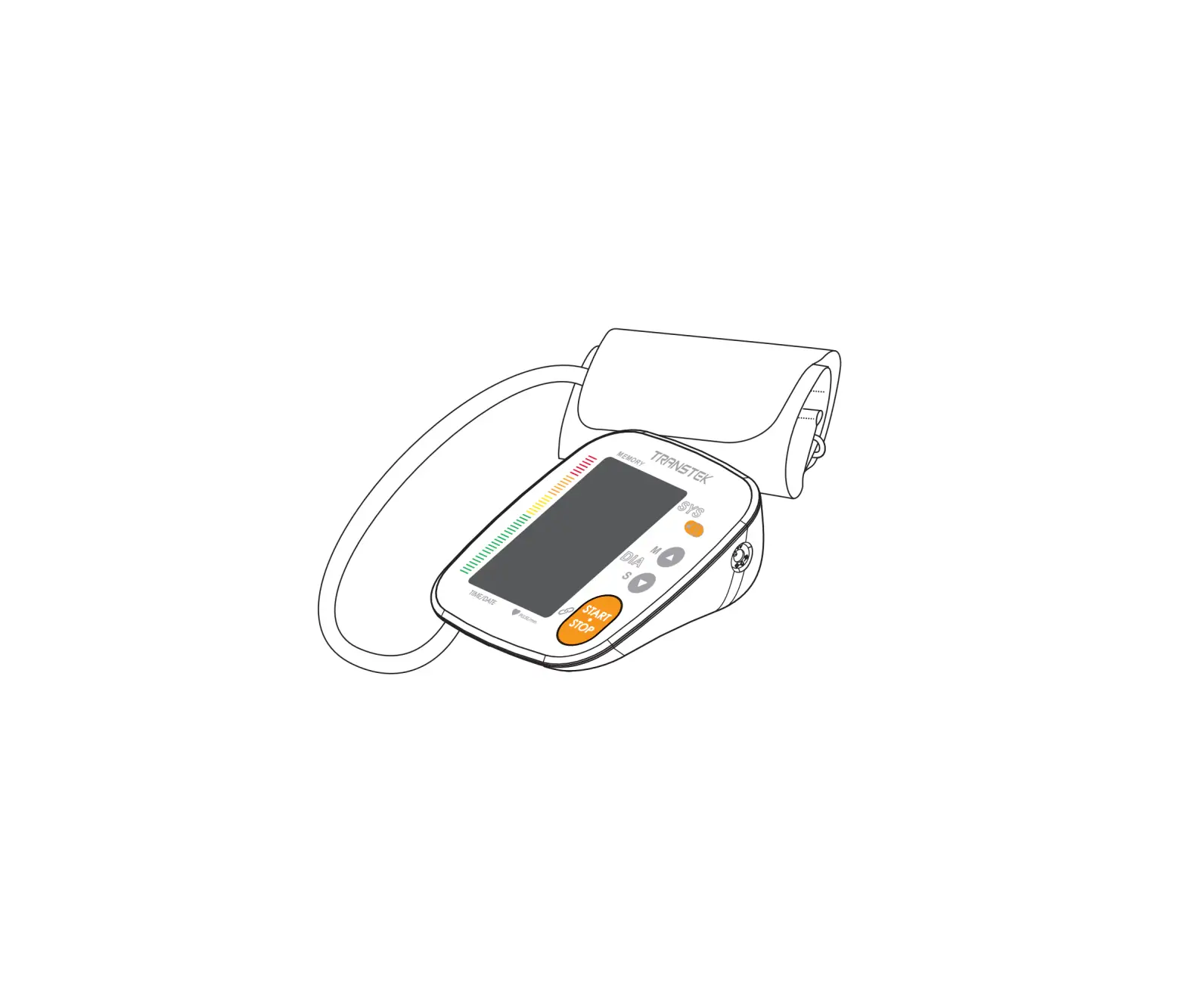
Name of Each Part
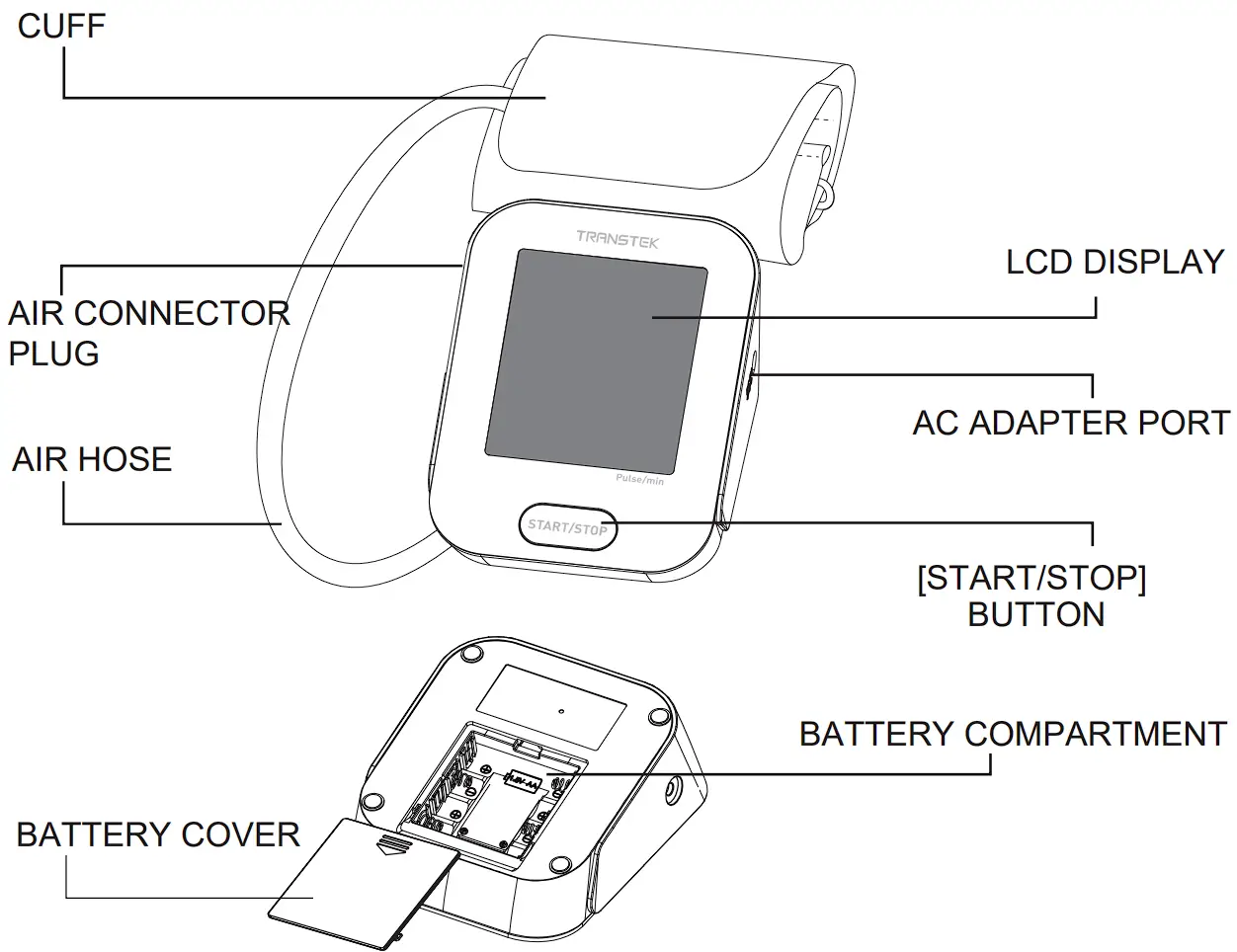
Contents/Product Includes
- Pro Cellular Blood Pressure Monitor (LS802-GP)
- Cuff (Type BF applied part)
Upper arm circumference: 22-32 cm
Upper arm circumference: 22-42 cm
Upper arm circumference: 22-45 cm - User Manual
- Quick Start Guide
- 4x AA batteries 8
BEFORE YOU START
The Choice of Power Supply
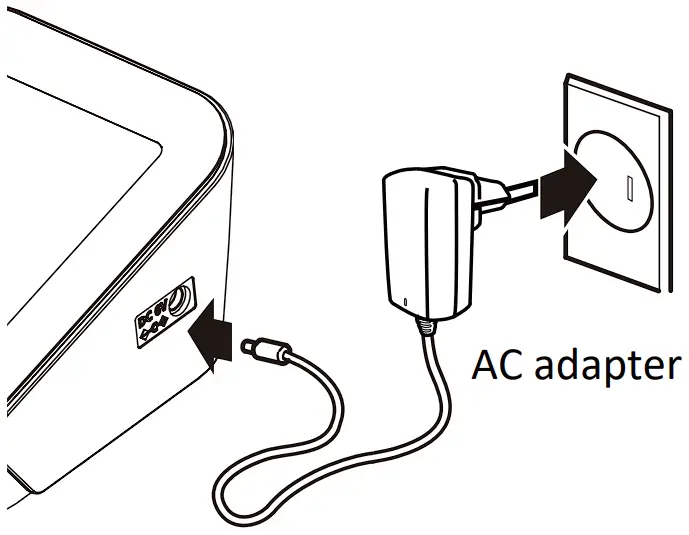
- Battery powered mode: 6V DC 4× AA batteries
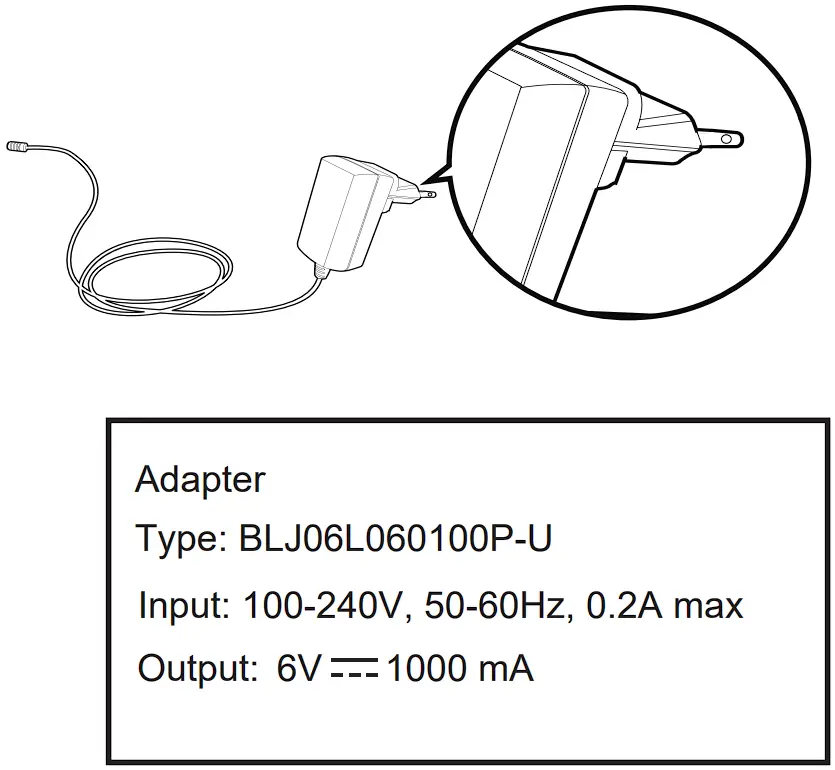
- AC adapter powered mode: 6V 1A Please use the AC adapter authorized by the manufacturer!
Please unplug the adapter to depart from the using utility power, when you finish the measurement. CAUTION
In order to get the best effect and protect your monitor, please use the right batteries and special power adapter which complies with local safety standard.
Installing and Replacing the Batteries
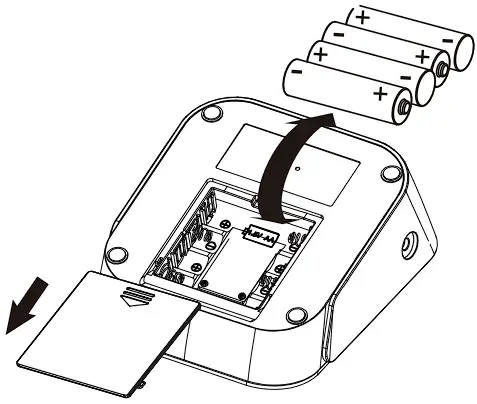
- Slide off the battery cover.
- Install or replace 4 AA size batteries according to the polarity indications inside the battery compartment.
- Place back the battery cover.
Replace the baeries whenever the below happens - Both symbols
 appear on the LCD display
 - The display dims
- The display does not light up
- Both symbols
CAUTION
|
Note: When you insert or replace batteries into the device, the symbol and will display on the LCD alternately. This indicates that the device is searching and pairing with a mobile network.
You can long press the “START/STOP” button to end pairing and use the device. If you manually cancel pairing, the device may take longer to send a measurement after use.
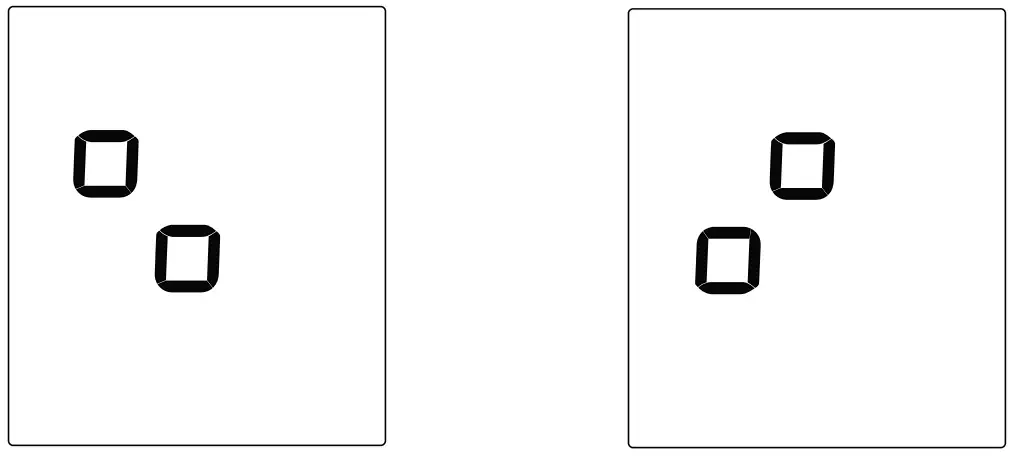
If successful, the symbol  will be shown on the LCD. You can then utilize the device as normal by pressing the “START/STOP” button.
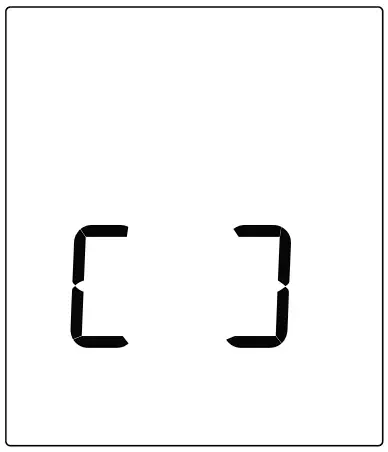
If unsuccessful, the monitor will power off automatically after several minutes.
MEASUREMENT
Applying the cuff
- Remove all jewelry, such as watches and bracelets from your left arm.
Note: If your doctor has diagnosed you with poor circulation in your left arm, use your right arm. - Roll or push up your sleeve to expose the skin. Make sure your sleeve is not too tight.
- Hold your arm with palm facing up and tie the cuff on your upper arm, then position the tube off-center toward the inner side of arm in line with the little finger. Or position the artery mark
 over the main artery (on the inside of your arm).
Note: Locate the main Artery by pressing with 2 fingers approximately 2 cm above the bend of your elbow on the inside of your left arm. Identify where the pulse can be felt the strongest, that is your main Artery - Make sure the bottom edge of the cuff 1 inch (2-3 cm) above the inside elbow. Then wrap the cuff securely.
Note: The cuff should be snug but not too tight. You should be able to insert one finger between the cuff and your arm.
- Sit upright in a comfortable chair with your back against the backrest of the chair. Keep your feet flat and your legs uncrossed. Place your arm resting comfortably on a flat table. The cuff worn on your arm should be placed at the same level as your right atrium of the heart.

- Take 5-6 deep breaths and let’s start measuring!
 over the main artery (on the inside of your arm).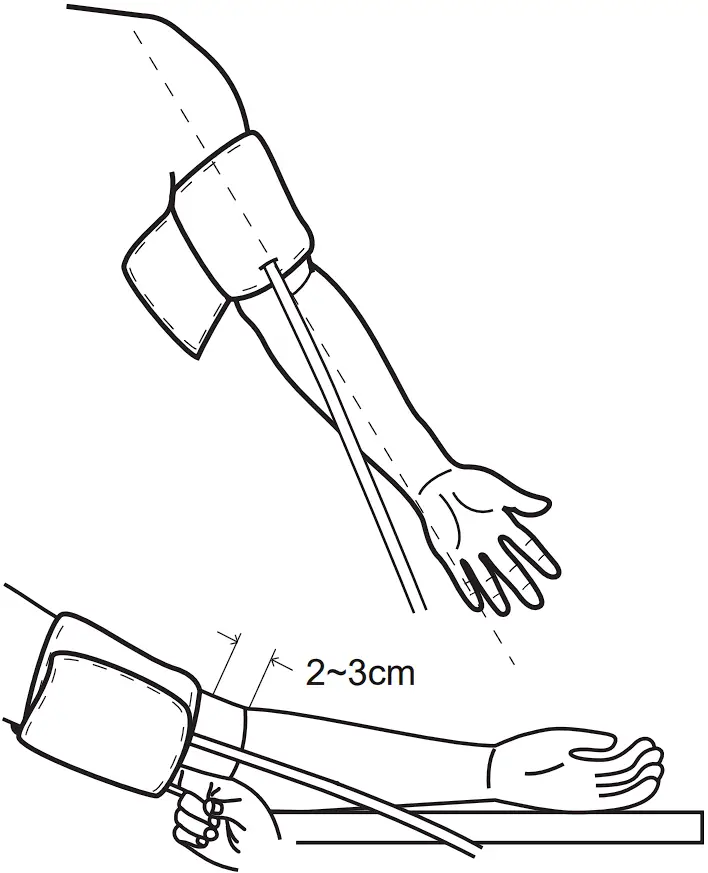
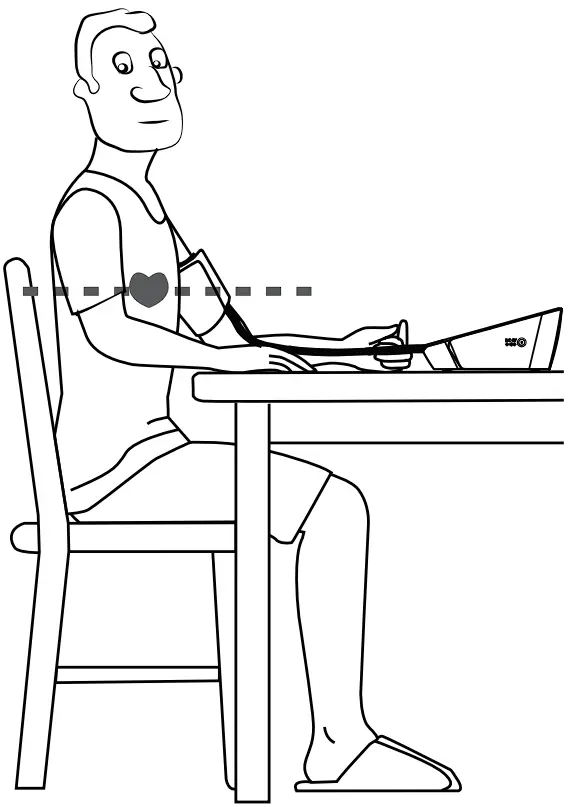
Taking a Measurement
Helpful tips to help ensure an accurate reading
- Take the measurement in a silent room.
- Rest for 5 minutes before a measurement.
- Be relaxed, Remain still and DO NOT talk while taking a measurement.
- For a meaningful comparison, try to measure under similar conditions. For example, take daily measurements at approximately the same time, on the same arm, or as directed by a physician.
Start a measurement
- When the monitor is off, press the “START/STOP” button to turn on, and then it will complete the whole measurement automatically.


- After the measurement, the data transmission starts. The symbol will blink on the LCD.
If successful, the symbol will disappear and the LCD will display “OK“.
Press the “START/STOP” button to turn off the device, otherwise it will power off automatically after about 1 minute.
If unsuccessful, an error message (“E5” or “E6” for example) will display on the LCD for about 1 minute and then the device will power off.
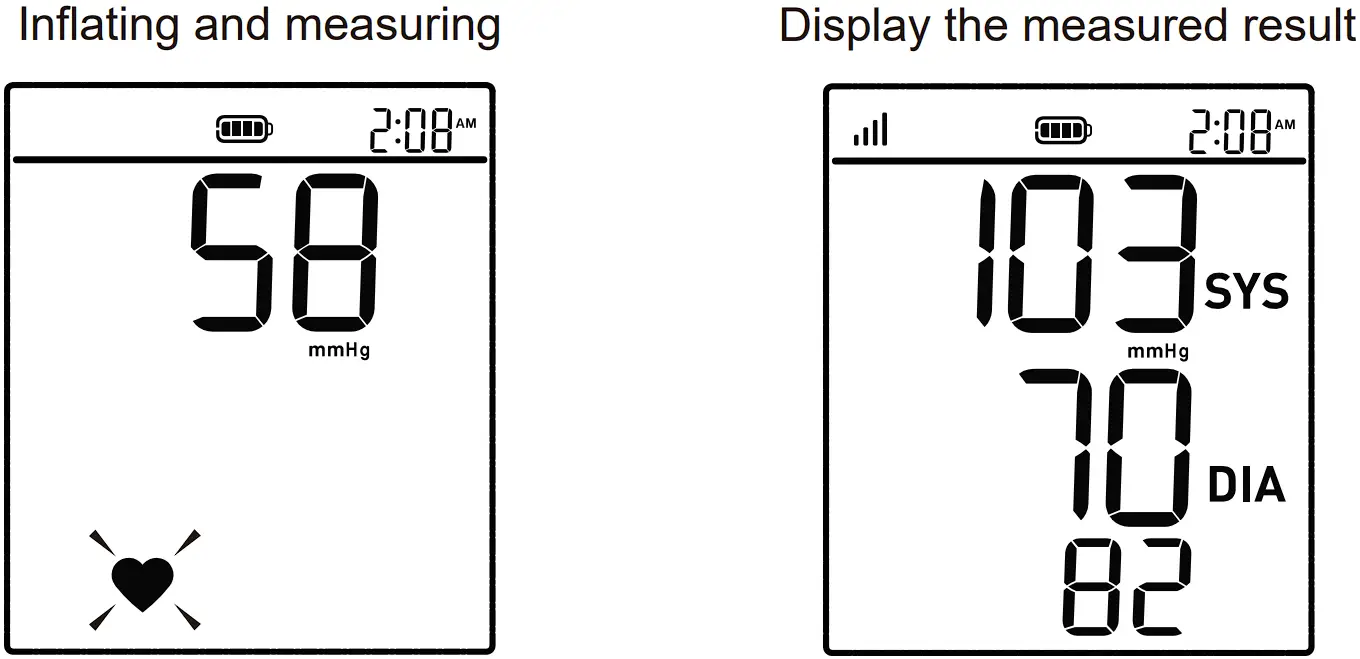
 will disappear and the LCD will display “OK“.
Note
In the case of a data transmission failure (E5 or E6), up to 60 measurements are saved on the device and will be sent when a successful connection is achieved.
Tip
You can press the “START/ STOP” button to stop the measurement any time.
INFORMATION FOR USER
Tips for Measurement
Measurements may be inaccurate if taken in the following circumstances.
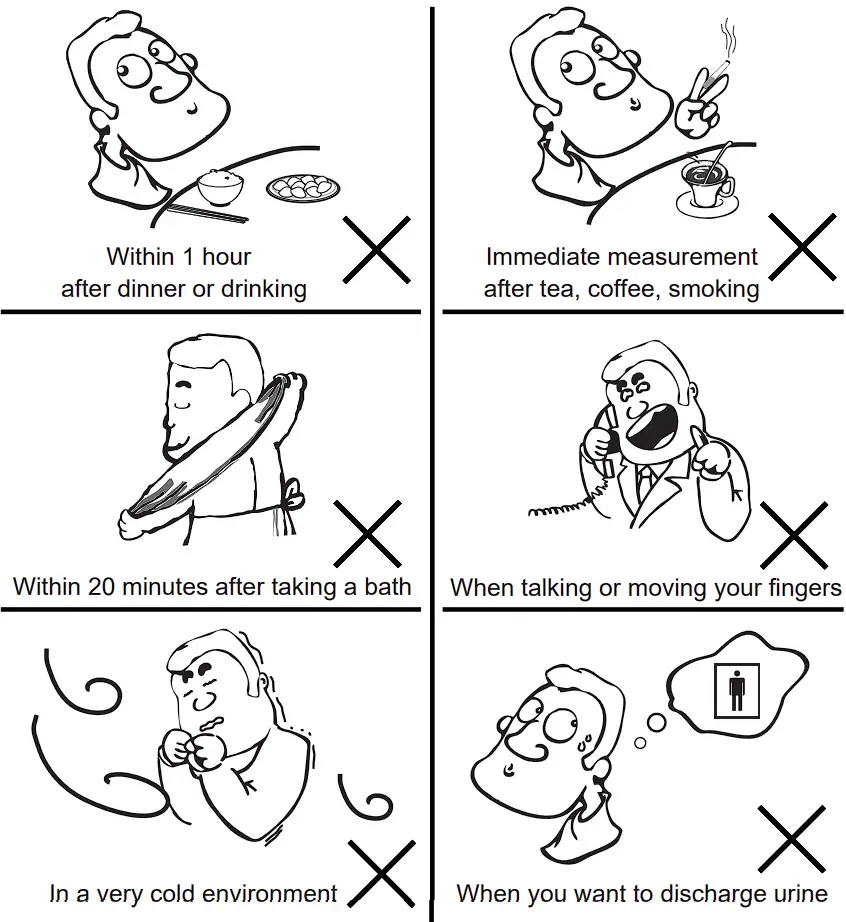
Maintenance
In order to get the best performance, please follow the instructions below.
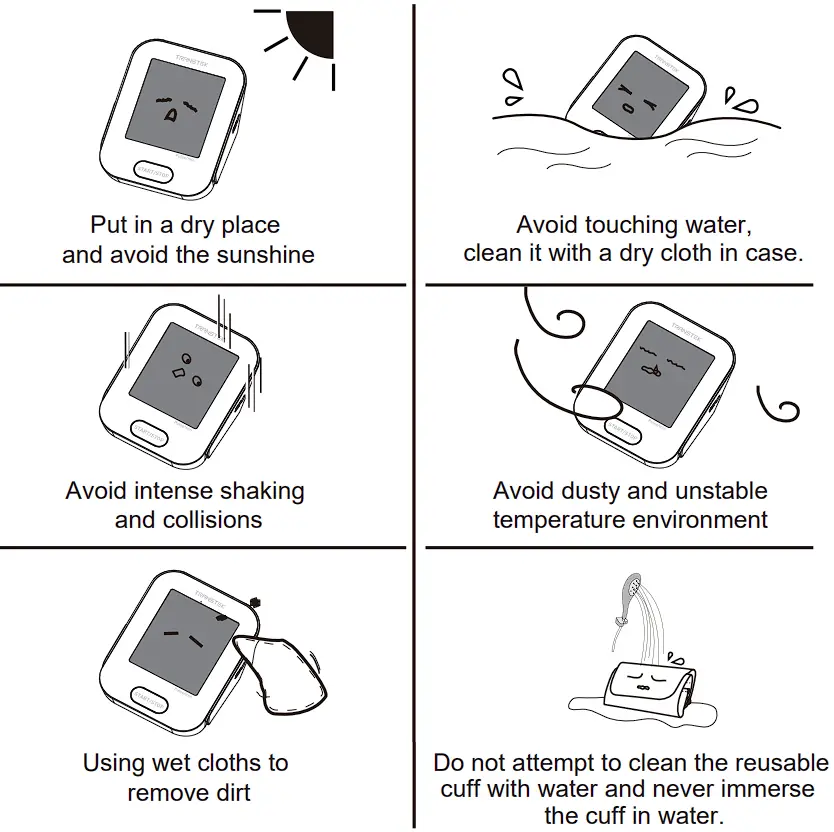
ABOUT BLOOD PRESSURE
What are systolic pressure and diastolic pressure?
When ventricles contract and pump blood out of the heart, the blood pressure reaches its maximum value in the cycle, which is called systolic pressure. When the ventricles relax, the blood pressure reaches its minimum value in the cycle, which is called diastolic pressure.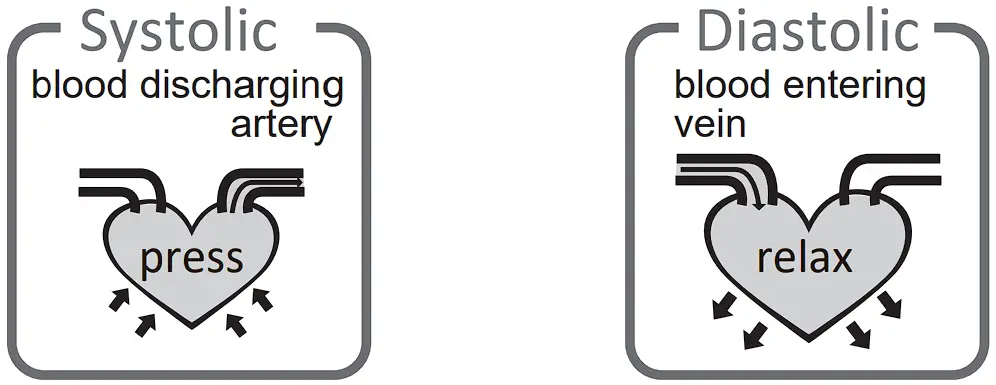
What is the standard blood pressure classification?
The following chart is the standard blood pressure classification published by American Heart Association (AHA).
This chart reflects blood pressure categories defined by American Heart Association. | |||
| Blood Pressure Category | Systolic mmHg (upper#) | Diastolic mmHg (lower#) | |
| Normal | less than 120 | and | less than 80 |
| Elevated | 120-129 | and | less than 80 |
| High Blood Pressure (Hypertension) Stage 1 | 130-139 | or | 80-89 |
| High Blood Pressure (Hypertension) Stage 2 | 140 or higher | or | 90 or higher |
| Hypertensive Crisis (Consult your doctor immediately) | Higher than 180 | and/or | Higher than 120 |
| CAUTION Only a physician can tell your normal BP range. Please contact a physician if your measuring result falls out of the range. Please note that only a physician can tell whether your blood pressure value has reached a dangerous point. |
Irregular Heartbeat Detector
An irregular heartbeat is detected when a heartbeat rhythm varies while the unit is measuring the systolic and diastolic blood pressure. During each measurement, the monitor records all the pulse intervals and calculate the average; if there are two or more pulse intervals, the difference between each interval and the average is more than the average value of ±25%, or there are four or more pulse intervals, the difference between each interval and the average is more than the average value of ±15%, the irregular heartbeat symbol appears on the display when the measurement results are appeared.
| CAUTION The appearance of the IHB icon indicates that a pulse irregularity consistent with an irregular heart-beat was detected during measurement. Usually this is NOT a cause for concern. However, if the symbol appears often, we recommend you seek medical advice. Please note that the device does not replace a cardiac examination, but serves to detect pulse irregularities at an early stage. |
Why does my blood pressure fluctuate throughout the day?
- Individual blood pressure varies multiple times everyday. It is also affected by the way you tie your cuff and your measurement position, so please take the measurement under the same conditions.
- If the person takes medicine, the pressure will vary more.
- Wait at least 3 minutes for another measurement.
Why do I get different blood pressure at home compared to the hospital?
The blood pressure is different even throughout the day due to weather, emotion, exercise etc. Also, there is the “white coat” effect, which means blood pressure usually increases in clinical settings.
Is the result the same if measuring on the right arm?
It is ok for both arms, but there will be some different results for different people. We suggest you measure the same arm every time.
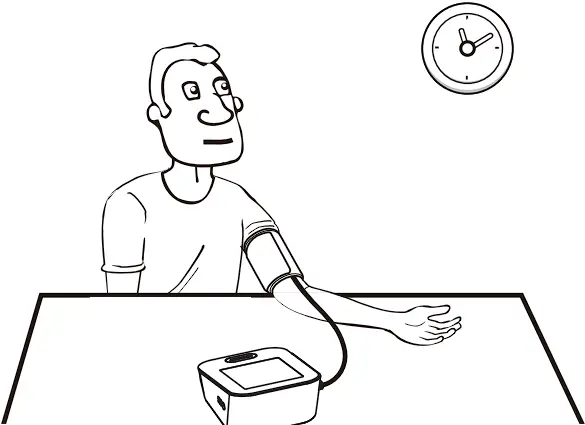
What you need to pay attention to when you measure your blood pressure at home:
If the cuff is tied properly.
If the cuff is too tight or too loose.
If the cuff is tied on the upper arm.
If you feel anxious.
Taking 2-3 deep breaths before beginning will be better for measuring.
Advice: Relax yourself for 4-5 minutes until you calm down.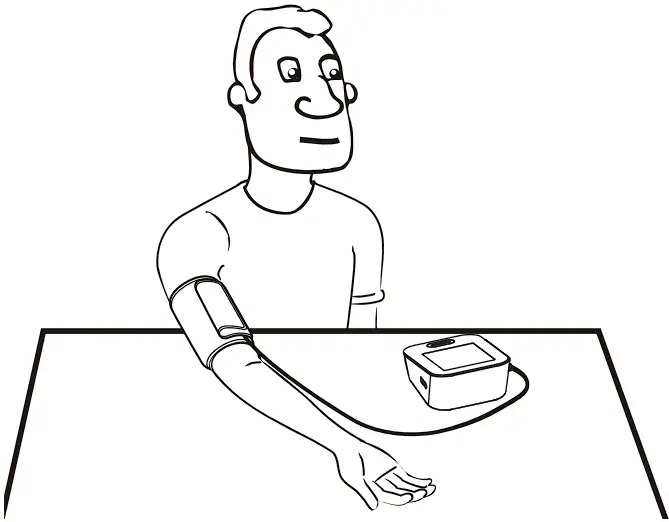
TROUBLE SHOOTING
If any abnormality arises during use, please check the following points:
| PROBLEM | SYMPTOM | CHECK THIS | REMEDY |
| No power | Display can not light up. | Batteries are exhausted. | Replace with new batteries. |
| Batteries are installed incorrectly or Adapter is not plugged in properly. | Install the batteries or plug in the adapter properly. | ||
| High Battery | H bAt shows | The supply voltage is too high. | Replace with the authorized adapter. |
| Low Battery |  shows shows | The battery is too low. | Replace with new batteries. |
| Error message | E 1 shows | The cuff is not wrapped or wrapped incorrectly, or the cuff air plug is loose. | Refasten the cuff and insert air tube plug correctly then measure again. |
E 2  or shows or shows | Excessive body motion (such as shaking of the arm with the cuff on) or Pulse is weak during a measuring. | Relax for 5 minutes, and then keep still, measure again. | |
| E 3 shows | Pulse is not detected during measuring. | Loosen the clothing on the arm and then measure again. | |
| E 4 shows | The measurement failed. | Relax for 5 minutes and measure again. | |
| E 5 shows | Failed to communicate with the server | Try a place with better signal, or contact customer service | |
| E 6 shows | Radio communication failure | Contact customer service | |
| EExx shows | Hardware error (xx can be some digital symbol, such as 1, 2, etc.) | Turn off monitor and measure again. If EEx still appears on the display, please contact the retailer or our customer service. | |
| Warning message | out shows | Out of measurement range | Relax for a moment. Refasten the cuff and then measure again. If the problem persists, contact your physician. |
NOTE: If the product still does not work, contact the Customer Service. Under no circumstance should you disassemble or attempt to repair the unit by yourself.
SPECIFICATIONS
| External dimensions | Approx.159.2 mm × 121.5 mm × 68.1 mm |
| Display mode | Digital LCD V.A. 78 mm × 92 mm |
| Weight | Approx.393 g (Excluding the batteries and cuff) |
| Measurement mode | Oscillographic testing mode |
| Mode of operation | Continuous operation |
| Measurement range | Rated cuff pressure: 0 mmHg ~ 299 mmHg Measurement pressure: SYS: 60 mmHg ~ 230 mmHg DIA: 40 mmHg ~ 130 mmHg Pulse value: (40-199) beat/minute |
| Accuracy | Pressure: 5°C-40°C within ±3 mmHg Pulse value: ±5% |
| Normal working condition | Temperature: +5°C to +40°C Relative humidity: 15% to 90%, non-condensing, but not requiring a water vapour partial pressure greater than 50 hPa Atmospheric pressure: 700 hPa to 1060 hPa |
| Storage & transportation condition | Temperature: -20°C to +60°C Relative humidity: ≤93%, non-condensing, at a water vapour pressure up to 50 hPa |
| Measurement perimeter of the upper arm | About 22-32cm, 22-42 cm, 22-45cm |
| Degree of protection | Type BF applied part |
| Protection against ingress of water | IP21, It means the device could protected against solid foreign objects of 12.5 mm and greater, and protect against vertically falling water drops. |
| Device Classification | Battery Powered Mode: Internally Powered ME Equipment AC Adaptor Powered Mode: Class II ME Equipment |
WARNING: No modification of this equipment is allowed
Please use the authorized adapter (Not included).
Contact Information
For more information about our products, please visit www.transtekcorp.com.
Company: Guangdong Transtek Medical Electronics Co., Ltd.
Address: Zone A, No.105, Dongli Road, Torch Development District, Zhongshan, 528437, Guangdong, China
FCC STATEMENT
FCC Statement
FCC ID: OU9LS802GPM3
This device complies with Part 15 of the FCC Rules. Operation is subject to the following two conditions: (1) this device may not cause harmful interference, and (2) this device must accept any interference received, including interference that may cause undesired operation.
Caution: The user is cautioned that changes or modifications not expressly approved by the party responsible for compliance could void the user’s authority to operate the equipment.
NOTE: This equipment has been tested and found to comply with the limits for a Class B digital device, pursuant to Part 15 of the FCC Rules.
These limits are designed to provide reasonable protection against harmful interference in a residential installation. This equipment generates, uses and can radiate radio frequency energy and, if not installed and used in accordance with the instructions, may cause harmful interference to radio communications. However, there is no guarantee that interference will not occur in a particular installation.
If this equipment does cause harmful interference to radio or television reception, which can be determined by turning the equipment off and on, the user is encouraged to try to correct the interference by one or more of the following measures:
— Reorient or relocate the receiving antenna.
— Increase the separation between the equipment and receiver.
— Connect the equipment into an outlet on a circuit different from that to which the receiver is connected.
— Consult the dealer or an experienced radio/TV technician for help.
FCC Radiation Exposure Statement:
To maintain compliance with FCC’s RF Exposure guidelines, this equipment should be installed and operated with minimum distance between 20cm the radiator your body: Use only the supplied antenna.
EMC Guidance
The ME EQUIPMENT or ME SYSTEM is suitable for home healthcare environments.
Warning: Don’t be near the active HF surgical equipment and the RF shielded room of an ME system for magnetic resonance imaging, where the intensity of EM disturbances is high.
Warning: Use of this equipment adjacent to or stacked with other equipment should be avoidedbecause it could result in improper operation. If such use is necessary, this equipment and the other equipment should be observed to verify that they are operating normally
Warning: Use of accessories, transducers and cables other than those specified or provided by the manufacturer of this equipment could result in increased electromagnetic emissions or decreased electromagnetic immunity of this equipment and result in improper operation.
Warning: Portable RF communications equipment (including peripherals such as antenna
cables and external antennas) should be used no closer than 30 cm (12 inches) to any part of the equipment LS802-GP, including cables specified by the manufacturer. Otherwise, degradation of the performance of this equipment could result.
Technical description:
- All necessary instructions for maintaining BASIC SAFETY and ESSENTIAL PERFORMANCE with regard to electromagnetic disturbances for the excepted service life.
- Guidance and manufacturer’s declaration-electromagnetic emissions and Immunity
Table 1
| Guidance and manufacturer’s declaration – electromagnetic emissions | |
| Emissions test | Compliance |
| RF emissions CISPR 11 | Group 1 |
| RF emissions CISPR 11 | Class B |
| Harmonic emissions IEC 61000-3-2 | Class A |
| Voltage fluctuations / flicker emissions IEC 61000-3-3 | Comply |
Table 2
| Guidance and manufacturer’s declaration – electromagnetic Immunity | ||
| Immunity Test | IEC 60601-1-2 Test level | Compliance level |
| Electrostatic discharge (ESD) IEC 61000-4-2 | ±8 kV contact ±2 kV, ±4 kV, ±8 kV, ±15 kV air | ±8 kV contact ±2 kV, ±4 kV, ±8 kV, ±15 kV air |
| Electrical fast transient/burst IEC 61000-4-4 | ±1 kV ±2 kV,100 kHz repetition frequency | For AC power port: Power supply lines: ±2 kV |
| Surge IEC61000-4-5 | ±1 kV (Line to ±0.5 kV line) ±0.5 kV ±1 kV ±2 kV (Line to ground) ±2 kV Signal line (LAN line) | For AC power port: Line to lines: ±1 kV |
| Voltage dips, short interruptions and voltage variations on power supply input lines IEC 61000-4-11 | 0%, 70%, 0% of UT | For AC power port: 0% for 0,5 cycle, 0°for 1 cycle 70% for 25 cycles; Single phase: 0% for 250 cycle |
| Power frequency magnetic field IEC 61000-4-8 | 30 A/m 50 Hz / 60 Hz | 30 A/m 50 Hz / 60 Hz |
| Conduced RF IEC61000-4-6 | 0,15 MHz – 80 MHz 3 V ISM and amateur radio bands between 0,15 MHz and 80 MHz 6 V | For AC power port: Vrms 6 Vrms (in ISM and amateur radio bands) 80% AM at 1 KHz |
| Radiated RF IEC61000-4-3 | 10 V/m 80 MHz – 2,7 GHz 80% AM at 1 kHz | 10 V/m 80 MHz – 2,7 GHz 80% AM at 1 kHz |
| NOTE U T is the a.c. mains voltage prior to application of the test level. | ||
Table 3
| Guidance and manufacturer’s declaration – electromagnetic Immunity | ||||||||
| Radiated RF IEC61000-4-3 (Test specifications for ENCLOSURE PORT IMMUNITY to RF wireless communicati- ons equipment) | Test Frequency (MHz) | Band (MHz) | Service | Modulation | Maximum Power (W) | Distance (m) | IEC 60601-1-2 Test Level (V/m) | Compliance level (V/m) |
| 385 | 380-390 | TETRA 400 | Pulse modulation 18 Hz | 1.8 | 0.3 | 27 | 27 | |
| 450 | 430-470 | GMRS 460, FRS 460 | FM ± 5k Hz deviation 1 kHz sine | 2 | 0.3 | 28 | 28 | |
| 710 | 704-787 | LTE Band 13, 17 | Pulse modulation 217 Hz | 0.2 | 0.3 | 9 | 9 | |
| 745 | ||||||||
| 780 | ||||||||
| 810 | 800-960 | GSM 800/900, TETRA 800, iDEN 820, CDMA 850, LTE Band 5 | Pulse modulation 18 Hz | 2 | 0.3 | 28 | 28 | |
| 870 | ||||||||
| 930 | ||||||||
| 1720 | 1700-1990 | GSM 1800; CDMA 1900; GSM 1900; DECT; LTE Band 1, 3, 4,25; UMTS | Pulse modulation 217 Hz | 2 | 0.3 | 28 | 28 | |
| 1845 | ||||||||
| 1970 | ||||||||
| 2450 | 2400- 2570 | Bluetooth, WLAN, 802.11 b/g/n, RFID 2450, LTE Band 7 | Pulse modulation 217 Hz | 2 | 0.3 | 28 | 28 | |
| 5240 | 5100- 5800 | WLAN 802.11 a/n | Pulse modulation 217 Hz | 0.2 | 0.3 | 9 | 9 | |
Guangdong Transtek Medical Electronics Co., Ltd.
Zone A, No.105, Dongli Road, Torch Development
District, Zhongshan, 528437, Guangdong, China

 Remote Patient Monitoring & Home Medical Supply Company | Transtek Medical