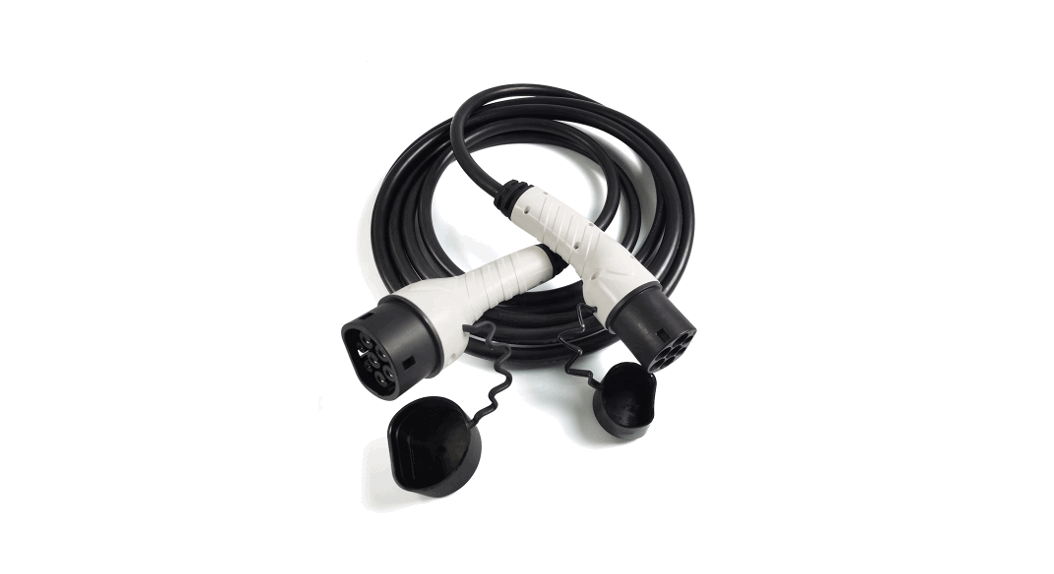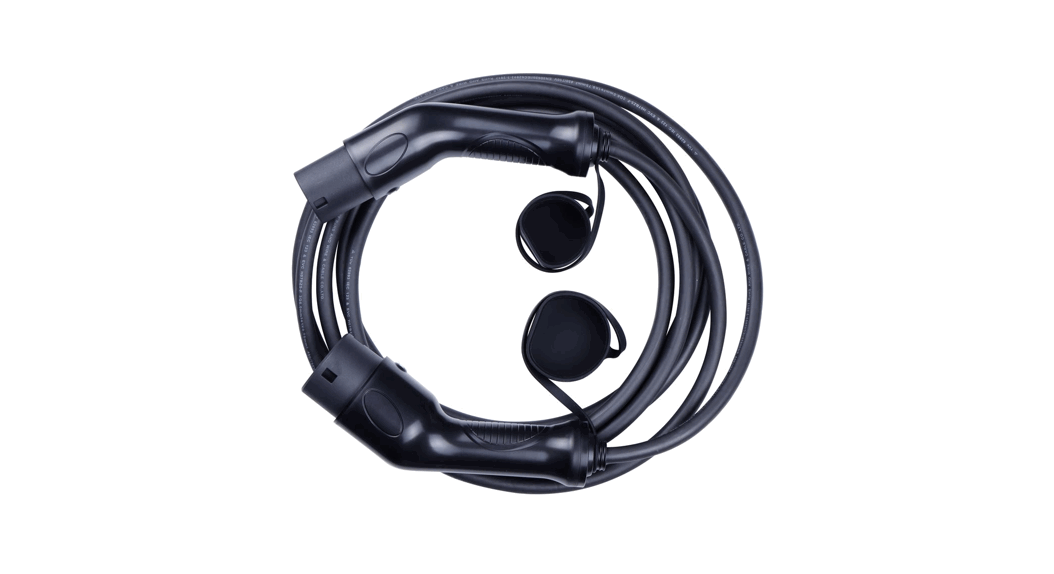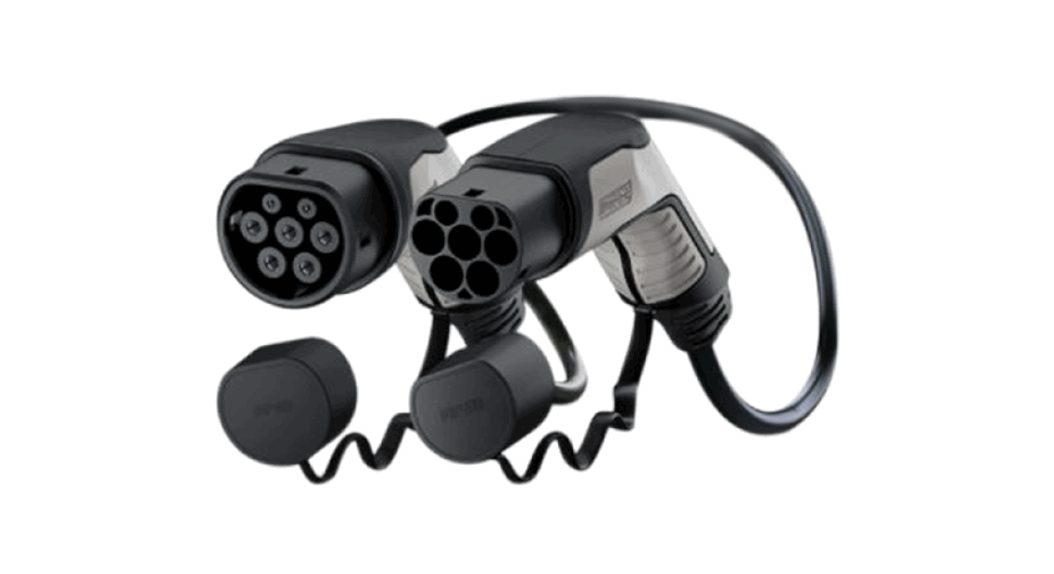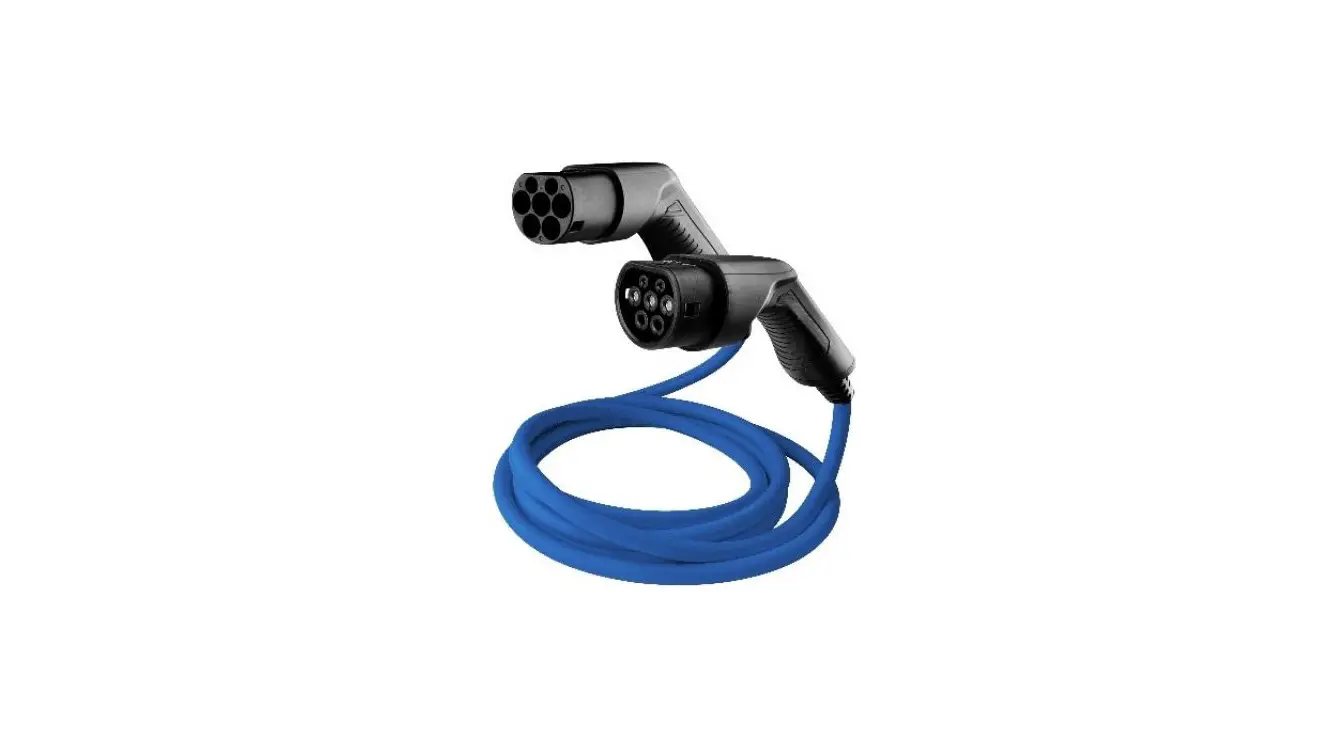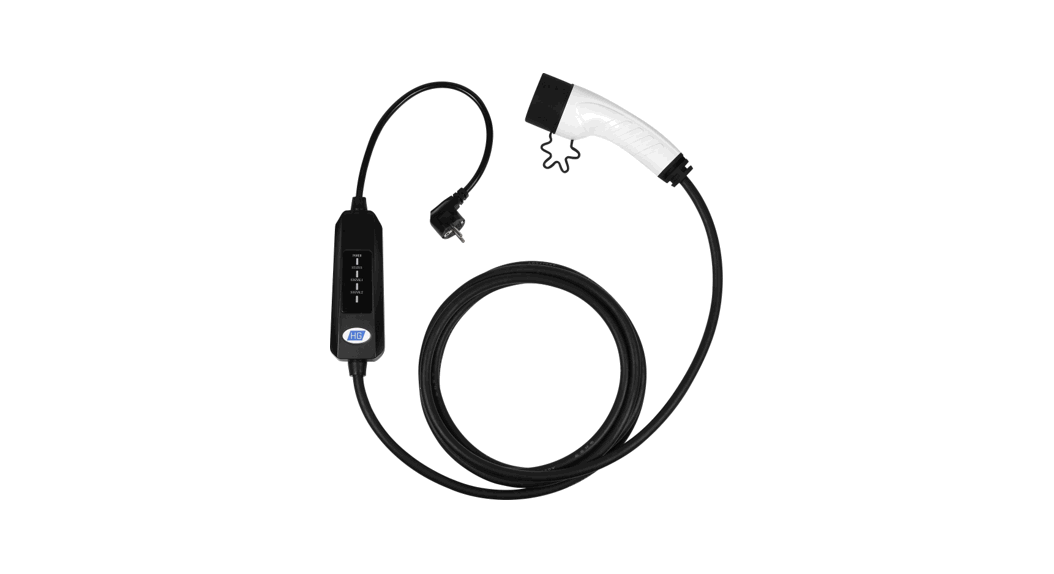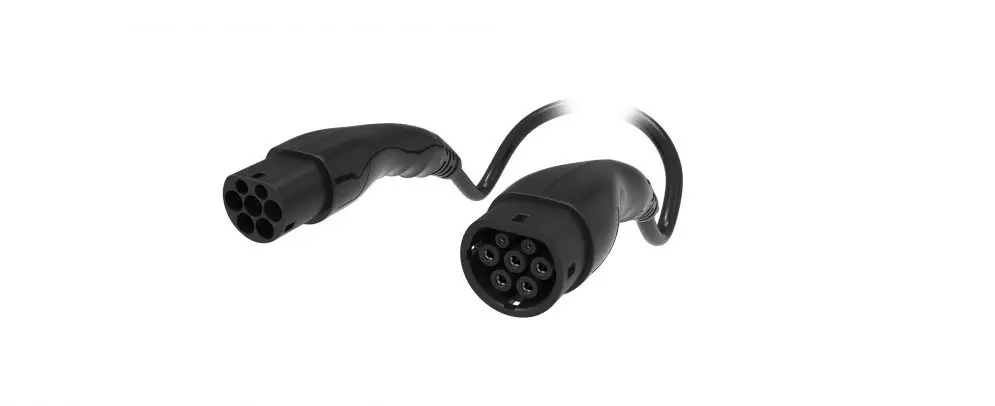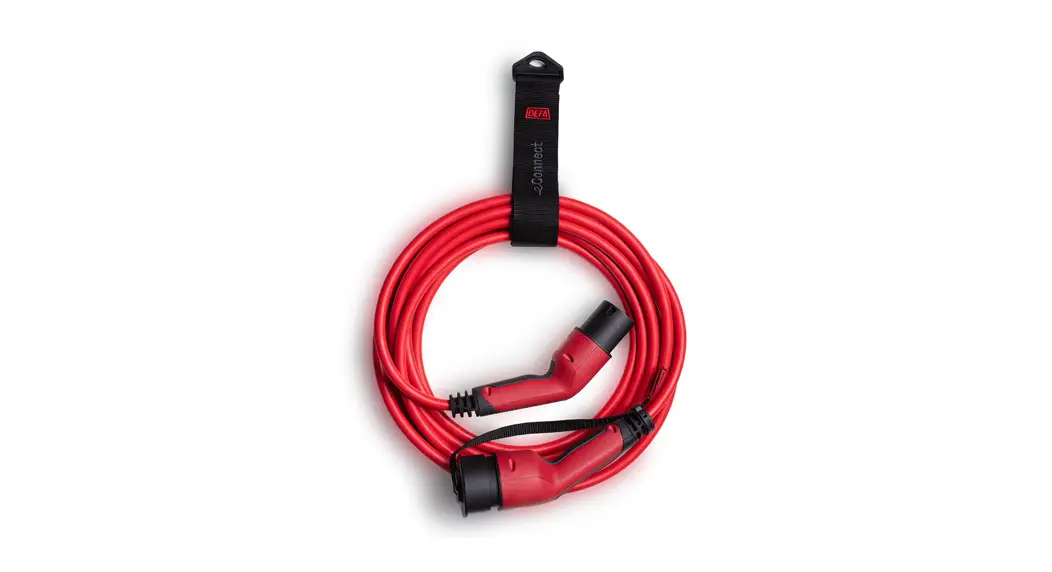
 eConnect EV Charging Cable
Instruction Manual
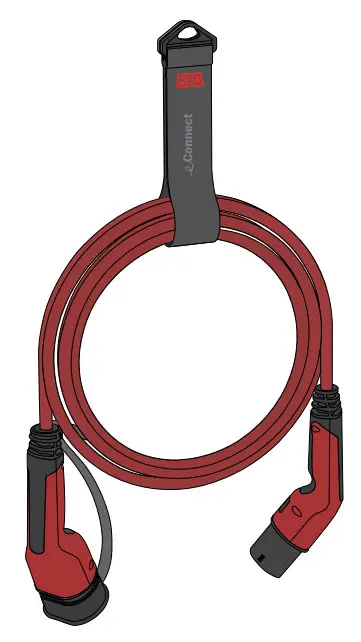
eConnect™
EV Charging Cable
Mode 3 | Type 2
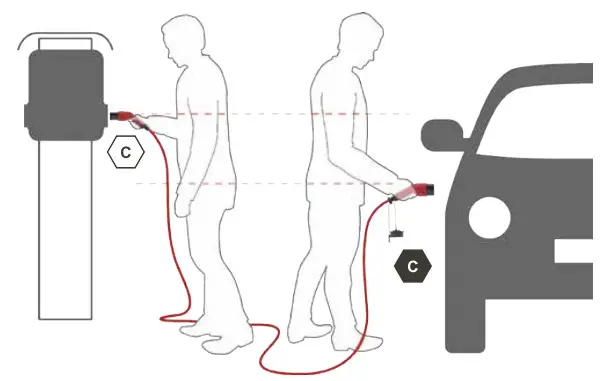
Safety information
 Warning! Read this document before using the charging cable. Failure to follow any of the instructions or warnings can result in material damage or personal injury!
WARNINGS
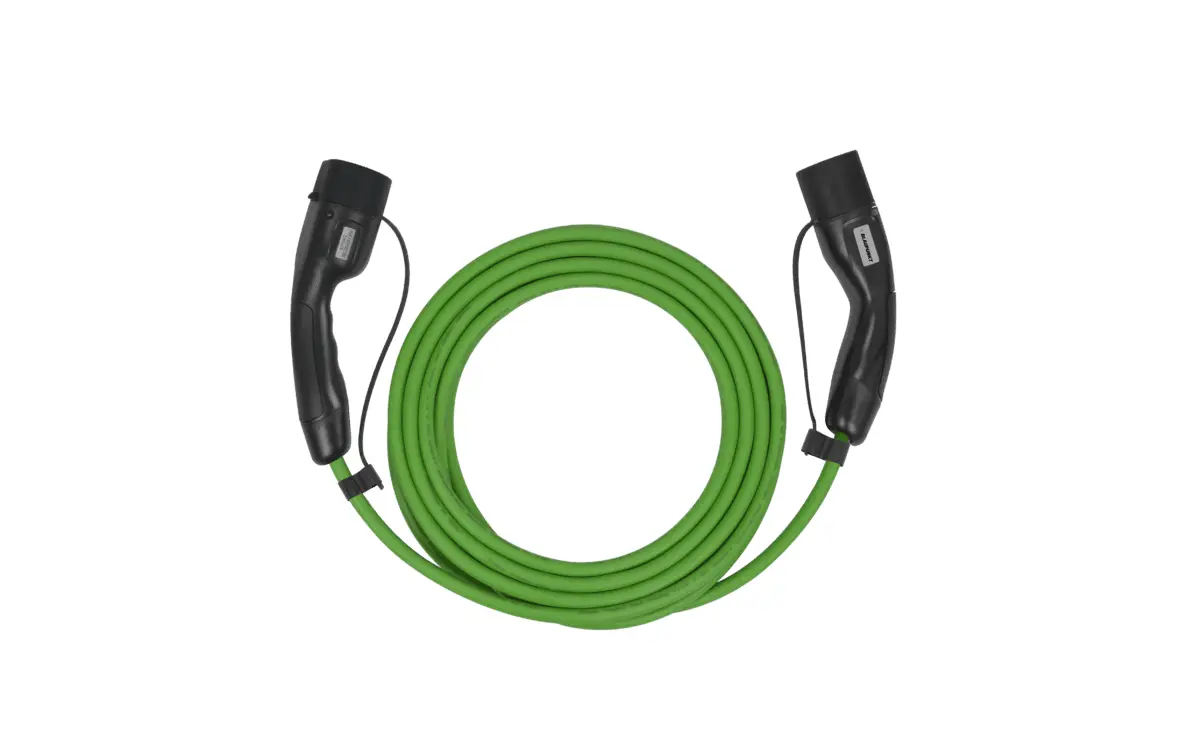
- The charging cable is designed only for Mode 3 EV charging. Do not use it for any other purpose.
- Do not use an extension cord or adapter.
- Do not use the charging cable if it is defective or appears cracked, frayed, broken, or otherwise damaged.
- Do not plug the charging cable into a damaged, loose, or worn power outlet.
- Do not allow water to enter the electrical outlet or vehicle charging port while charging.
- Do not insert the plug if the electrical outlet is wet or covered in snow.
HANDLING
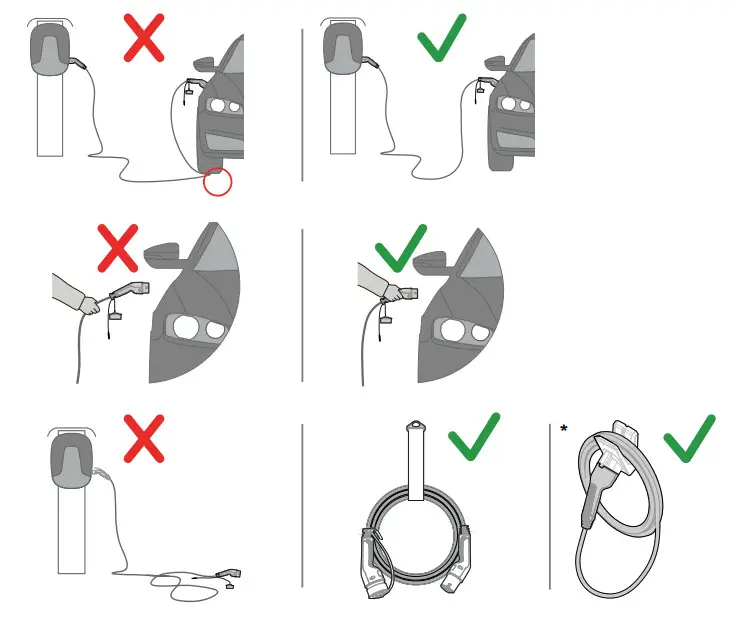
HANDLING Handle the charging cable with care and do not subject it to strong force or impact.
Do not pull, twist, tangle, drag or step on the charging cable.
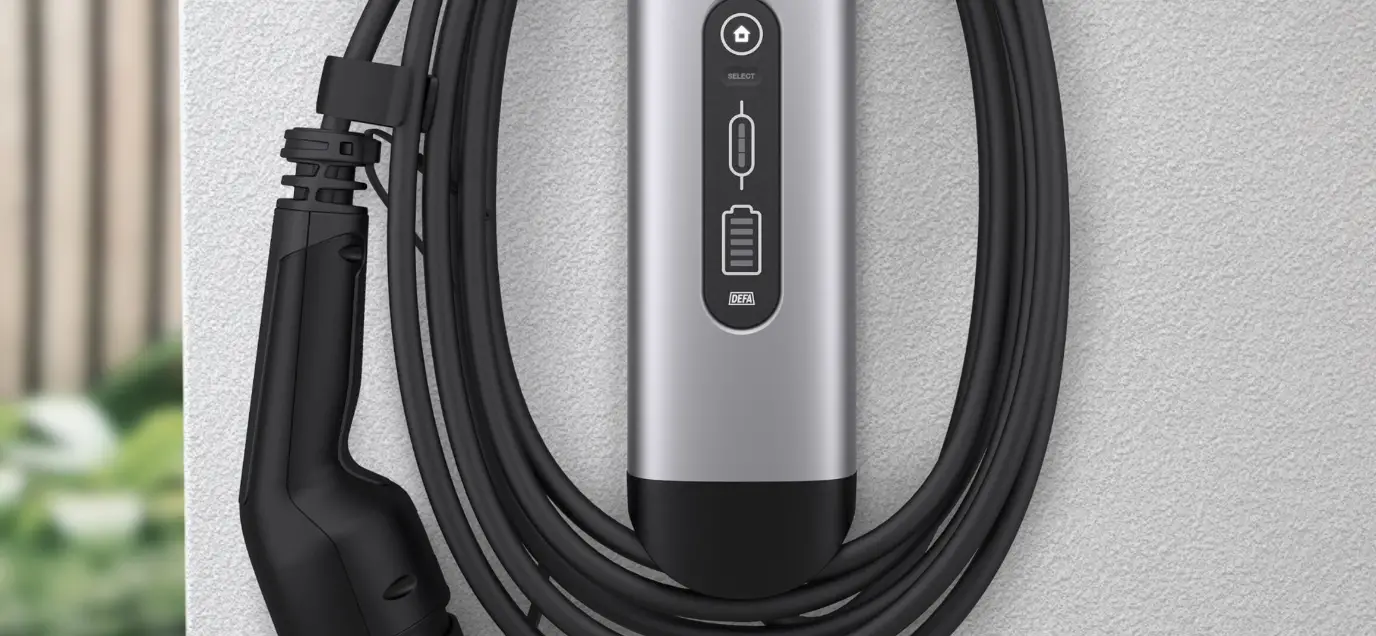
* The docking unit is an accessory, see Accessories and spare parts for information.
Components
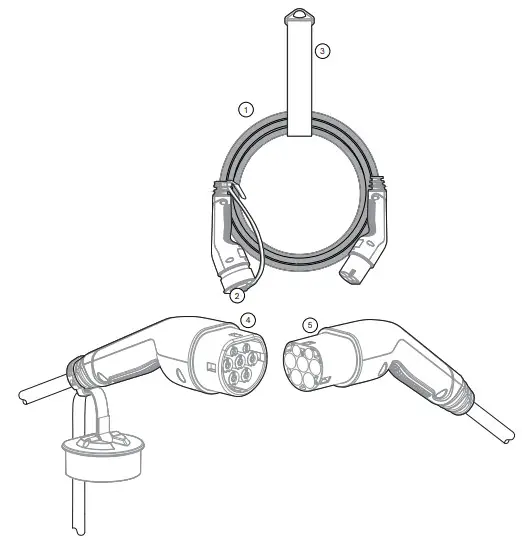
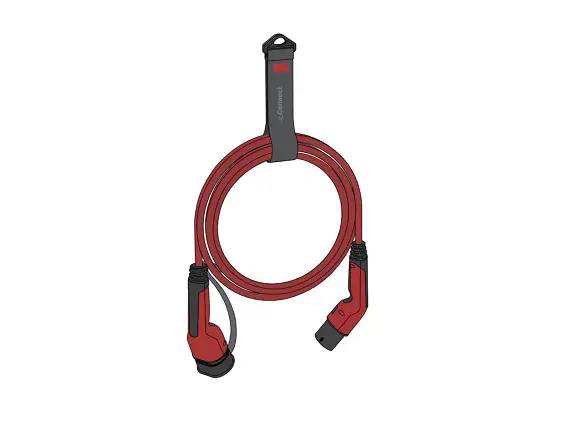
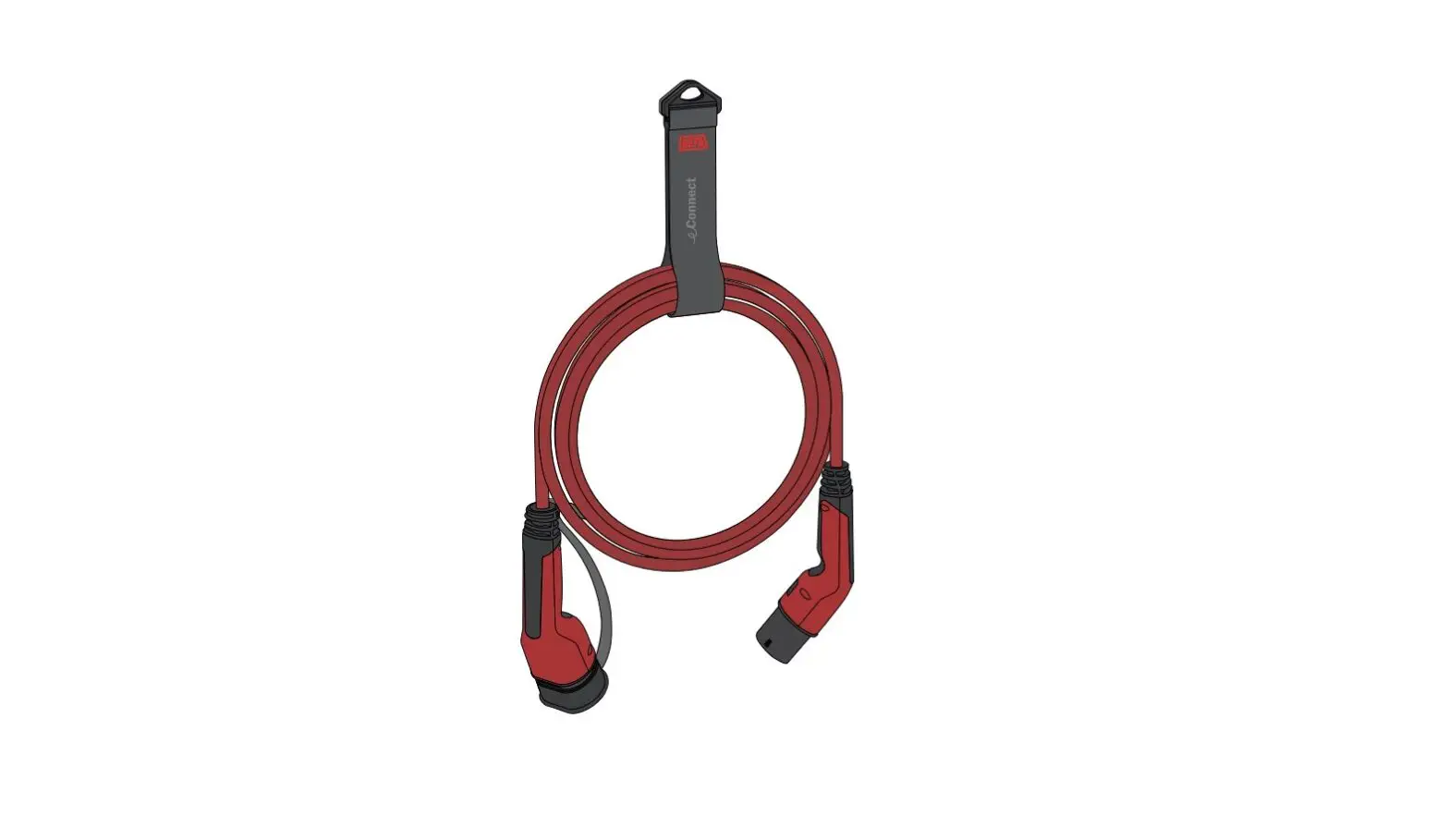
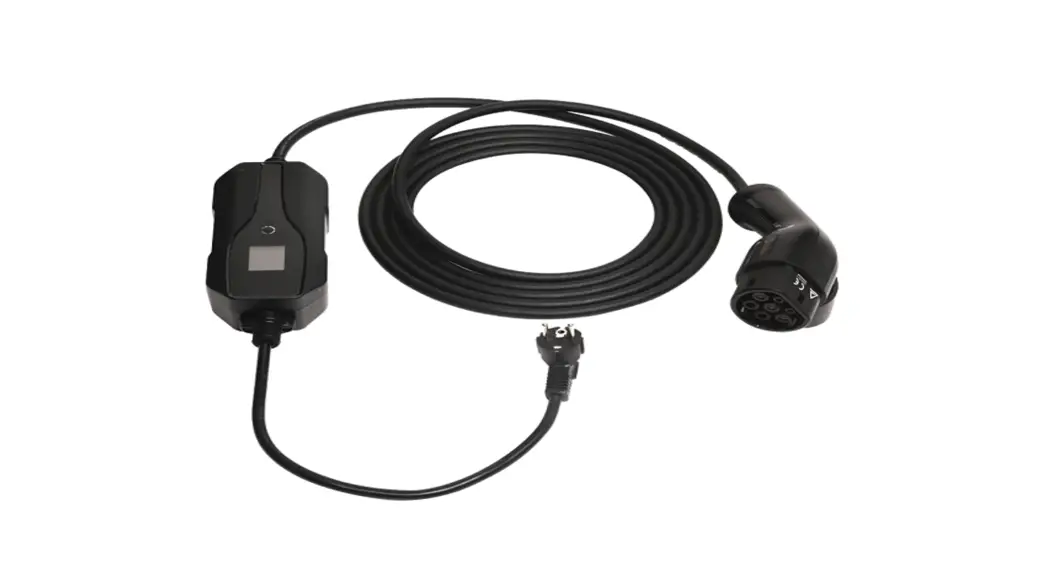
| 1 Charging cable | 4 Vehicle plug |
| 2 Plug cap | 5 Charging station plug |
| 3 Storage strap |
How to charge
 How to charge: Please read your vehicle’s charging instructions before using the charging cable.
How to charge – Plug In
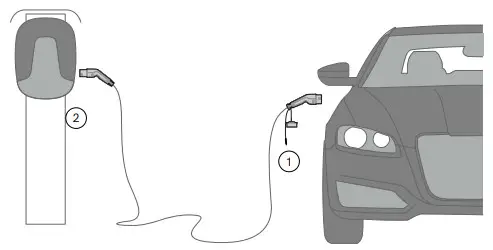
PLUG-IN – Check the outlet on the charging station and the inlet on the vehicle before inserting the plugs.
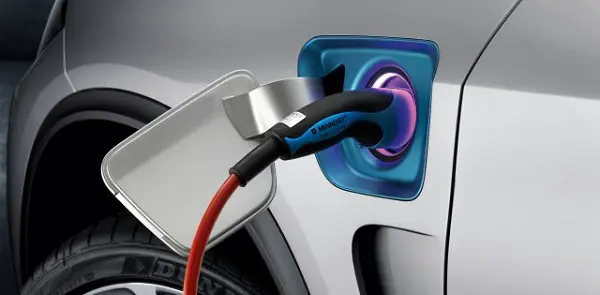
- Insert the vehicle plug into the vehicle inlet.
- Insert the charging station plug into the charging station.
Make sure both plugs are properly connected and charging starts. Do not disconnect the charging cable from the charging station while the vehicle is charging.
How to charge – Unplug
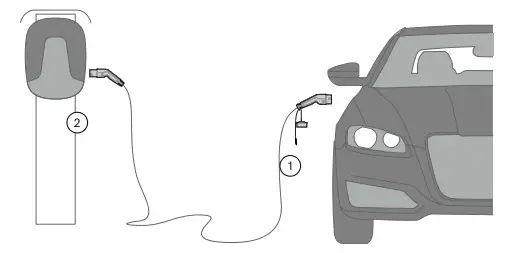
UNPLUG After charging is completed or terminated:
- Unplug the charging cable from the vehicle
- Unplug the charging cable from the charging station
Proper connection
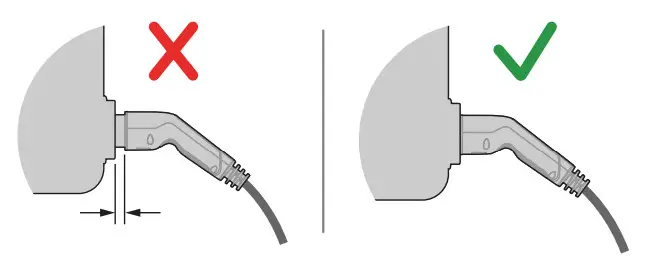
PROPER CONNECTION: The plug must be fully inserted into the outlet of the charging station.
Failure to do so will prevent the charging station from locking the plug in place and starting charging.
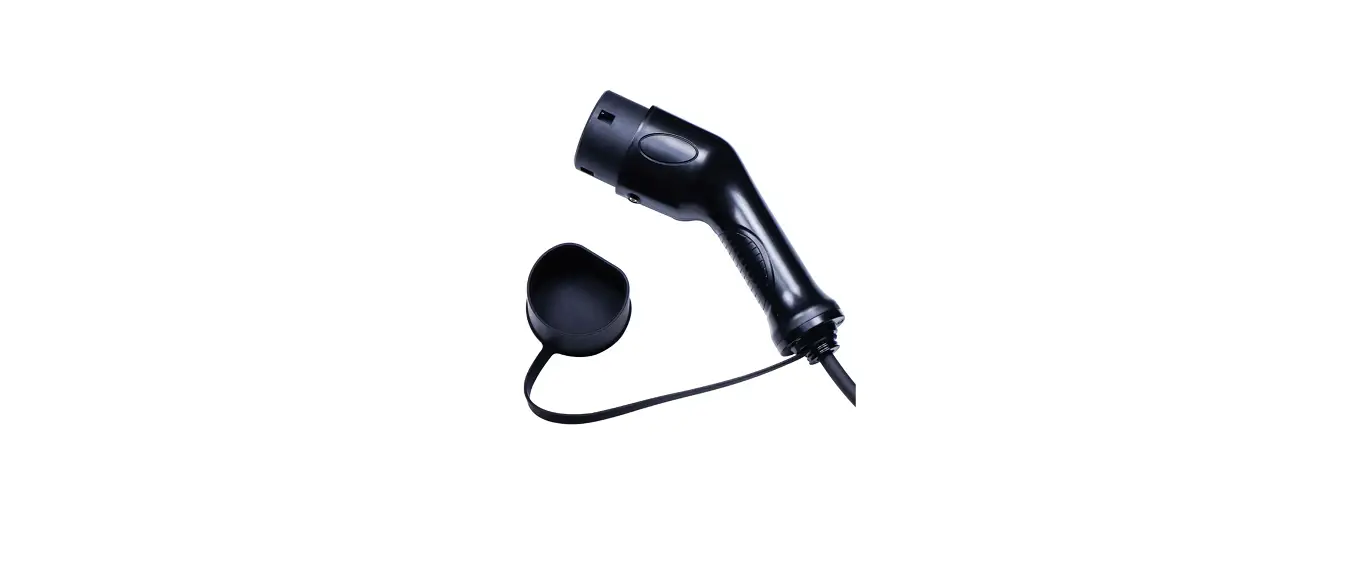
Plug cap
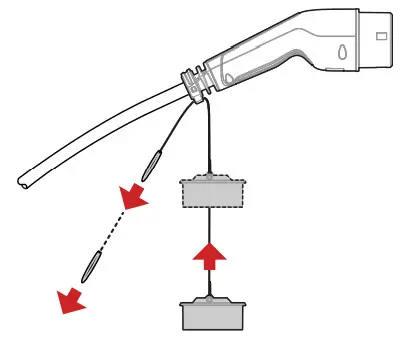
PLUG CAP: The plug strap can adjust the cap’s position. This prevents the cap from collecting water and dirt and keeps the cap clear of the vehicle during charging.
Maintenance, cleaning, and storage
MAINTENANCE: Keep the plugs dry and check them regularly for dust, dirt, pebbles, etc.
Remove the plug from the charging station, do not leave it in the outlet.
CLEANING: When cleaning the charging cable, make sure it is disconnected. Avoid using water or harsh chemicals when cleaning the cable, a damp cloth is sufficient.
STORAGE: Attach the plug cap to protect the plug when storing the cable. Use the storage strap to coil the charging cable for storage or transportation.
Accessories and spare parts
ACCESSORIES AND SPARE PARTS: For information regarding accessories and spare parts, please visit defa.com/ev-charging.
Technical specifications
| IP rating, connected | IP44 |
| Operating temperature [°C] | -40 to +55 |
| Storage temperature PC) | -50 to +85 |
| Charging cable type | Mode 3 |
| Connection to vehicle | Type 2 |
| Connection to charging station | Type 2 |
| Recycling | Electronic waste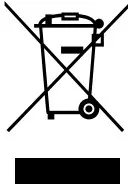 |
| Certification | IEC 62196-1, IEC 62196-2 |
 | |
Products, product specifications, and data are subject to change without prior notice.
See defa.com for the latest revision of this user manual.
 https://www.defa.com/ev-charging/
 DEFA • World leading preheating, charging and inverter systems