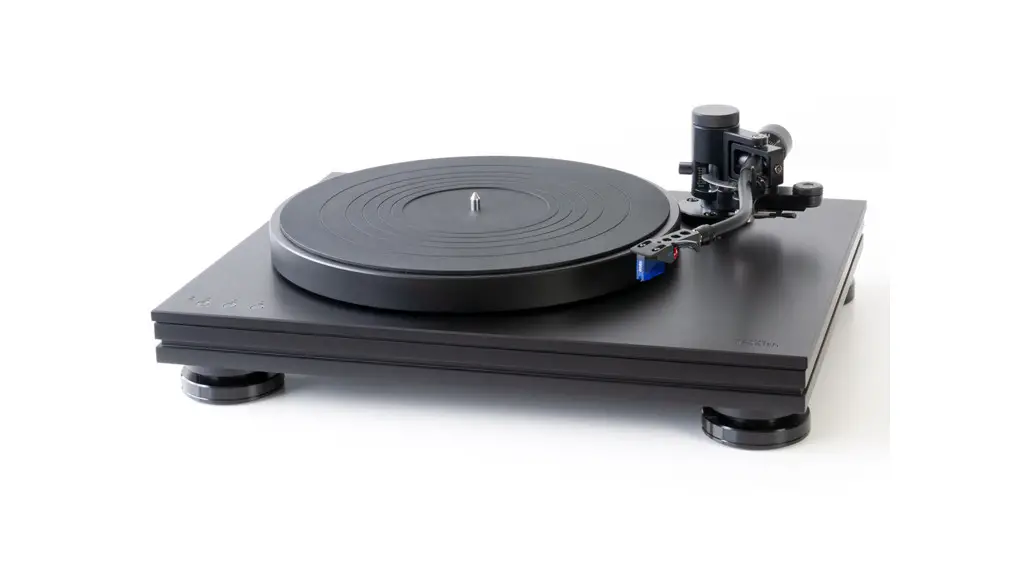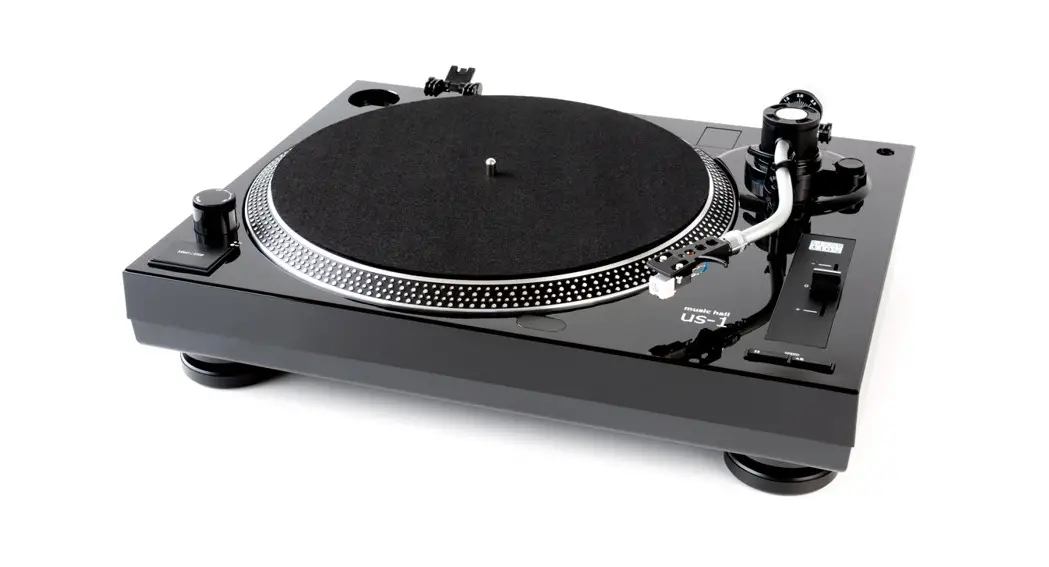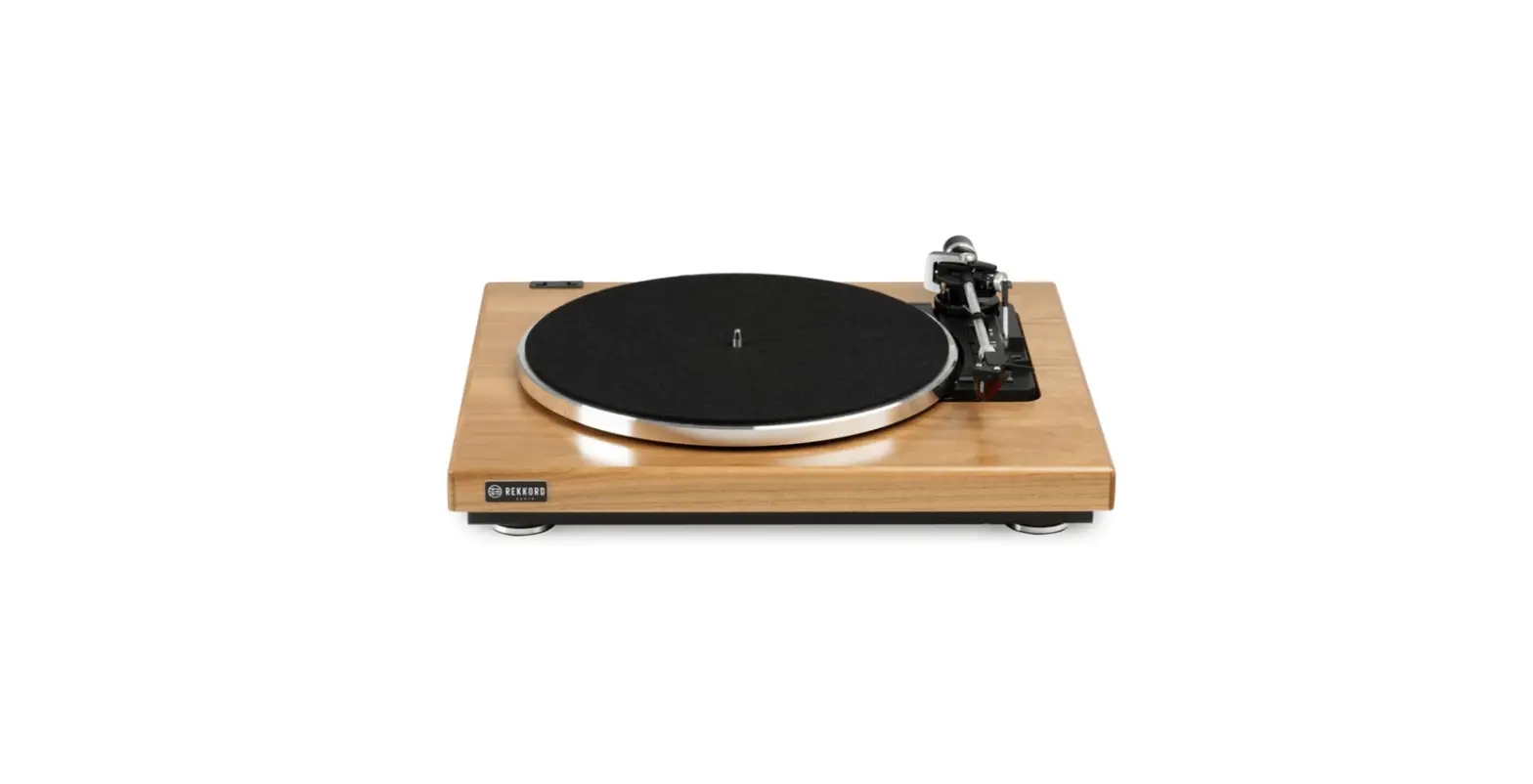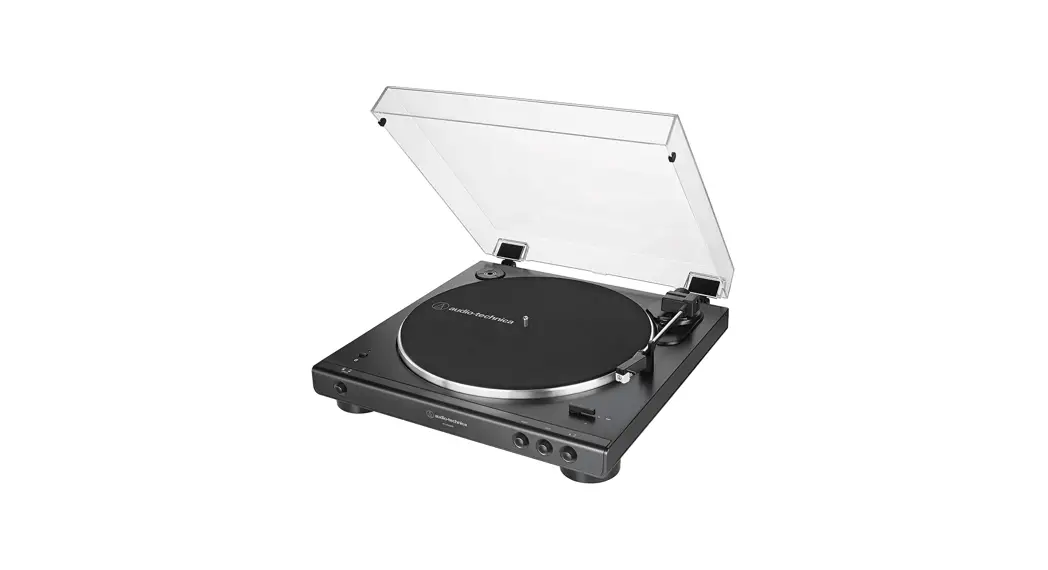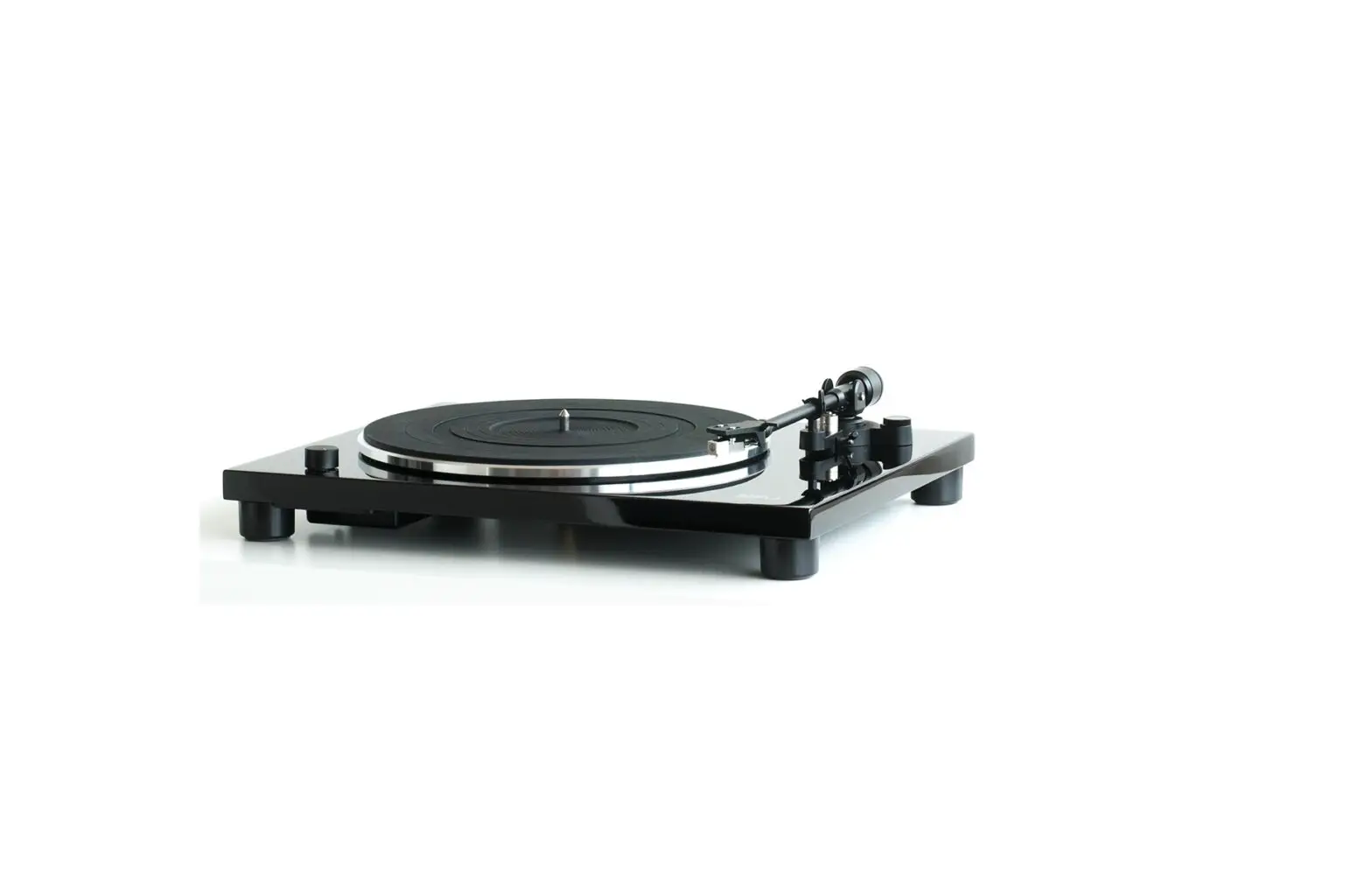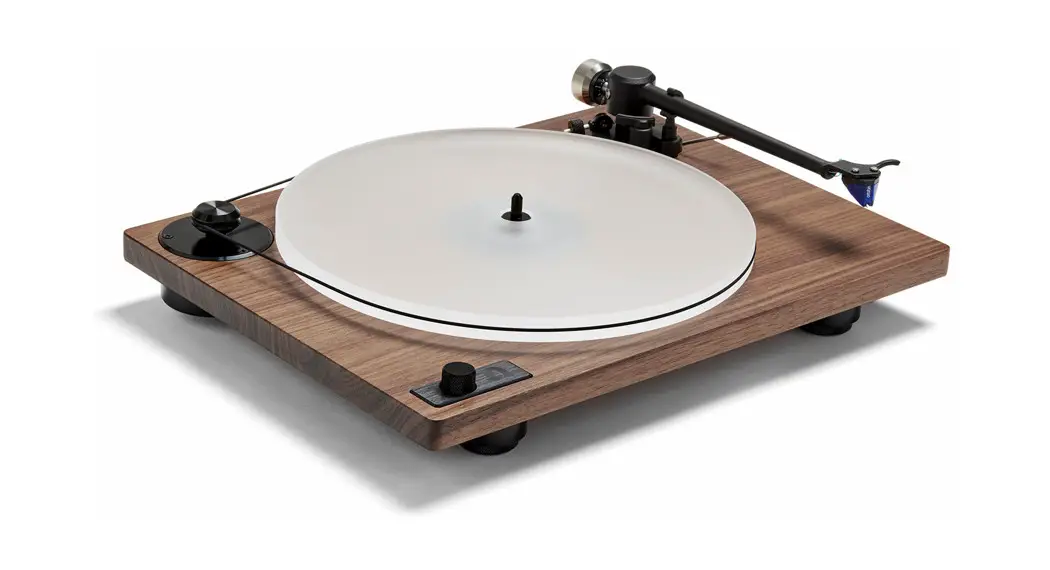
 Orbit Theory Turntable
User Guide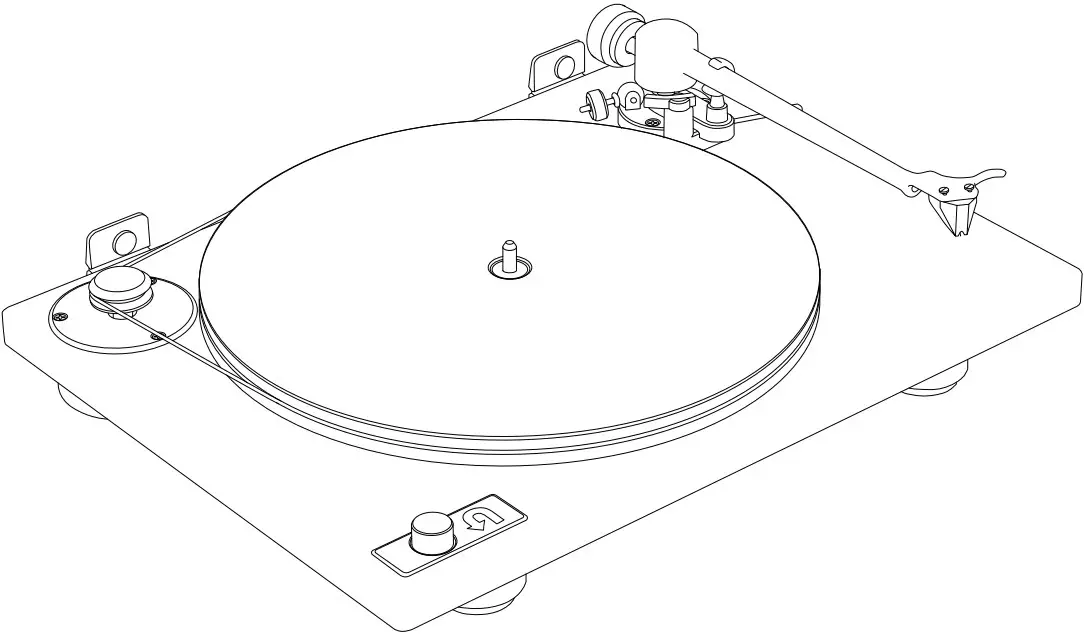
Getting started
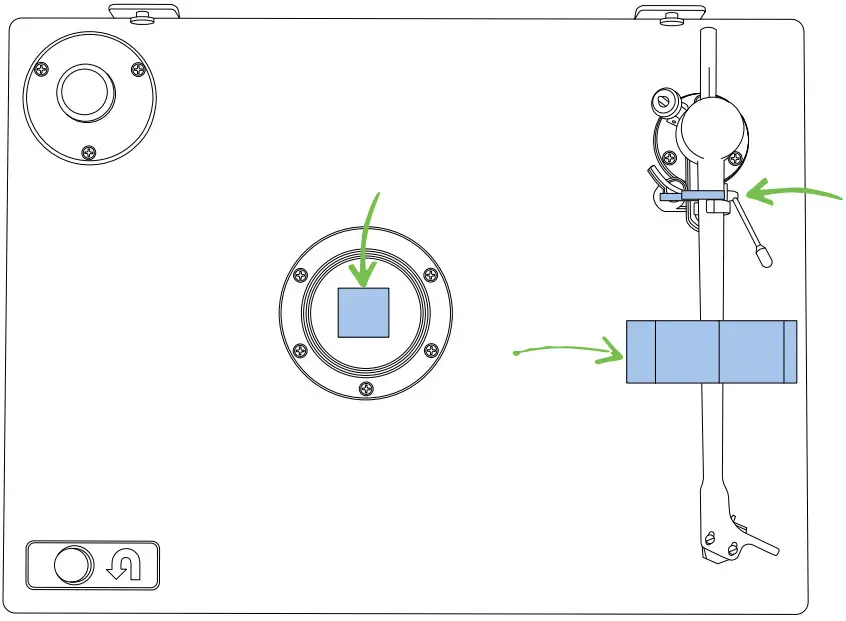
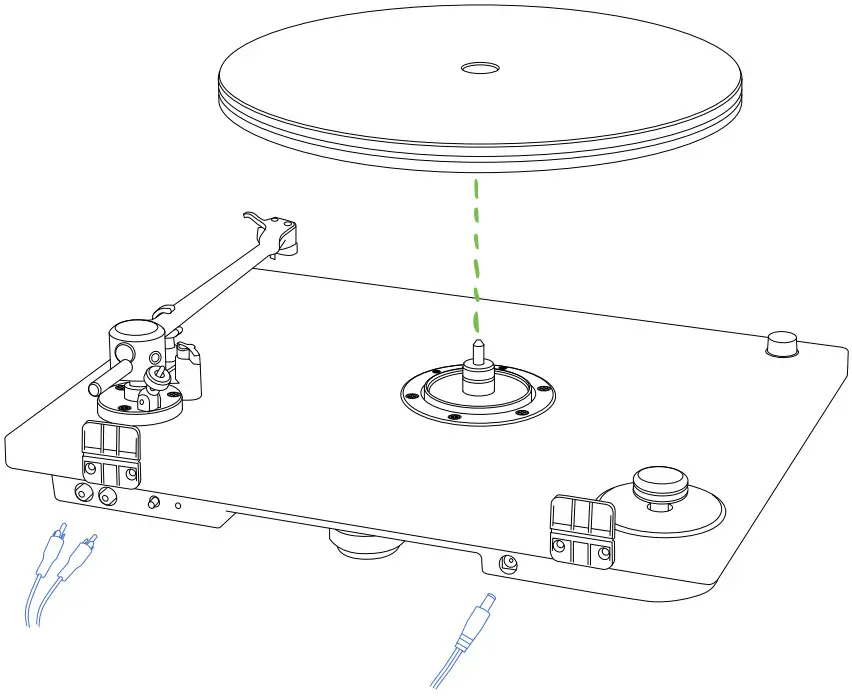
| A. Remove the foam block from the spindle. Remove the foam ring and twist the tie from the tonearm. | B. Place the platter on the spindle. Connect the power adapter and plug in the RCA cables. |
 |  |
Install belt
A. Wrap belt around pulley groove. Then hold the belt along the platter’s back edge with your right hand.
B. Keeping your right hand in place, use your left hand to guide the belt into the groove around the platter.
C. Change speeds (33 or 45 RPM) using the speed control knob.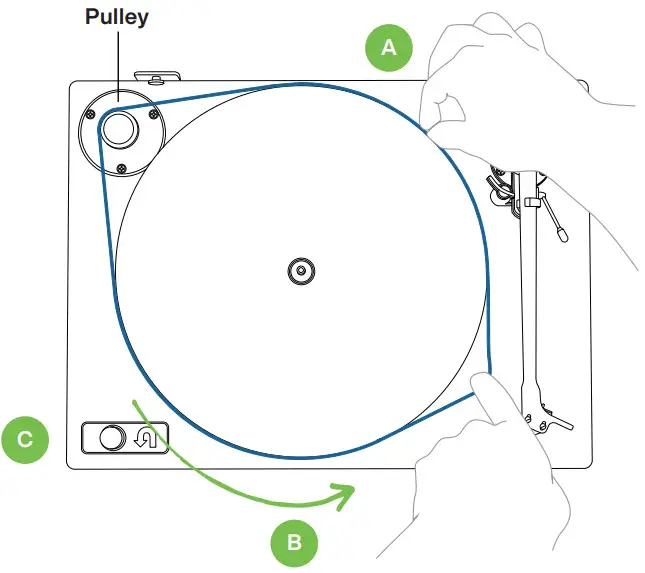
Level turntable
| A. Position the turntable on a stable surface. Place bubble level (included) anywhere on top of the plinth. | B. If the bubble is not centered, adjust the height of the feet to level the turntable. Turn the bottom of the foot to raise or lower it. |
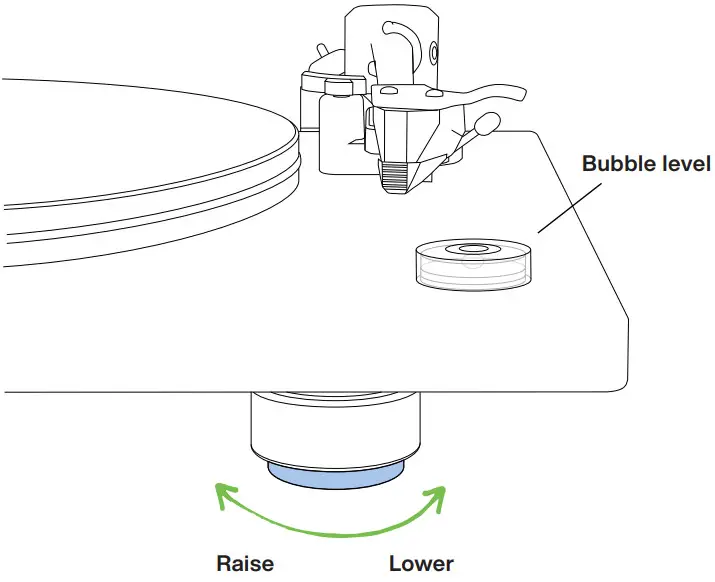 |  Turntable is level Turntable is level Lower back foot or raise front feet Lower back foot or raise front feet Raise front left foot or lower front right and back foot Raise front left foot or lower front right and back foot |
Tonearm setup
 Important: Follow all steps for balancing the tonearm. Incorrect balancing may cause damage to the stylus or your records. For help, visit uturnaudio.com/learn.
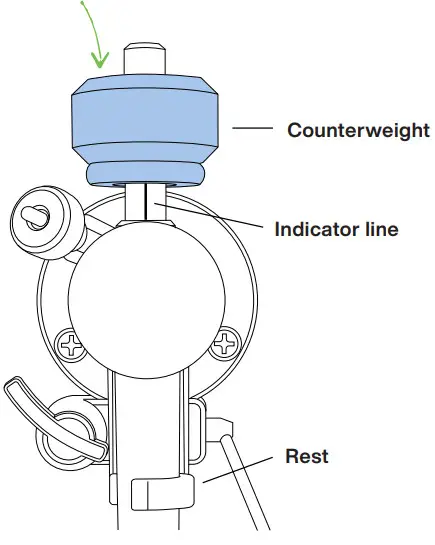
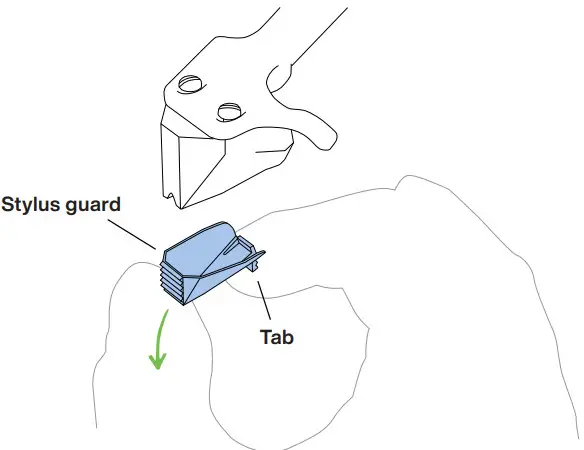
| A. Install counterweight With tonearm in rest, slide counterweight onto tonearm until it covers about half of the indicator line. The counterweight will click into place. | B. Remove stylus guard Pinch the tab on the bottom of the stylus guard to release and remove it. Do not touch the stylus. |
 |  |
Tonearm setup continued
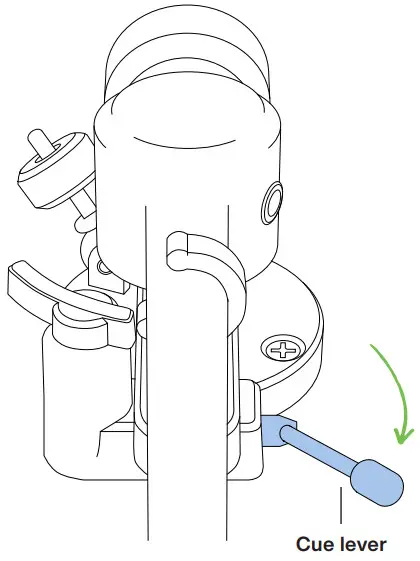
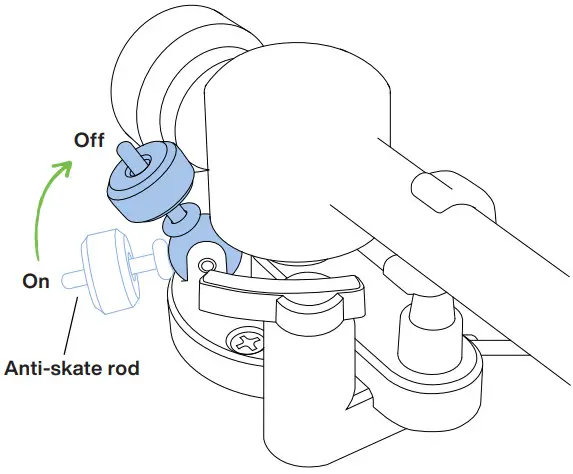
| A. Lower cue lever before balancing tonearm | B. Make sure anti-skate is turned off. To do so, lift the anti-skate rod up until it clicks into place. |
 |  |
Balance tonearm
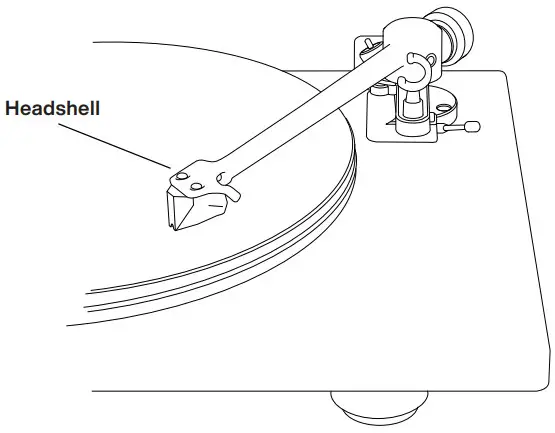
| A. Position tonearm Remove tonearm from rest and hold the headshell over the platter. Do not allow the stylus to touch the platter. | B. Adjust counterweight While holding the headshell, rotate the entire counterweight backward until tonearm is balanced and floating horizontally when the headshell is released. |
 | 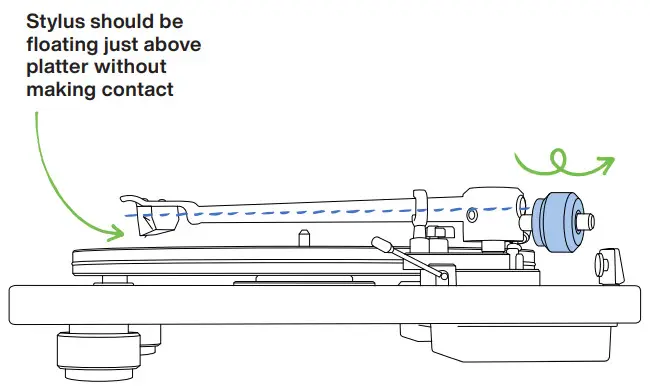 |
Set tracking force
| A. Calibrate counterweight dial Place tonearm in rest. While holding the counterweight so it does not move, turn only the dial so the“0” marking lines up with the indicator line. | B. Set tracking force Rotate the counterweight and dial together until the indicator line is aligned with the desired tracking force value on the dial. |
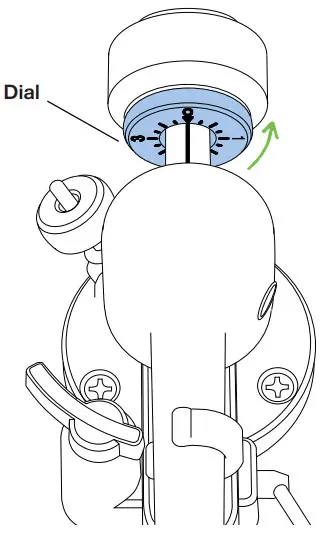 | 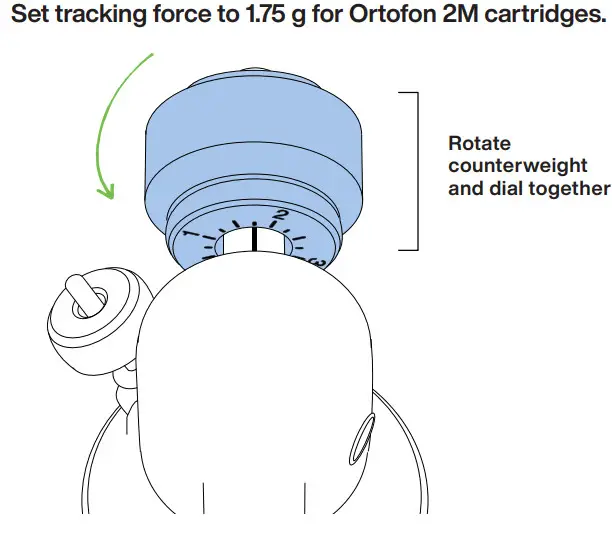 |
Set anti-skate
| A. Activate anti-skate Push the anti-skate rod down until it clicks out of the locked position and rests on the tonearm base. | B. Adjusting anti-skate force To adjust the anti-skate force, move the anti-skate weight to the desired setting on the anti-skate rod. |
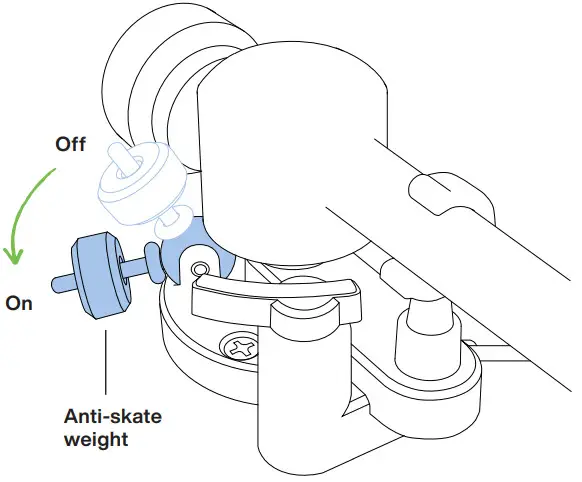 | 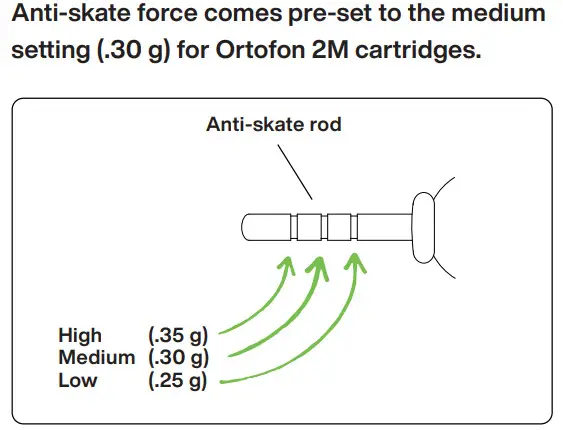 |
Final setup
| A. Install dust cover Slide the dust cover onto the hinges. | B. Using the built-in phono preamp (if equipped) The preamp is enabled when the preamp LED light is on. To turn the preamp on or off, press the bypass switch. |
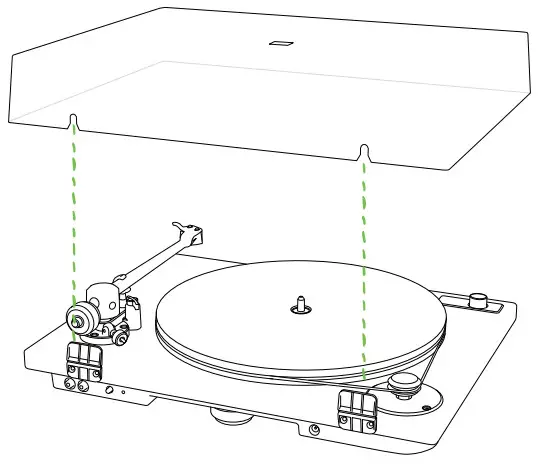 | 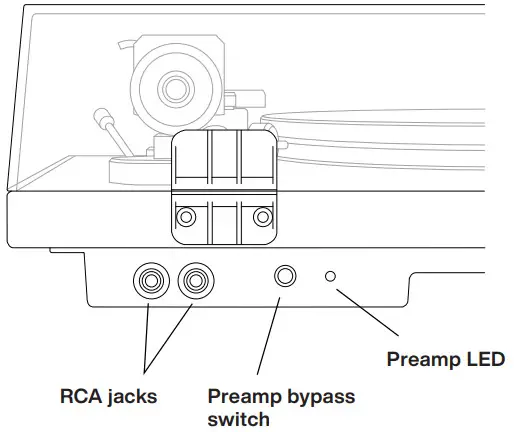 |
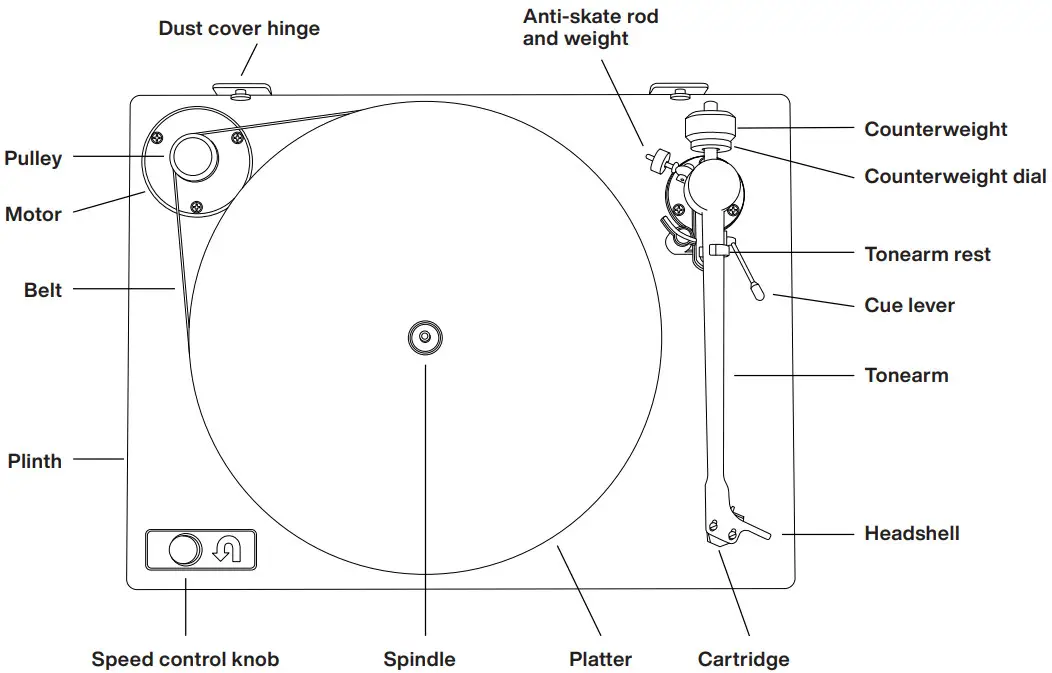
Orbit Theory Diagram
3-year warranty
 We stand by our products with a 3-year warranty that covers any defects in materials or workmanship.
You can view our full warranty policy at uturnaudio.com/warranty.
If you need warranty service, please contact us at [email protected] or by phone at (781) 451-1445.
Additional support Setup videos & tutorials
uturnaudio.com/learn Email
Email
[email protected] Phone
Phone
(781) 451-1445
 Learn – U-Turn Audio