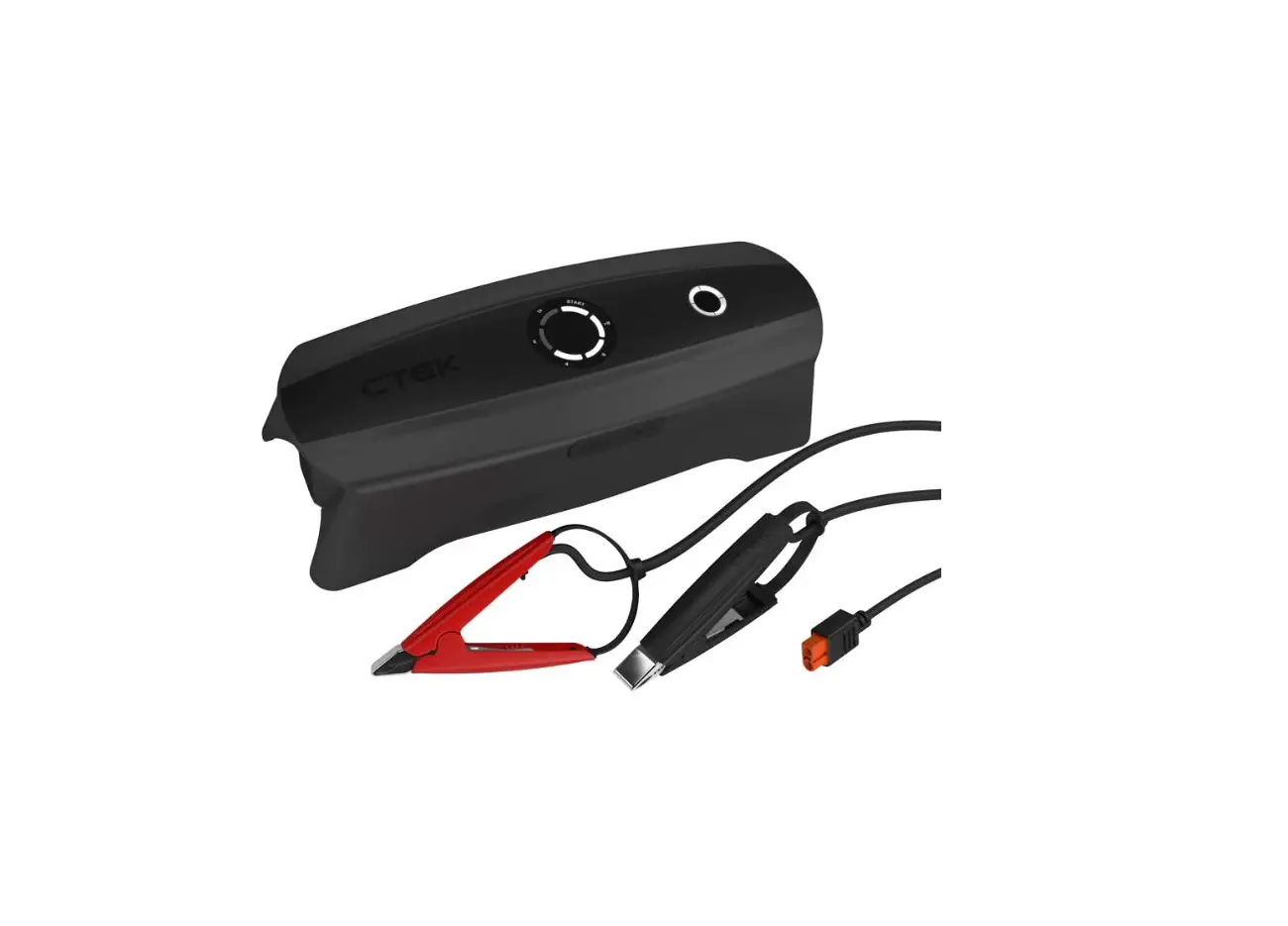
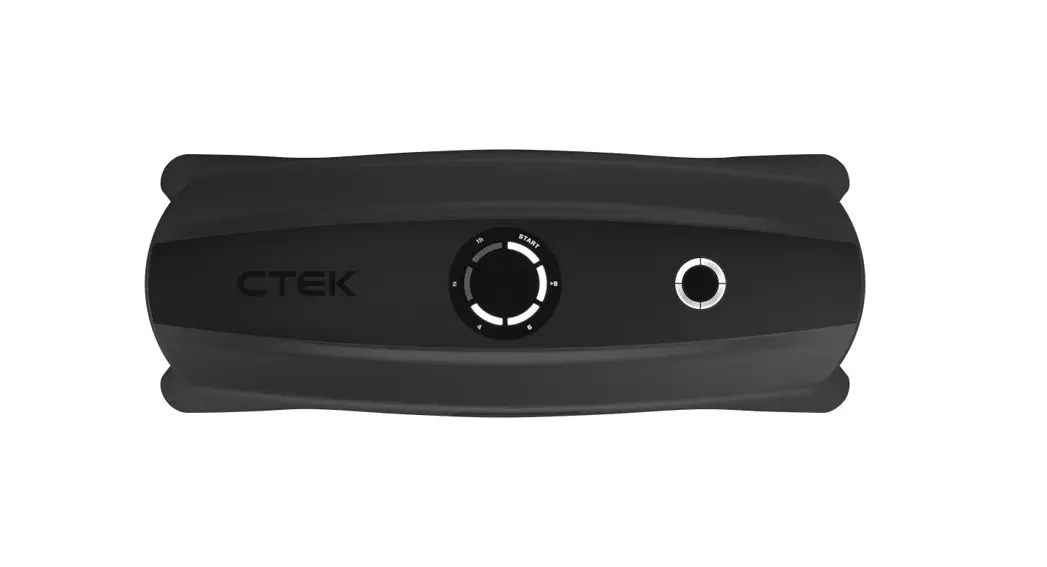
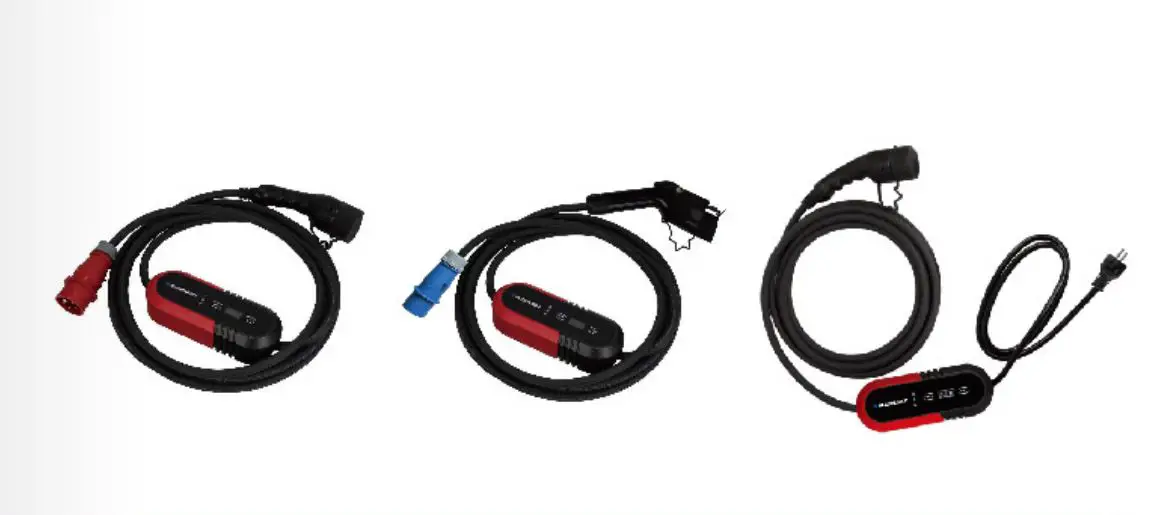
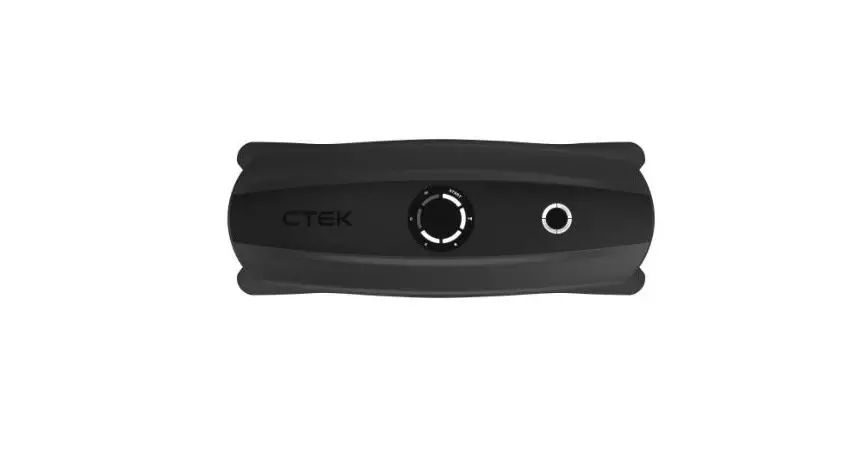
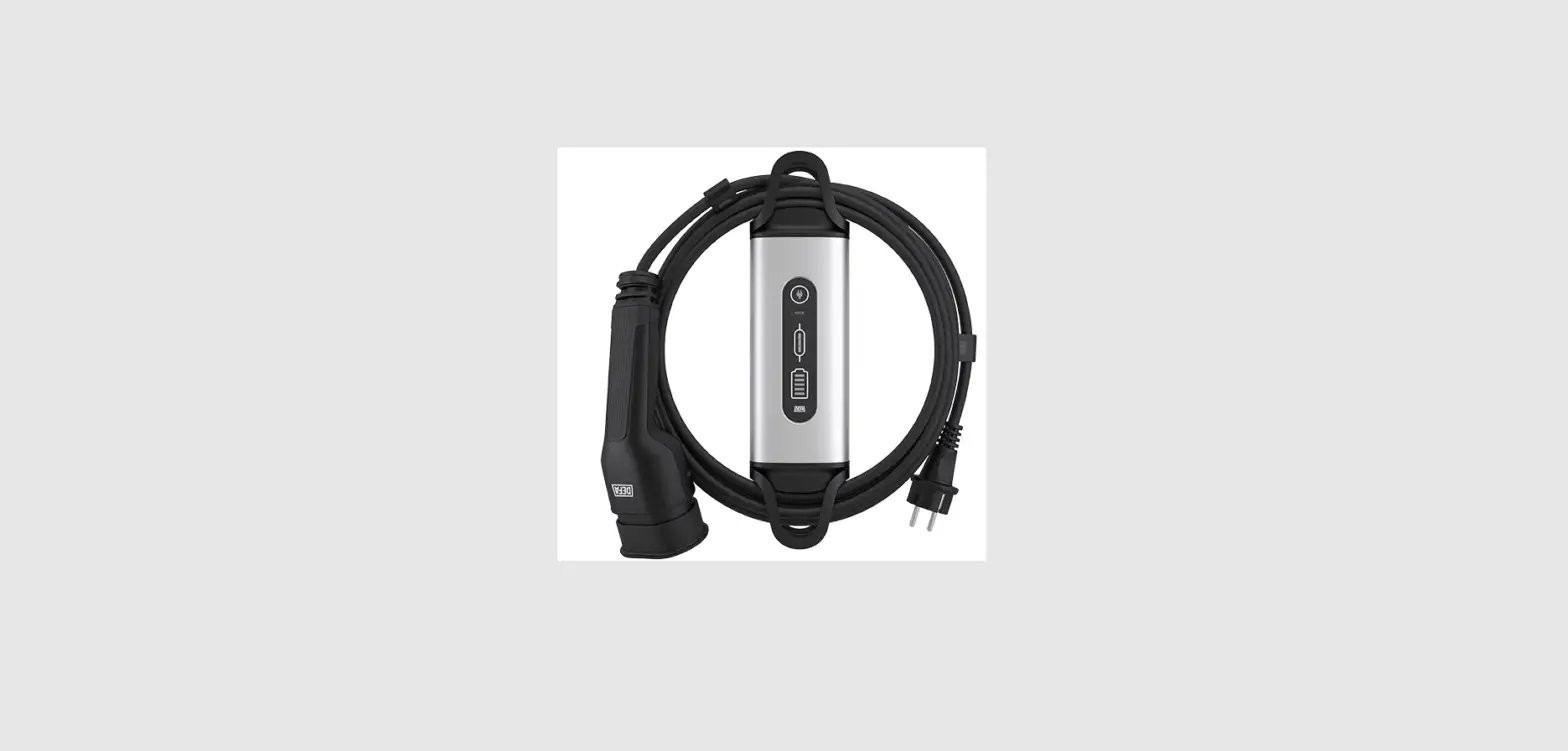
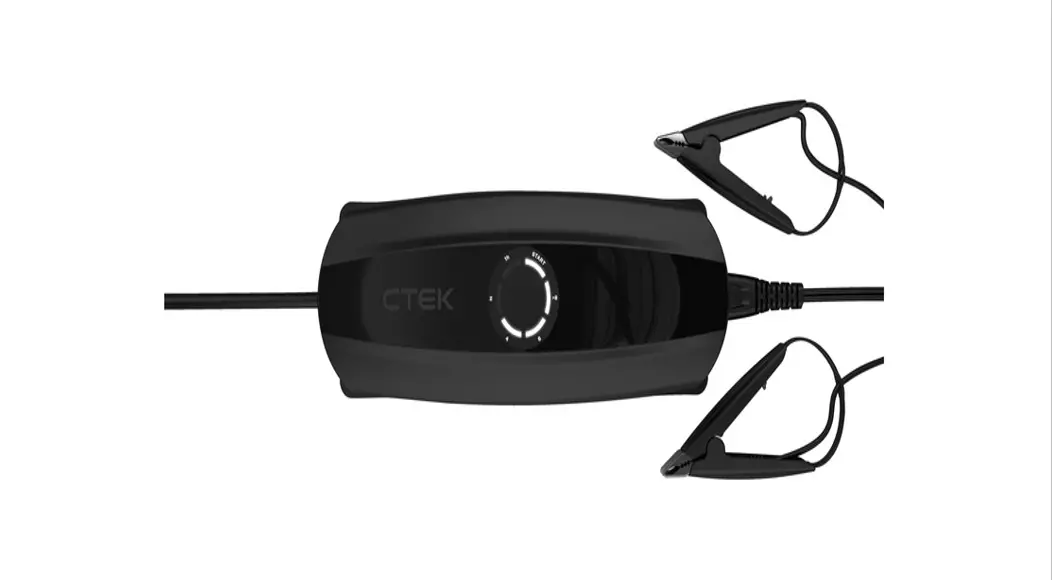
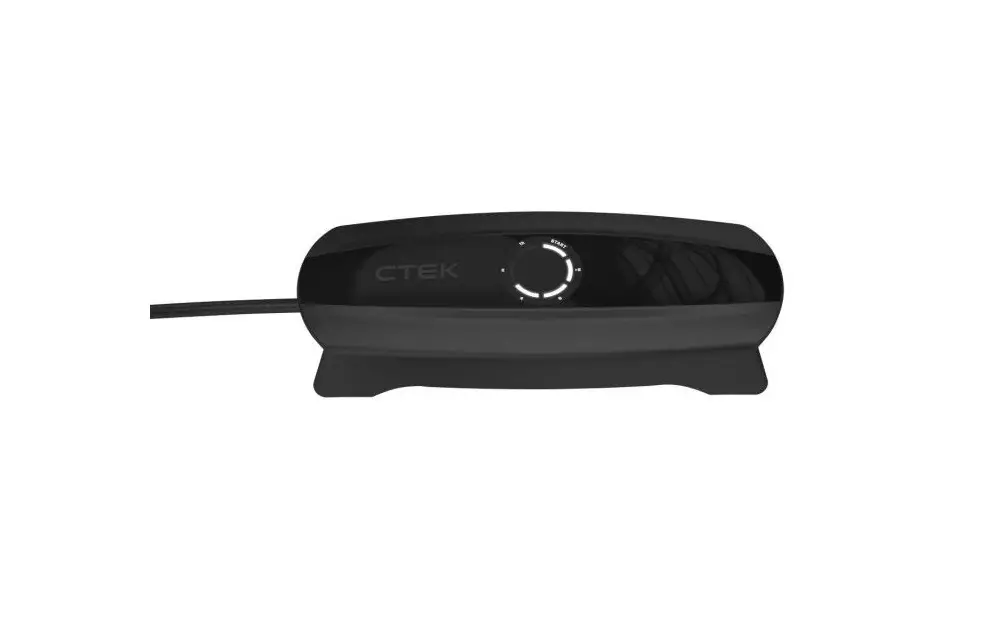
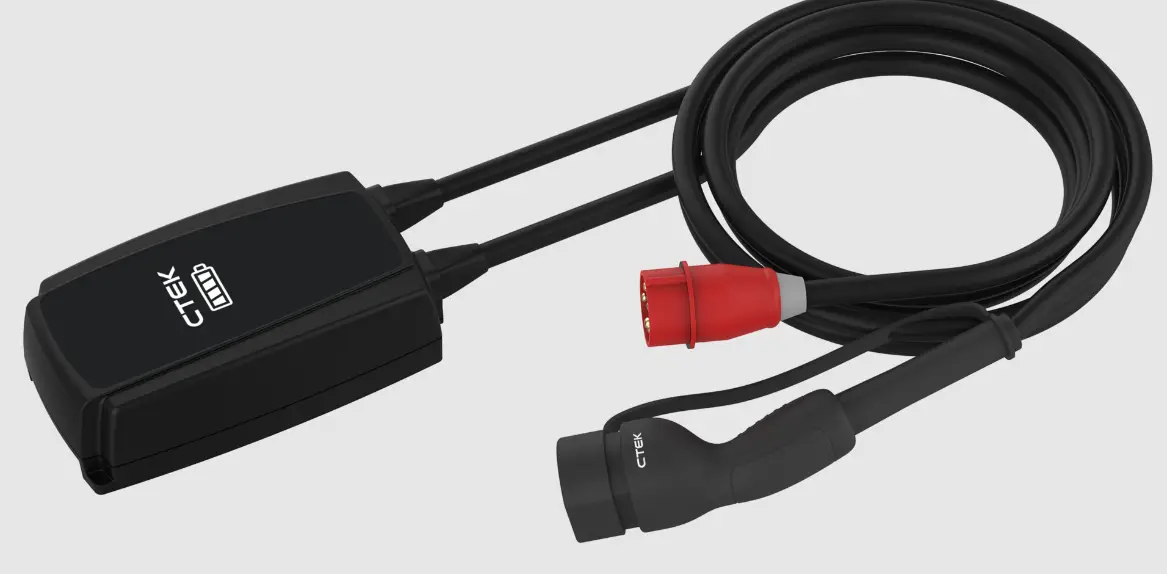
Ctek Njord Go Type 2 Portable Charger With Red Cee User Guide

Ctek Njord Go Type 2 Portable Charger With Red Cee User Guide

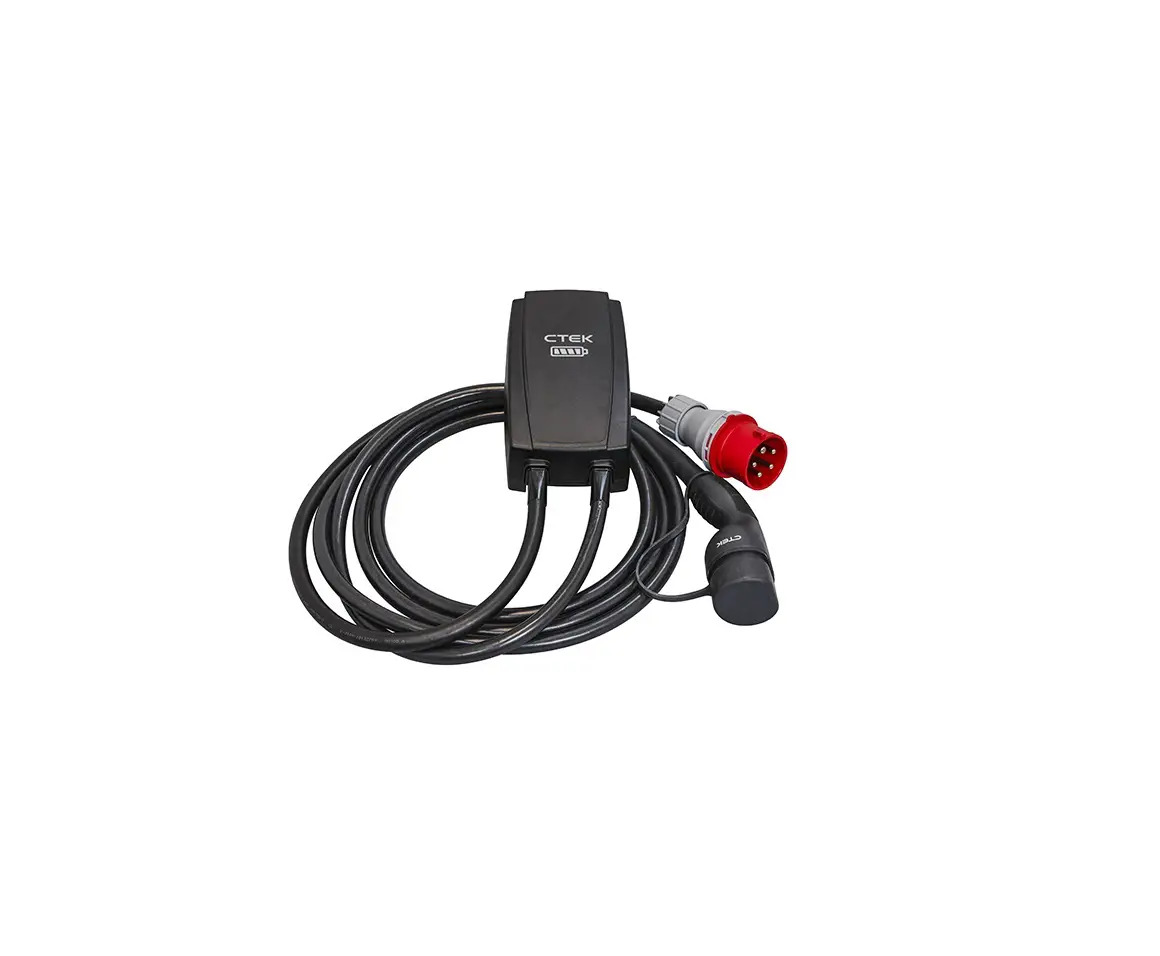
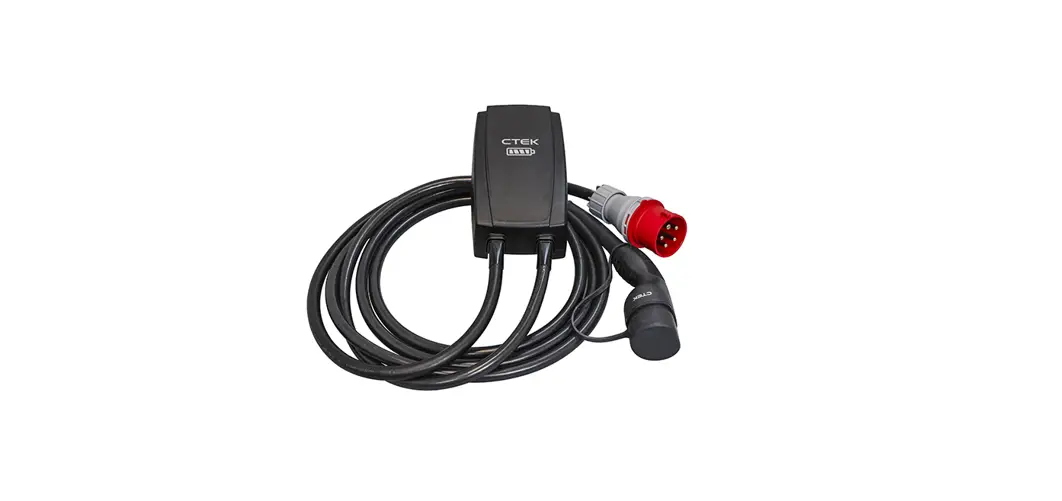
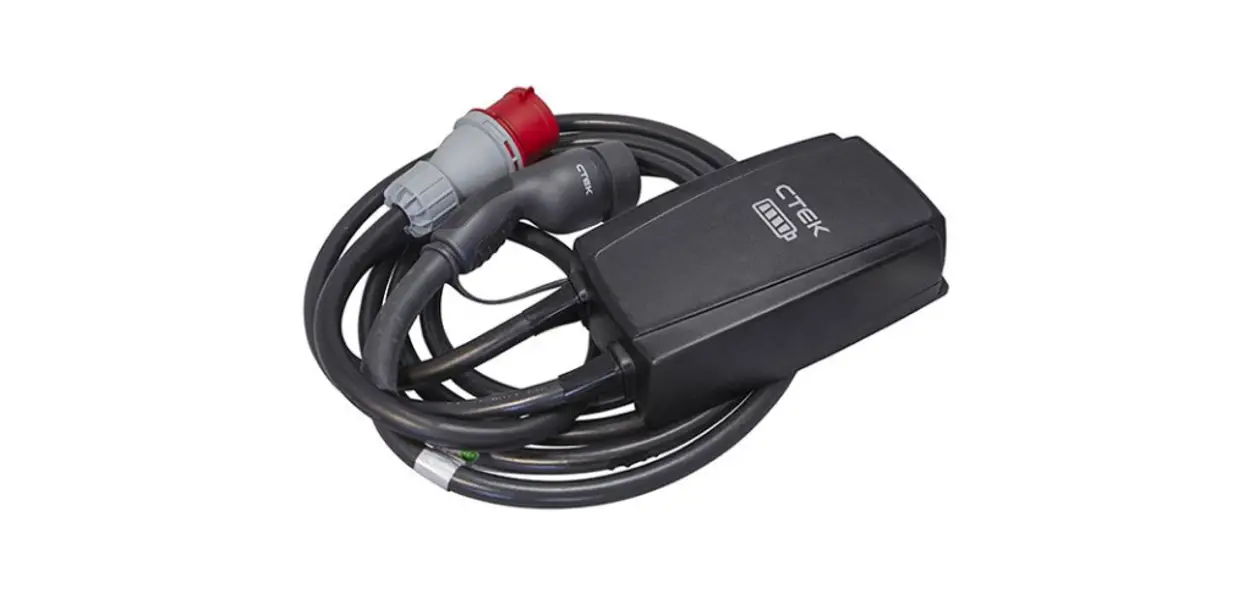
CTEK NJORD GO Type 2 Portable Charger with Red CEE User Guide
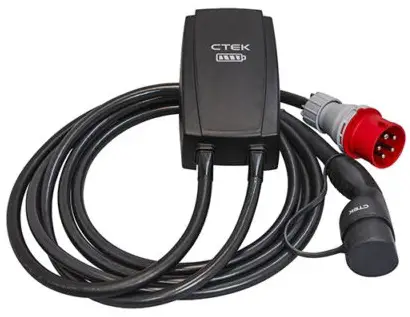
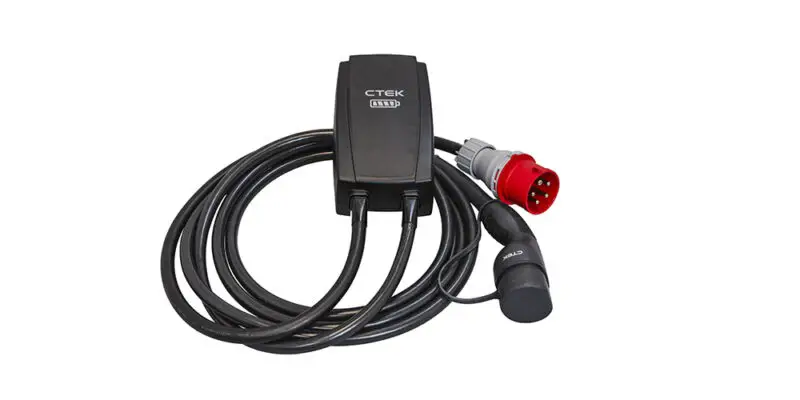
CTEK NJORD GO Type 2 Portable Charger with Red CEE

CONNECT

  1. Plug NJORD® GO into the supply outlet
    Connection Instructions
  2. Connect the NJORD® GO to the vehicle
    Connection Instructions

CONNECT WITH CTEK APP (OPTIONAL)

FOR ADDITIONAL FUNCTIONALITY

  1. Download the CTEK App from App Store or Google Play for additional functionality
    CONNECT WITH CTEK APP
  2. Plug NJORD® GO into the supply outlet
    CONNECT WITH CTEK APP
  3. Connect the NJORD® GO to the CTEK App within 2 minutes.
    CONNECT WITH CTEK APP
  4. Connect the NJORD® GO to the vehicle
    CONNECT WITH CTEK APP

CHARGE

  1. NJORD® GO is powered on, waiting to charge
    Charging Instruction
  2. Vehicle is charging
    Charging Instruction
  3. Vehicle is charged / vehicle has paused charging
    Charging Instruction
  4. NJORD® GO requires authorisation from CTEK App or charging session was paused via CTEK App
    Charging Instruction

OTHER INFO

Bluetooth® pairing mode (flashing) or CTEK App is connected via Bluetooth® (single flash)
Charging Instruction

Remote connection active (single flash)
Charging Instruction

NJORD® GO is downloading an update (solid) or NJORD® GO is installing an update (flashing)
Charging Instruction

ERRORS

ERROR: Charging is not available (contact CTEK)
ERRORS

ERROR: self-check fail (restart NJORD® GO, if persists, contact CTEK)
ERRORS

ERROR: Ground fault detected (restart NJORD® GO, if persists, contact CTEK)
ERRORS

ERROR: Temperature limit reached (leave to cool down)
ERRORS

Discover more about NJORD® GO
QR Code

Users can contact CTEK via CTEK App or on support.ctek.com

References

Documents / Resouces

Download manual
Here you can download full pdf version of manual, it may contain additional safety instructions, warranty information, FCC rules, etc.


Related Manuals