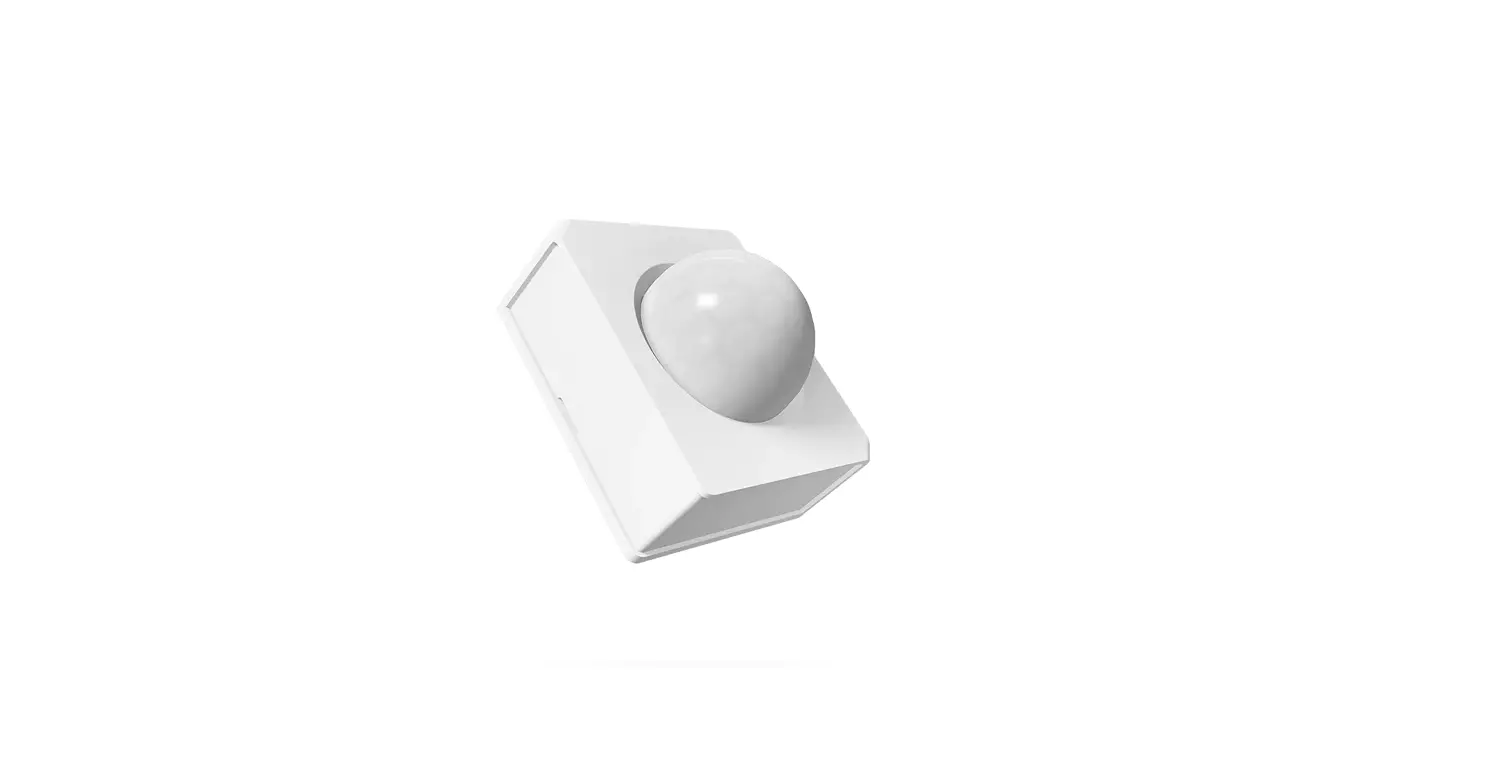
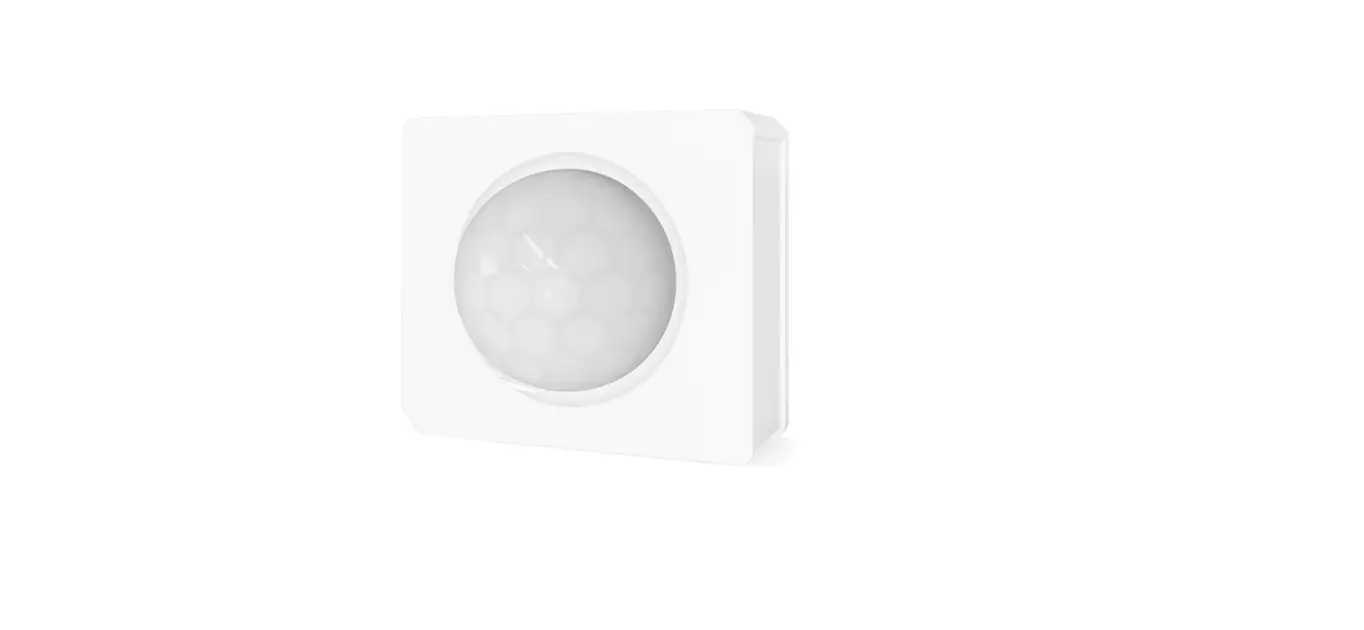
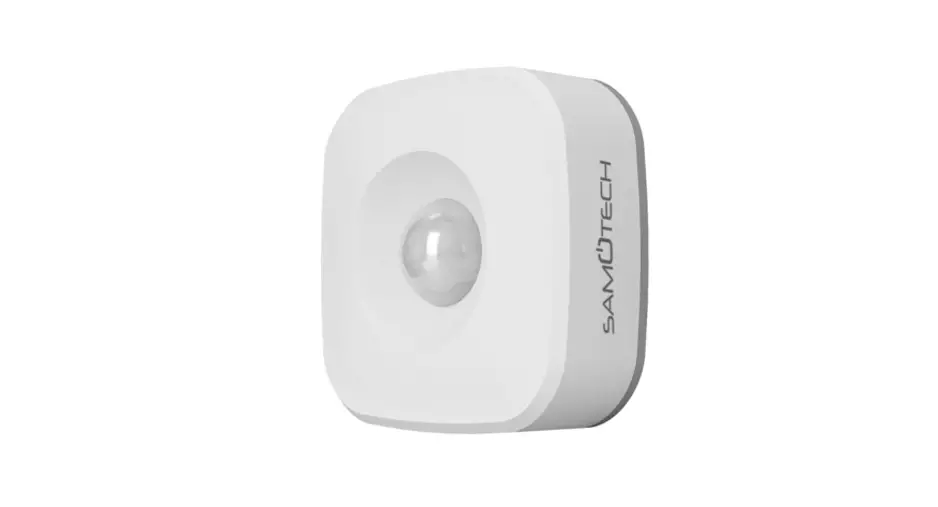
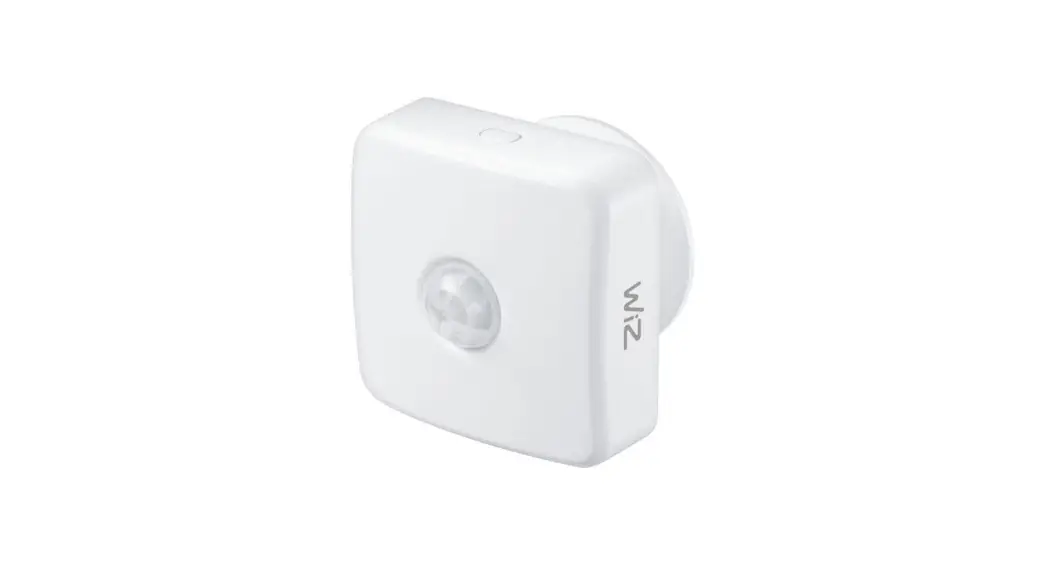
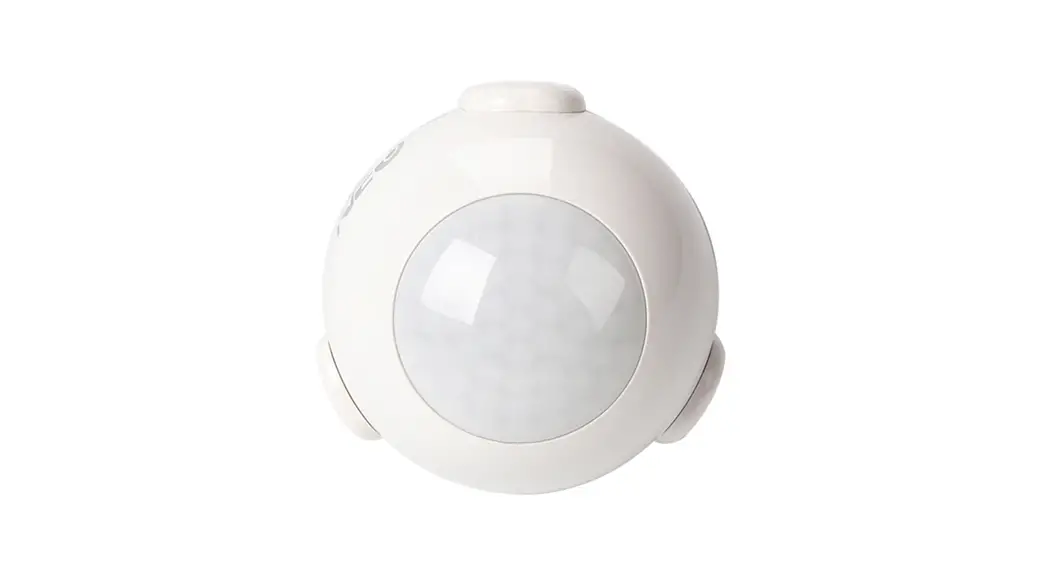
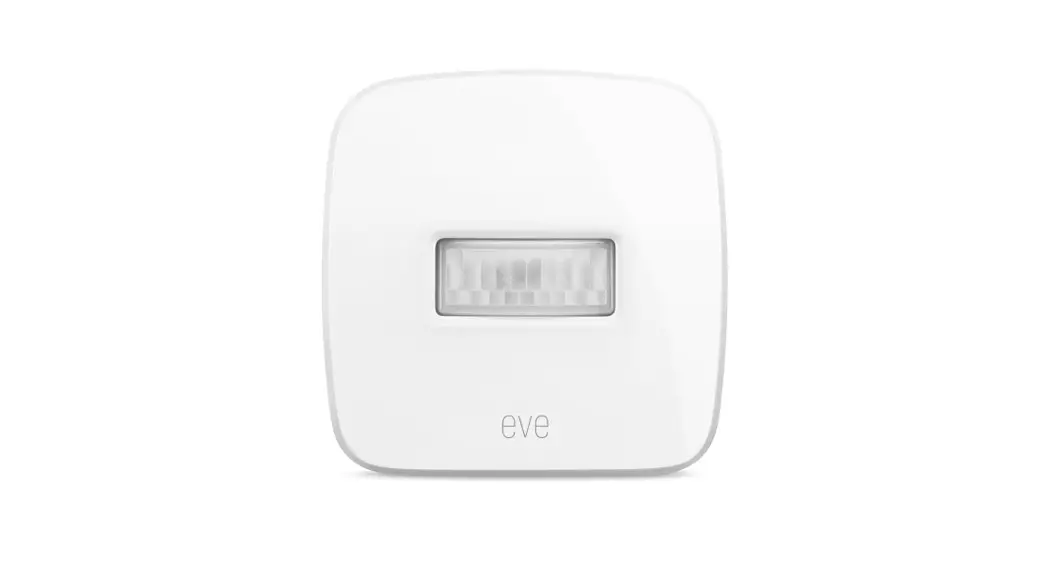
CR123A Motion Sensor
Product Information
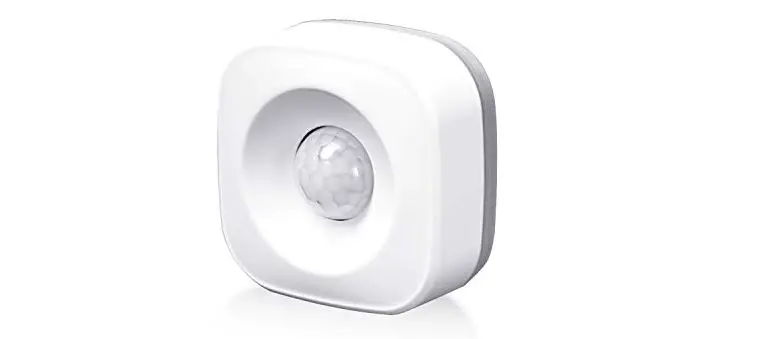
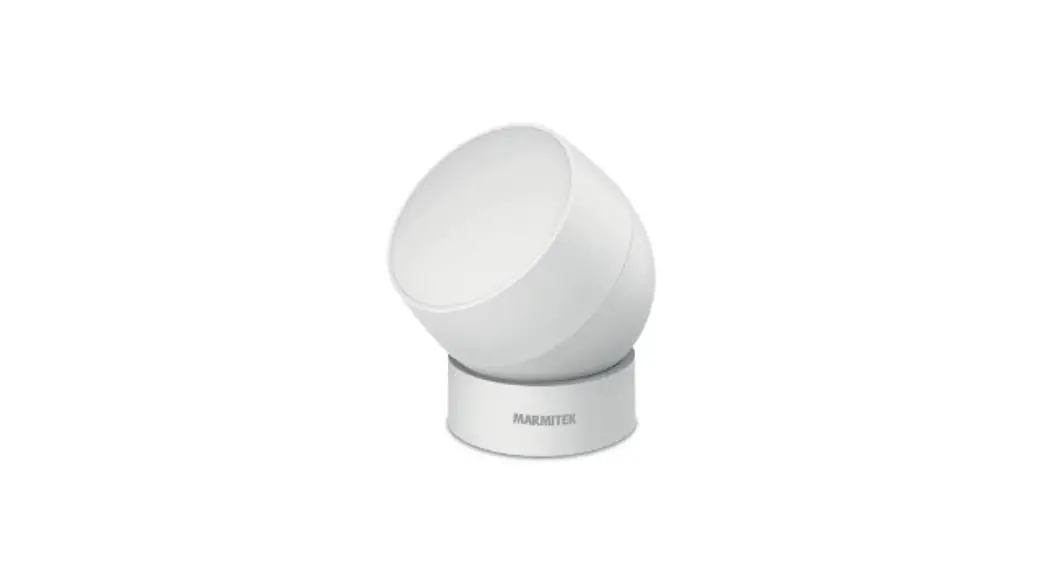
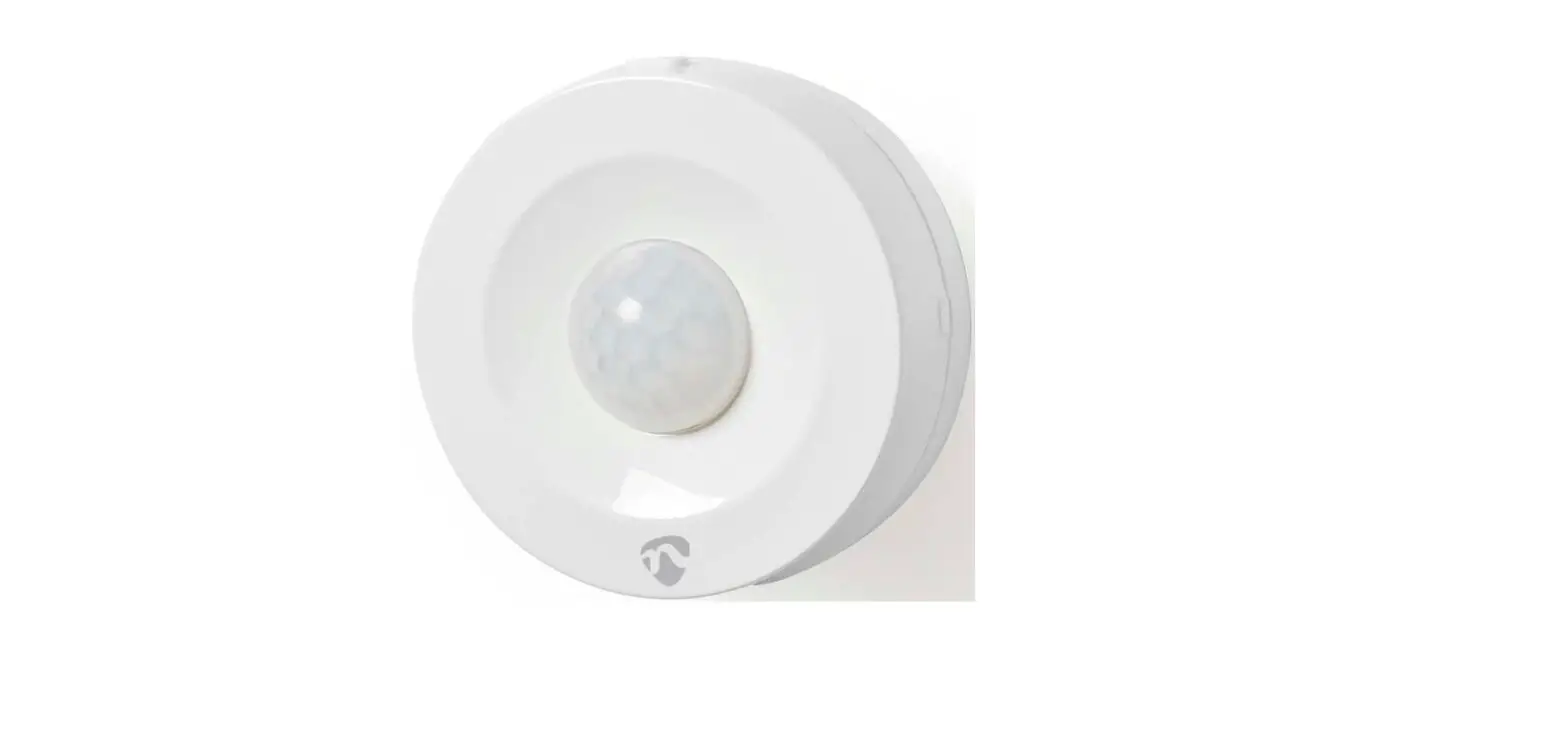
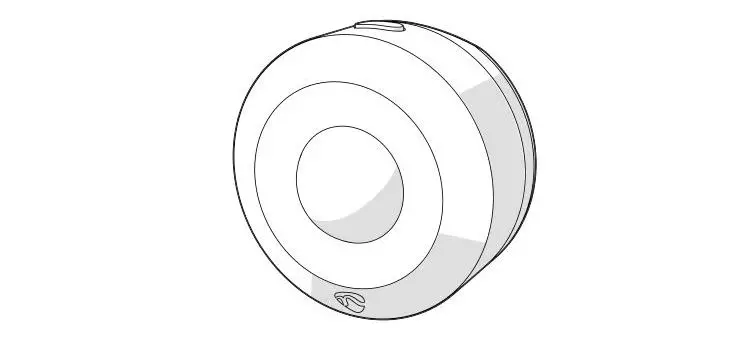
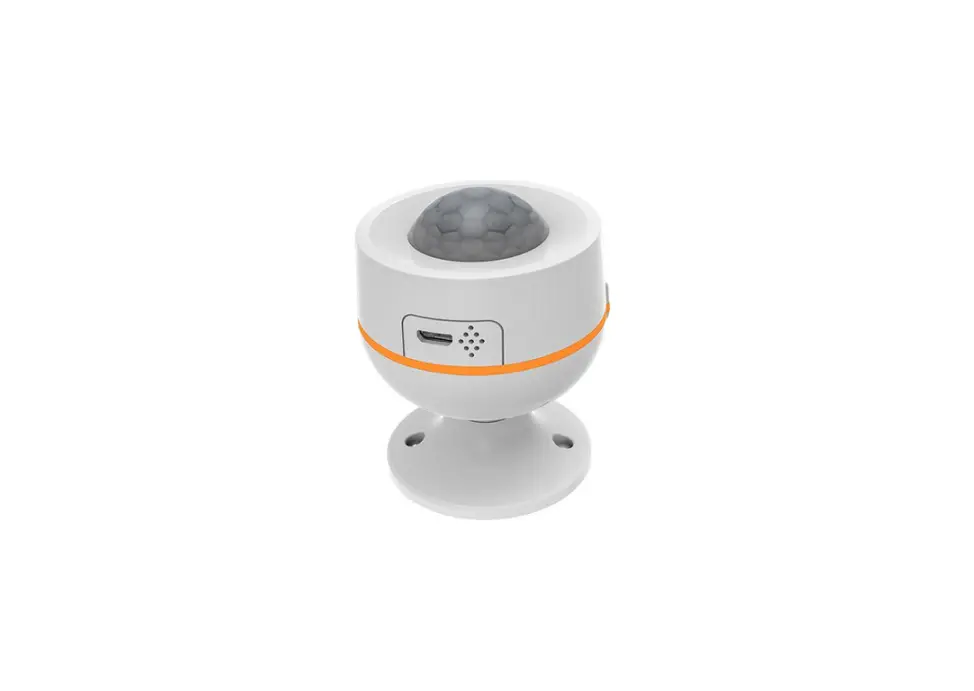
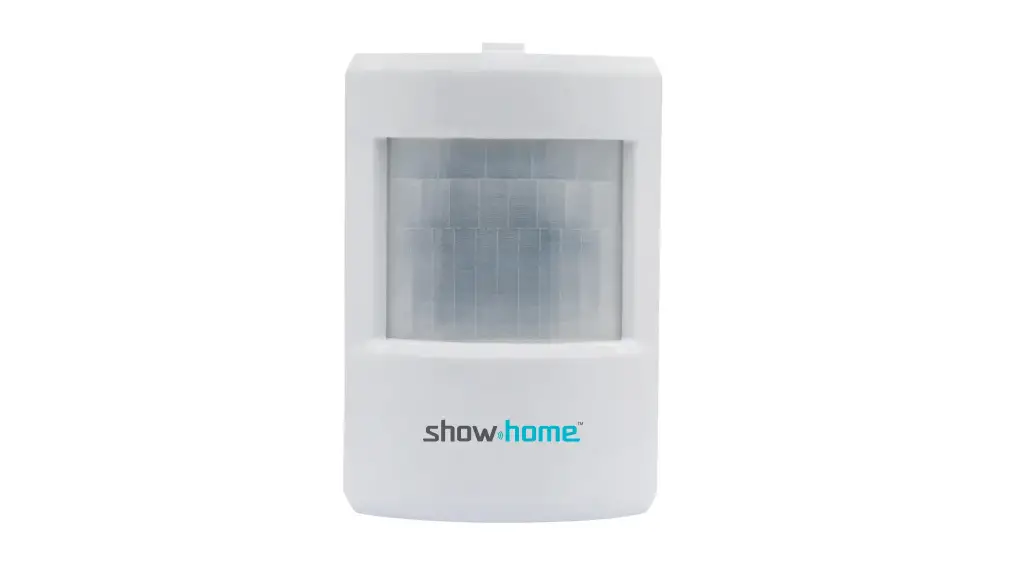
The product is a motion sensor that operates using ZigBee
technology. It features an LED indicator, sensor probe, battery,
USB port, reset button, and a base. The device can be configured
and controlled using the Smart life app.
The main user interface of the app includes alarm alert,
intelligent linkage, settings, record settings, motion status, and
alarm record.
There are advanced features available through the app such as
alarm record, power display, alarm duration time setting, alarm
message switch, linkage alarm setting, device sharing, push
notification control, and device removal.
The product is compatible with other ZigBee devices, WiFi smart
devices, and Z-Wave devices, providing users with a wide range of
options to create a smart home environment. It can be used in
various locations such as living rooms, kitchens, bedrooms,
bathrooms, garages, gardens, yards, offices, warehouses, and chain
stores.
Product Usage Instructions
- Download the Smart life app from the App Store or Google Play
to your mobile device. - Reset the motion sensor before configuring it with the app.
Press the reset button once. - Configure a ZigBee hub to the app before configuring the motion
sensor to the app. - Ensure that the motion sensor is in pairing mode.
- Add the ZigBee device to the app.
- Search for available devices and add subdevices if needed.
- Once added, the motion sensor can be managed through the app’s
main user interface. - To access advanced features, explore the options provided in
the app and try them out. - For specific functions like alarm record, power display, alarm
duration time setting, and more, refer to the app’s interface for
detailed instructions. - If needed, the device can be removed from the app to restore
default settings and clear the record.
Note: The user interface displayed in the app may vary depending
on the version of the app being used.
MOTION SENSOR
USER GUIDE
ZIGBEE
Product Configuration
LED indicator Sensor probe
Battery
USB port Reset button Base
Add Device
Add the ZigBee device.(Reset first before configuration)
Added devices
Search device
Make sure the device is in paring mode >
Add subdevice
ZIGBEE DEVICE
Done
Main User Interface
Alarm alert 3
Intelligent linkage 5 Setting 6
1 Record Setting 2 Motion status
4 Alarm record
Note: The diagram is for reference only. (UI maybe different in other APP version)
Note: The diagram is for reference only. (UI maybe different in other APP version)
Feature & Specifications
Battery: CR123A 3V*2 USB Power supply: 5V/1A Standby current: 27uA Detect range: 10M Detect angle: 120° Wireless frequency: 2.4GHz Communication protocol: Zigbee 3.0 Wireless standard: Zigbee IEEE 802.15.4 Wireless range: 55M Size: 68mm x 56mm x 56mm
LED State
Device Status Pairing mode
LED State Indicator flashes 2times/second
Get Started
1. Download APP Download the “Smart life” app from APP Store or Google Play to your mobile.
NOTE: 1. Before configuring the device to app, please reset it. 2. Need to configure a zigbee hub to app first before configuring the device to app. 3. The power displays as 100% when powered by 5V 1A. 4. There is function of anti false triggering, so need to press the button one time
before resetting. 5. There are three alarm duration time for choice”30s, 60s, 120s”” 6. Before setting the alarm duration time, please wake up device first.
2. Register and Login A.Launch the “Smart life” app. B.To register,enter your mobile phone number or email address,create a password ,then login to the app. C.Login if you have an account already.
Advanced Features
You can experience the various advanced features of the device with the app, just try and do it yourself.
1. Alarm record Device record APP recording:Check all the added devices alarm message in history .
2. Setting Power display, Alarm duration time setting Alarm message switch
OTHER FUCTION
Linkage alarm setting To connect two Sensors via scene setting.
Device sharing Allow others to control the device
Push notification Open/close push notification
Remove device Restore default settings; Delete and add the device again to clear the record by APP.
Smart Home Device contains WiFi smart device,Z-Wave device and ZigBee device,give you more choices to create a new smart life.
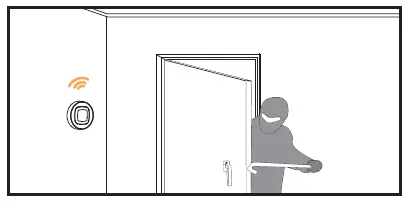
Wide application on the living room, kitchen, bedroom,bathroom, garage, garden, yard or basement of your home,office,warehouse,chain store…
Make life smarter and more convenient.
Add ZigBee Controller
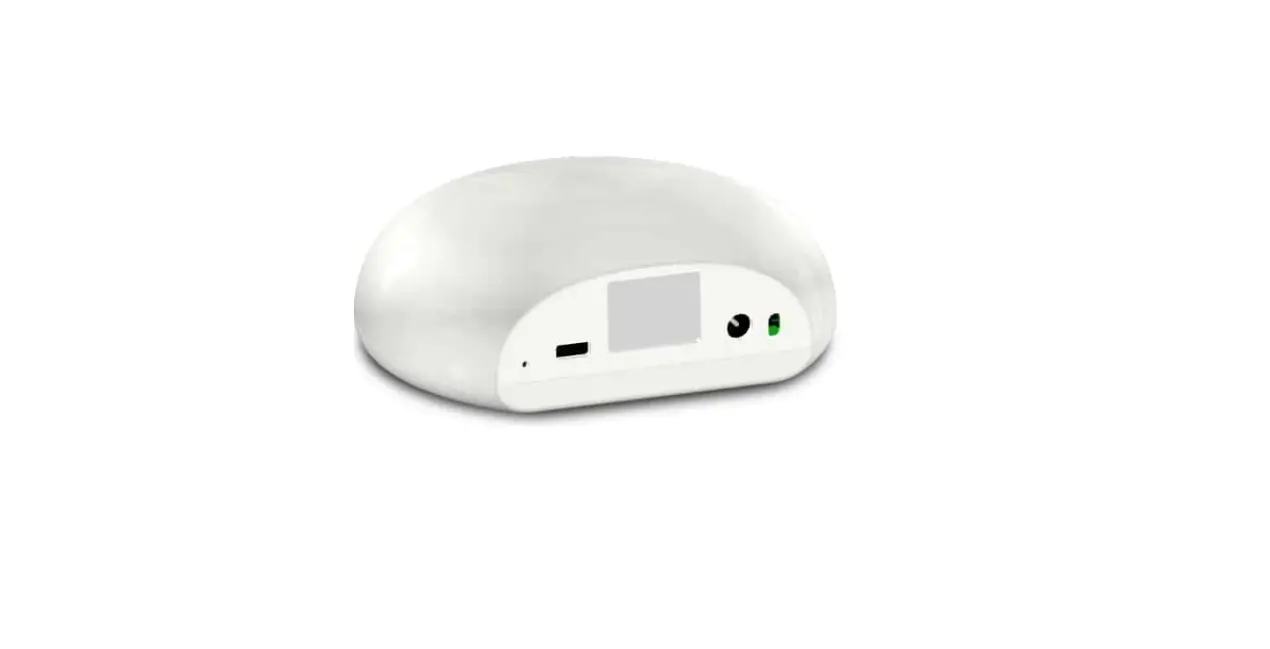
Add Tuya ZigBee controller first and operate with the controller user manual.(Pls notice the wired and wireless version controller)
With Ethernet Port No Ethernet Port
ZIGBEE GATEWAY
Device added successfully
Done
Note: The diagram is for reference only. (UI maybe different in other APP version)