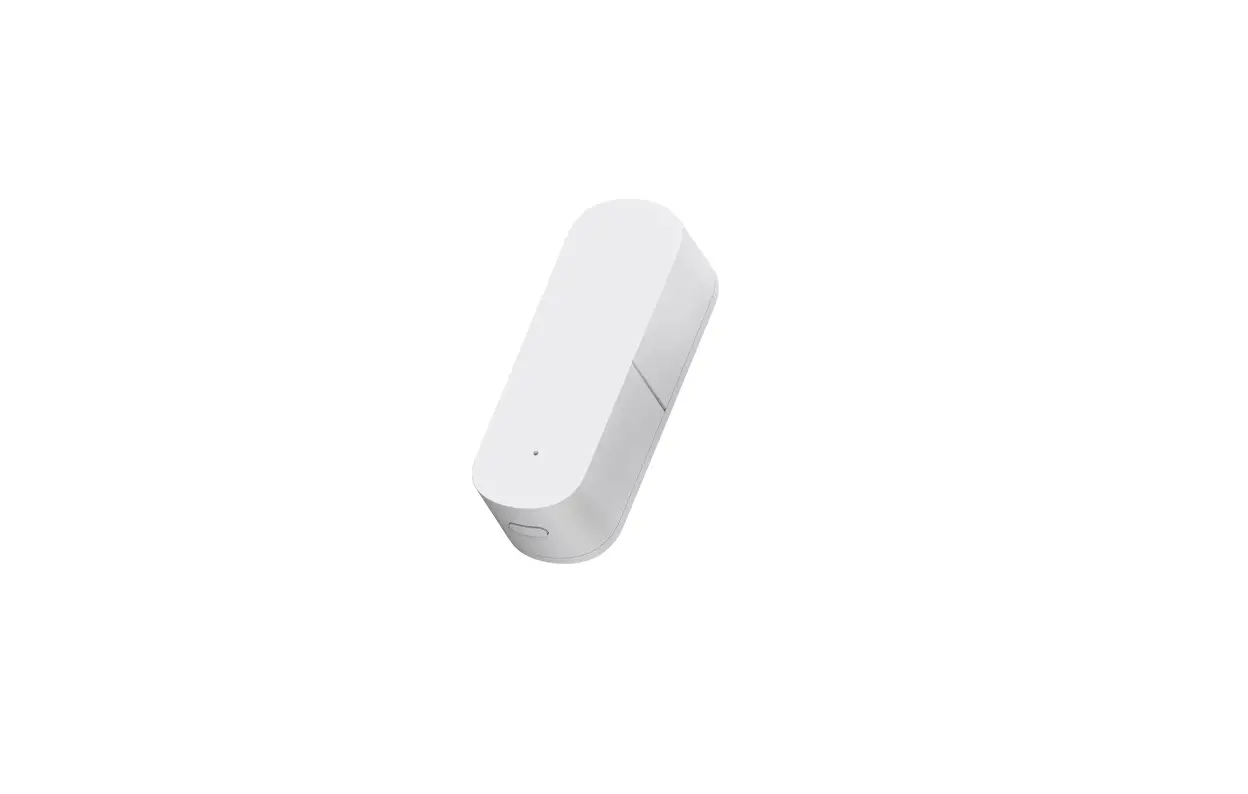
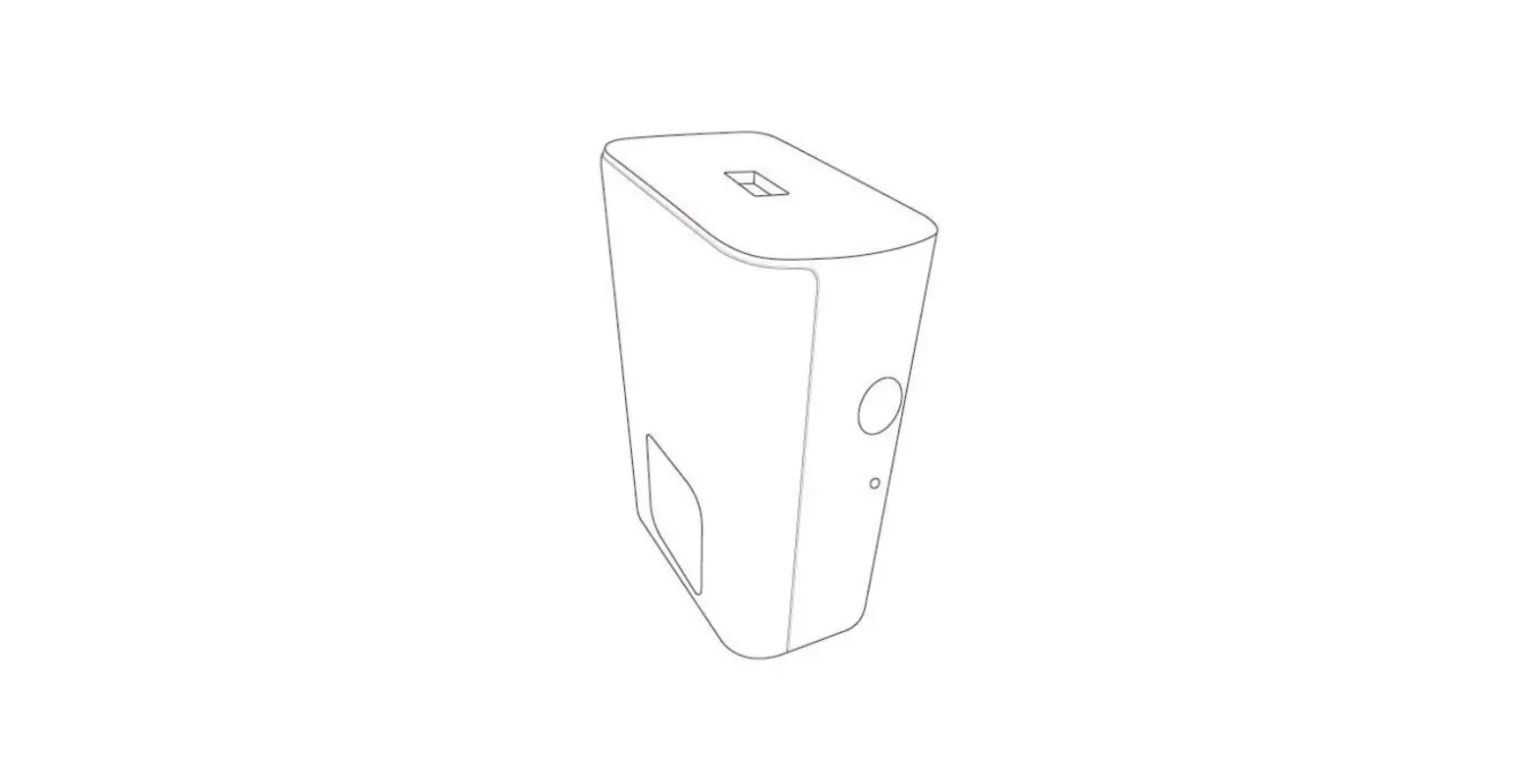
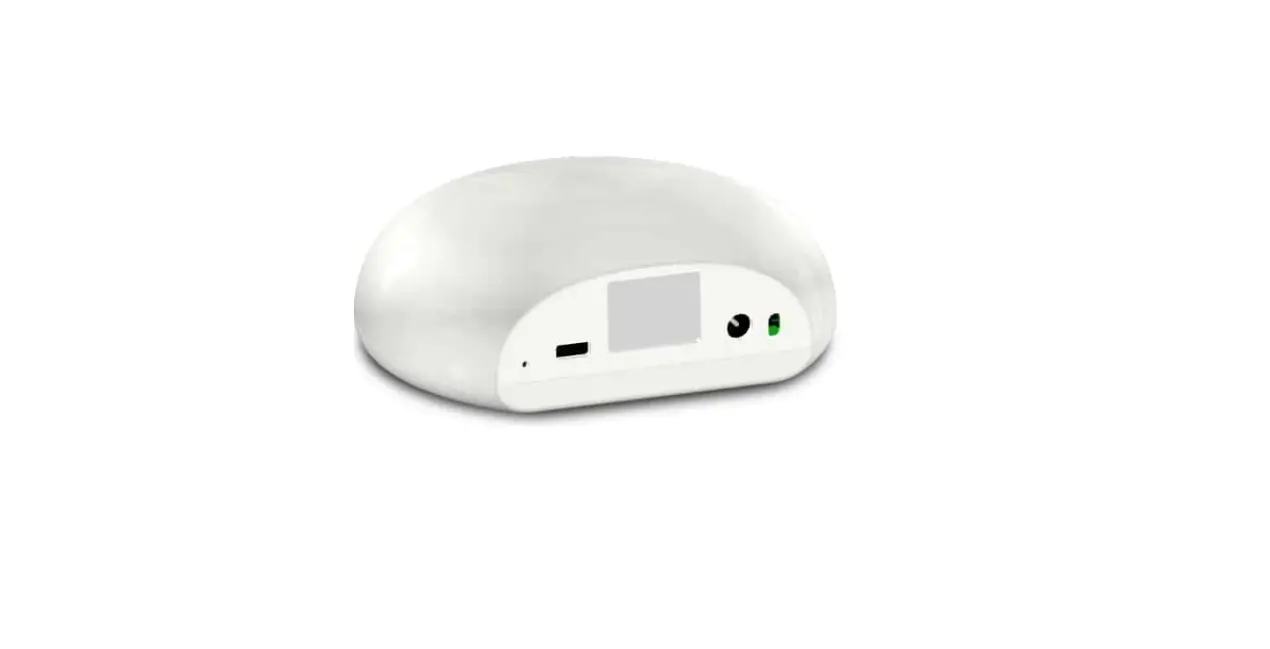
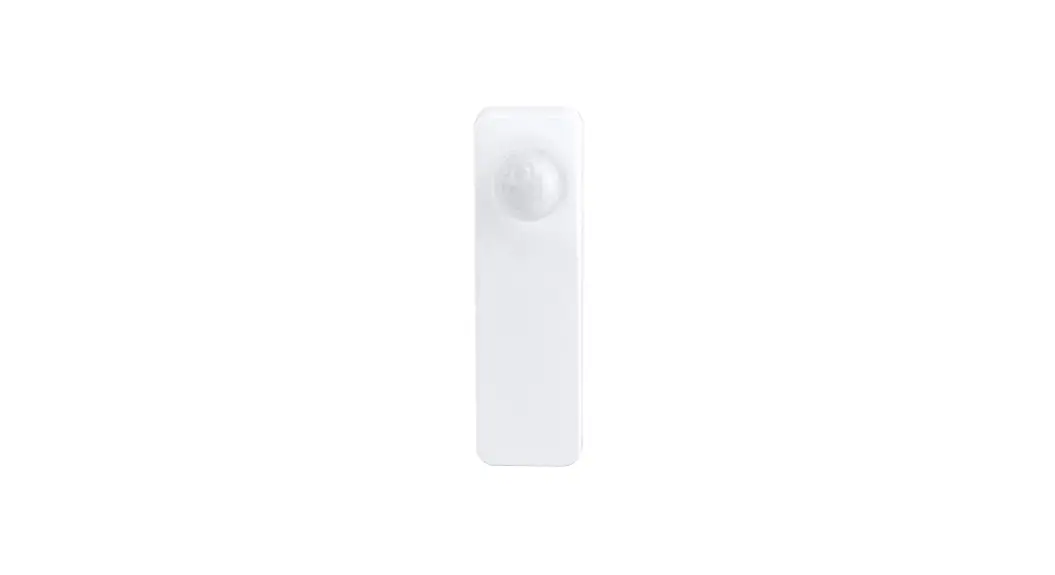
2BAGQ-3RVS01031Z Zigbee Vibration Sensor
Product Information:
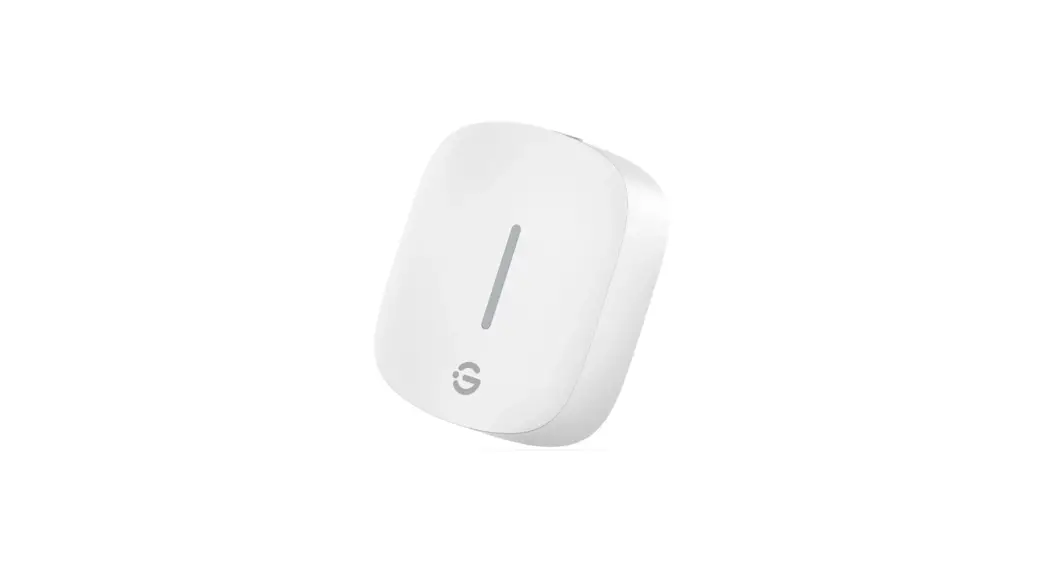
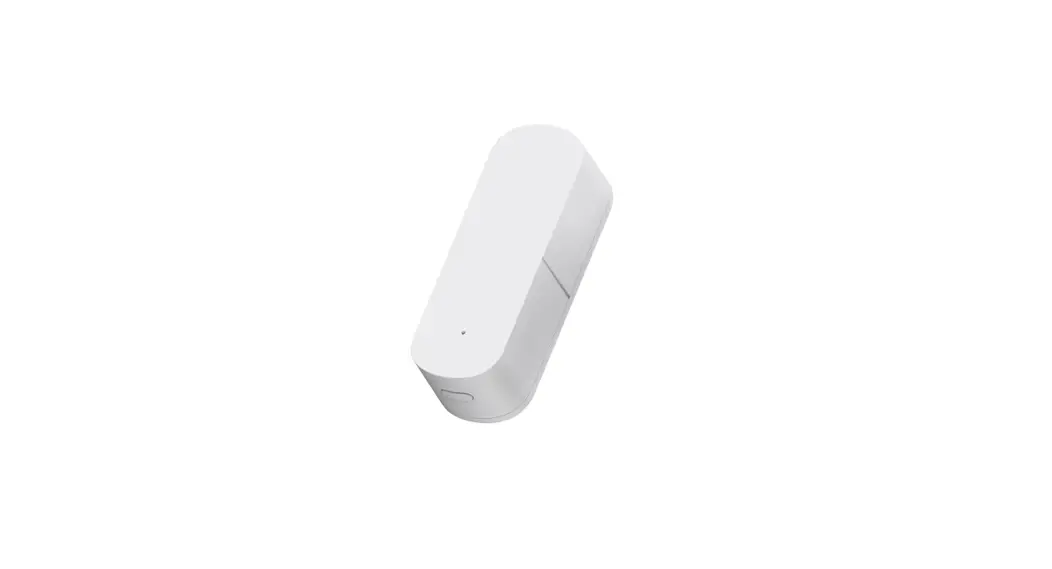
The Third Reality Zigbee Vibration Sensor is designed for indoor
use only and is used to detect the vibration and movement of
objects. It can be integrated into various platforms such as Amazon
Alexa, SmartThings, Hubitat, Home Assistant, and the Third Reality
App through the Zigbee protocol. This sensor can be used to create
routines like alerts for window breaks and monitoring washing
machines/dryers.
Specification:
- Operating Temp: N/A
- Power Supply: N/A
- Dimensions: N/A
- Protocol: Zigbee
- Siren Setting: ON/OFF
- Sensitivity Setting: Very High, High, Medium, Low
Product Usage Instructions:
Setup:
- Remove the plastic insulator to power the Vibration
Sensor. - If the sensor is powered up for the first time, it
automatically enters pairing mode. If not paired within 3 minutes,
press the reset button for 5 seconds to put it into pairing mode
again. - Follow the instructions of your Zigbee hub to pair the sensor.
Use the single toggle switch to turn on/off the beeping alarm, and
use the dual toggle switches to set the sensitivity level (4 levels
available).
Installation:
To install the Vibration Sensor, simply place it on top of the
object you want to monitor or use double-sided tape to stick it
anywhere as desired.
FCC Regulatory Conformance:
This device complies with part 15 of the FCC rules. It must not
cause harmful interference and must accept any interference
received, including interference that may cause undesired
operation. Modifying the device without approval may void the
user’s authority to operate the equipment.
RF Exposure:
This equipment complies with FCC radiation exposure limits for
an uncontrolled environment. It should not be co-located or
operated in conjunction with any other antenna or transmitter.
Limited Warranty:
For information about the limited warranty, please visit
www.3reality.com/devicesupport.
For customer support, contact us at [email protected] or visit our
website at www.3reality.com. If you
need help and troubleshooting related to Amazon Alexa, please visit
the Alexa app.
Vibration Sensor
Quick Start Guide
Introduction
Third Reality Zigbee Vibration Sensor can be used to detect the vibration and movement of objects, it is designed for indoor use only. It can be integrated into Amazon Alexa, SmartThings, Hubitat, Home Assistant and Third Reality App etc. through Zigbee protocol, it can be used to create routines like alerts of window breaks and washing machines/dryers monitoring etc.
Specification
Operating Temp Power Supply Dimensions
Protocol
32 to 104 F(0 to 40 ) Indoor Use Only 2 × AAA Batteries 2.19″ × 2.20″ × 0.48″ ( 5.56cm×5.59cm ×1.23cm) Zigbee 3.0
Siren Setting: Senitivity Setting:
01
ON OFF
00 01 10 11
Very High High Medium Low
Setup
1. Remove the plastic insulator to power the Vibration Sensor. 2. When the sensor is powered up for the first time, it enters
pairing mode automatically, and it exits pairing mode if not paired within 3 minutes, to put it into pairing mode again by pressing the reset button for 5 seconds. 3. Follow the instructions of Zigbee hubs to pair the sensor. Turn on/off the beeping alarm with the single toggle switch, and set the sensitivity(4 levels) with the dual toggle switches.
Installation
Simply place the Vibration Sensor on top of the object to be monitored, or use double-sided tape to stick it anywhere as desired.
FCC Regulatory Conformance
This device complies with part 15 of the FCC rules. Operation is subject to the following two conditions: (1) this device may not cause harmful interference, and (2) this device must accept any interference received, including interference that may cause undesired operation.
Changes or modifications not expressly approved by the party responsible for compliance could void the user’s authority to operate the equipment.
NOTE: This equipment has been tested and found to comply with the limits for a Class B digital device, pursuant to part 15 of the FCC Rules. These limits are designed to provide reasonable protection against harmful interference in a residential installation.
This equipment generates uses and can radiate radio frequency energy and, if not installed and used in accordance with the instructions, may cause harmful interference to radio communications. However, there is no guarantee that interference will not occur in a particular installation. If this equipment does cause harmful interference to radio or television reception, which can be determined by turning the equipment off and on, the user is encouraged to try to correct the interference by one or more of the following measures: -Reorient or relocate the receiving antenna. -Increase the separation between the equipment and receiver. -Connect the equipment into an outlet on a circuit different from that to which the receiver is connected. -Consult the dealer or an experienced radio/TV technician for help important announcement Important Note:
NOTE: The manufacturer is not responsible for any radio or TV interference caused by unauthorized modifications to this equipment. Such modifications could void the user’s authority to operate the equipment.
RF Exposure
This equipment complies with FCC radiation exposure limits set forth for an uncontrolled environment. This transmitter must not be co-located or operating in conjunction with any other antenna or transmitter.
Limited Warranty
For limited warranty, please visit www.3reality.com/devicesupport For customer support, please contact us at [email protected] or visit www.3reality.com For help and troubleshooting related to Amazon Alexa, visit the Alexa app.
 Smart Hardware | IOT platform | Third Reality, inc | China