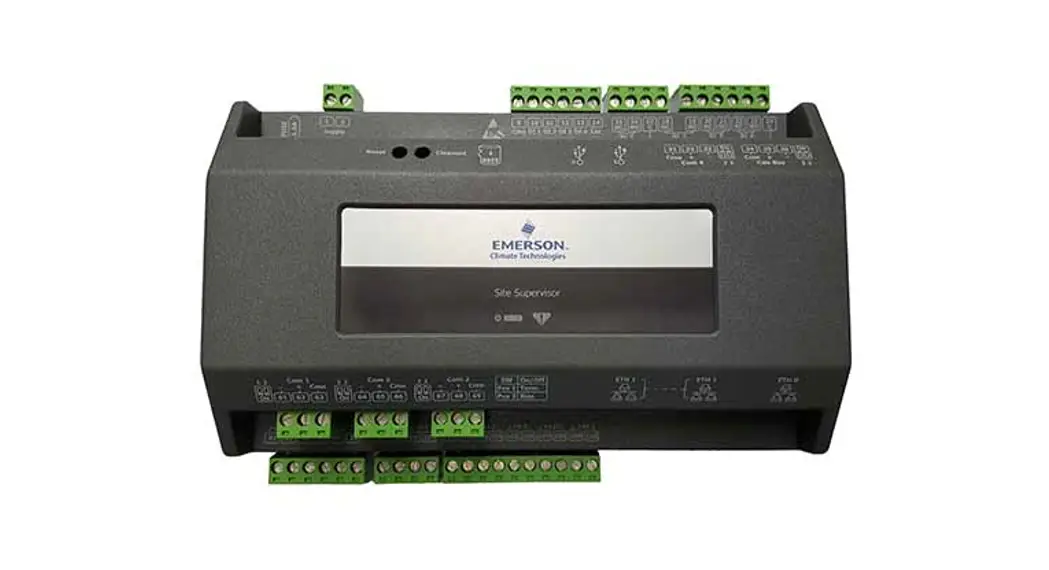
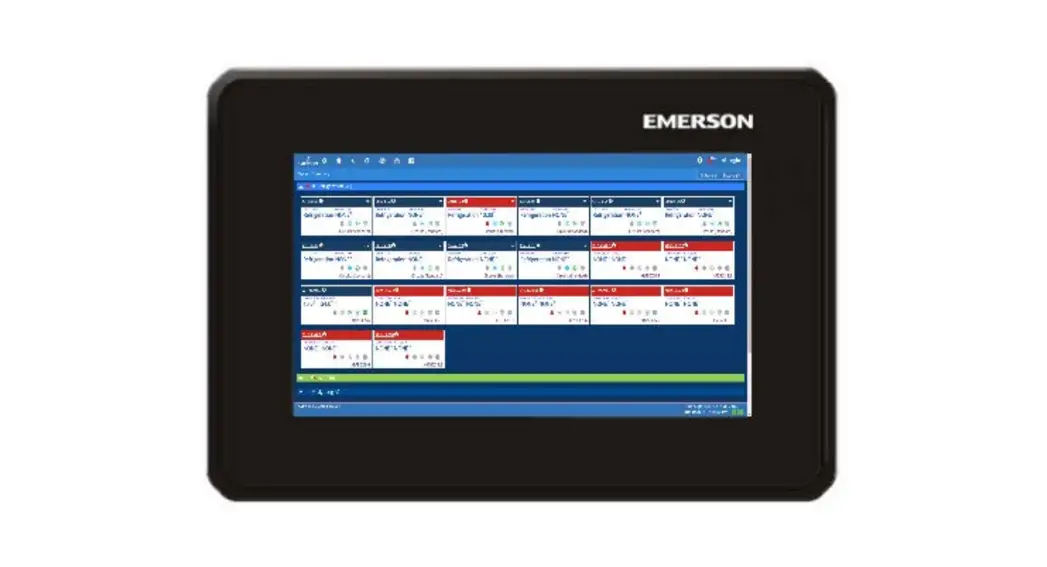
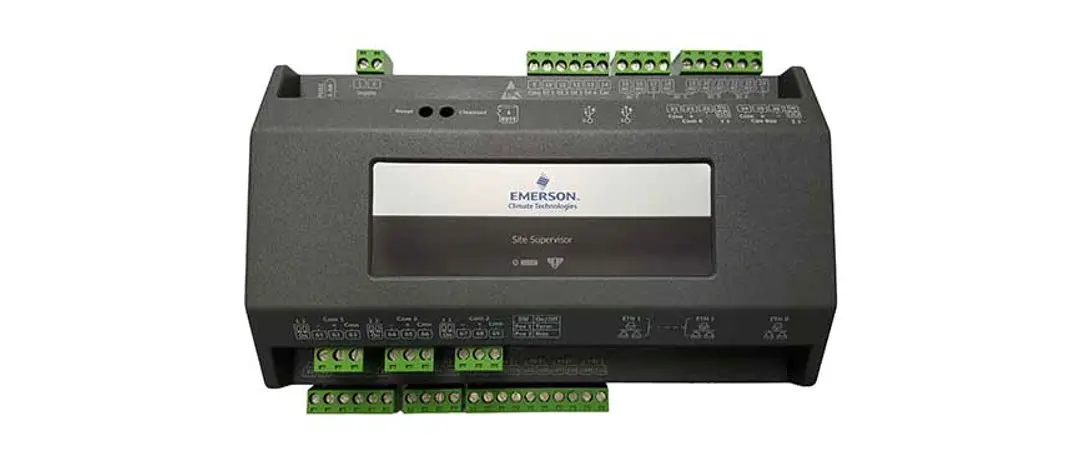
SMF 2.01 Site Supervisor Small Format
Product Information
The Small Format Site Supervisor is a facility control system
developed by Emerson. It is designed to provide users with control
and monitoring capabilities for various facility systems. The
system consists of hardware and firmware components that work
together to enable efficient facility management.
The Small Format Site Supervisor versions SMF 2.01 through 2.07
require a critical security update to ensure data protection and
prevent any potential security breaches. Users of these versions
are advised to contact Emerson Customer Service to obtain the
necessary security update.
The affected models include all Small Format (SMF or SF) units
running versions 2.01 through 2.07. Other models such as Supervisor
RX, BX, CX, SS, and SR are not affected by this security
update.
Product Usage Instructions
- Check the model and version number of your Small Format Site
Supervisor on the UI. This information is located at the bottom
right-hand corner of the screen. If you see “SMF” and a version
number between 2.01 and 2.07, proceed to the next steps. If your
model is RX, BX, CX, SS, SR, or if version 2.08 is already
installed, no further steps are required. - Before proceeding with the upgrade, it is recommended to save a
backup of the current configuration file for future reference. - Contact Emerson Customer Service to request the critical
security updated Small Format Feature Set File. Provide them with
your Supervisor MAC address to ensure you receive the correct
file. - Once you have obtained the security update file from Customer
Service, access the File Management page on the Site Supervisor
UI. - Install the critical security updated Small Format Feature Set
File provided by Customer Service through the File Management
page. - Allow the Supervisor to restart after the installation is
complete. - Once the security update is installed and the Supervisor has
restarted, you can proceed with upgrading to version 2.08 or any
higher version that is available. - To download version 2.08 or the latest version, visit the
following link:
Download Site Supervisor Facility Control
Note: It is crucial to install the security updated Small Format
Feature Set File before upgrading to version 2.08 or any higher
version to ensure the latest security updates are applied.
For more technical documentation and updates, visit Emerson’s
website at www.climate.emerson.com.
2.08 Upgrade Advisory for Site Supervisor Small Format
Technical Bulletin
Site Supervisor Small Format Critical Security Update
Overview
All Customers using Small Format Site Supervisor versions “SMF” 2.01 through 2.07, please contact Emerson Customer Service to obtain a critical security updated Small Format Feature Set File prior to upgrading to firmware version 2.08 or higher. To prevent loss of configuration, a critical security updated Small Format Feature Set File is required. Please contact Emerson Customer Service to receive the critical upgrade file prior to installing 2.08.
Affected Versions
Small Format (“SMF” or “SF”) 2.01 Through 2.07 If “SMF” or “SF” 2.01 through 2.07 appears in the footer of the UI, you must contact Emerson Customer Service to receive a critical security update Feature Set File for Small Format prior to upgrading to 2.08.
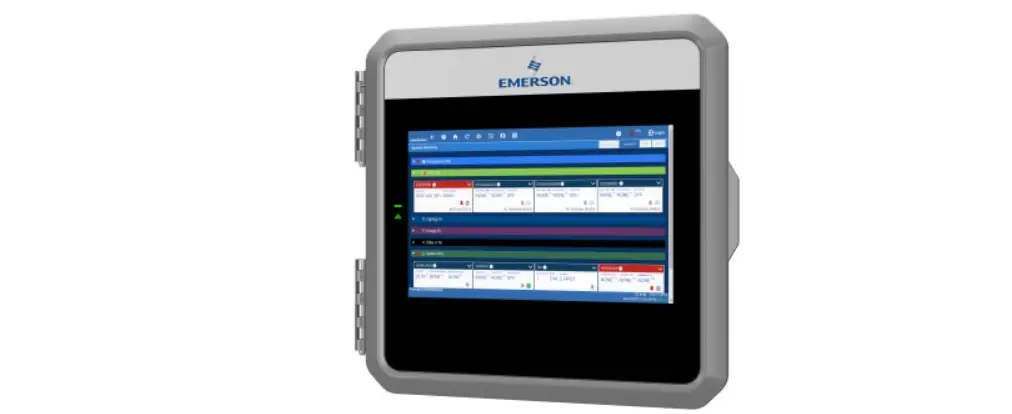
Figure 1 – Small Format (SMF) 2.07
Document Part # 026-4048 Rev 1
Page 1 of 2
©2022 Emerson Digital Cold Chain, Inc. This document may be photocopied for personal use.
Visit our website at www.climate.emerson.com for the latest technical documentation and updates.
Who is Affected
All Small Format models using versions 2.01 through 2.07. No other models are affected. Supervisor RX, BX, CX, SS and SR models are NOT affected. Any Site Supervisor that has been upgraded to RX, BX, CX, SS, or SR are NOT affected.
Upgrade Procedure
CAUTION: Not following this procedure will result in loss of configuration. Follow these steps before upgrading to 2.08 or later:
1. On the Site Supervisor UI, identify the model and version number at the bottom right-hand corner (see Figure 1). If you see “SMF” and version number 2.01 through 2.07, proceed to the next steps. If your model is RX, BX, CX, SS, SR, or if version 2.08 is already installed, no further steps are required.
2. Save a backup of the current configuration file. 3. Contact Emerson Customer Service. 4. Provide your Supervisor MAC address to receive the proper security updated Small Format Feature
Set File to install before upgrading to 2.08. 5. From the File Management page, install the critical security updated Small Format Feature Set File
provided by Customer Service and allow the Supervisor to restart. You will now be ready to update to version of 2.08 or higher with the latest security updates.
NOTE: You must install the security updated Small Format Feature Set File before upgrading to version 2.08 or higher.
Version 2.08 or the latest version can be downloaded from here: https://climate.emerson.com/en-us/products/controls-monitoring-systems/facility-controls-electronics/ facility-and-system-controls/site-supervisor-facility-control
Document Part # 026-4048 Rev 1
Page 2 of 2
This document may be photocopied for personal use. Visit our website at www.climate.emerson.com for the latest technical documentation and updates.
Join Emerson Technical Support on Facebook. http://on.fb.me/WUQRnt For Technical Support call 833-409-7505 or email [email protected] The contents of this publication are presented for informational purposes only and they are not to be construed as warranties or guarantees, express or implied, regarding the products or services described herein or their use or applicability. Emerson reserves the right to modify the designs or specifications of such products at any time without notice. Responsibility for proper selection, use and maintenance of any product remains solely with the
purchaser and end-user. ©2022 Emerson is a trademark of Emerson Electric Co.
 Emerson Retail Solutions Tech Support | Facebook
 Copeland Worldwide | Copeland US
 Copeland is Engineered for Sustainability | Copeland US