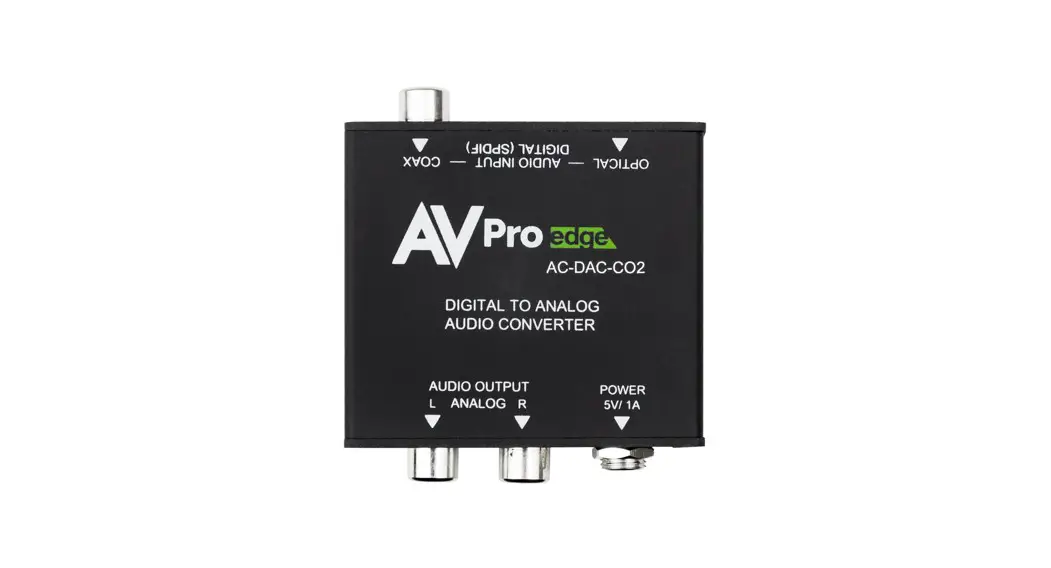

AC-DAC-CO2
Digital to Analog Audio Converter
Quick Start Guide
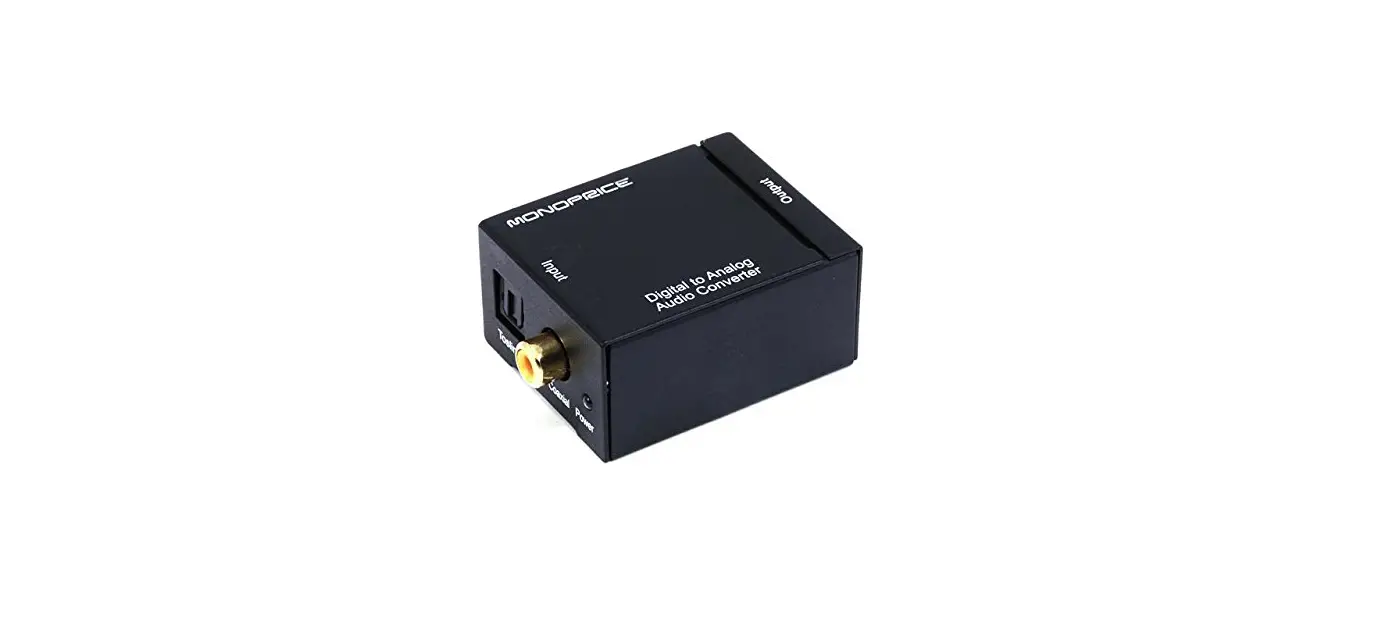
The AC-DAC-CO2 is the second iteration of the Digital to Analog converter available from AVPro Edge. This DAC provides a new, industrial-style chassis with an improved locking barrel plug for a secure installation. It can accept digital (L)PCM signals up to 96KHz 24Bit, converting them to an analog 20-20,000Hz PCM signal.
This quick start guide will be going through:
- Installation
- Product breakdown
- Troubleshooting
Installation:
- Connect the digital audio Input source to the desired input on the AC-DAC-CO2.
- SET the Input Source switch to the desired input on the AC-DAC-CO2.
- Connect the analog RCA output to the desired Audio Playback device.
- Connect power to the AC-DAC-CO2.
Product Breakdown:
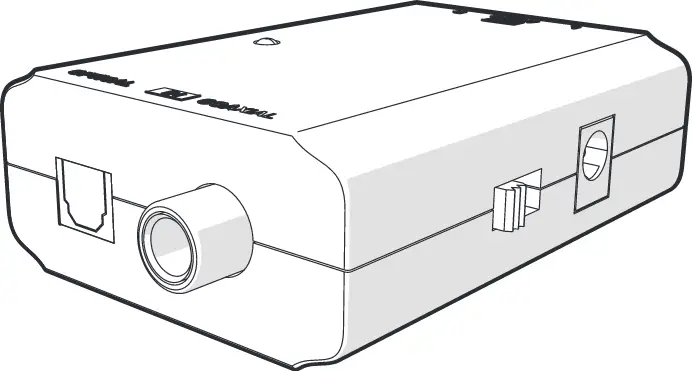
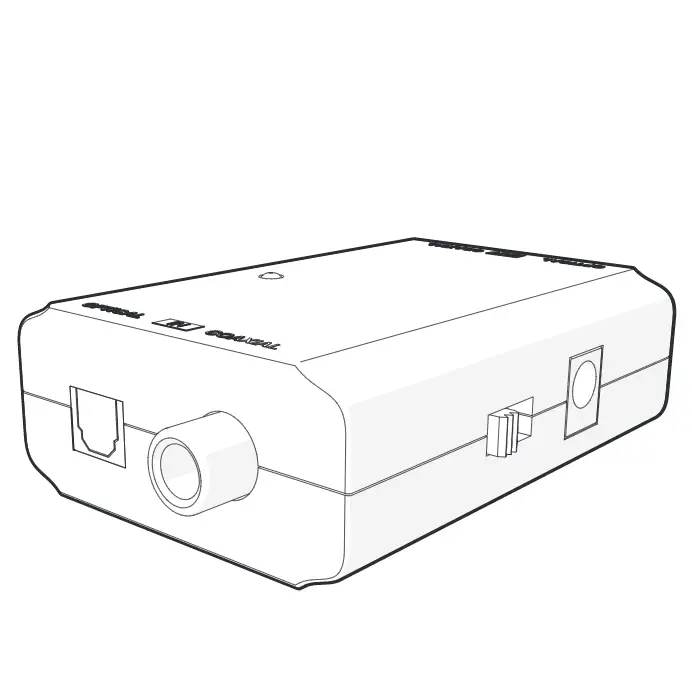
Input side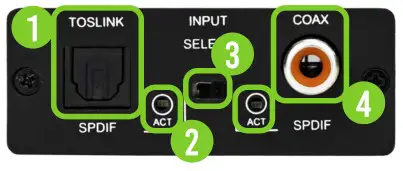
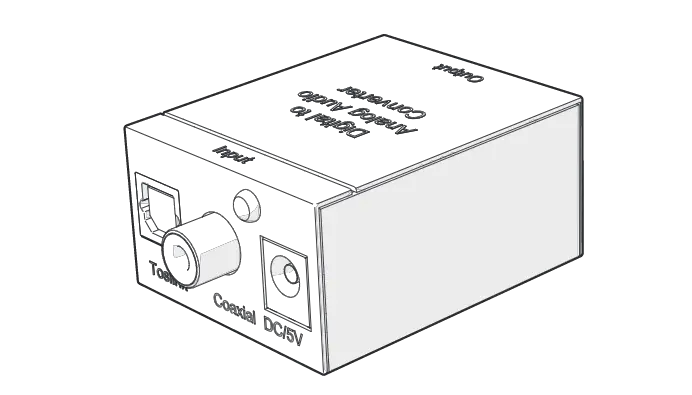
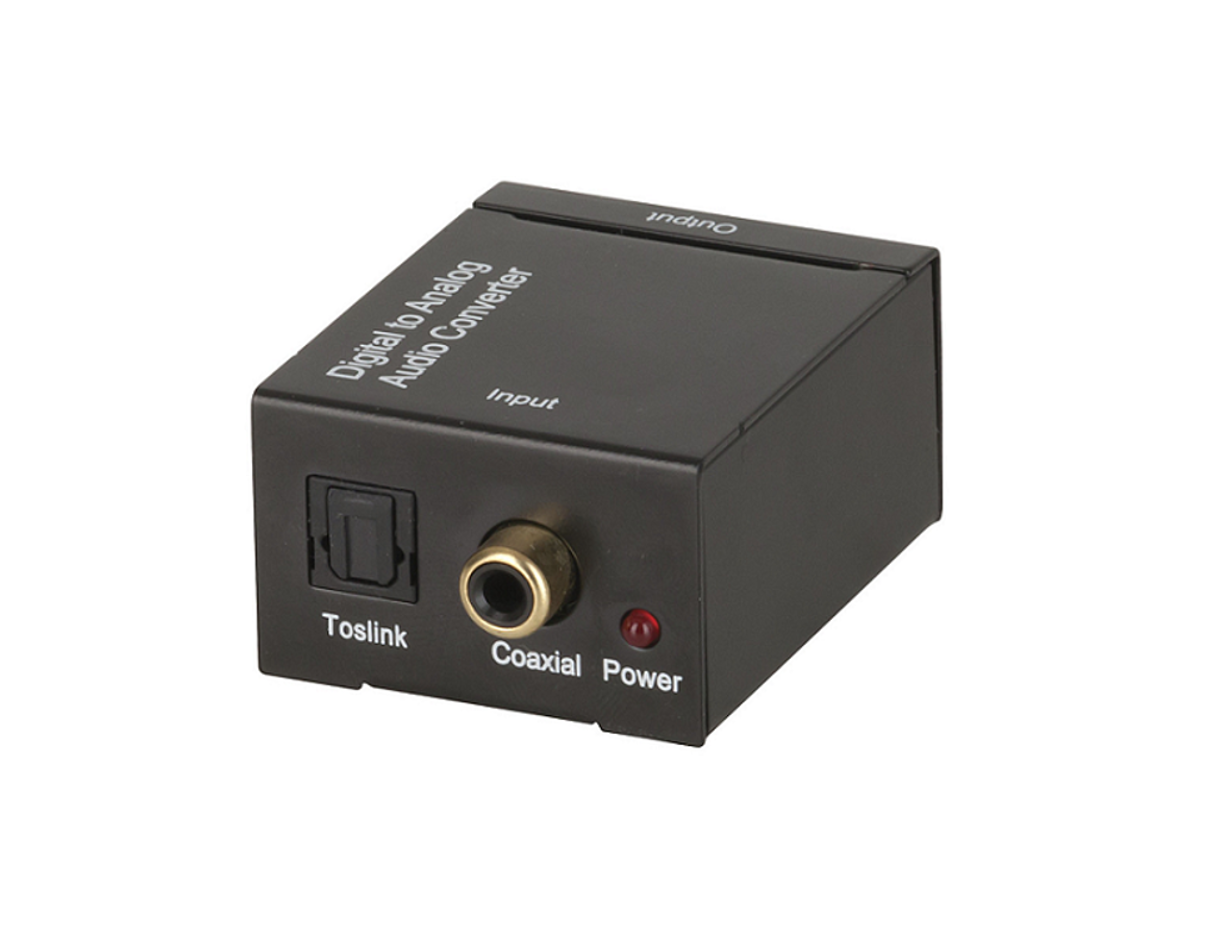
- Toslink Input: Connect to the Optical audio source
- Optical and Coax LEDs: These Leds will illuminate according to which input is Currently selected
- Coax/Optical Switch: Select which digital audio input is active and will be converted to analog stereo (L/R) audio
- Coaxial INPUT: Connect to the Coaxial digital audio source
Product Breakdown continued:
output side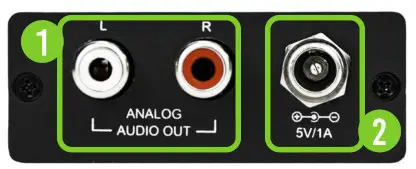
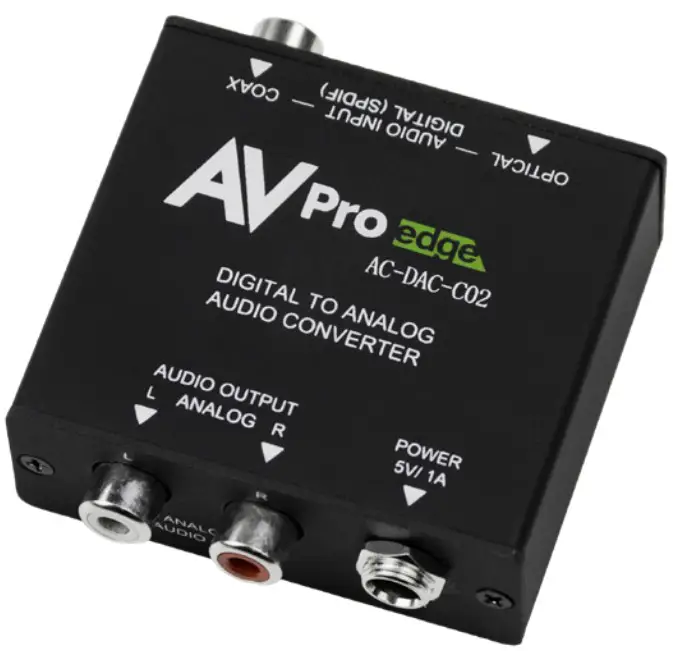
- l/r RCA output: ANalog Stereo output. used to Connect to the input of your audio device or display
- DC 5V 1a: Connect the 5V DC power supply to the unit and plug the adapter into an AC wall outlet
Troubleshooting:
- No Audio – Ensure desired input is selected.
- No Audio – Ensure multichannel audio is not selected.
- No Audio – Ensure encoded bitstream audio is not selected (Dolby/DTS).
- No Power – Use Multimeter to Test 5V PSU.
Have a question or need assistance?
Don’t hesitate to contact us!
SUPPORT: +1 605-274-6055
USA TOLL FREE: 877-886-5112
EMAIL: [email protected]