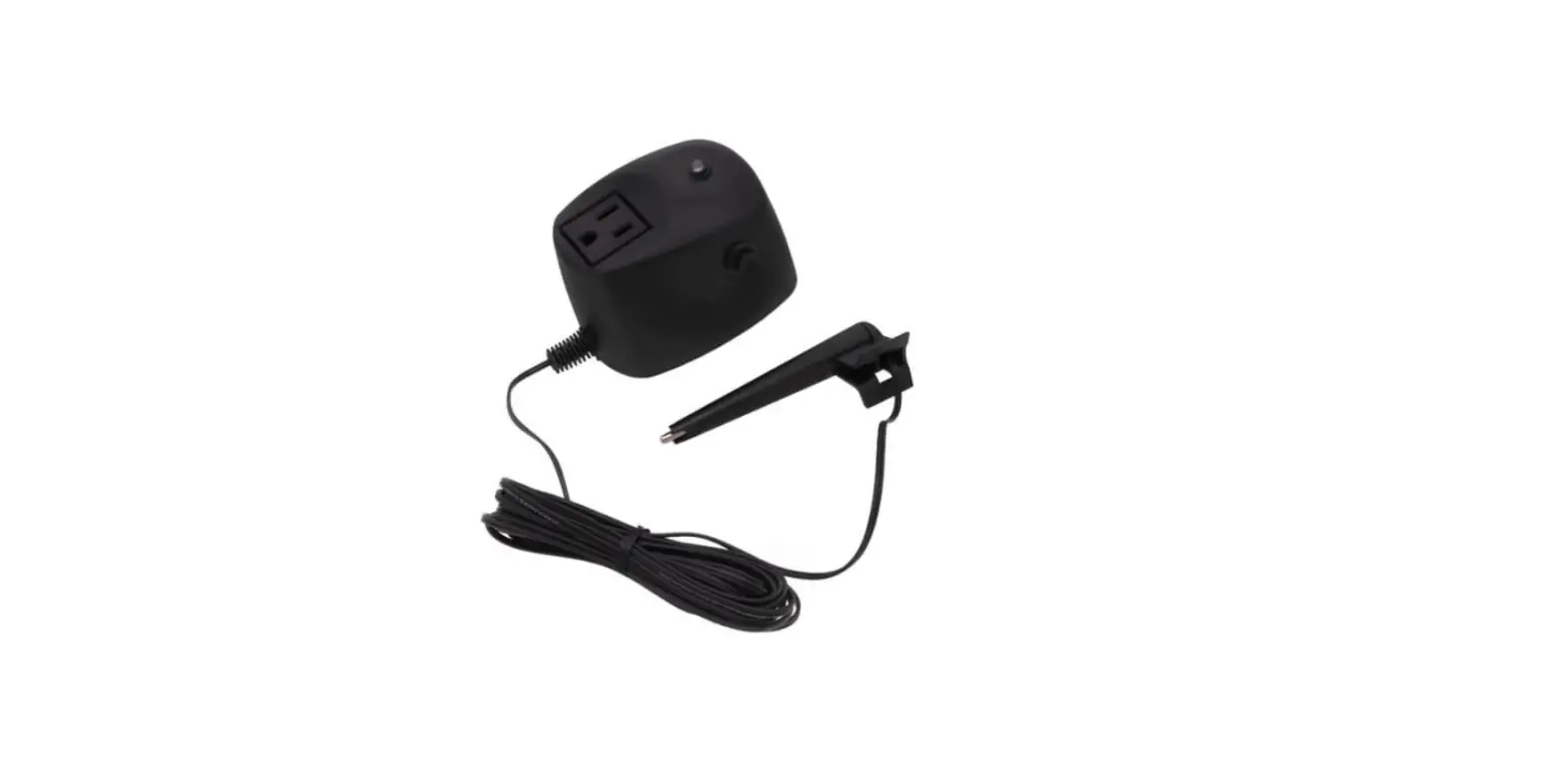

HydroCheck HC8000T Sump Pump Switch
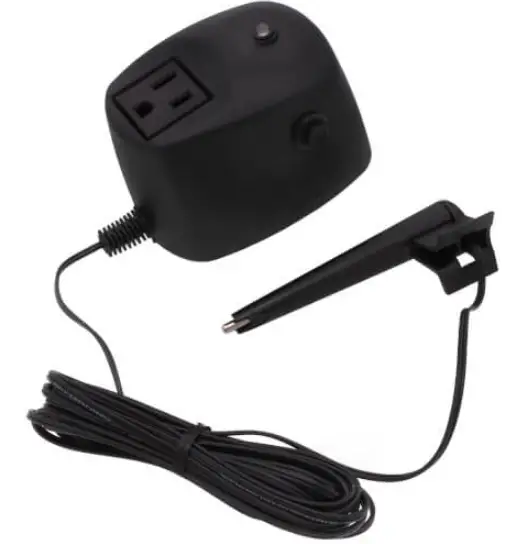
Overview
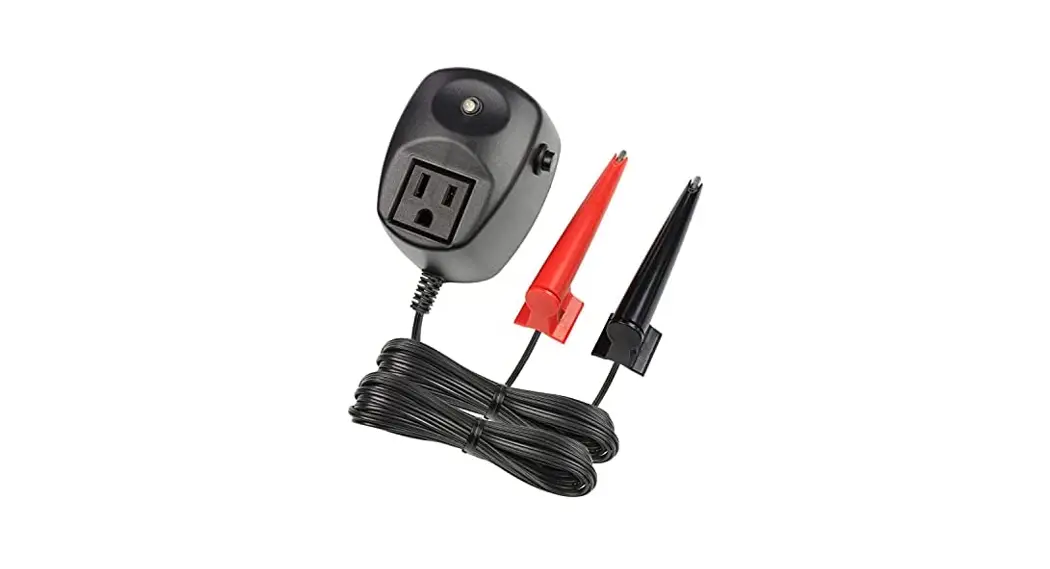
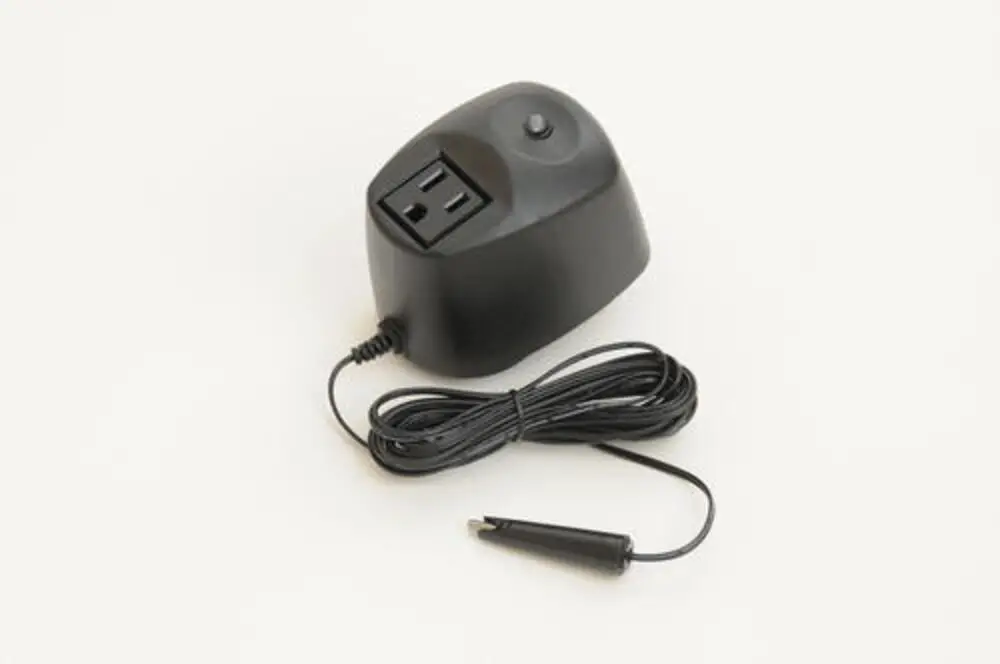
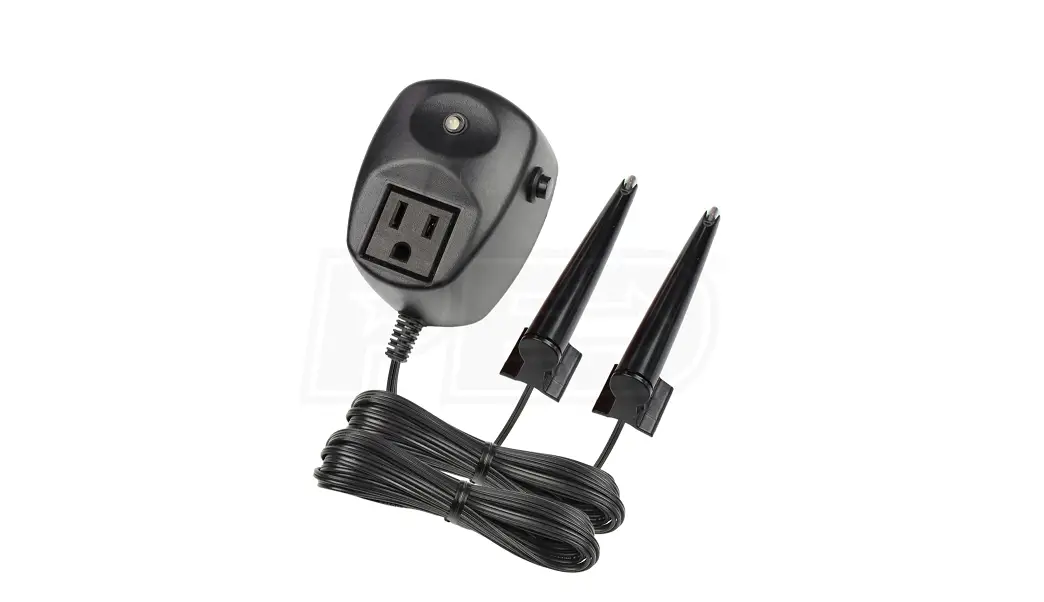
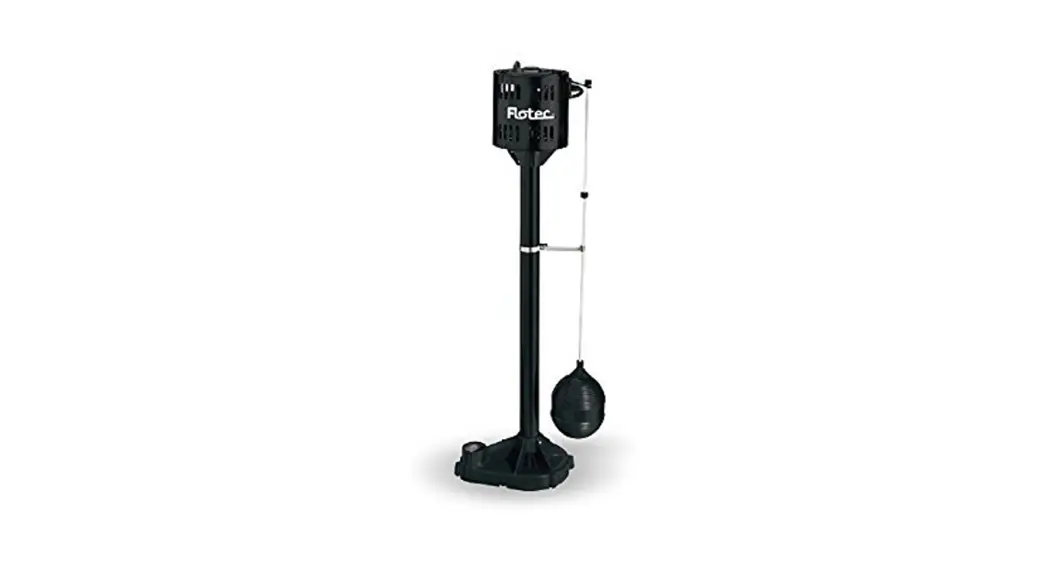
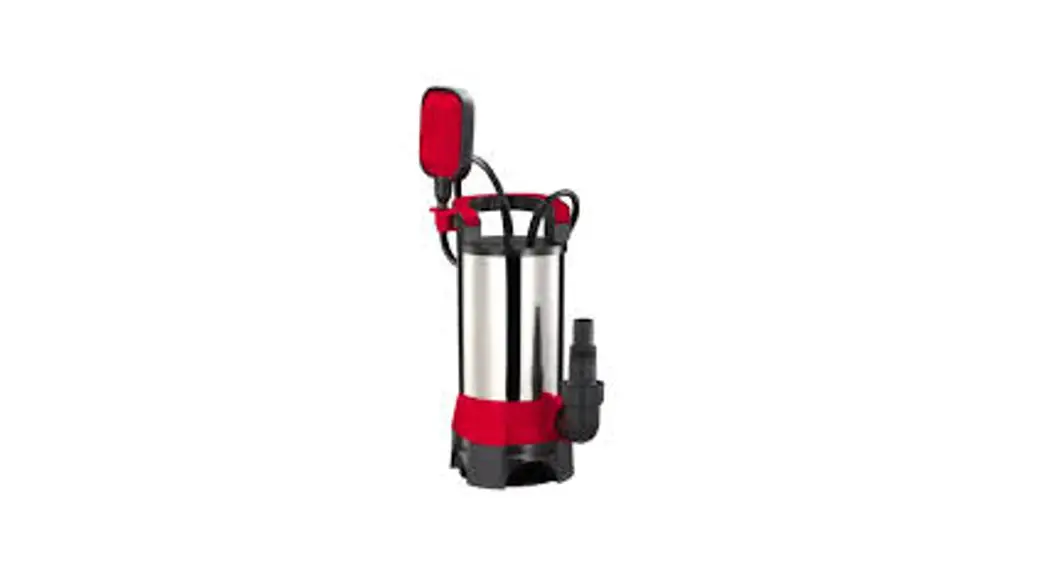
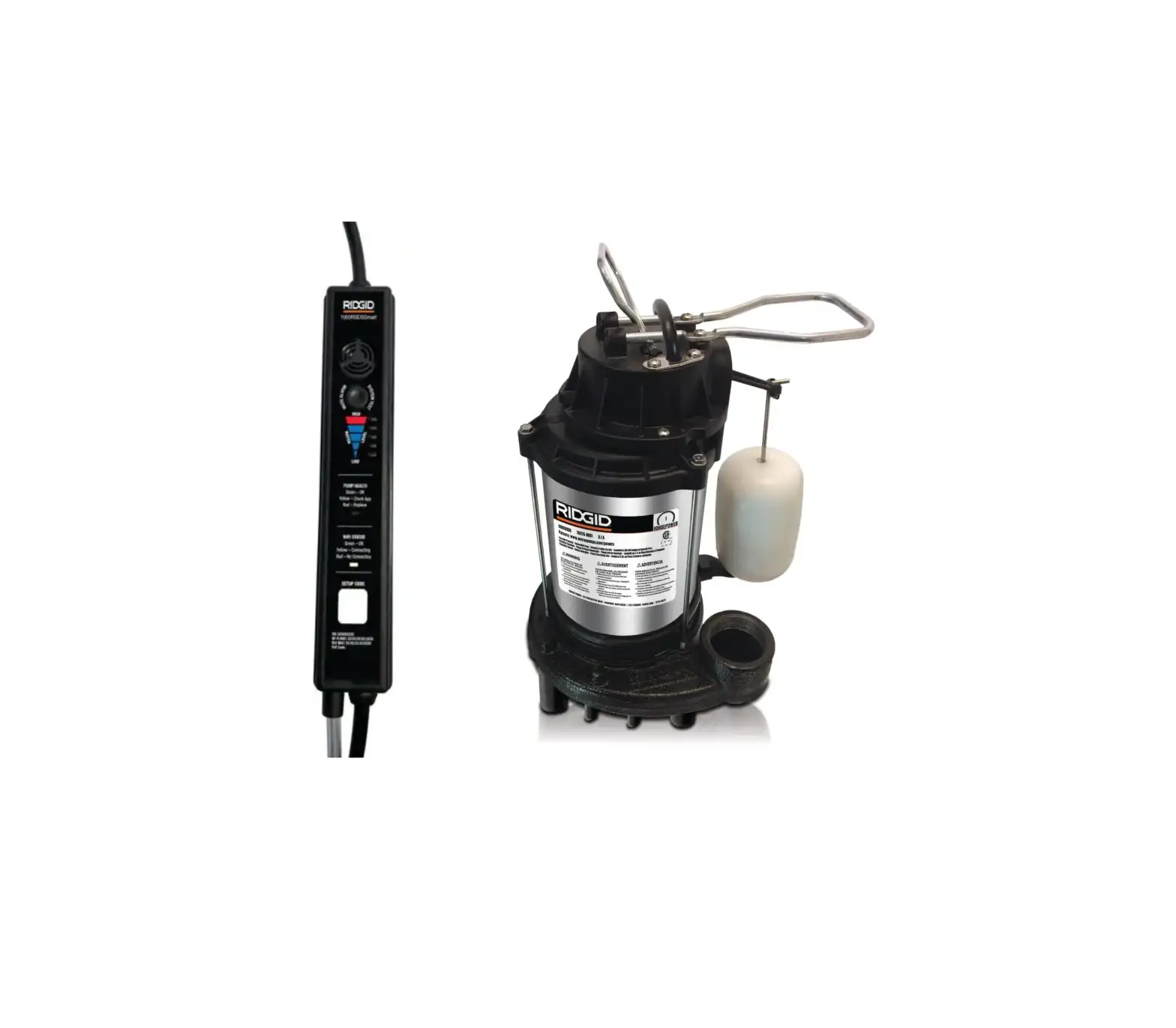
The HydroCheck HC8000T Electronic Sump Pump Float Switch with Programmable Cycle Length and Built-in Alarms is a universal float switch that works with all types of sump pumps. Use the Smart Button to easily program a precise cycle length for your sump pump that will begin when water reaches the sensor tip. See the Troubleshooting section for Smart Button, LED and Alarm specifications. This product is not rated for outdoor use.
READ PRIOR TO INSTALLATION
- The “piggyback plug” attached to the mechanical float switch cannot be used with the HC8000T. It must be disconnected and remain disconnected.
- If your sump pump has internal float switch wiring, i.e. does not have a “piggyback plug”, then you must secure the float in an upward position as if the pit were full. This assures that the internal switch is always closed and that the pump is enabled.
Step-by-Step Installation
| Step 1 | Unplug the sump pump from the back of “piggyback plug”. |
| Step 2 | Unplug the “piggyback plug” from the 120 VAC and set aside. The HC8000T completely replaces this component. |
| Step 3 | Secure the sensor (A) to the discharge pipe (D) with the tie wrap (E) where the pump is intended to turn on. NOTE: Recommended height for the sensor is slightly below the Drain Tile (Water Inlet Pipe). |
| Step 4 | Plug the control module (B) into a 3-prong 120 VAC outlet. |
| Step 5 | Plug the sump pump power cord (C) into the control module (B). |
| Step 6 | Adjust run time by following Run Time Adjustment steps in the table below. NOTE: This product defaults to a 10 second run duration and can be reprogrammed at anytime. Achieving the optimal pump cycle length may take several attempts. |
| Step 7 | TEST YOUR INSTALLATION BEFORE LEAVING IT FOR UNAT- TENDED USE. NOTE: This product will not work if tested in a cup of water. See How the Sensor Works: Why won’t my pump turn on? |
Run Time Adjustment
| Step 1 | Silence or eliminate all active alarms: There should be no audible alarms active (See “Smart Button Features” on how to disable alarm). |
| Step 2 | Press and hold the Smart Button for approximately 5 seconds, or until the output turns on and the light starts to flash green. The out- put turning on marks the start of the desired run time. NOTE: If the pump is in the middle of a cycle, first cancel the cycle by pressing and releasing the Smart Button. |
| Step 3 | Release the Smart Button when the desired run time is reached. The output will turn off and the switch is now reprogrammed with the new run duration. NOTE: Loss of power does not affect programmed run time. |
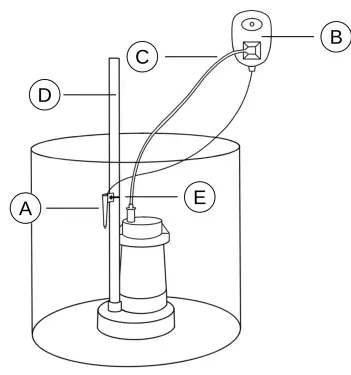
Installation Key
- A. Sensor
- B. Control Module
- C. Pump Power Cord
- D. Discharge Pipe
- E. Tie Wrap
Piggyback plug” and 120 VAC outlet are not pictured.
Product Specifications
| Product Dimensions | 2.8 x 2.5 x 3.5 in |
| Weight | 14.4 oz |
| Output Rating | 120 VAC, 15 Amp, 1 HP |
| Alarm Rating | 80 dB |
| Power | 120 VAC, 60 Hz |
| Sensor Cable Length | 12 ft |
How the Sensor Works: Why won’t my pump turn on?
The sensor detects the presence of water by using a continuity circuit. The continuity circuit works by allowing a small current to flow from the sensor, through the water, to the ground when the tip of the sensor is in water. When no water is present, the circuit is broken and no current flows. Normally, the pump provides the ground reference needed for the continuity circuit to work, but occasionally it won’t. If the pump doesn’t turn on when water hits the sensor, this indicates a weak ground. When this happens, it is necessary to provide a ground reference for the sensor to work.
Adding a Ground Wire
| Step 1 | Strip 1 inch of insulation off each end of a 14 AWG length of wire. |
| Step 2 | Secure one end of the wire to a metal water pipe or other metal electrical conduit. |
| Step 3 | Place the other end of the wire into the pit so that it is below the sensor. NOTE: No danger of electrocution. Visit our website www.hydrocheckproducts.com for more information. |
TROUBLESHOOTING
Alarm & LED Guide
| Meaning | Possible Cause | |
| Green LED | Pump is running. | None—Normal operation |
| Red LED | The pump is off. | None—Normal operation |
| 2-Beep Alarm (No Pump Current Detected) | The switch did not detect a motor current during a pump cycle. |
|
| 3-Beep Alarm (High Water Alarm) | Triggered if the sensor is still detecting water at the end of a cycle. |
|
Smart Button Features
| Goal | Method |
| Silence Alarm | Pressing and releasing the Smart Button while an alarm is active will silence the alarm for 24hrs. |
| Disable Alarm | Pressing and holding the Smart Button while an alarm is active will disable the alarm until the switch is reset. The Smart Button should be pressed and held until the device sounds a short beep followed by a long beep, indicating that the alarm was successfully disabled. |
| Switch Reset | Press and hold Smart Button while plugging switch into a 120 VAC outlet. A short beep will sound to indicate that the switch has been reset. Resetting the switch returns all settings back to the original factory defaults. |
| Cancel Cycle | Press and release the Smart Button while the pump is on to cancel the cycle. |
Warranty
STAK Enterprises Inc. warrants the model HC8000T to be free from defects in materials and workmanship for its normal, useful life, for a period of 5 years from the date of purchase. STAK Enterprises Inc. makes no other express warranty for this device. No agent, representative, dealer, or employee of STAK Enterprises Inc. has the authority to increase or alter the obligations or limitations of the warranty. The company’s obligation of this warranty shall be limited to the repair or replacement of any part of the HC8000T which is found to be defective in materials or workmanship under normal use and service during the 5 year period of product use by original product owner commencing with the date of purchase. Owner must pay all shipping charges necessary to replace product covered by this warranty. This warranty shall not apply to acts of God, nor shall it apply to products which, in the sole judgment of STAK Enterprises, Inc. have been subject to negligence, abuse, accident, tampering, alteration, misapplication, or improper installation.
THE DURATION OF ANY EXPRESS OR IMPLIED WARRANTY, INCLUDING THAT OF MERCHANTABILITY OR FITNESS FOR ANY PARTICULAR PURPOSES, SHALL BE LIMITED TO THE NORMAL, USEFUL LIFE OF THE PRODUCT, COMMENCING WITH THE DATE OF PURCHASE. IN NO CASE SHALL THE COMPANY BE LIABLE FOR ANY CONSEQUENTIAL OR INCIDENTAL DAMAGES FOR BREACH OF THIS OR ANY OTHER WARRANTY, EXPRESS OR IMPLIED, WHATSOEVER.
- www.hydrocheckproducts.com
- [email protected]
- Tel: 1(877)-225-2124
 Electronic Float Switches | HydroCheck