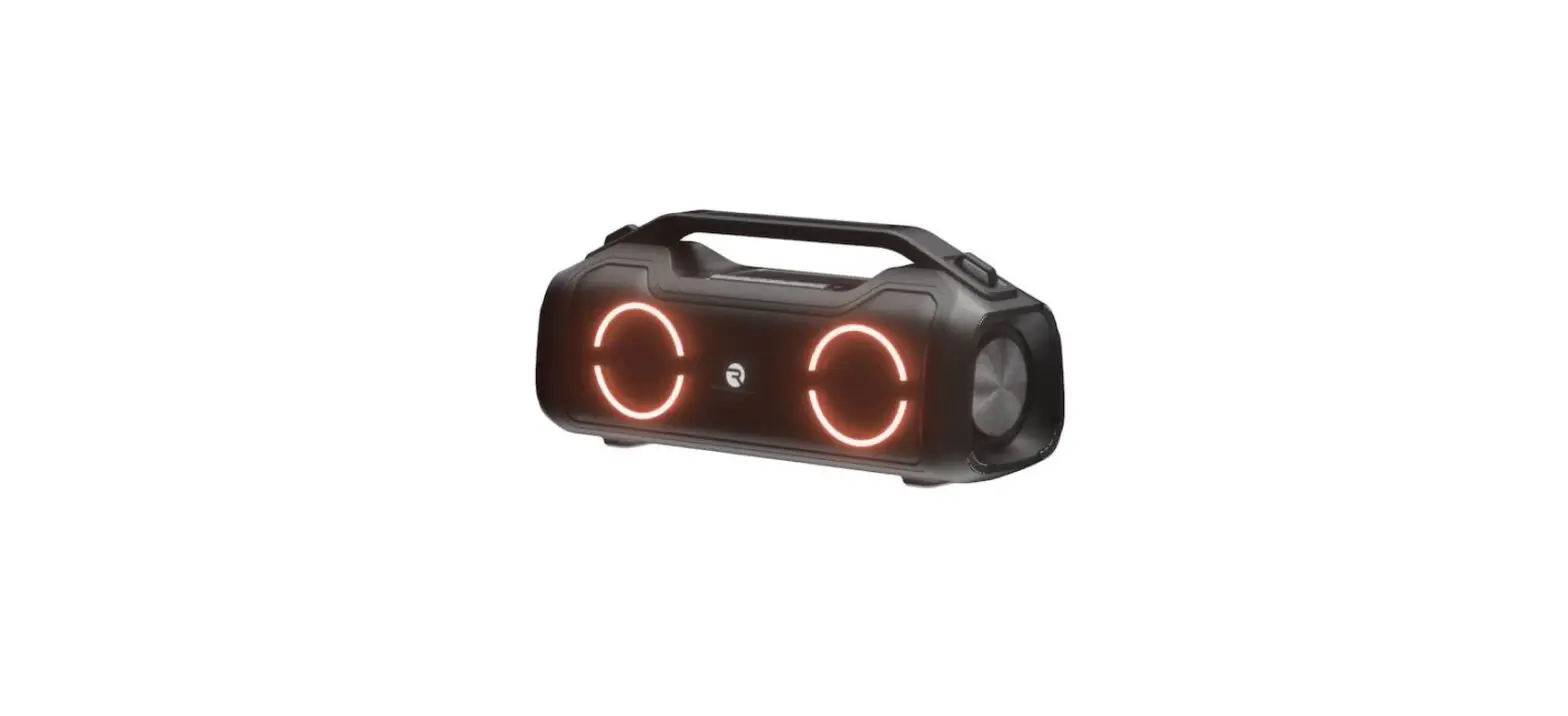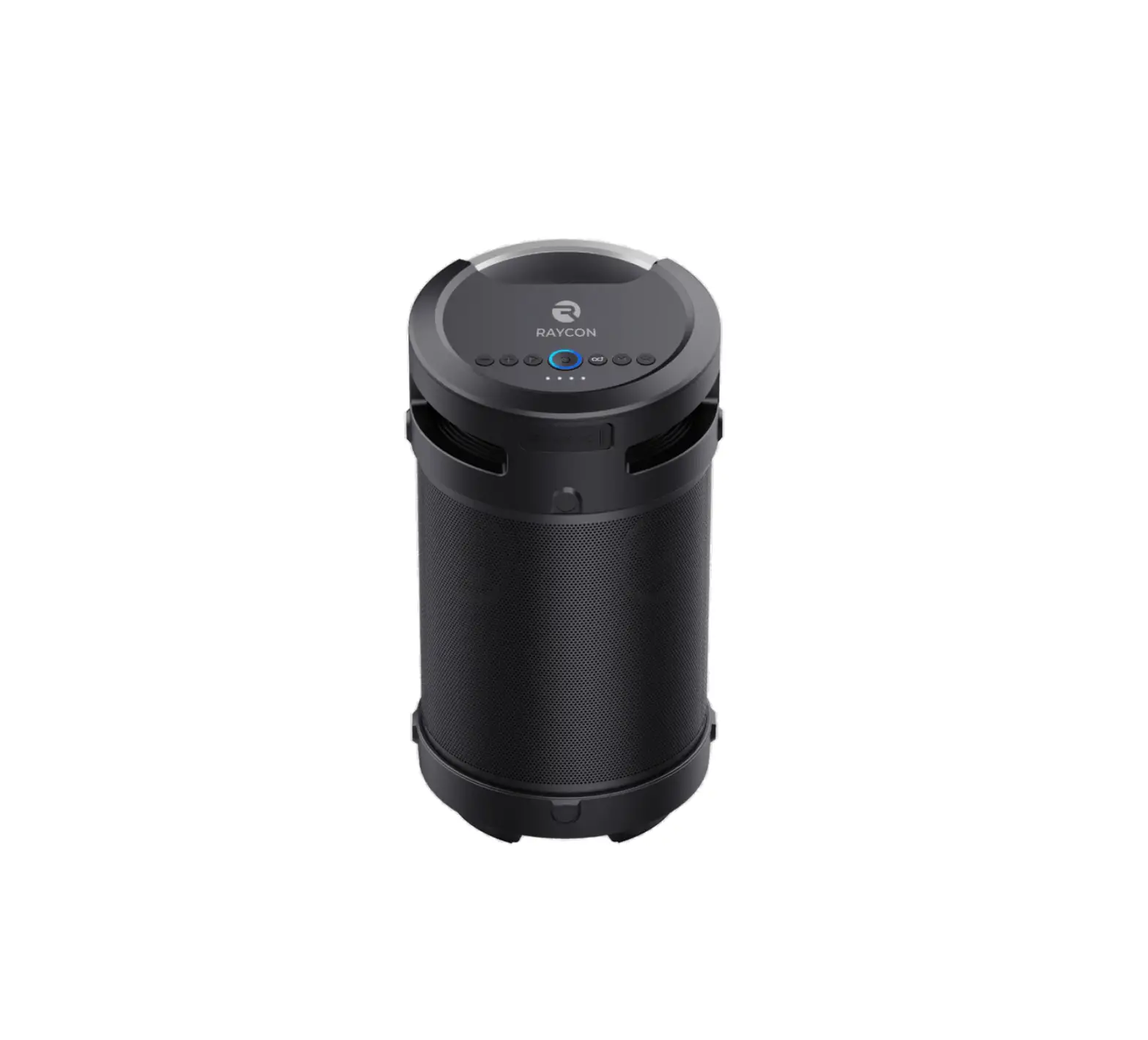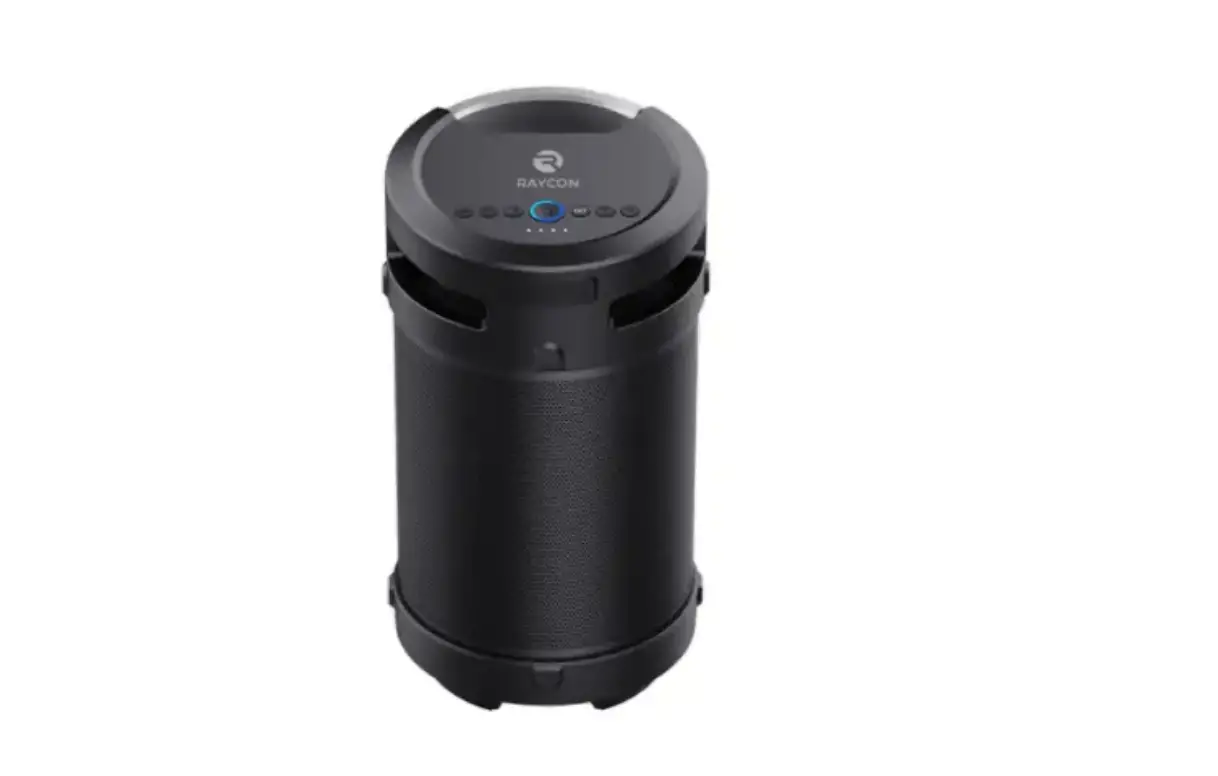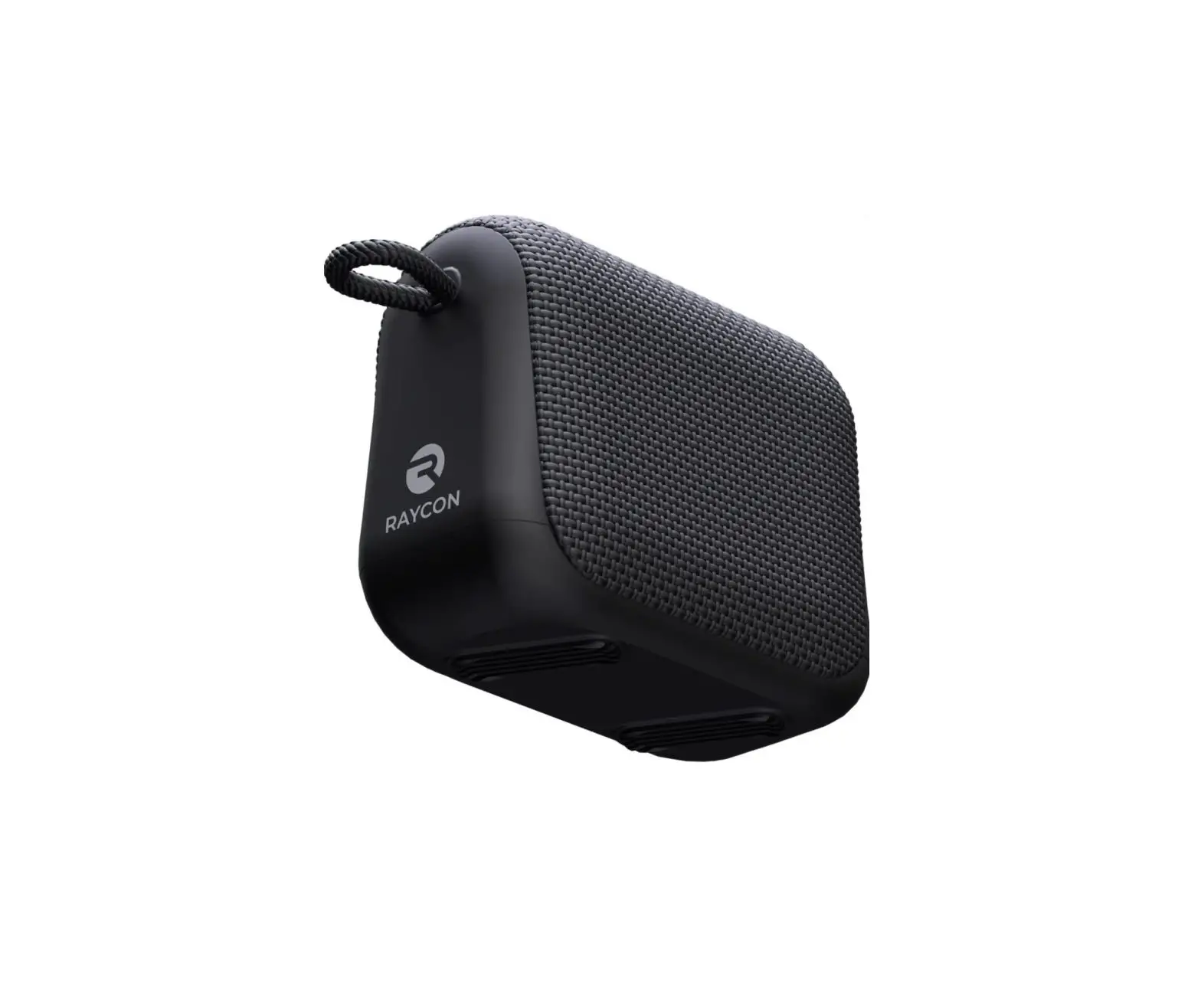
RAYCON S51 Boombox Speaker User Manual
Contents hide
INTRODUCTION
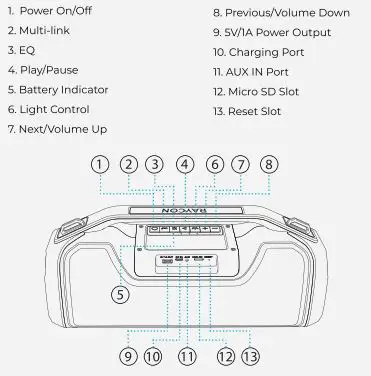
UNIT AT A GLANCE
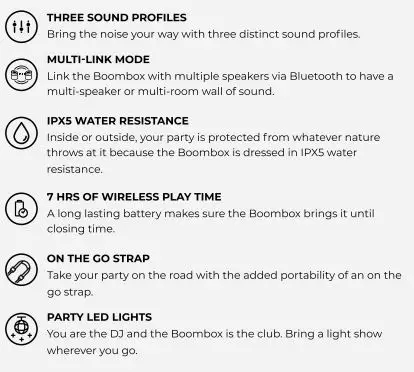
FEATURE AT A GLANCE
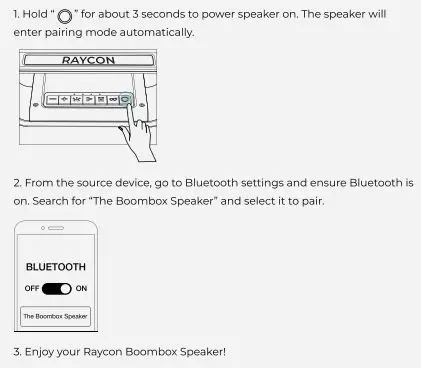
QUICK STATE GUIDE
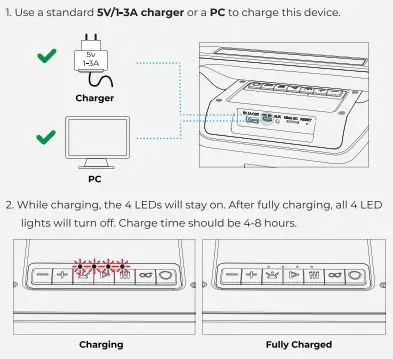
CHARGING YOUR DEVICE
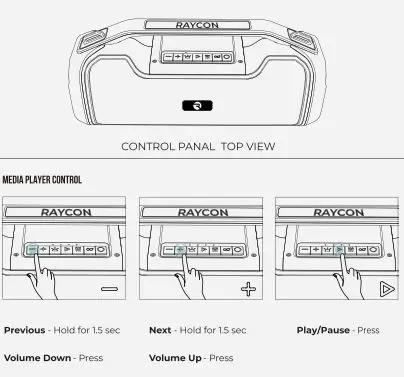
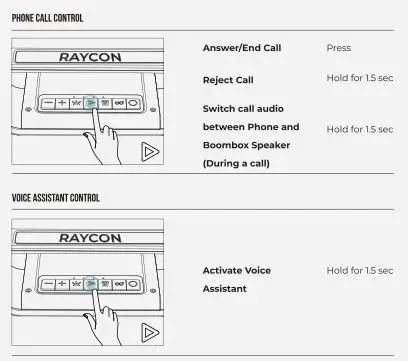
FUNCTIONS
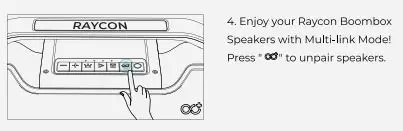
MULTI LINK MODE

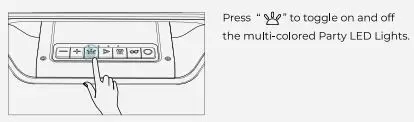
PARTY LED LIGHTS
POWER BANK FOR YOUR PHONE
Using a charging cable that is compatible with your phone (not supplied) connect to the power Output Port on the Boombox to begin charging.
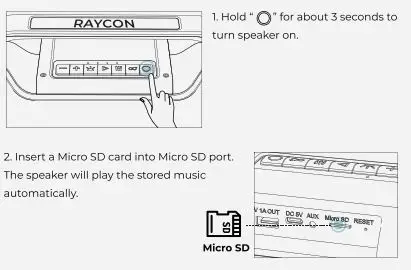
PLAYING MUSIC FROM MICRO SD CARD
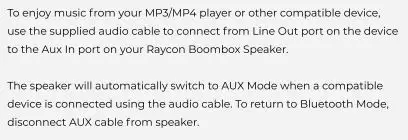
AUX-IN MODE
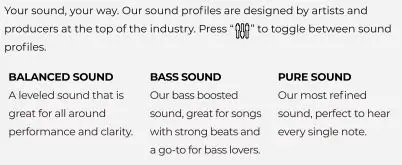
SOUND PROFILES
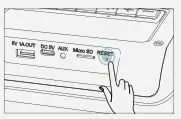
RESET FUNCTION
If the speaker does not turn off or respond, the speaker can be rete by inserting a small round pin into the reset slot to press the button inside. Please be gently when inserting pin.
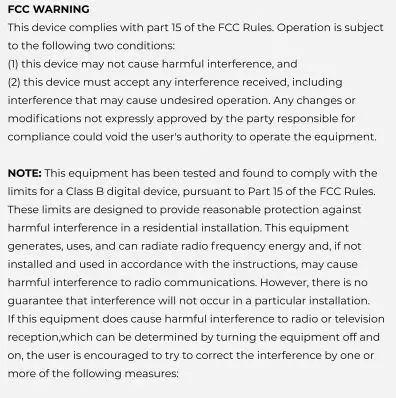
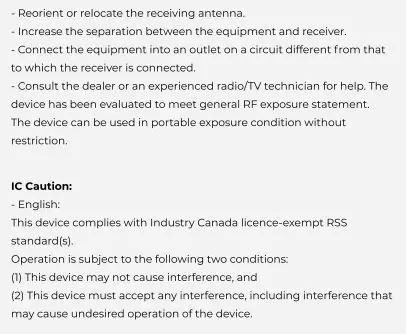
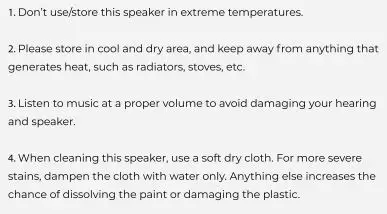
SAFETY GUIDELINES
FAQ & ADDITIONAL RESOURCES
Visit: www.rayconglobal.com/support
SUPPORT
If your device is not functioning correctly. please visit www.rayconglobal.com/support for customer support, and we will be more than happy to help you.
LIMITED WARRANTY
Visit: www.rayconglobal.com/warranty.
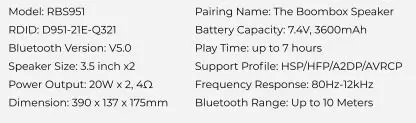
SPECIFICATIONS