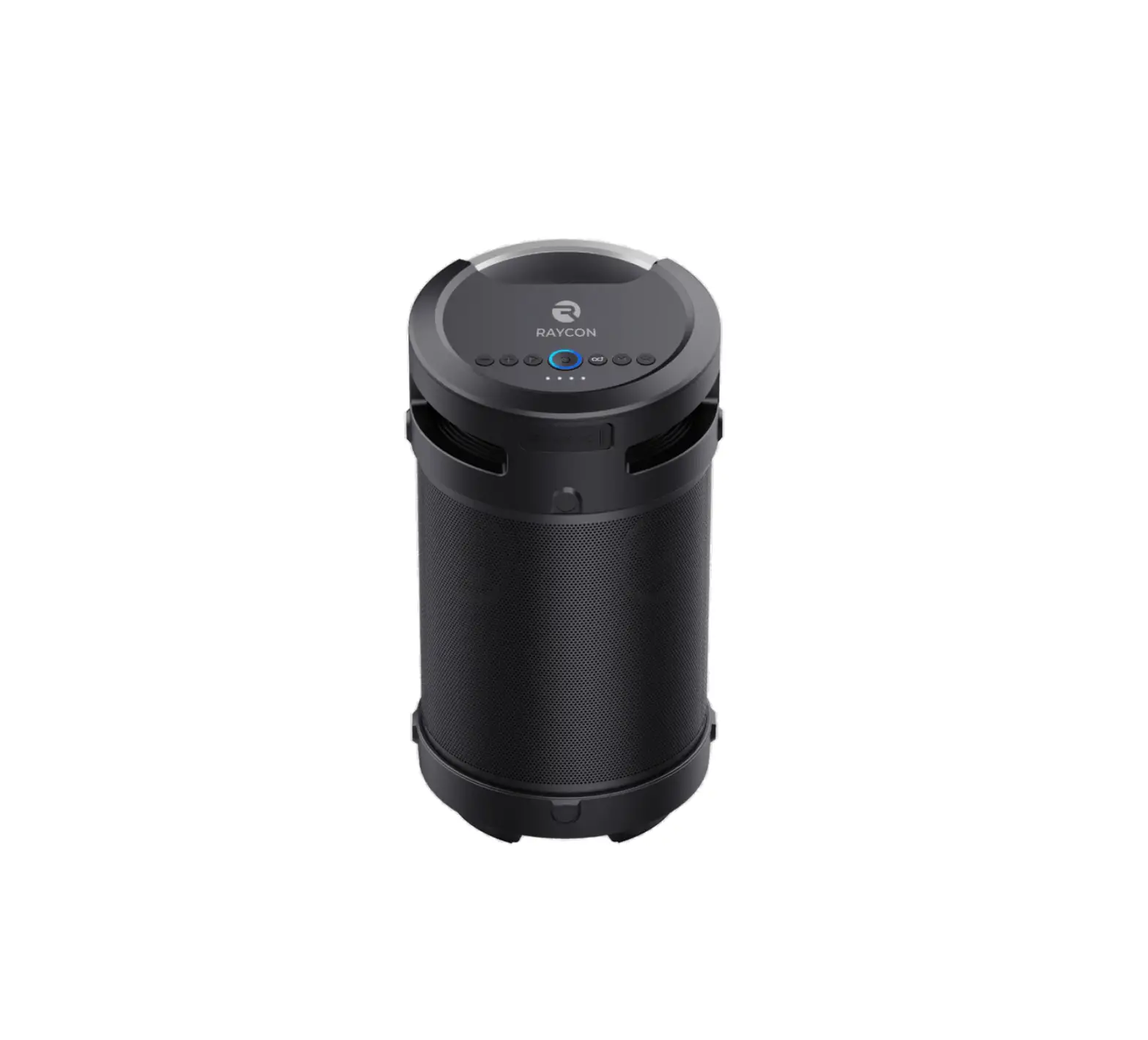
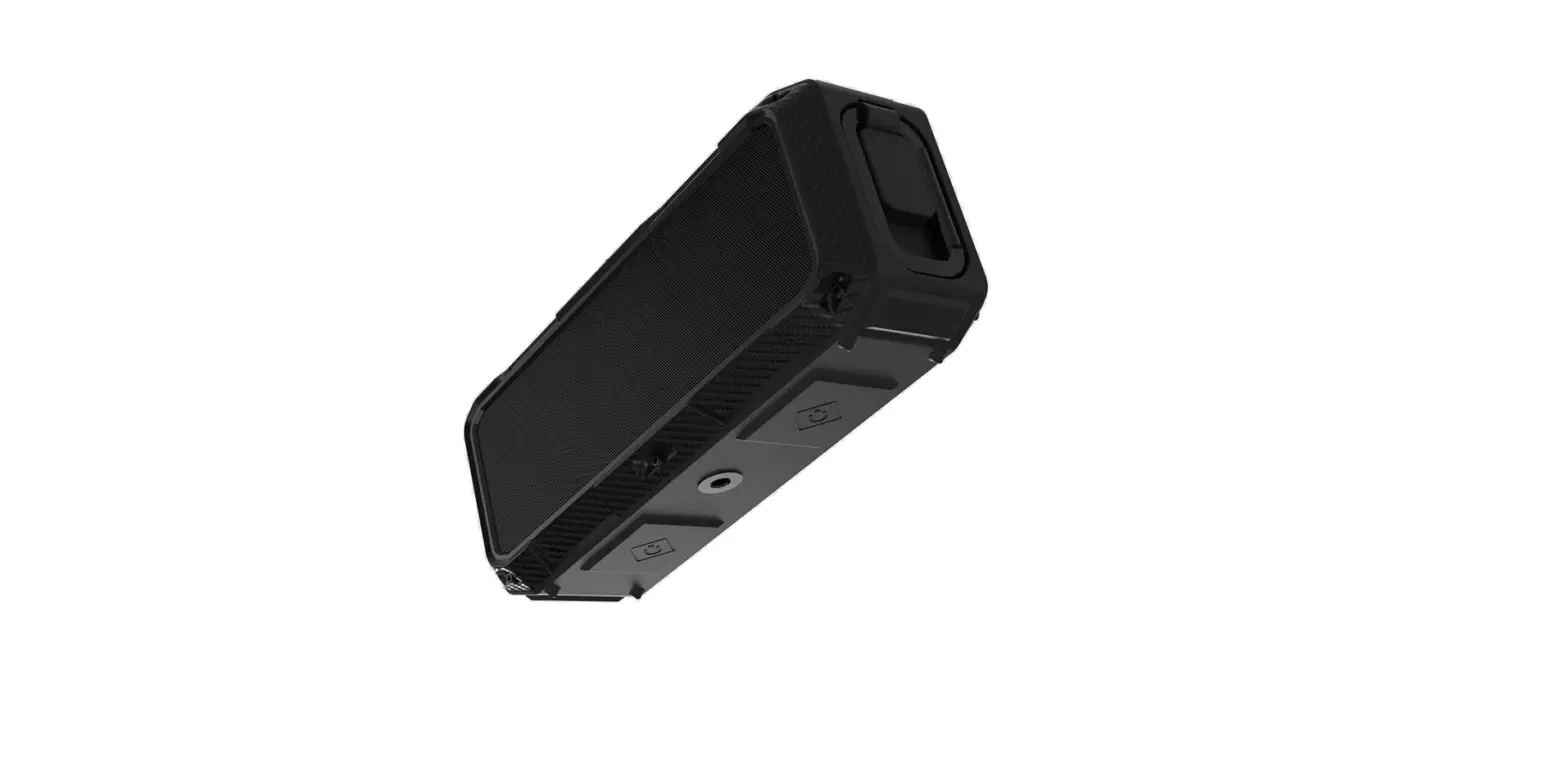
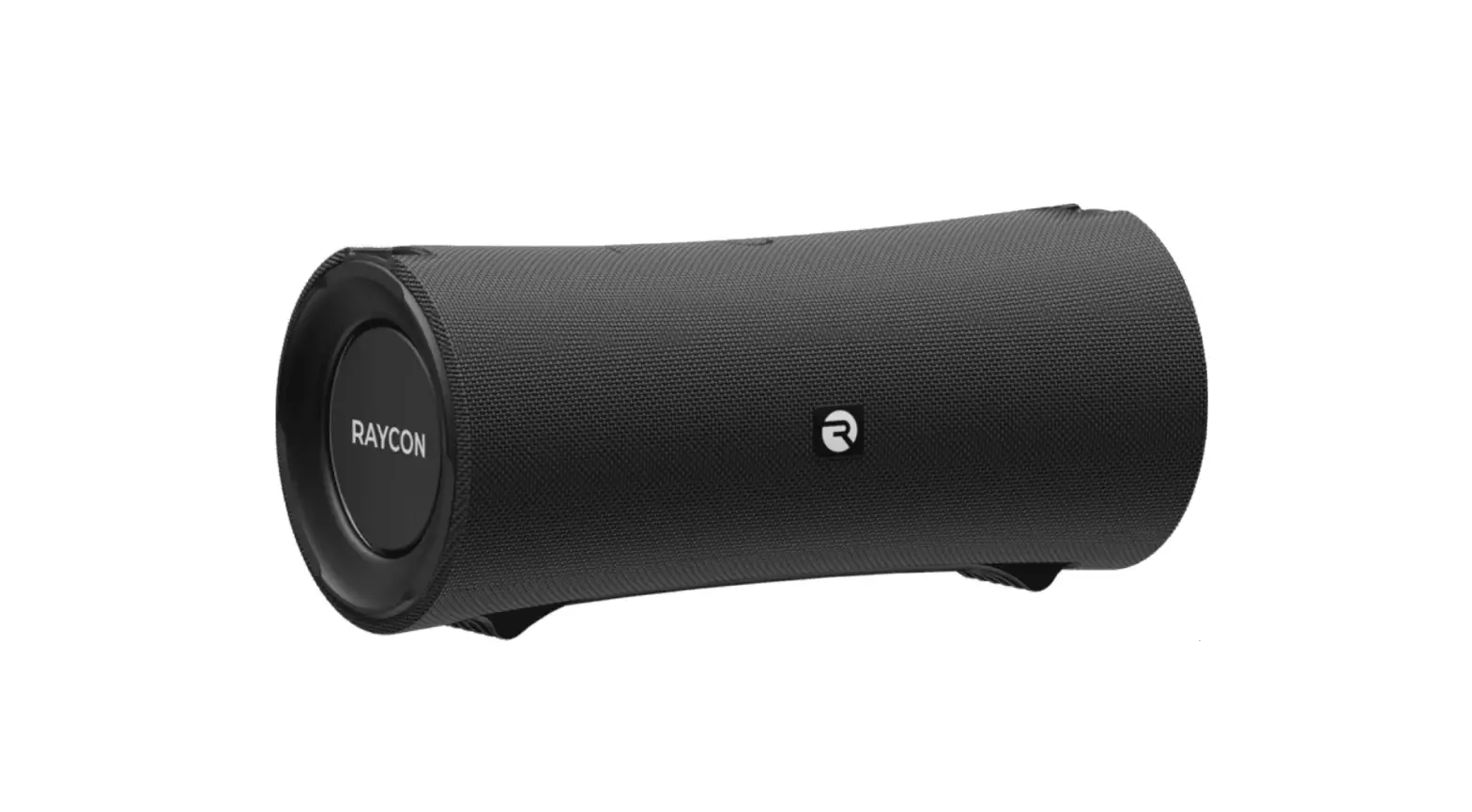
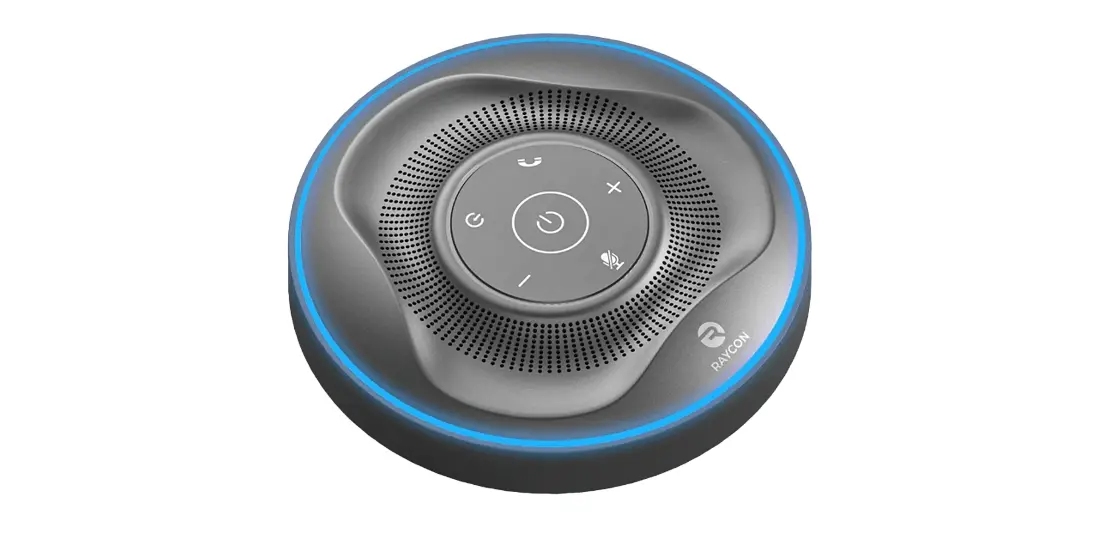
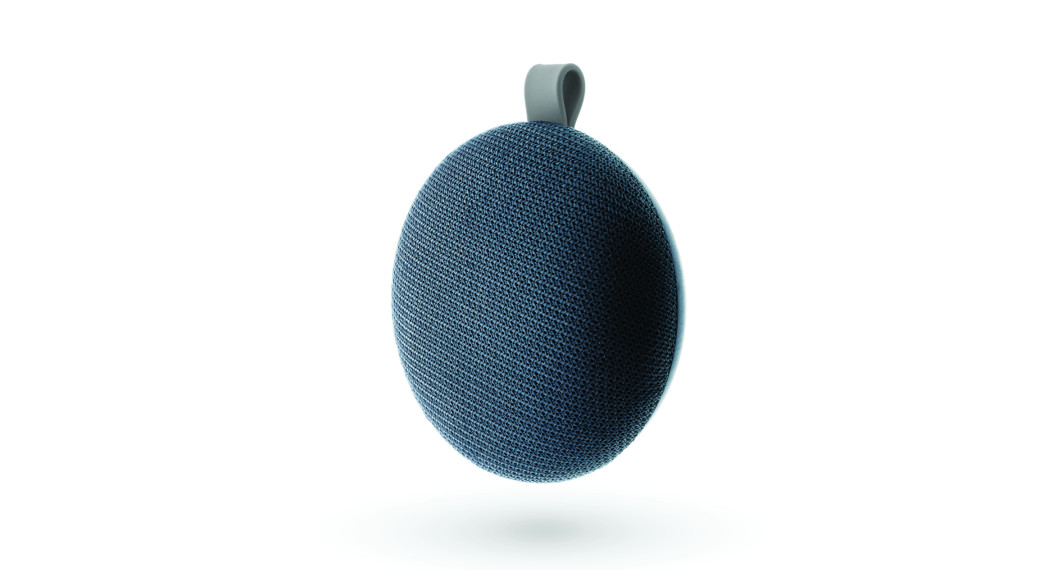
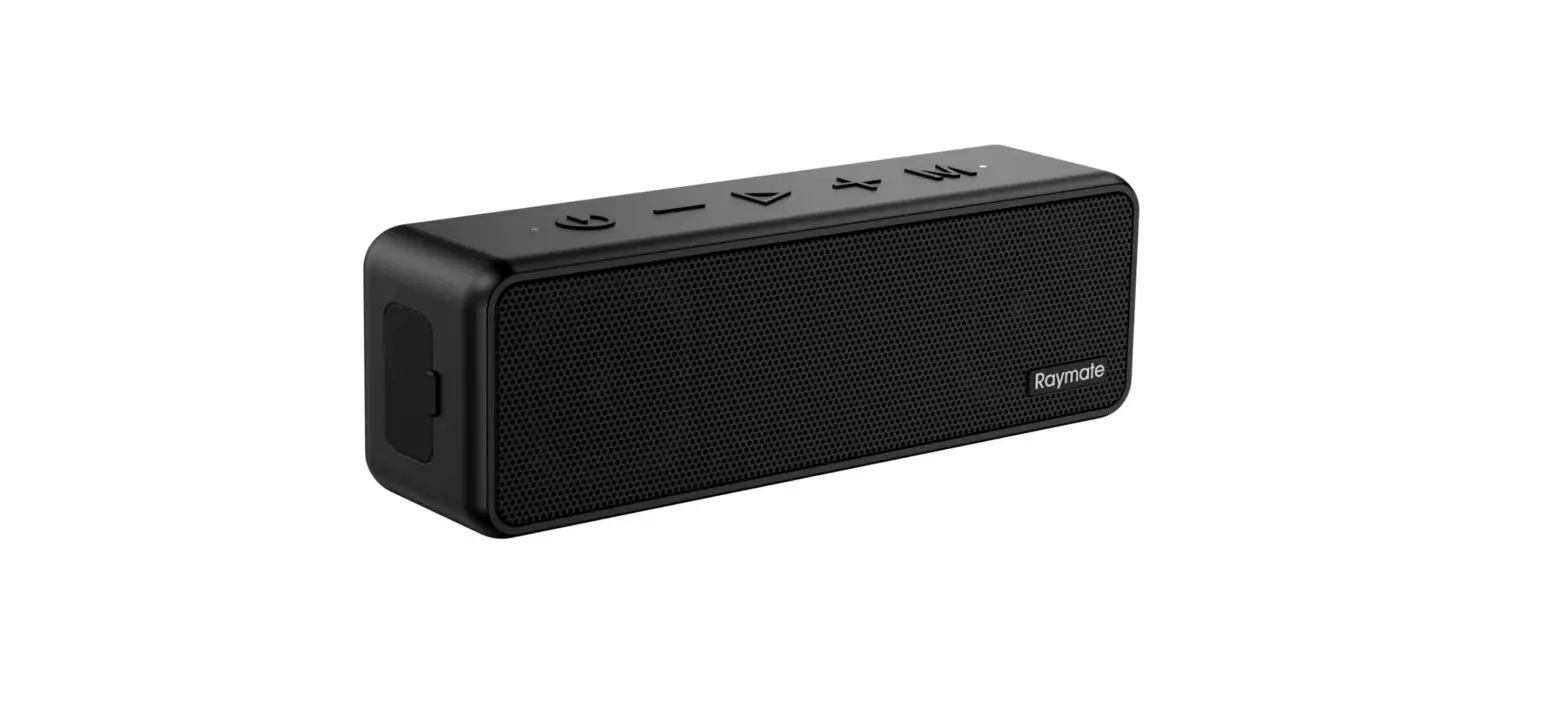
RBS920 Everyday Speaker
Product Information
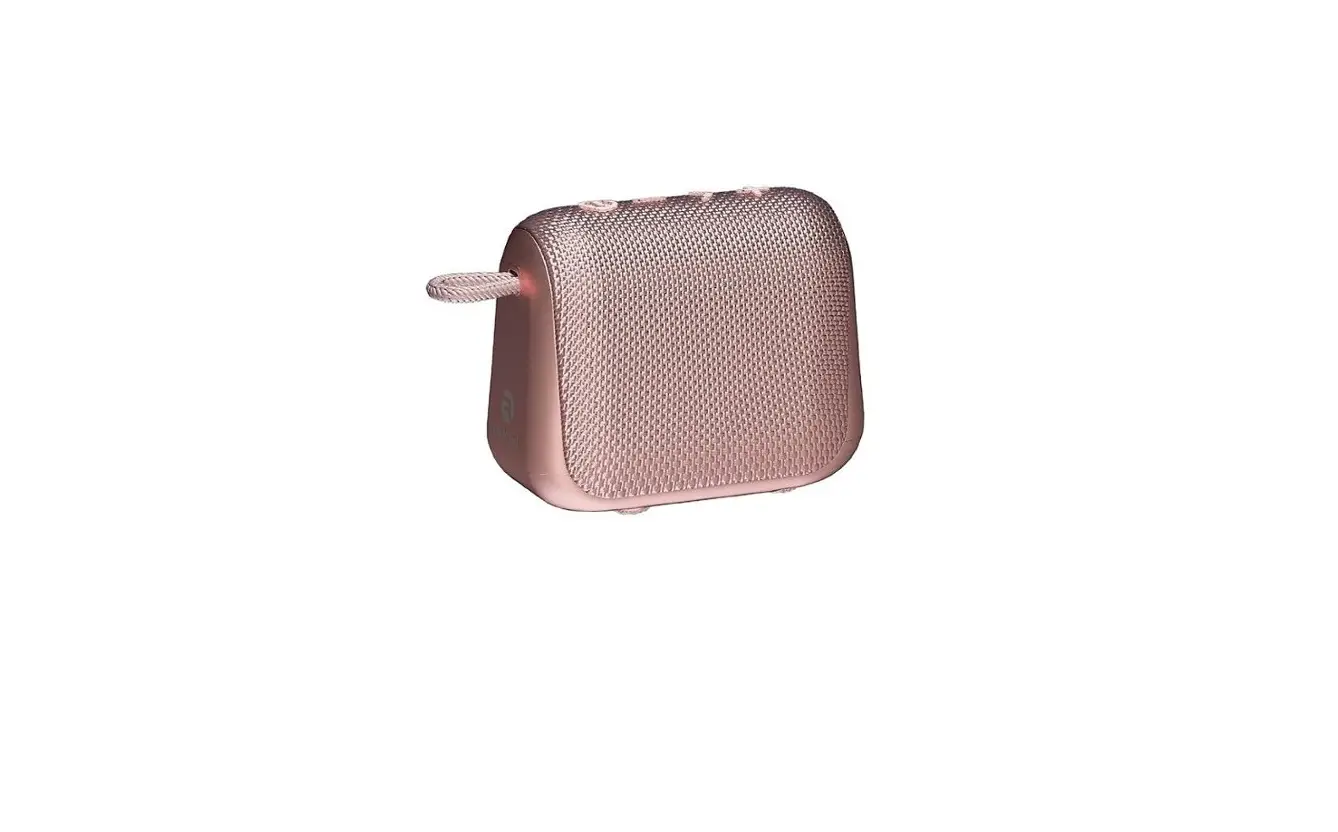
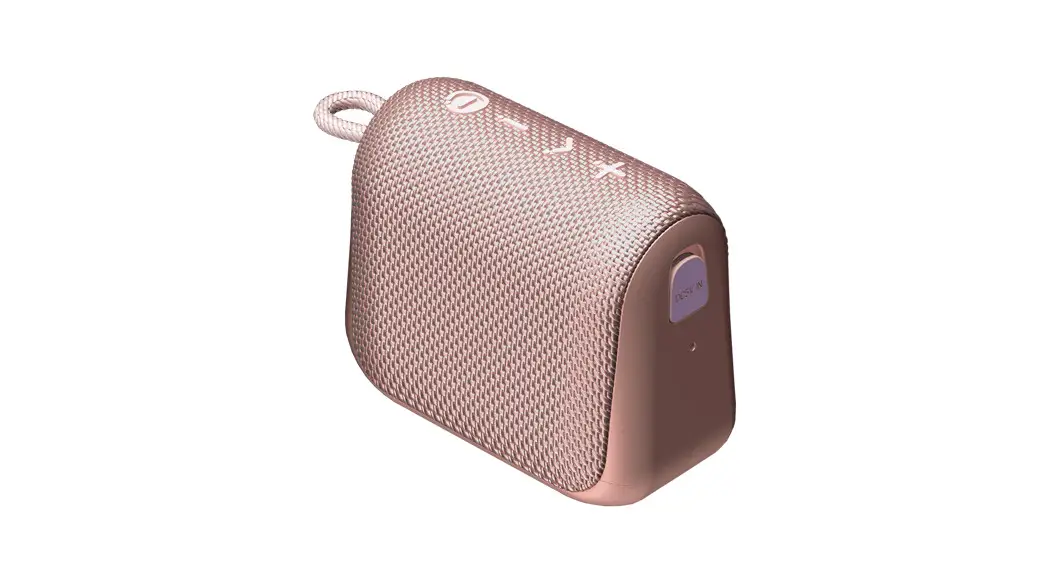
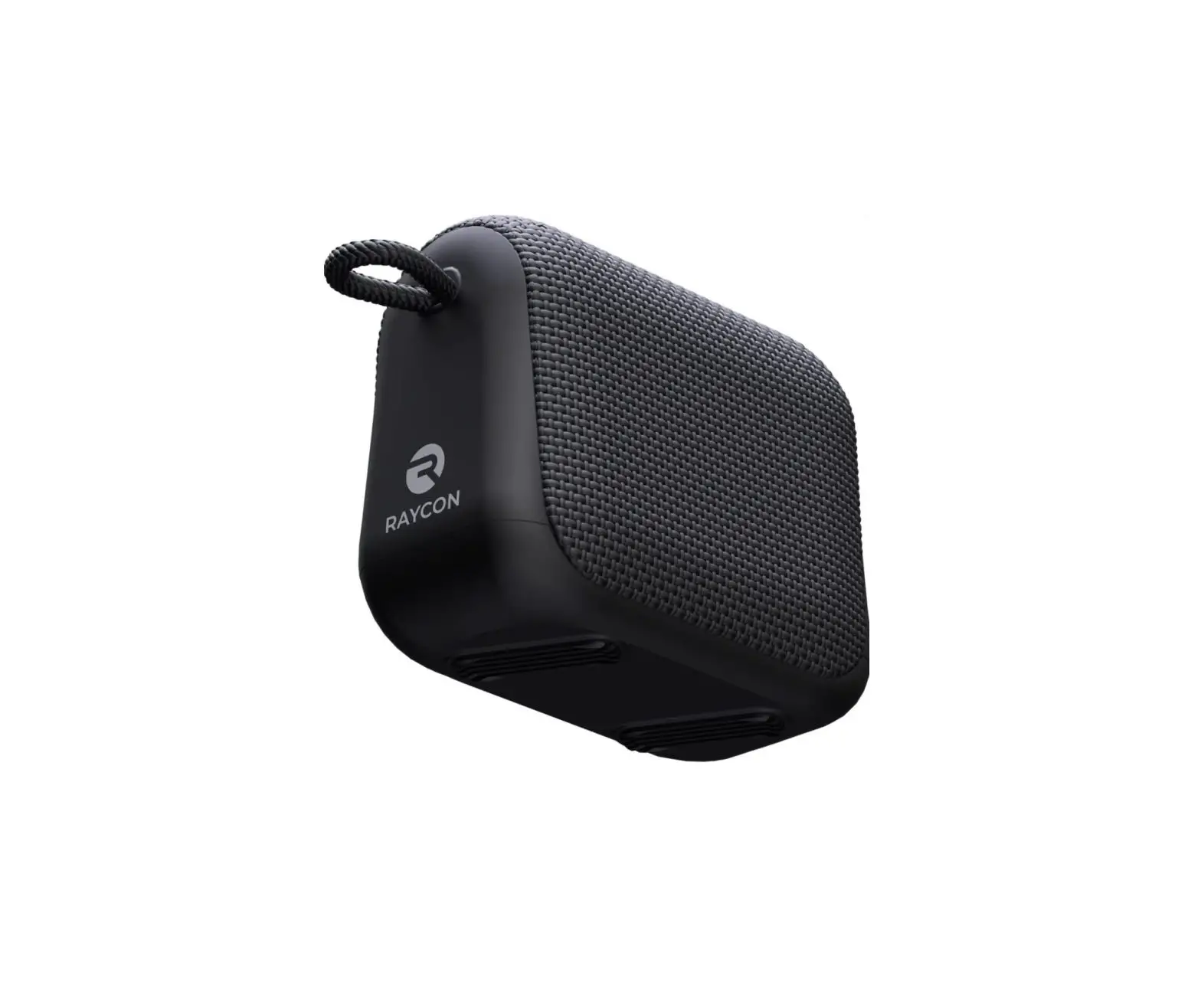
The Everyday Speaker is a wireless audio device developed and
designed by Raycon. It is a compact and portable speaker that is
perfect for people with fast-paced lifestyles. The speaker is
designed to deliver premium audio quality and is built to withstand
water and dust.
Key Features:
- Link multiple speakers together for a surround sound
experience - Streamlined design for easy portability
- Long-lasting battery with 11 hours of playtime
- Durable construction to withstand water and dust
- Clear audio for calls and other communication
- Three sound profiles for customizable audio experience
Product Usage Instructions
Before using the Everyday Speaker, it is recommended to fully
charge it. Follow the steps below to charge the device:
- Connect the speaker to a standard 5V/1-2A charger, PC, or power
bank using the provided Type-C charging cable. - The LED indicator on the speaker will blink red to indicate
that it is charging. - Once the speaker is fully charged, the LED indicator will turn
off.
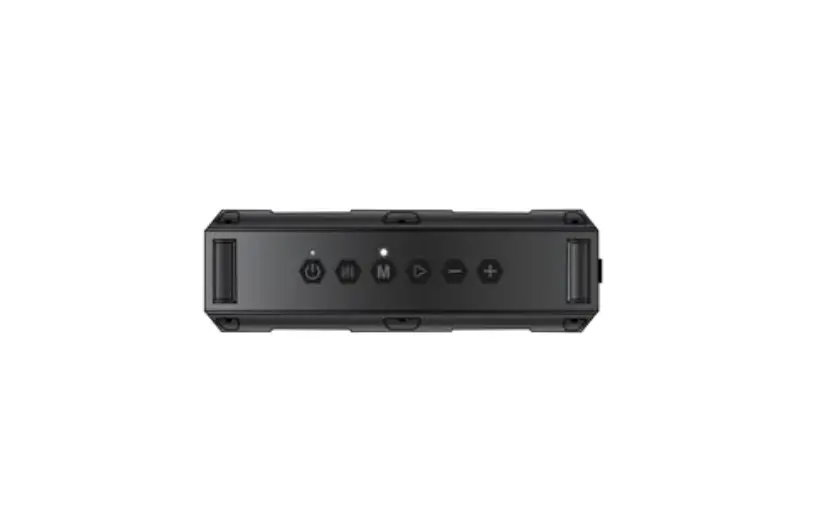
To use the Everyday Speaker, familiarize yourself with the
unit’s controls:
- Power On/Off/Sound Profiles: Use this button to turn the
speaker on or off and switch between sound profiles. - Previous/Volume Up: Press this button to go to the previous
track or increase the volume. - Play/Pause/Multi-link: Use this button to play or pause audio
playback and enable multi-link mode. - Next/Volume Up: Press this button to go to the next track or
increase the volume. - Charging Port: This port is used to connect the charging cable
for charging the speaker. - LED Indicator: The LED indicator provides charging status
information.
For more detailed instructions and troubleshooting, refer to the
user manual provided with the package. Additional resources and
support can also be found on the Raycon support center website at
www.rayconglobal.com/support.
Note: For safety guidelines, warranty information, and detailed
specifications, refer to the respective sections in the user
manual.
THE
EVERYDAY SPEAKER
table of contents
INTRODUCTION . . . . . . . . . . . . . . . . . . . . . . . . . . . . . . . . . . . 1
UNIT AT A GLANCE . . . . . . . . . . . . . . . . . . . . . . . . . . . . . . . . 2
PACKAGE CONTENTS . . . . . . . . . . . . . . . . . . . . . . . . . . . . 2
FEATURES AT A GLANCE . . . . . . . . . . . . . . . . . . . . . . . . . . 3
CHARGING YOUR DEVICE . . . . . . . . . . . . . . . . . . . . . . . . 4
QUICK START GUIDE . . . . . . . . . . . . . . . . . . . . . . . . . . . . . 5
FUNCTIONS . . . . . . . . . . . . . . . . . . . . . . . . . . . . . . . . . . . . . . . 6
SOUND PROFILES . . . . . . . . . . . . . . . . . . . . . . . . . . . . . . . . 7
MULTI-LINK MODE . . . . . . . . . . . . . . . . . . . . . . . . . . . . . . . 8
TROUBLESHOOTING
. . . . . . . . . . . . . . . . . . . . . . . . . . .9
SAFETY GUIDELINES . . . . . . . . . . . . . . . . . . . . . . . . . . . . . . . 11
FAQ & ADDITIONAL RESOURCES . . . . . . . . . . . . . . . . . 12
SUPPORT . . . . . . . . . . . . . . . . . . . . . . . . . . . . . . . . . . . . . . . . 12
LIMITED WARRANTY . . . . . . . . . . . . . . . . . . . . . . . . . . . . . . 13
SPECIFICATIONS . . . . . . . . . . . . . . . . . . . . . . . . . . . . . . . . . . 13
INTRODUCTION
Welcome to your new Everyday Speaker. At Raycon, we develop and design innovative electronics so you can move and conquer your daily fast-paced life.
Before using your product, we strongly encourage you to fully read through this user guide. You can also visit our support center at www.rayconglobal.com/support.
This web page has more specific guidelines and helpful videos for you to navigate your product.
For best performance, charge fully before first use. Pairing ID: The Everyday Speaker
We are Raycon. We create carefully crafted wireless audio products for go-getters who need tech that keeps up with them.
We teamed up with expert engineers, leading taste-makers, and platinum artists to design products you’ll love to use.
We believe in the the early risers and the one-more-milers of the world. Premium audio, inspired by you. 1
UNIT AT A GLANCE
1. Power On/Off/Sound Profiles 2. Previous/Volume Up 3. Play/Pause/Multi-link
4. Next/Volume Up 5. Charging Port 6. LED Indicator
12 34
56
Package contents
1 x Raycon Everyday Speaker 1 x Type-C Charging Cable 1 x User Manual
2
features AT A GLANCE
Link multiple speakers together to fill everything from your office to your entire home with amazing sound.
Bring this small and mighty speaker with you wherever you go. It’s streamlined design fits in your backpacks, handbags and duffels making it powerful and portable.
A long lasting battery gives you 11 hours of pure sonic excitement.
Water and dust are no match for this tough-as-nails speaker.
When you speak, they’ll listen. Make your ideas and intentions known with clear sounding audio for calls and more.
The Everyday Speaker has three sound profiles that let you control the sound you hear based on the vibe you’re trying to create.
3
Charging your device
1. Connect the speaker to a standard 5V/1-2A charger, PC, or power bank to charge.
5v 1-2A
Charger
PC
Power Bank
2. When charging, the LED indicator will blink red. When fully charged, the LED indicator will turn off.
QUICK START GUIDE
1. Hold ” ” for about 4 seconds to power on. The speaker will enter pairing mode automatically.
2. From the source device, go to Bluetooth settings and ensure Bluetooth is on. Search for “The Everyday Speaker” and select it to pair.
Charging
Fully Charged
4
The Everyday Speaker
3. Enjoy your Raycon Everyday Speaker! 5
Functions
CONTROL PANEL TOP VIEW
Previous Volume Down
Hold for 1.5 sec Press
Play/Pause Answer/End Call Reject Call Redial 1
Press Press Hold for 1.5 sec Press 2x
Next Volume Up
Hold for 1.5 sec Press
1 Press ” ” twice to redial the last number called. This
feature may vary based on mobile device. 6
SOUND PROFILES
Your sound, your way! As our sound profiles were crafted by artists and producers at the top of the industry, you’re in good hands. Press ” ” to toggle between sound profiles.
PURE SOUND Our most refined sound, perfect clarity to hear every single note. BALANCED SOUND A leveled sound that is great for all around performance and warmth. BASS SOUND Our bass boosted sound, great for songs with strong beats and a go-to for bass lovers. 7
multi-link mode
Pair two Everyday Speakers together with Multi-link Mode. 1. Power on both speakers, and ensure that they are not connected to any bluetooth device.
2. On one speaker, press ” ” to begin pairing. A voice prompt will be audible once speakers are successfully paired.
8
The Everyday Speaker
3. From the source device, go to Bluetooth settings and ensure Bluetooth is on. Search for “The Everyday Speaker” and select it to pair.
4. Enjoy your Everyday Speakers with Multi-link Mode! To unpair speakers, hold ” ” for about 3 seconds.
Troubleshooting
1. The speaker does not turn on. Ensure the speaker is fully charged. If the speaker does not turn on even after charging, contact customer service at: rayconglobal.com/support.
2. The speaker does not charge. Ensure that USB charging cable is properly connected to the speaker and the power source. 9
3. The speaker does not pair. Ensure that device is Bluetooth capable and powered on, and that Bluetooth is enabled.
4. Music will not play through the speaker. A) Ensure that the speaker and Bluetooth device are powered on, and that the volume is not set to minimum level.
B) Test the playback of the track on the source device.
5. Sound lag / distortion / noise. A) Check if there is another device near the speaker or Bluetooth device that would cause interference.
B) Ensure that your Bluetooth device is within 30’/10 m of the speaker.
6. Caller cannot be heard. Ensure that your device is connected to the speaker. On your Bluetooth device, ensure that the speaker is selected for call audio.
10
SAFETY GUIDELINES
· Be wary of any edges, uneven surfaces, and metal parts, including on accessories and product packaging, to prevent any possible injury or damage.
· Listen to music at a proper volume to avoid damaging your hearing and speaker.
· Do not store in high temperatures, such as in a hot vehicle or in direct sunlight.
· Store in cool and dry area.
· Do not drop or cause undue impact to the speaker.
· Do not modify, repair, or dismantle the product on your own.
· Do not expose speaker and any of its supplied parts to liquid such as rain for prolonged periods of time. Follow IPX Rating guidelines.
11
· Do not expose the speaker to water while charging, as doing so may result in damage to the speaker or the power source.
· When cleaning this speaker, use a soft dry cloth. For more severe stains, dampen the cloth with water only. Anything else increases the chance of dissolving the paint or damaging the plastic.
FAQ & ADDITIONAL RESOURCES
Visit: www.rayconglobal.com/support.
SUPPORT
If your device is not functioning correctly, please visit www.rayconglobal.com/support for customer support, and we will be more than happy to help.
12
LIMITED WARRANTY
Visit: www.rayconglobal.com/warranty.
Specifications
Model: RBS920 Pairing Name: The Everyday Speaker RDID: D920-21E-Q421 Bluetooth Version: 5.0 Charging Time: about 1.5 Hours Support Profile: HSP / HFP / A2DP /AVRCP Speaker Size: Ø 45mm Speaker Power: 5W Battery Capacity: 1200mAh Play time: about 11 Hours Frequency Response: 55Hz-20kHz Weight: about 200g Product size: 97.8(L) x 47.4(W) x 81.5 (H) mm Bluetooth Operating Range: 10m
13
FCC WARNING This device complies with part 15 of the FCC Rules. Operation is subject to the following two conditions: (1) this device may not cause harmful interference, and (2) this device must accept any interference received, including interference that may cause undesired operation. Any changes or modifications not expressly approved by the party responsible for compliance could void the user’s authority to operate the equipment.
NOTE: This equipment has been tested and found to
comply with the limits for a Class B digital device, pursuant
to Part 15 of the FCC Rules. These limits are designed to
provide reasonable protection against harmful interference
in a residential installation. This equipment generates, uses,
and can radiate radio frequency energy and, if not installed
and used in accordance with the instructions, may cause
harmful interference to radio communications. However,
there is no guarantee that interference will not occur in a
particular installation.
If this equipment does cause harmful interference to radio
or television reception,which can be determined by turning
the equipment off and on, the user is encouraged to try to
correct the interference by one or more of the following
measures:
14
– Reorient or relocate the receiving antenna. – Increase the separation between the equipment and receiver. – Connect the equipment into an outlet on a circuit different from that to which the receiver is connected. – Consult the dealer or an experienced radio/TV technician for help. The device has been evaluated to meet general RF exposure statement. The device can be used in portable exposure condition without restriction.
IC Caution: Radio Standards Specification RSS-Gen, issue 5
– English: This device contains licence-exempt transmitter(s)/receiver(s) that comply with Innovation, Science and Economic Development Canada’s licence-exempt RSS(s). Operation is subject to the following two conditions: This device may not cause interference. This device must accept any interference, including interference that may cause undesired operation of the device.
15
– French: Cet appareil contient des émetteurs / récepteurs exemptés de licence conformes aux RSS (RSS) d’Innovation, Sciences et Développement économique Canada. Le fonctionnement est soumis aux deux conditions suivantes: Cet appareil ne doit pas causer d’interférences. Cet appareil doit accepter toutes les interférences, y compris celles susceptibles de provoquer un fonctionnement indésirable de l’appareil.
FCC ID: 2AZOV-RBS920 IC: 27185-RBS920
16
 Raycon Global | Warranty