 In association with
 Quick Start Guide
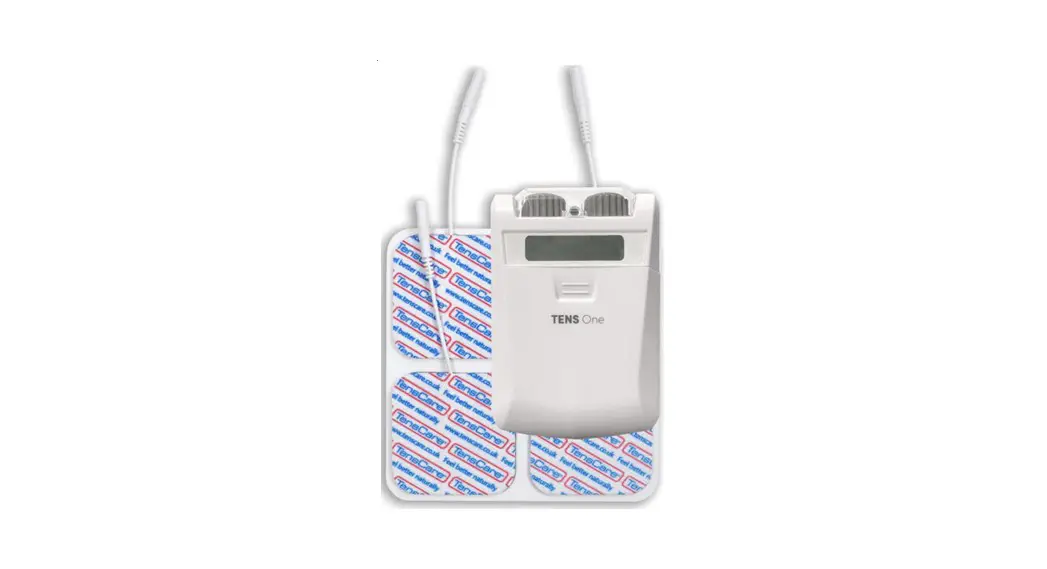
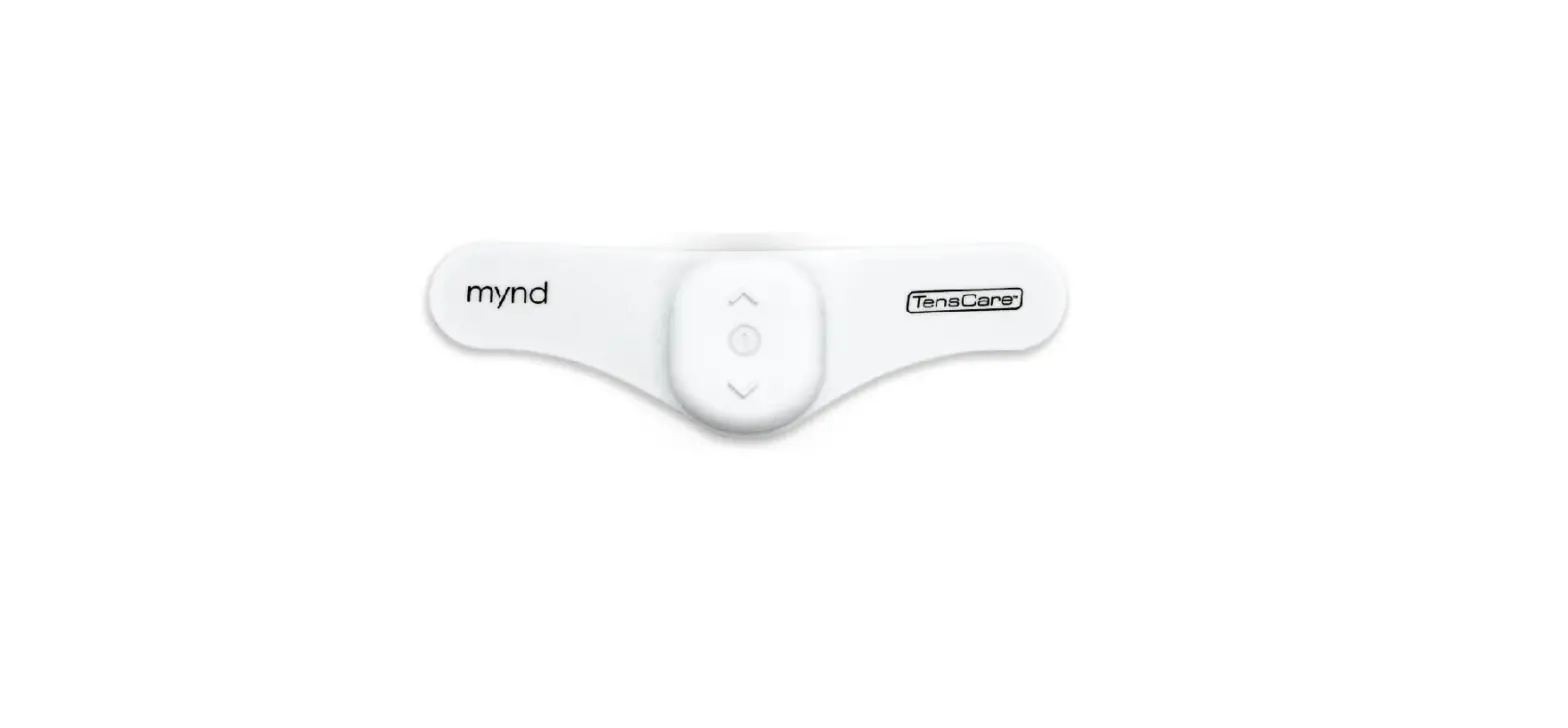
WT2 TENS
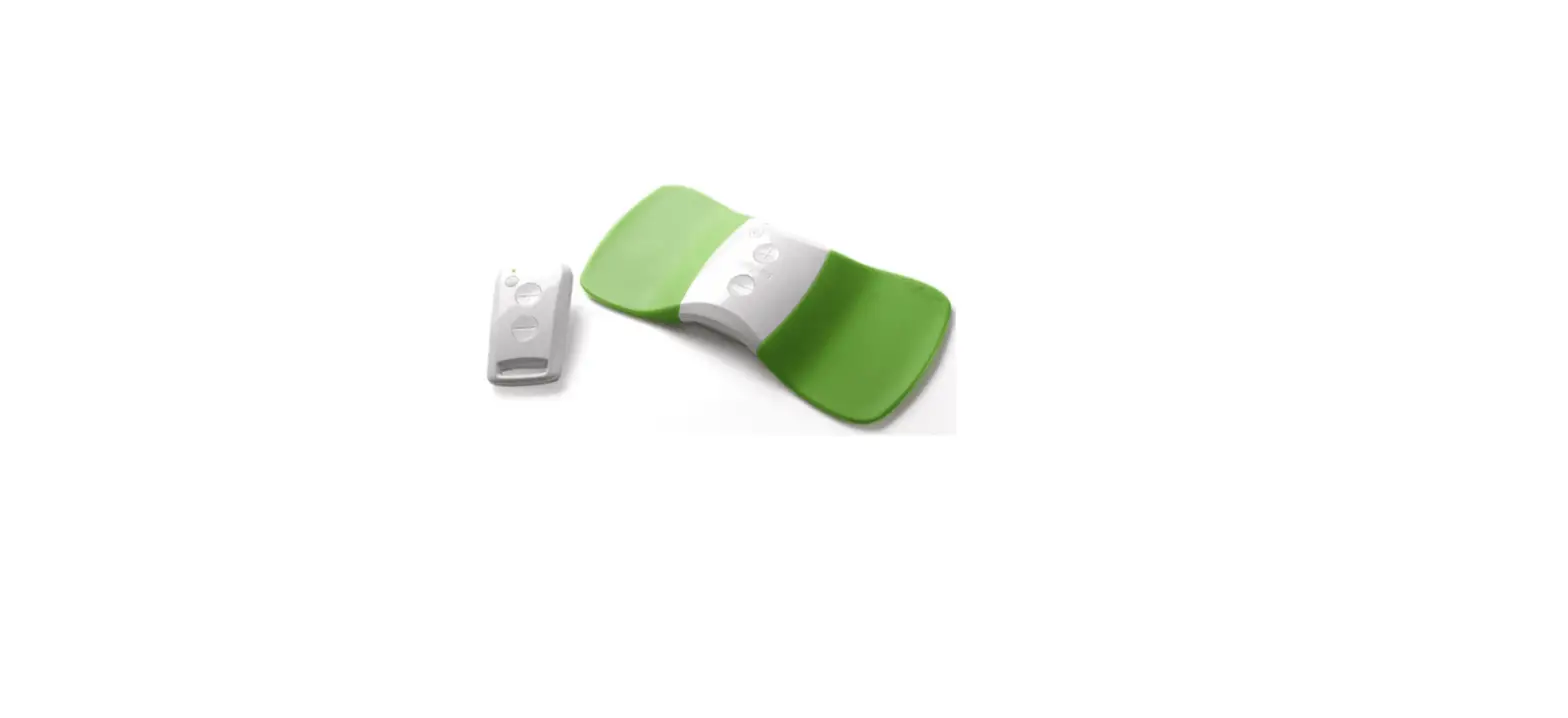
Pain Reliever PennyPad
WT2 Tens Pain Reliever
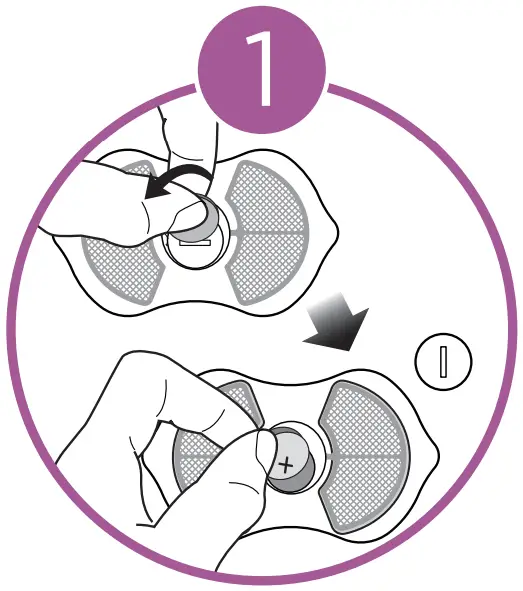 Ensure battery has been correctly inserted into device.
Use coin tool provided to do so.
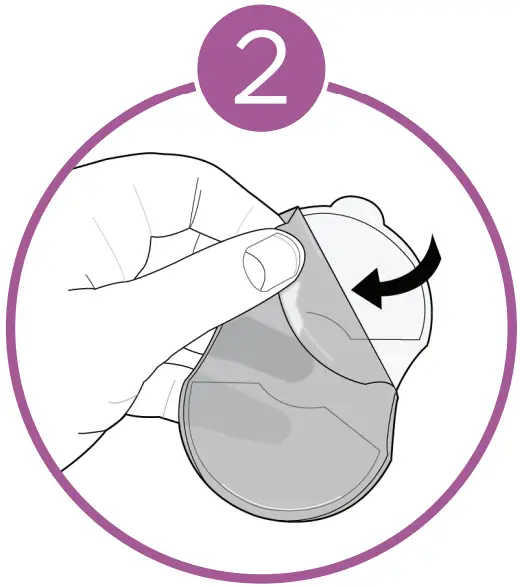
Remove blue protective film from gel pads.
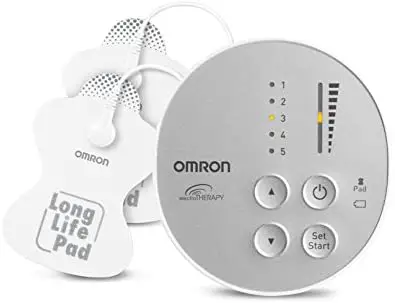
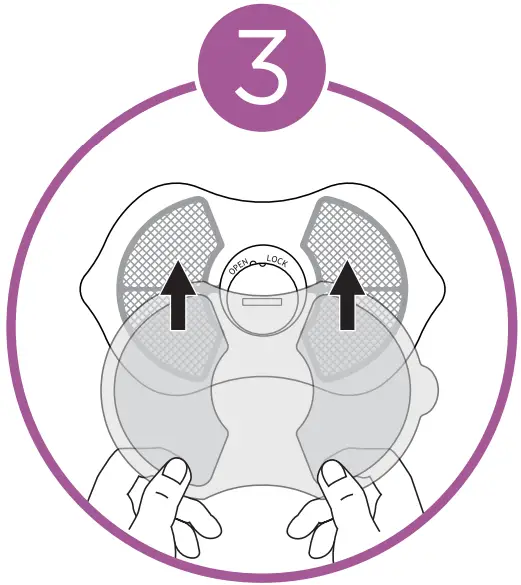 Place gel pads over correct position on back of device.
Ensure gel pads are firmly secured.
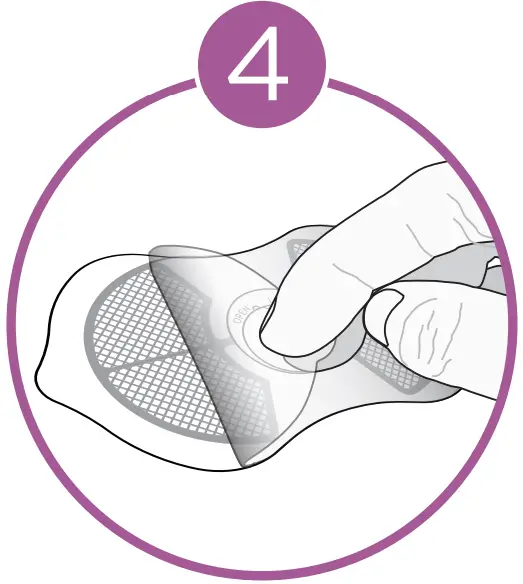 Remove clear protective film from gel pads, do not remove gel pads from device.
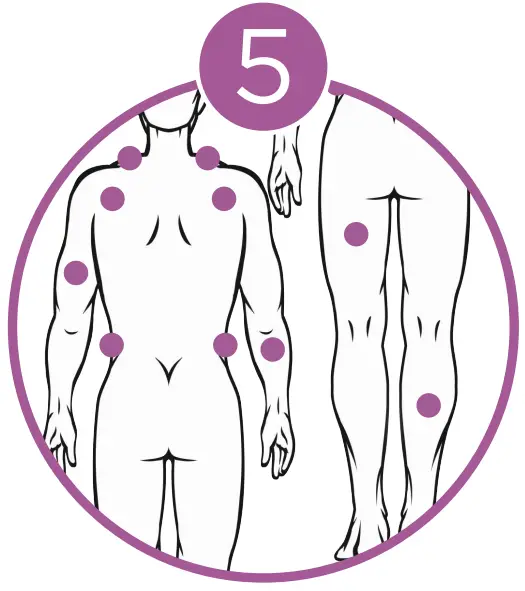
Place the Pain Reliever onto treatment area of choice.
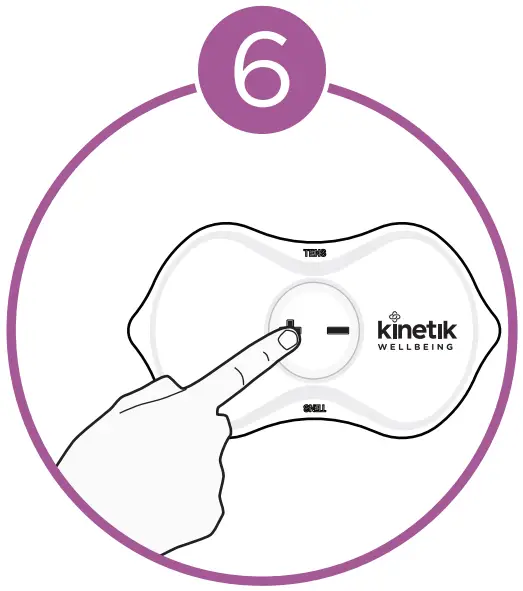
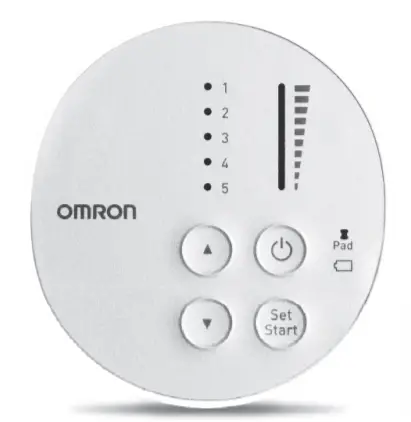
Press + button for 3 seconds to turn on.
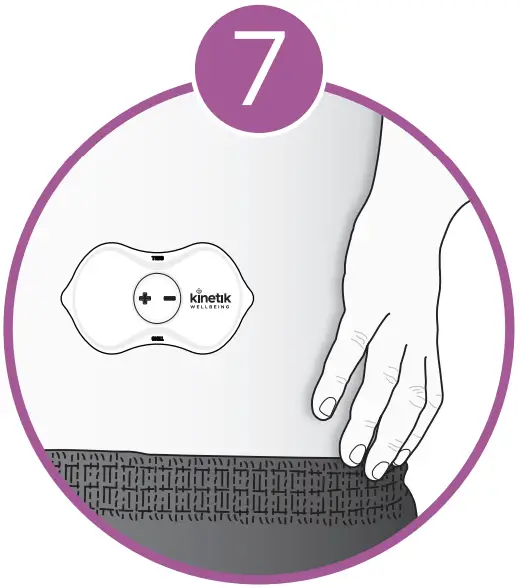 Press the + or to select desired intensity.
Treatment will then take place.
for more information visit :
kinetikwellbeing.com
 We Deliver Health To The Home | Kinetik Wellbeing