T9 PRO Bluetooth Party Speaker
Product Information
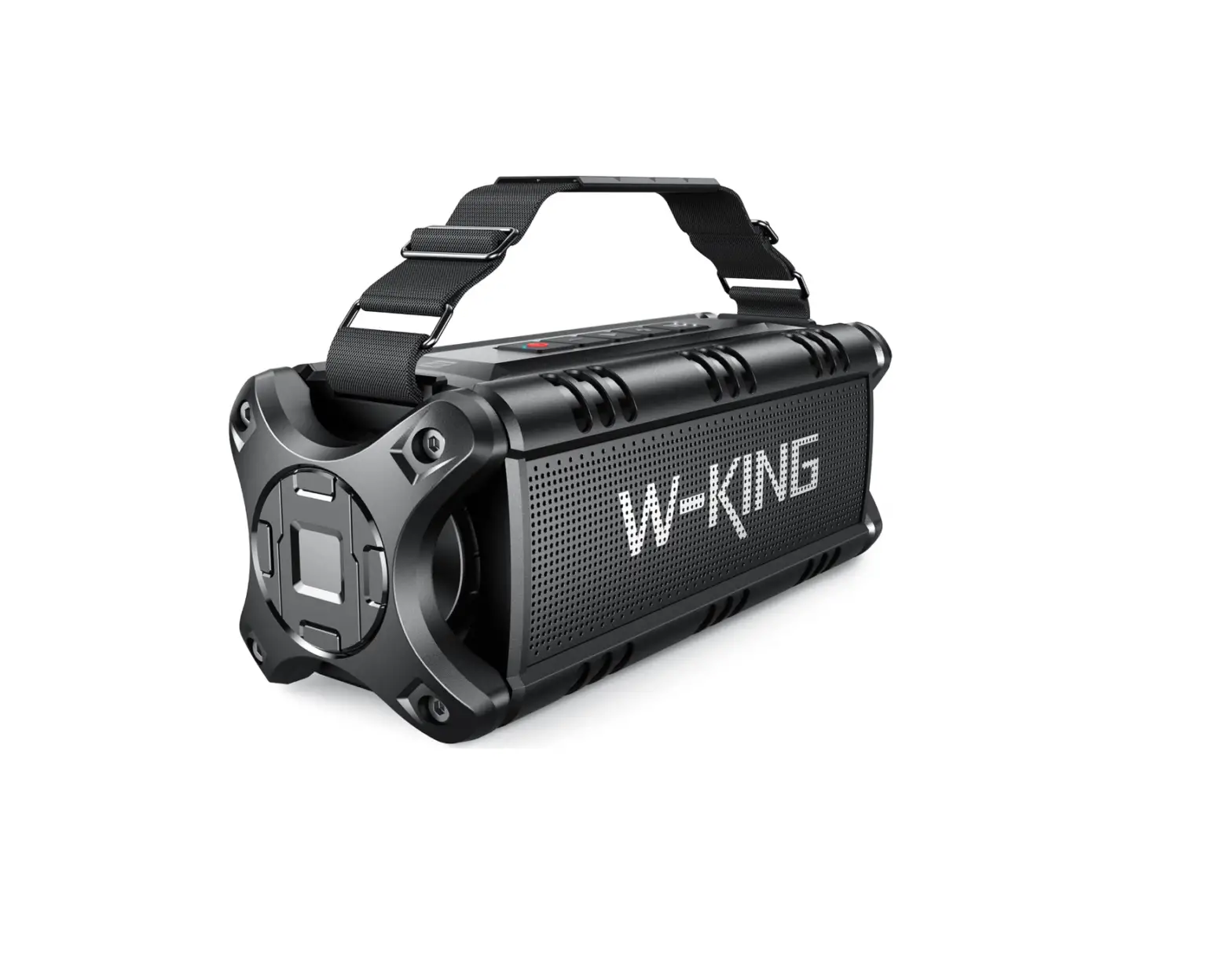
Product Name: W-KING T9 PRO Bluetooth Party Speaker
Size: 100X70MM
Color: 4C
Product Overview
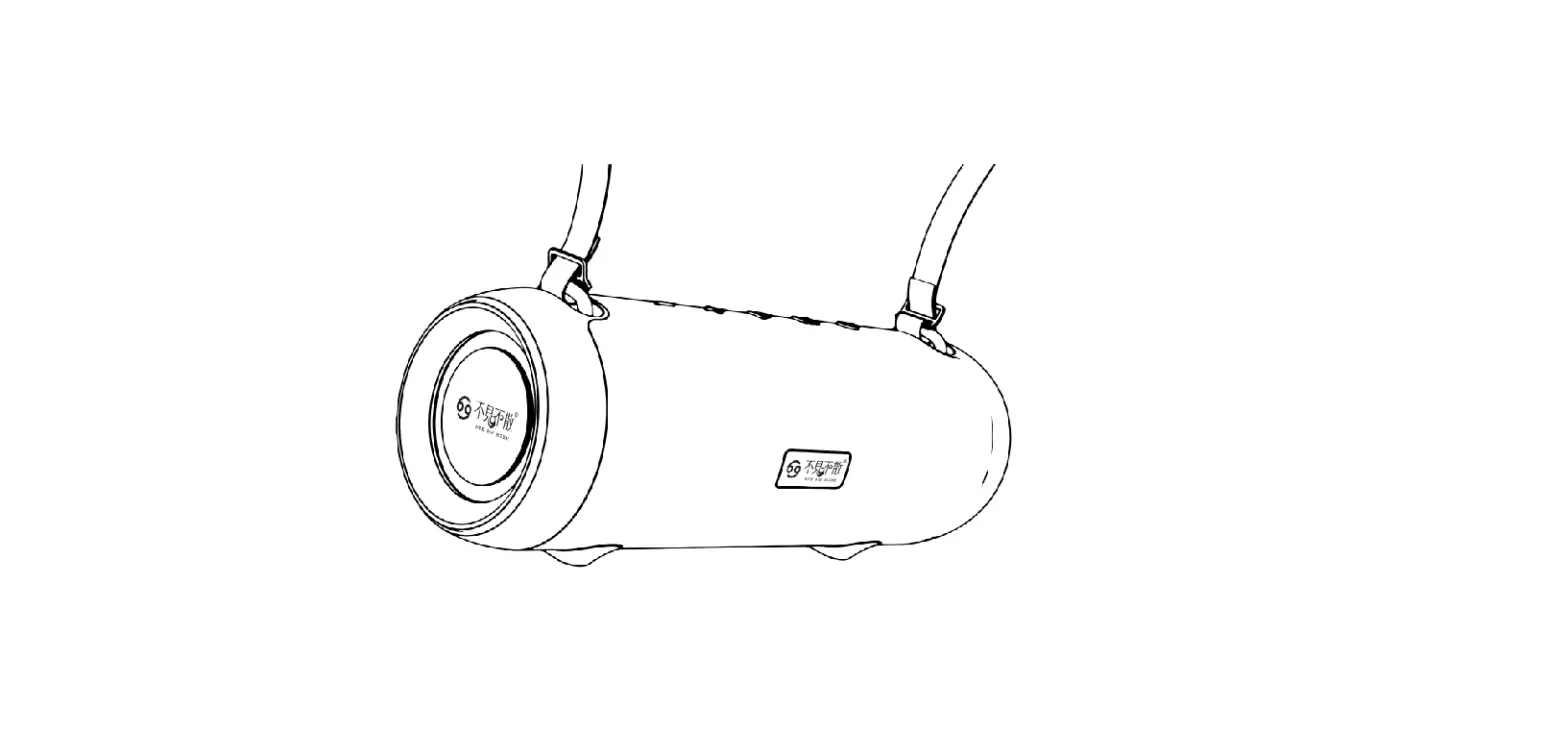
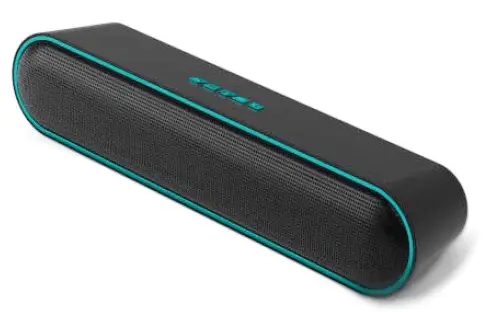
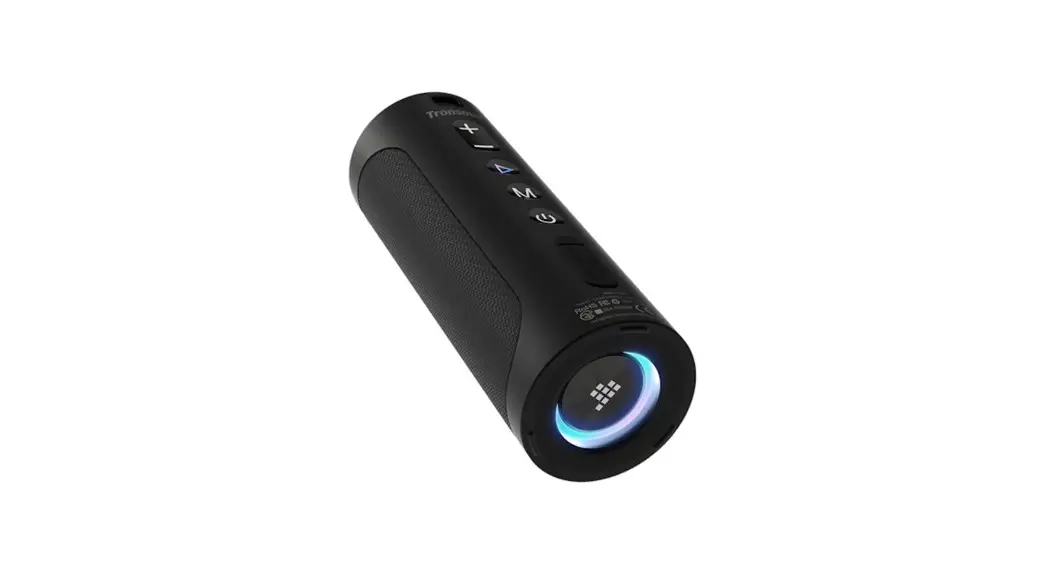
The W-KING T9 PRO Bluetooth Party Speaker is a portable speaker
designed for parties and events. It comes with various features and
controls to enhance your music experience.
What’s in the Box
- W-KING T9 PRO Bluetooth Party Speaker
Top Panel Controls
- Musical Instrument Volume: Adjust the volume when using a
musical instrument. - Recording: Record voice, play recording, or delete record
files. - Power: Turn the speaker on or off.
- Light: Toggle between different light patterns.
- Microphone Priority: Turn on/off microphone over music
priority. - BASS: Adjust the bass level.
- Previous: Go to the previous song track.
- Next: Go to the next song track.
- Play/Pause: Play, pause, or resume the music.
- Volume Knob: Adjust the volume level.
- Mode: Toggle between Bluetooth, USB, and AUX mode.
Back Panel Controls
- Musical Instrument: Connect to a guitar or other musical
instruments. - Reset: Insert a needle to reset the speaker.
- Bluetooth Connection: Connect the speaker with Bluetooth
enabled devices. - USB Storage Device: Connect to a USB storage device.
- AUX: Connect to an external audio device through a 3.5mm audio
cable. - Live: Connect to a live device through the included live
cable. - Headphone Monitoring: Connect headphones for monitoring.
- DC Charging: Connect to a charging adapter.
- TWS Connection: Connect 2pcs T9 Pro speakers together via TWS
function.
Usage Instructions
1. Bluetooth Connection:
- Power on the T9 Pro, it automatically enters Bluetooth pairing
mode. - On your Bluetooth enabled device, choose “W-KING T9 Pro” to
connect. - Once successfully connected, music will stream to the
speaker.
2. USB Storage Device:
Connect a USB storage device to the speaker.
3. AUX:
Connect an external audio device to the speaker using a 3.5mm
audio cable.
4. Live:
Connect a live device to the speaker using the included live
cable.
5. Headphone Monitoring:
Connect headphones to the speaker for monitoring.
6. DC Charging:
Connect the speaker to a charging adapter for charging.
7. TWS Connection:
- In Bluetooth mode, double press the POWER Button on one
speaker. - The digital tube screen will flash to enter TWS automatic
connection process. - After TWS connection is established, the secondary speaker
screen and Bluetooth icon will be constantly on, while the primary
speaker screen will be constantly on as well. - To exit TWS mode, double press the POWER Button.
Note:
– The speaker can remember a maximum of 8 paired devices in
Bluetooth mode.
– The Bluetooth transmission distance may vary with the
environment.
– When you turn on the speaker next time, it will automatically
reconnect to the last connected device.
– Two T9 Pro speakers should have the same software and hardware
version for TWS connection.
100X70MM
4C
T9 PRO
Party speaker
OWNER’S MANUAL
INTRODUCTION
Thank you and congratulations on your choice of W-KING T9 PRO Bluetooth Party Speaker. Before using this speaker, please take a few minutes to read this manual, which includes detailed messages concerning the Proper operation of the unit.
WHAT’S IN THE BOX
1. Main unit ×1 2. Wireless microphones ×2 3. Remote control ×1 4. Speaker charging adapter (15V/1.6A) ×1 5. Android live cable ×1 6. Microphone charging cable ×1
PRODUCT OVERVIEW
1 2 3 4 5
Top panel
1. Musical Instrument Volume
6. Recording
(1) Press to switch volume knob to musical instrument volume adjustment (plug in musical instrument to active this function). (2) The knob back to music volume control when no operation after 10 seconds. (3) When using the headphone monitoring function, press and hold this button, the speaker and earphone can have sound at the same time, press and hold again to turn off the speaker sound.
(1) Record voice: press (only apply when inserting USB storage device) (2) Play recording: press and hold (3) Delete record file: press and hold during playing record file
7. Power Turn the power on or off.
2. Light
6
(1)Press to toggle between different light patterns.
7
(2)6 light patterns and state, switch order:
8
pattern 1 — pattern 2 — pattern 3 — pattern 3 pattern 4–pattern 5 turn off
9
3. Microphone priority
10
Press to turn on/off microphone over music priority.
4. BASS
11
Press to switch volume knob to bass adjustment.
8. Previous Press to the previous song track.
9. Next Press to the next song track.
10. Play/Pause Play, pause or resume.
11. Volume knob
5. Mode Press to toggle between Bluetooth, USB and AUX mode.
Clockwise: larger volume; Counterclockwise: lower volume.
1. Musical instrument Connect to guitar and other musical instruments.
USING YOUR W-KING T9 Pro
2. Reset Insert a needle to reset.
1. Bluetooth Connection Connect your W-KING T9 Pro with Bluetooth enabled devices.
1
3. USB storage device
(1) Power on T9, it enters Bluetooth pairing mode automatically;
2
Connect to a USB storage device.
(2) Choose “W-KING T9 Pro” to connect.
3
4. AUX
4
Connect to an external audio device through a 3.5mm audio cable.
5
5. Live
6
Connect to live device through included live cable;
(3) Once successfully connected, music will stream to this speaker. Empty connect list. (1) T9 Pro can remember a maximum of 8 paired devices. (2) In Bluetooth mode, when the speaker is unconnected, press and hold PLAY/PAUSE Button to empty connect list.
7
Connect another music source device with T9, music will switch to live device.
Remarks:
6. Headphone monitoring Connect to headphone.
(1) Automatically turn off when there is no connection for 10 minutes. (2) Bluetooth transmission distance may vary with environment. (3) When turn on this speaker next time, it will reconnect to the last connected device automatically.
7. DC charging
If not, please try manually.
Back panel
Connect to charging adapter.
2. TWS Connection Connect 2pcs T9 Pro together via TWS function (1) In Bluetooth mode, double press POWER Button on one speaker, digital tube screen flashes to enter TWS automatically connection process; (2) After TWS connection build-up, the secondary speaker screen and Bluetooth icon are constantly on, the primary speaker screen is constantly on. (3) To exit TWS mode: double press POWER Button.
Remark: * Two T9 Pro should in the same software and hardware version.
3. Charging the Speaker Please use included adapter to charge the speaker. (1) Low battery notice: when battery capacity less than 20%, voltage lower than 9.9V; (2) Low battery turn off: when battery capacity less than 10%, voltage lower than 9.3V (3) Red LED turns on during charging, turn off automatically when fully charged. (4) To protect battery, please charge the speaker at least once in every six months.
4. Live Function Use T9 for better live show sound quality. (1) Use the included live cable to connect your live mobile and speaker live port; (2) Use another mobile or laptop to connect speaker via Bluetooth/AUX IN, you can use it to play accompaniment or other music sources, then this music will transfer to live (3) If you are using included microphones to sing and speaker, your voice will transfer to live how with the music sources at the same time.
USING THE MICROPHONES
T9 Pro included 2pcs high-quality wireless microphones 1. Pairing (1) Power on the microphone (2) After around 10 seconds, press pairing button to enter pairing mode; (3) When microphone screen flashes, power on the speaker again, then the microphone will connect with speaker automatically; (4) Press pairing button again to exit pairing mode, then this button will use for switch frequency. (5) Once they are paired, they will reconnect to the speaker automatically.
Microphone Core
HD LED display Show current frequency and microphone state
Turn on/off: Press and hold to turn on/off Pairing Button: After turning on the microphone for 10 sec., press this button to enter pairing mode. When you see the microphone screen flashes, power on the speaker again to pair with the microphone. Press button to exit pairing mode, the button is for switching frequency then.
USING THE REMOTE CONTROL
1. Voice change When using the microphones, press voice change on remote, your voice can toggle between man voice, woman voice and original sound;
2. Sound mode Press this button to choose a suitable sound mode base on your environment
Mute Live Show Sound Feedback Applause, Laugh, Contempt, kiss, Awkward, Dull Moment,
Cheer Sound mode
Previous
Microphone priority
Recording play
Switch mode
List cycle/Single cycle Increase volume Next
Decrease volume Voice change
Song order number (0-9): for number beyond 9, press the number in combination. Only workable for USB reader mode and TF card mode (if have).
Recording: only workable when USB device connected
SCREEN&INDICATOR
FUNCTION
INDICATOR
Bluetooth mode Bluetooth
Musical Instrument Volume knob light
Volume
flashes
Microphone Priority N/A
Bass
Volume knob light flashes
Record
N/A
Play recording
N/A
Delete record file N/A
Power
N/A
Music volume
N/A
TWS connection N/A
Low battery Factory reset
Microphone voice change
Low battery notice N/A
N/A
DIGITAL TUBE SCREEN bL XX (XX stands for volume level)
gt XX (XX stands for volume level, 0 to 30)
Microphone icon
Ab XX (XX stands for volume level, 0 to 30)
“REC” flashes, shows recording time “REC” light (constant), shows playing time “DEL” “LOAd” U XX (XX stands for volume level, 0 to 30) Flashes during TWS searching. Shows bL XX (XX stands for volume level, 0 to 30) Battery icon flashes rESt
uC-X (X stands for order)
SPECIFICATIONS
Bluetooth version: 5.0 Product size: 53.55 * 27.4 * 25.65cm Bluetooth transmission distance: 10 meters Remote control distance: 5 meters Speaker drivers: woofer×2pcs, 6.5 inches; tweeter×2pcs, 2.5 inches; Speaker output: 120W S/N: 75dB Frequency range: 60Hz-15 KHz Charging: DC 15V/1.6A Charging time: around 4 hours Battery: built-in lithium battery, 9pcs battery cells total capacity 3.6V/18000mAh;
Battery pack 10.8V/6000mAh
* Transmission distance is tested in open space without interference. * The above data is based on WEIKING laboratory environment and test results; actual playtime may vary with environment and user habit, for reference only.
SAFETY NOTICE
1. Please read and keep this manual for reference. 2. Do not open (or modify in any way) the unit or its DC adaptor. 3. Do not attempt to repair the unit, or replace parts within it. Refer all servicing to your retailer or an authorized W-KING distributor. 4. Never use or store the unit in an extreme temperature, humid or dusty environment; please not expose the unit to rain or chemical materials, and it’s dangerous to put it in vibration places, please make sure it’s placed stable before using. Please avoid strong impact. 5. When used by children, please make sure an adult provides supervision until they are familiar with operation methods and safe operation notice.
www.w-king.com
 Shenzhen Weiking Technology Co.,Ltd