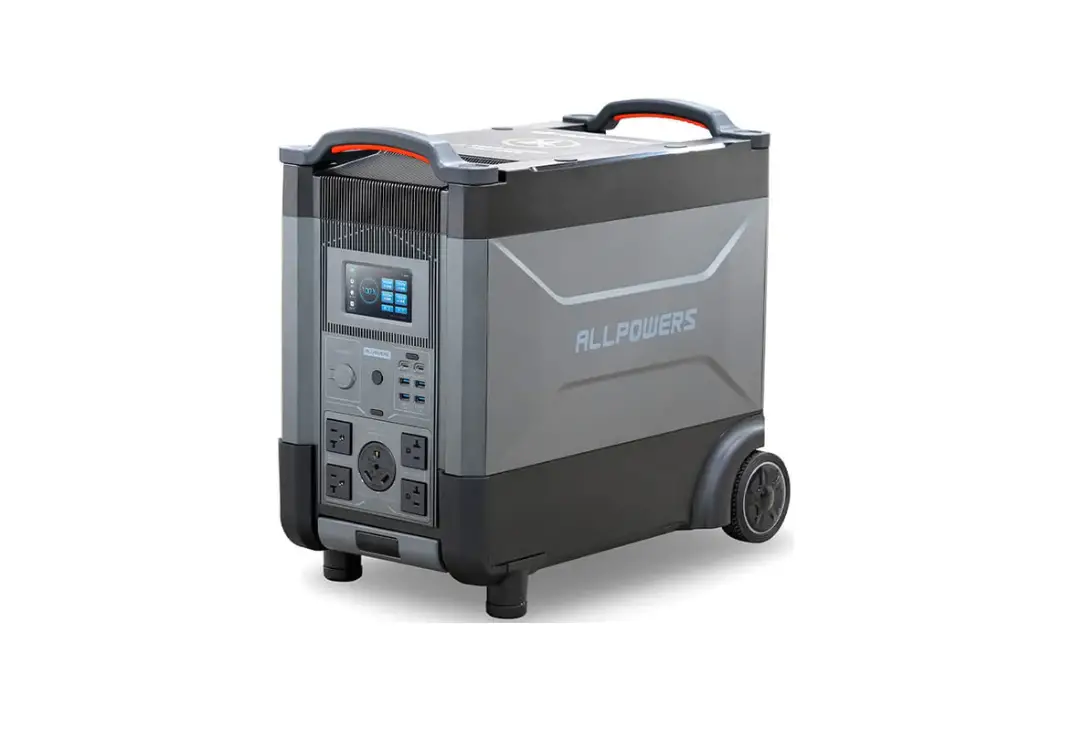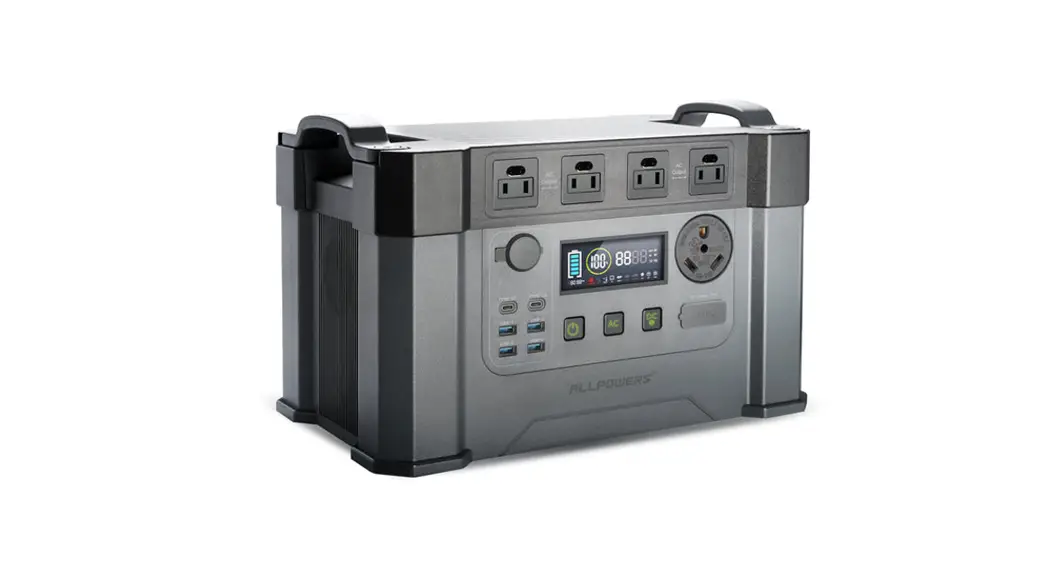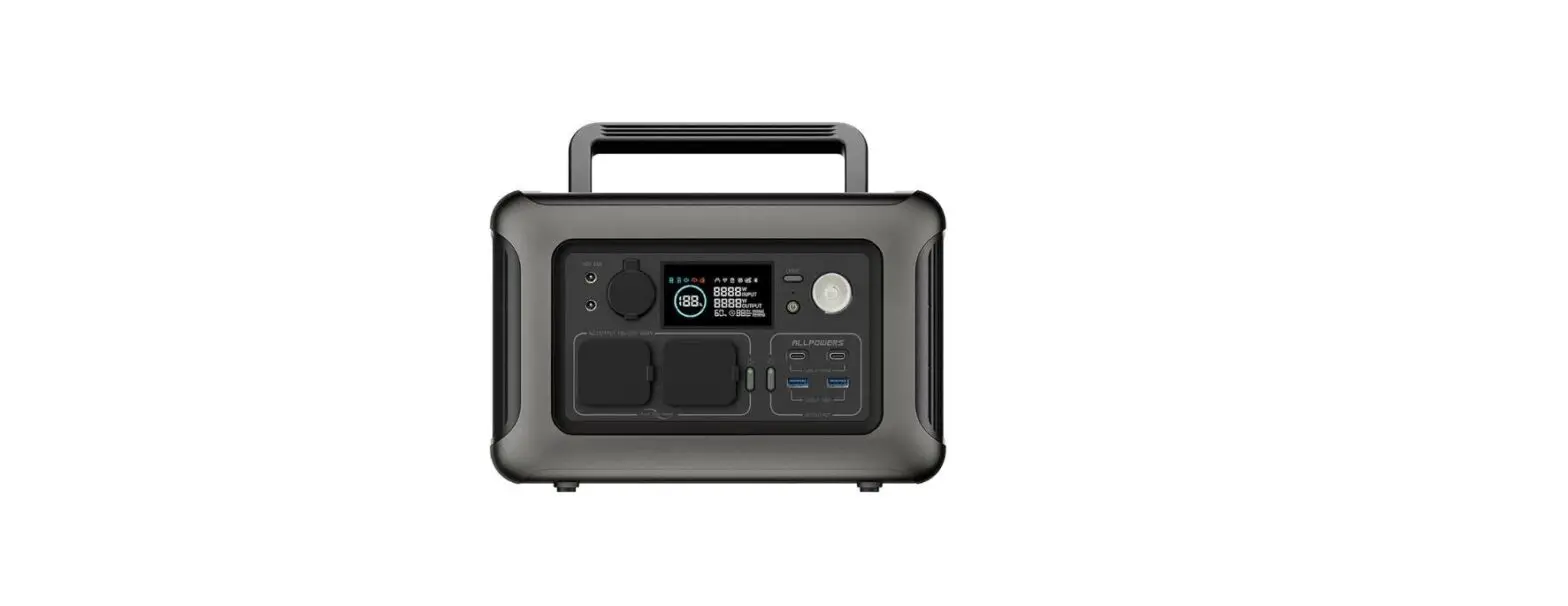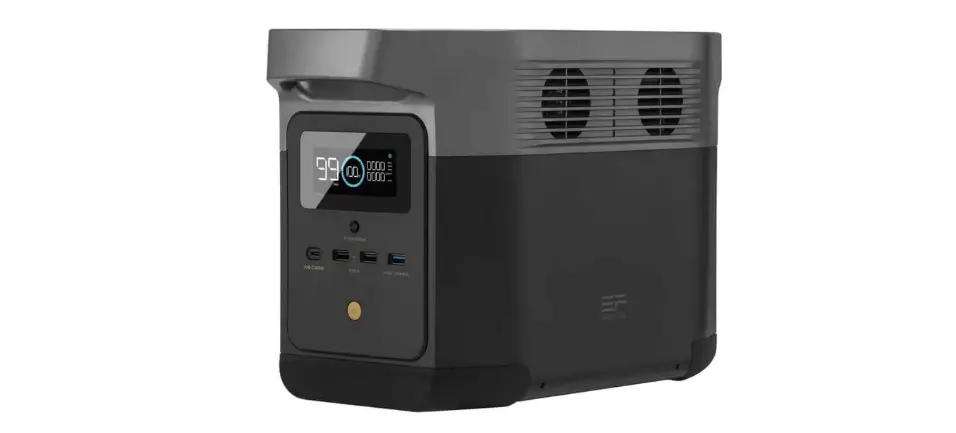

POWER STATION
USER GUIDE
MODEL: SYD-NO36
PRODUCT INTRODUCTION
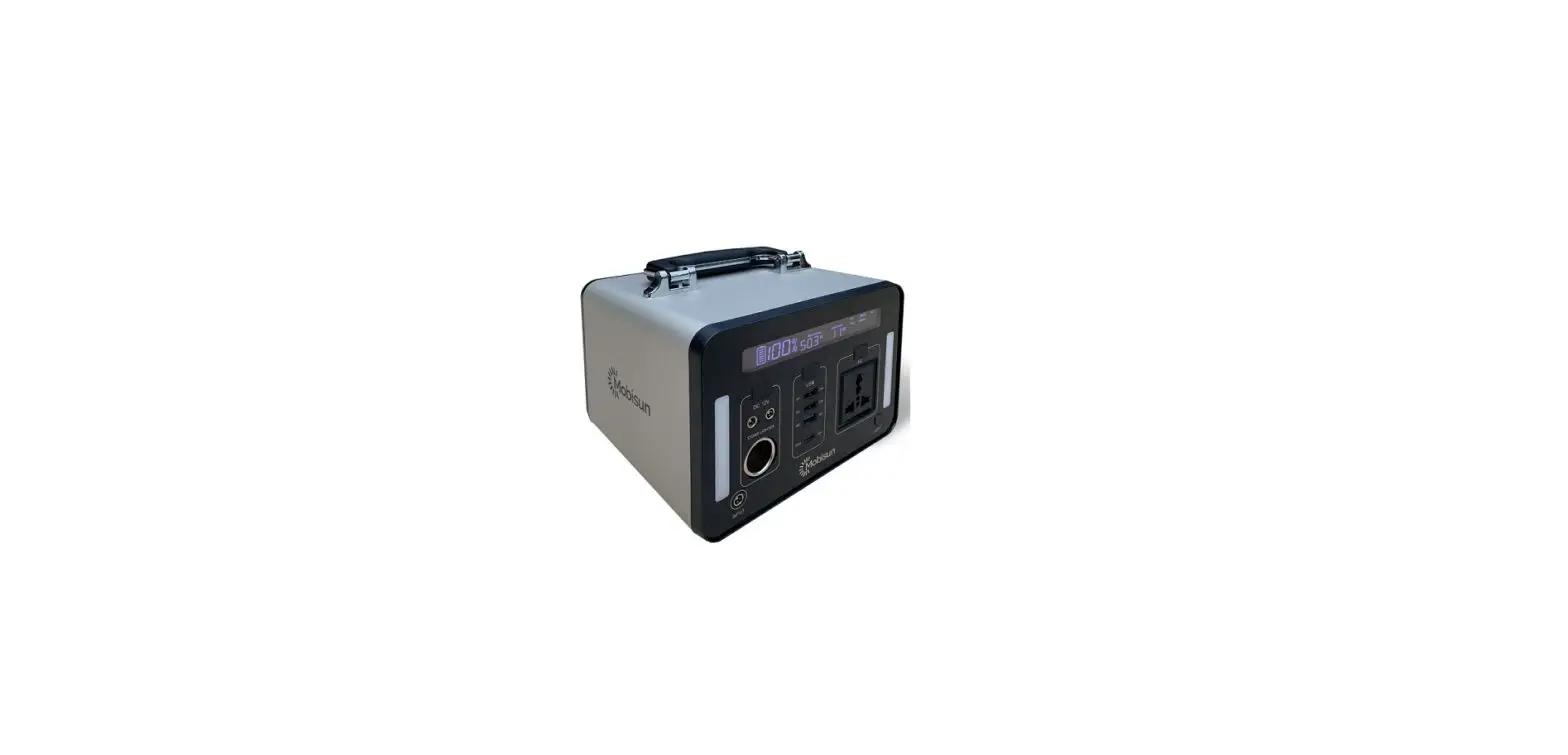
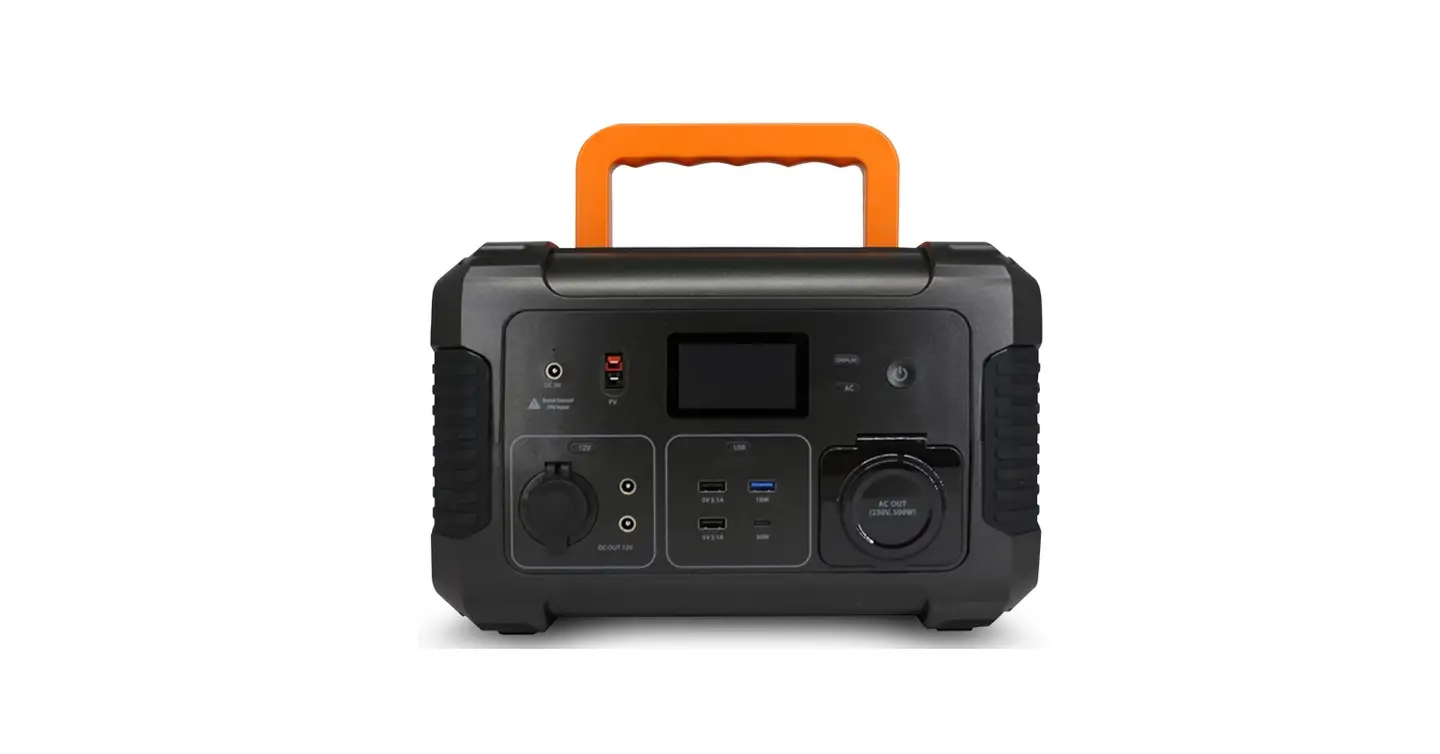
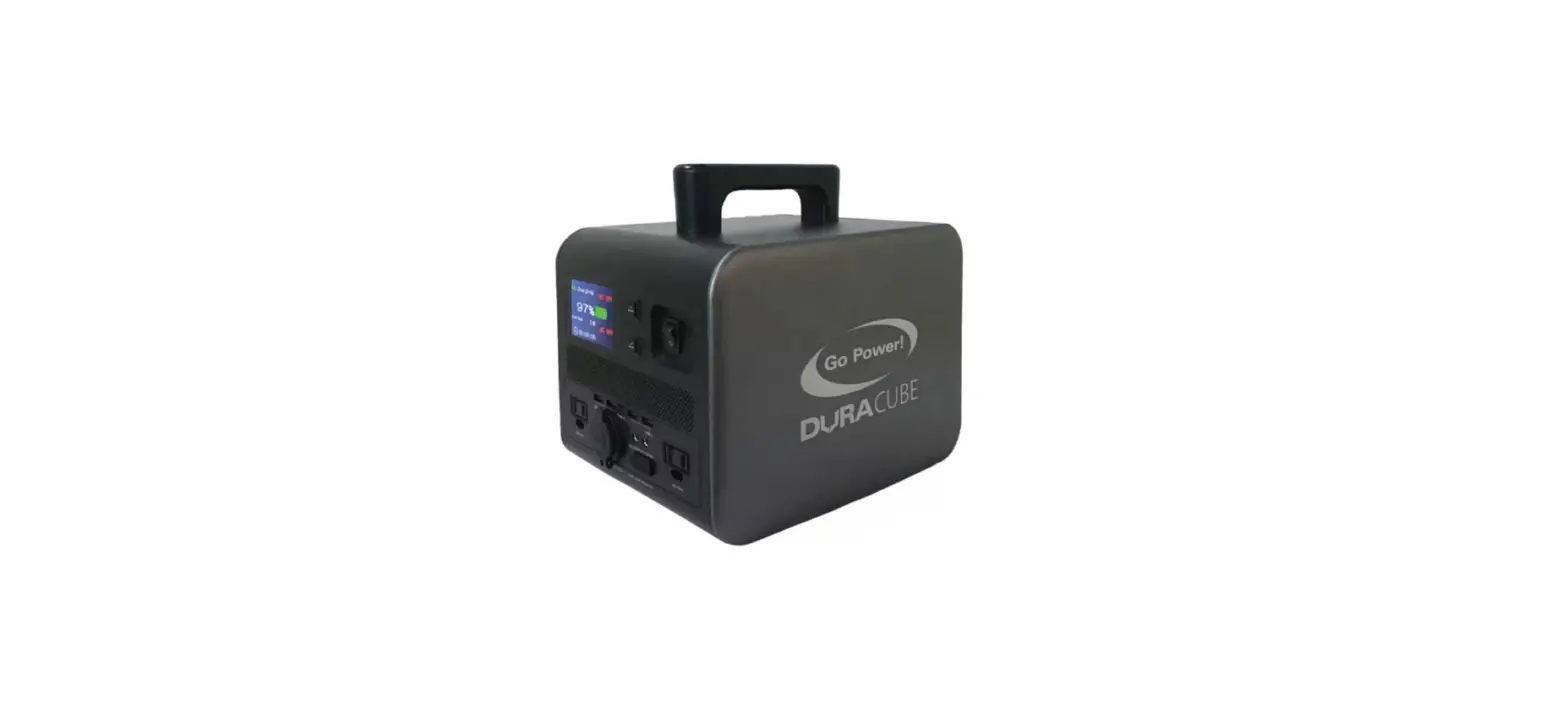
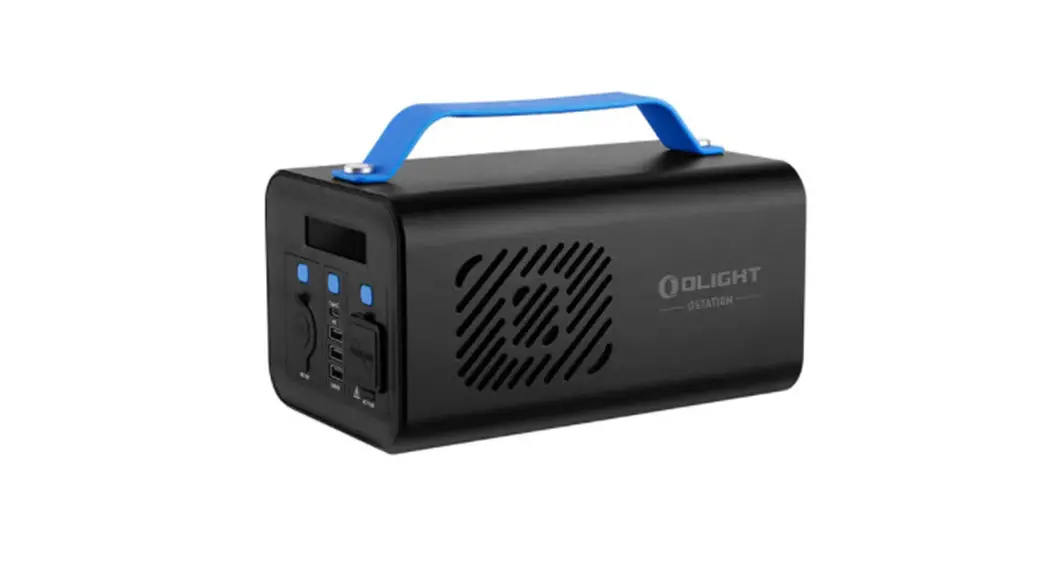
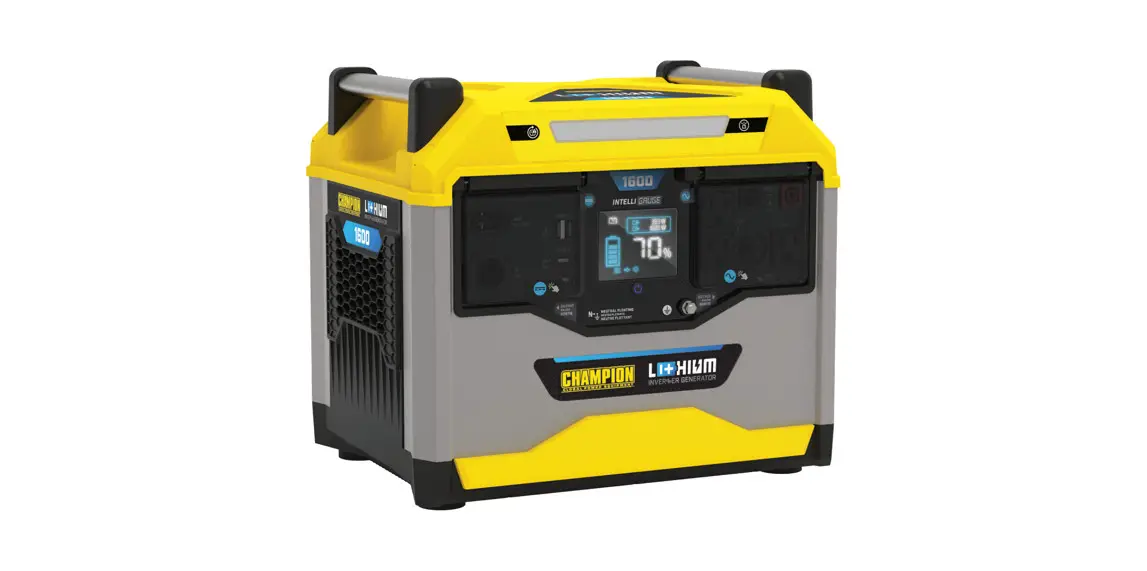
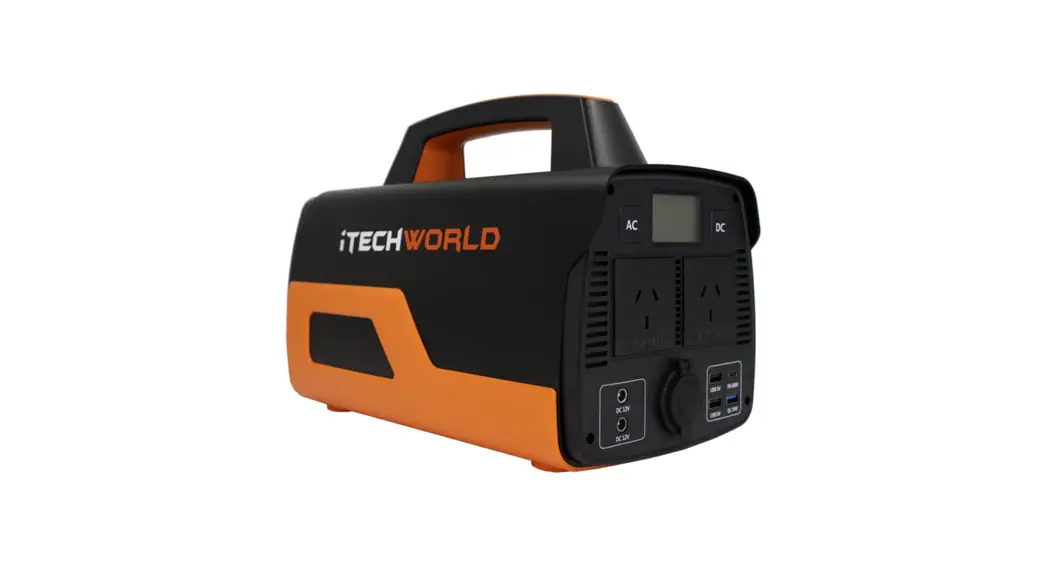
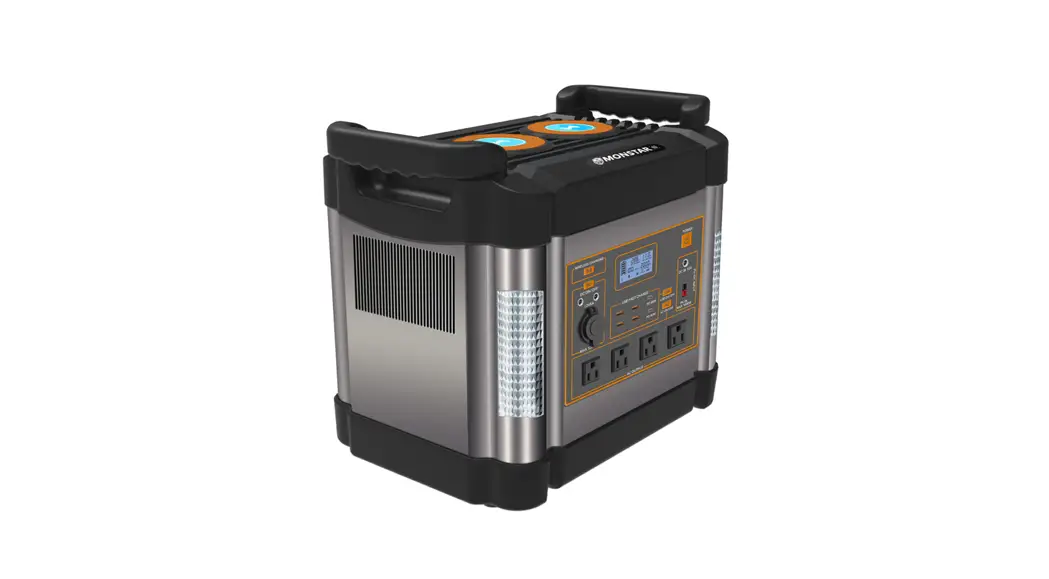
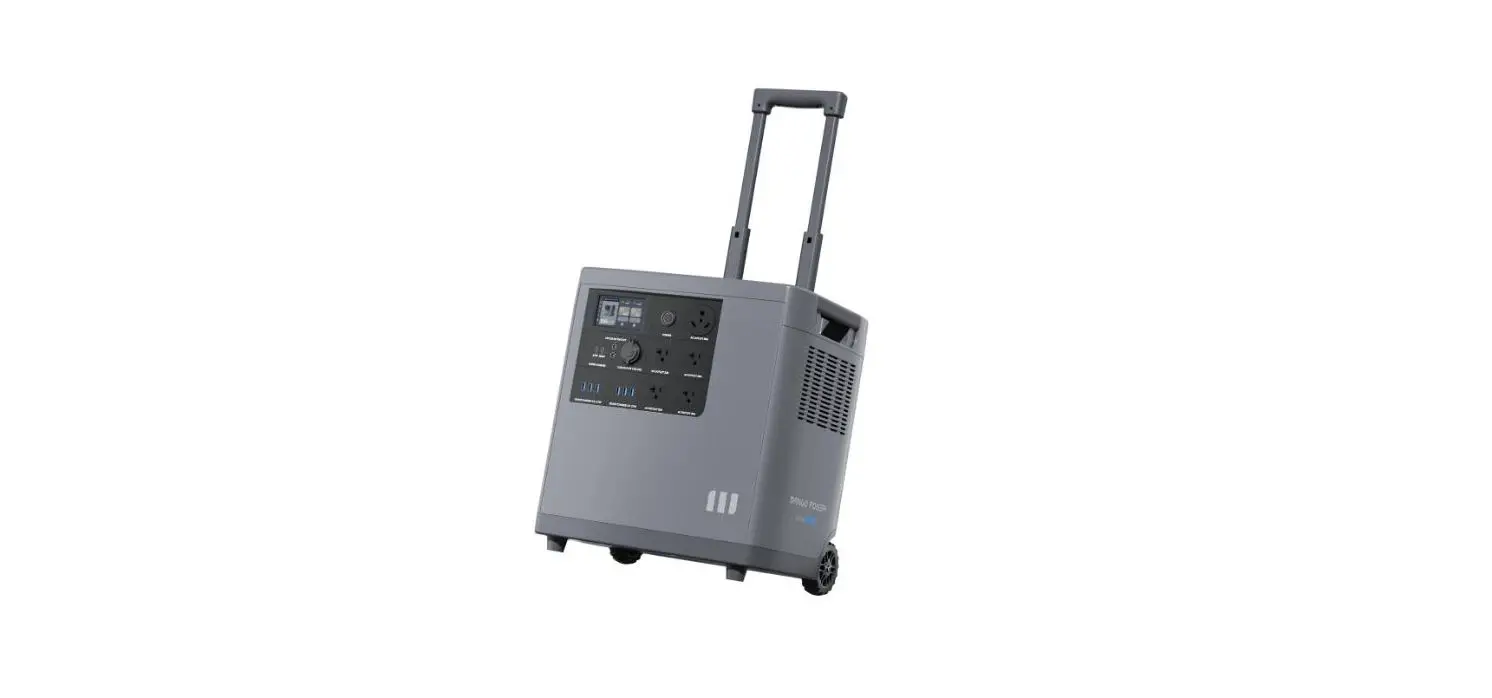
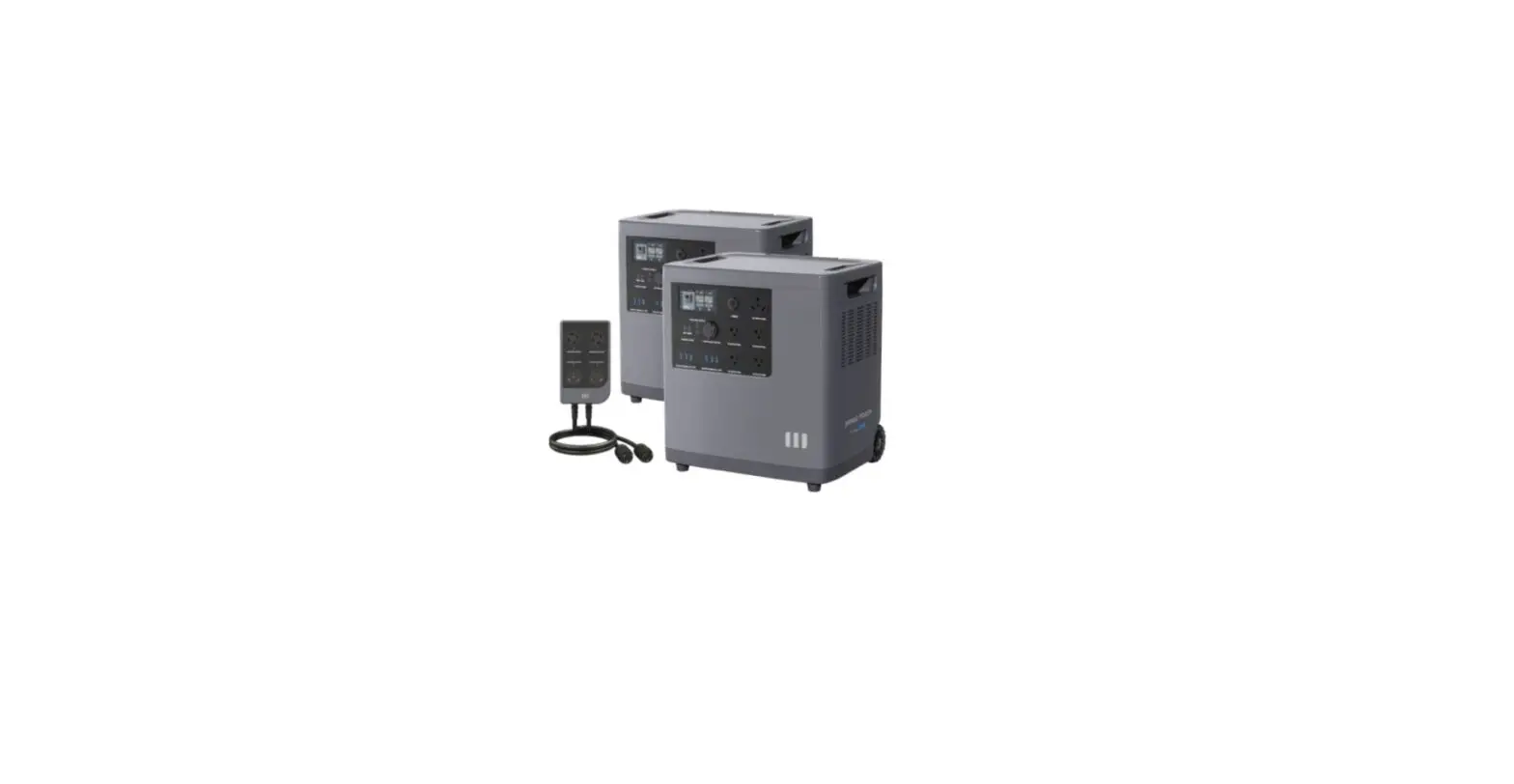
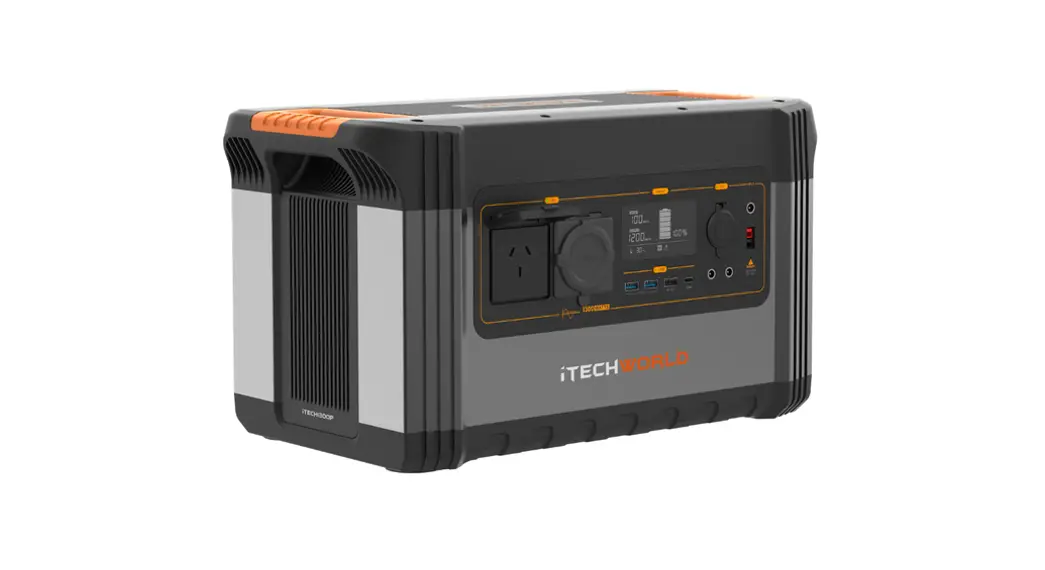
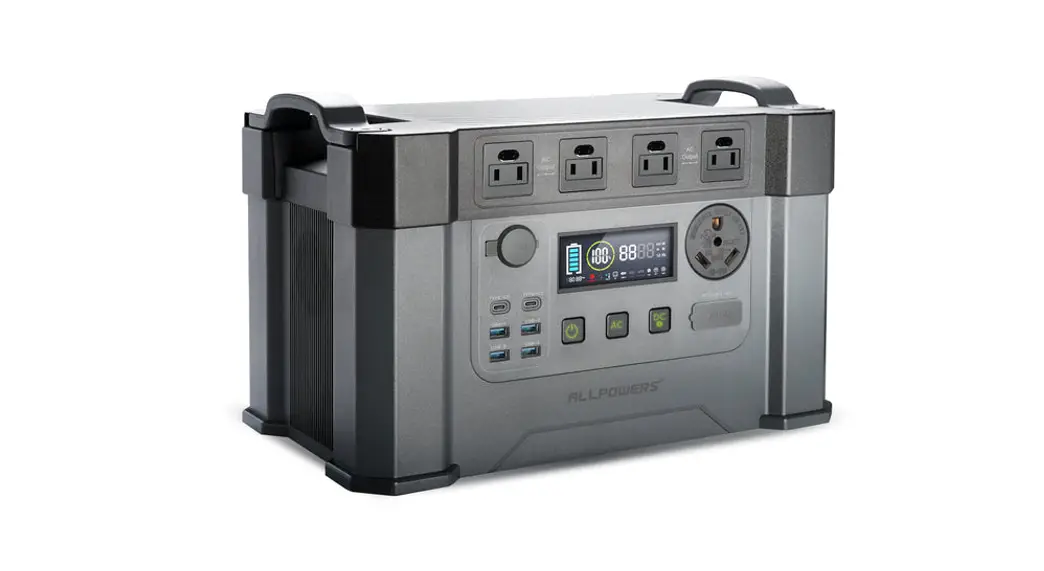
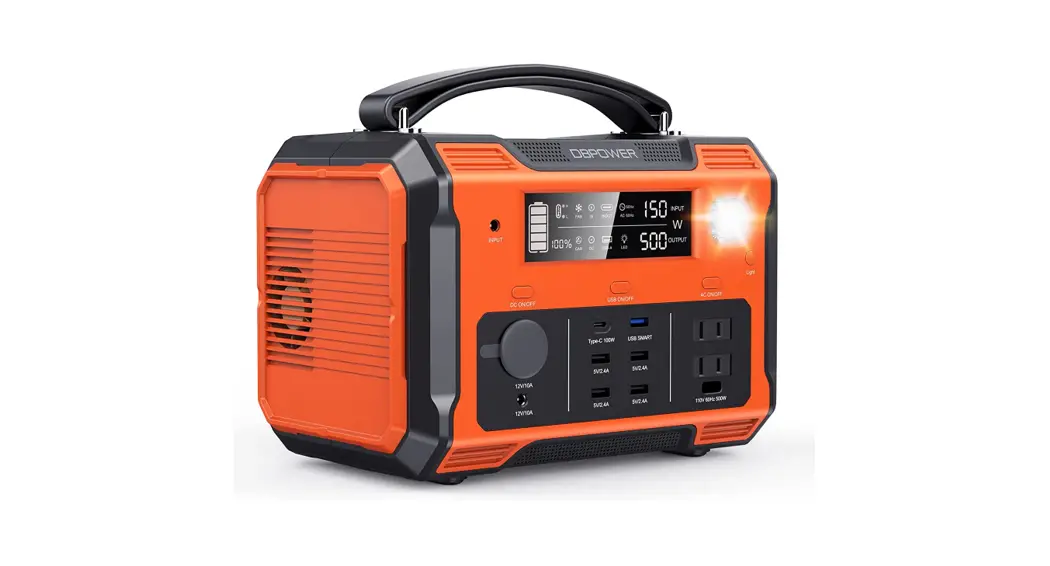
This product is a portable power station, suitable for a family emergency power cut, outdoor travel, emergency relief, fieldwork, and other scenarios.
The product has a built-in lithium battery, which supports an adapter, car charger, photo-voltaic panel and other charging methods, AC port output 110V/60Hz sinusoidal alternating current, and a number of USB ports supply for lighting, ventilator, electric fan, router, notebook, and other equipment.

LCD SCREEN INTRODUCTION
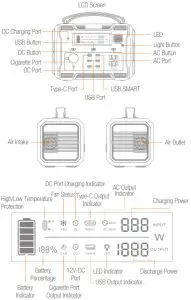
OPERATION INSTRUCTIONS
How to turn on/off the system and check the battery?
- Short press any button to turn on the system, you can check the remaining battery power, and switch on the corresponding port output.
- Insert the charger into the charging port to automatically turn on the system, you can check the current battery level.
- When AC/DC/USB/Light output is not in use, ensure that it is turned off, so as not to consume unnecessary power.
- Long press any two buttons(AC/DC/USB/Light button) for more than 1S to force shutdown, this function is invalid when DC is charging.
 NOTES
NOTES
- During the first use or long-term non-use situation, if any button fails to turn on the system, please plug into a charger for charging, and try again.
- Fully charge and discharge the device once every 3 months.
How to recharge the device?
 DC port charging:
- Please plug the standard adapter into the DC Input port, LCD screen will light up automatically, indicating the current charging power, in the meantime, the battery indicator icon blinks and the icon lights up. When the charging is finished (the battery percentage is 100%), the LCD screen will turn off automatically.
- Use non-standard adapters, such as optional car charger, photo-voltaic panel, need to be equipped with an adapter. The charging voltage range is 12-30V, DC port’s maximum charging power is 150W.
How to use the AC function?
- Short press the AC button to turn it on, showing with the AC110V Output icon
 2 light up, which means that the device is ready for supplying power. Another short press AC button to turn it off, the AC110V Output icon light off.
 - 500W rated AC output, 1000W peak power. Ac
- Switching AC output frequency: Long press the AC button for 1.5 seconds to turn off the AC output, then enter the switching mode; The screen flashes at 50Hz and 60Hz, short press the AC button to select 50Hz or 60Hz; Release the button and the system will save the settings automatically after 3 seconds.
 2 light up, which means that the device is ready for supplying power. Another short press AC button to turn it off, the AC110V Output icon
NOTES
- Please carefully check that the appliance’s electrical specifications are consistent with the power units specifications before use, in order to prevent danger.
- After using the AC function, please make sure it is well turned off.
- When the output is overloaded or short-circuiting, flashings, buzzer alarm. AC
How to use cigarette port and out DC port? 
- Plug the qualified cigarette lighter into the Cigarette Port, press the DC button, the Cigarette Port icon
 , and DC icon
  Eh. P V on the screen will light up together, which means – 12
 - that the device is ready for supplying power. Short press the DC button to turn off both ports. When the Cigarette Port and DC5521 Port are turned on at the same time, the maximum total output power is 120W(12V/10A).

 , and DC icon
  Eh. P V on the screen will light up together, which means – 12
How to use USB and Type-C?
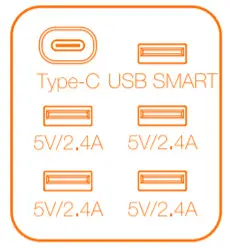
- Short press: the USB button to turn USB-A Port on, which is used for digital devices such as mobile phones, cameras, tablets, and so on, when the device is fully charged or plugged out, it will turn off automatically.

- Type-C Port: short press the USB button, it will automatically turn on after inserting the load, and automatically turn off when removed.
How to use the lights? 
- Short press the Light Switch to turn on the LED light (normal mode). After that, each short presses the Light Switch once, the LED light will turn orderly from normal.
- mode to SOS, flash, and turn off the LED light. Long press the Light Switch to turn off the LED Light in any mode.
PRODUCT PARAMETERS
| Product Model | SYD-NO36, |
| Product Size | 276*177*213mm/10.87*6.97*8.39inch |
| Product Net Weight | 5.6KG/12.331b |
| Product Color | Black+Orange |
| Built-in Lithium Battery | Rated capacity 505Wh, rated voltage 21.6V |
| Charging Input | 12-30V 150W MAX |
| Charging Mode | DC port: 1 Adapter output 12-24V, current 1 A above can be used: 2. The maximum power of the photo-voltaic panel is 150W within 30V |
| Solar Panels: The charging time depends on the power of the solar panels and the intensity of sunlight | |
| AC Port | 110V/60Hz pure sine wave AC output, rated output power of 500W, 1000W peak power, with overload, short circuit protection function, once over the maximum power automatically shut off the output |
| USB SMART Port | 18W fast charging, output voltage 5.0-12.0V |
| USB Port | 5V/2.4A, single port rated 2.4A. 4 USB ports total maximum output current is 6A |
| Type-C Port | 5-20V/5.0A,100W MAX, according to PD3.0 protocol |
| DC Port | 12V/10A |
| Cigarette Port | 12V/10A |
| Standby Current | <800uA |
| Working Environment Temperature | 0-45 C/32-113 1′ |
| Working Environment Humidity | s90%RH |
BATTERY PACK PARAMETERS
| Type of battery | 18650 lithium battery |
| Single-cell rated voltage | 3.6V |
| Single-cell rated capacity | 2600mAh |
| Battery pack rated voltage | 21.6V |
| Battery pack output voltage range | 18.0-25.2V |
| Battery pack rated capacity | 505Wh |
| Battery pack maintenance | Over 3 months not using, should be recharged once |
PROBLEMS AND RESOLUTIONS
Unusual Phenomena | Possible Cause | Possible Cause |
| Access load buzzer alarm | The connected load exceeds the output capacity of the interface or is short-circuited, triggering overload protection. | The power of the connected device shall not exceed the power of the output interface. |
| Buzzer sounds during use, temperature icon flashes | 1 . Please check whether the fan is running normally and ventilated. 2. Please turn off the output and restart the machine when it cools down. | |
| Unable to charge | Please check whether the adapter is well connected to the charging port. |
PACKING LIST
| Product standard accessories: | Portable power station |
| Home charger | |
| Car charger | |
| User manual |
NOTES
- Children must be accompanied by an adult.
- Do not charge the product with a charging device that does not meet the specified parameters.
- Do not use this product when the output is under short-circuiting.
- Please ensure that the air intake and outlet are unblocked when using.
- Do not use near fire, high temperature, humidity, flammable and explosive environment.
- If the battery is swollen, leaking, or smelly, stop using it immediately.
- Do not disassemble the product by yourself, otherwise, it may cause safety accidents.
- Please turn off the power when the product is idle, store the product in a dry place, away from high temperature and corrosive materials.
ACTIVATE YOUR 12-MONTH WARRANTY & GET AN EXCLUSIVE GIFT
Register within 7 days after receiving your new product.
PLEASE VISIT US NOW
→ 3warranty.dbpowershop.com
CUSTOMER SERVICE
 [email protected]
 www.dbpowershop.com
A BIG THANK YOU
Thank you for choosing DBPOWER POWER STATION and becoming our valued customer. At DBPOWER, were committed to providing you with products that enhance your daily life. Happy customers make us proud and we hope that this product will bring you the most convenient and enjoyable experience. If you have any questions or feedback on your new product, just contact our customer support team at 1-855-888-5533, or via email at [email protected] Enjoy your new product!
 Model No. SYD-N036 Made in China