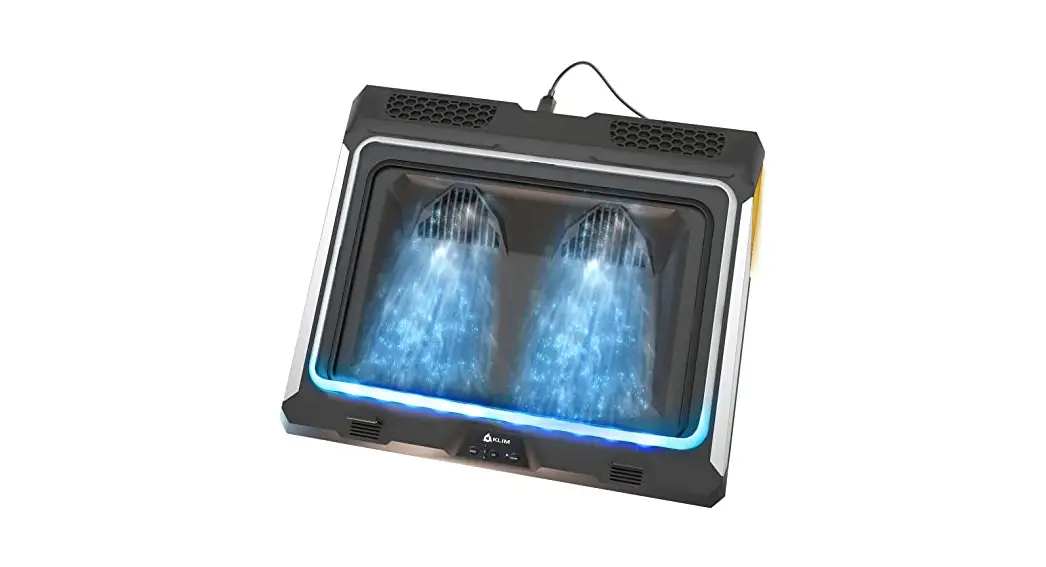
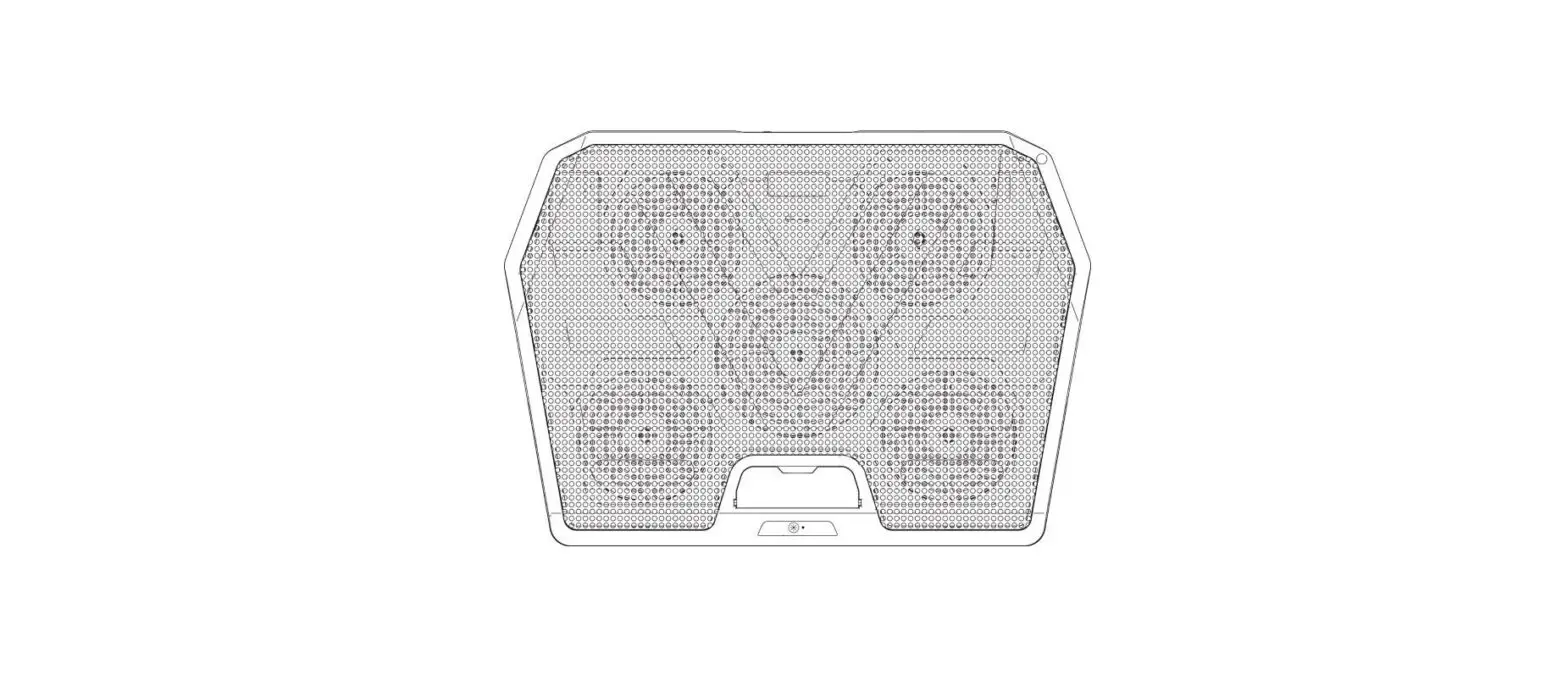
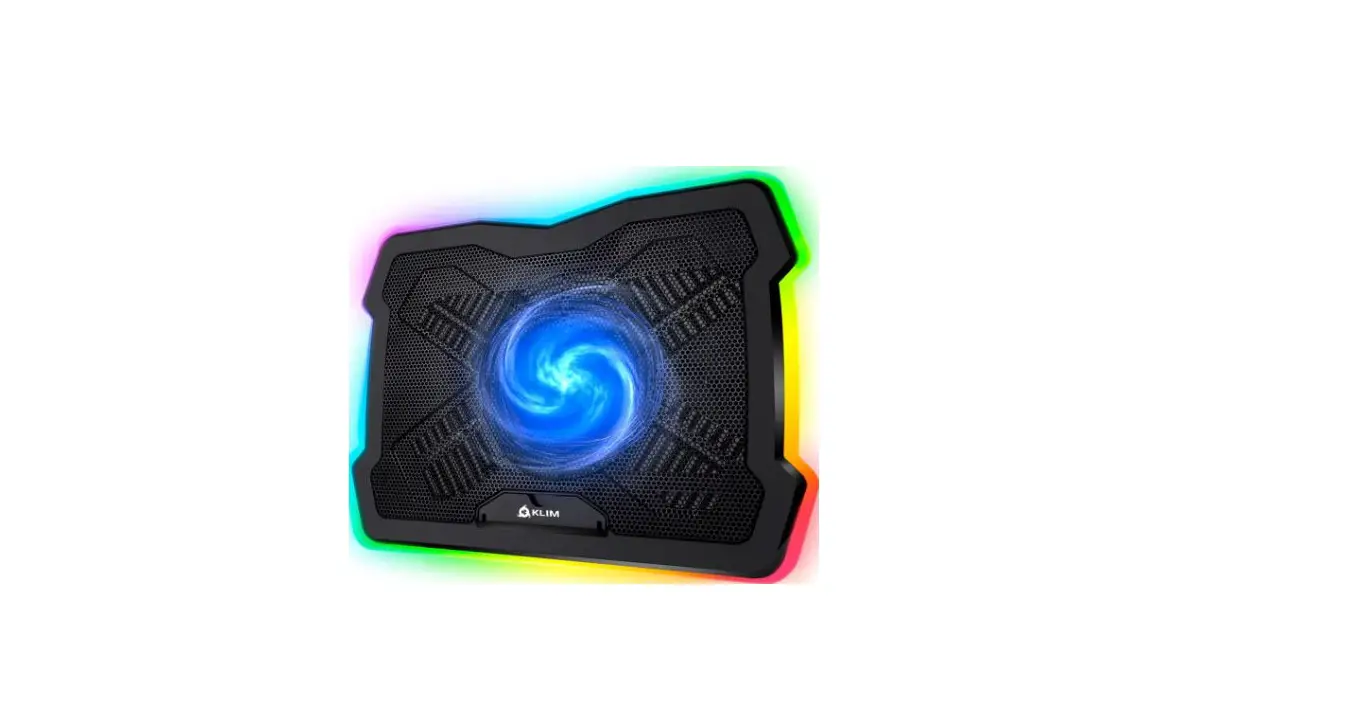
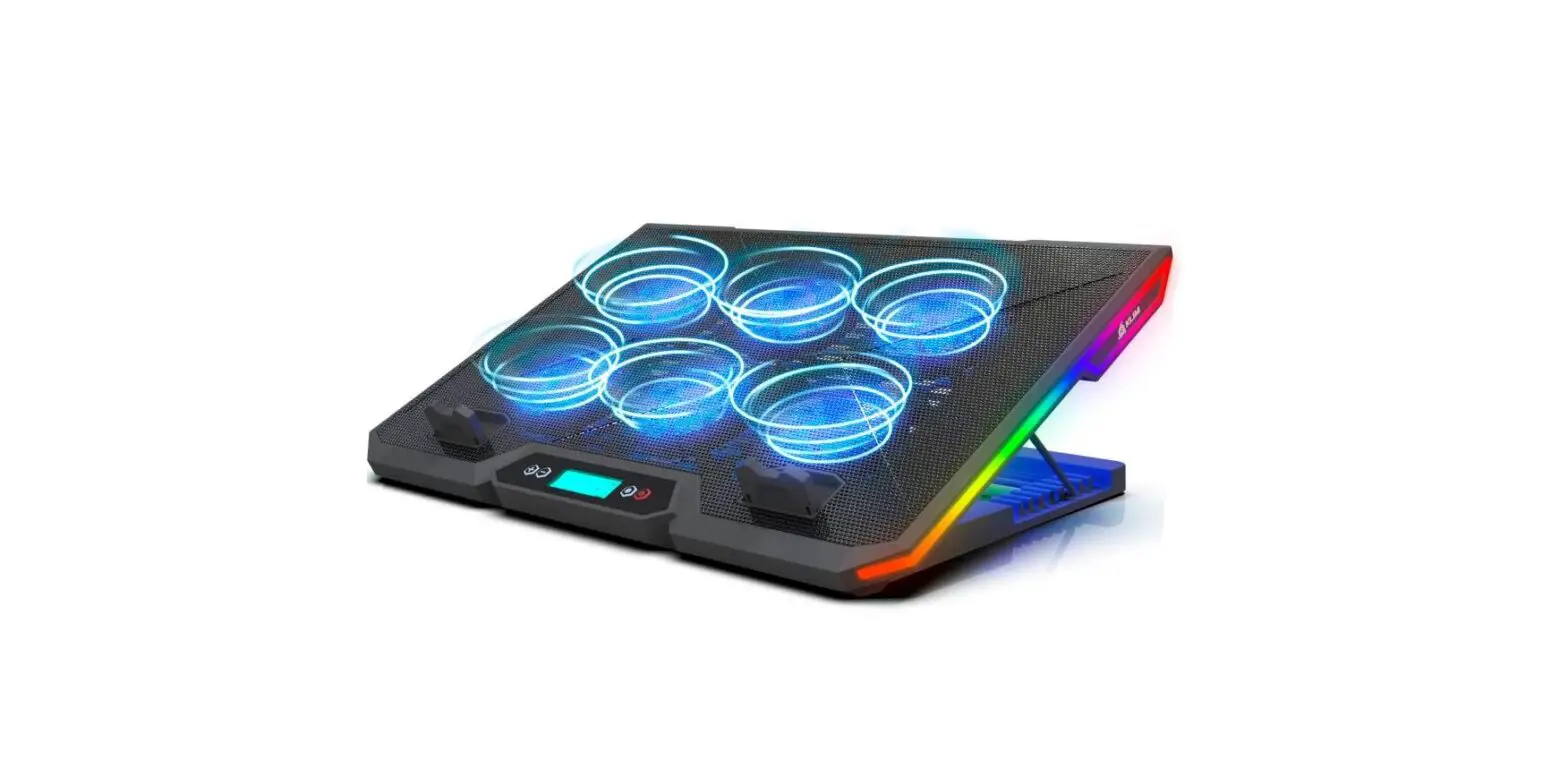
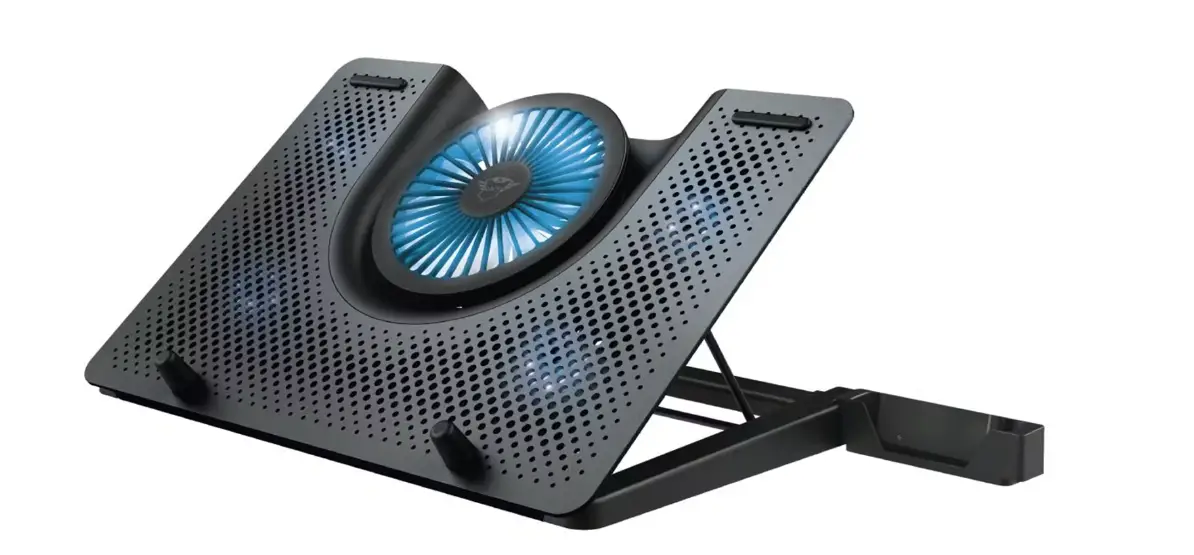
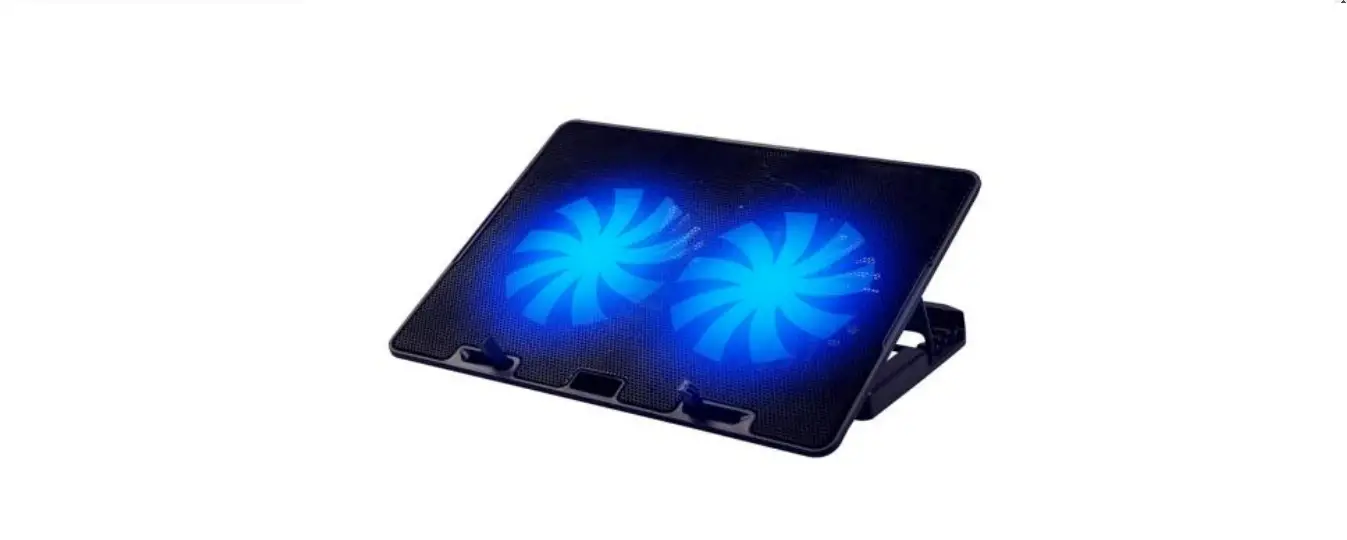
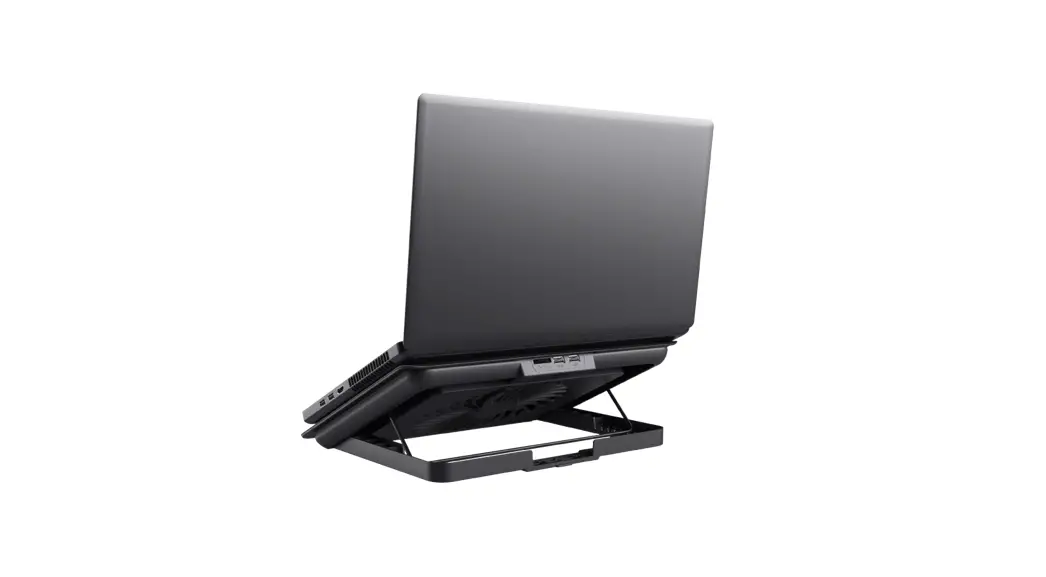
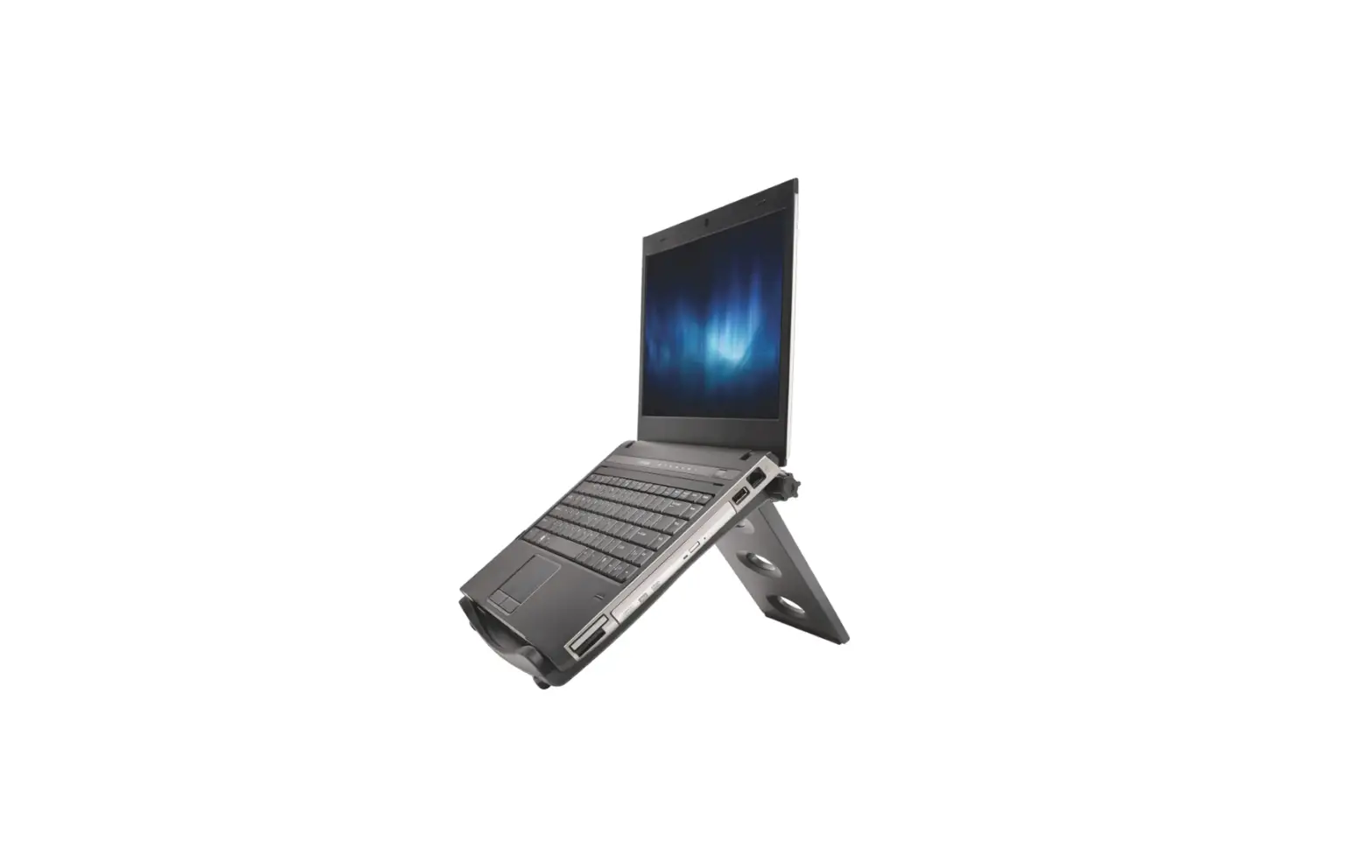
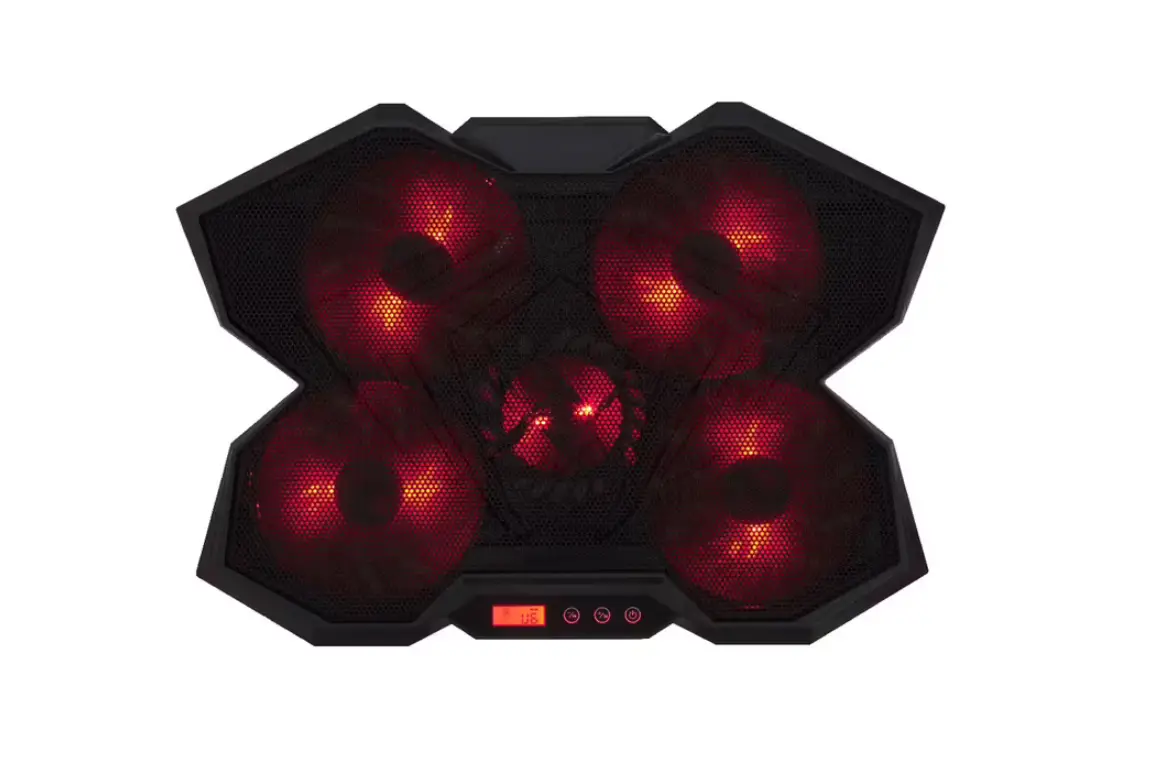
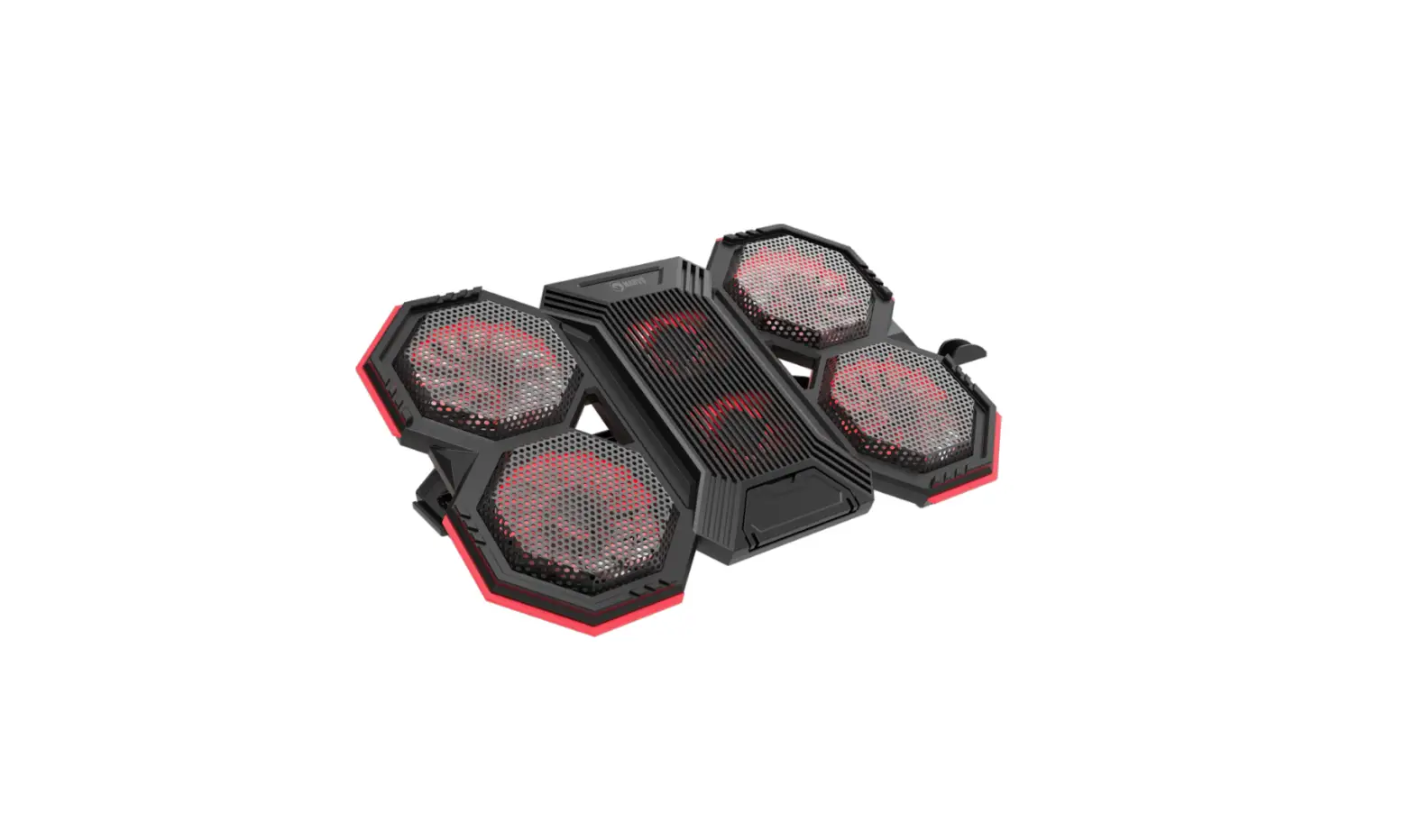
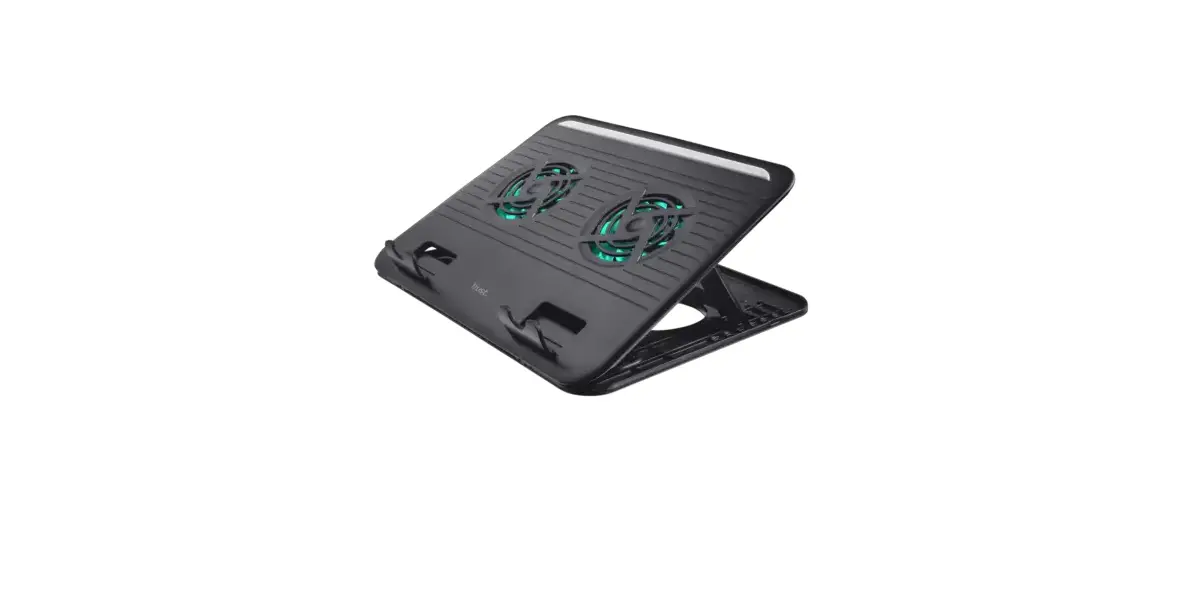
KLIM K21 Laptop Cooling Stand
KLIM K21 Quick Guide
- Place the cooling pad on a flat surface.

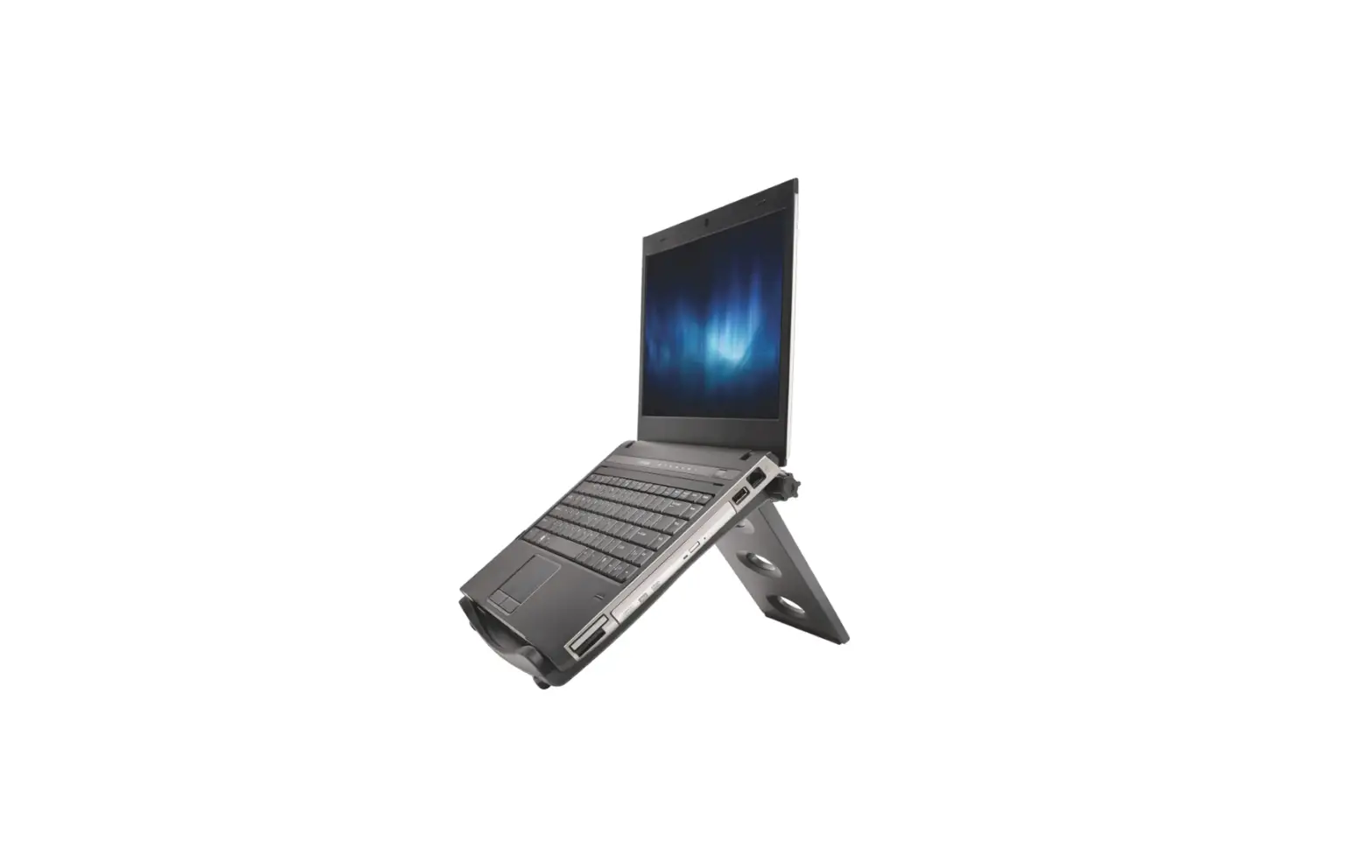
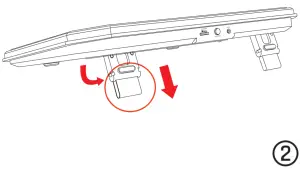
- Adjust your preferred height (2 levels)

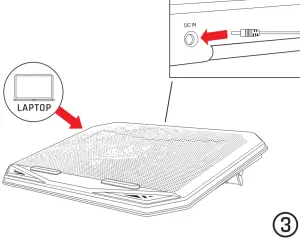
- Place the laptop on the cooling pad and connect them using the provided use cable.

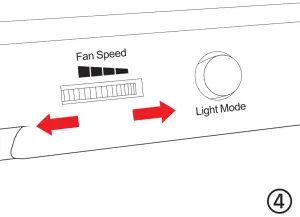
- Turn the dial to activate the fan and adjust its speed.

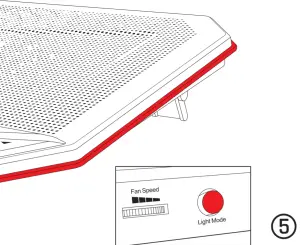
- Press the Light Mode button to cycle through all available colours/effects.

www.klimtechs.com
Made in P.R.C.