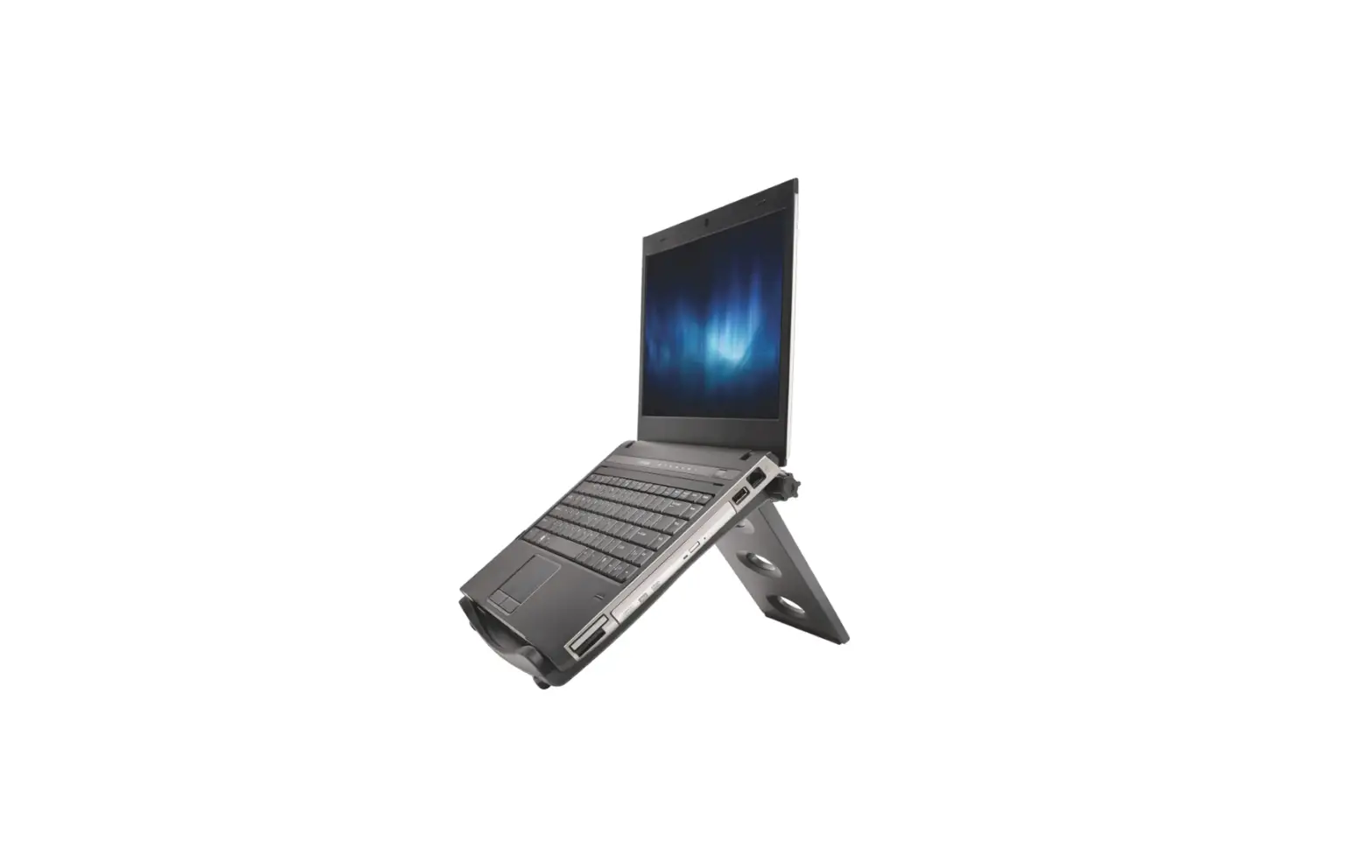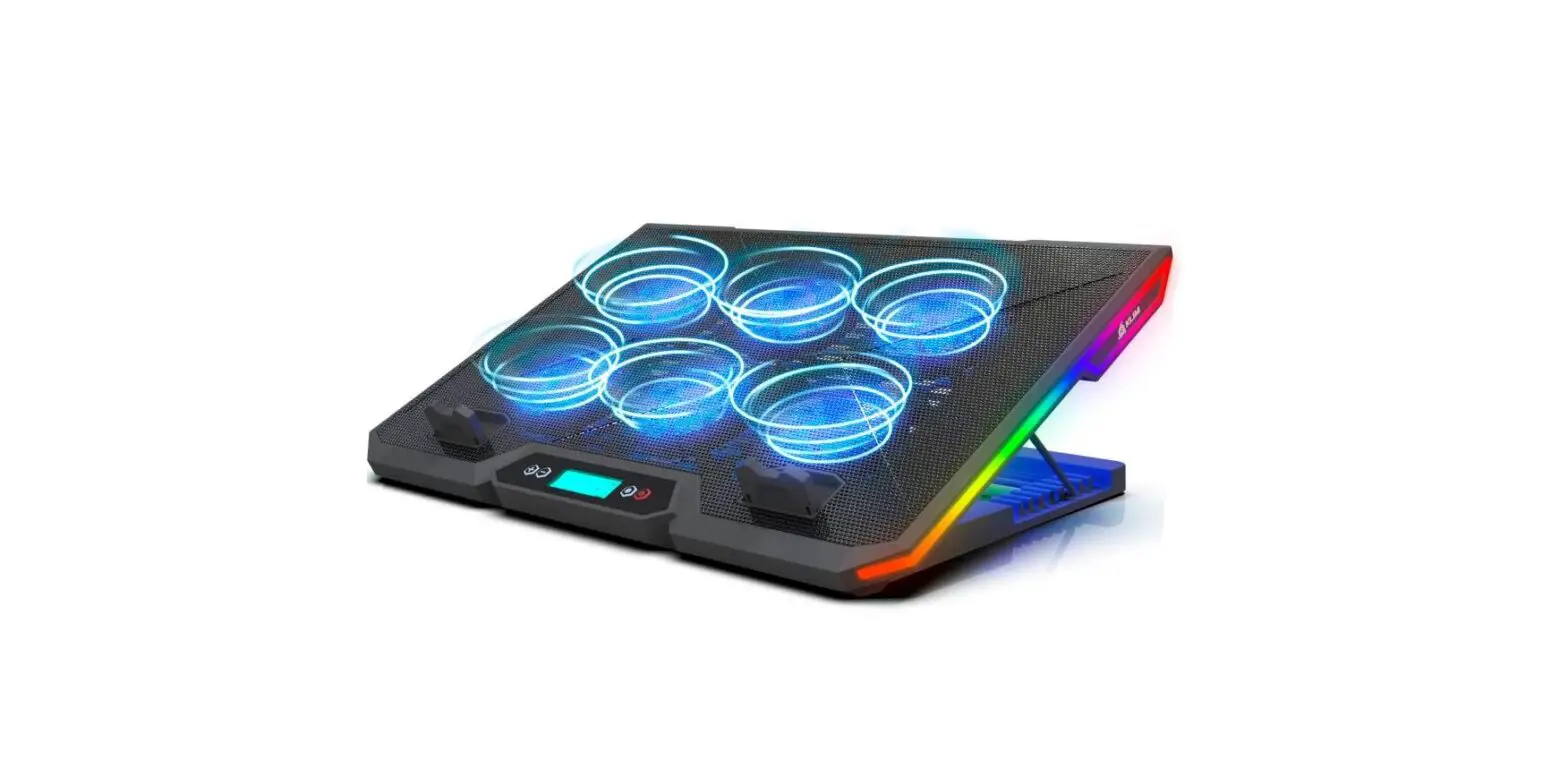
 KLIM AWE55GL Glacier Laptop Cooler
 KLIM AWE55GL Glacier Laptop Cooler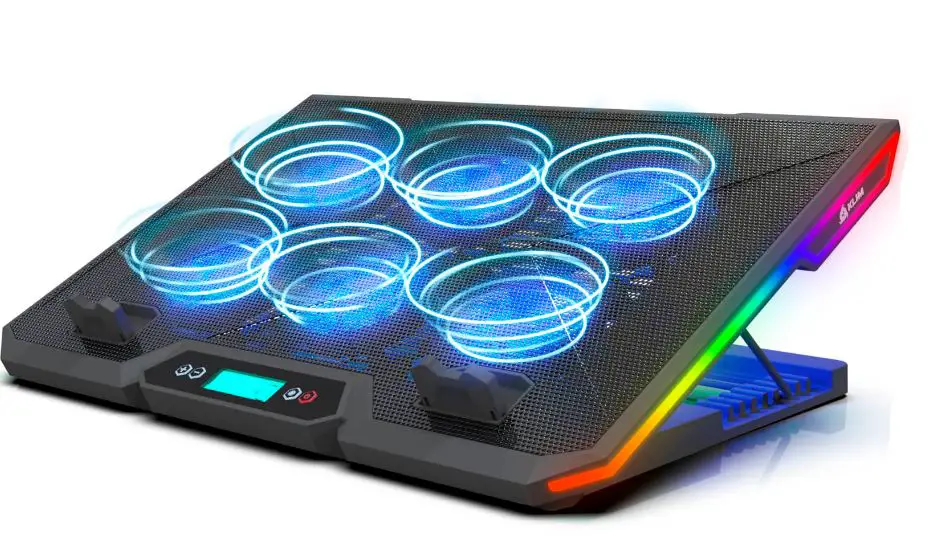
Thank you for acquiring our KLIM Glacier laptop cooler! We hope that you enjoy this product and that it helps you keep your laptop at an optimal temperature.
If you need any help or if you simply want to share your feedback, please contact us at [email protected]. Our specialists reply within 24 hours!
PRODUCT SPECIFICATIONS
- Dimensions:395 x 275 x 22 mm
- Weight: 990 g
- Fan dimensions: 65 x 65 x 18 mm
- Maximum fan speed: 2100 ± 10% RPM (level 6)
- Default fan speed: 1700 ± 10% RPM (level 3)
- Minimum fan speed: 1500 ± 10% RPM (level 1)
- Airflow: 70 CFM
- Fan noise: 27-32 dB
- Current: 0.8 A ± 10 %
- Voltage: 5 V
- Power connection: USB cable
- Compatibility: 10 to 17 inch laptops
INSTALLATION AND USE
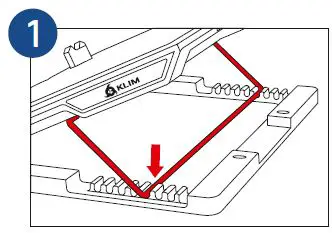
- Set your preferred inclination by inserting the bracket in the slots. Check that both sides are at the same level.

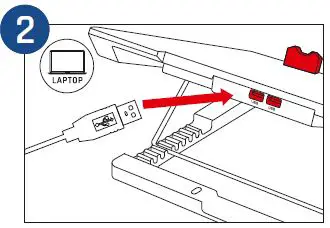
- Place the laptop on the cooling pad and connect the USB cable to the cooling pad and laptop. If needed, lift the frontal tabs to keep it in place.

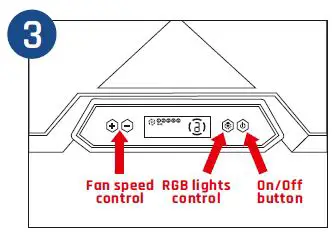
- On/Off button
Press the On/Off button to turn the laptop cooler on or off.
Fan speed control
Press the +/- buttons to set the fan speed. The default value is 3.
RGB lights control
Press the RGB button to change the lights on the sides of the cooler. Press and hold the RGB button to switch off the side lights.
Note: the lights on the fans are always on while the device is running.