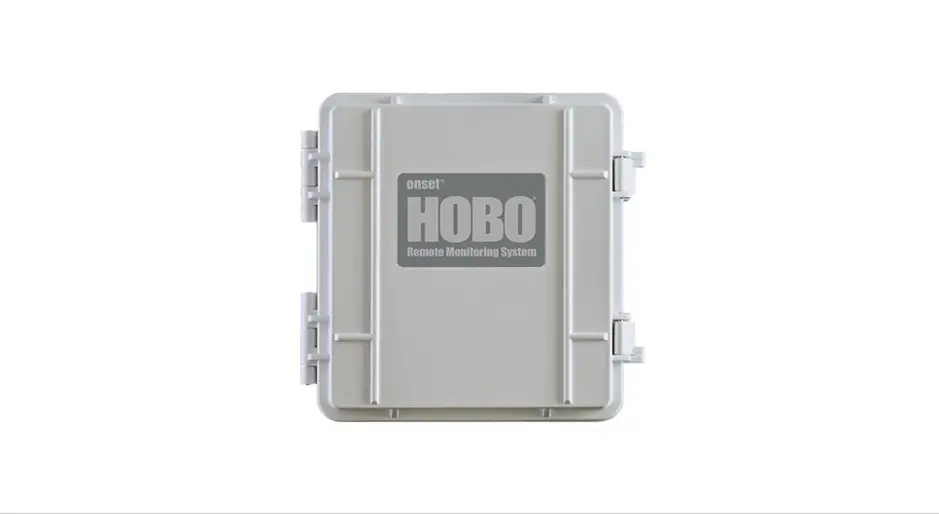
 Installing a SIM Card in a HOBO® RX3000 Remote Monitoring Station
Requirements:
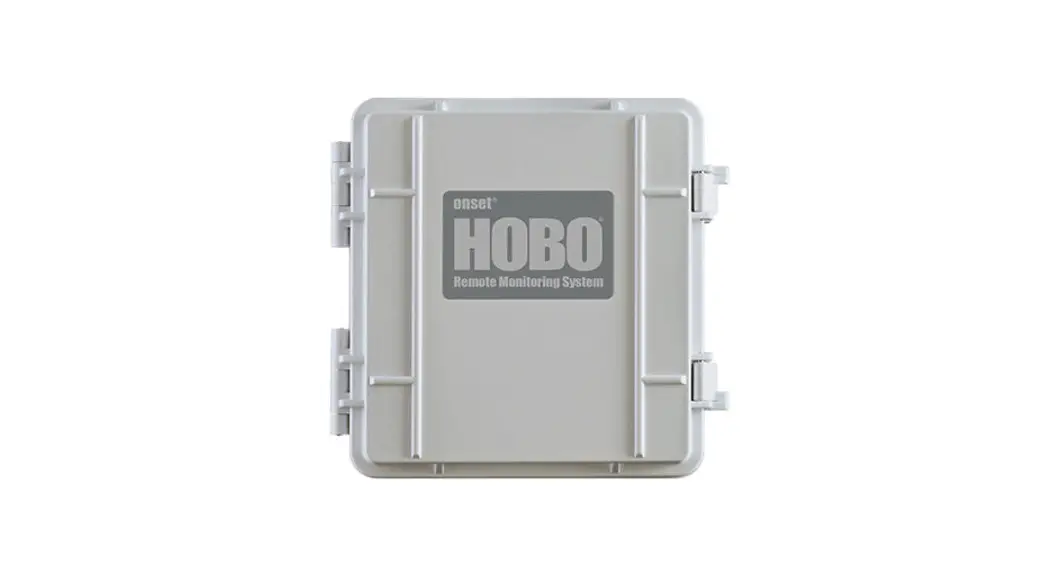
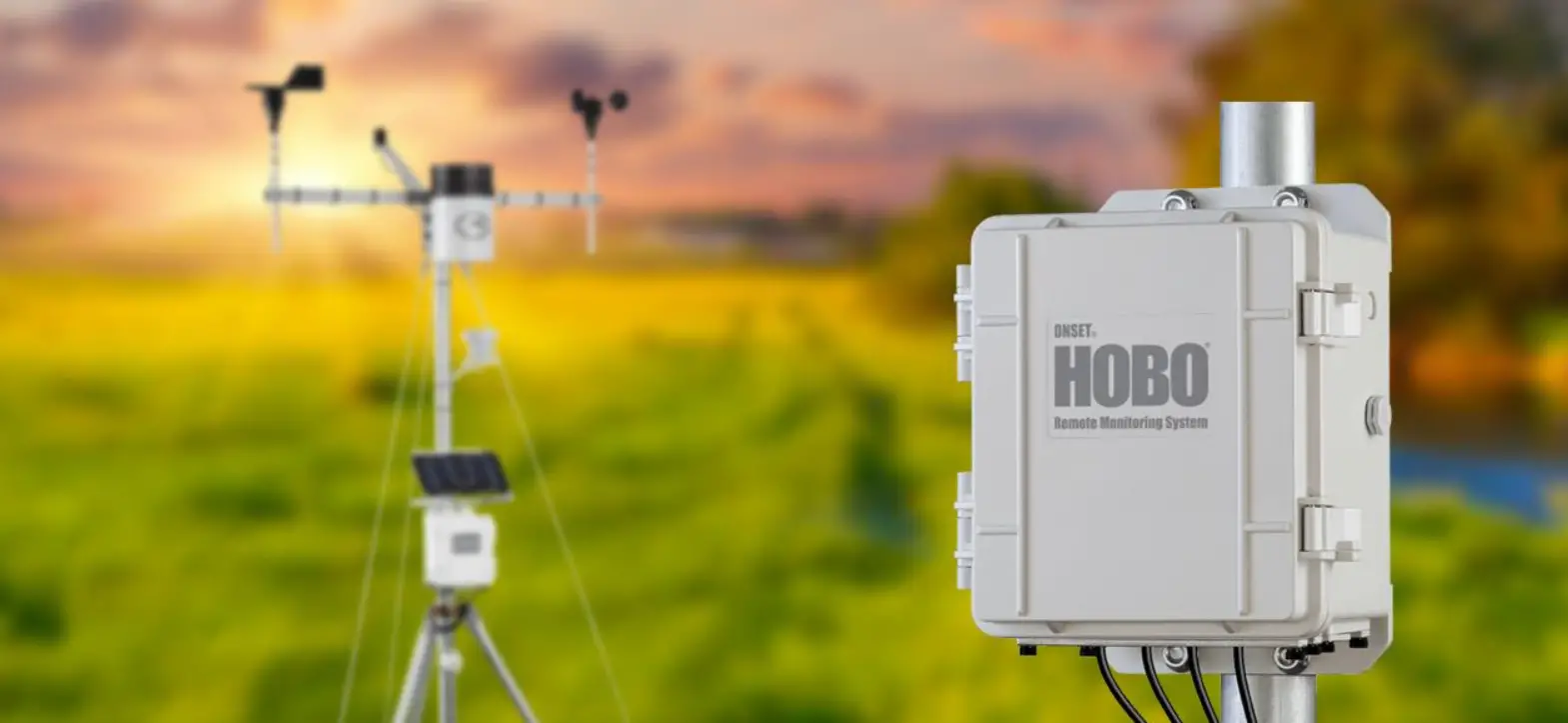
- HOBO RX3003 or RX3004 Remote Monitoring Station
- USB cable
- HOBOware version 3.7.23 or earlier. The RX Manager is not available in the latest version, 3.7.24.
- User-provided data plan and SIM requirements:
- RX3003: Standard size SIM for 3G Cellular Network; supports UMTS/HSPA+ at 800, 850, 900, 1900, or 2100 MHz
- RX3004: Micro SIM for 4G LTE Network; supports UMTS/HSPA+ at 800, 850, 900, 1800, 1900, or 2100 MHz and LTE at
700, 800, 850, 900, 1800, 1900, 2100, or 2600 MHz (RX3004) - The SIM must already be activated and unlocked
- APN for the associated carrier
To install a SIM card in the RX3000 Station:
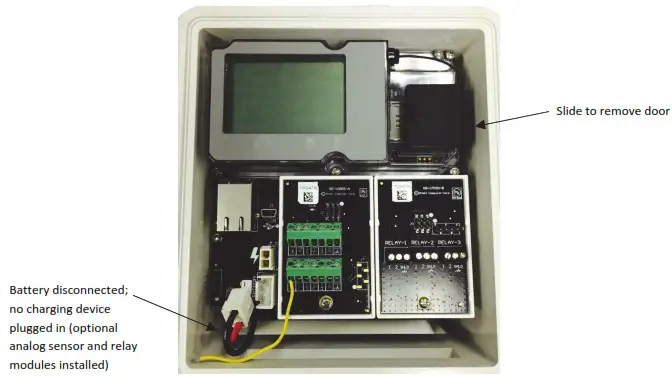
- Make sure the station is powered down. Unplug any charging device, such as an AC adapter or solar panel, and then disconnect the battery.
- Use the tab to slide and remove the protective door to the right of the LCD.

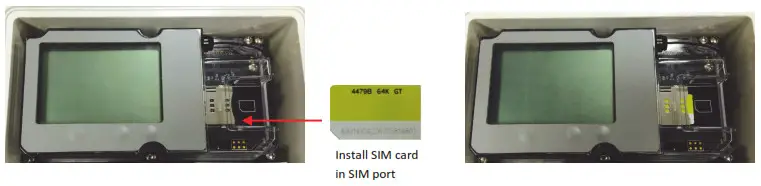
- Carefully slide the SIM card into the SIM port and gently push it into place (you will hear a click when it is properly seated). Be sure to use the correct size SIM for your RX3000 station model (see the requirements at the top of the page).

- Press the protective door back in place.
- Plug in the battery and any charging device. “Initializing System” will blink on the LCD while the system powers up.
Wait until “System” appears with a checkmark. - Connect the station to the computer with a USB cable. It may take a few minutes for the device driver to be installed on Windows® if this is the first time connecting the device to the computer.
- Open HOBOware.
- From the Device menu, select Manage RX Station. Note for Windows: You may see a warning that Windows Firewall has blocked some features. Select Domain networks and click Allow Access.
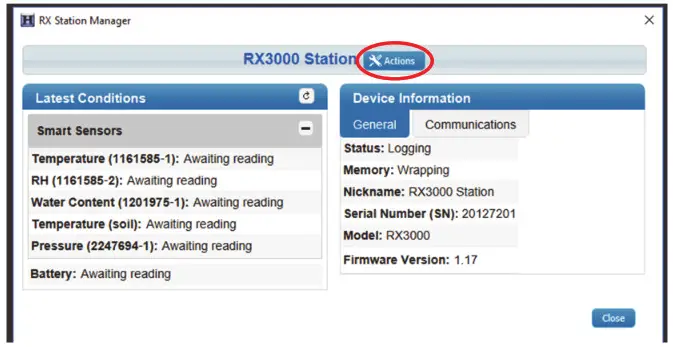
- In the RX Station Manager, click the Actions button circled below and select Network Access.

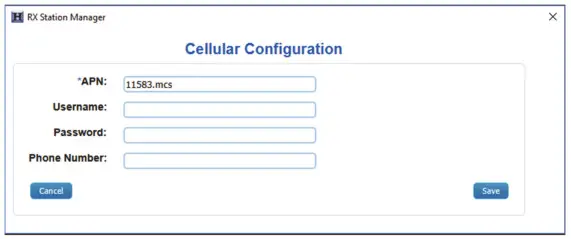
- Enter the APN for the SIM card. You can also enter a username, password, and phone number as needed.

- Click Save and then click Done.
- Click Close in the RX Station Manager.
- Disconnect the USB cable from the station. It should now be ready to connect with HOBOlink®. Refer to the HOBO RX3000 Remote Monitoring Station Manual at www.onsetcomp.com/manual/rx3000 for details on setting up and configuring the station.
1-800-LOGGERS (564-4377) • 508-759-9500
www.onsetcomp.com/support/contact
© 2015–2022 Onset Computer Corporation. All rights reserved. Onset, HOBO, HOBOware, and HOBOlink are trademarks or registered trademarks of Onset Computer Corporation. All other trademarks are the property of their respective companies.
19051-G
 HOBO RX3000 Remote Monitoring Station (RX3001-00-01, RX3002-00-01, RX3003-00-01, RX3004-00-01) User's Manual - 18255-RX3000-Manual | Onset Data Loggers