AC Series AC Key Visitor Pass
Product Information
The AC Key is a mobile app that allows users to issue temporary
passes for visitors. This guide is specifically for Visitor Pass
recipients and explains how to access and use the pass. It is not
necessary for visitors to install the AC Key app to use a Visitor
Pass. Visitor Passes are web-based applications that can be used on
smartphones, tablets, and PCs.
Receiving a Visitor Pass
To receive a Visitor Pass, it can be sent to you via email, text
message, or any other messaging app. The pass will be described as
an AC NIO Visitor Access Link. Simply tap on the link to accept the
pass, and it will open in your mobile device’s web browser.
When opening the Visitor Pass, you may encounter an error
message warning that the connection is not private or secure. In
this case, you will have the option to proceed. The specific prompt
to proceed will depend on your browser. Tap on the prompt to
continue to the next page, where the Visitor Pass will be
displayed.
Visitor Pass Details
The Visitor Pass page will display the name of the person who
issued the pass, provide an option to change the display language,
and describe the parameters of the pass. Every Visitor Pass has a
start and end date, as well as a maximum number of uses before it
expires.
In order to use the Visitor Pass, simply tap on the “Unlock
Door” button. A message will appear indicating that the door
release request has been sent. If the door does not unlock, please
contact the issuer of the Visitor Pass.
Expiration and Renewal
Once all uses of the Visitor Pass have been exhausted or the
time has run out, if you attempt to use the same Access Link again,
an expiration message will be displayed. If you require a new
Visitor Pass, please contact the issuer of the original link.
For further details about the features and information mentioned
above, please reach out to our Technical Support.
Aiphone Corporation | www.aiphone.com | (800) 692-0200
AC SERIES
AC Key Visitor Pass Guide
05/23 1
Introduction
AC Key is a mobile app that allows users to issue temporary passes for visitors. This guide is for Visitor Pass recipients, explaining how to access and use the pass. It is not necessary for visitors to install AC Key to use a Visitor Pass. Visitor Passes are a web-based app that can be used on smartphones, tablets, and PCss. For simplicity, the term mobile device is used going forward.
Receiving a Visitor Pass
AC Key can send Visitor Passes by email, text message, or any other messaging app. The message will describe the pass as an “AC NIO Visitor Access Link.” Tap it to accept the pass, which will open in the mobile device’s web browser.
An error message may appear warning that the connection is not private or secure. There will be an option to proceed, with the specific prompt depending on the browser. Tap the promt to proceed to the next page, which will display the Visitor Pass.
05/23 2
Receiving a Visitor Pass (continued)
The Visitor Pass page will display the name of the person who issued the pass, an option to change the display language, and describes the parameters of the Visitor Pass. Visitor Passes always have a start and end date, as well as the number of uses before they expire.
Jonathan Doe
In order to use the Visitor Pass, tap Unlock Door . A message will appear indicating that the door release request has been sent. If the door does not unlock, contact the issuer of the Visitor Pass.
Jonathan Doe
Jonathan Doe
Once all uses of the Visitor Pass have been exhausted or the time has run out, an expiration message will be displayed if the same Access Link is used again. Contact the issuer of the original link if a new Visitor Pass is needed.
For more details about the features and information above, please contact Technical Support. Aiphone Corporation | www.aiphone.com | (800) 692-0200
05/23 3
 Home - Aiphone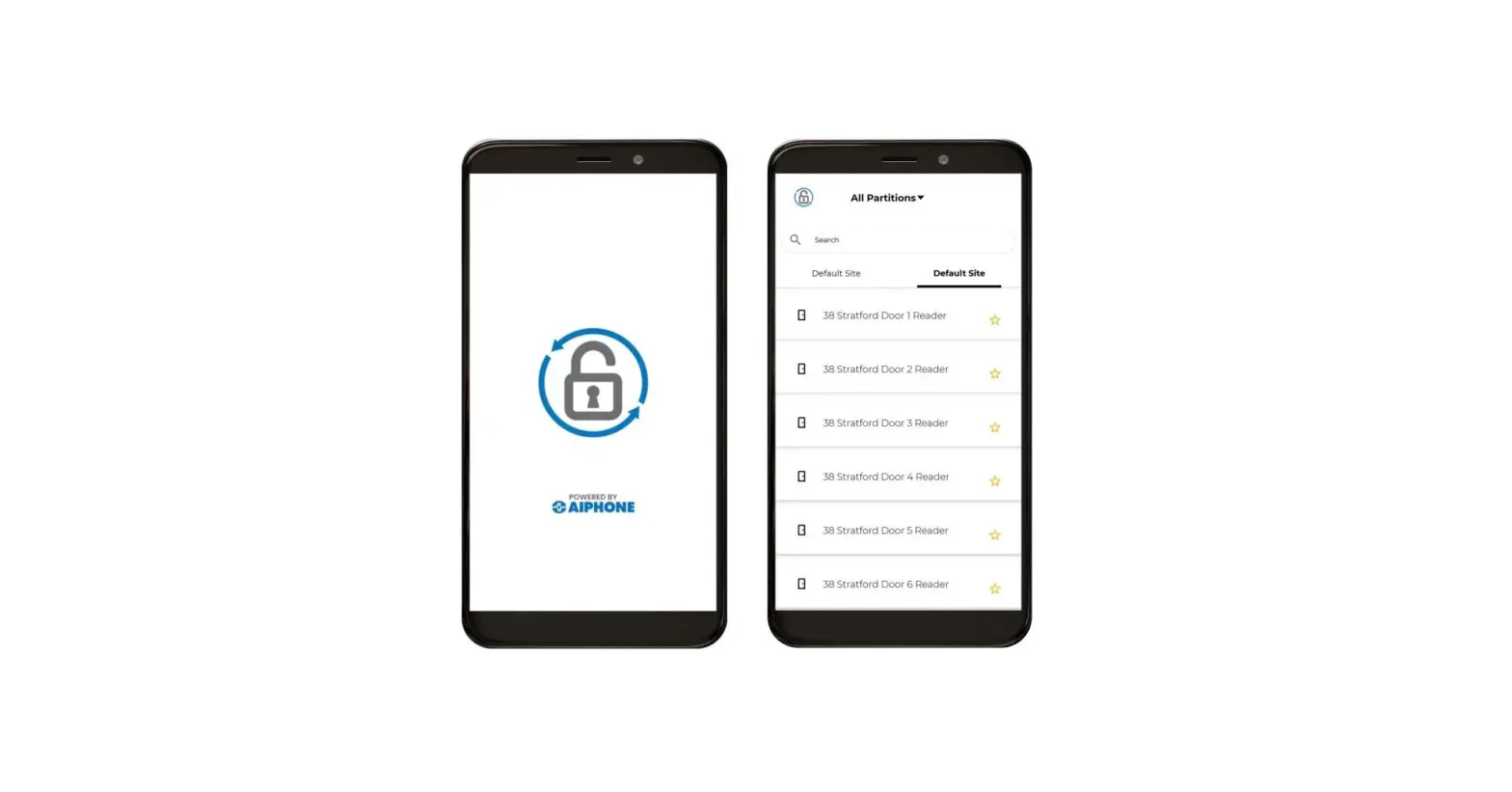
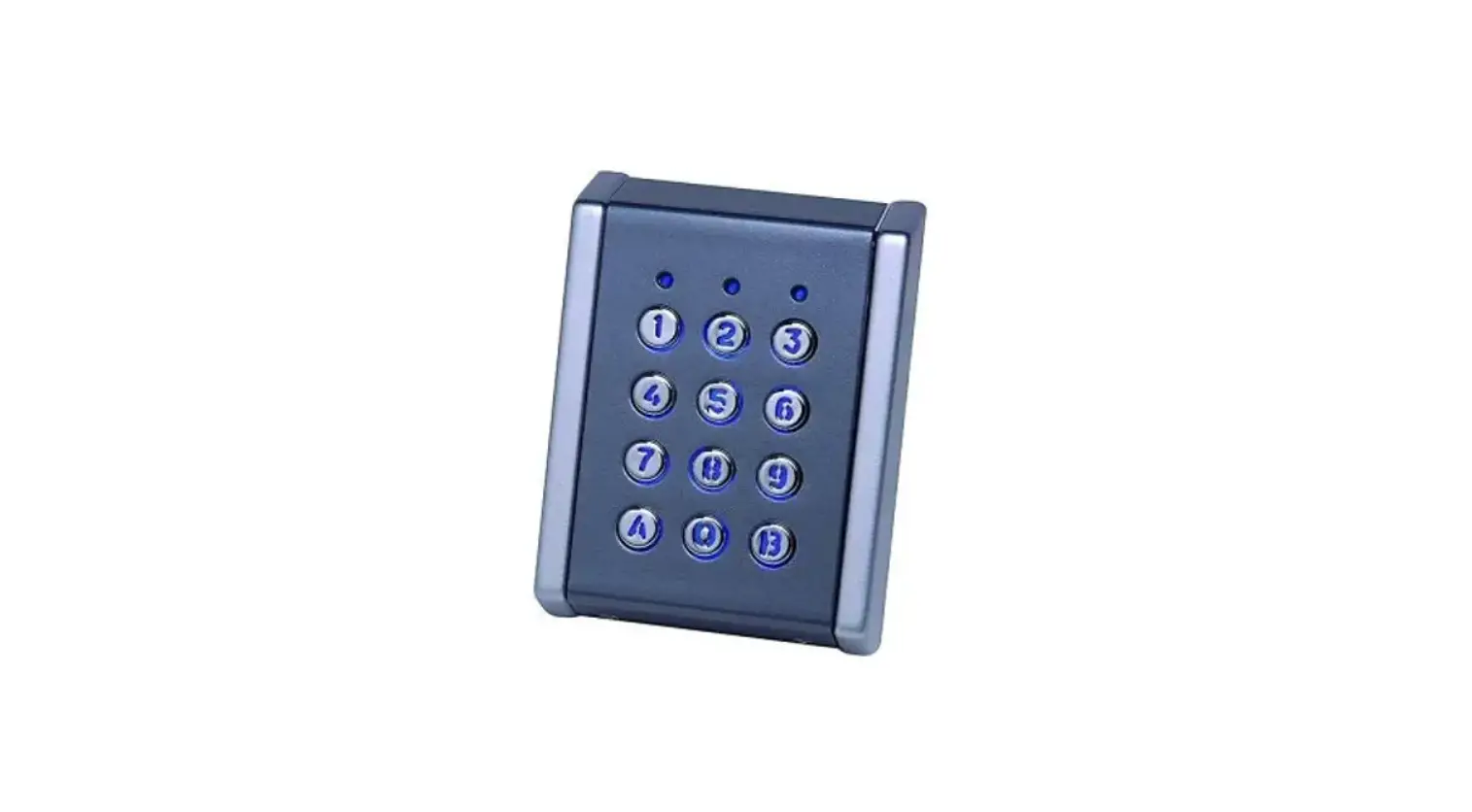







![Midea Smart Ac [cw058iu-awifi] User Manual](https://static-data1.manualsee.com/1/img/294/17740/2020/12/Midea-Smart-AC-CW058IU-AWIFI.png "Midea Smart Ac [cw058iu-awifi] User Manual")