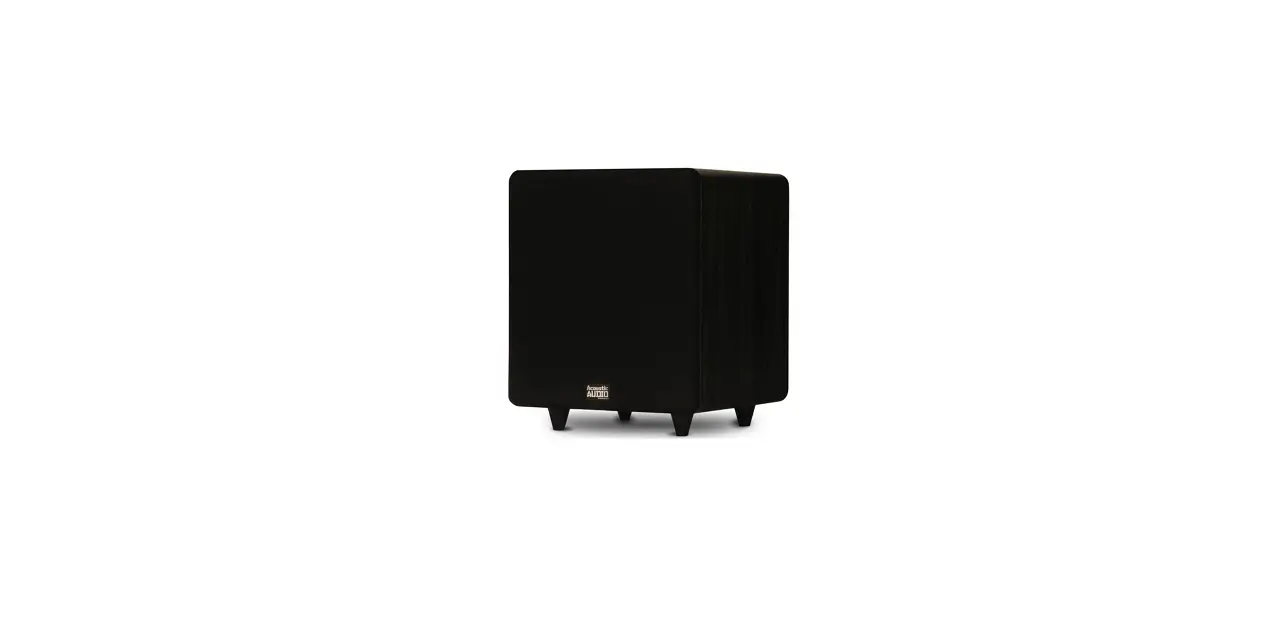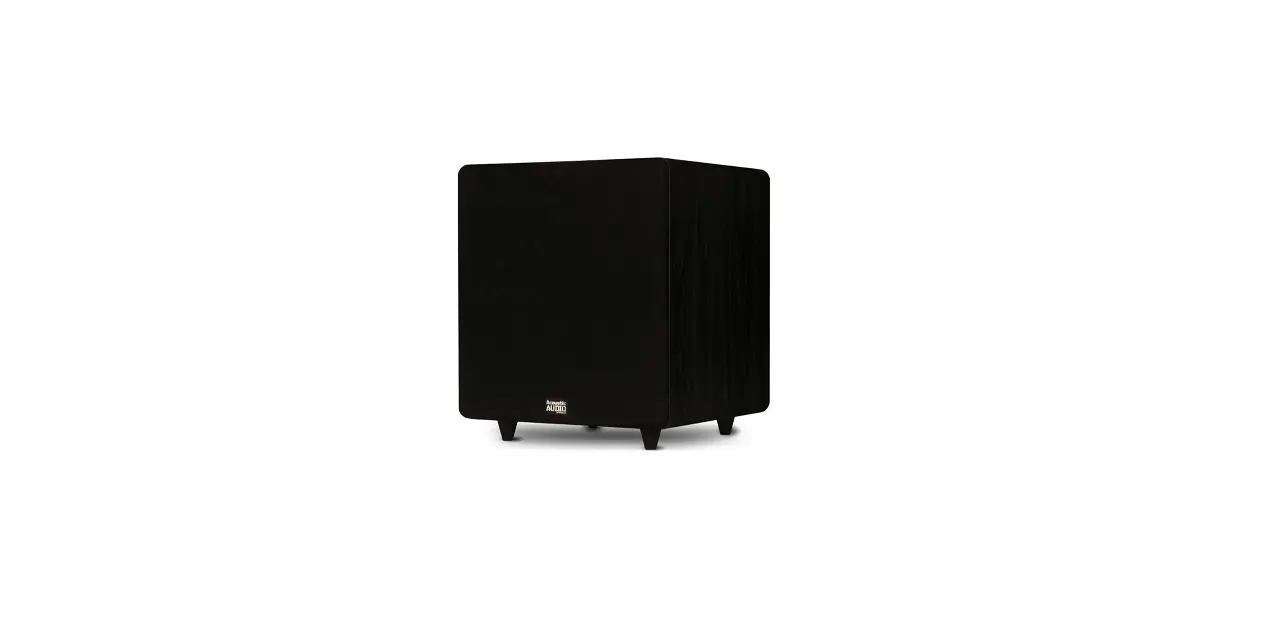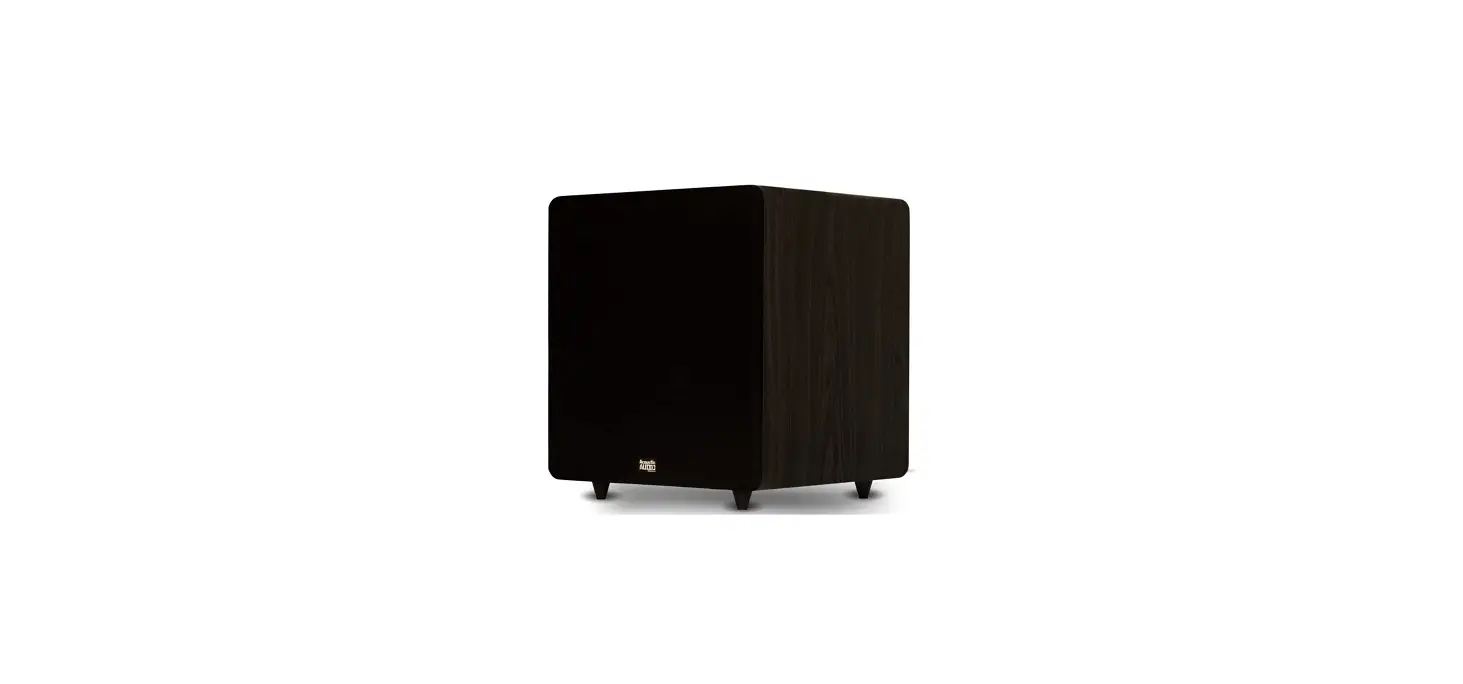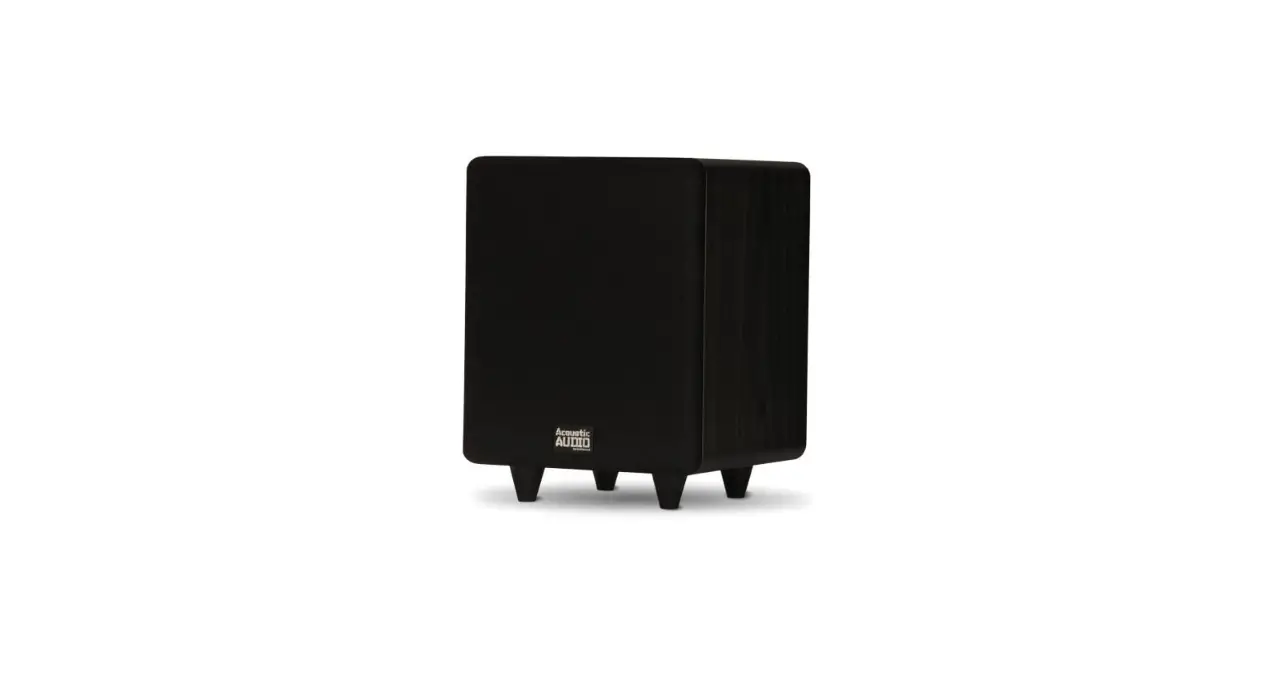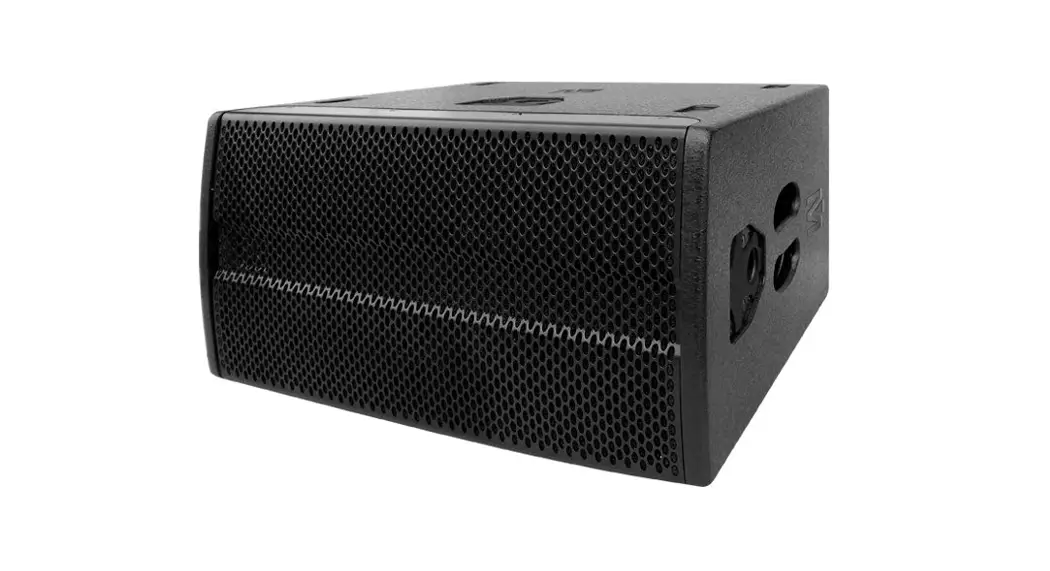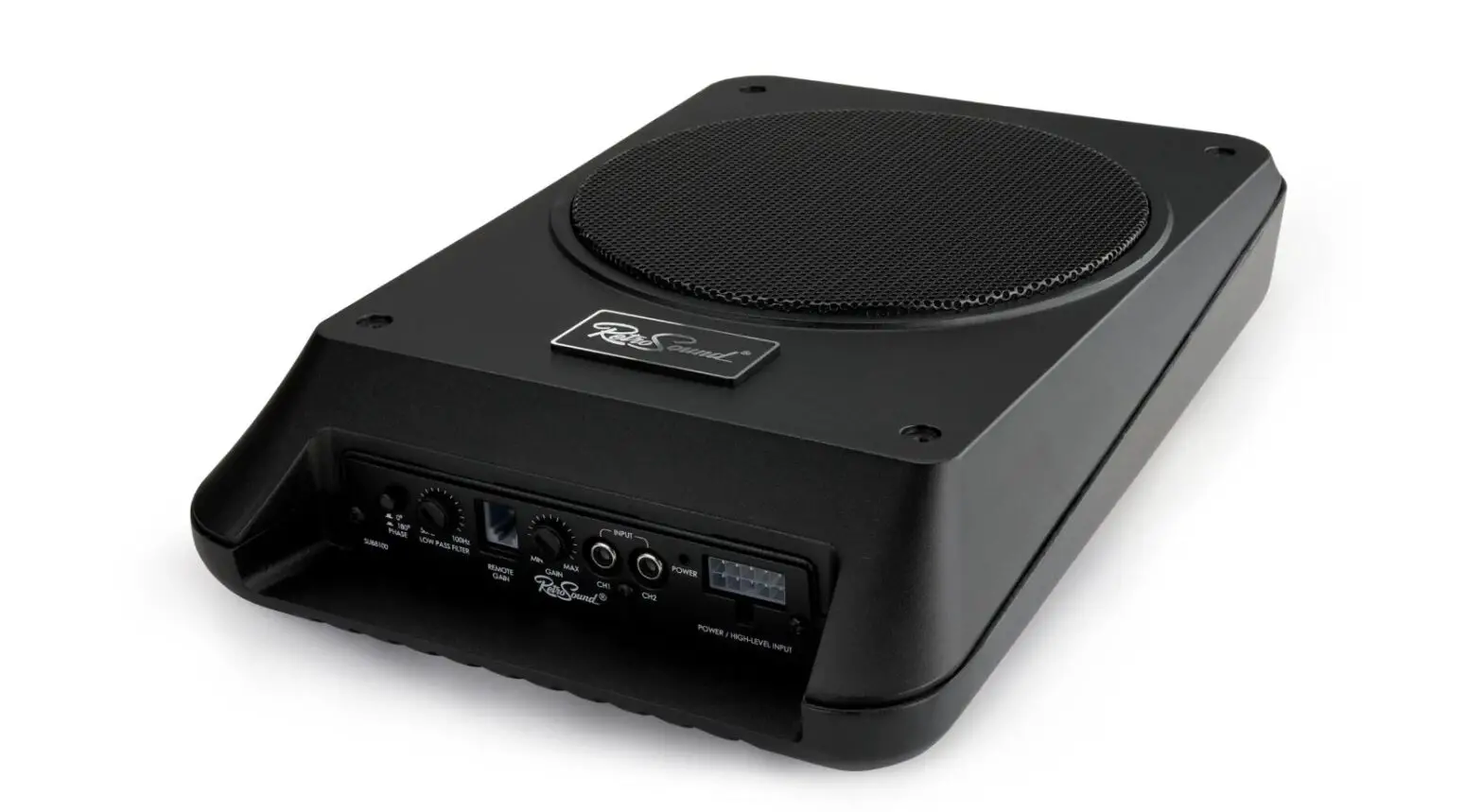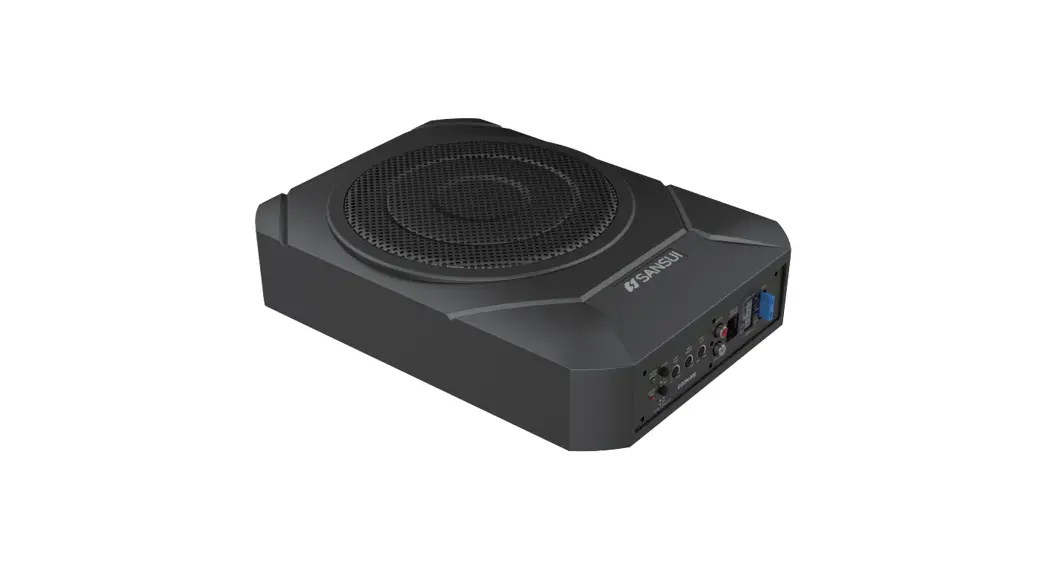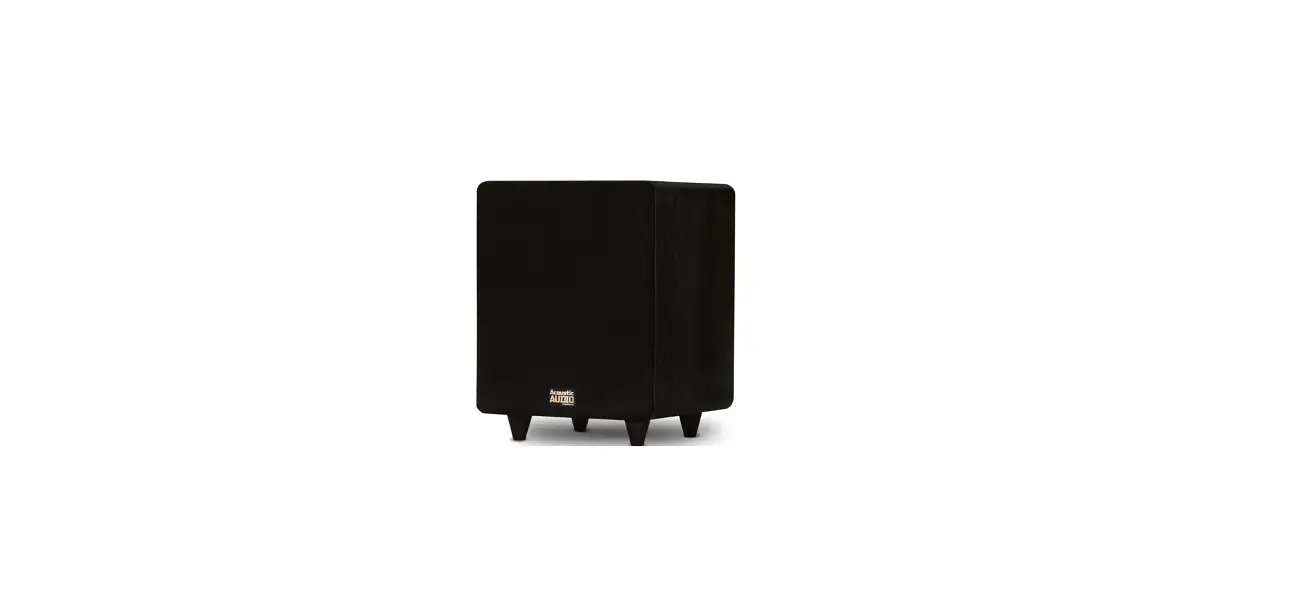
 Acoustic Audio PSW300-8 Home Theater 8 LFE Subwoofer
 Acoustic Audio PSW300-8 Home Theater 8 LFE Subwoofer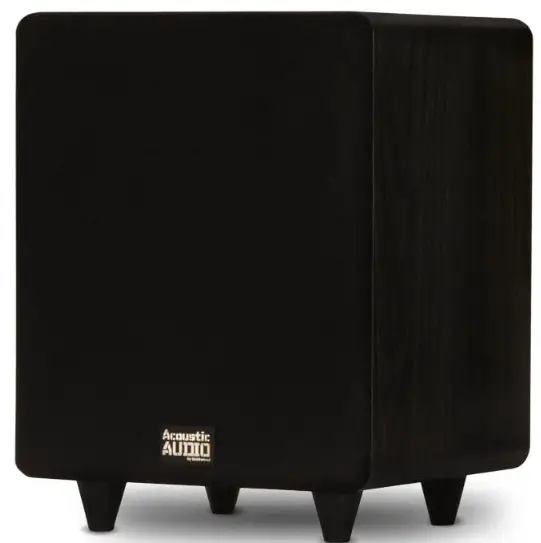
Introduction
Congratulations on your purchase! Your new Acoustic Audio powered subwoofer was designed and manufactured to deliver refined musical reproduction and vivid home theater entertainment. Acoustic Audio products are constructed using the finest quality components and we are proud of our custom-designed drivers and electronics. Much effort has gone into the design of your new sub as to help you achieve years of maximum performance and listening pleasure. Every Acoustic Audio loudspeaker undergoes rigorous testing and quality controls at the factory to ensure years of listening pleasure. Please take a moment to read this manual prior to installing your new subwoofer. The information provided will help you obtain maximum performance.
Though this manual will refer to your receiver, the instructions and recommendations apply to all consumer amplifiers as well as AV receivers. Acoustic Audio powered subwoofers are designed for indoor use only.
IMPORTANT: It is important to turn off the power to your receiver’s power supply before connecting the subwoofer to your system.
Placement
Your Acoustic Audio subwoofer can be placed in many convenient locations in your home, but must be placed on the floor. Do not attempt an installation that would elevate the subwoofer above floor level. You should experiment with various placements. Small changes in the placement location and adjustments to subwoofer controls can produce large apparent differences for room acoustics. For example, directing the woofer of a forward firing sub toward one’s typical listening position and adjusting the low pass filter to 140 Hz can make the sub very directional. This means you perceive exactly where the sub is located within the room. This is not a desirable result for the most realistic audio experience.
The common thinking regarding subwoofer placement and performance is to position and adjust the subwoofer in such a way that the subwoofers low frequencies encompasses the entire room with deep powerful bass and provides the most realistic theater experience. The amount of bass perceived increases as you move the subwoofer closer to an intersecting wall surface and the highest level of bass results are realized from placement in a corner, but should be no closer than 3″ from the wall surface. The floor and corner placement are actually an important part of the subwoofer’s design. Attempt to place the subwoofer in or near the corner closest to your system’s receiver to ensure the shortest possible wire or cable runs, which will result in superior performance.
Connecting Speakers
Connecting & Adjusting Your Subwoofer
When you make connections, make sure that the power switches of all components, including subwoofer, are OFF.
Power Cord
The attached power cord is to be used with a standard AC wall outlet (110 Volt AC outlet capable of supplying at least 250 Watts) Power Indicator LED
The LED light glows RED when the subwoofer is OFF or in standby mode. When the subwoofer is ON or receiving an audio signal in Auto On mode the LED will glow green.
Power Switch
The subwoofer has an Auto On feature for your convenience. When the subwoofer is set in the Auto On mode it is not necessary to power your subwoofer completely off when not in use. In Auto On, the subwoofer stands by until it detects an audio signal input, then the subwoofer turns on automatically. A few minutes after audio input signals cease, the subwoofer automatically returns to stand by mode. The subwoofer has been designed in such a way that you can leave the Auto On feature active without causing any harm to your subwoofer.
Fuse
The fuse protects against minor internal and external faults. The fuse value is indicated on the rear amplifier plate near the fuse itself. If the Power switch is ON and the Power Indicator LED is unlit, unplug the power cord from the AC outlet and check the fuse by unscrewing the center piece from the holder. IMPORTANT: If the fuse malfunctions, replace it with another fuse of the same type, value and current rating. This information can be found on the fuse.
Line- In Jack
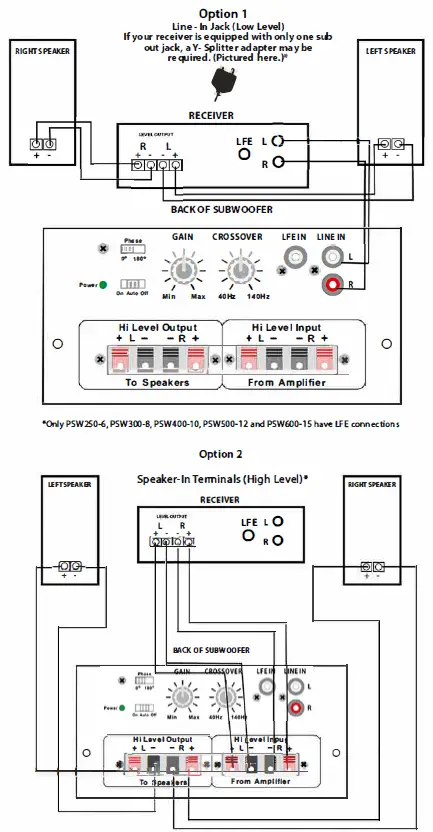
Option 1: This jack is for input connection using an audio cable (low level) See options 1 & 2 descriptions on the following page
Speaker – In Terminals
Option 2: These terminals are for making connections using speaker wire (high level)
Low Pass Frequency (LPF) Crossover
This feature adjusts the frequency limit for low audio signals. This control helps you adjust the system’s low frequency balance to blend your subwoofer with the other speakers within your system. An example: if you adjust the control to the subwoofer’s low setting, the filter limits frequencies above that from being reproduced or heard from the subwoofer. This can be a desired setting if you are using the sub in combination with tower or floor-standing speakers. If you are using satelite speakers with 5.25″ cone sizes or under, you will want to move the frequency up to slightly overlap the lowest frequency the satellites can produce. For example, if your satellite frequency response is rated at 80Hz to 18 kHz then you may choose
Connecting Speakers and.
to move the LPF control higher to blend the highest frequency of the subwoofer slightly past the lowest frequency of the satellites. Therefore you would set your sub’s LPF control to 90Hz creating a mid bass coupling between your sub and th rest of your speaker system.
Volume Control
Balances the loudness of the subwoofer relative to the front speakers and compensates for room effects on the subwoofer’s output. It should not be necessary to set the level control to maximum volume to achieve a well balanced installation, but you may need to adjust when changing between CD’s, media and DVD’s.
IMPORTANT:
Use Option 1,2 OR 3 but none at the same time.
Option 1: Connection with Audio Cable -(recommended) This connection employs a left/ right audio cable. To use this option, your receiver should include a Subwoofer Outjack, which is typical of receivers with digital decoding. Make sure the Subwoofer Out on the receiver is on. Locate the subwoofer output jack on the back of your receiver. Using a standard audio cable, connect the subwoofer output on the back of your receiver to the line-in on the back of the subwoofer. If your receiver is equipped with only one subwoofer out jack, a Y splitter adapter may be required. Most models include this adapter. See Option 1 Diagram.
Option 2: Connection with Speaker Wire – Connect speaker wires from the receiver’s front left and right speaker outputs to the subwoofer’s speaker Level-In connections. Connect left channel to left input and right channel to right input. You have the option of connecting your main speakers to the speaker B outputs on your receiver if it is so equipped. Otherwise, if so equipped you have the option of connecting to your main speakers using the connections on the subwoofer. This will send the audio signal to the main speakers while funneling the low bass frequencies to the subwoofer. To take advantage of this option,connect your main speakers to the right and left outputs on the subwoofer. Be sure to maintain proper signal polarity by connecting the red wire to the red terminal and black wire to the black terminal. See Option 2 Diagram.
Note: Acoustic Audio recommends you use at least 16 gauge speaker wire for Option 2 when hooking your receiver speaker outputs in making an audio connection to your subwoofer.
Wiring Diagrams
Option 3: Connection with LFE – Subwoofer is equipped with a double insert RCA cable. Since the RCA cable has 2 inserts on each end and only one input on both the subwoofer and one output on the receiver, you may easily pull the cable in half making a white side and a red side. Use either the red or white side, both will work. Connect the LFE output on the receiver to the LFE input on the back of the subwoofer using the newly single RCA cable. Connect speaker wires from the receiver’s front left and right speaker outputs to the speaker’s inputs. Connect left channel to left input and right channel to right input. This will send the audio signal to the main speakers while funneling bass frequencies to the subwoofer. Be sure to maintain proper signal polarity by connecting the red wire to the red terminal and black wire to the black terminal. See Option 3 Diagram.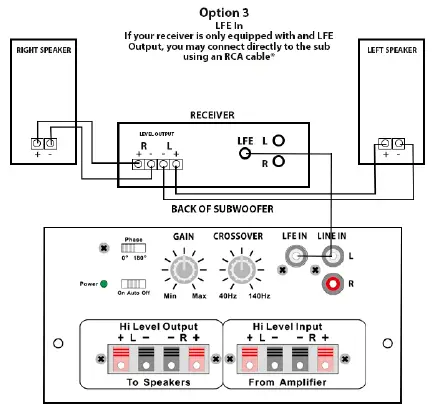
Troubleshooting
Distortion/ Knocking:
If you believe you hear obvious distortion or knocking sounds, immediately lower the volume level of your receiver. Those sounds often indicate that either the receiver or the subwoofer is being over driven and damage can result in playing CD’s, DVD’s or media at high volumes. You should avoid turning the bass to maximum levels and refrain from using the loudness button when the volume level is high. This can lead to costly loudspeaker failure. Distorted or unnatural sound can also indicate poor connections. Check the connections. If the sound remains poor or distorted, the subwoofer may have a problem.
Hummin Sound
If you experience a hum when plugging the power cord into an electrical outlet, you are experiencing an electrical interference in your home’s wiring. Plug the subwoofer into a different AC outlet in the room, one that isn’t supplying power to your components (AV receiver, TV, cable box, etc.) You should also invest in a set of quality RCA cables that are shielded from electrical interference.
No Power
If your unit will not power ON the first step is to check the fuse. If the POWER switch is ON and the power indicator LED is unlit, unplug the power cord from the AC outlet and check the fuse by unscrewing the center piece from the holder. If the filament is broken the fuse must be replaced. IMPORTANT: If the fuse malfunctions, replace it with another fuse of the same type, value and current rating. This information can be found on the fuse.
No Sound
Make sure your unit is on. Using your receiver’s adjustment settings set the Subwoofer Out setting to ON and set speaker mode to your corresponding speaker setup (IE: 5.1 channel) .
Sub Shuts Off
If your subwoofer keeps shutting off or is getting hot, be sure to check your wiring for correct connections. Also make sure the speaker wires are in phase(+ to +, – to -) and that no speaker wires are touching one another. These conditions will create an overload on either your receiver or your powered sub. The powered sub has built-in circuitry to detect any improper signal transfers and will automatically shut the unit down.
General Features
- Gain Control for Level Adjustment
- Adjustable Low Pass 40 Hz to 140 Hz
- High Level Inputs/ Outputs
- Low Level Inputs/ Outputs
- LFE Inputs
- Available in Black Ash Only
- Signal Sensing ON/OFF
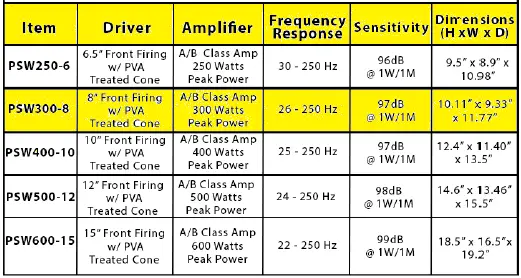
Specifications
FAQs
Should you use LFE on the Acoustic Audio PSW300-8 subwoofer?
When using a REL subwoofer in a home theatre system, you must use the LFE/. 1 input. The processor or receiver’s subwoofer/LFE/.1 output needs to be connected.
How do I connect my Acoustic Audio PSW300-8 LFE subwoofer to my receiver?
The connection between your subwoofer and home entertainment receiver is straightforward: Simply connect this audio connector cable between the subwoofer’s line input and the receiver’s subwoofer output (pictured above). Use the LFE input if it is available on the subwoofer.
What is Acoustic Audio PSW300-8 LFE subwoofer output?
While the subwoofer output is bass information from up to all six channels that has been chosen to be reproduced by the subwoofer via a bass management system, the LFE channel is utilized to transport additional bass information in the surround sound programming.
Do all Acoustic Audio PSW300-8 subwoofers have LFE?
LFE (Low Frequency Effects) outputs are a standard feature on almost all AV receivers and pre-amplifiers. Before the signal is transmitted to the subwoofer, the LFE channel, which is a mono signal, has already been filtered. A LFE mode will be present in almost all subwoofers.
What is Acoustic Audio PSW300-8 subwoofer LFE input?
LFE input refers to the Low-Frequency Effects (LFE) channel on subwoofers. You have a port where you can connect your subwoofer to a receiver through this LFE input channel. Today, the majority of subwoofers only feature one LFE input channel.
Why does my Acoustic Audio PSW300-8 subwoofer have 2 inputs?
The subwoofer can have its sensitivity increased thanks to dual input. Typically, using a mono LFE subwoofer signal from its processor would be sufficient. You can use a Y-splitter if your processor has a very low output. The subwoofer’s sensitivity is doubled when the same mono signal is applied to both inputs.
Is LFE the same as Acoustic Audio PSW300-8 subwoofer out?
In contrast to the subwoofer output, which represents how all or part of the bass information will be reproduced, the LFE channel is utilized to transmit additional bass information in the Dolby Digital program.
Why does my Acoustic Audio PSW300-8 subwoofer have 4 wires?
Four terminals on speakers enable bi-wiring connections. Four-terminal speakers allow for split connections, which divides the speaker into two pieces. First, one set of terminals is used for the mid and high-frequency drivers, while the other set is used for the low-frequency drivers.
How do you hook up a Acoustic Audio PSW300-8 subwoofer without LFE?
The “Line In/Sub” in on the Sub is connected to the “Subwoofer out” on the receiver. The receiver’s left or right sub out as well as either of the sub’s left or right will function just fine. To link them, all you need is a single cable.
Where is the best place to place an Acoustic Audio PSW300-8 subwoofer?
The output of a subwoofer may rise if it is placed in the corner of a room, making the sub sound louder. See how it sounds by trying to position your subwoofer in a corner. If the corner is too distant from your listening location, it might not be a good alternative for your subwoofer depending on your floor space.
What is high-level input Acoustic Audio PSW300-8 subwoofer?
Subwoofers with high-level inputs attach to your left and right speakers’ terminals (speaker-level outputs). In this manner, the speakers and subwoofers receive the exact same audio signal at the exact same moment (they are perfectly synced).
Can I connect the Acoustic Audio PSW300-8 subwoofer to pre out?
It is relatively easy to connect your powered subwoofers to a pre-out. To accomplish this, just connect your receiver to your subwoofer using an RCA-type input jack.
How far should Acoustic Audio PSW300-8 subwoofer be from speakers?
The left and right front speakers should be 4 to 5 feet apart from the subwoofer. Consequently, my next piece of advice is to avoid placing the subwoofer in a corner. Undoubtedly, there are many benefits to corner location, chief among them being that the sub will create more bass with less distortion there.
Can you connect 2 subwoofers together?
Option two: You can connect two subwoofers directly to a home theatre receiver if it has two wired subwoofer preamp outputs (no RCA Y-adapter needed). Option three: You can daisy link two or more subwoofers together if they have an input and an output.
What is a bridged Acoustic Audio PSW300-8 subwoofer?
A stereo pair of channels are combined into a single mono channel by bridging amplifier channels. Bridging is frequently utilized in automobile audio applications to provide sub-woofers or bigger full-range speakers with greater power.