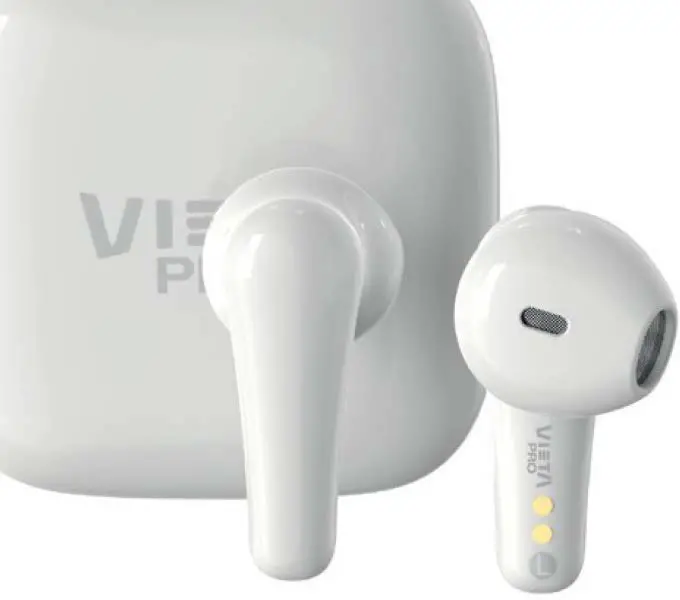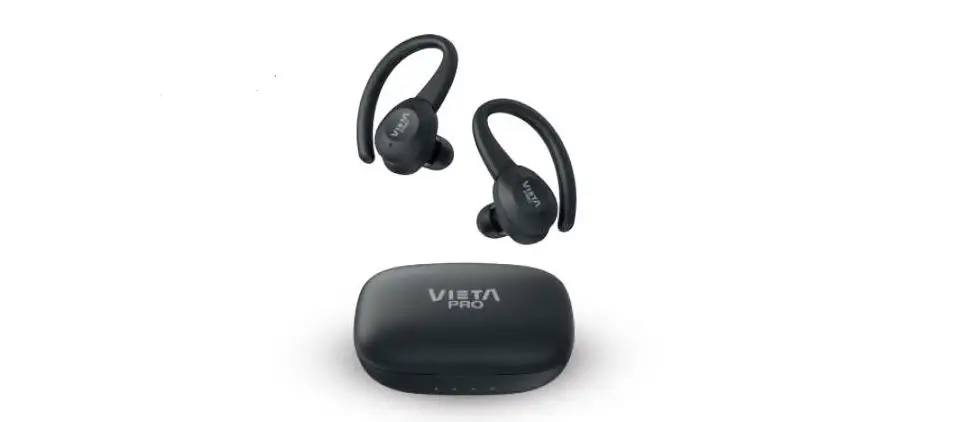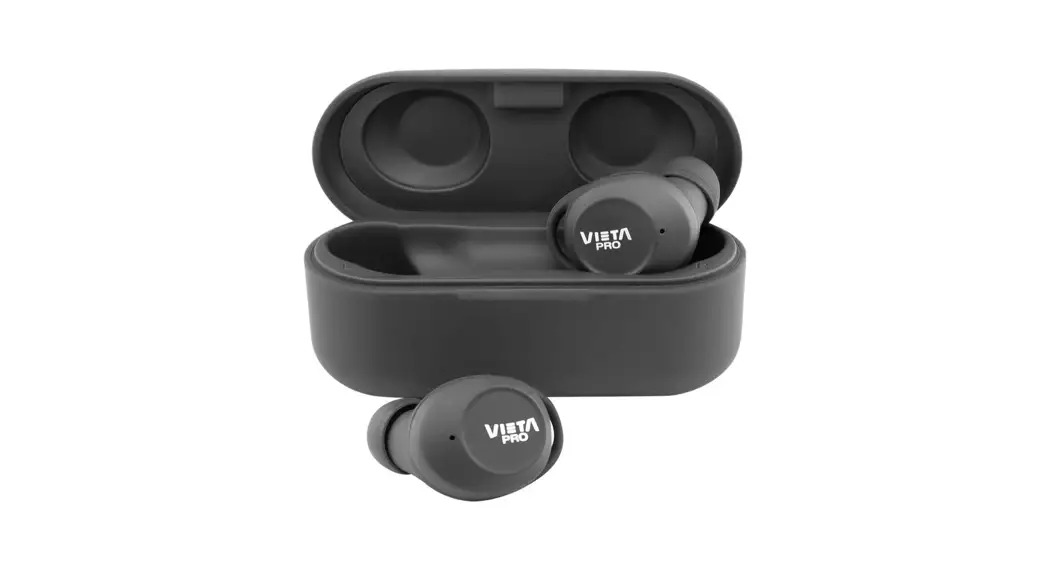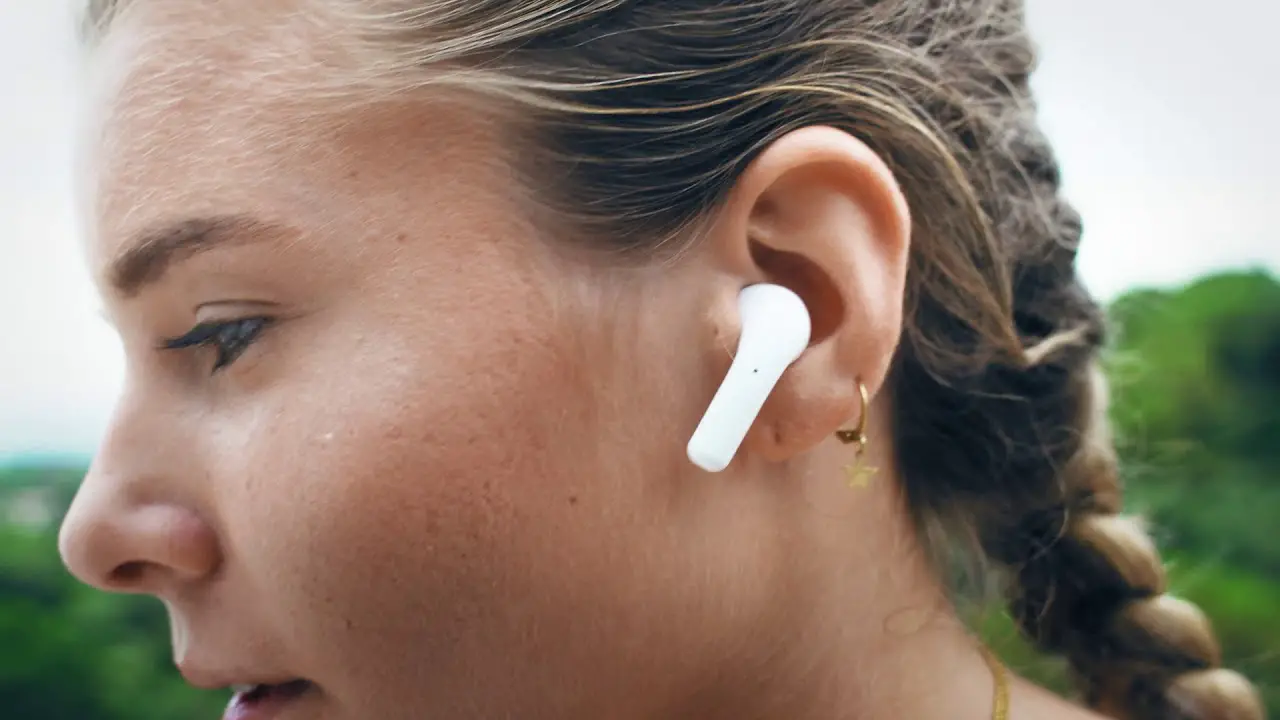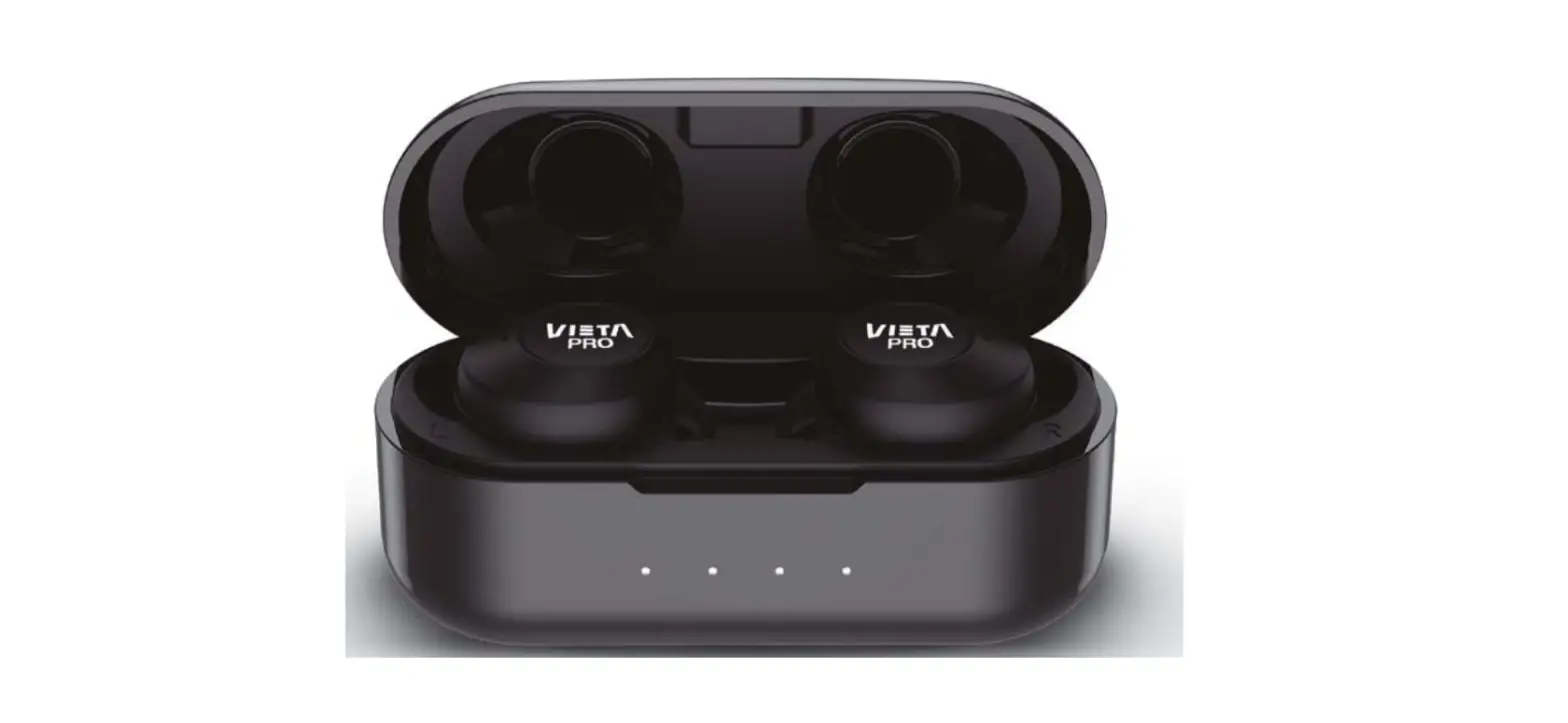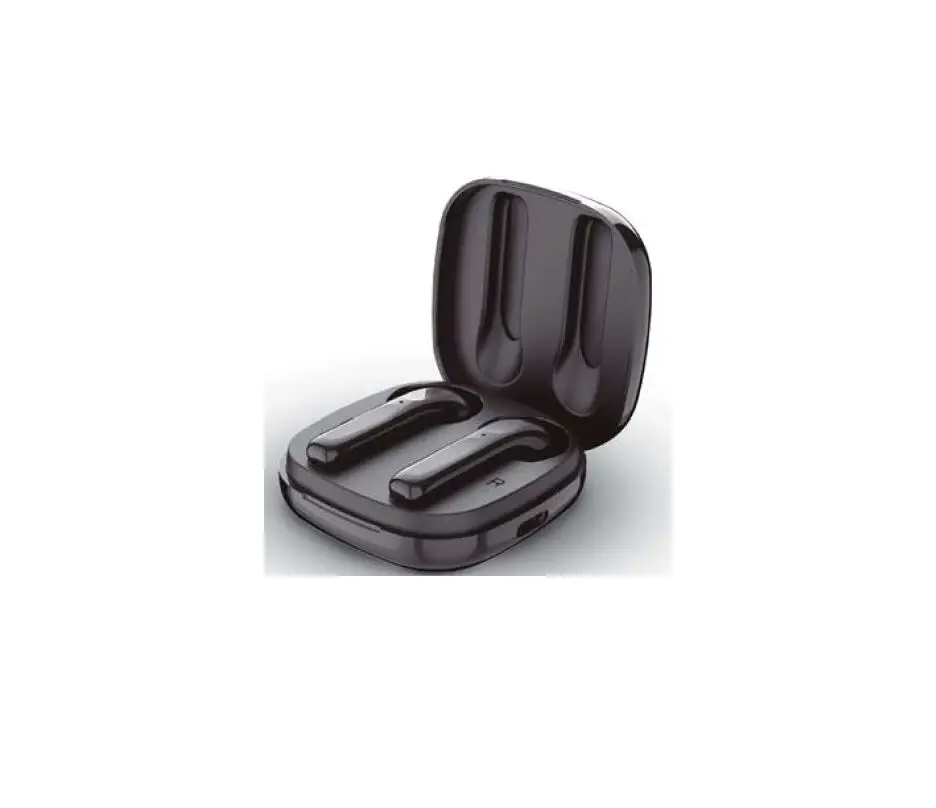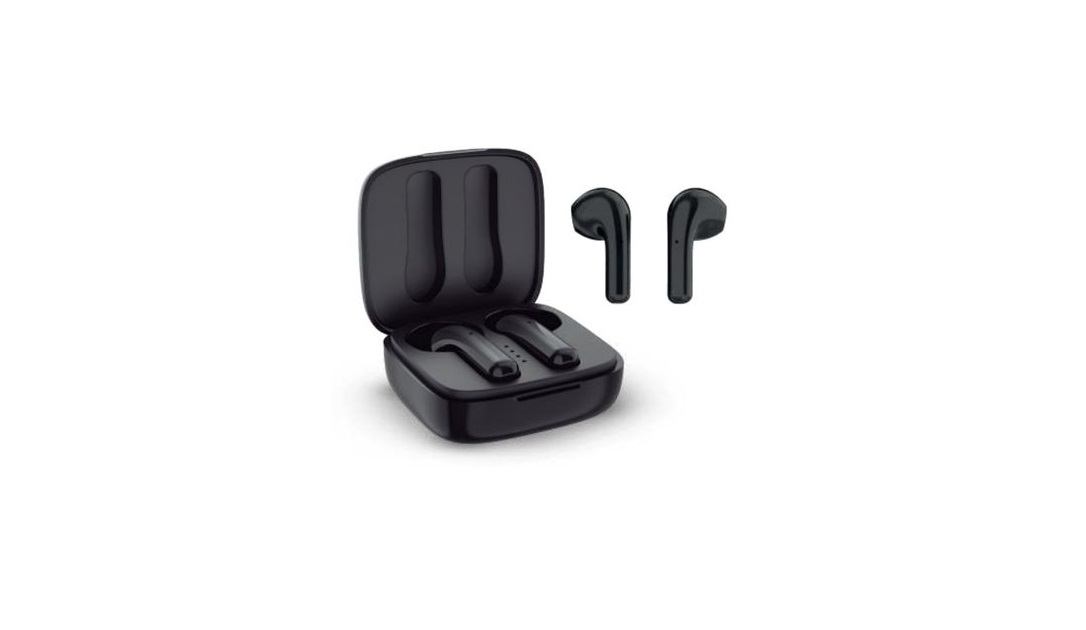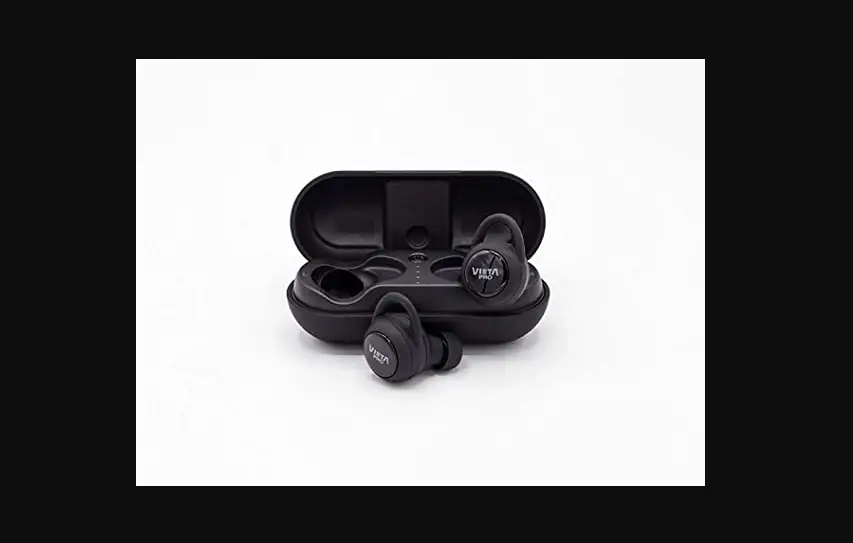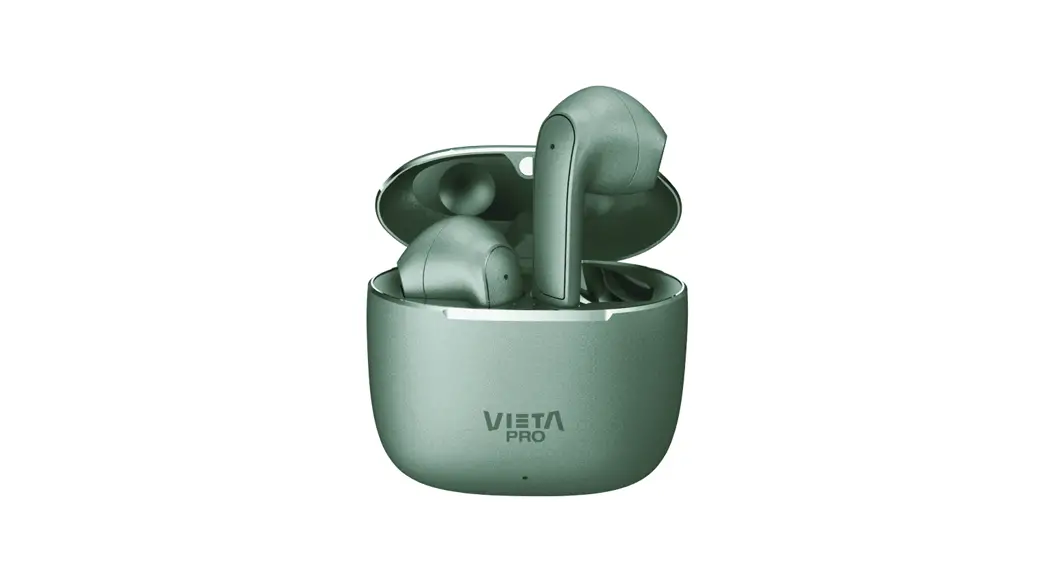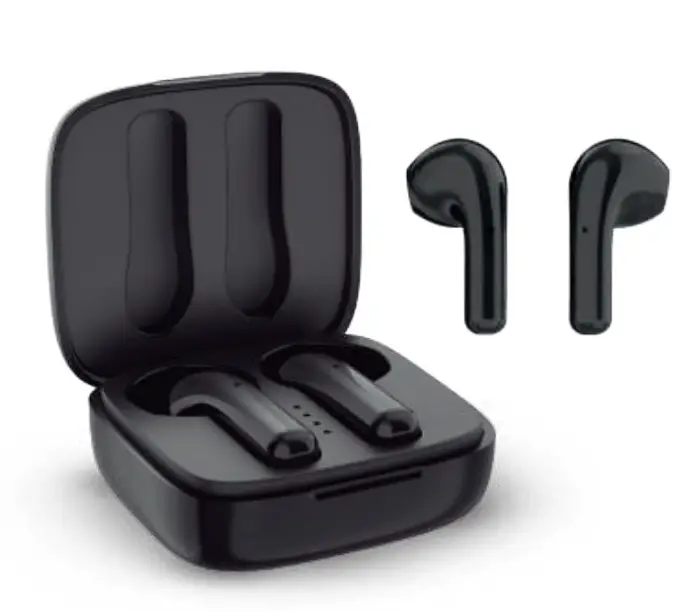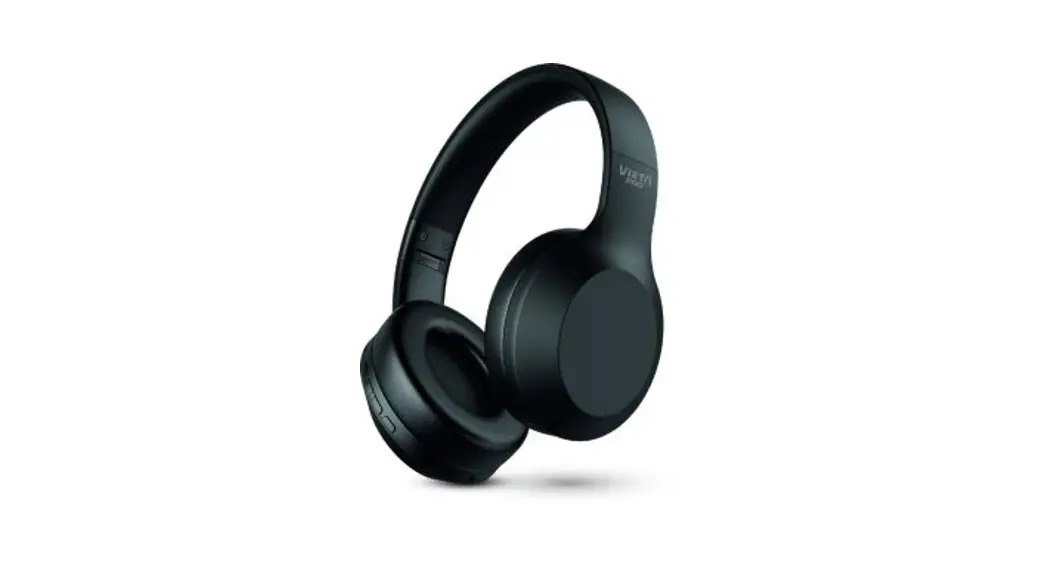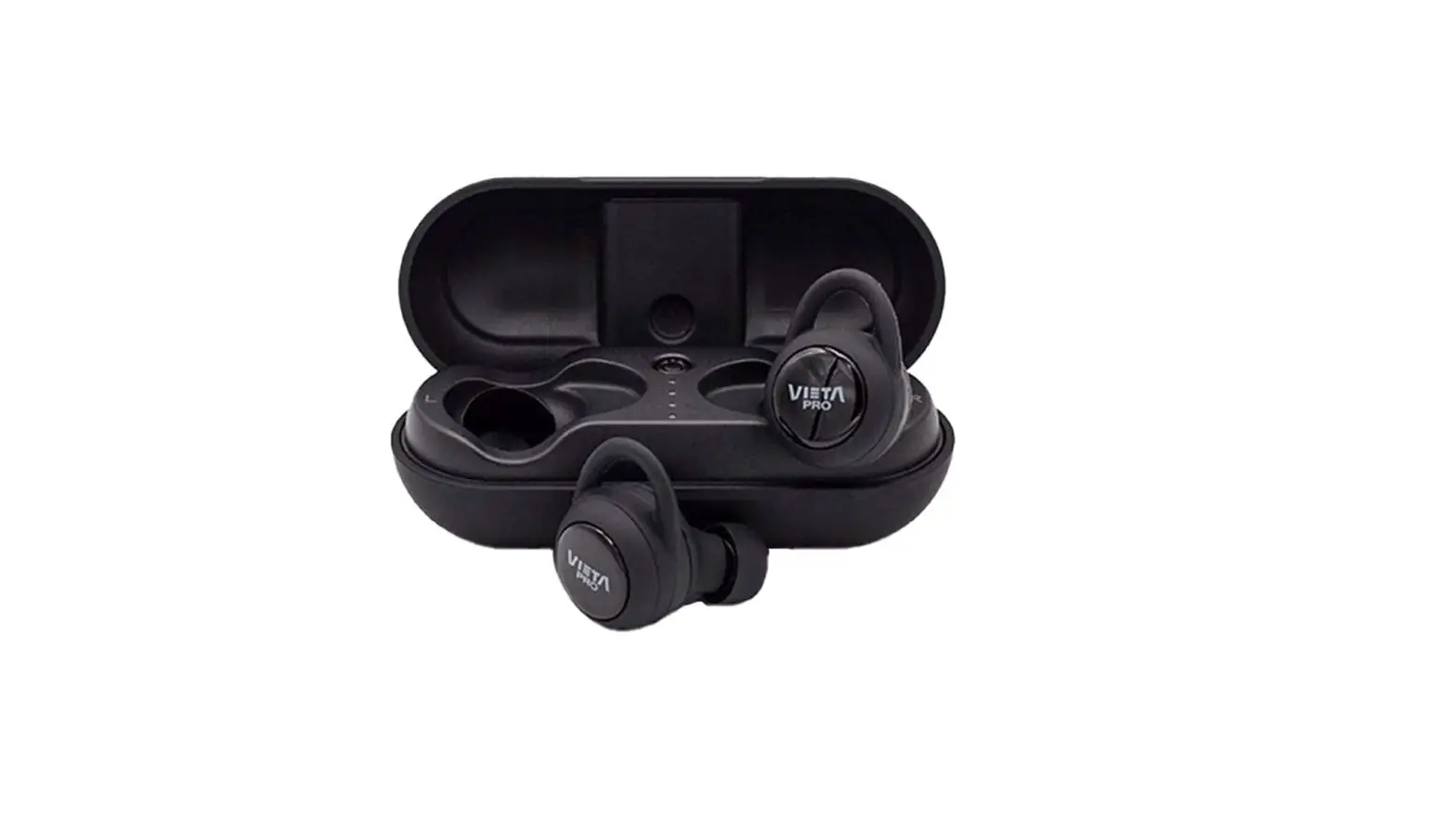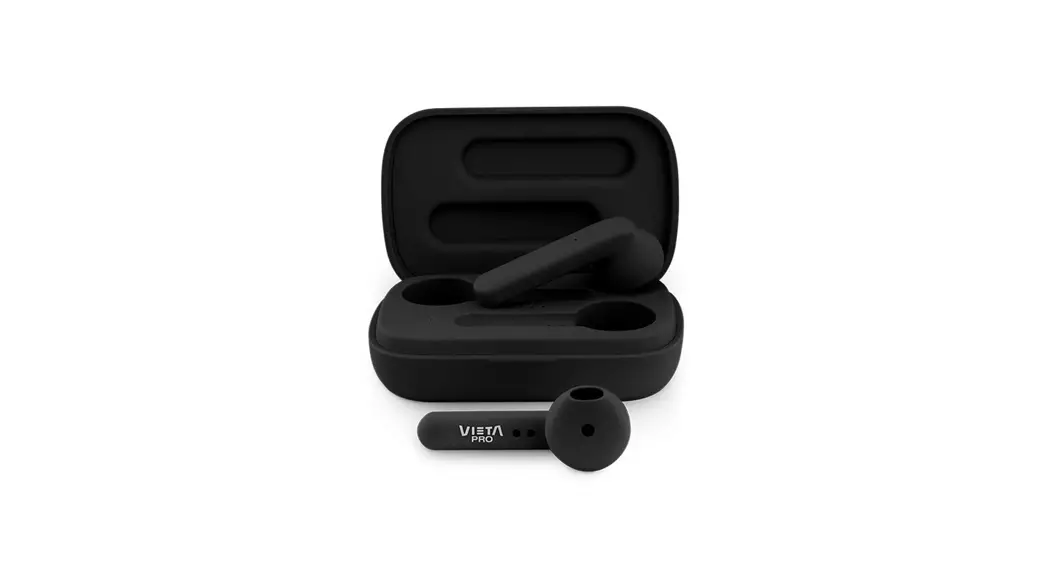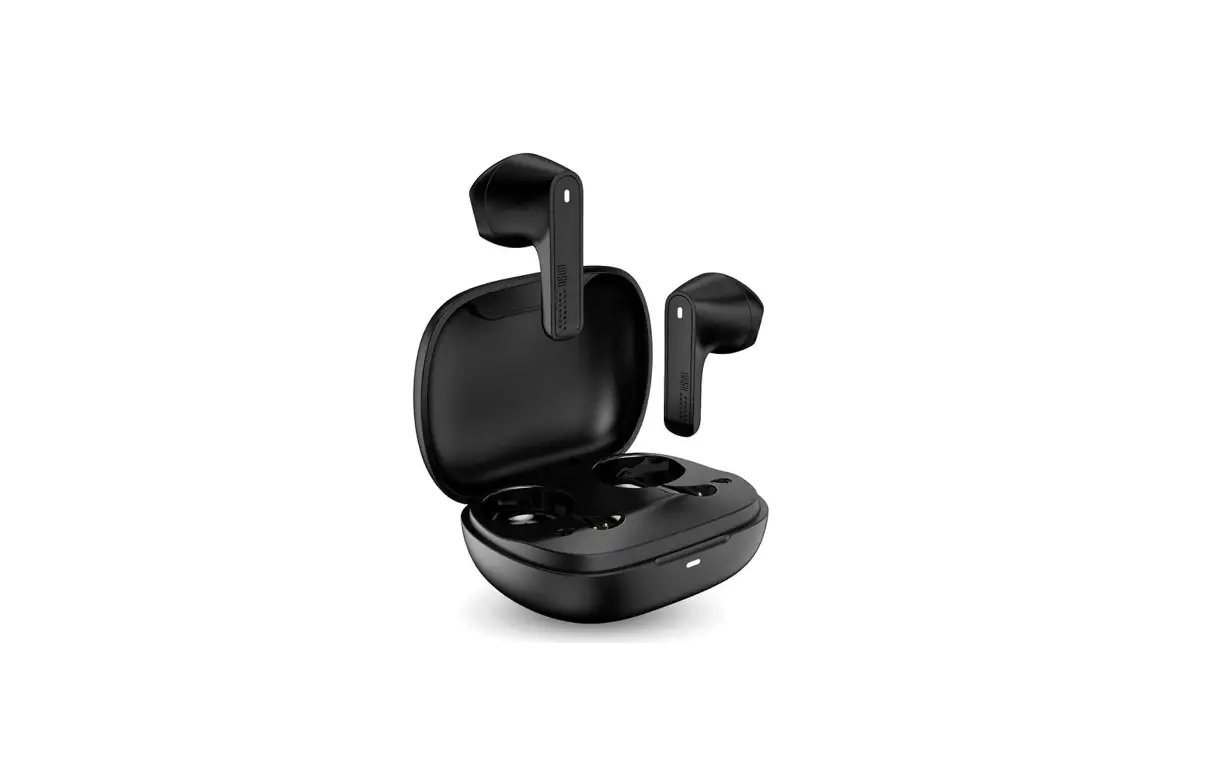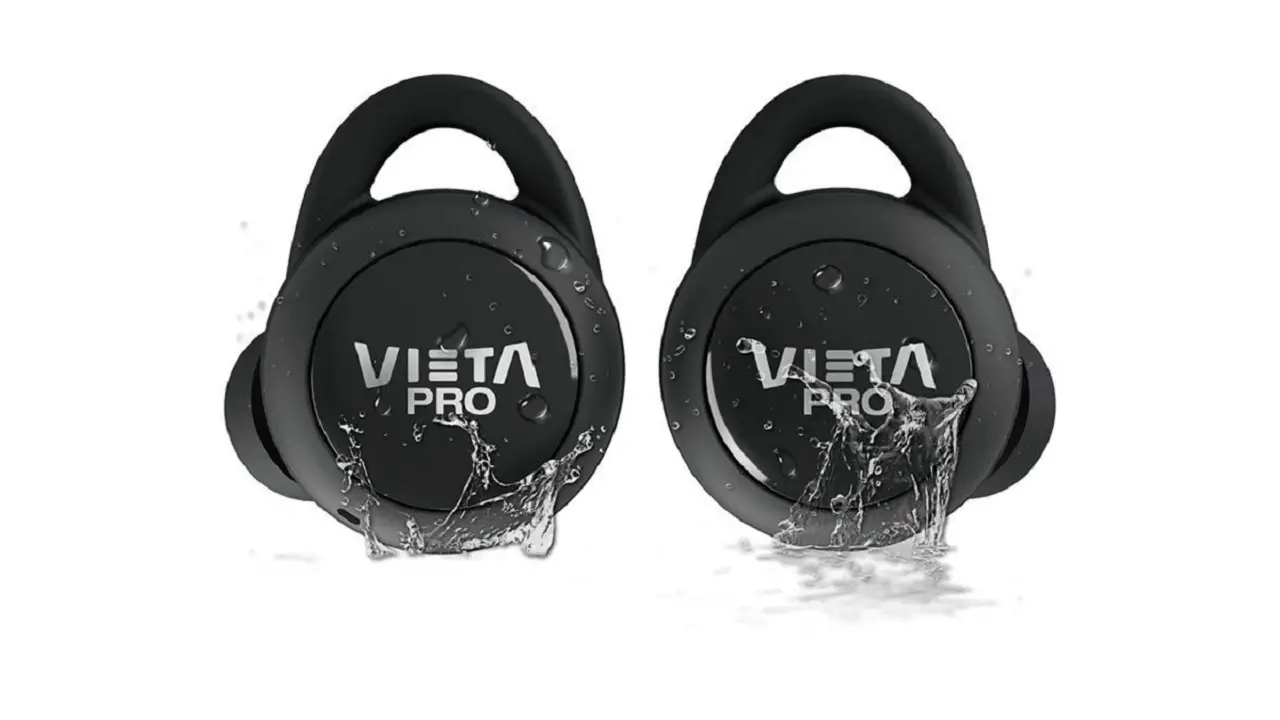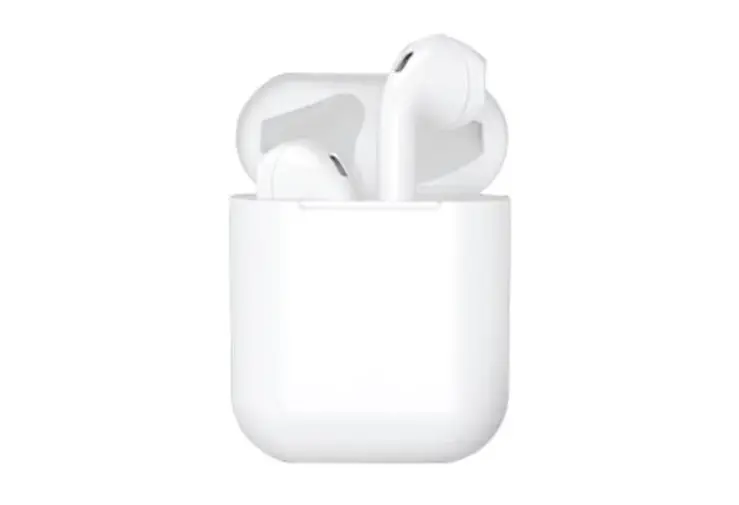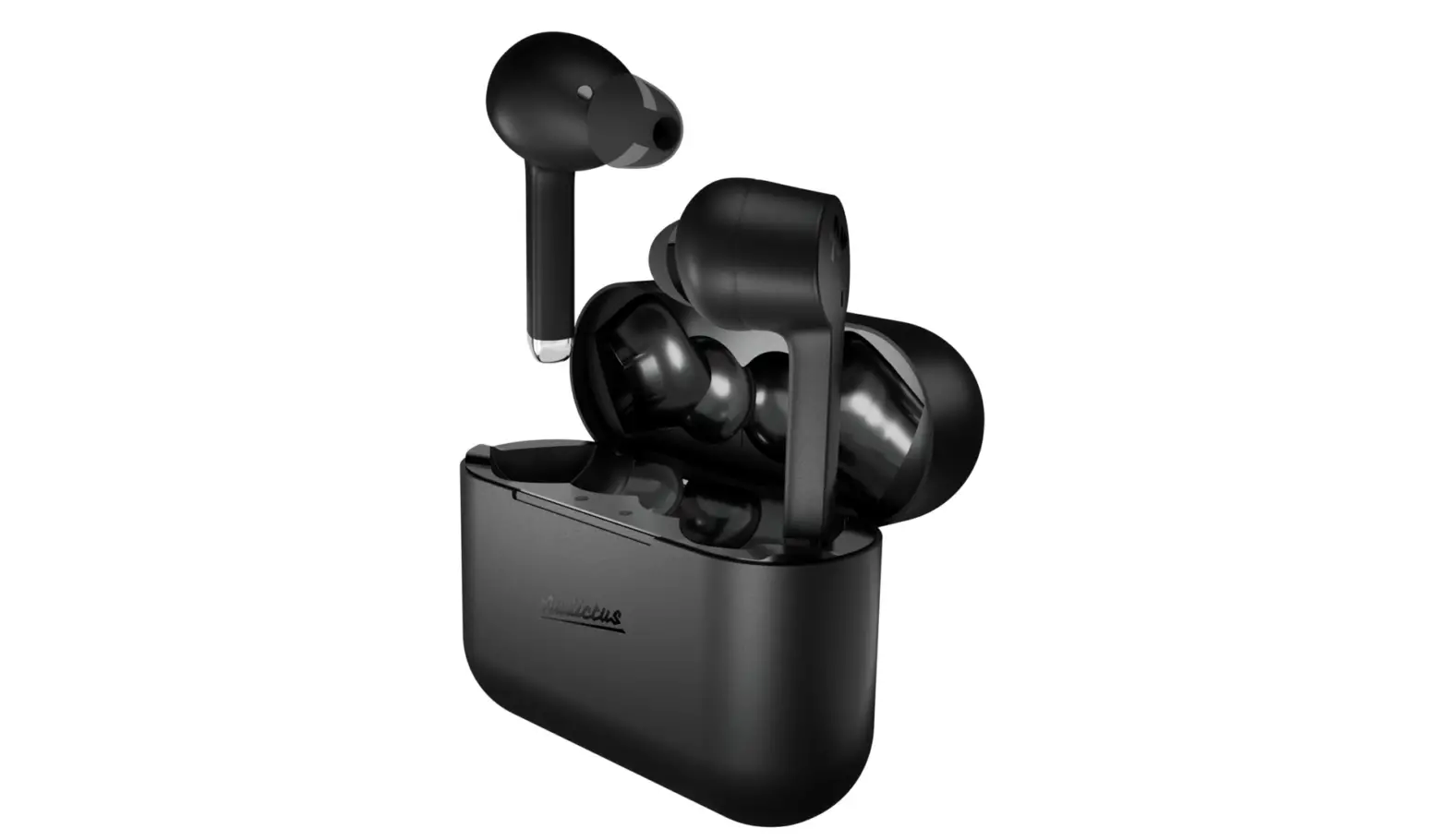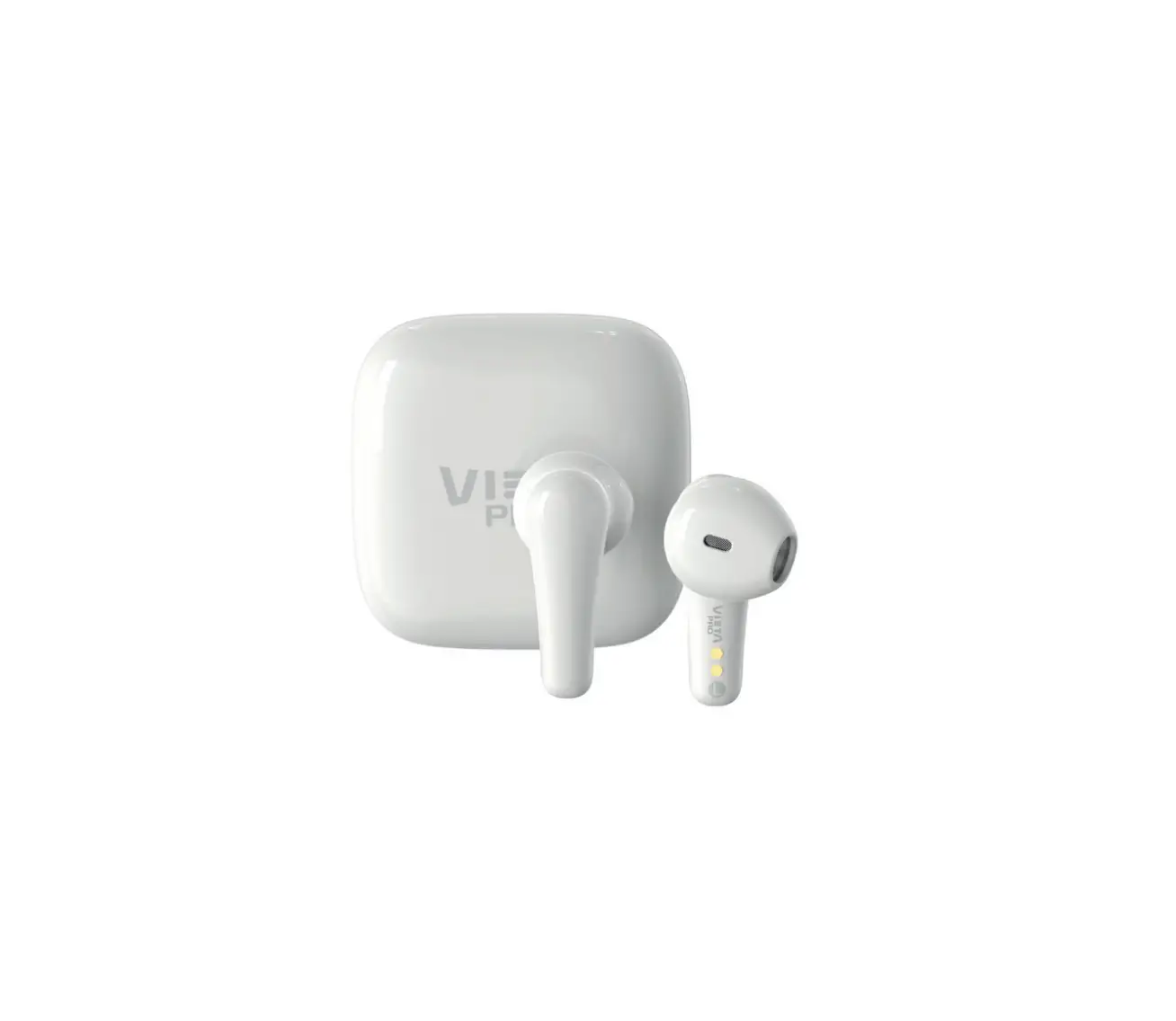
VIETA PRO VHP-TW24 Fit Earphones
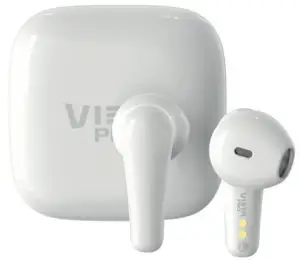
Thank you for purchasing the Fit earphones VHP-TW24.
To ensure correct operation, please read this manual carefully before use.
VIETA PRO
This product has been developed under the VIETA PRO quality standards. For over 60 years, since its foundation in 1954 by the Vieta brothers, Vieta has always been guided by the motto “Love and respect for the art of music”. It has thus achieved a privileged position in the electronics market, with constant effort and generous doses of passion.
The VIETA PRO models are based on professional sound standards, where quality, durability and sound are above those in commercial products of consumer electronics. They have been developed by the prestigious engineer “Jordi Hernandez”, with more than 40 years in the sound industry. Under his expert direction, the VIETA PRO models are manufactured with the most precise components, producing the purest VIETA PRO sound.
Bluetooth earphones should be used with compatible devices which supports Bluetooth wireless technology. This will allow you to make calls and enjoy music freely at any time. Make sure that your equipment has an updated Bluetooth 5.0 protocol to correct communication with new earphone technologies and to be able to be used.
Please read this user manual carefully before using the product as your smartphone’s manual regarding the use and activation of the Bluetooth function. Pay attention to the device safety and maintenance recommendations and for safety reasons, keep the product out of the reach of children. Keep it in a safe place for future reference.
Safety Information
a. There are voltage zones inside this unit that can cause injuries. Please do not open the unit. In case of technical failure, please contact the authorized service center.
b. Never place the unit in the rain or in moist zones so as to avoid a fire or an electric shock.
c. If technical maintenance is required, please contact the authorized service center.
Caution
a. Do not place the unit on an unstable surface as it may fall and break or cause damage to people or pets.
b. Disconnect the unit from the mains before cleaning it. Do not use cleaning liquids or sprays. Use only a soft, damp cloth.
c. To avoid possible damage to the equipment, please unplug it during storms or when it will not be used for a long time.
d. Do not insert any object into the unit through the loading ports as this could cause a short circuit and start a fire. Do not pour liquid on the earphone.
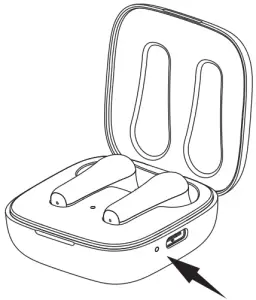
Power On and charging
a. Fully charge the built-in battery before using for the first time, which will prolong the battery lifespan.
b. When the case battery (charging box) is fully charged, the green LED next to the charging port will stop blinking (it blinks to inform about charging mode) showing in green
- Put the earphones inside the charge box.
- Connect your smartphone’s power adapter 5V to charge box using USB Type C cable (included in the pack).
- Verify that the charge box is charging: LED indicator shows the blinking in green. If the charging box is turned off due to running out of battery, the screen will take between 3 or 5 minutes to enter the charging state.
- A fully charge will take around 1 – 2 hours, the LED indicator will cease blinking in green. You can disconnect the USB Type C cable.
- Keep save the earphones into the charge box to will charge. It’s recommended leave it for 1 -2 hours, so that the earphones are charged to 100% to remains good them batteries.
When the battery of the earphones is below 10%, the voice prompt will sound “Battery Low” and you must insert them into the charge box. When the LED indicator inside the charge box turns Red, connect 5V power again.
The charging indicator flashing in green. Under charging. The charging indicator cease flashing in green. Charging finishing
Specifications
| Model Name | Vieta Pro Fit. |
| Bluetooth version | Bluetooth 5.0. |
| Transmission Distance | 10m. |
| Charge box capacity | 400 mAh. |
| Earphones battery | 45 mAh. |
| Talking time | 12 hours (50% Volume). |
| Play time | 4 x 5h = 20h (50% Volume). |
| Charge time | 1- 2 hours. |
| Input Power | DC 5V/1A USB Type C. |
| Support phone system | iOs, Android. |
| Audio format | MP2, MP3, WMA, APE, FLAC, AAC, MP4, WAV, AIFF, AIFC |
Operations and features
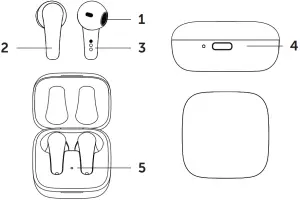
| 1 | Sound output. |
| 2 | Control panel. |
| 3 | Earphones charging points in the charging box. |
| 4 | USB Type C charging port. |
| 5 | Charging box battery level. Green LED: 75%-100% Blue LED: 11%-74% Red blinks LED: 1%-10% |
Key Definition
| Power ON | When you open the charging box cover, earphones will turn on automatically |
| Power OFF | When you insert the earphones in the charging box and close the charging cover, they will turn o automatically. When earphones are out of the charging box but remain inactive (standby mode), insert to charging box to turn o and charge it. If earphone not connected to the multimedia device (earphones waiting for pair), it will automatically power o after 10 minutes. IMPORTANT: It’s very important that if you’re not using the earphones, keep them in the charging box. |
| Answer phone Call | One time touch “L” side or “R” side |
| Hang Up phone Call | One time touch “L” side or “R” side. |
| Refuse phone Call | Long press “L” side or “R” side. |
| Play / Pause | One time touch “R” side. |
| Increase Volume | Long press “R” side whole playing music. |
| Decrease Volume | Long press “L” side whole playing music. |
| Next song | Double touch “R” side. |
| Previous song | Double touch “L” side |
| Active Voice Assistant | One time touch “L” side |
| Exit Voice Assistant | One time touch “R” side. |
| Disconnect Bluetooth pairing | Five times touch “L” side or “R” side. |
Earphone pairing mode
- Once earphones are charged, take it out of the charge box.
- L/R turn on at the same time when you take them out of the charge box and they will connect to each other automatically and wait for the Bluetooth to be connected.
- In media device (Smartphone/Computer/Tablet), you can search for the reference Vieta Pro Fit and connect them. This procedure is necessary only the first time you connect to the same device. After, If saved the Bluetooth settings on the smartphone, when turn on the Bluetooth in the smartphone, they will connect automatically. It will pair successfully within 3 seconds with an indication sound to show it connected.
If want to use the earphones on another smartphone or media device (computer, tablet, laptop…) must first unlink the connection they have established.
You have two options to unpair the earphones from the device they are paired:
- Recommended: Disconnect the pairing on the BT device
- Not recommended: Five time touch “L” side or “R” side to unpair the connection (The earphones will inform about the order to unpair to the paired device).
IMPORTANT
- Bluetooth pairing named Vieta Pro Fit.
- To Power Off when the music is played, place it into the charging box. At the moment, the earphones switch off. When the cover of charging box is opened again, it powers on automatically for connection.
- Connect the mobile phone automatically after earphones power on. If connection cannot be made automatically, disable and enable Bluetooth on media device to find them and pair it. Also, can try inserting and removing the earphones from the charging box to reset them.
- Please use a 5V charger with USB Type C cable included in the pack (Smartphone or Tablet charger, or Computer USB port).
Declaration of conformity
Issuer’s name: FRAMASON AUDIO S.A Address: Av. de Pau Casals 7, Entresuelo 2- 08021 Barcelona (España) Tel: +34 93 1162491 CIF: A62829841
We declare under our own exclusive responsibility that the product:
- Description: True Wireless Earphones
- Brand: Vieta Pro
- Model: VHP-TW2
- Manufacturer: FRAMASON AUDIO S.A
- Manufacturing country: China
referred to in this declaration is in compliance with the essential norms and standards
EN 55032:2015
EN 55035:2017
in conformity with the provisions of the Directive 2014/30/UE of the European Parliament and of the Council of 29 de March of 2014.
Barcelona 1 November de 2020

Carlos Alberdi
Product Manager