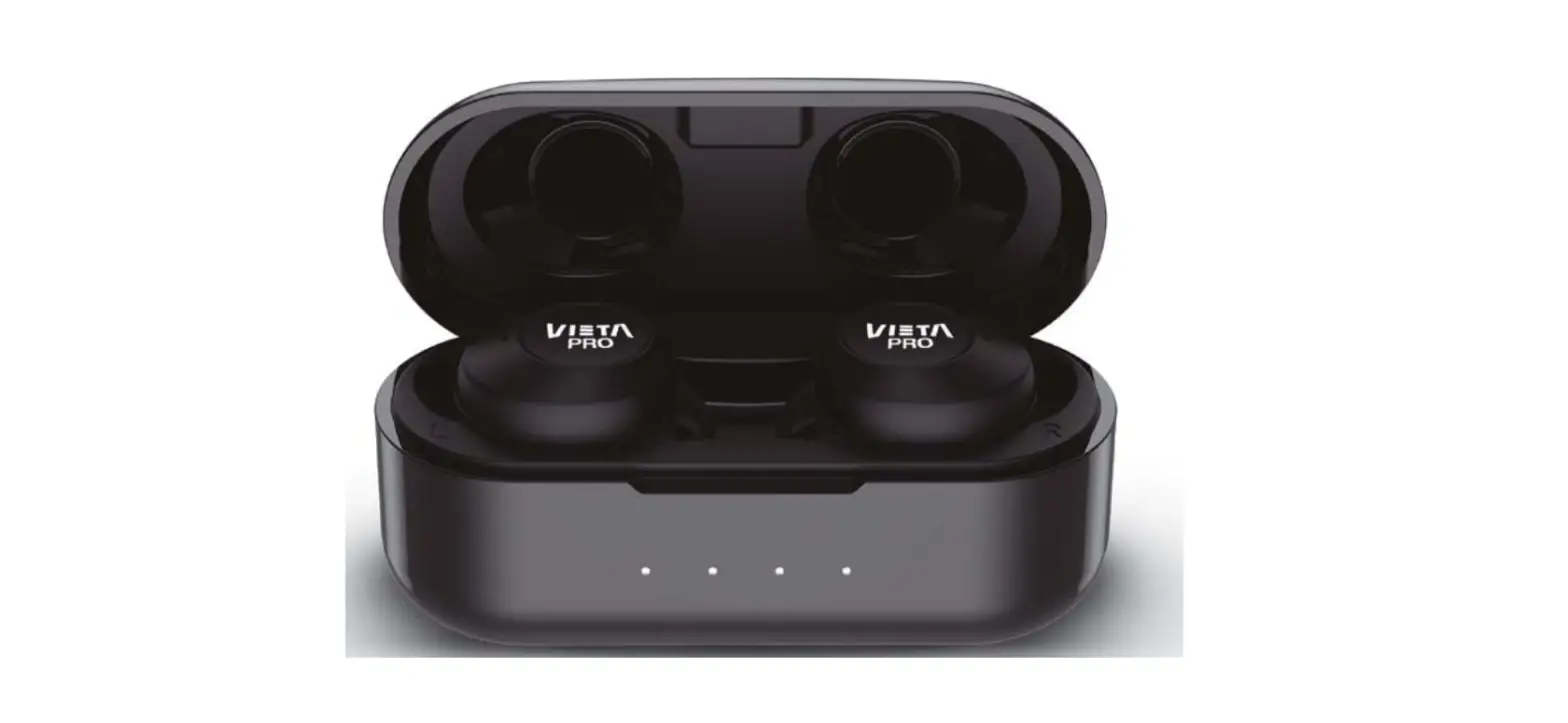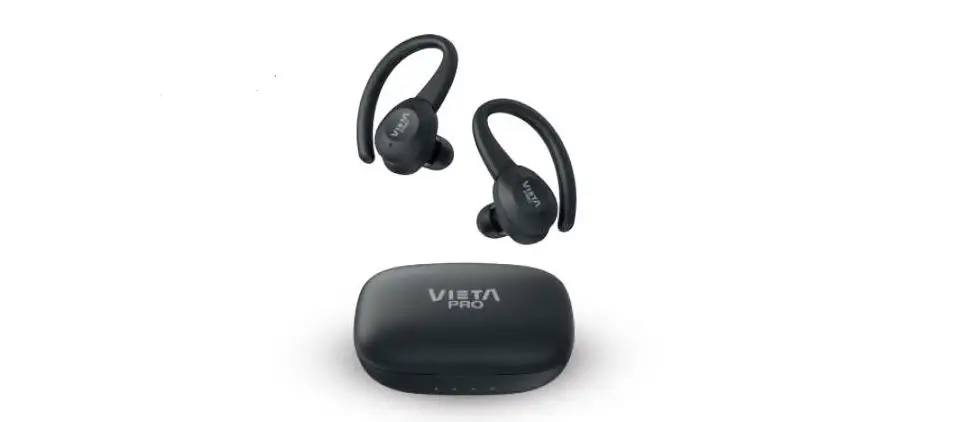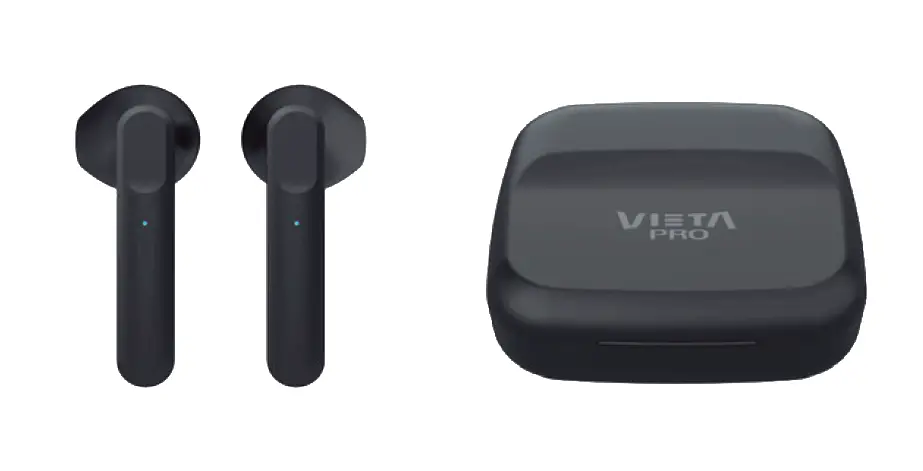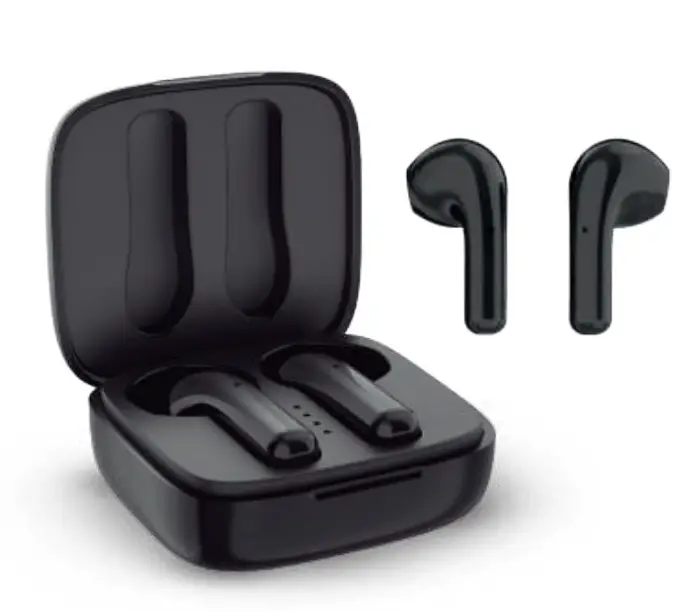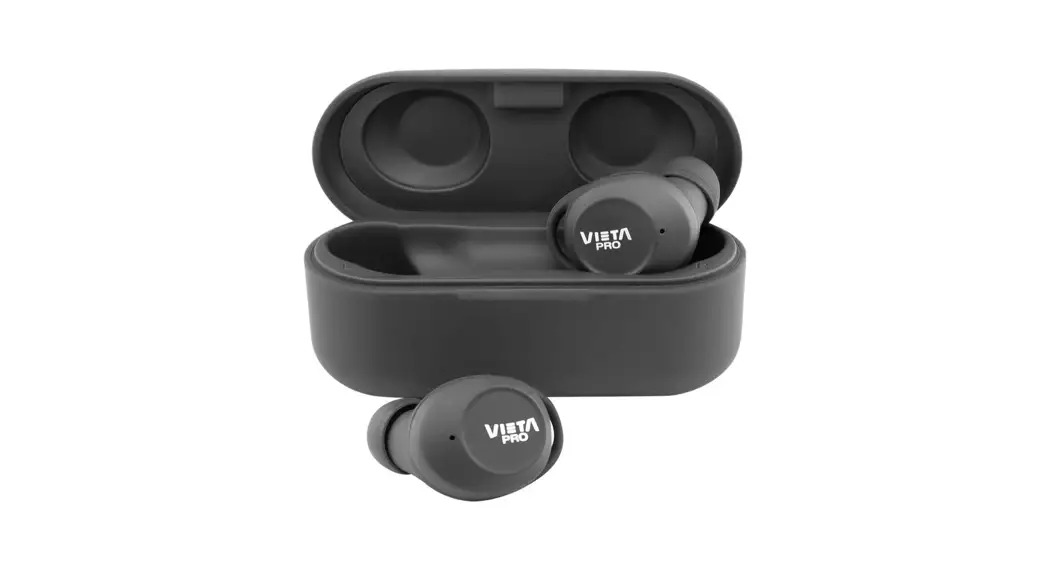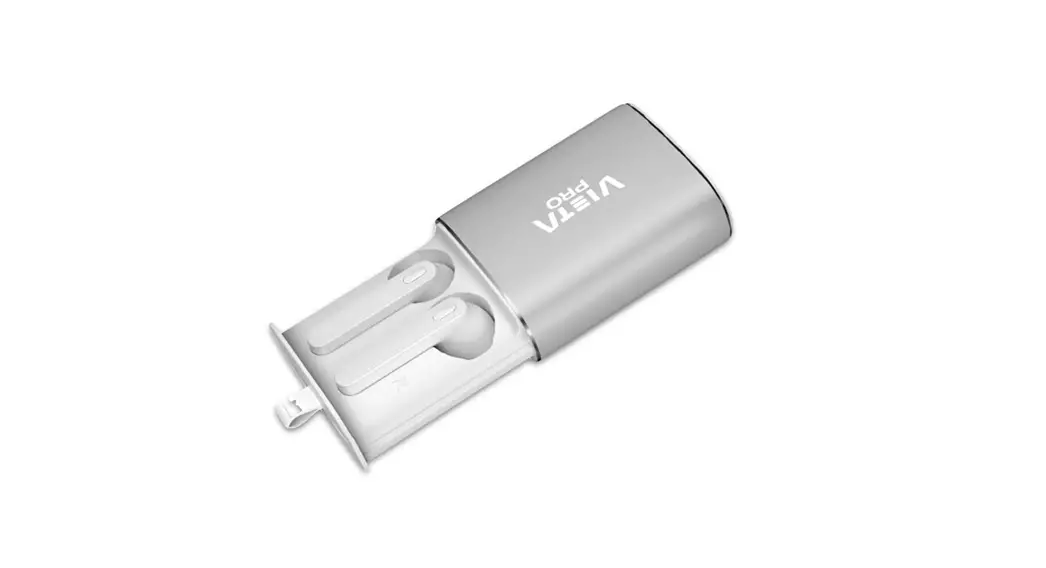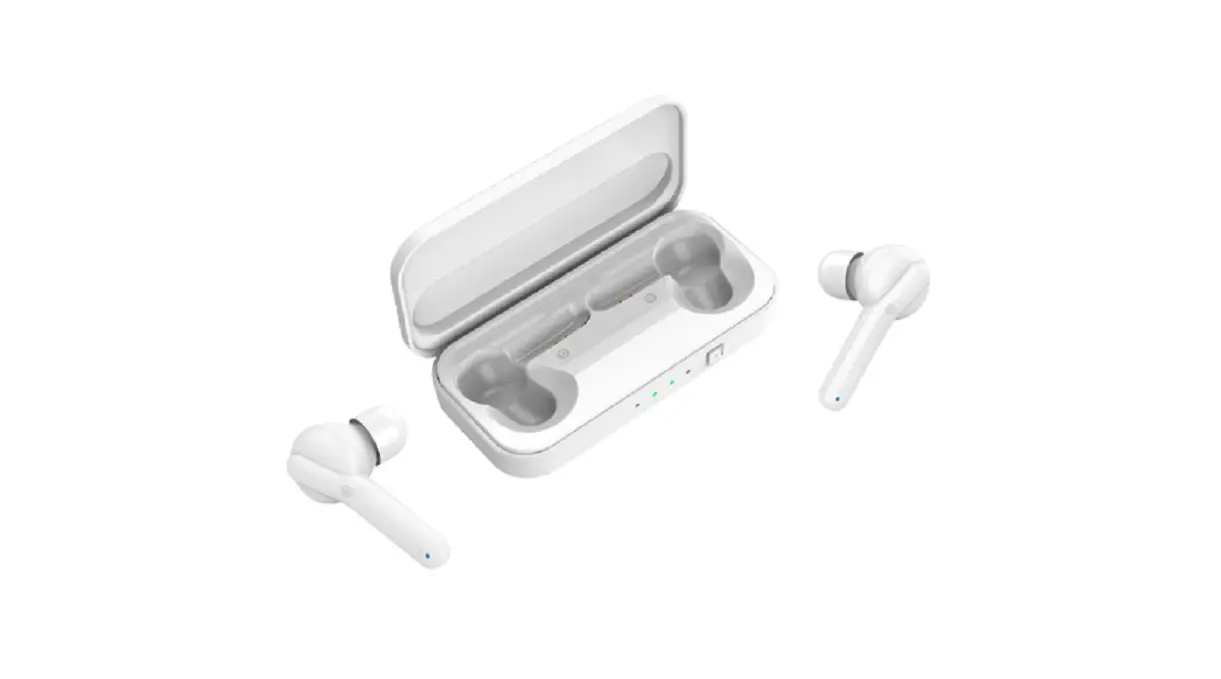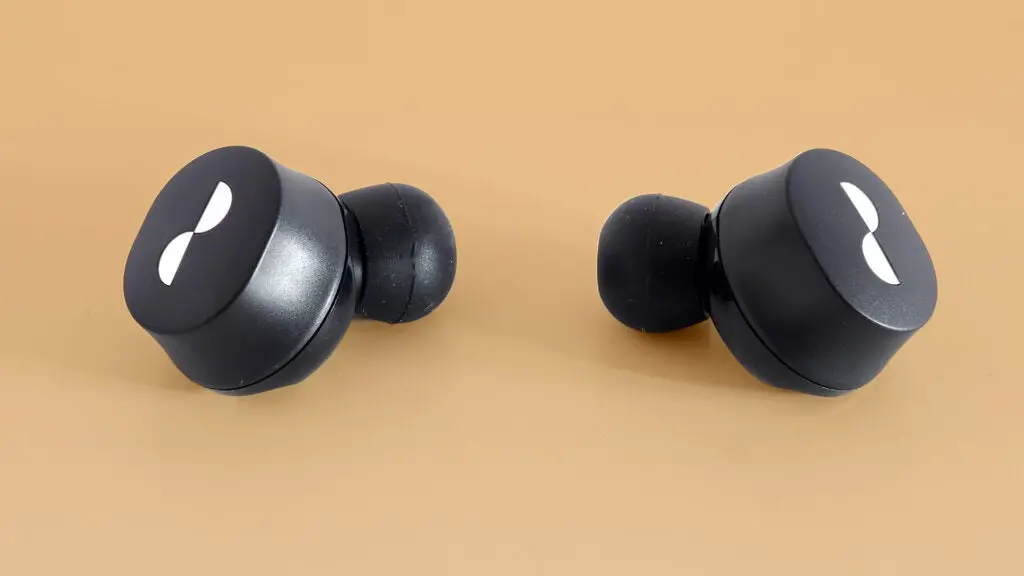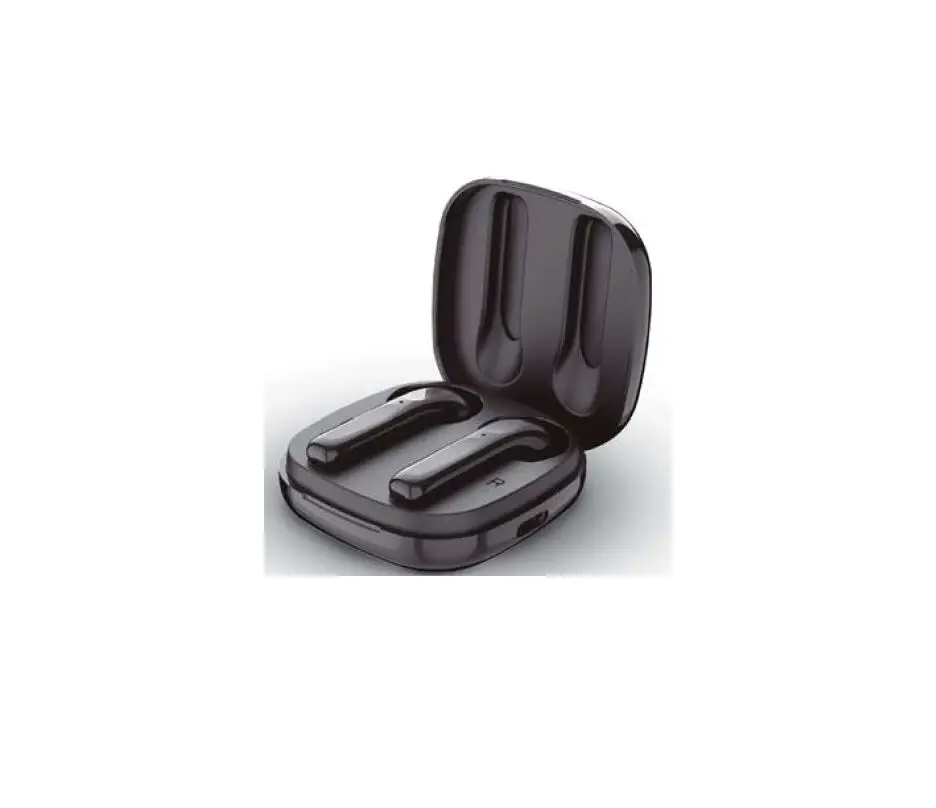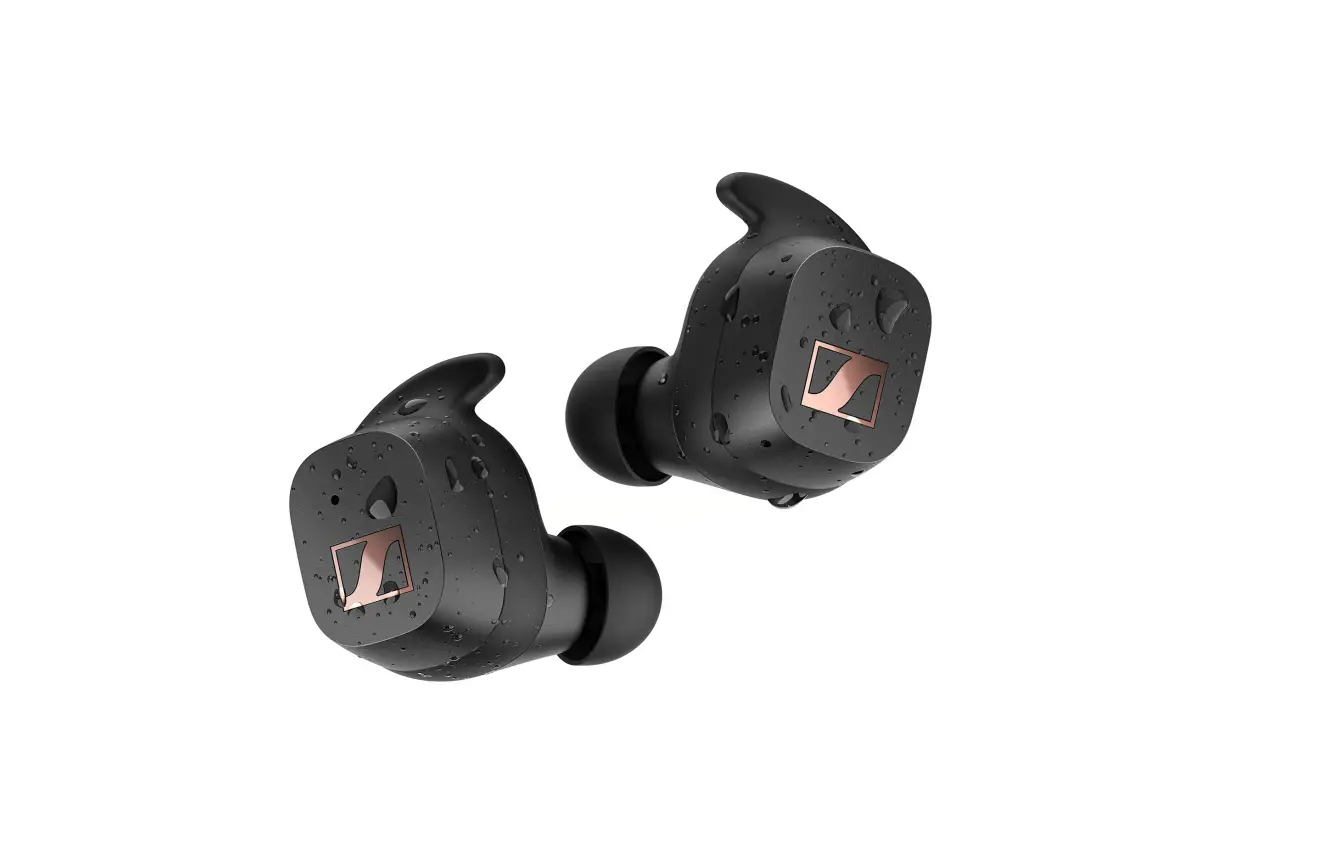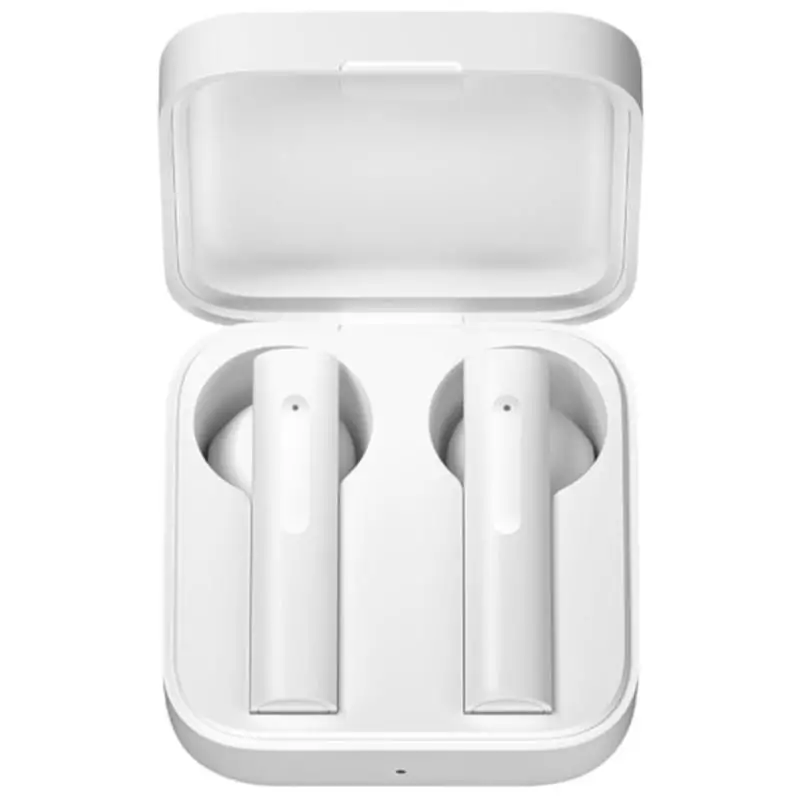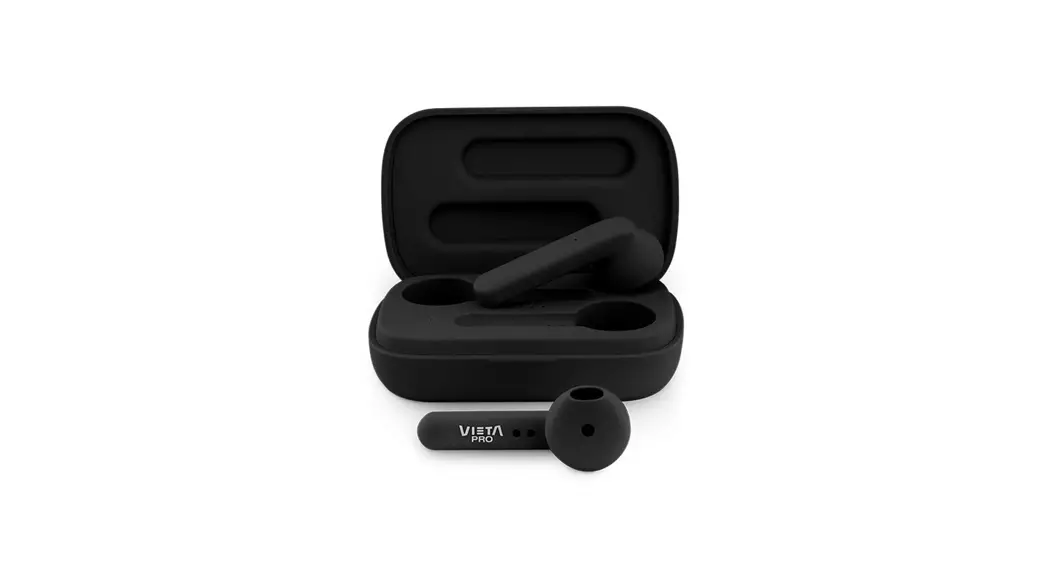
 Earphones Squad
Ref. SQ20

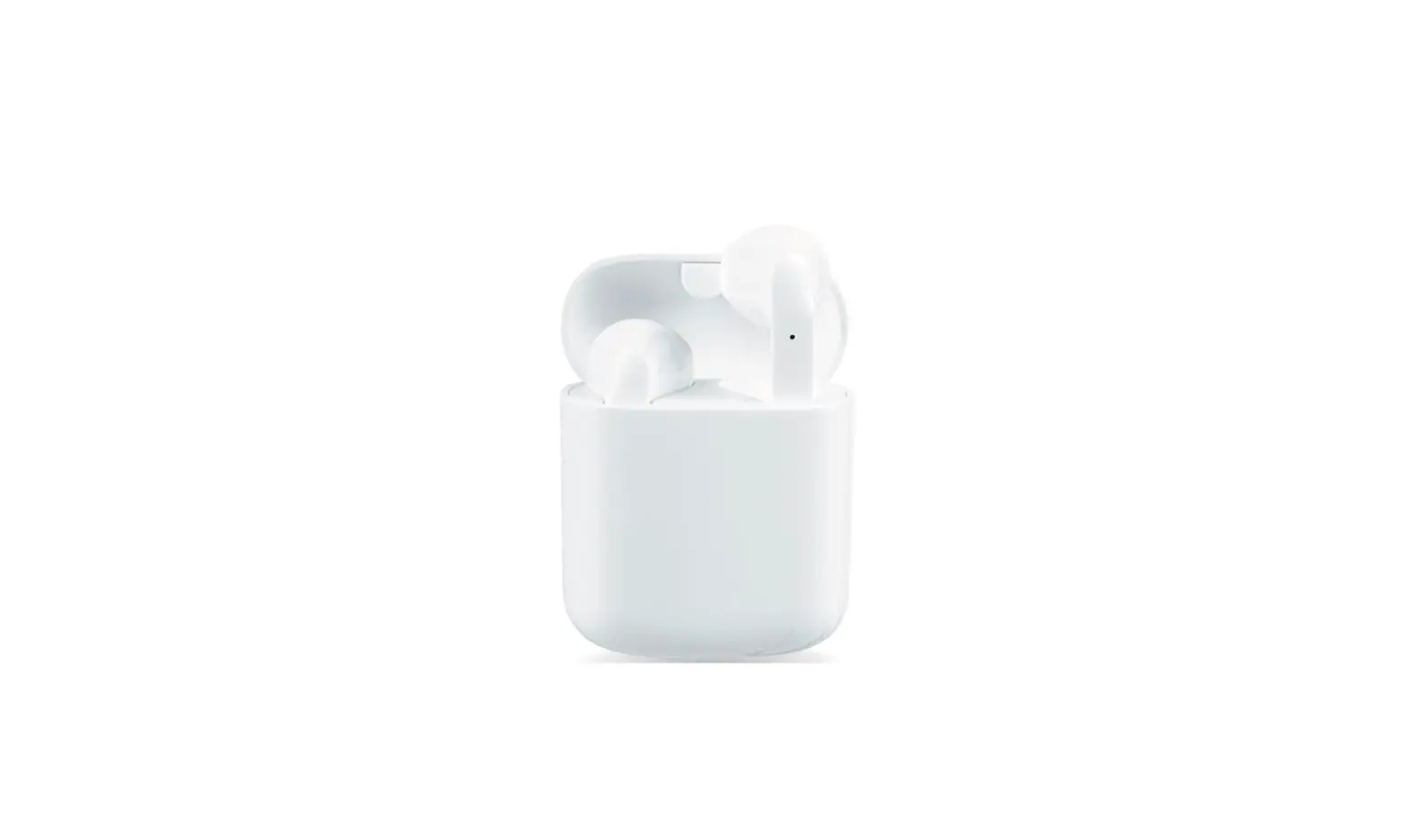
Dear Customer, Thank you for purchasing the Squid Bluetooth portable earphones. To ensure proper operation, it is recommended to read this manual carefully before starting using this product.
LetMeRepair
Spain
Do you have problems with your product? Contact us at:
Email: [email protected]
Phone: 952 179 479
USER MANUAL
Bluetooth earphones should be used with compatible devices which support Bluetooth wireless technology. This will allow you to make calls and enjoy music freely at any time.
Please read this user manual carefully before using the headset as your smartphone’s manual regarding the use and activation of the Bluetooth function.
Pay attention to the device safety and maintenance recommendations and for safety reasons, keep the handset out of the reach of children.
Parameter
- Model number: Squid
- Bluetooth version: BT5.0
- Transmission distance: 15M
- Charge box capacity: 400mAh
- Earphone battery: 40mAh
- Playtime: 3 x 5h = 15h
- Standby time: >200h
- Charge time: 1-2h
- Input: DC 5V
- Support phone system: Support iOS, Android
Key definition
| Power On | When the earphones are removed from the case and they will automatically turn on and sync to each other. |
| Power Off | The earphones will power off directly when you put them back into the charging case |
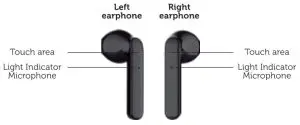
| Answer Call/End call | One time touch “L” side or “R” side |
| Refuse the incoming calls | Long Touch 2S on “L” side or “R” side |
| Interrupt dial-out calls. | One time touch “L” side or if side |
| Play/pause | One time touch “R” side |
| Increase Volume | Long touch “R” side while playing music |
| Decrease Volume | Long touch “L” side while playing music |
| Next song | Double Touch “R” side |
| Previous song | Double Touch “L” side |
| Wake Up Siri | One time touch “L” side |
Charging mode
Charging Earbuds: The red indicator will be on and turned off after charging is finished.
Charging Case: The blue indicator will be flashing and the blue indicator will be on after full charge.
Low battery: Low battery alarm, the prompt low battery when the battery level is lower than 10%. The red light flashes twice in 5 seconds.
Earphone pairing mode
| Enter double Earbuds pairing mode. | L/R turns on at the same time when you take them out of the box and they will connect to each other automatically and wait for the Bluetooth to be connected. You can search for references and connect them. This procedure is necessary only the first time you connect to the same device. | The red and blue light flashed. |
| Enter single Earbud pairing mode. | Only L or R is powered on and Red/Blue light keep flashing | The red and blue light flashed. |
REMARK
- Bluetooth pairing named “Vieta Pro Squid”
- When the music is played, place it into the charging box. At the moment, the Earbuds disconnect from the mobile phone. The Earbuds switch off. When the cover of the charging box is opened again, it powers on automatically for connection.
- Connect the mobile phone automatically after power on. If a connection cannot be made automatically, press the POWER key to connect.
- If the Earbuds can connect to the mobile phone, reboot and connect again.
- Please &ways have a 5V charger.
FCC STATEMENT
Note: This equipment has been tested and found to comply with the limits for a Class B digital device, pursuant to part 15 of the FCC Rules. These limits are designed to provide reasonable protection against harmful interference in a residential installation. This equipment generates uses and can radiate radio frequency energy and, if not installed and used in accordance with the instructions, may cause harmful interference to radio communications. However, there is no guarantee that interference will not occur in a particular installation. If this equipment does cause harmful interference to radio or television reception, which can be determined by turning the equipment off and on, the user is encouraged to try to correct the interference by one or more of the following measures:
– Reorient or relocate the receiving antenna.
– Increase the separation between the equipment and receiver.
– Connect the equipment into an outlet on a circuit different from that to which the receiver is connected.
– Consult the dealer or an experienced radio/TV technician for help.
Changes or modifications not expressly approved by the party responsible for compliance could void the user’s authority to operate the equipment. This device complies with Part 15 of the FCC Rules. Operation is subject to the following two conditions:
(1) This device may not cause harmful interference, and
(2) This device must accept any interference received, including interference that may cause undesired operation.
Declaration of conformity
Issuer’s name: FRAMASON AUDIO S.A
Address: Av. de Pau Casals 7 Entresuelo 2- 08021 Barcelona (Espalia)
Tel: +34 93 1162491
CIF: A62829841
We declare under our own exclusive responsibility that the product:
- Description: TWS Earphones
- Brand: Vieta Pro
- Model: SQ20
- Manufacturer: FRAMASON AUDIO S.A
- Manufacturing country: China referred to in this declaration is in compliance with the essential norms and standards
EN 62479:2010
EN 50332-1:2013
EN 301 489-1 V2.2.0
EN 301 489-17 V3.2.0
EN 300 328 V2.1.1
EN 60950-1:2006+A11:2009+A1:2010+Al2:2011+A2:2013
in conformity with the provisions of the Directive 2014/53/EU of the European Parliament and of the Council of 29th March 2014.
Barcelona 1 Marzo de 2019
Carlos Alberdi Product Manager