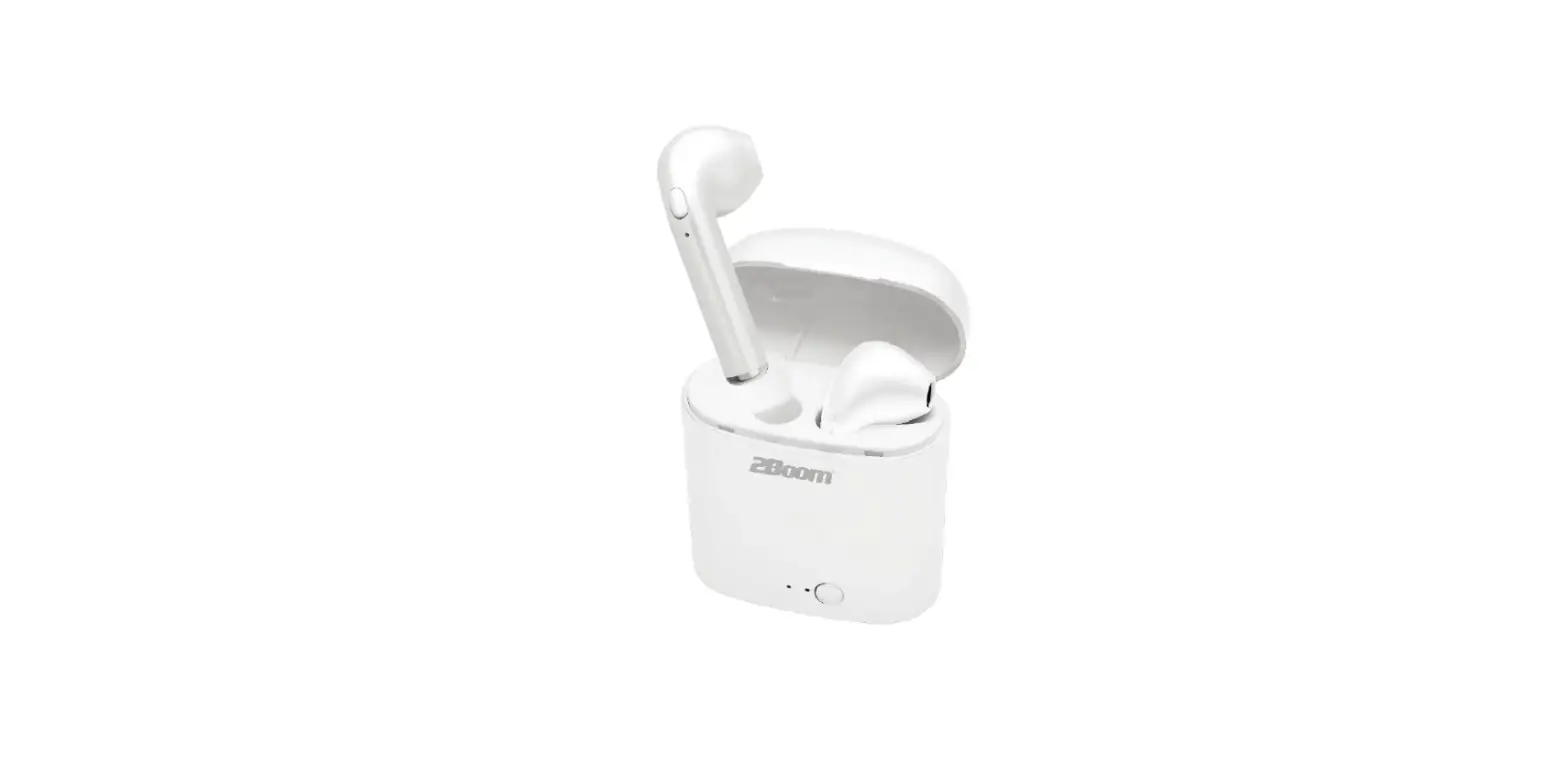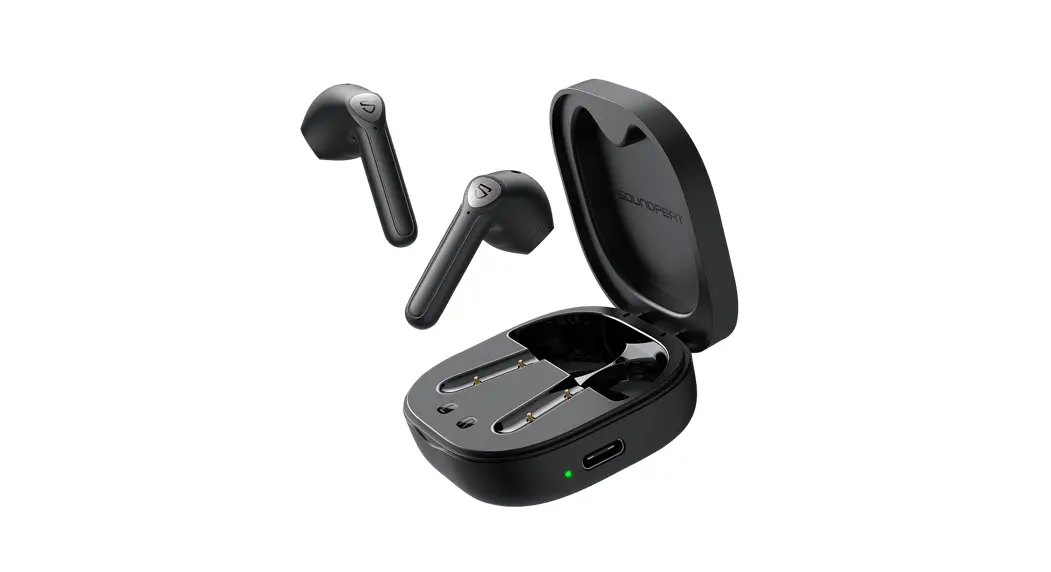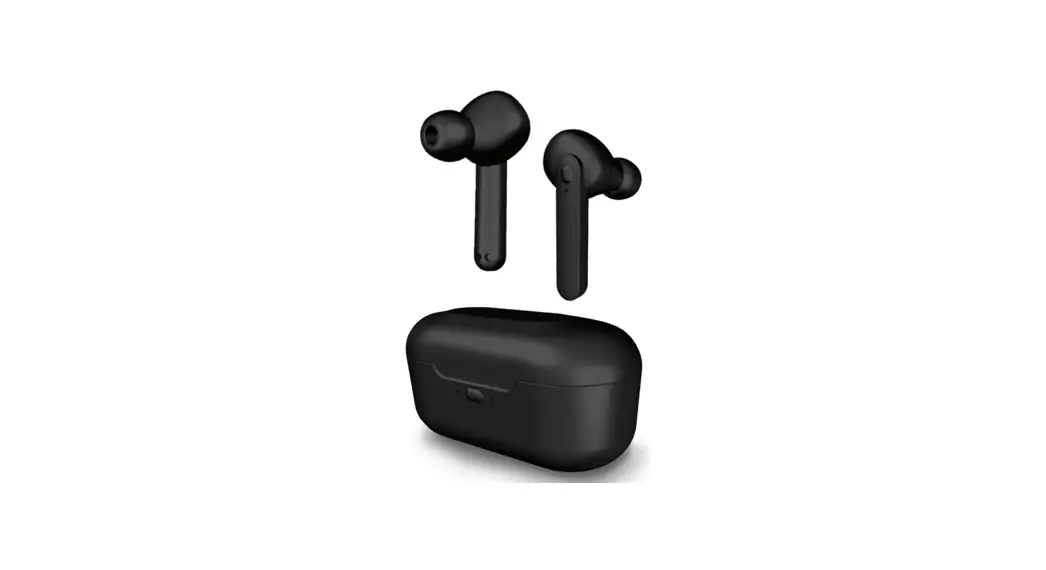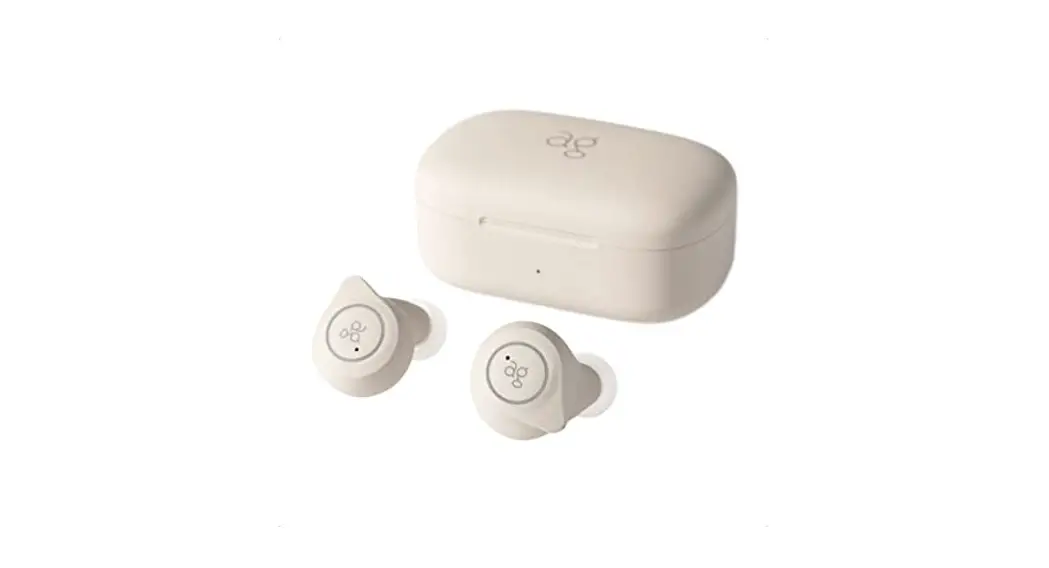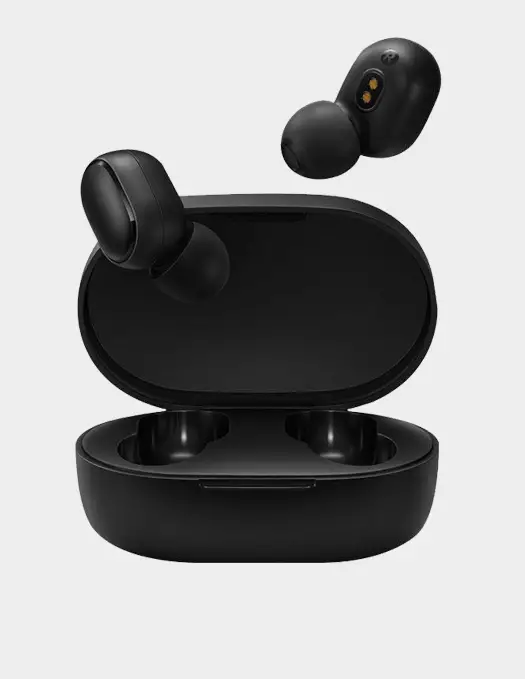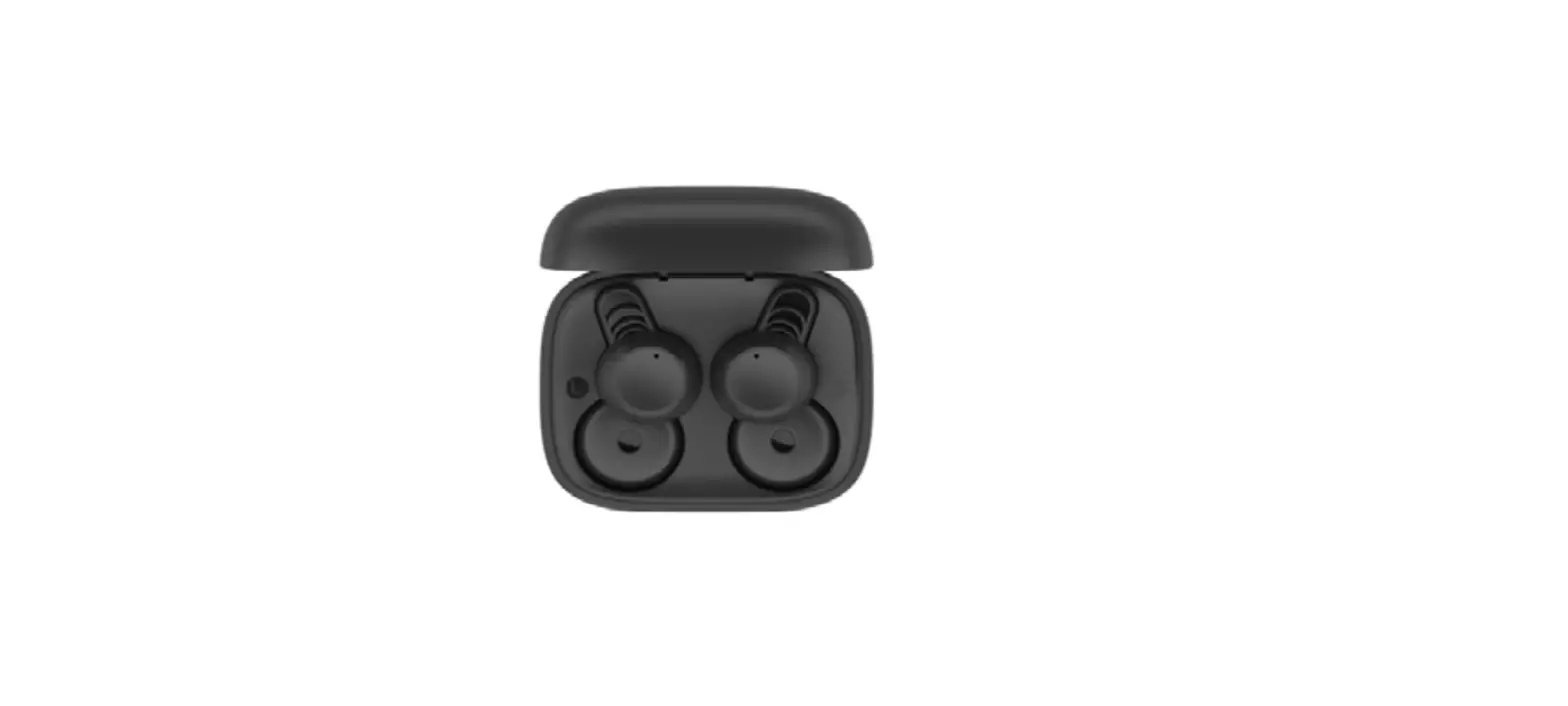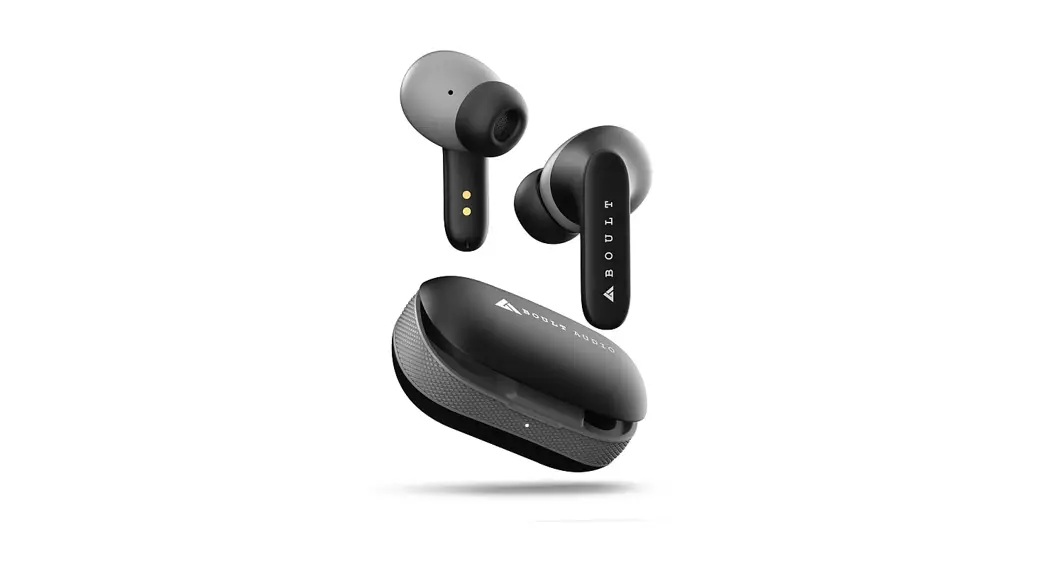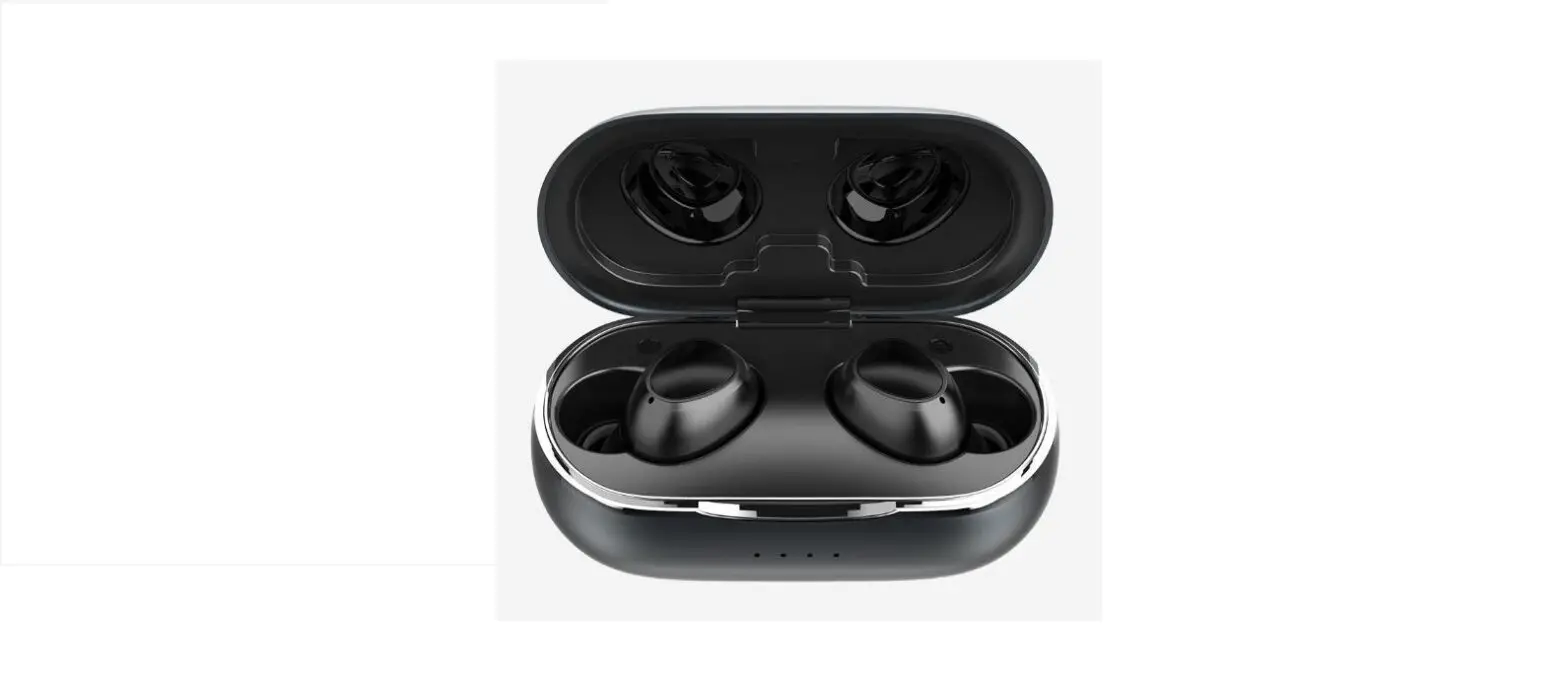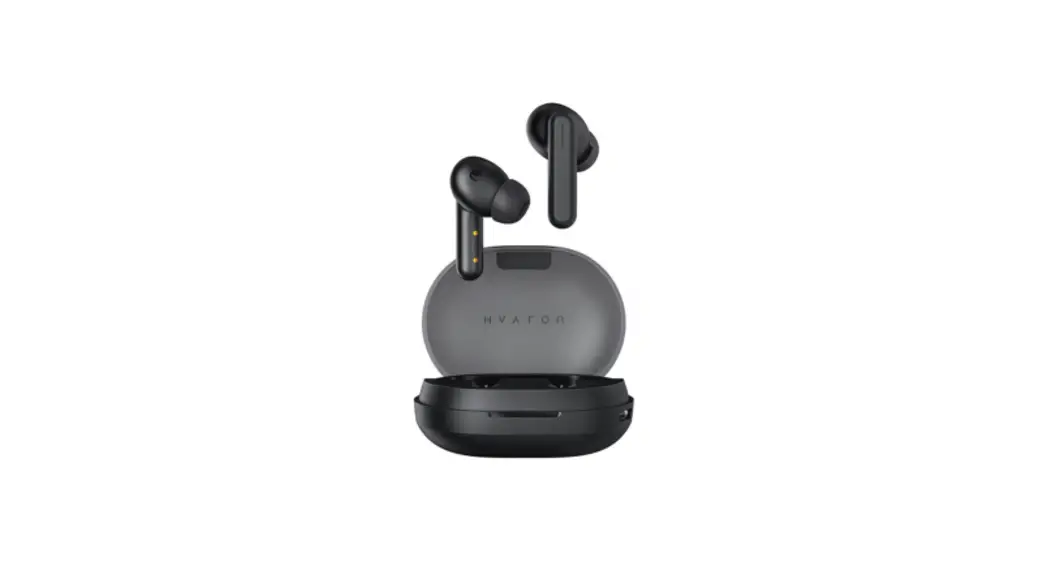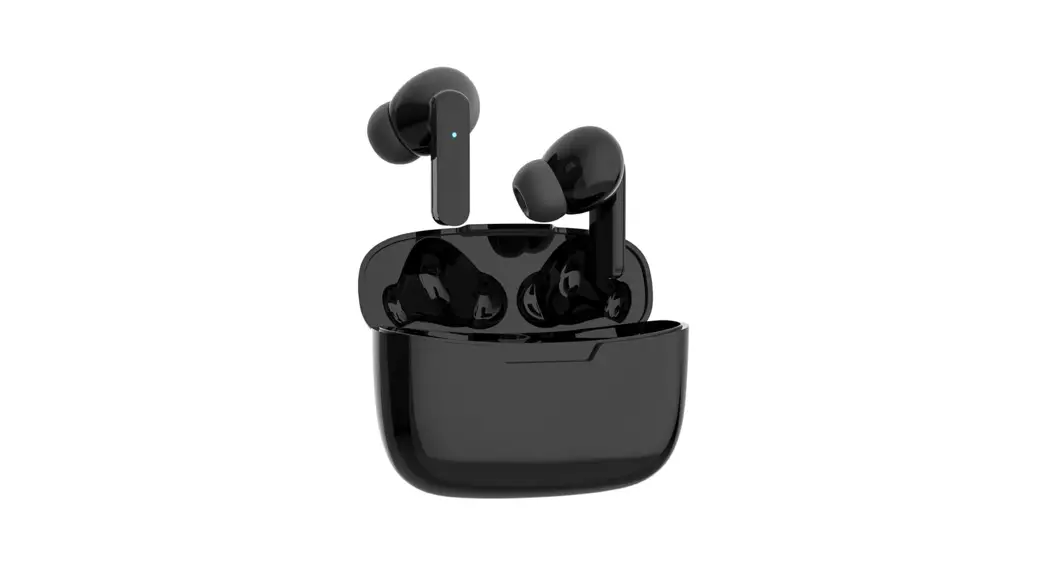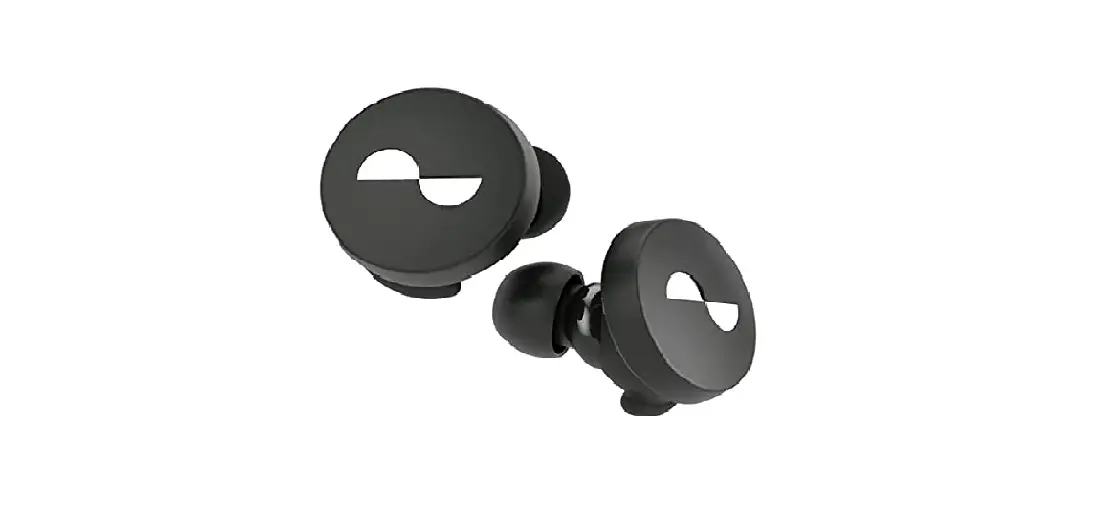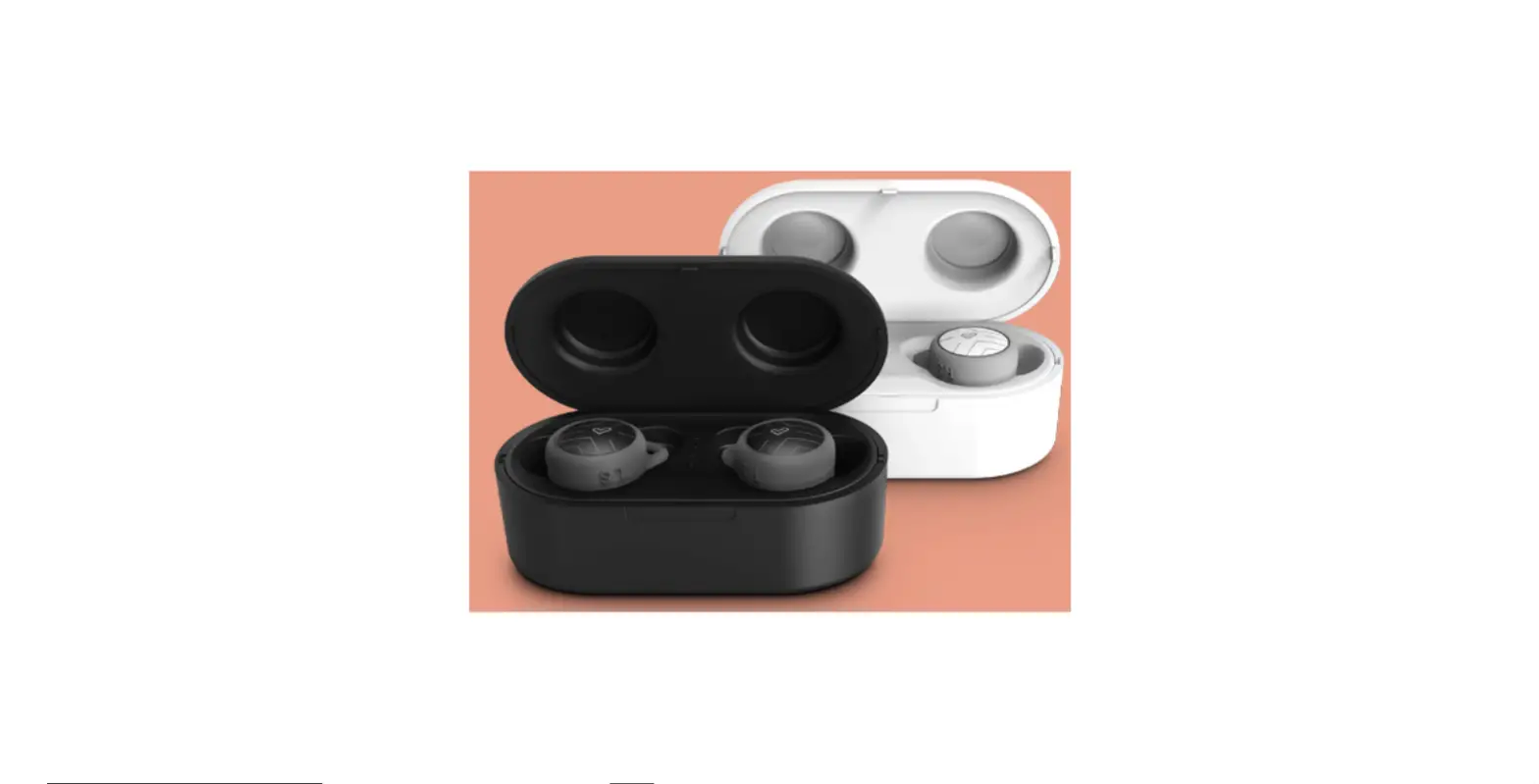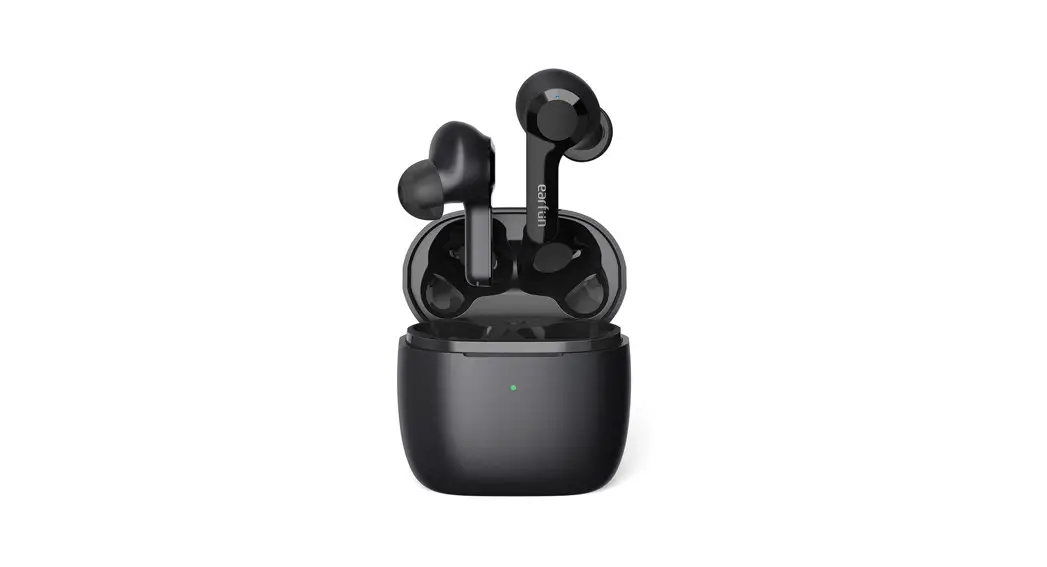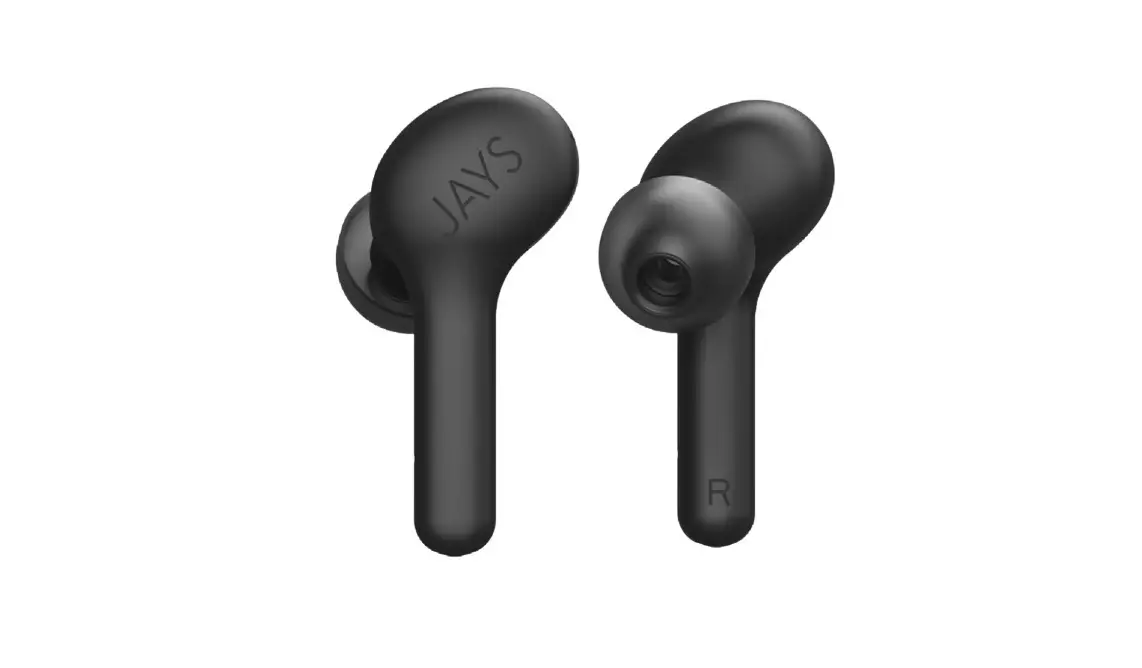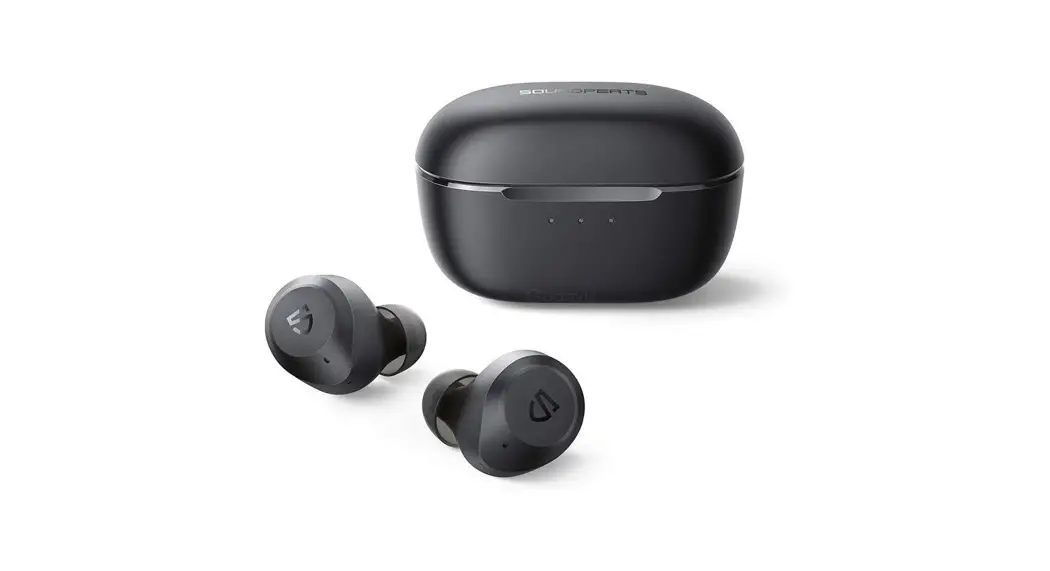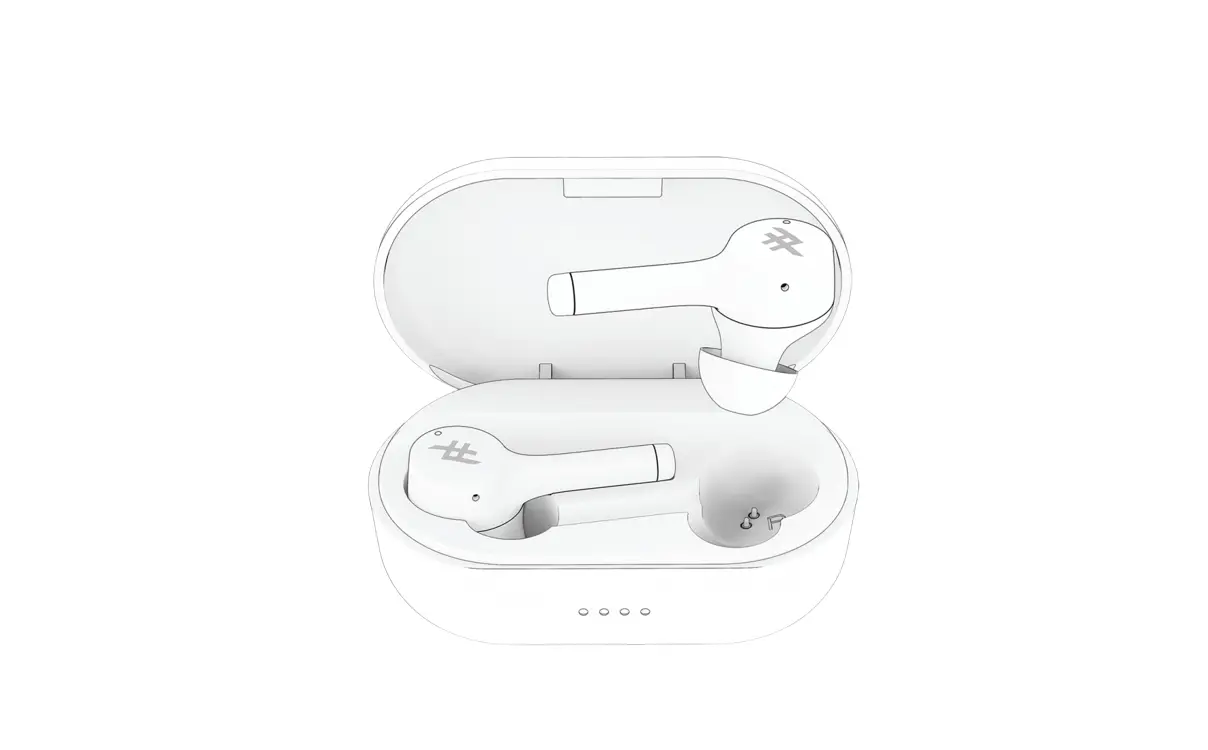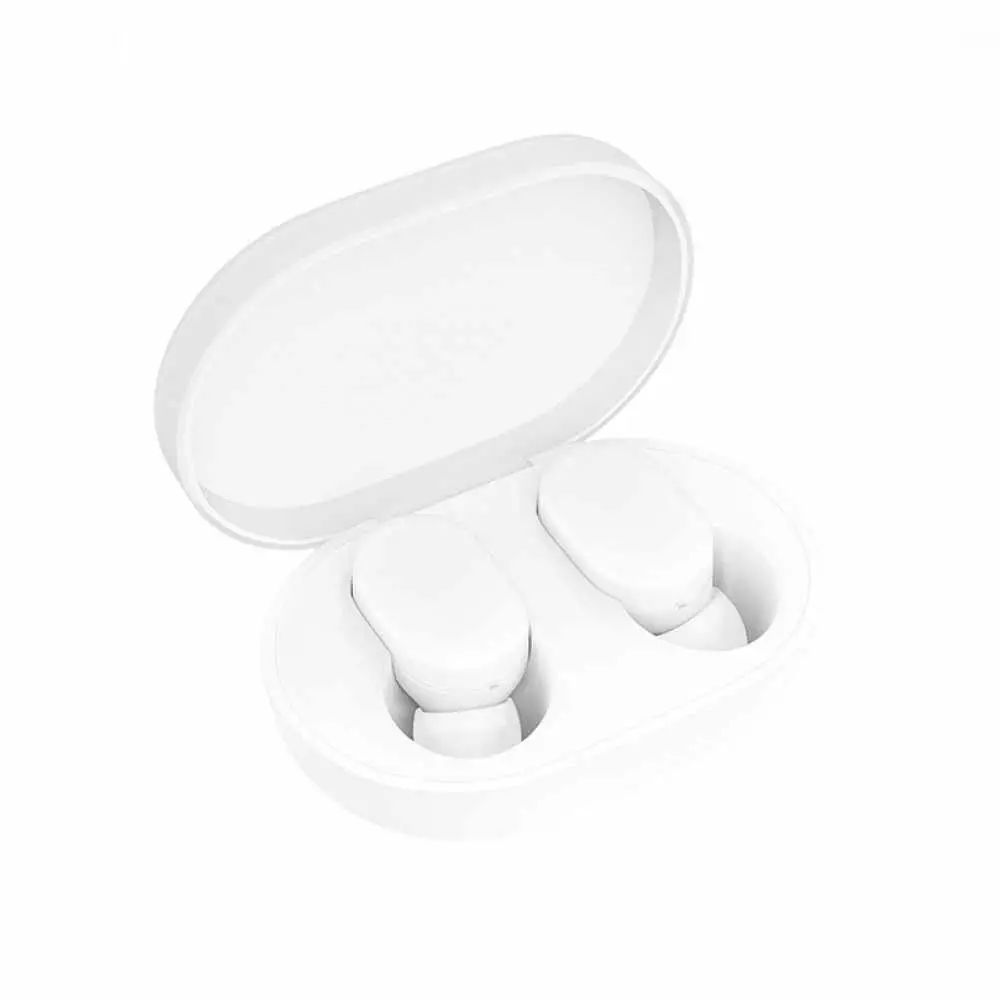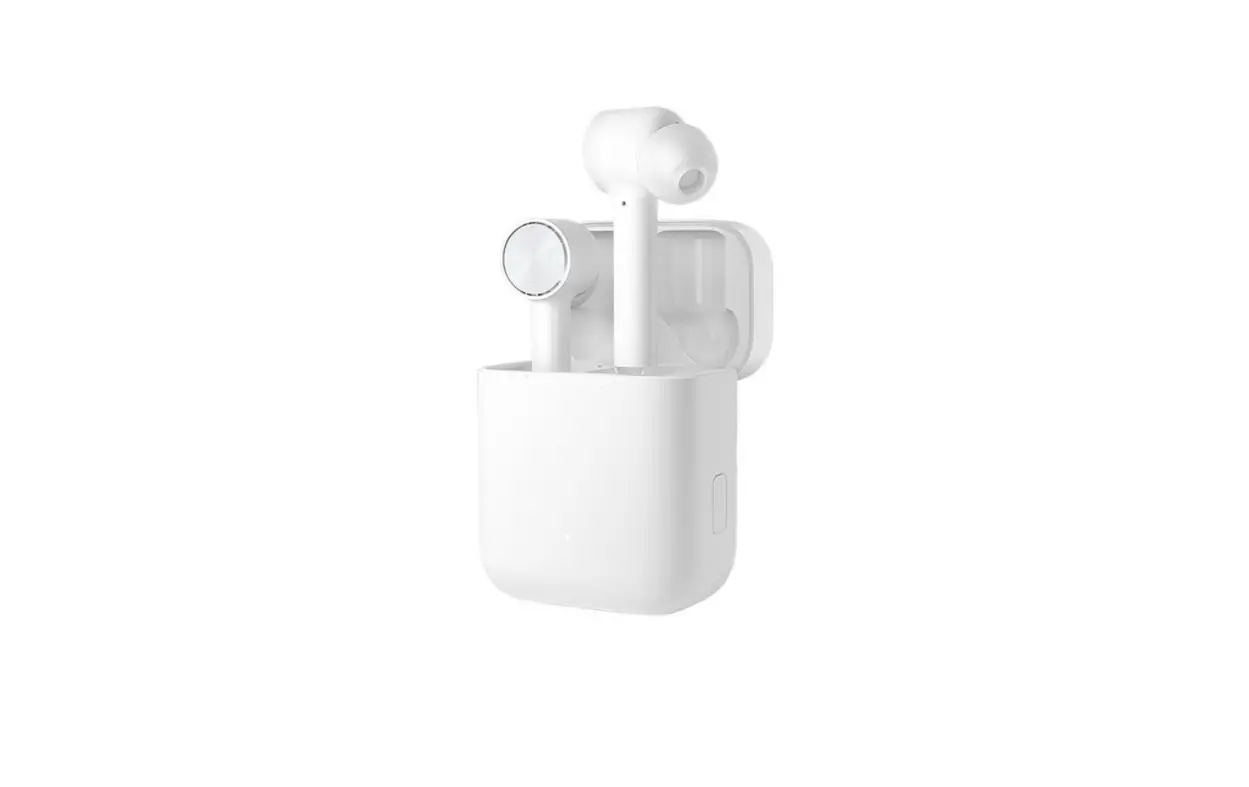
 TWS155 Roam Air True Wireless Earphones
User Manual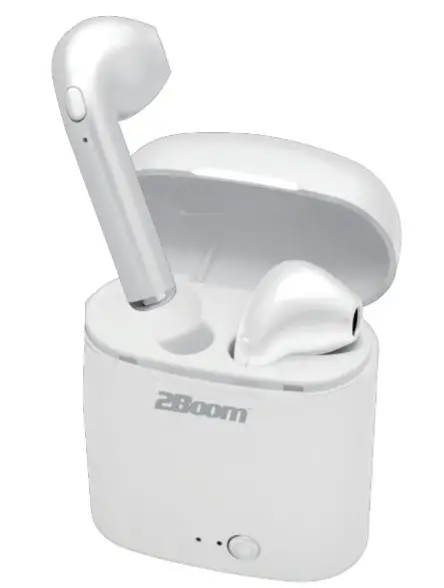

Getting started
Remove the product from the box.
Remove any packaging from the product.
- Please retain all packaging after you have checked and counted all the parts and the contents against the list.
- Please fully charge the earphone and charging case before first using.
Package Contents
- TW5155
- USB charging cable Instruction Manual
Safety Ruin
- To ensure safety, please follow the rules mentioned in this manual. Before using the Bluetooth earphone, we strongly recommend that you read this manual carefully.
- Please pay attention to the sharp edge, uneven surface, metal parts, and accessories.
- Please do not open, dismantle or repair this product, this may lead to fire, electronic breakdown or even completely damage the product; these are not included in the warranty.
- Do not wipe the product with oil and other volatile liquids.
- Please do not use this product in the places where there is a potential personal safety risk and
Connect to your phone quickly
- The first time to manually connect the phone.
If it’s the first time to use the earbuds, you can connect your phone in two easy steps.
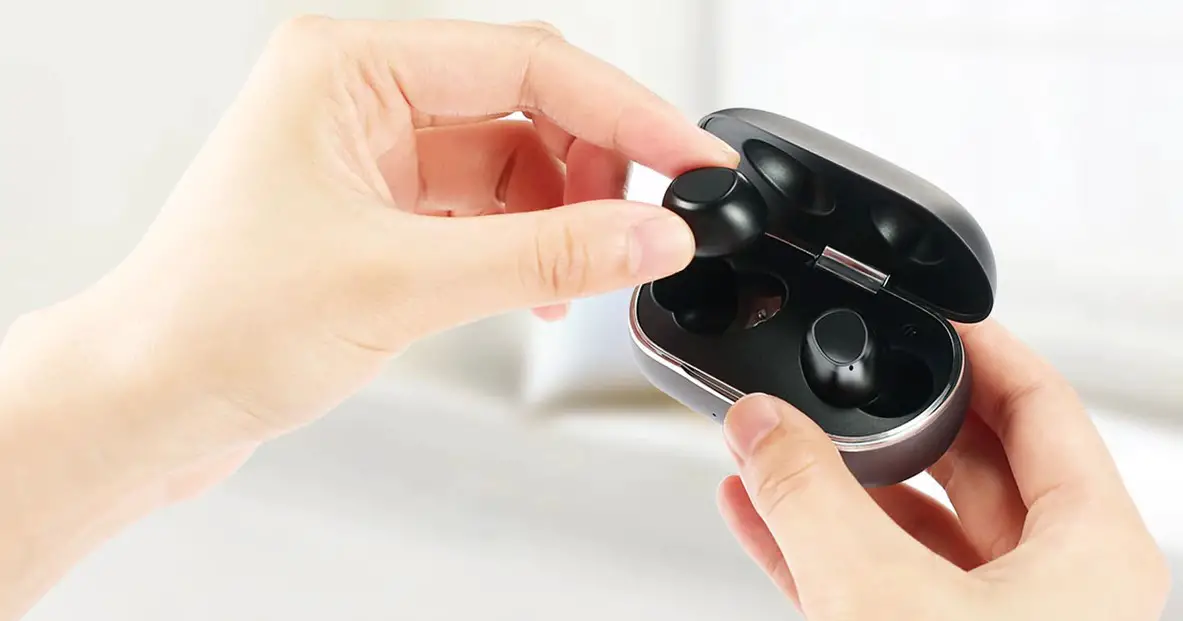
Take out the earbuds from the charging case, the two earbuds will automatically pair after 5 seconds.
Open the Bluetooth mode on your phone, then search the device name “2BOOMTWS155″ to connect. - Automatically connect with mobile phone
You only need to manually connect to your phone when first using it. next time, when you take out the earbuds from the charging case, they will automatically pair with each other and connect to your phone.
Battery Case and Earphone charging
- Earphone: Put the earbuds into the case, the earbuds will be charged directly.
- Charging case: Connect the case with your power by USB cable to charge.
The red light will be on when charging, once fully charged the red light will turn off and stop charging.
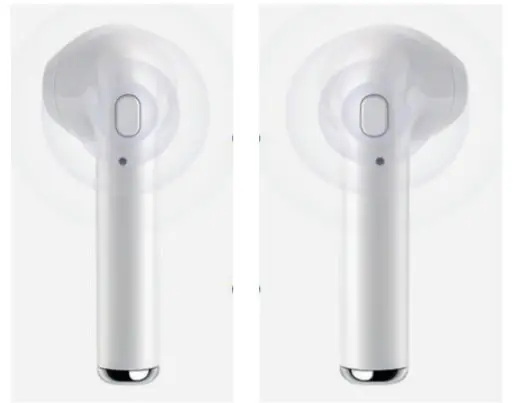
| Answer call | Press the button during the call ringing. |
| Hung up | Press the button during the call. |
| Redial | Press the button 4 times |
| Play/pause music | Press the once to play and pause |
| Previous track | Long press on the right button |
| Next track | Long press on the left button |
| Siri & Google | Press 3 times to button |
| Volume UP | Double press on the left button |
| Volume Down | Double press on Right button |
Product specification
Earphone specification:
| Earphone battery capacity | 40mAh |
| Bluetooth version: | 5.0 |
| Operating voltage | 3.2V-4.2V |
| Transmission distance | 33ft |
| Frequency | 20-20KHZ |
| Bluetooth protocol: | A2DP/HFP/HSP/AVRCP |
| Single earbud working time: | 1-1.5hours |
| Charging time | 1 hour |
Charging box parameter
| The battery of the Charging box | 250mAh |
| DC charging voltage | DC5V |
(Note: Battery life & charging may vary based on usage & types of devices used.)
WARNING
This device complies with Part 15 of the FCC Rules. Operation is subject to the following two conditions: (1) this device may not cause harmful interference, and (2) this device must accept any interference received, including interference that may cause undesired operation.
NOTE: This equipment has been tested and found to comply with the limits for a Class B digital device, pursuant to Part 15 of the FCC Rules. These limits are designed to provide reasonable protection against harmful interference in a residential installation. This equipment generates, uses and can radiate radio frequency energy and, if not installed and used in accordance with the instructions, may cause harmful interference to radio communications. However, there is no guarantee that interference will not occur in a particular installation.
If this equipment does cause harmful interference to radio or television reception, which can be determined by turning the equipment off and on, the user is encouraged to try to correct the interference by one or more of the following measures:
- Reorient or relocate the receiving antenna.
- Increase the separation between the equipment and receiver.
- Connect the equipment into an outlet on a circuit different from that to which the receiver is connected.
- Consult the dealer or an experienced radio/TV technician for help.
Warning: Changes or modifications not expressly approved by the party responsible for compliance could void the user’s authority to operate the equipment