
Remote Control Instruction
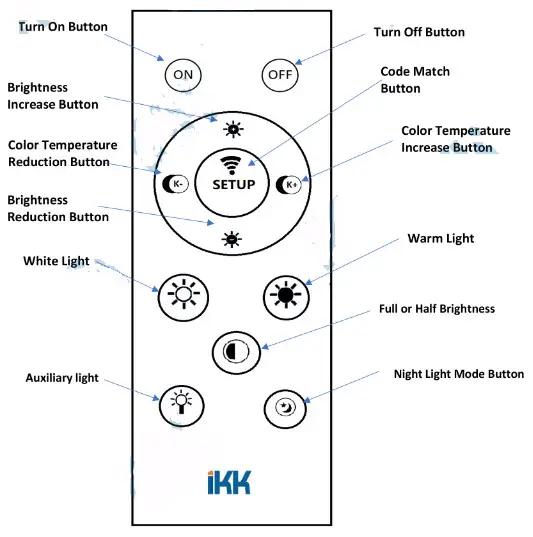
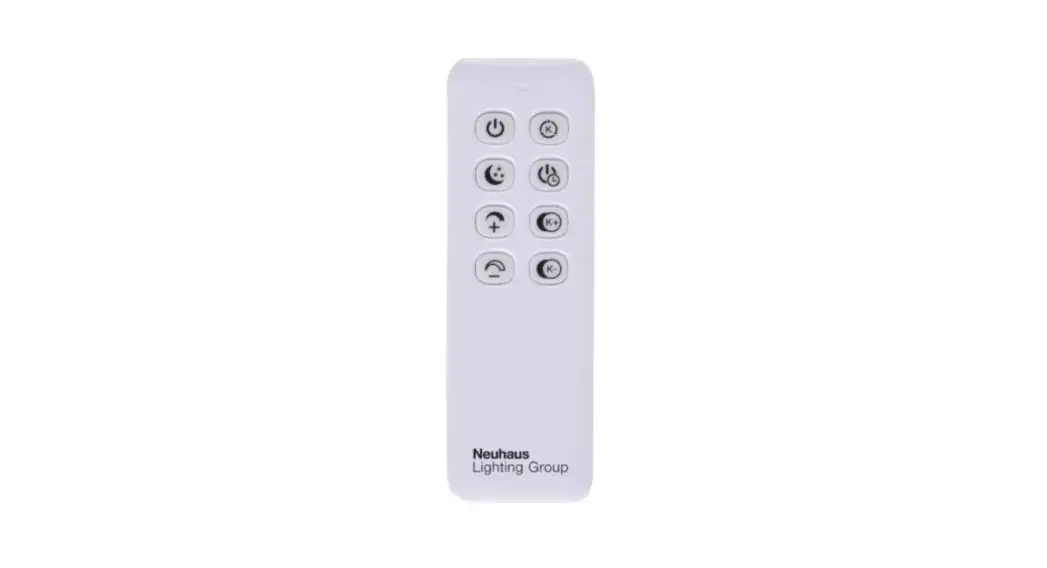
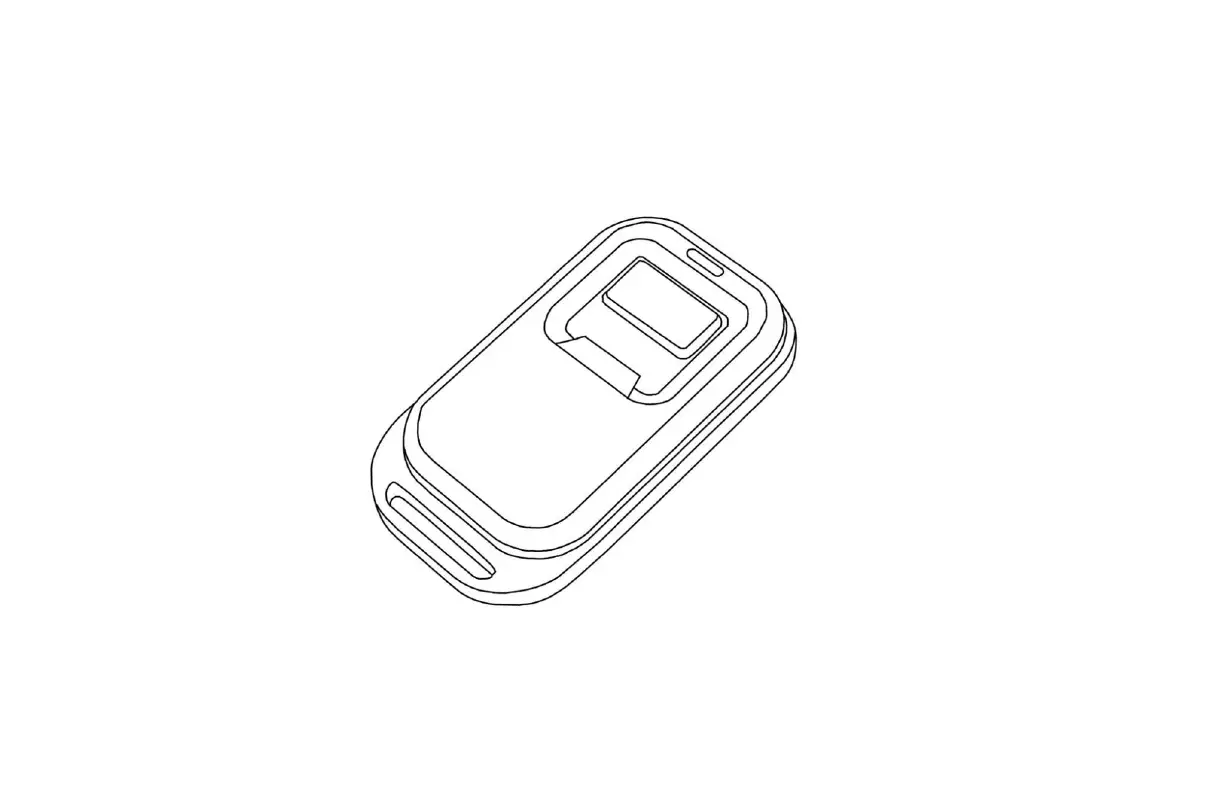
 Code match button, press one time within 10 seconds when you light turns on.
Once after turning on the light, press this “SETUP” button within 10 seconds, the light will flash twice for code match success. Or else, please turn off your light and setup it again following the above process.
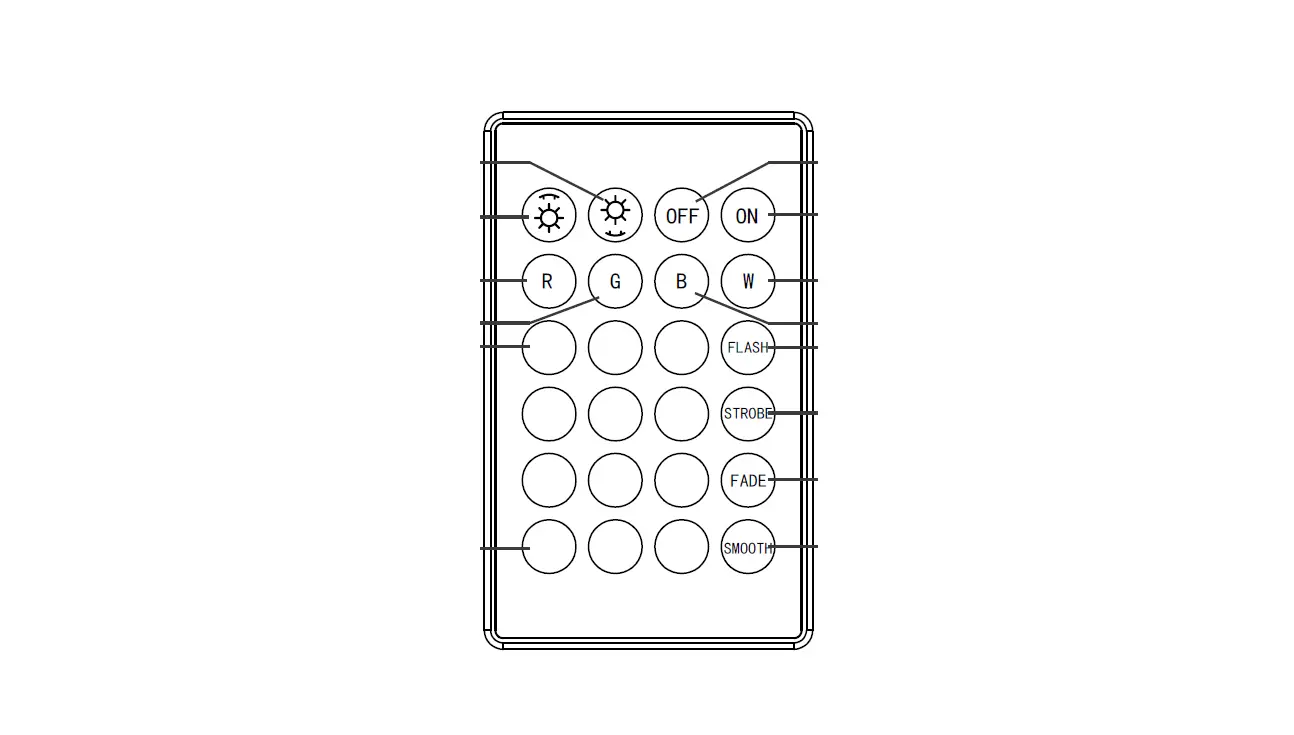
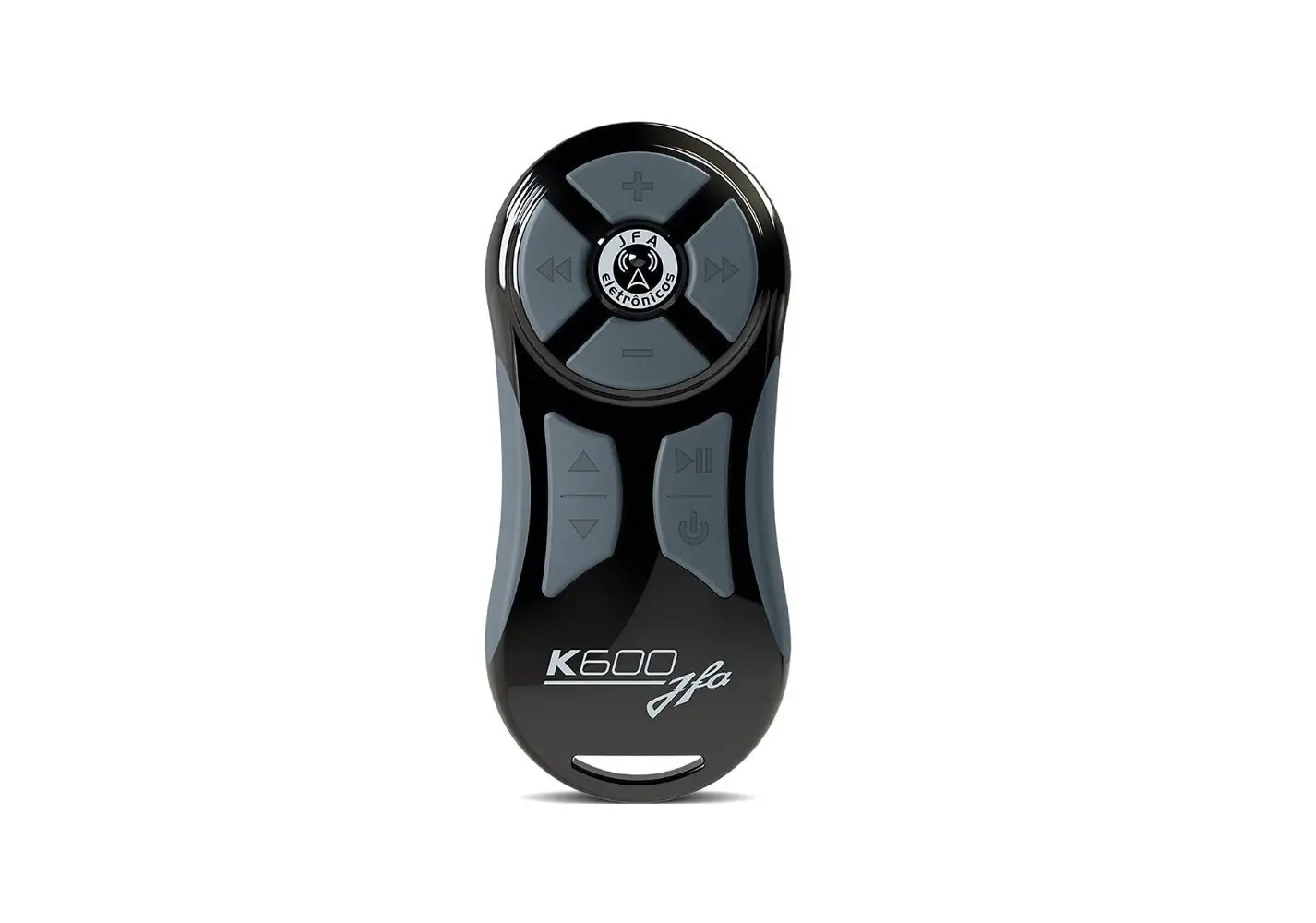
press and hold this button, brightness will increase
press and hold this button, brightness will decrease
press and hold this button, color temperature is white press and hold this button, color temperature is warm
short press this button, the light will be warm (3000K)
short press this button, the light will be cool white(6000K)
auxiliary light mode
short press this button, light power will be changed between full power and half power.