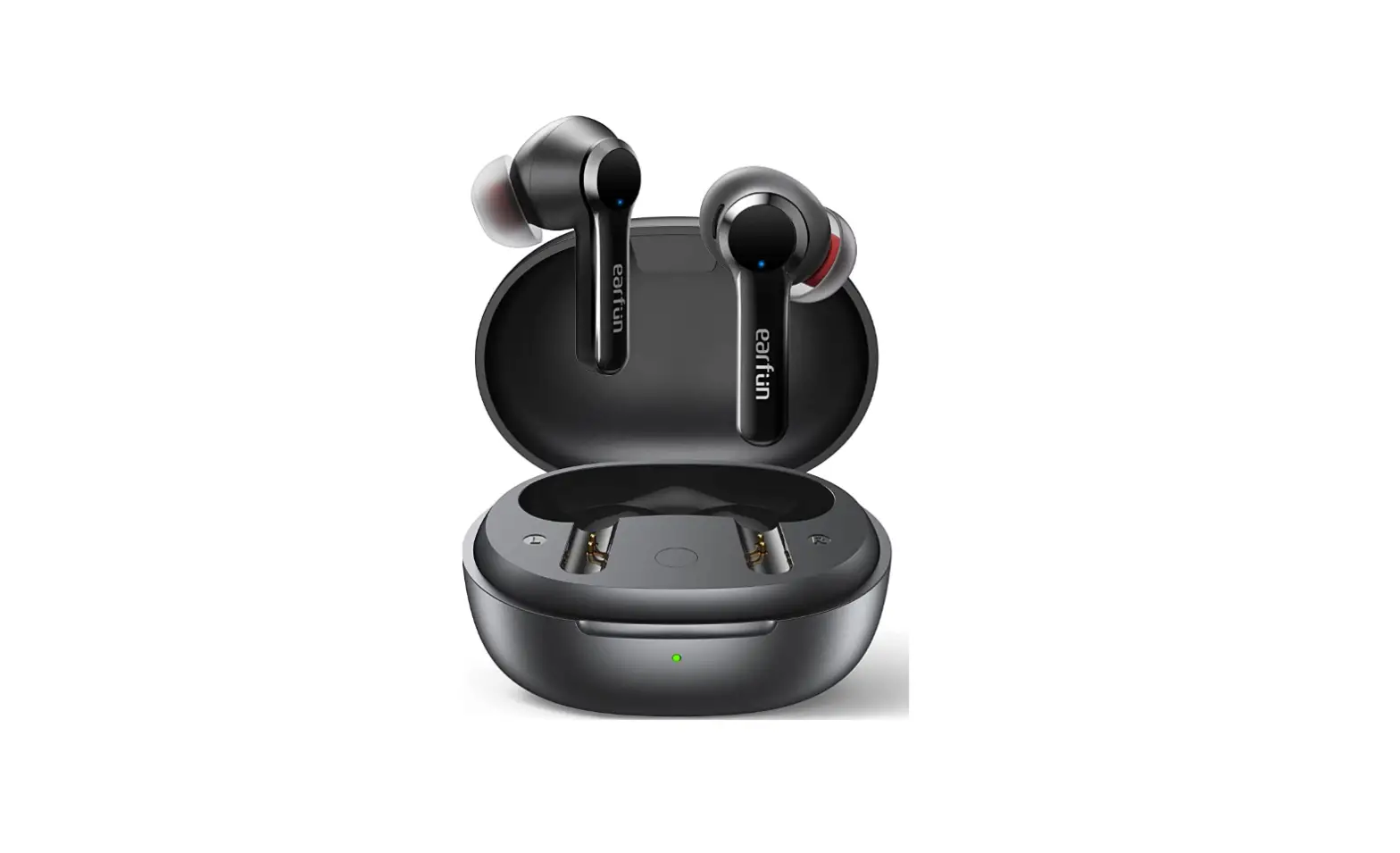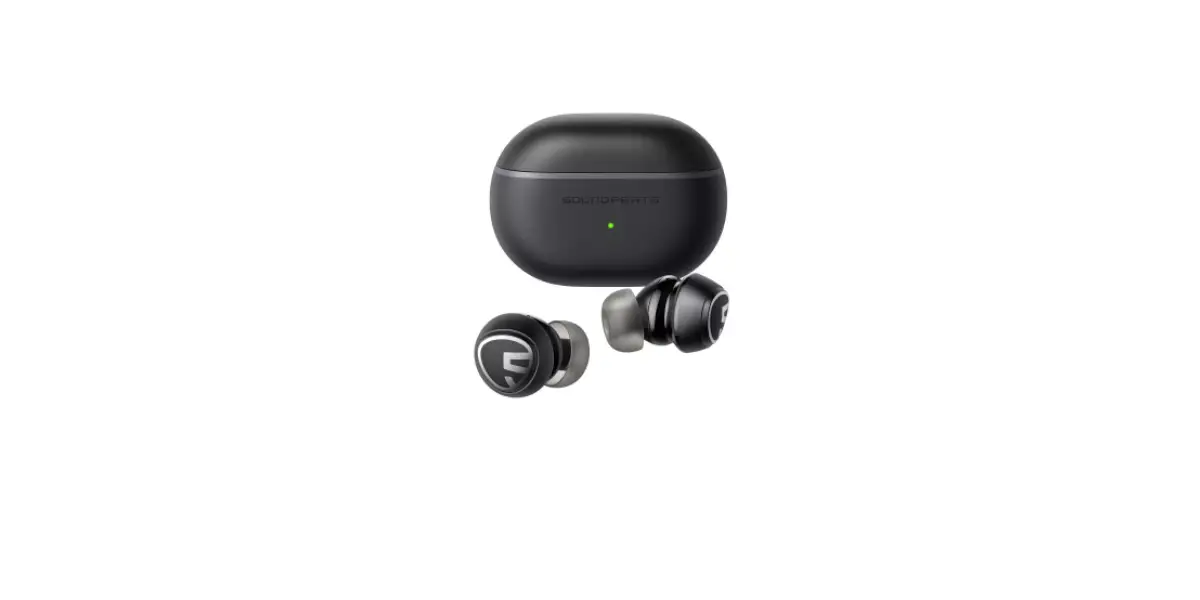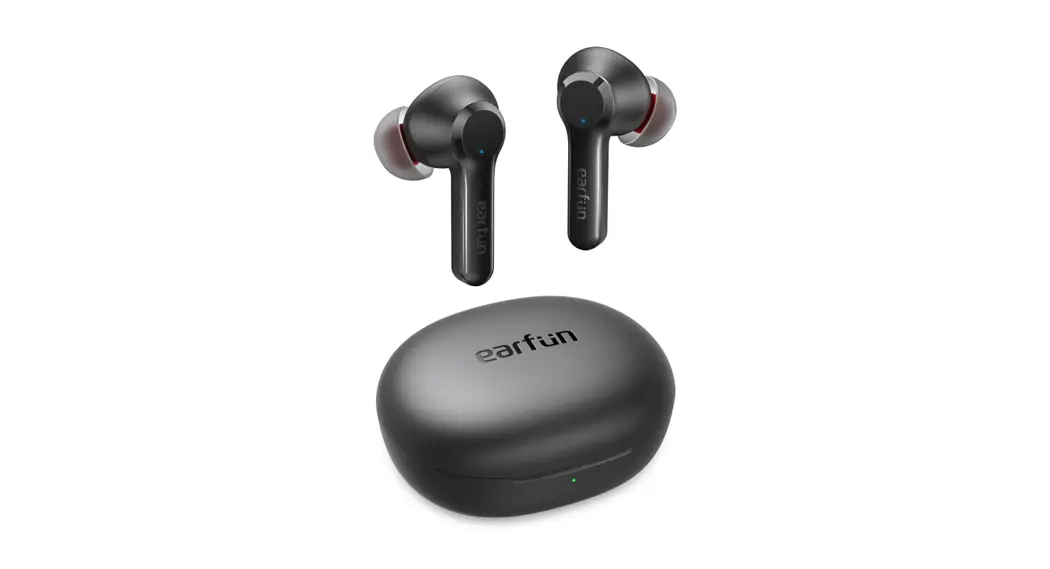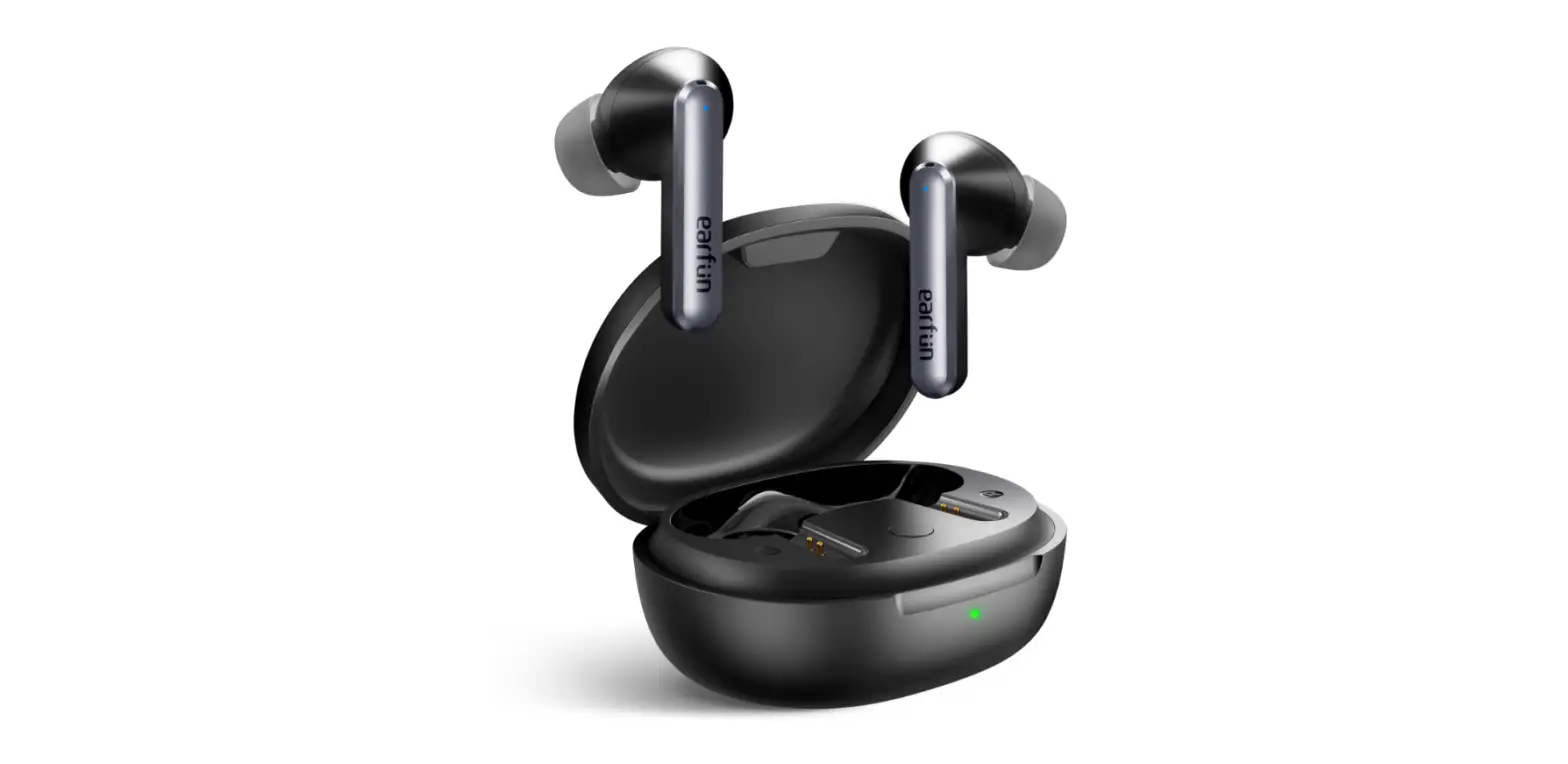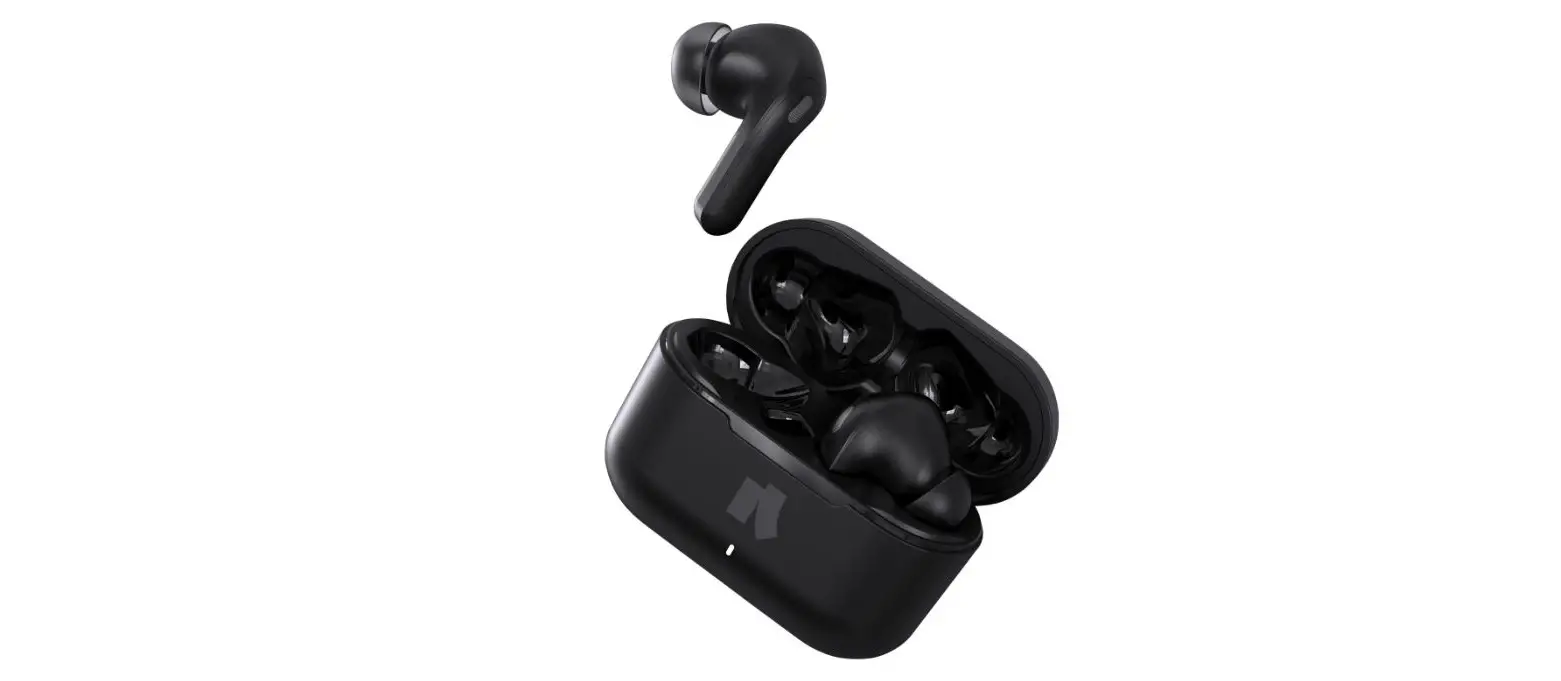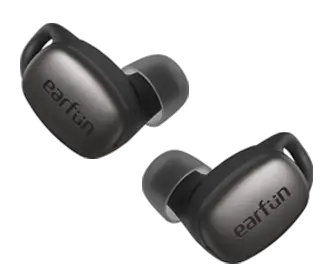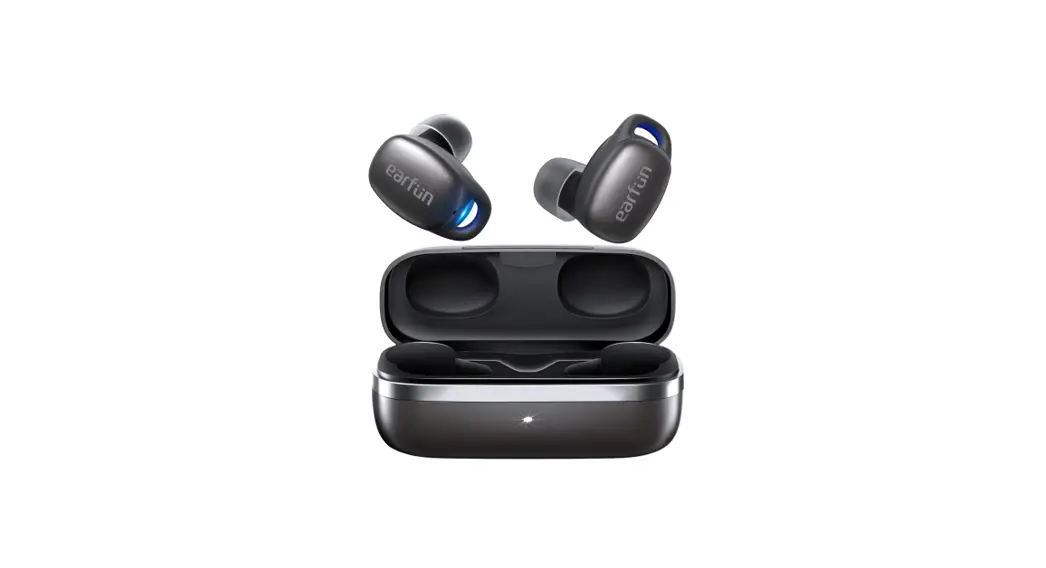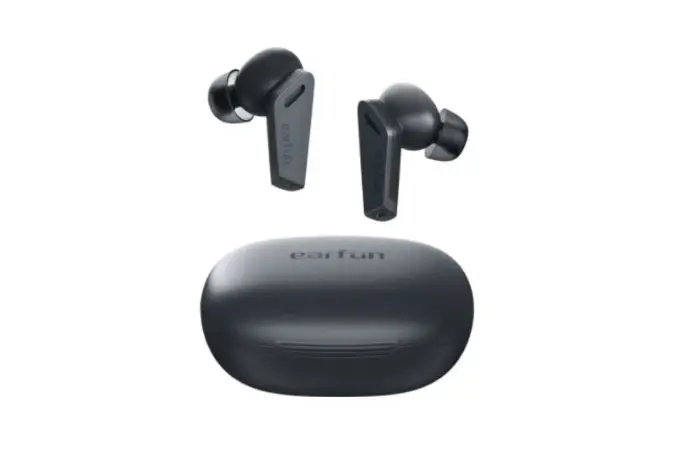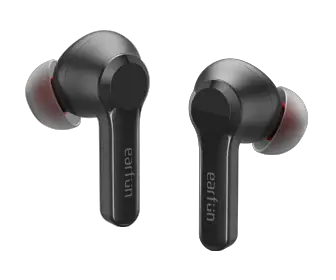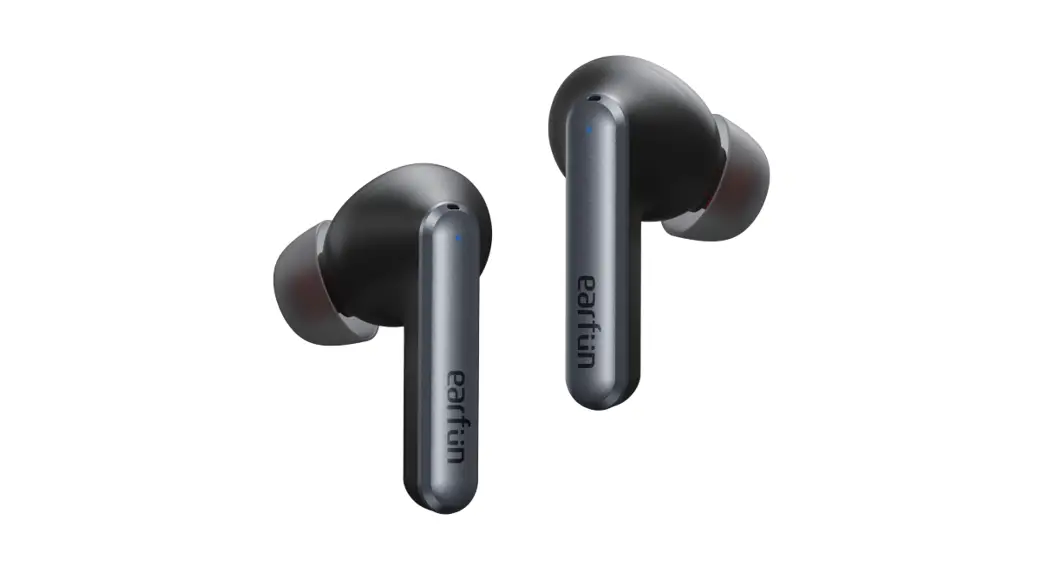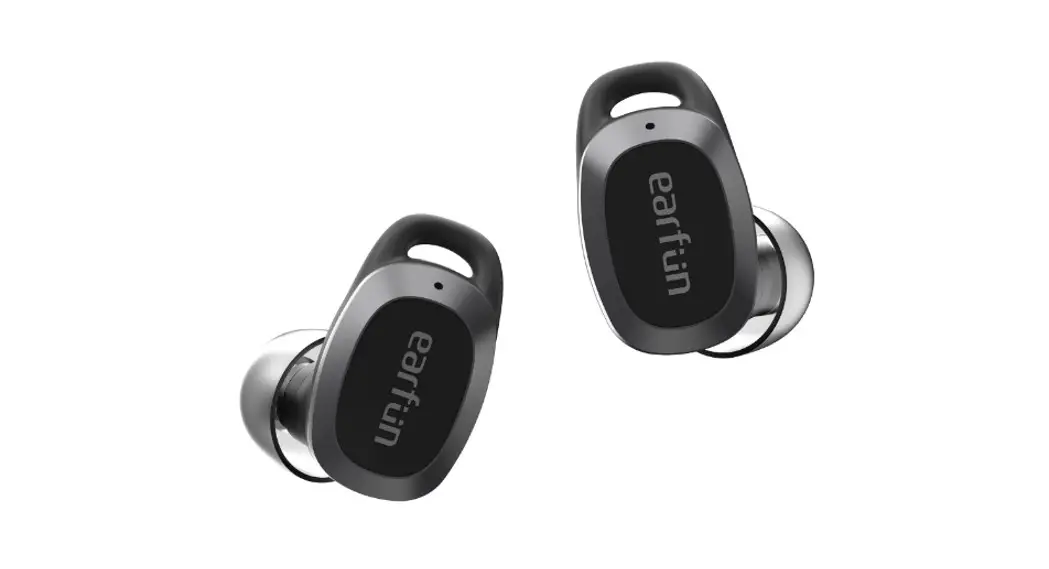
 LPT05 Ultra Compact ANC or ENC True Wireless Earbuds
User Manual 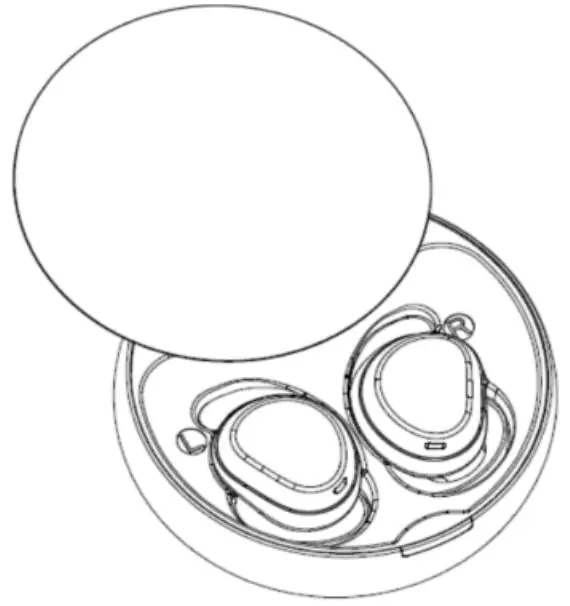
ULTRA COMPACT ANC/ENC TRUE WIRELESS EARBUDS
Model: LPT05
Manutadurer. SOUND INNOVATION CO.. LIMITED User manual
Packing list
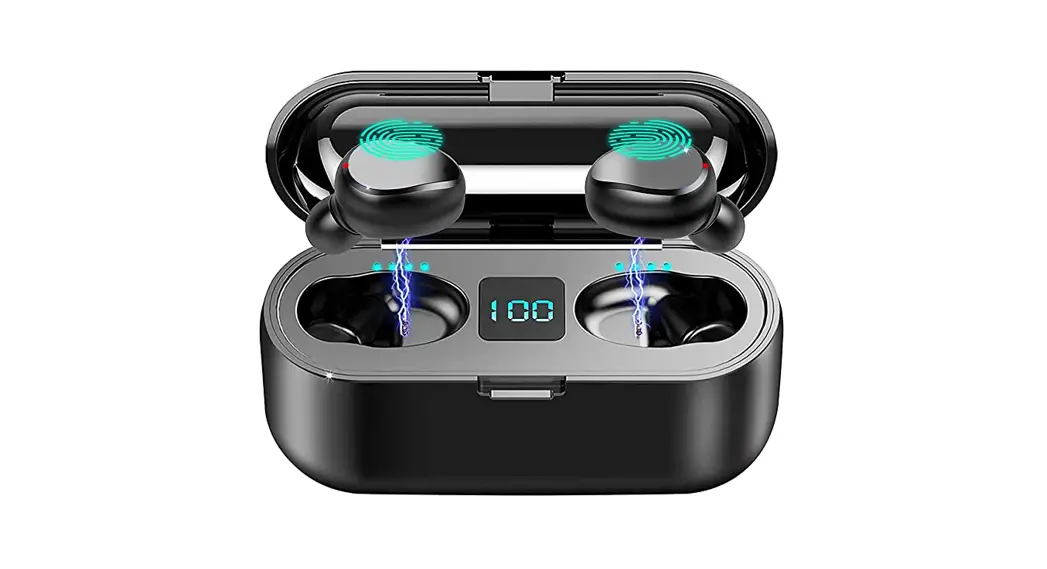
charging case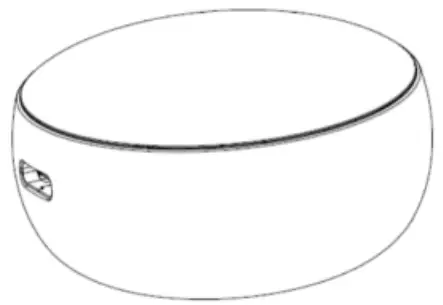 earphone
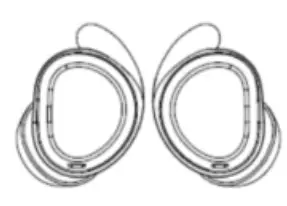 (L/M/S,earbuds with M)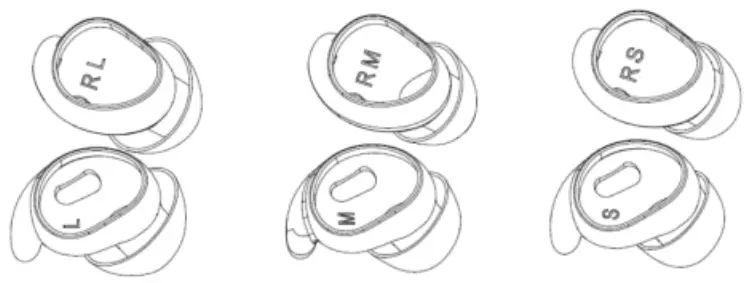
How to wear
Select finable ear caps for earbuds,insert UR earbuds into ear (as photo)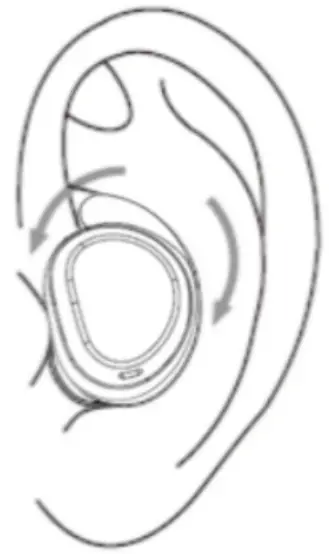 Power on/off
Open charging case,remove earbuds to power on automatically(Led flash). 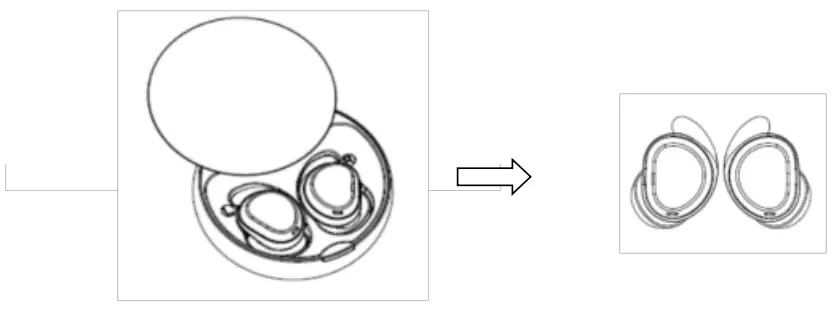
Paring
Earbuds are paired by factory default.Touch twice to reset pairing earbuds during disconnected status,led indicator light 5s,earbuds connected
Earbuds during disconnected status ,indicator flashing,select pairing mode on devices(such as mobilephone).Disconnected more than 5mins,earbuds will off automatically.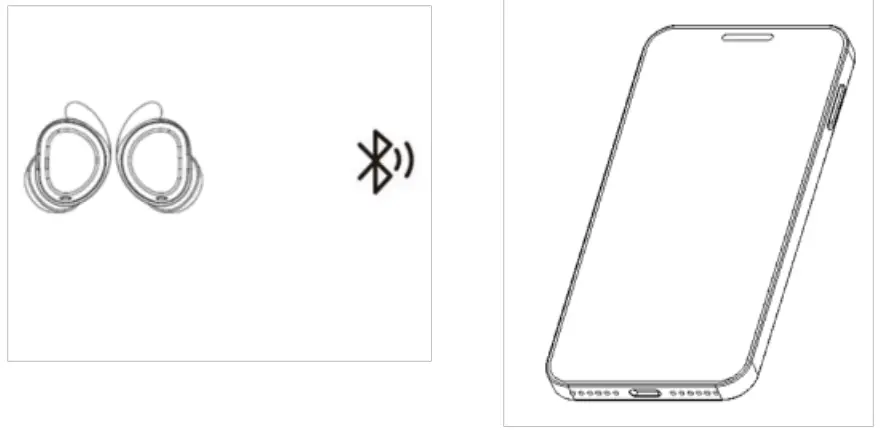
How to use
| Power on insert earbuds | close the charging case |
| Power off insert earbuds | close the charging case |
| Answering incoming call | Touch L/R twice |
| Hang up call | Touch L/R twice |
| Reject incoming call | Long press L/R twice |
| Play/Pause | Touch L/R twice |
| Volume — | quick tap,release then long press L 2s |
| Volume + | quick tap,release then long press R 2s |
| Next song | Long press L/R twice |
| Previous song | Long press L/R twice |
| Switch ANC | touch L/R 4 times |
| Switch EQ mode | L/R 3 times touch |
| Switch Chinese/English | power on during disconnected status touch 3times |
| Restore factory setting | power on during disconnected status touch twice |
Lock the sleep mode:Switch to sleep mode,only left answer/hang up and switch EQ mode,other function will be loecked.Unlock other ftmction,pls switch EQ mode to music/game mode.
| L | R | ||||
| Power On | Open the case when earbuds inside the case | ||||
| Power Off | Put the earbuds into the charging case | ||||
| Answer Call | x2 | or | x2 | ||
| Hang Up Call | x2 | or | x2 | ||
| Reject Call | Press and hold 2s | or | Press and hold 2s | ||
| Play/Pause | x2 | or | x2 | ||
| Volume – | xl and hold | ||||
| Volume + | xl and hold Iv | ||||
| Previous Track | Press and hold | ||||
| Next Track | Press and hold | ||||
| ANC/Transparency | x4 | or | x4 | ||
| Music/Game/Sleep | x3 | or | x3 | ||
Low battery prompt
Working status and battery prompt of charging case:
| status | Led (Red led) | Led ( White LED) | |
| charging | charging | Flashing 0.5Hz | off |
| fully charged | lighting 60s | Off | |
| discharging | discharging | off | on |
| Low battery (10%) | off | Flashing 1Hz |
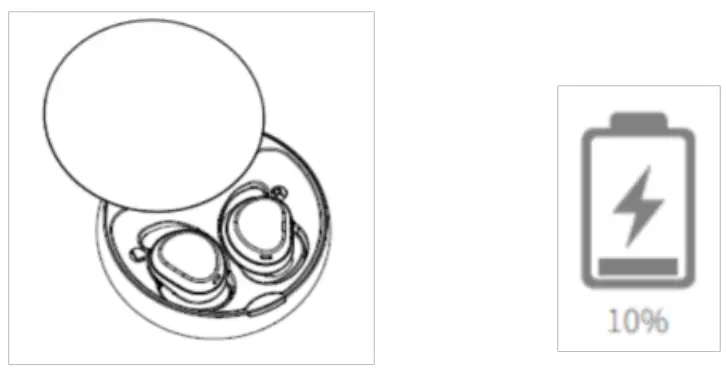
Earbuds s indicator will quick flash and say”low battery,pls charge”when battery <10%.Calls will back to mobilephone during earbuds on calling and off.
Note: Earbuds don’t have low battery prompt and voice during sleep mode. 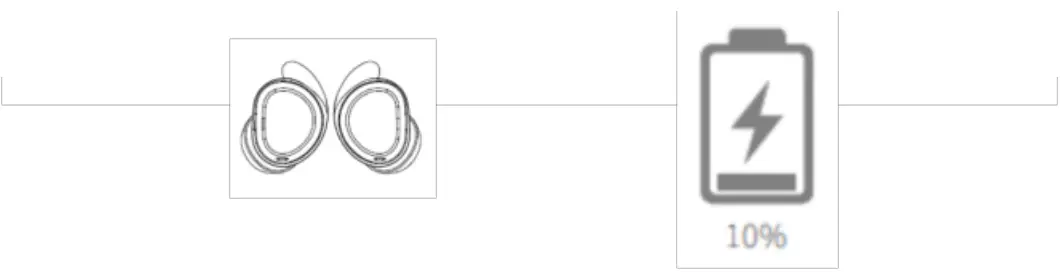
How to charge
Place earbuds into charging case and close it. Earbuds is charging through the case,the indicator of earbuds is lighting. The indicator of earbuds is off when fully charged.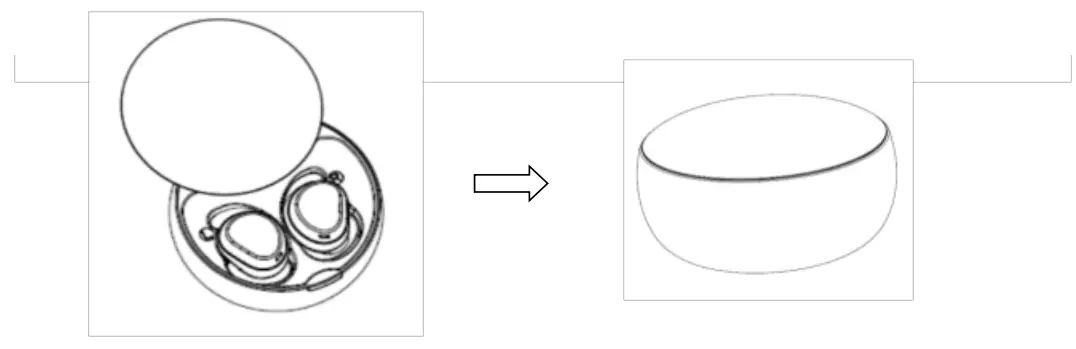 Charging the case
Chartging the case,the LED indicator flash Red,when fully charged,LED indicator is red 60s and off.
support Type-C charging 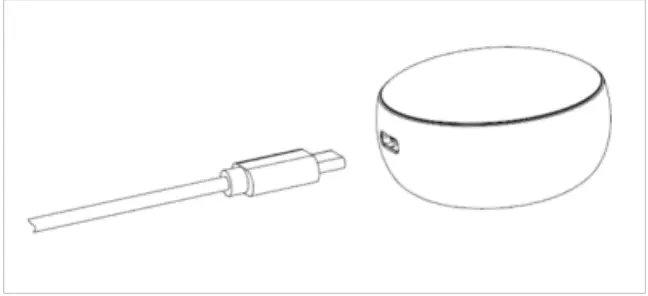
Specification
Bluetooth version: 5.2
Support: A2DP.1.2/ AVCTP.1.4.1/ AVDTP/ HFP.1.8
Codec: AAC,mSBC
Frequency: 2.402 GHz-2.480 GHz
Signal to noise ratio: _.- 90dB
Transmission distance: 10m
Battery capacity: 35mA (Rechargeable Li battery)
Talking time: 5hours
Play time: 4 hours
Standby time: 130 hours
Charging time: 1 hours
Size: 22*22*15mm
Weight: 3.2g
Speaker unit: 6mm,16 ohm requency response: 20Hz-20k Hz
Waterproof grade: IPX4
Charging case
Charging case capacity: 250mA/3.7V
Input: 5V/1A
Size: D51.0*27.5mm
Weight: 29.9g
FCC Requirement
Any changes or modifications not expressly approved by the party responsible for compliance could void the user’s authority to operate the equipment. This device complies with Part 15 of the FCC Rules.
Operation is subject to the following two conditions:
(1) this device may not cause harmful interference, and
(2) this device must accept any interference received, including interference that may cause undesired operation.
Note: This equipment has been tested and found to comply with the limits for a Class B digital device, pursuant to Part 15 of the FCC Rules. These limits are designed to provide reasonable protection against harmful interference in a residential installation. This equipment generates, uses, and can radiate radio frequency energy, and if not installed and used in accordance with the instructions, may cause harmful interference to radio communications. However, there is no guarantee that interference will not occur in a particular installation. If this equipment does cause harmful interference to radio or television reception, which can be determined by turning the equipment off and on, the user is encouraged to try to correct the interference by one or more of the following measures:
- Reorient or relocate the receiving antenna.
- Increase the separation between the equipment and receiver.
- Connect the equipment into an outlet on a circuit different from that to which the receiver is connected.
- Consult the dealer or an experienced radio/TV technician for help.