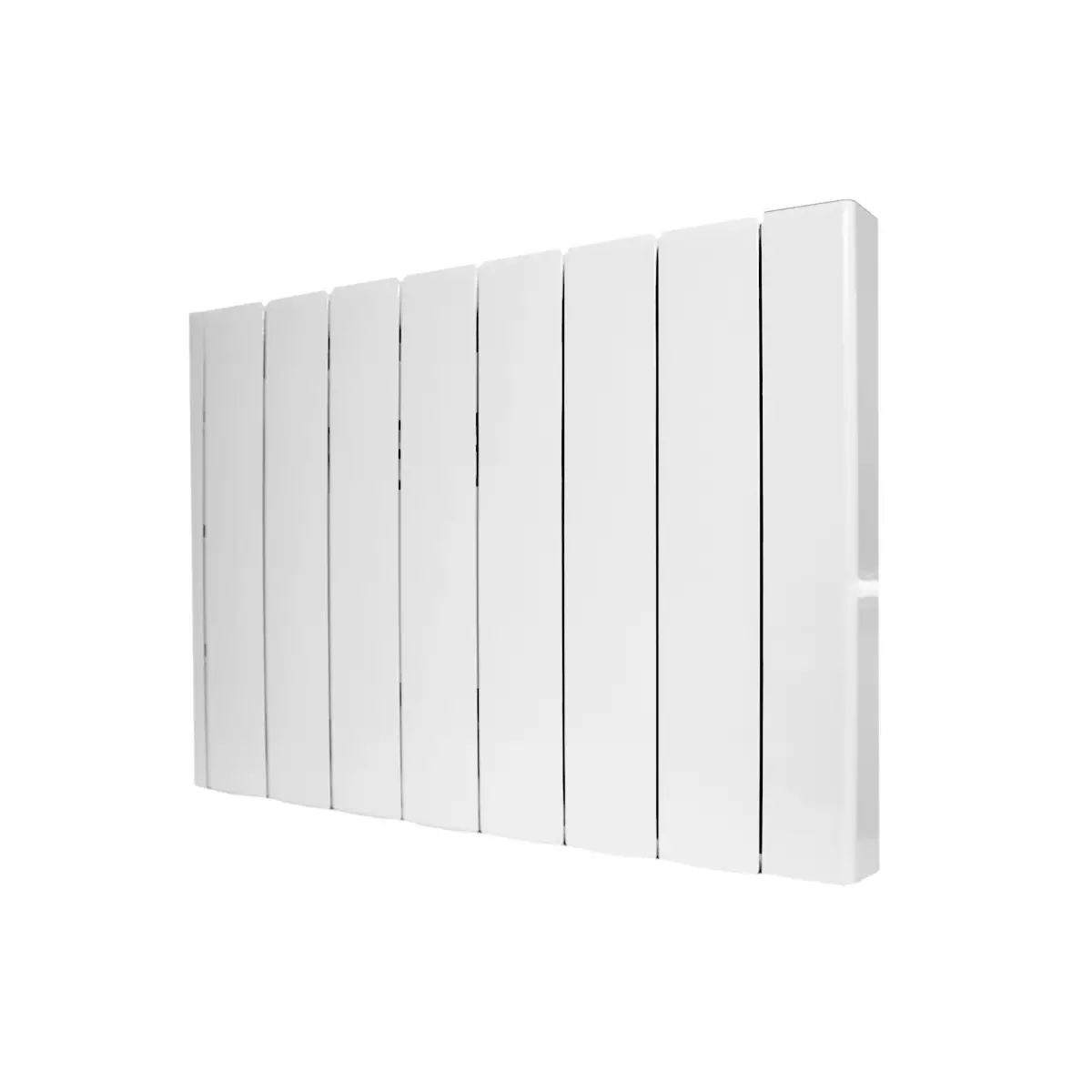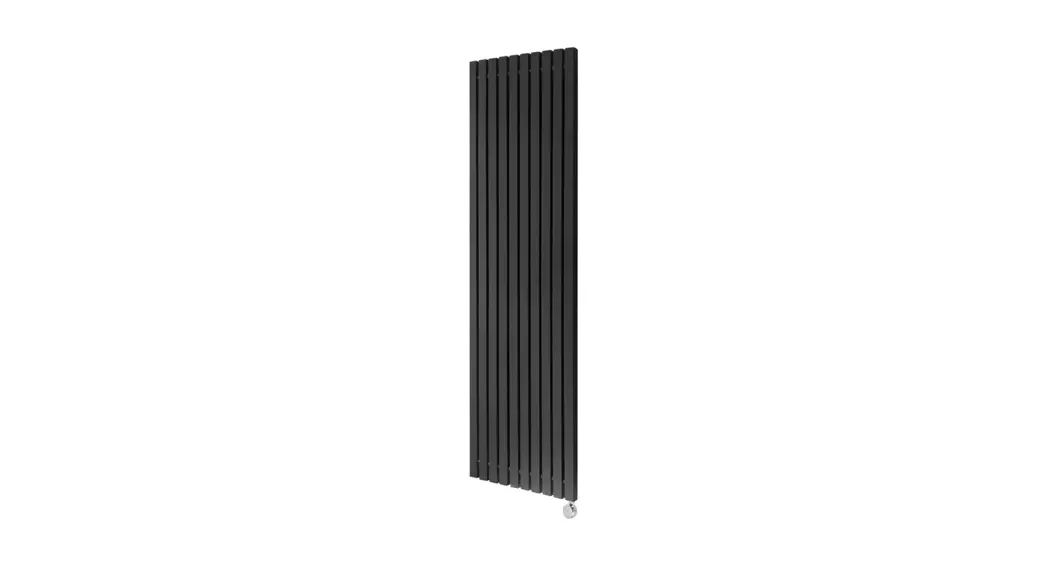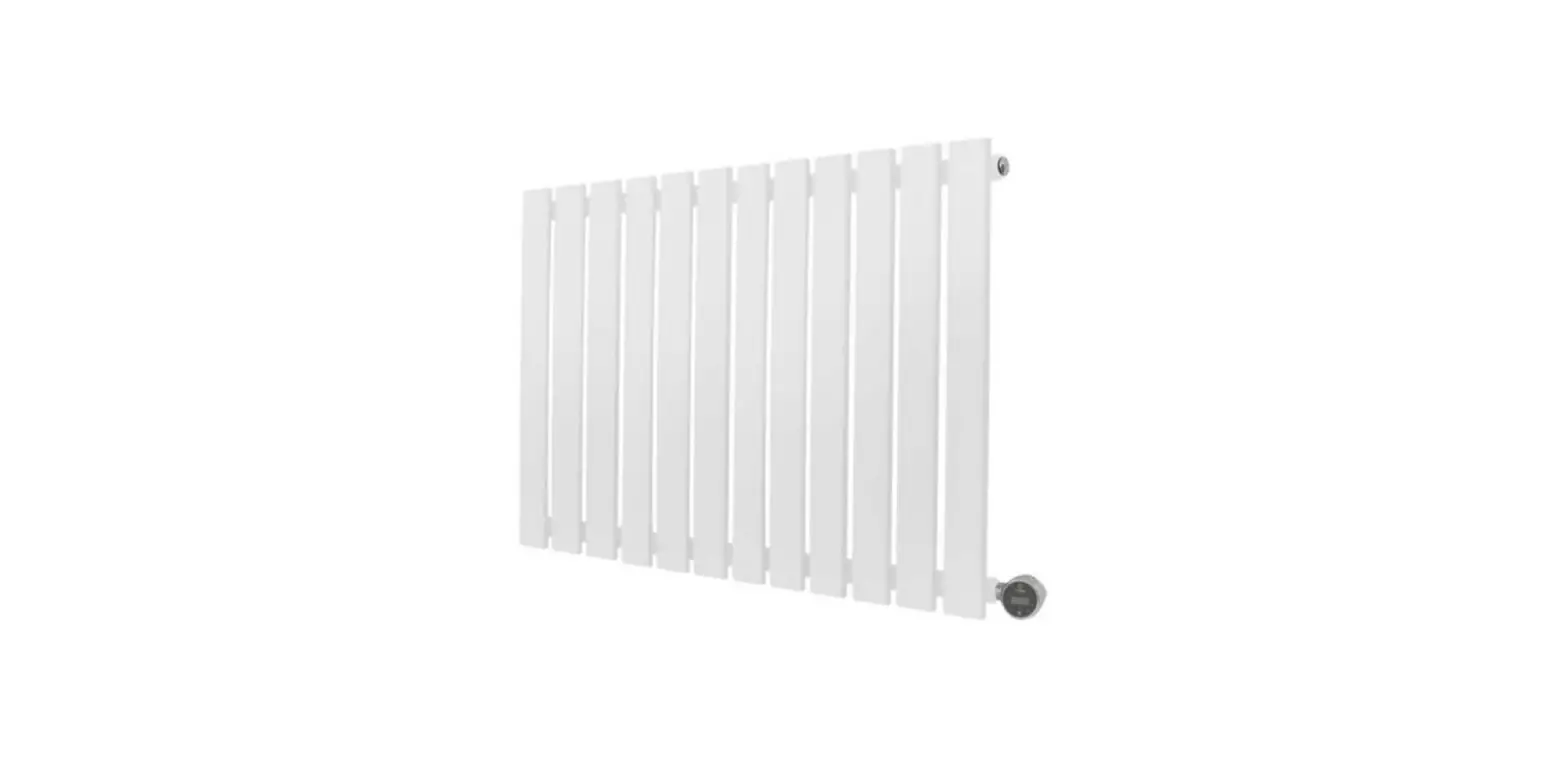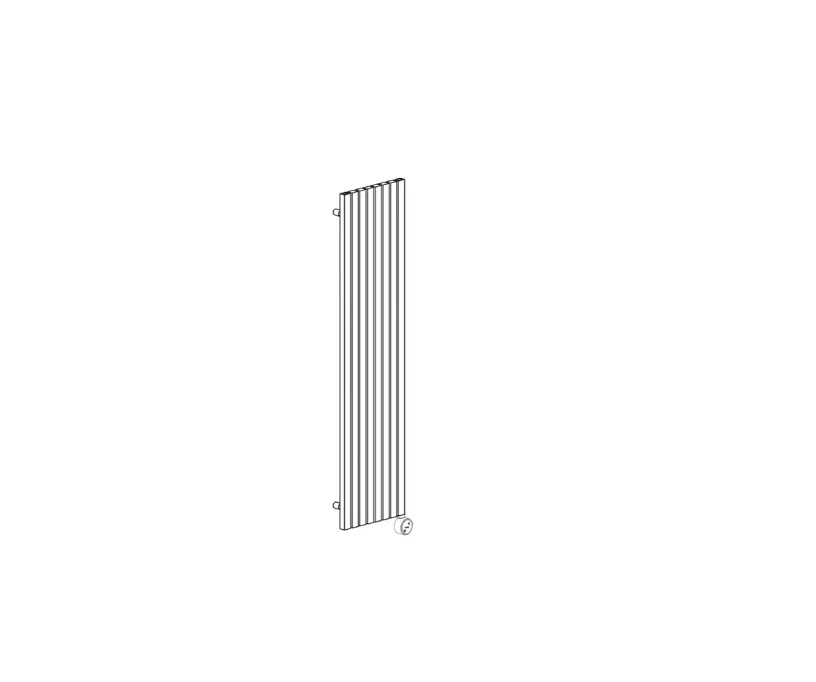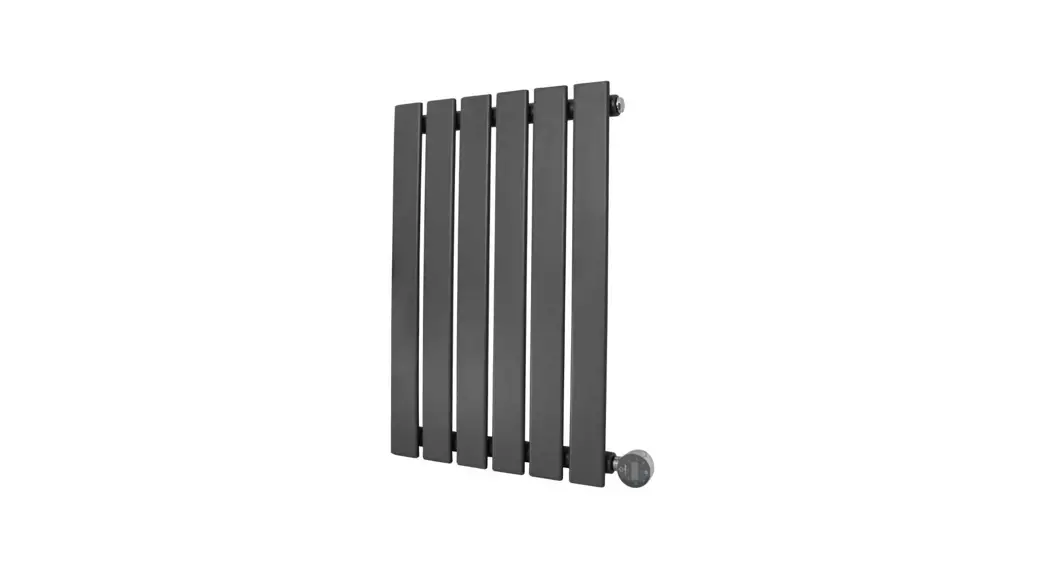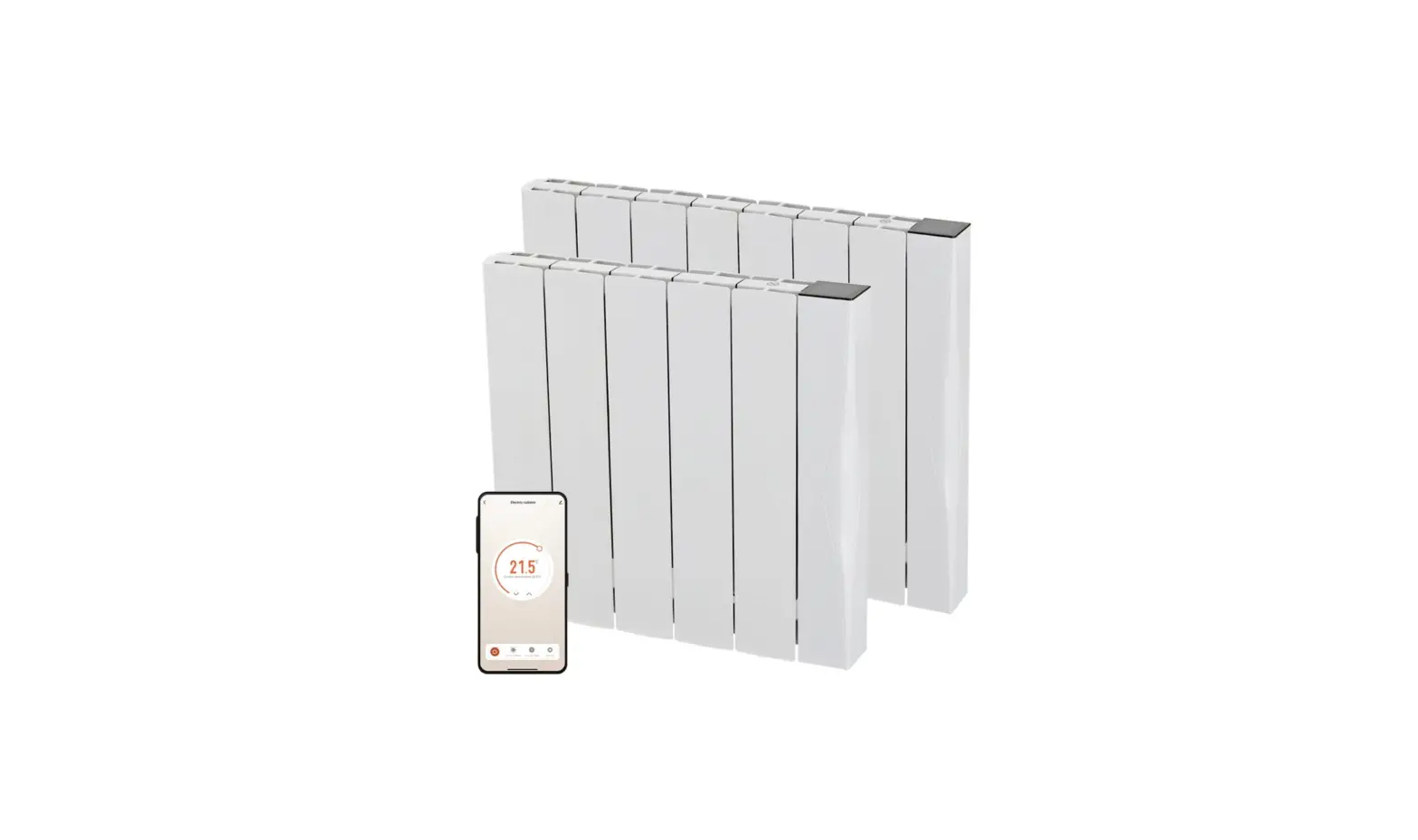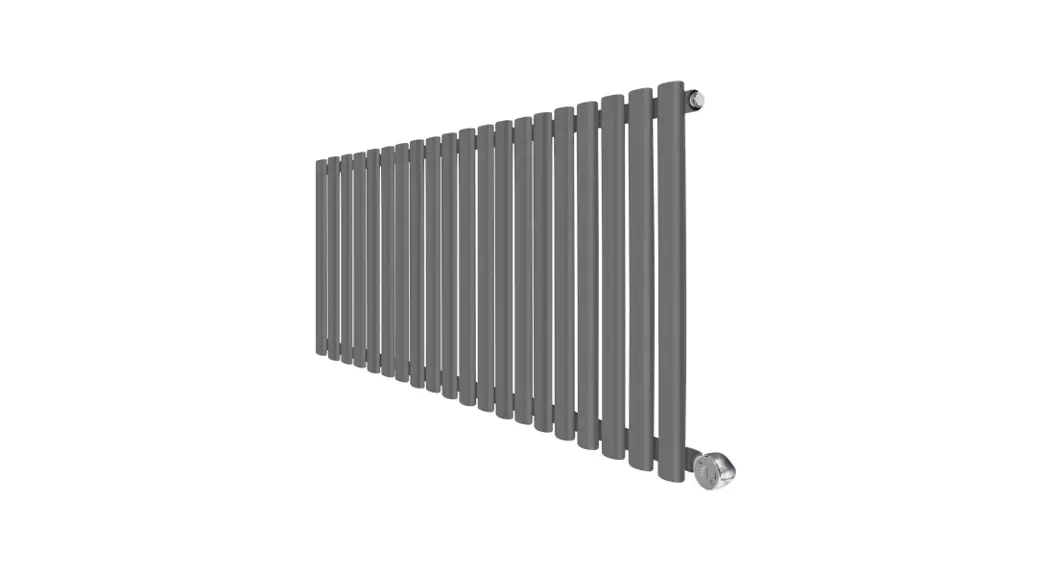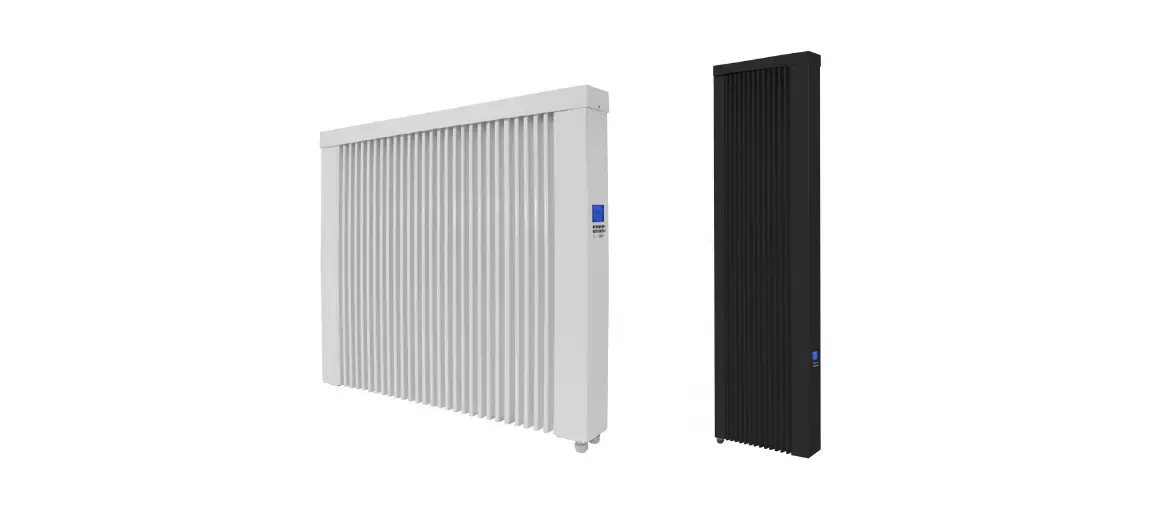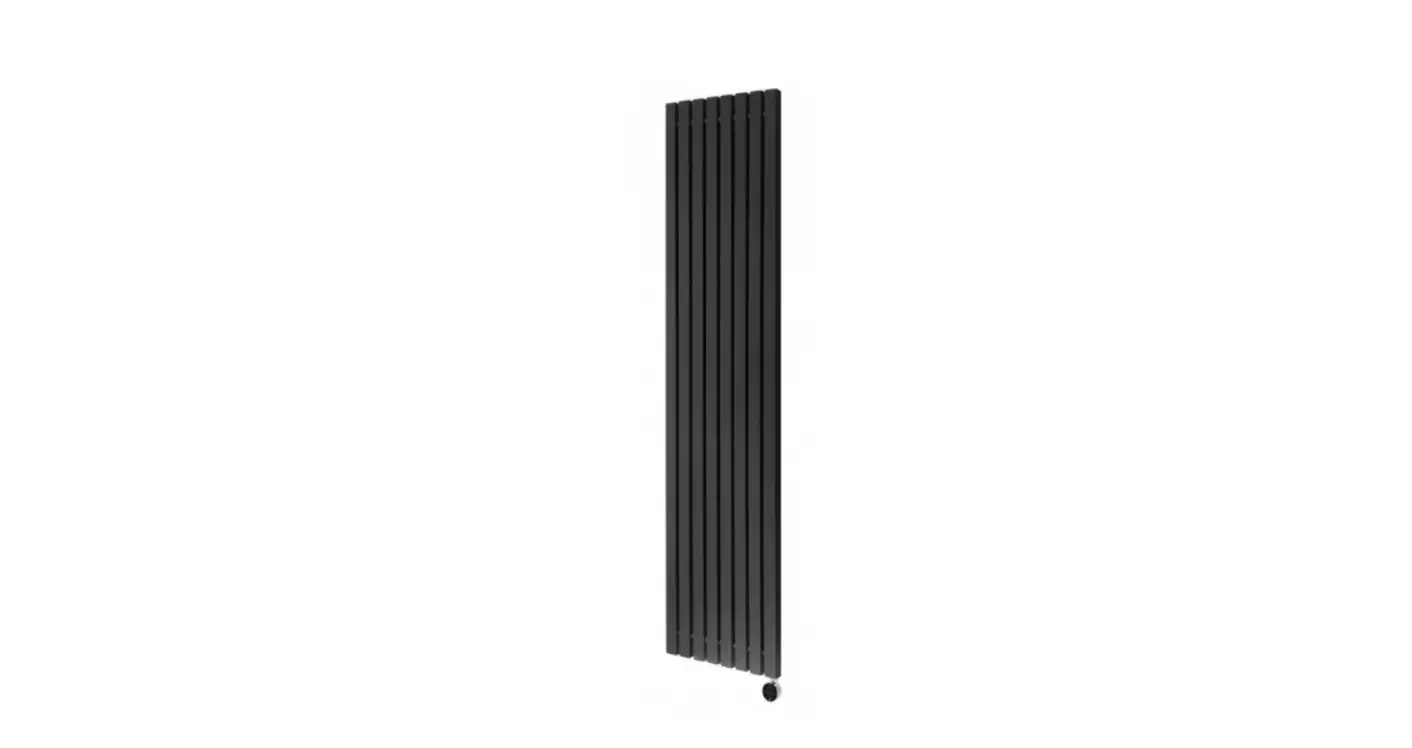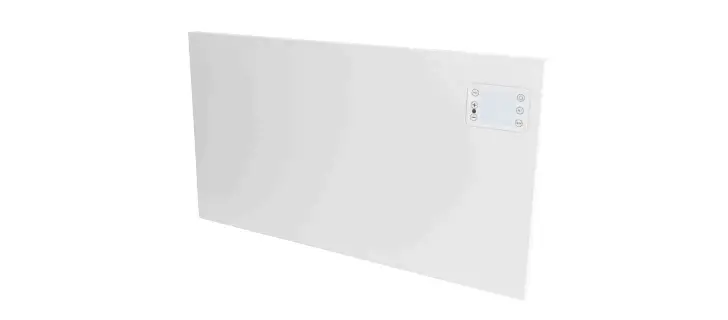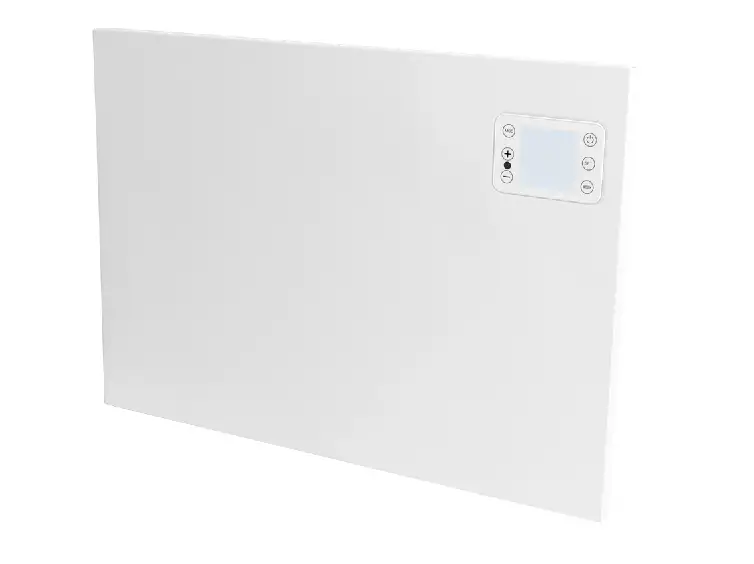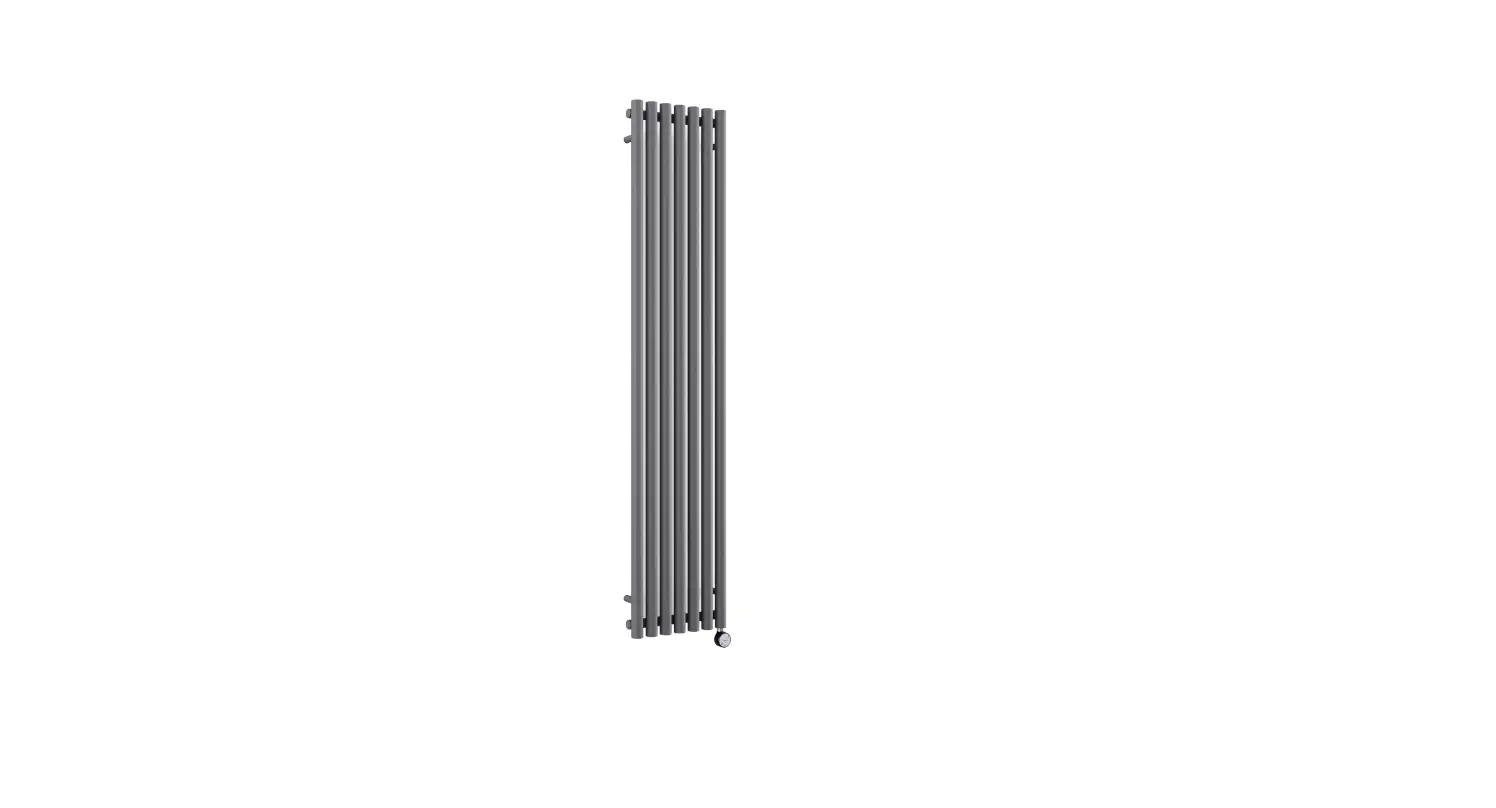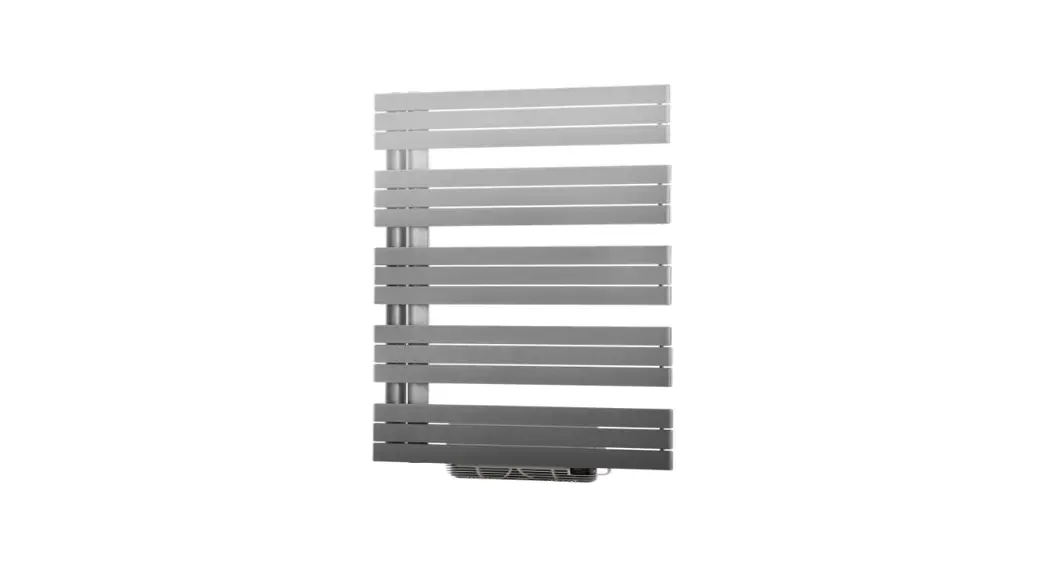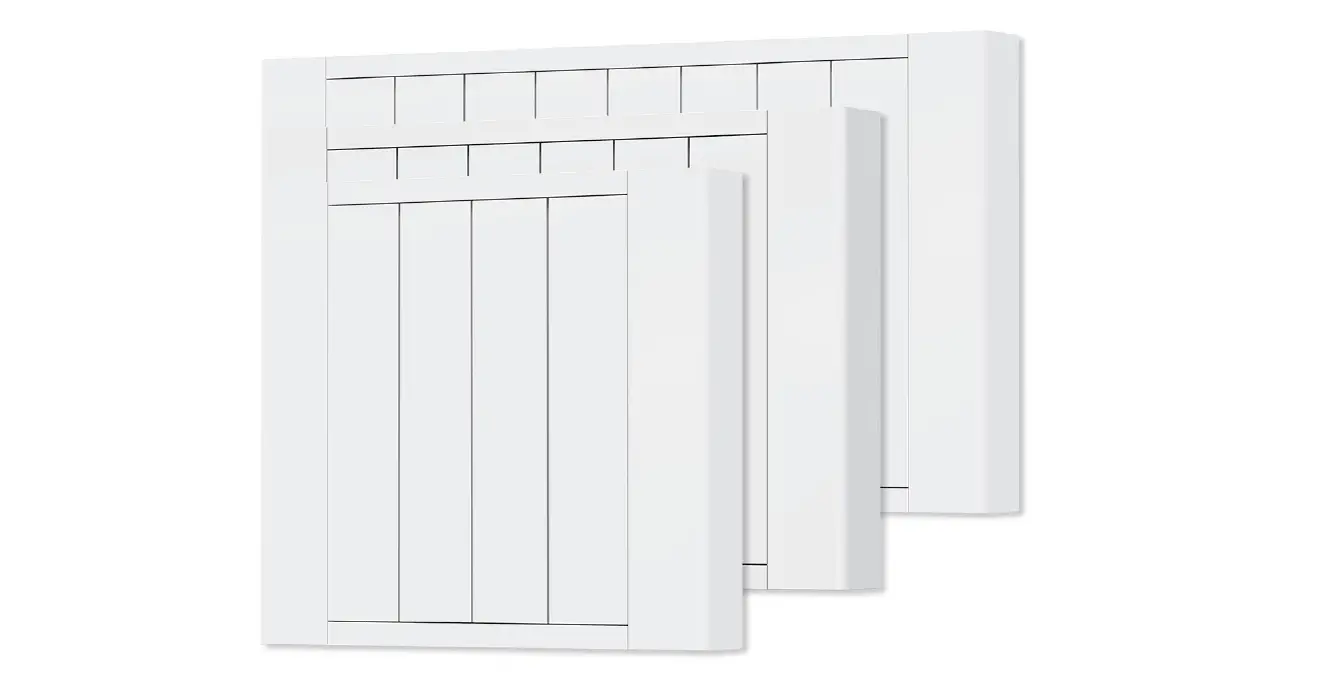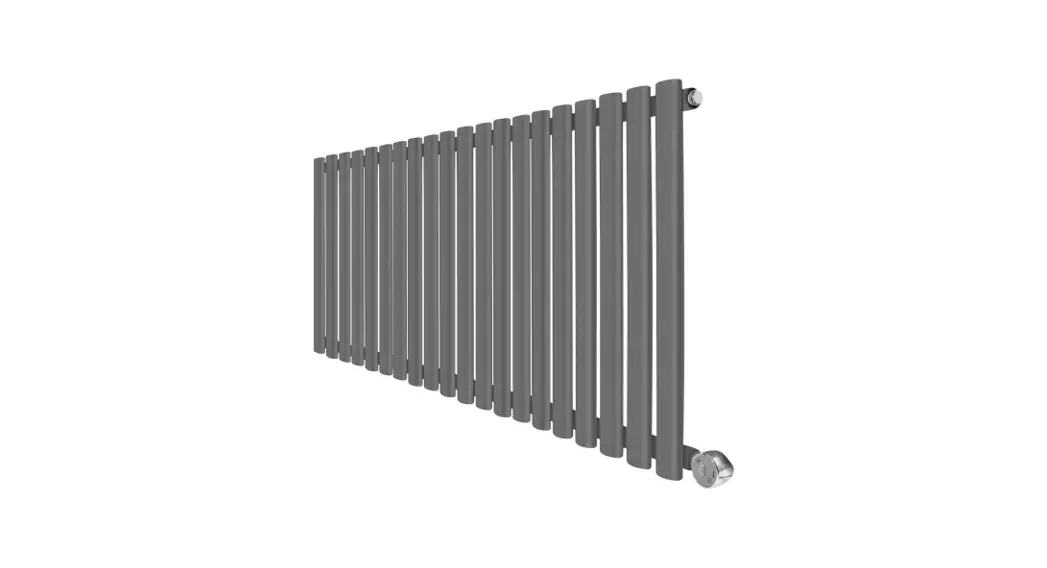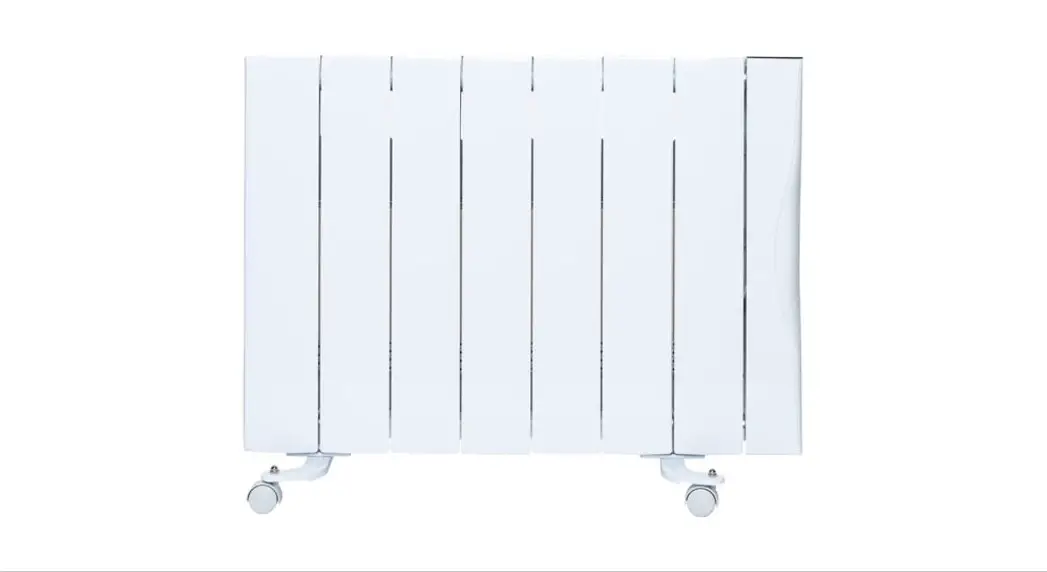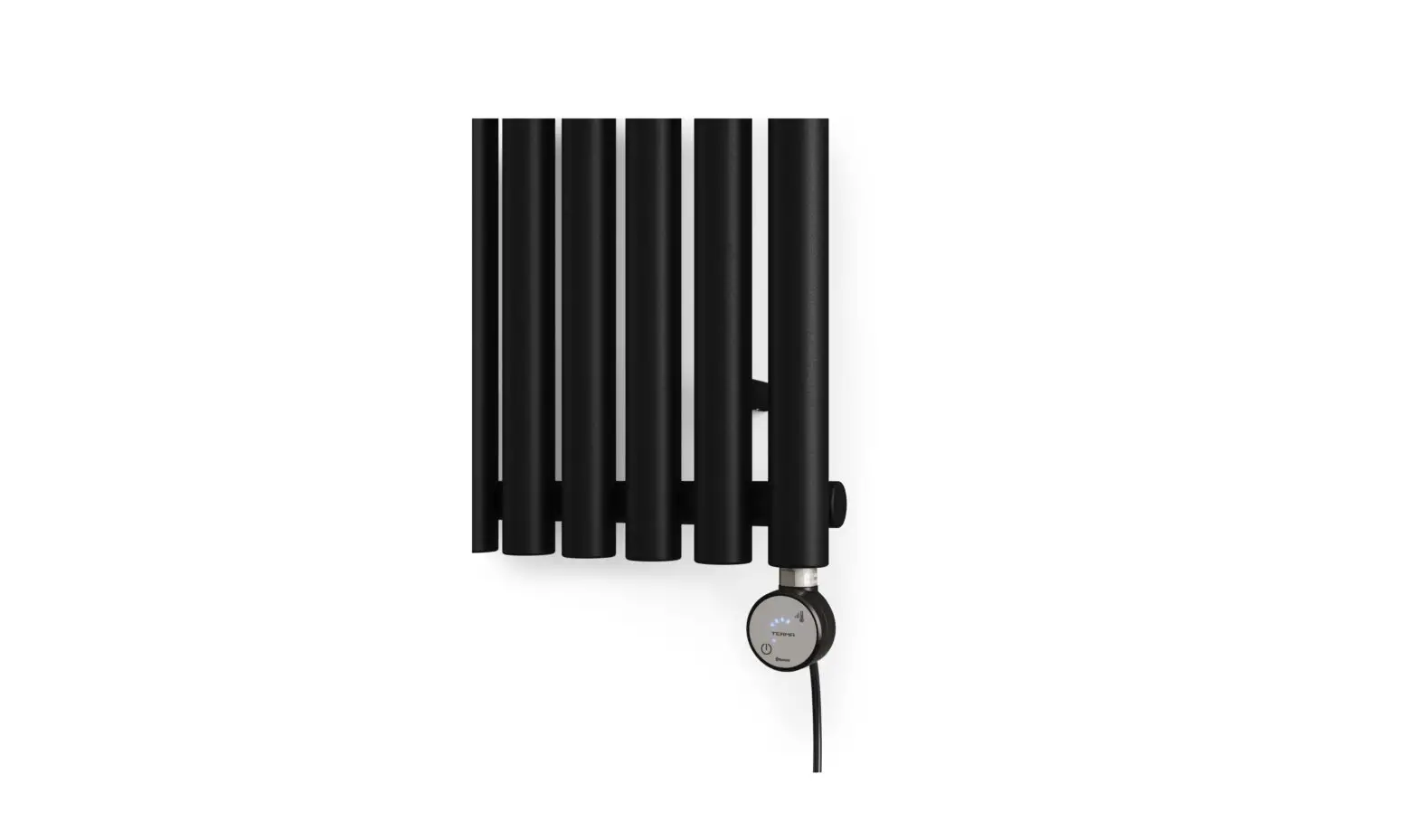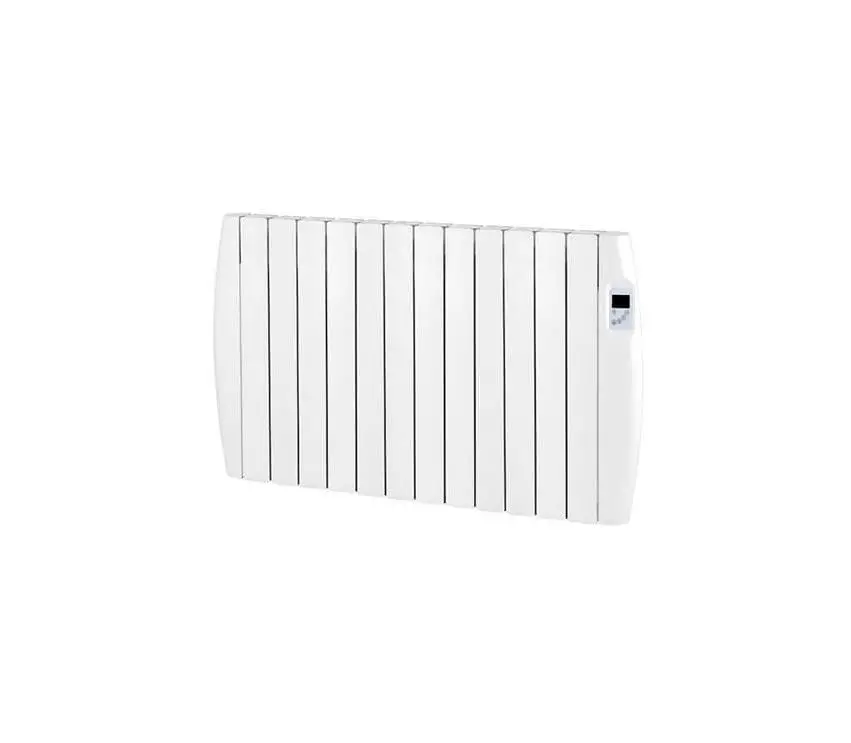

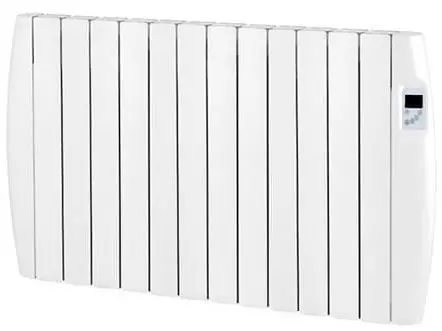
EcoVolt EVRad Ceramic Electric Radiators
FUNCTIONS
- Easy to fit heater with WIFI (Android & IOS).
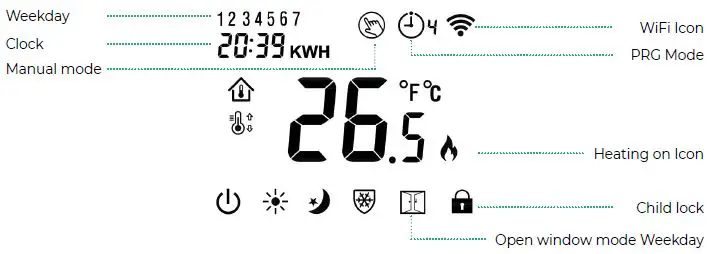
- Large display can be clearly read with the background lighting.
- One push button control knob.
- 4 periods of each day programmable (from APP).
- The display shows the room temperature as well as the temperature settings.
- Temperature display in degrees Celsius.
- Two colour LED light, RED LED & GREEN LED.
- Live time display.
- Energy consumption calculator (kWh).
TECHNICAL DATA
- Thermostat operating voltage: 230Vac
- Backup storage: EEPROM
- Operating voltage: 230 VAC, 50/60 Hz
- Maximum voltage load: 250 VAC/1 0 A.
- WiFi operating signal: 2.4Ghz
- Switching options: 7 days, 4 periods each day From APP only
- Temperature settings: 5 °C ~ 35 °C, 0.5°C
- Accuracy: 0.5°C
VISUAL DISPLAY
WiFi CONNECTION
- Download the TUYA Smart Life APP from the APP store or scan the QR on that comes with the heater packaging.
- Install app and register an account.
- Add device by press + button at top right corner of the screen.
- Press Small Home Appliance.
- Select Heater (Wi-Fi).
- Turn heater on switch at the back.
- In manual mode press and hold the button until the wifi symbol appears on the top right hand corner of the screen, then turn the control knob to the right and the will begin to flash.
- Press “Confirm indicator rapidly blink” on Tuya app.
- Once connection is done. Wi-Fi icon will stop flashing and turn back main screen.
MODE SELECT
By pushing the button, it will select each mode MANUAL mode , Economy Mode PROGRAM mode , and ON/OFF mode . The mode will be activate when backlight switches off.
CHILD LOCK (APP ONLY)
Under child lock ON (refer to menu 11 of parameter setting), the buttons will lock once backlight switches off. Press and hold on/off button to temporarily unlock.
OPEN WINDOW DETECTION (OWD) FUNCTION
When the Open Window detect function is enabled in the parameter setting, the system will automatically stop heating when it detects a sudden drop of room temperature (2°C in 15 minutes as default). This is normally caused when a window or door is opened without turning off the heating device. The device will return to the previous mode of operation after 30 mins and the symbol will disappear
PARAMETER SETTING
To enter the parameter setting, turn the heater to off mode. Then press and hold the pushbutton for 3 seconds to enter the settings. The table below represents what each number on the screen does. Pressing the button will go to the the next setting on the menu. Turning the control knob will change the setting. To exit the parameter settings press and hold the control know for 3 seconds
| MENU | DESCRIPTION | RANGE | DEFAULT VALUE |
| 1. | Temp. calibration for internal sensor | -8°C ~ 8°C | 0°C |
| 2. | Set Point Max. | 5°C ~ 35°C | 35°C |
| 3. | Set Point Min. 5 | 5°C ~ 35°C | 5°C |
| 5. | Frost Protection Temp. | 5°C ~ 15°C | 5°C |
| 9. | Dead zone | 0°C ~ 3°C | 0°C |
| 11. | Child Lock | 0: Unlock | 1: Lock | 0 |
| 12. | Open window detect function ON | ON | OFF | OFF |
| 13. | OWD Detect Time | 2 ~ 30mins | 15 mins |
| 14. | OWD Drop temp. select within detect time | 2.3.4 ‘C | 2’C |
| 15. | OWD Delay time selec (Return to previous working status) | 10 ~ 60min | 30 mins |
| 17. | Factory reset Turn knob | Turn knob to right till screen show 1, then long press button till heaterrestart | 0 |
| Software version | 3223 | ||
| 50. | Button Buzzer sound during operation | 0: OFF | 1: ON | 1 |
| 51. | Load checking ( Short sport welding from PCB) | Read Only | |
| 52. | Heating time calculation (Hours) | Read Only | |
| 53. | Energy Consumption Caculation | Read Only (Notes: Long press ON/OFF button can clear calculation to restart from 0) |