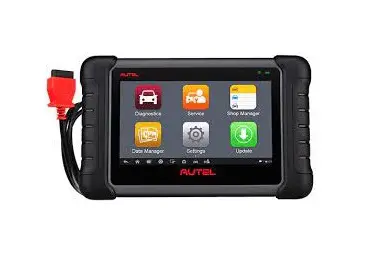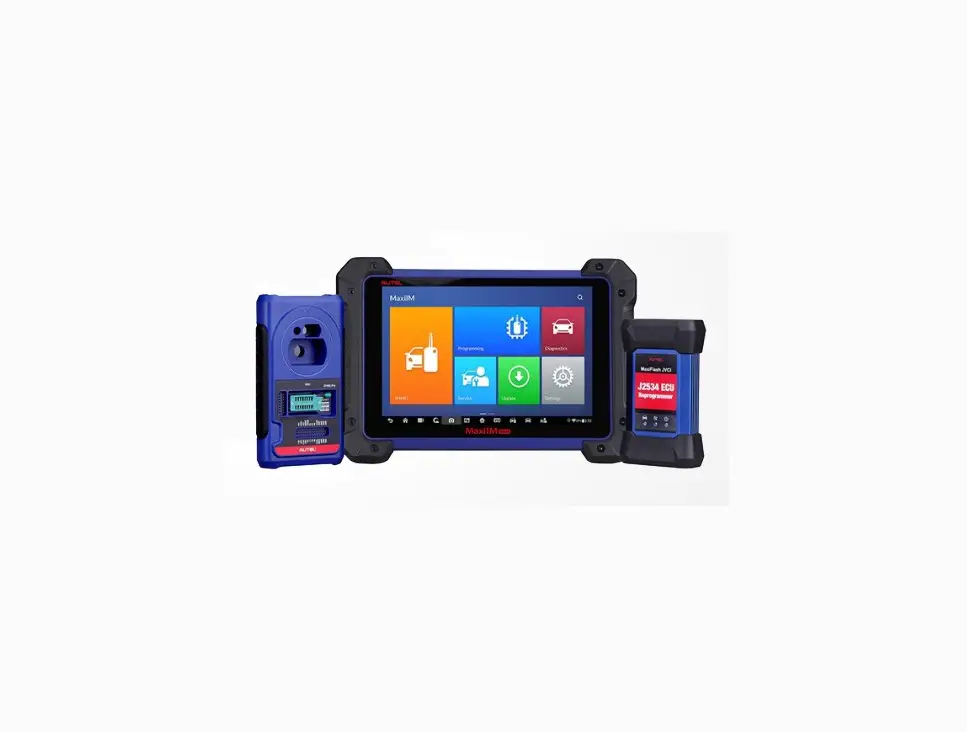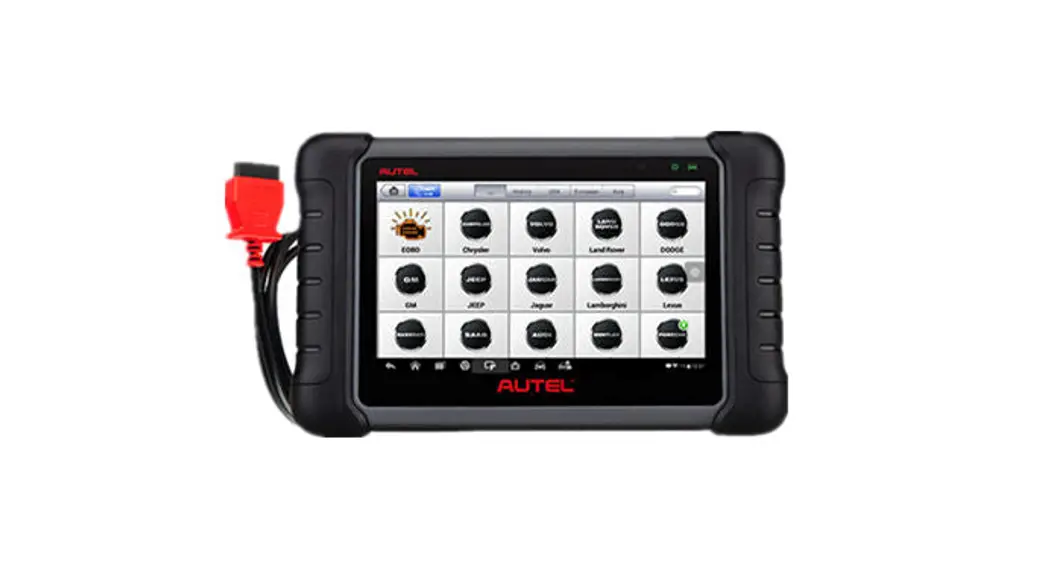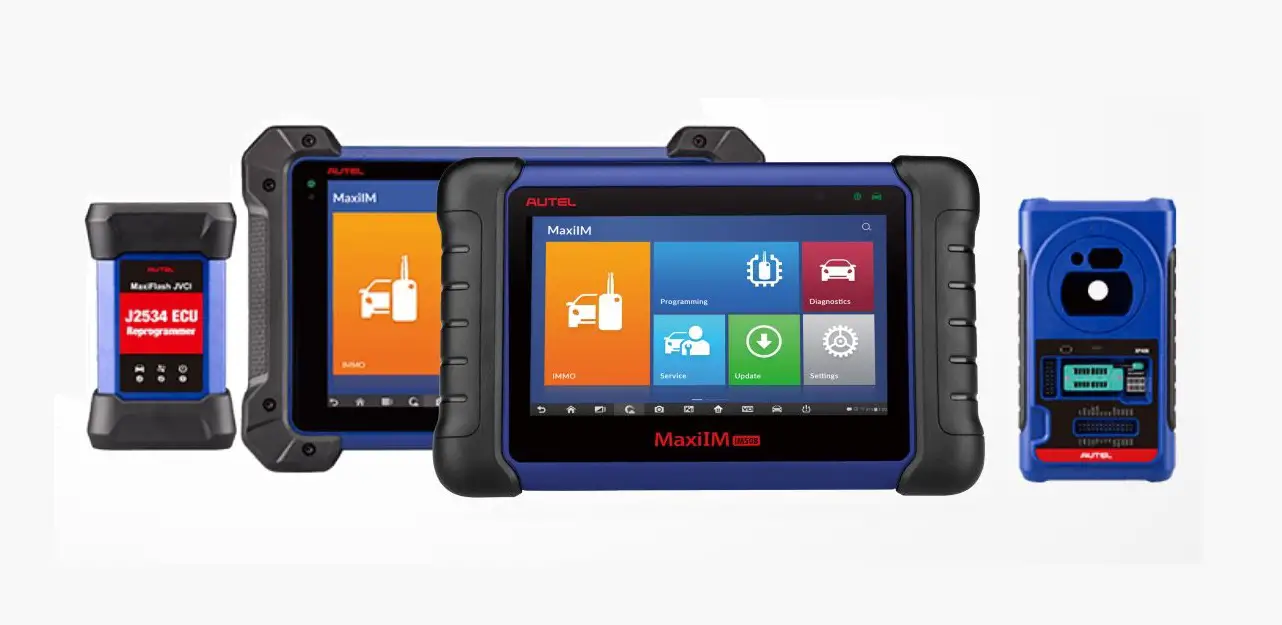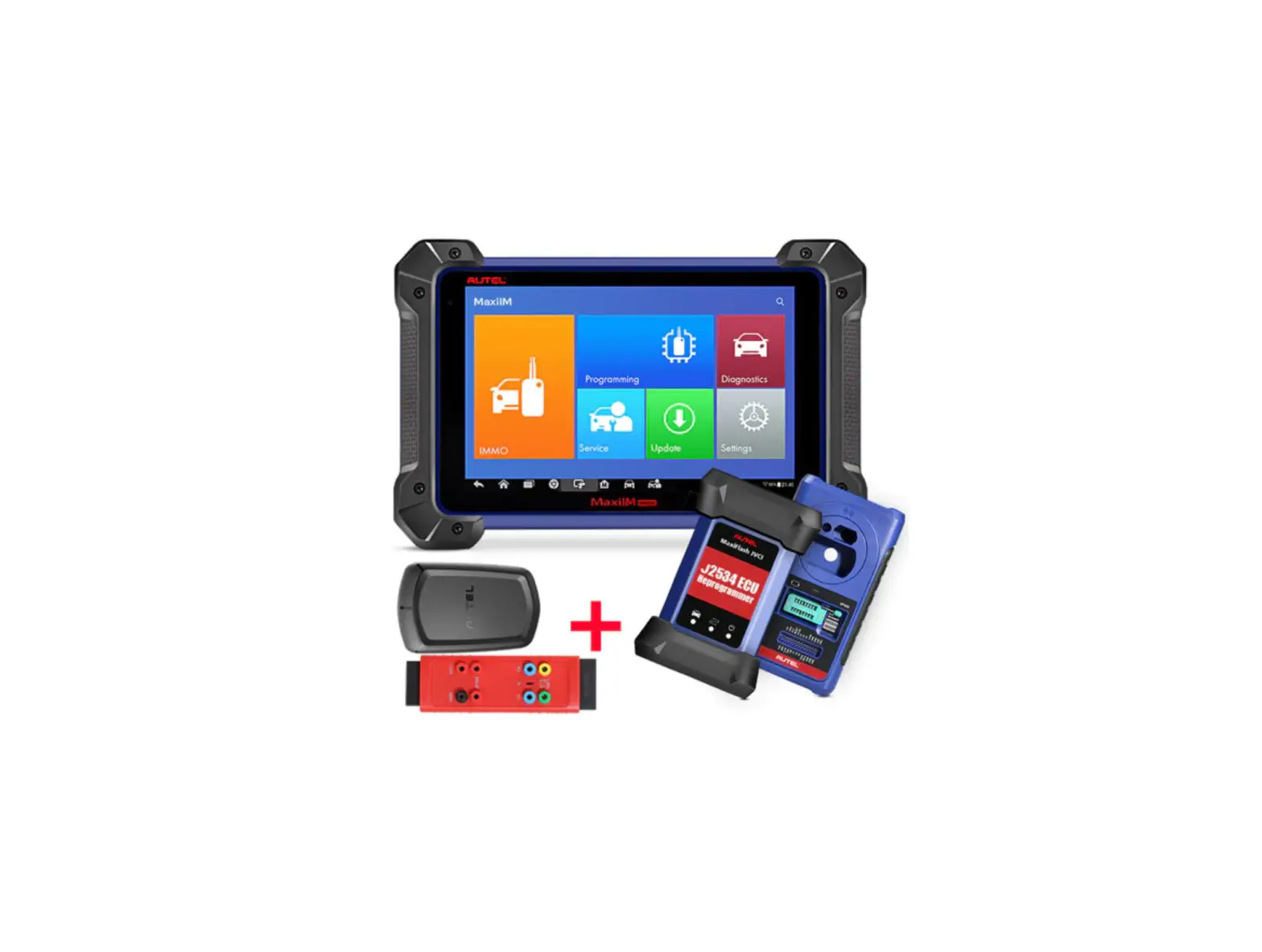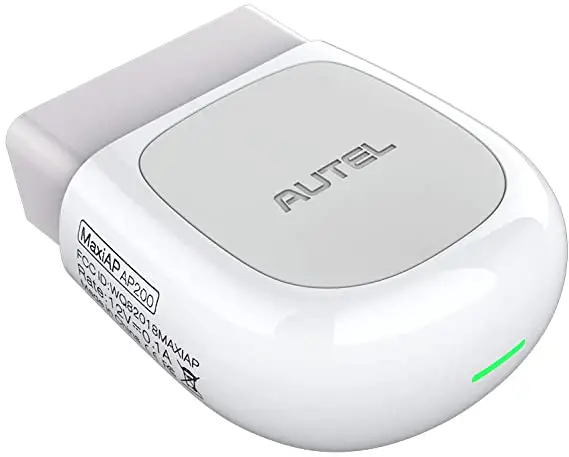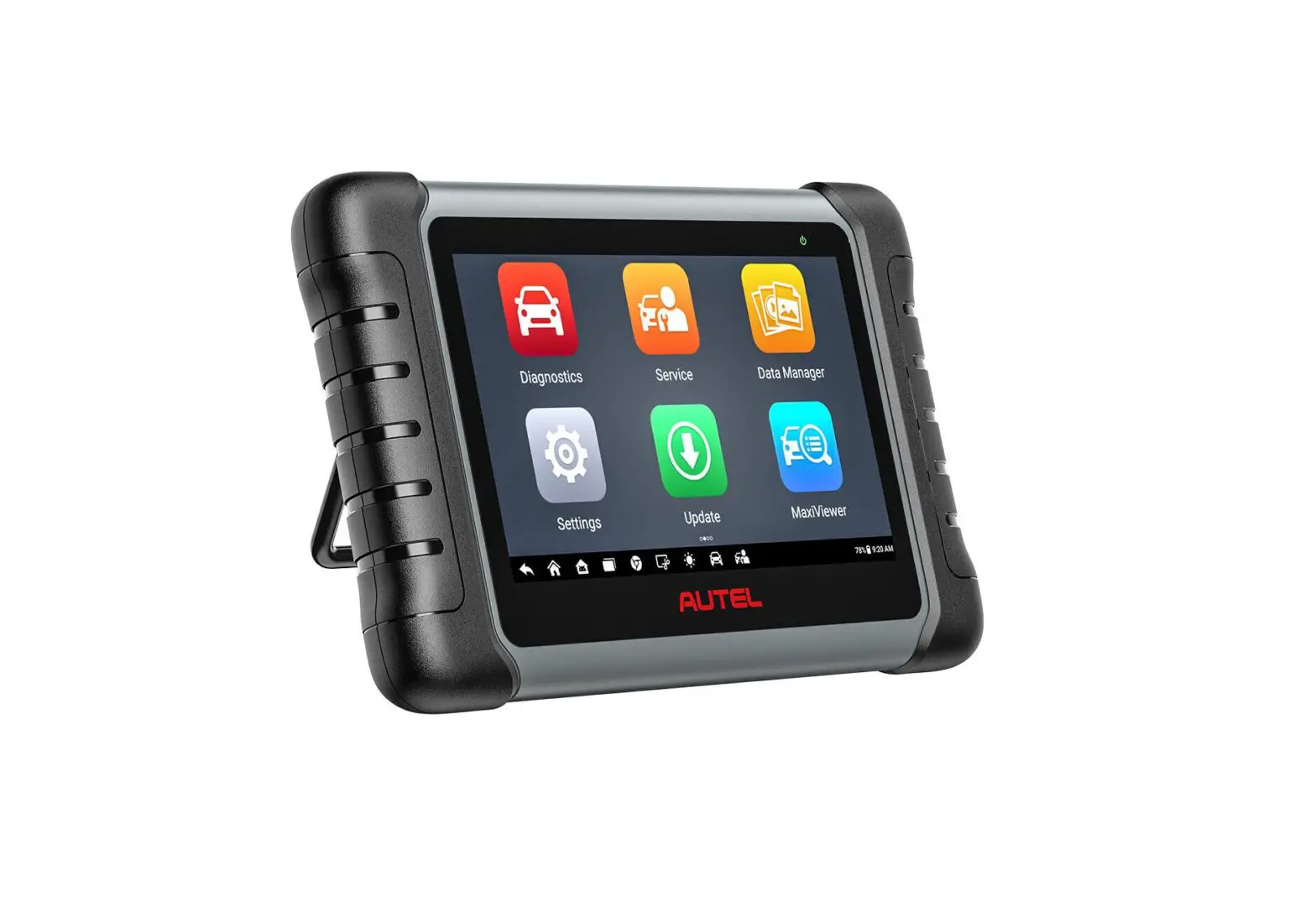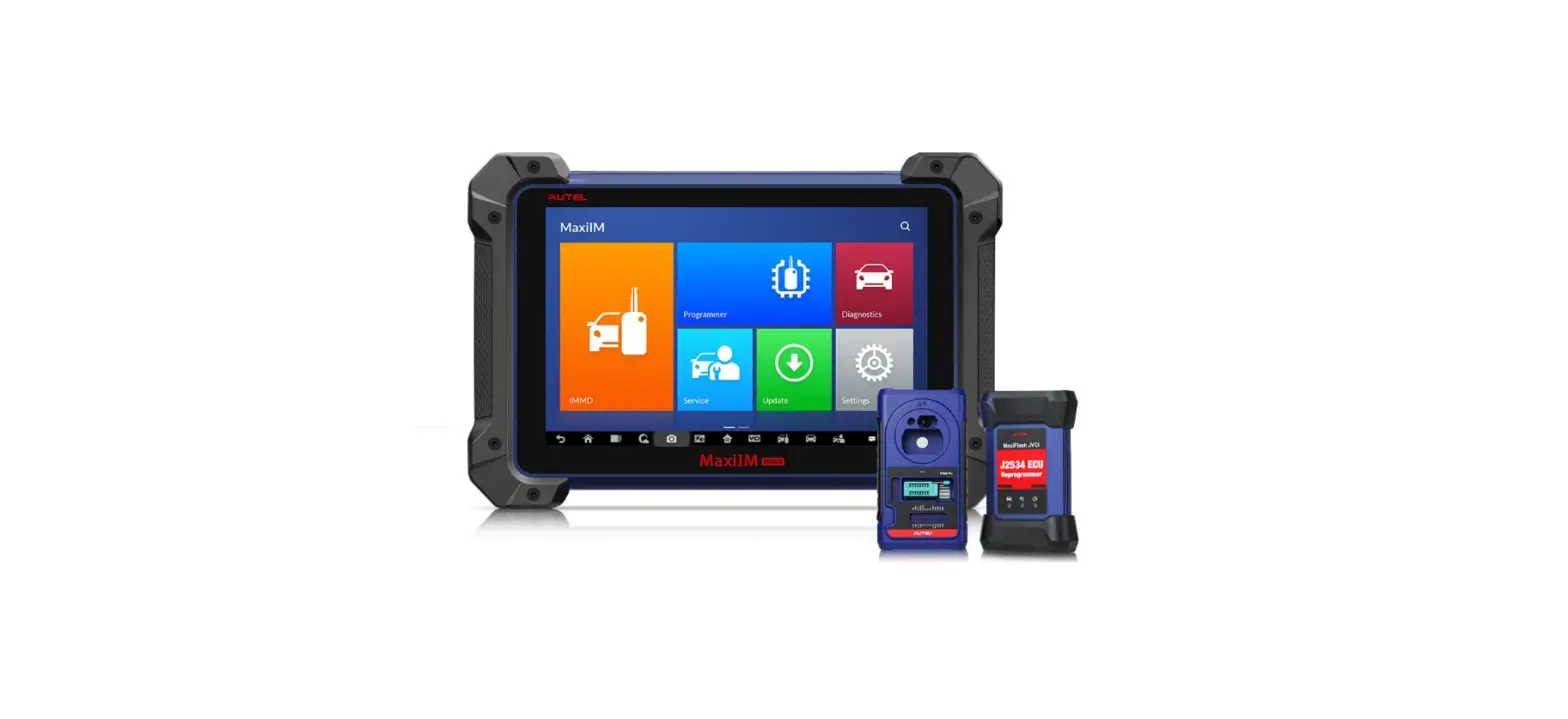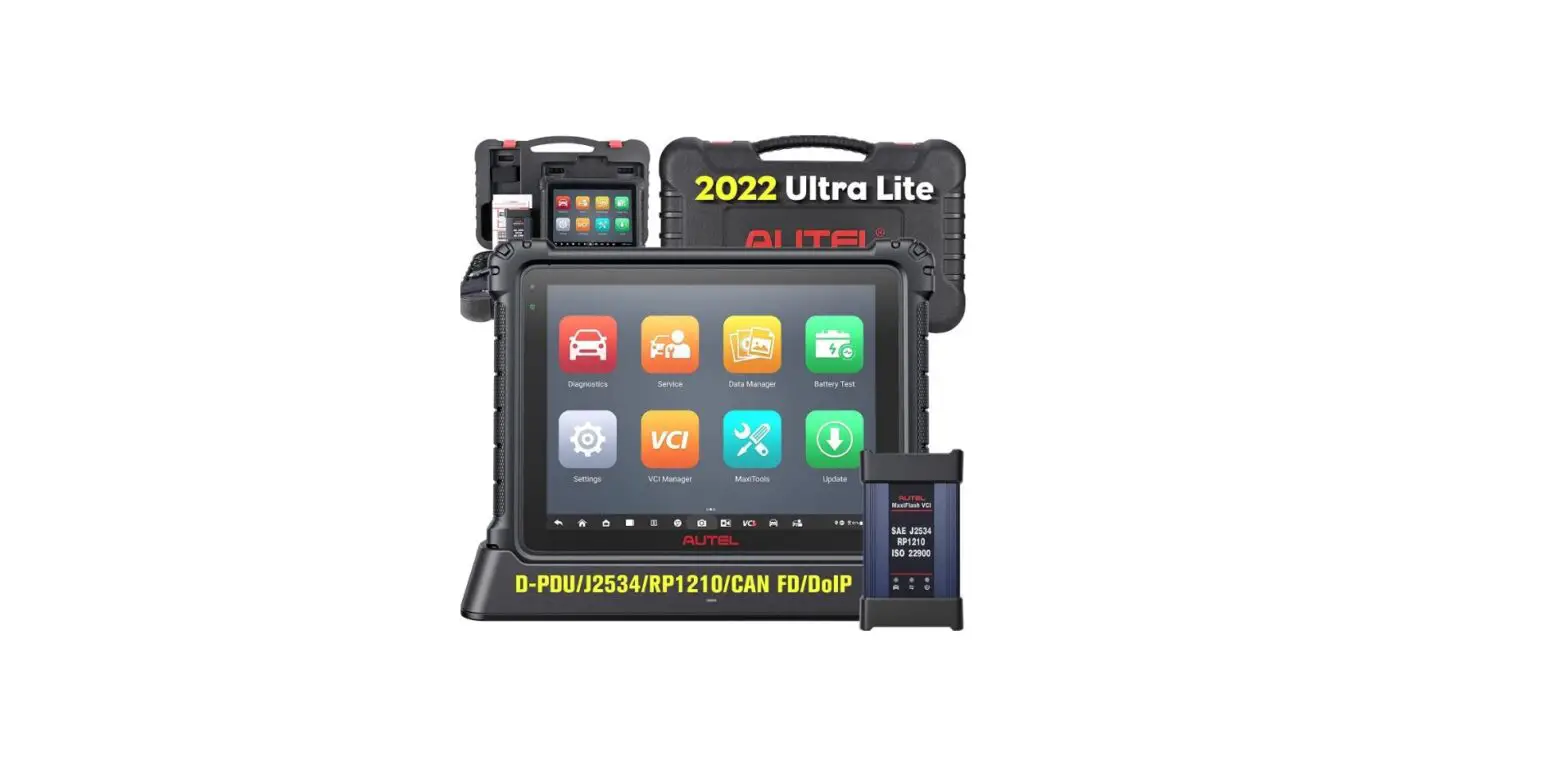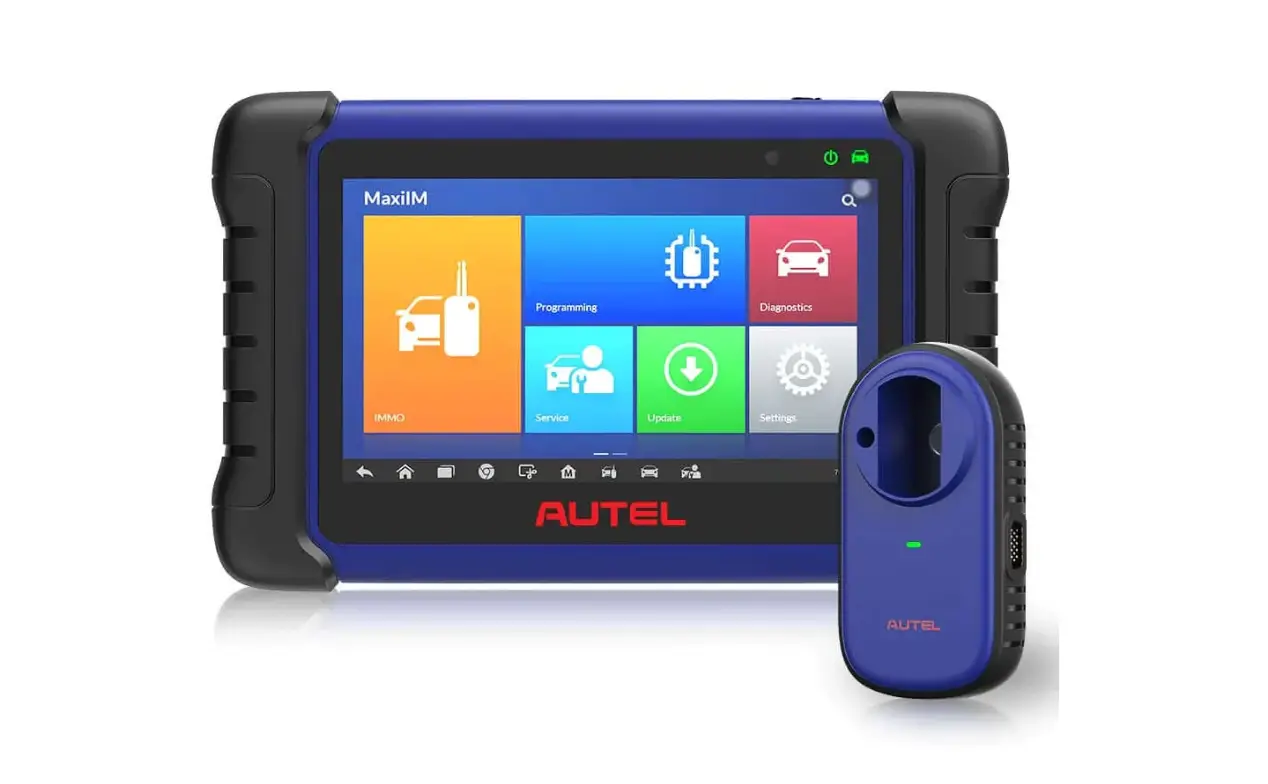
MaxiIM IM508S Diagnostic Scan Tool Professional Immobilizer
AUTEL
Email: [email protected]
Quick Reference Guide
MaxiIM IM508S
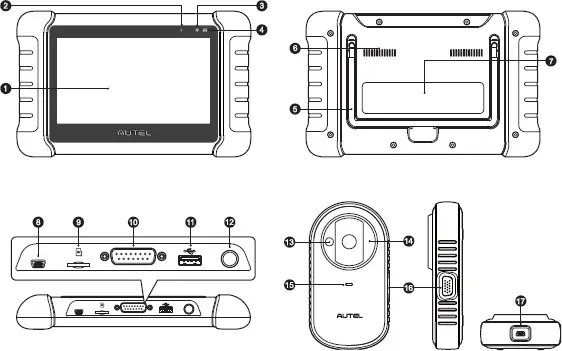
MaxiIM IM508S
1. 7.0″ LCD Capacitive Touchscreen
2. Ambient Light Sensor – detects ambient brightness.
3. Power LED · indicates battery level & charging or system status.
4. Vehicle Communication LED-flashes green when the tablet is communicating/linking with the vehicle’s system.
5. Collapsible Stand – extends from the back to allow hands-free viewing of the tablet.
6. Heat Sink
7. Built-in Battery
8. Mini USB Port
9. Micro SD Card Slot – holds the micro SD card.
10. DB15-Pin Port — connects the main cable.
11. USB Port
12. Lock/Power Button – turns the device on & off with long press, or locks the screen with short press.
13. Vehicle Key Chip Slot – holds the vehicle key chip.
14. Vehicle Key Slot – holds the vehicle key.
15. Status LED Light — indicates the current operating status.
16. DB15-Pin Port EEPROM Clamp Integrated MC9S12 Cable.
17. Mini USB Port power supply.
IM508S LED Description
| LED | Color | Description |
Power LED | Green | Flashes green when charging. |
| Red | Flashes red when an error has occurred. |
XP200 LED Description
| LED | Color | Description |
Status LED | Red | • Lights red when the firmware is upgrading or an error has occurred. • Lights red briefly when the device is powered on and performing self-check. |
| Green | • Flashes green when communicating via USB cable. • Lights green when the device is ready for use. |
Getting Started
IMPORTANT: Before operating or maintaining this unit, please read these instructions carefully, paying extra attention to the safety warnings and precautions. Failure to use this product properly may cause damage and/or personal injury and will void the product warranty.
1. 
• Scan the QR code above to visit our website at pro.autel.com.
• Create an Autel ID and register the product with its serial number and password.
2. 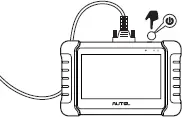
• Ensure your tool is sufficiently charged or connected to the power source. Press and hold the Lock/Power button to turn on the key programming tool.
• Connect the female adapter of the main cable to the key programming tool and tighten the captive screws.
3. 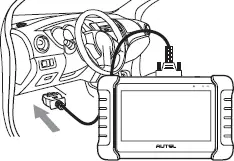
• Connect the 16-pin male adapter of the main cable to the vehicle’s DLC, which is generally located under the vehicle dashboard.
• Your key programming tool is now ready for use.
4. 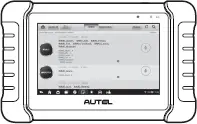
• Software Update: Ensure the key programming tool is connected to the Internet and tap Update on the Home screen to view all available updates
Immobilizer Function
This function requires a connection among the vehicle, the IM508S key programming tool and the XP200.
1.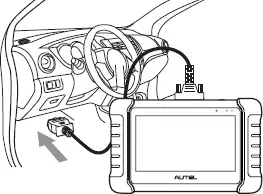
• Connect the vehicle and the key programming tool with the supplied main cable.
2. 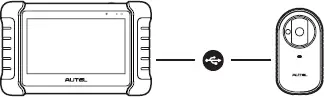
• Connect the key programming tool and the XP200 with the supplied USB cable.
• Select Immobilizer on the Home screen and follow the on-screen instructions to continue.
Programming Function
This function requires connection between the MaxiIM IM508S key programming tool and the XP200.